One AI video generator free creates a video from a simple text, image or script, without installation and without credit card. In 2026 the best people rely on the fingers of one hand: Kling AI for cinema rendering, Vidnoz for free volume, Runway for creative control, HeyGen for the speaking avatars, Fliki for multilingual text-to-video. The other six complete the ranking according to your usage. This comparison list what each tool Gives you really without paying, its limits, and when it becomes profitable to pay.
Contents: Essential · Comparison rapid · What is a AI video generator · How it works · Top 10 2026 rankings · How to choose · Free limits · Use YouTube, TikTok, pub · FAQ
📌 Essentials
- Best quality/quota ratio free Kling AI, 166 credits offered per renewable day, made photoreal up to 10 s.
- The most generous without paying registration : Vidnoz, several videos a day and tools Annexes (Face Swap, voice, music included.
- The most versatile for YouTube : InVideo AI, full script-to-video with voice and automatic cuts.
- The most qualitative in speaking avatar : HeyGen, 3 minutes of avatar video offered per month.
- When to pay : as soon as you produce more than 3 videos a week or target resolution 1080p watermark-free.
Free rating, an online editor often returns in tests. We cut what FlexClip really allows without paying.
Comparison of 10 AI generators video free
A table is better than a long paragraph. Here's what every tool It really offers without paying, tested in August 2026 on our accounts.
| Tool | Type | Free quota | Maximum duration | Watermark |
|---|---|---|---|---|
| Kling AI | Text-to-video, image-to-video | 166 appropriations/day | 10 s | No |
| Vidnoz AI | Avatar, Face Swap, votes | 3 videos/day | 1 min | Yes (removable in Pro) |
| PixVerse AI | Text-to-video, anime style | 80 credits/day | 8 s | No |
| Kaiber | Music clip, motion | Limited test | 16 s | Yes |
| Vidfly AI | Multi-models (Sora, Kling, Veo) | 40 credits/day | 10 s | No |
| DeeVid AI | Polyvalent | 100 credits/day | 10 s | No |
| Fliki AI | Text to video, voiceover | 5 min/month | Unlimited | Yes |
| InVideo AI | Script-to-video complete | 10 min/week | Unlimited | Yes |
| MagicLight AI | Storyboard, screenplay | Limited test | Variable | Yes |
| Seedance AI | Text-to-video ByteDance | 50 credits/day | 10 s | No |
None of these tools does not replace a filmmaker and none gives you a channel YouTube Ready. But each one covers a specific need, provided he knows which one. We go into detail right after we lay the foundation.
For the complete step-by-step method according to your starting point (text, photo or script), see our guide dedicated: create a video with AI in 2026, with the 5 traps to avoid and the quick ones that really work.
To compare with Kling's other direct competitors in 2026, see our guide dedicated: the 5 best alternatives to Kling AI, Vidnoz, PixVerse, Deevid, Seedance and Vidfly compared in depth.
What you can (and can NOT) do with the free Kling plan: see our guide dedicated Free Kling AI 2026, real quotas and limits — 166 credits per day, no watermark, method to maximize.
To compare with Fliki's direct competitors (InVideo, Pictory, HeyGen, Synthesia), see guide dedicated: the 5 best alternatives to Fliki AI in 2026.
To compare with direct competitors InVideo AI (Fliki, Pictory, HeyGen, Kling, Vidnoz), see guide dedicated: the 5 best alternatives to InVideo AI in 2026.
See also our guide dedicated: fliki-ai-free.
See also our guide dedicated: InVideo-ai-free.
What is a AI video generator free?
One AI video generator takes a set (a text, an image, a script) and produces an animated sequence in seconds. The word « free » It covers three very different realities which it is better to distinguish before choosing a tool.
The first model is the freemium with daily credits : you get a pot of credits that recharges every day or month. Kling, PixVerse, Deevid and Seedance That's how it works. A generation costs between 20 and 40 credits depending on duration and resolution. You can produce one to five short videos a day without ever releasing the credit card.
The second model is the monthly renewable test quota : Fliki offers 5 minutes of video per month, InVideo 10 minutes a week, HeyGen 3 minutes of avatar. It's perfect to test the rendering and see if it's tool This is your real use, but it becomes binding as soon as we want to publish regularly.
The third model islimited once : Kaiber and MagicLight let you test the product with an initial credit pack, without automatic renewal. After a few videos, you have to pay or change your account. To be reserved for ad hoc needs.
💡 Tip: to test a tool without grilling its quota, starts with the mode « short » with a duration of 4-5 seconds. The consumption of credits is proportional to the duration and resolution requested.
How a AI video generator ?
Three large families of models share the market in 2026, each meeting a different starting point. Understanding which one fits your need saves you hours of unnecessary testing.
Text-to-video: you type a sentence, you get a sequence
The most impressive visually. You write « an astronaut cat floating in a space station, wide plan, cinematic style » and the model generates 5 to 10 seconds of video. Kling AI, Runway, Sora, Veo 3 and PixVerse dominate this category. The quality depends on three things: the resolution of the underlying model, the finesse of the prompt, and the number of iterations you can afford with your free quota.
Image-to-video: you bring an image, l AI Gives her life
You import a photo or illustration, you add a motion instruction (« the woman turns her head to the left, the wind moves her hair »), and AI Anime image. This is the most reliable method for obtaining coherent characters: Kling, Vidnoz, PixVerse, Kaiber are excellent on it. Useful when you already have a visual identity and want to move it, or to animate a product photo.
Script-to-video :AI written, illustrated, mounted and double the video
You give a high level instruction (« creates a video YouTube 3 minutes on the 5 best alternatives to ChatGPT ») and tool write a script, select image bank rushes, add a voiceover And cut it to the rhythm. InVideo AI and Fliki are the references. The rendering is less spectacular than a pure text-to-video, but usable in the state for a chain YouTube or a video podcast.
Some tools combine the three modes. Vidnoz fact avatar speaking more text-to-video more Face Swap. HeyGen focuses on the avatar with cloned voice. The right choice depends less on gross power than on the intended editorial purpose.
Our ranking 2026 of the top 10 AI generators video free
This ranking crosses three concrete criteria: the quality of rendering at the free level, the generosity of the quota, and the absence of watermarks. The tools listed are those we use or have thoroughly tested on videoia.fr. Each card returns to our Full Review when it exists.
1. Kling AI: the best photorealistic rendering
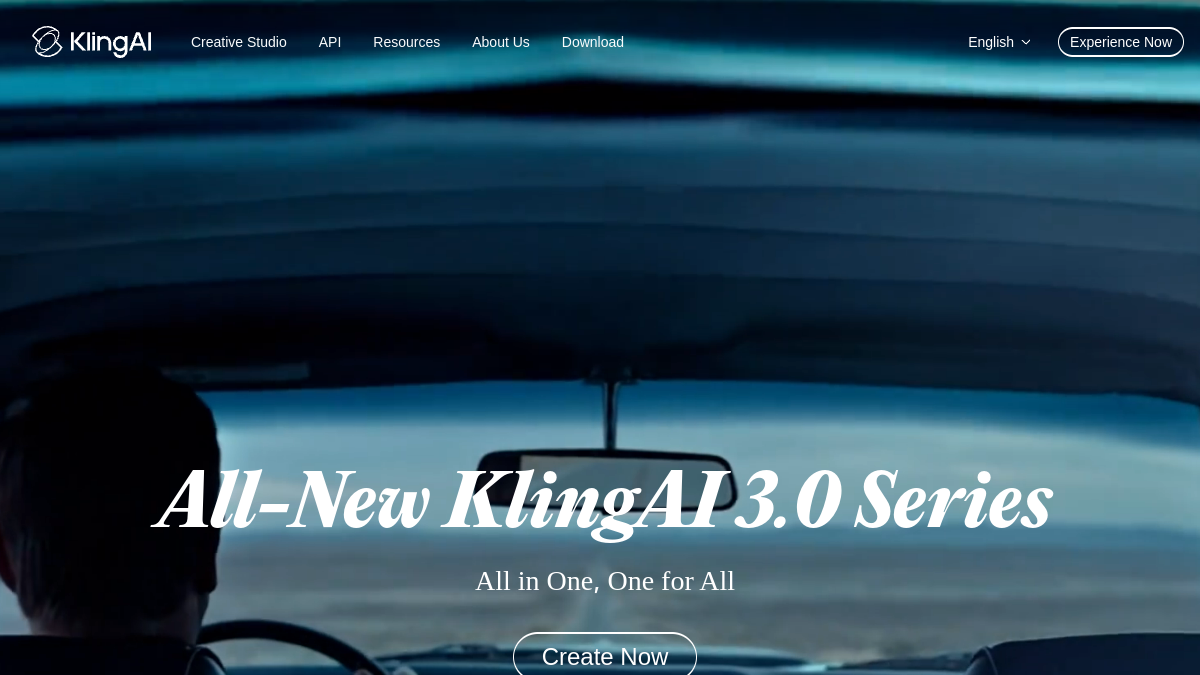
Developed by Kuaishou (TikTok's Chinese competitor), Kling AI became the text-to-video reference in 2026. Physical rendering (water, tissues, hair) is the most credible in the mainstream market. Free account offers 166 credits per day, automatically renewed, about 5-6 short generations (5 s in 720p). No watermarks on exits. Version 2.0 manages camera movements, prompt in French and high fidelity image-to-video.
For whom: ambitious creators, video agencies, storyboarders. Our review complete on Kling AI details the limitations of the model and the quick tips.
2. Vidnoz AI: the most generous and complete free of charge
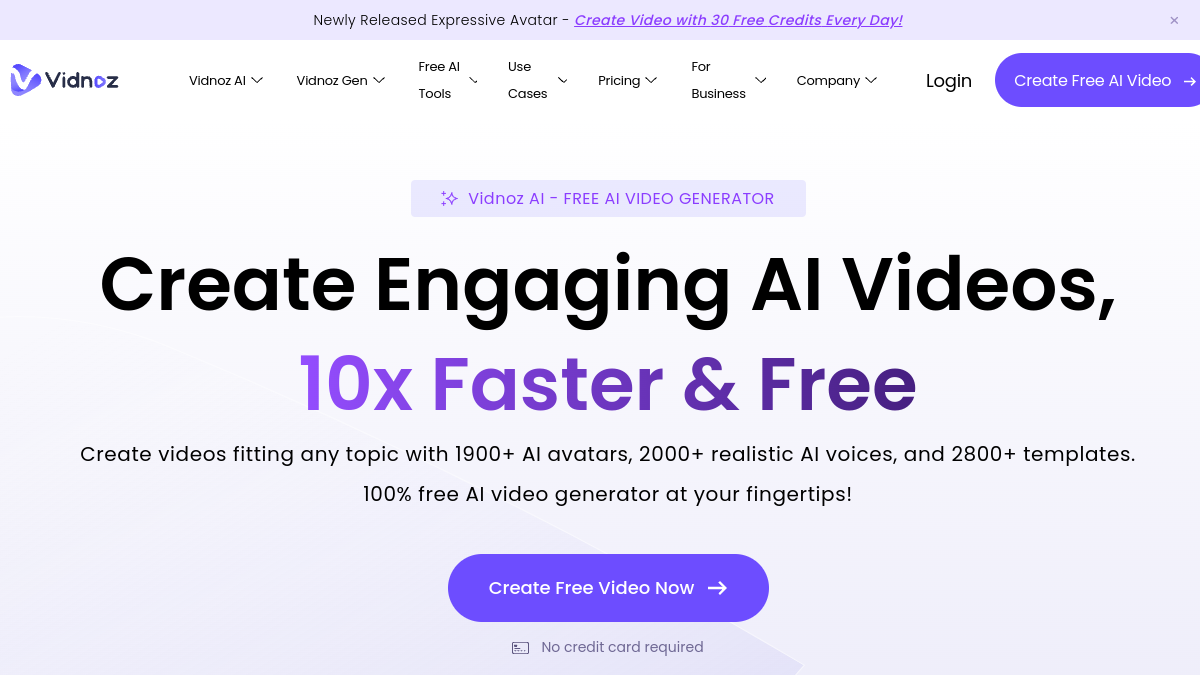
Vidnoz on the volume: several videos a day on the free plan, realistic avatars, Face Swap, generator voice, built-in editor. It's the best front door to discover the AI video without ruining. The watermark appears on free exports but can be removed with the Pro version. The stock library is wider than that of HeyGen. Templates YouTube and TikTok can be used in minutes.
For whom: content creators who want to test an entire ecosystem before investing. See our review complete Vidnoz, our decryption of exact free plan and top 5 alternatives.
3. PixVerse AI: the fastest and best in anime style
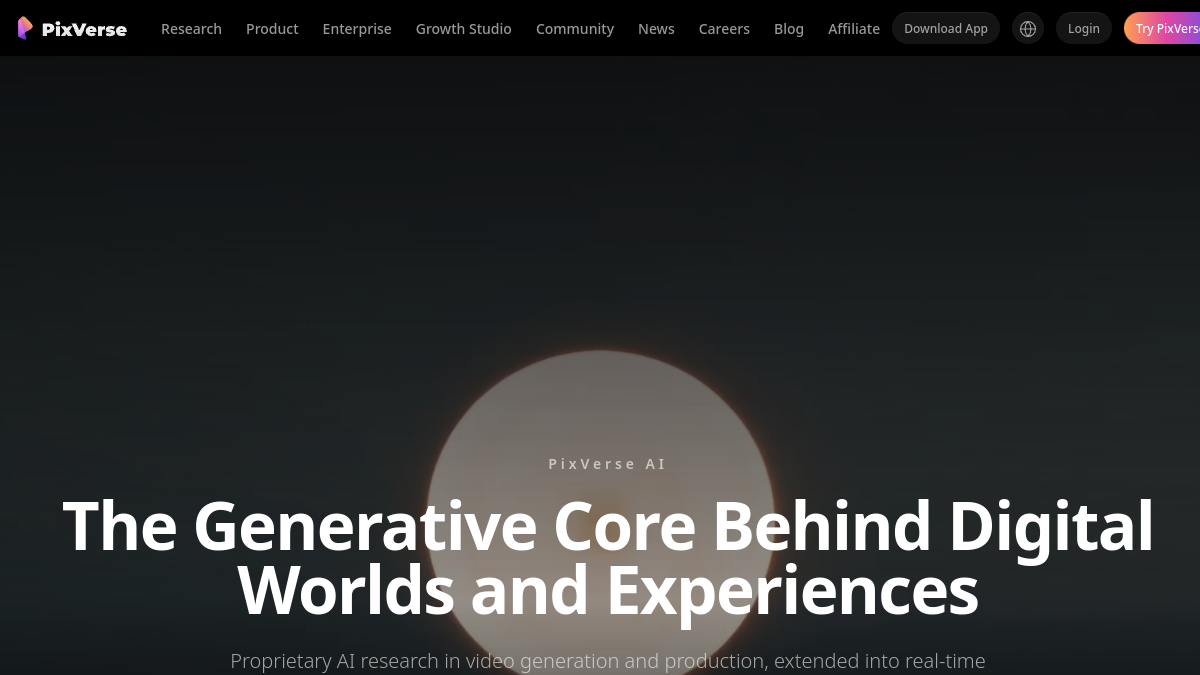
PixVerse is distinguished by its generation speed (5 to 10 seconds expected compared to 30 to 60 at Kling) and its native graphic styles, including a mode « Japanese anime » Kling doesn't do that well. The free account gives 80 credits per day, with the V4 which manages 8 seconds in 1080p. Watermark-free. It is also one of the few to integrate audio (music and sound effects) on free outputs, a rare advantage.
For whom: short-form oriented creators, TikTok, stylish animation. Our Full Review PixVerse AI.
4. Kaiber: music clip and aesthetic motion
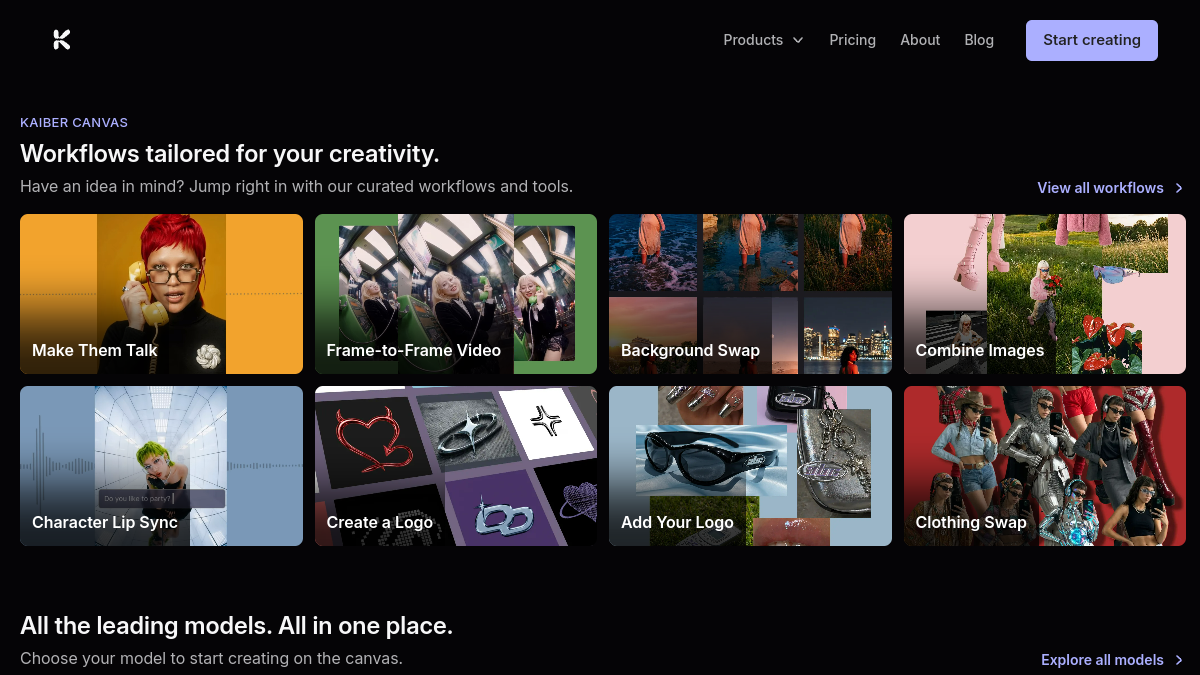
Kaiber is not the most generous in free (limited trial, non-renewable) but remains essential for precise use: turning an audio track into a synchronised animated clip. Superstudio mode allows you to finely control the image-by-image visual style. The watermark appears on the free version. Videos can reach 16 seconds, which is comfortable for a TikTok clip or a single teaser.
For whom: musicians, clip-oriented editors, mood creators. See our review Full Kaiber AI, the reality of free and alternatives to Kaiber.
5. Vidfly AI: multi-model aggregator (Sora, Kling, Veo, Hailuo)
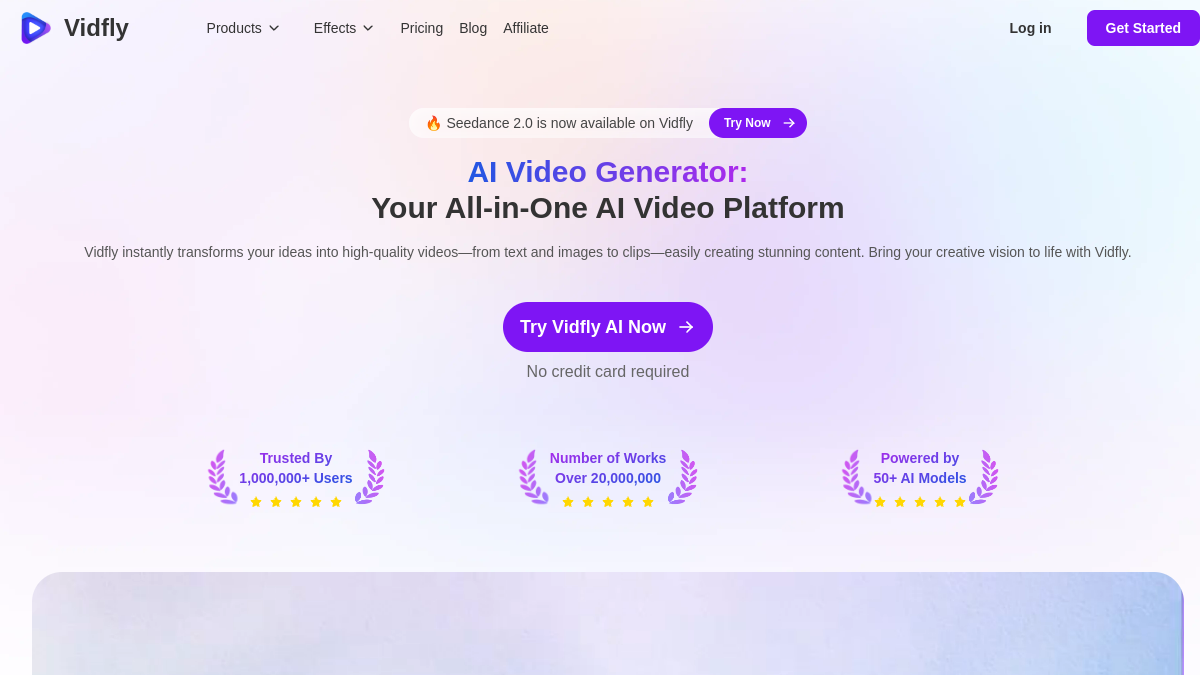
Vidfly hosts several engines under a single interface: Sora, Kling, Veo, Hailuo, Runway. You choose the model at the time of generation according to the desired rendering. The free account offers 40 credits per day, watermark-free. Smart solution for those who want to compare models without multiplying paid accounts. Please note: the maximum quality of each engine remains reserved for paid plans, free of charge.
For whom: testers, benchmarking agents, agencies who want to choose a motor before engaging in it. See our Full Review Vidfly AI.
6. DeeVid AI : the versatile cut for short content
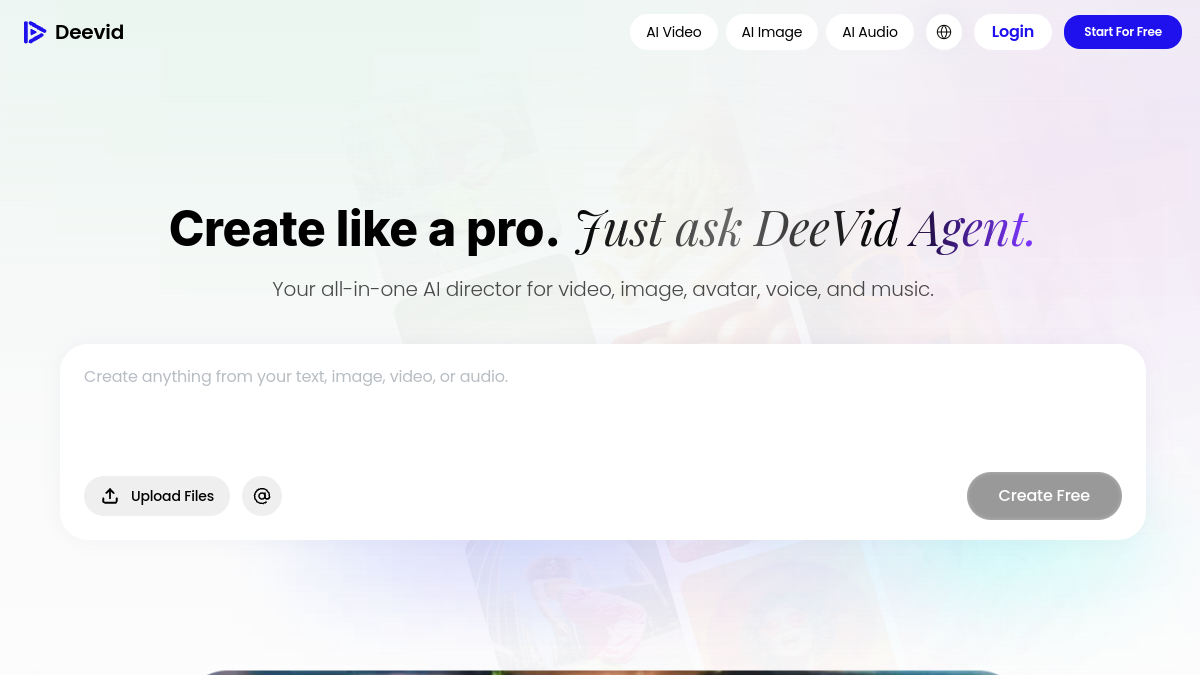
Deevid combines text-to-video, image-to-video, Face Swap and a library of ready-to-use templates. 100 credits per day, no watermark on outputs, 720p resolution free. The strength of Deevid Thanks to its active community that shares prompts and templates, you get a rendition in just a few clicks comparable to what pro designers produce.
For whom: short-form designers and Insta Reels. See our review DeeVid AI complete, the free limit map and details of rates Deevid.
7. Fliki AI: Multilingual text-to-video for video podcast creators
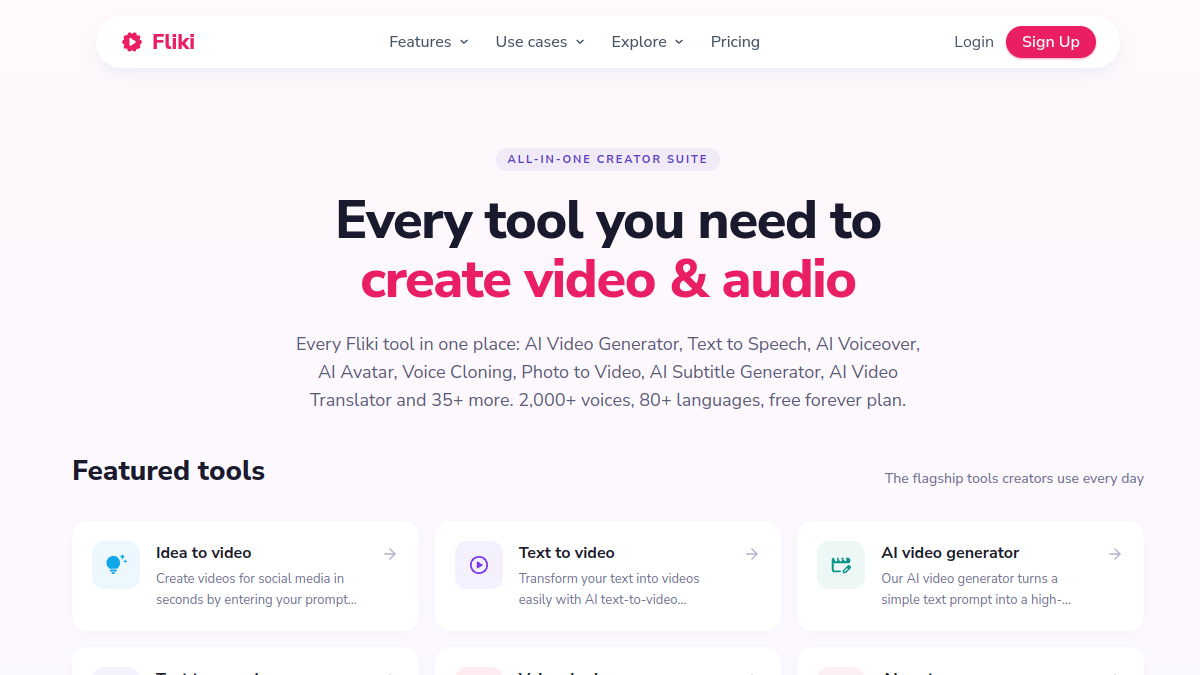
Fliki is not the most spectacular visually but remains the best to turn an article or script into a complete video with voiceover AI in 75+ languages. 5 minutes of free video per month, watermark present. L tool automatically picks up rushes in a built-in image bank and holds the voice on the rhythm. A blog article becomes a video YouTube In 3 minutes time.
For whom: bloggers who recycle their content, multilingual creators, podcasters. See our review Fliki AI complete.
8. InAI Video: the most successful script-to-video
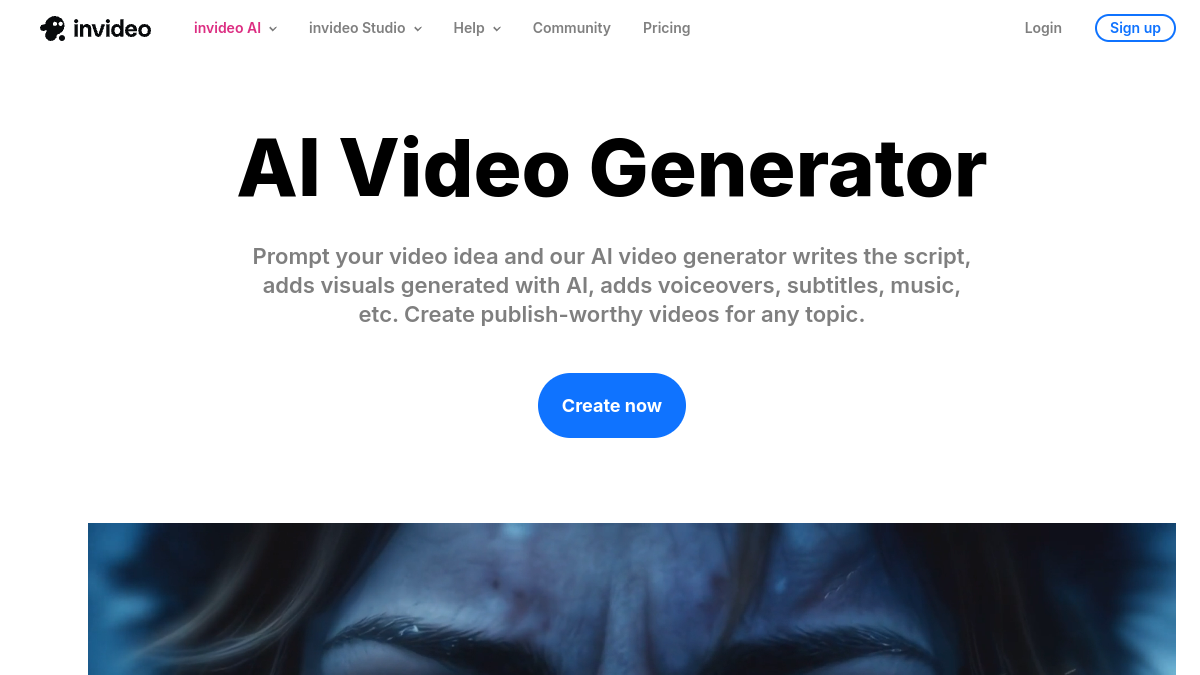
InVideo AI turns a high level set into video YouTube Full. You write « 3 minute video on trends AI in 2026 »,tool write the script, select the visuals, add a voiceover And hold the cups. 10 minutes of free video per week, watermark included, exports in 1080p. The editorial quality does not yet equal a real human script, but the time-saving is spectacular for a first jet.
For whom: YouTubers in rapid creation, monetization of niches, explanatory content. See our review InVideo AI and our comparison Filmora vs. InVideo side editing.
9. MagicLight AI: the pre-generation visual scenario
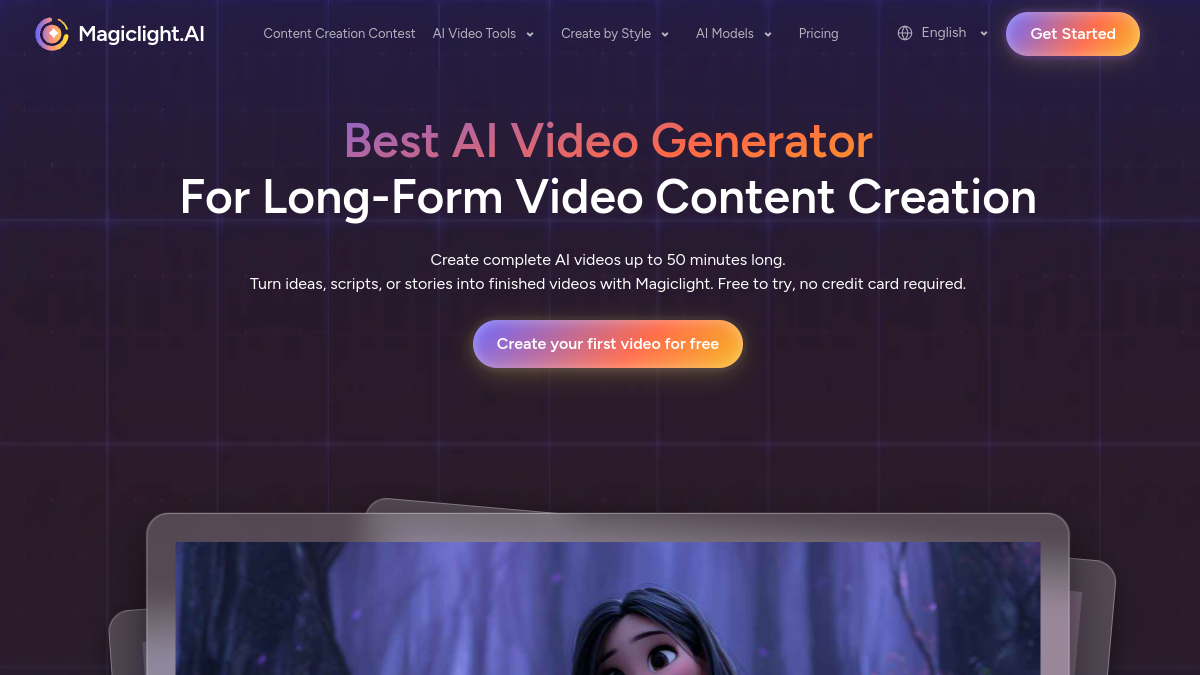
MagicLight is positioned differently: instead of generating a raw video, it builds a storyboard and then animates each plan. Useful when you want to keep your hand on narration and avoid renderings « one shot » inconsistent. Limited free trial, watermark on the trial version. Fashion « Director » Lets adjust each scene, correct, regenerate.
For whom: directors, storyboarders, creators who want to pilot storytelling. See our review MagicLight AI.
10. Seedance AI: the new ByteDance engine
Seedance is the video engine AI of the ByteDance (TikTok's mother house). Made close to Kling in 2026, with particular force on crowd movements and complex scenes. 50 credits per day free of charge, exports 720p watermark-free. His real strength: labial synchronization on the talking characters, better than average.
For whom: TikTok oriented creators, short content, brand content. See our Full Review of the Seedance.
How to choose the right one AI video generator free?
Five criteria fall between two tools which seem similar. Here they are ranked in order of importance according to the actual use of the creators, not according to the marketing brochure.
Editorial purpose above all
A TikTok clip, an explanatory video YouTube, an advertising teaser, a talking avatar, a stylized animation: these five uses do not use the same engines. Look at what you're going to publish and where, and then go back to tool. Kling for gross beauty, HeyGen for l-avatar, InVideo For explanation, PixVerse for stylish shorts, Fliki for multilingual content.
Renewal of the quota
A 100-credit life trial package is not worth a 40-credit daily renewal. Over 30 days, the difference is 100 vs 1,200 credits. Kling, PixVerse, Deevid Vidfly and Seedance renew every day, making them viable over time. The others are more windows to test.
Whether or not a watermark is present
A watermark on a video YouTube or advertising kills credibility. Kling, PixVerse, Vidfly, Deevid and Seedance produce outputs watermark-free free of charge. Vidnoz, Fliki and InVideo Add one, withdrawable by paying. For personal or educational use, watermarks are not dramatic. For pro publication, it's becoming resilitory.
Maximum resolution and duration
Most of the free ones cap 720p and 8 to 10 seconds. This is enough for a Reel or a TikTok, insufficient for a editing YouTube or an Instagram ad. Fliki and InVideo are the only ones to allow long videos (enclosed) on their free plan, because their model assembles rushes rather than generate image by image.
French language and medium
Kling, Vidnoz and Fliki manage the prompt in French with a correct rendering. HeyGen in French offers convincing francophone voices and avatars. PixVerse and Seedance are better in English quickly, the internal translation being approximate. For credible Francophone content, aim for a FR AND a native FR generation interface.
Free limits and when to switch to the payer
There are two moments when free becomes a brake more than a springboard.
The first moment is the regularity of publication. As soon as you publish more than 3 videos a week, you'll spend more time juggling between free quotas than you can produce. Only one offer of 15-30 euros a month saves you that time. This is the real calculation, not the comparison of features.
The second moment is the commercial resolution. A video for Meta Ads, a channel YouTube monetized or to a customer must be in 1080p watermark-free. No free plan ticks both boxes on pure text-to-video. You have to pass on a starter plan of the tool or combine two tools (generate in free then upscaling elsewhere, paying).
⚠️ Attention: free credits are often reset daily without delay. If you don't use them, they're lost. Creating a daily rhythm (even a generation of tests) avoids wasting the quota and makes it easier to speed up the tests.
Use: YouTube, TikTok, advertising, storytelling
Create Video YouTube long with AI
For a video YouTube 3 to 10 minutes, the combination that works best in 2026 combines InVideo AI for script and editing 1 voiceover ElevenLabs (or Fliki's integrated voice), and some Plans AI generated by Kling or PixVerse to illustrate key moments. This trio starts in an hour and releases a video ready to publish. Our guide monetization YouTube with AI details the method.
Create a TikTok video or Reel Instagram
Vertical format, short duration (15 to 60 seconds), hook strong at the beginning. PixVerse for stylised renderings, Seedance for short realistic scenes, DeeVid for viral templates. Add automatic subtitles via Submagic Multiply retention. Avoid AI videos too much « clean » The SERP TikTok still rewards the rough and authentic.
Generate a UGC ad or a creation for Meta Ads
For a credible creative advertising, go on a tool specialized UGC as Creatify or Arcads. They generate virtual actors holding a product or speaking on camera, ad-friendly format. The free is symbolic, a budget must be provided from the first serious A/B test.
Animating a photo or logo
To give movement to an existing image (product photo, logo, illustration), use Kling in image-to-video mode or Vidnoz. The image-to-video mode is more reliable than a pure text-to-video to maintain visual consistency. See also our guide dedicated Animate a photo with AI.
FAQ: Frequently Asked Questions about AI generators video free
Is there a AI video generator free without registration?
No, none. tool serious does offer a video generation AI Without account. Models use too many GPU resources to be offered anonymously. What you'll find « without registration » are either demos limited to a single test or fraudulent sites. Open a Kling account or Vidnoz takes 30 seconds with a disposable email if you want to test without hiring your main address.
Is there a AI video generator Free unlimited?
Neither. Marketing plans « Unlimited » All hide a technical limit: number of generations per day, maximum length, processing time. L tool which is closest InVideo AI with its 10 minutes of video per week, which is already comfortable for regular use. On pure text-to-video, the real limit remains the GPU cost on the editor side.
Can we generate a video from a text for free?
Yes, that's the promise of text-to-video. Kling, PixVerse, Vidfly, Deevid and Seedance allow to generate a video from a simple prompt, without paying. The quality depends on the model: Kling remains the photorealist reference, PixVerse excels in stylized, Seedance complex scene. Plan 5 to 10 attempts to set a quick one that really makes what you imagine.
What's the best AI video generator free in French?
Vidnoz AI remains the most successful for a Francophone use in 2026: fully translated interface, natural French voices, local avatars, prompt in French well interpreted. Kling Also manages the French prompt, but its interface is in English. Fliki generates voiceover in impeccable French and covers 75 languages.
Can we do some video editing AI free online?
Yes, but distinguish two needs. For editing assisted by AI (cut, subtitle, add effects), Submagic and Description offer solid free versions. For video generation AI (create a sequence from nothing), tools listed in this comparison are the right ones. Both often combine: generate with Kling, ride with Descript.
The videos generated by AI are they royalty-free ?
The question is nuanced. Most tools transfer the rights to exploit the videos generated to the user, including for commercial use (Kling, Vidnoz, InVideo, PixVerse). But the legality of a generated video remains conditioned to its content : to reproduce a real face, a brand, a protected work remains an infringement, even if produced by AI. Our guide of the AI Deepfakes in France specify the framework 2026.
🎯 Verdict
If you only have to remember one tool free to test this month, take Kling AI The quality of rendering alone justifies the 30 minutes of learning the prompt. If your need is the variety of uses rather than gross beauty, Vidnoz remains the best entry point. For a video YouTube complete in one hour, pass directly on InVideo AI. And if you produce regularly, plan a pay switch from the second week of use: the calculation of time saved vs. euro spent quickly shifts in favor of the payer.
To restore a second life to a video too compressed or in low resolution, check out our comparison of the 8 AI Tools to improve the quality of a video with verdicts per case of use.
Go further on the video generation AI
- Alternatives to HeyGen
- Alternatives to Kling AI
- Alternatives to Kaiber AI
- Alternatives to Synthesia
- Kling AI: our review complete
- InAI Video: our review 2026
- PixVerse AI: review and test
- Free Kling AI: quotas and limits
- HeyGen free: what the trial version allows
- Kling AI vs Fliki: the comparison
- InVideo AI vs. DeeVid AI
- Kling AI: 2026 rates
- Synthesia : rates 2026
Sora 2 is not free in 2026 but 6 alternatives AI Are. Check out our guide Sora 2 free with quotas, restrictions France and alternatives.
To go further on this subject, consult our Complete Guide Cartoon AI.
To go further on this subject, consult our Complete Guide free runway ml.
To go further on this subject, consult our Complete Guide cartoon AI.
To go further on this subject, consult our Complete Guide generator miniature YouTube.