You saw FlexClip pass as an online video editor and you wonder how far you can go without taking out the blue card. Legitimate question: between tools who block everything behind a paywall and those who offer a real trial version, the difference is huge at the time of publication.
We've been scrutinizing FlexClip's free plan. This is what he actually includes in 2026, What You Can And especially the limits that will hold you back as soon as you want to broadcast your videos outside of home.
Contents: The free plan • What You Can Do • Limitations • Tips • Alternatives • FAQ
📌 Essentials
- Yes, FlexClip is free and without subscription time limit: the free plan remains open as long as you want.
- Two major locks According to the current plan: a FlexClip watermark on each export and a capped resolution of 720p.
- Approximately 12 projects, 1 GB cloud storage and 1 stock media (video + audio) per project.
- Ideal for testing editor, models and part of the suite AI, not to publish professional content.
- Switch to payer (from around 11,99) $/month in annual) unlocks the 1080p watermark-free and appropriations AI.
A video preview of what you can produce with FlexClip, even without paying:
FlexClip's free plan in detail
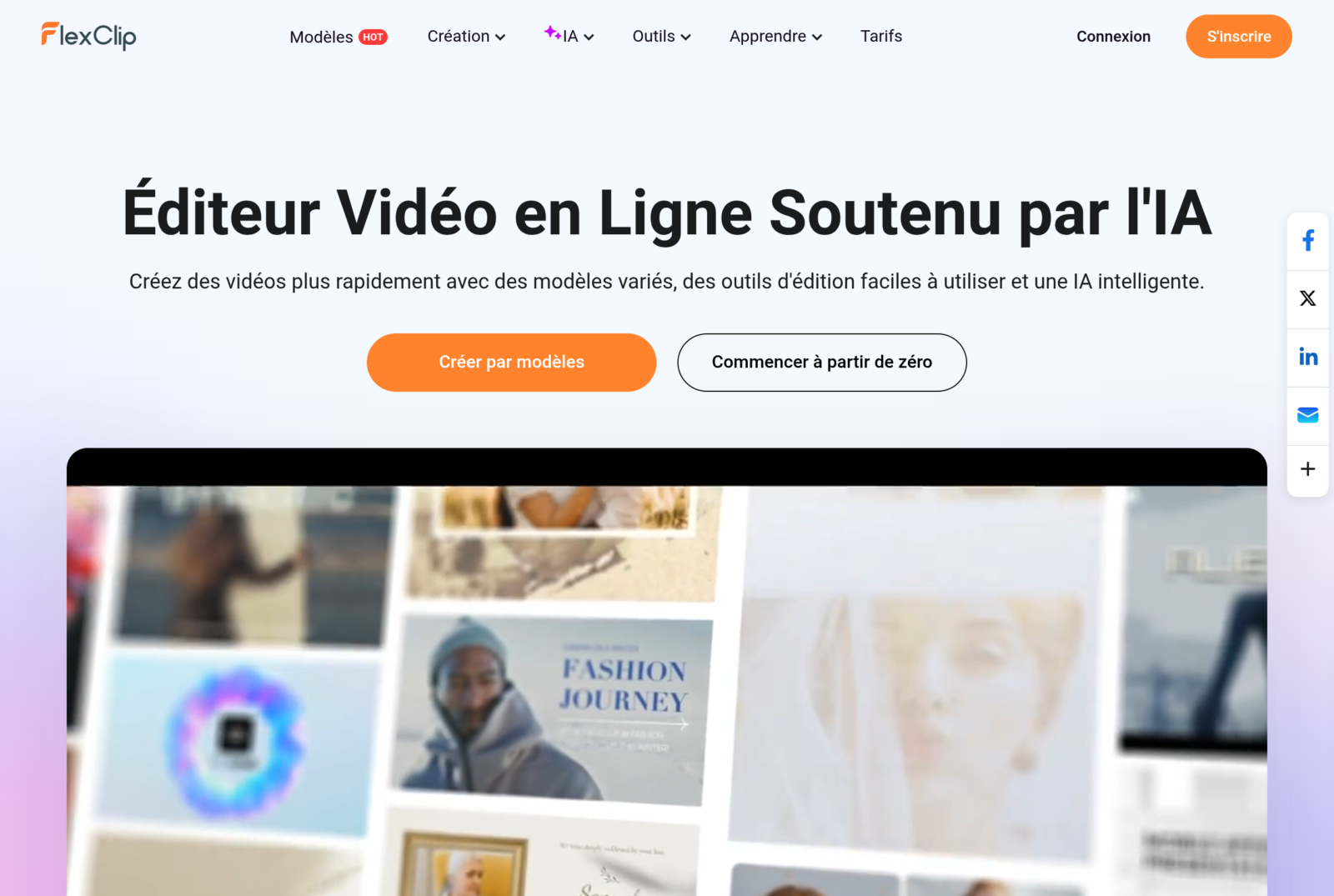
FlexClip is a 100% online video editor that runs directly in the browser. No installation, no muscular machine: you open a tab, choose a model and climb. It is this simplicity that makes its reputation.
The free plan gives you access to the full interface and model library. Specifically, according to the current plan, you have about 12 registered projects, 1 GB of cloud storage, and limited access to the stock media library: one video and one bank audio per project. Videos can last up to 10 minutes.
On the export side, that's where the pack hurts. The free plan releases your videos in maximum 720p, with an inlaid FlexClip watermark. There's nothing blocking to test, but it's resilitory to broadcast. We're coming back lower.
| Criteria | Free plan | Paid plans (Plus / Business) |
|---|---|---|
| Watermark | Yes, inlaid | No |
| Export resolution | 720p | 1080p (Full HD) |
| Projects | About 12 | Unlimited |
| Maximum duration per video | 10 minutes | Unlimited |
| Cloud storage | 1 GB | 30 GB |
| Stock media by project | 1 video + 1 audio | 5 (Plus) to unlimited (Business) |
| Credits AI | Very limited access | 3,600 to 9,600 per year |
Indicative values according to the plan in force in 2026. Check the official tariff page before you subscribe.
Free FlexClip: What You Can Really Do
Let us not reduce the free plan to its limits. It allows a lot of things to be done, provided you accept your exit constraints. It's a real sandbox to discover the tool.
You can edit a video from A to Z: import your own clips and photos, cut them, reorganize them, add animated text, transitions, music and filters. The complete editor is accessible, without a broken version of the interface.
The model library is open. FlexClip relies heavily on ready-to-use templates: social networks, promo product, intro, slideshow, invitations. You leave with a model, you replace the visuals and the text, and you have a video in a few minutes.
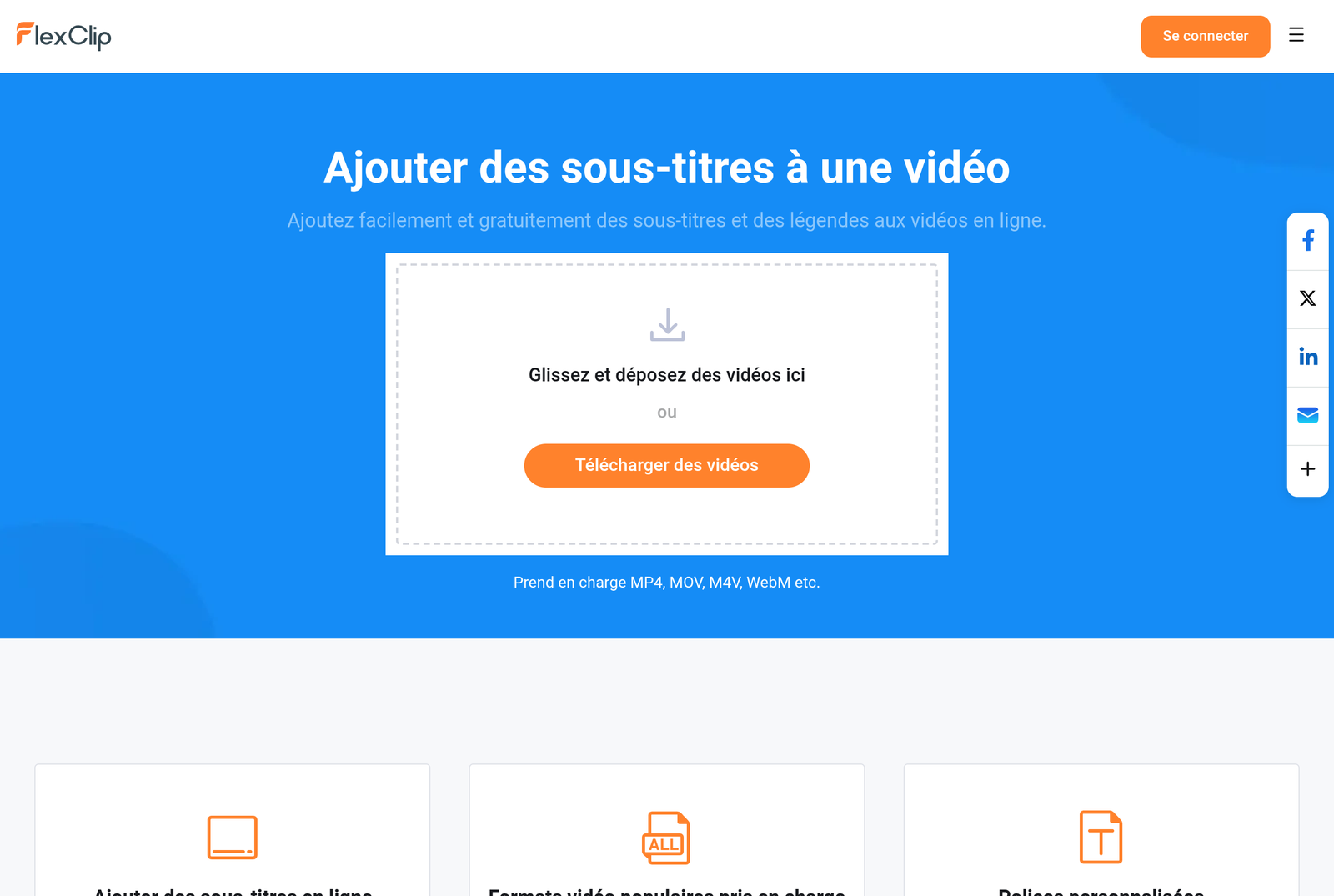
Part of the suite AI is testable, even if credits are counted. FlexClip embarks an impressive range of tools : generation of a video from a blog URL or text, avatar AI, voice synthesis, voice cloning, automatic subtitles, transcription and video translator. Add 14 tools image, 8 tools audio, a screen recorder, a brand kit and cloud space.
Uses where free
- Discover the interface and decide if tool You're right before you invest.
- Mount drafts or video models to validate a concept internally.
- Produce videos where watermark and 720p are not problematic (private use, testing, customer preview).
- Test the quality of automatic subtitles or voice synthesis on a real case.
To go further on the logic of video creation assisted by AI, our guide create a video with AI details the steps and the tools who lend themselves to it.
Free FlexClip: What You Can NOT Do
This is the part you don't always know before you register. The free plan has three ceilings which, together, make it unsuitable for any serious publication.
The watermark, first. Each video exported bears the FlexClip logo. It could not be removed other than by switching to a paid plan. For a chain YouTube, a pro account or a customer, it is eliminatory.
The resolution, then. You're capped at 720p. On a recent smartphone or computer screen, the difference with the 1080p can be seen. No export in Full HD or 4K on a free basis, according to the current plan.
Quotas, finally. About 12 projects stored, 1 GB cloud, one stock media per project and credits AI Very limited. As soon as you run the videos or pick up in the picture and video bank, you type the wall quickly. Functions AI gourmands (avatar, voice cloning, long generation) demand the credits reserved for subscribers.
- Publish a clean video without logo: No free of charge.
- Export in 1080p or 4K: No.
- Use stock bank in quantity: No (1 medium per project).
- Launch AI Tools Not including: No.
3 tips to get the most out of free FlexClip
The free plan is not a dead end if you play well. Three reflexes make it possible to get the best before deciding whether the subscription is worth it.
1. Import your own media rather than stock bank
The limit of a stock media per project is easily bypassed: uses your own clips, photos and music royalty-free. FlexClip does not impose any quota on the files you import. You keep creative freedom without spending your few credits.
2. Recycle your 12 smart projects
With 12 locations and 1 GB of cloud, the place is counted. Export your finished videos, save them locally, then delete the project to free up space. Duplicates a successful project to serve as a home model instead of creating a new one each time.
3. Focus your credits AI what counts
Functions AI most useful in everyday life, such as automatic subtitles, are often better than gourmet gadgets. As a priority test the transcription and generation of subtitles: this is where FlexClip saves the most time, for a reasonable credit cost.
Free alternatives when FlexClip is no longer enough
If the watermark and the 720p block you, several tools propose a different approach. Here are four tracks according to your need.
InVideo AI, to generate a video from text
InVideo AI bet everything on the generation by quick : you describe your video, l tool up, add a voiceover and subtitles. Its free plan allows you to test the engine AI, with its own export and watermark limits. Ideal if your starting point is a script rather than a model.
Fliki AI, for the voiceover and the text in video
Fliki AI excels on multilingual voice synthesis and text to video conversion. Its free version offers a monthly minute quota to test the AI Voice, very convenient for formats voiceover No shooting.
Creatify, for short advertising videos
Creatify specializes in ads videos from a simple product URL, with avatars AI. A good alternative if your goal is conversion, not the editing Free.
CapCut and Canva, free of charge
CapCut remains the reference editing free watermark-free on many exports, with a very complete mobile app and desktop. Canva offers a video editor integrated with its design ecosystem, perfect if you already create your visuals on it. These two cover the majority of social media needs without paying a cent.
To compare more broadly, our selection of better tools video creation by AI help you choose according to your use.
🎯 Verdict
FlexClip's free plan is an excellent test ground: complete interface, open models and a taste of a suite AI Really rich. But there's still a sandbox. The systematic watermark and the 720p ceiling disqualify it for any video intended for publication. Our advice: serve to validate that tool You like it, then switch to a paid plan (beginning about 11,99). $/month in annual) if you intend to broadcast. For truly publishable free, CapCut or Canva often remain more pragmatic.
Want to go further? Our review complete on FlexClip reviews all pay-for-service features, and our comparison of the best alternatives to FlexClip help choose if the free plan shows its limits.
FAQ: Frequently Asked Questions about FlexClip Free
Is FlexClip really free?
Yes. FlexClip offers a free permanent plan, without credit card or limited duration. You access the complete editor and the models. On the other hand, your exports are watermarked and capped at 720p, depending on the current plan.
Does free FlexClip have a watermark?
Yes. All videos exported with the free plan display a FlexClip watermark. This is the main constraint for those who want to publish their own content.
How to remove the FlexClip watermark?
The only official way is to switch to a paid plan (More or Business). The subscription removes the watermark and unlocks export in 1080p. There is no reliable free method to remove it properly.
What is the free FlexClip limit?
The main limits, according to the current plan, are: watermark, export 720p, about 12 projects, 1 GB cloud storage, videos up to 10 minutes, a single stock media per project and credits AI Very small.
Free FlexClip or free Canva?
Free FlexClip shines afterwards AI and its video models, but imposes a watermark. Free Canva integrates into an ecosystem design and is well suited to social networks. To publish without a logo without paying, Canva or CapCut often take advantage; for testing AI video, FlexClip remains more complete.