Description remains in 2026 the studio of editing the most innovative market with its text editing: you're editing a video as simply as a Google Doc. Overdub, Studio Sound and Assistant AI Underlord automate most of the work. Note: 8/10, the stability of the software remains the recurring black spot. Free plan available, subscriptions from 16 $/month. Try Descript for free →
The video editing traditional still has to waste hours on technical deadlines? Descript promises to divide your production time by three through a radical approach: editing audio and video by simply editing text. In 2026,tool added an assistant AI (Underlord), a credit system AI and new functionsautomation. But have the stability problems reported by users been corrected? We'll take stock.
🎬 Test Descript for freeWhat exactly is this?
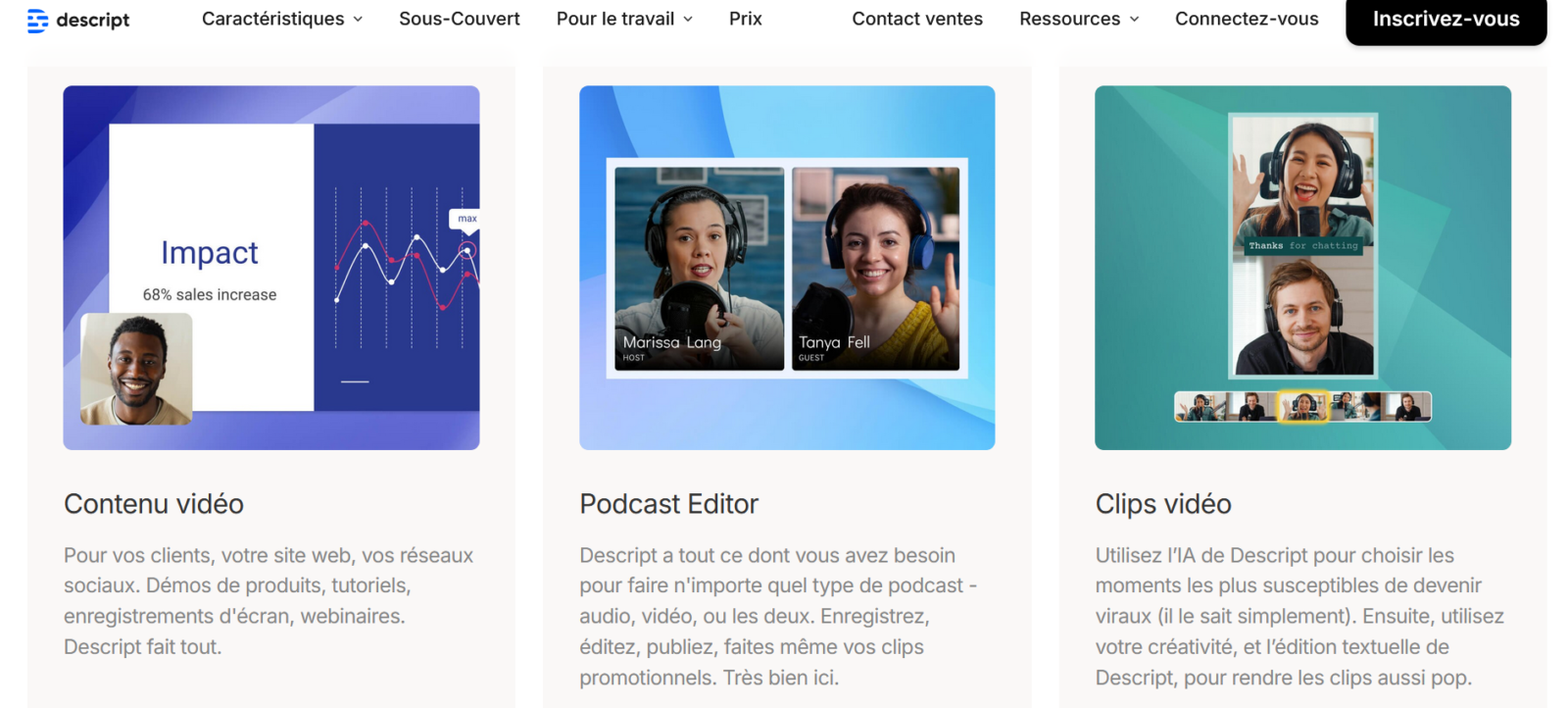
Descript is a software video editing and audio based on text editing. The concept:tool transcribe your file, and you climb by modifying the text. Delete a sentence in the script the cut into the video. It's as intuitive as changing a Google Doc.
But Descript doesn't stop at editing Text. It has become a Complete creative studio which includes recording, transcription AI, audio cleaning (Studio Sound), voice cloning (Overdub), subtitlingand since 2025, an assistant AI appointed Underlord automates repetitive tasks, creates viral clips, abstracts, removes silences.
It's a tool supplementary to AI generators video as Fliki AI or Synthesia : where they create zero videos, Descript excels in the editing and post-production existing content.
To compare with others AI Tools of the editing, take a look at our top 10 best AI Tools of the video editing in 2026 : Descript, Filmora, InVideo, Submagic, CapCut, OpusClip, FlexClip, Runway and two others, with real free quotas and usage cases.
To go further and launch an entire podcast with these tools, see our guide dedicated: create a podcast with AI in 2026, complete method from NotebookLM, ElevenLabs Studio and Descript.
See also our guide dedicated: alternatives-Descript.
See also our guide dedicated: Descript-free.
Summary of our review on Descript 8/10

Descript remains one tool major for creators 2026. The editing by the text is still as revolutionary, Overdub impresses, and Underlord adds a real layer ofautomation. But the stability of the software remains a serious problem that prevents us from putting a higher note.
| Benefits | Disadvantages |
|---|---|
| ✅ Time-saving massive thanks to text editing | ❌ Bugs and instability still reported in 2026 |
| ✅ Overdub: correct audio without re-recording | ❌ French transcript still down from English |
| ✅ Studio Sound greatly improves audio quality | ❌ High RAM consumption on heavy projects |
| ✅ Underlord automates clips, abstracts and cleaning | ❌ Credits AI limited on entry-level offers |
| ✅ Ideal for non-technical designers and podcasters |
Descript – Edit your videos as a Google Doc
Edit by text, voice cloning, audio cleaning AI and automatic subtitles, everything in one interface.
Key features screened
The editing by the text: always the killer feature
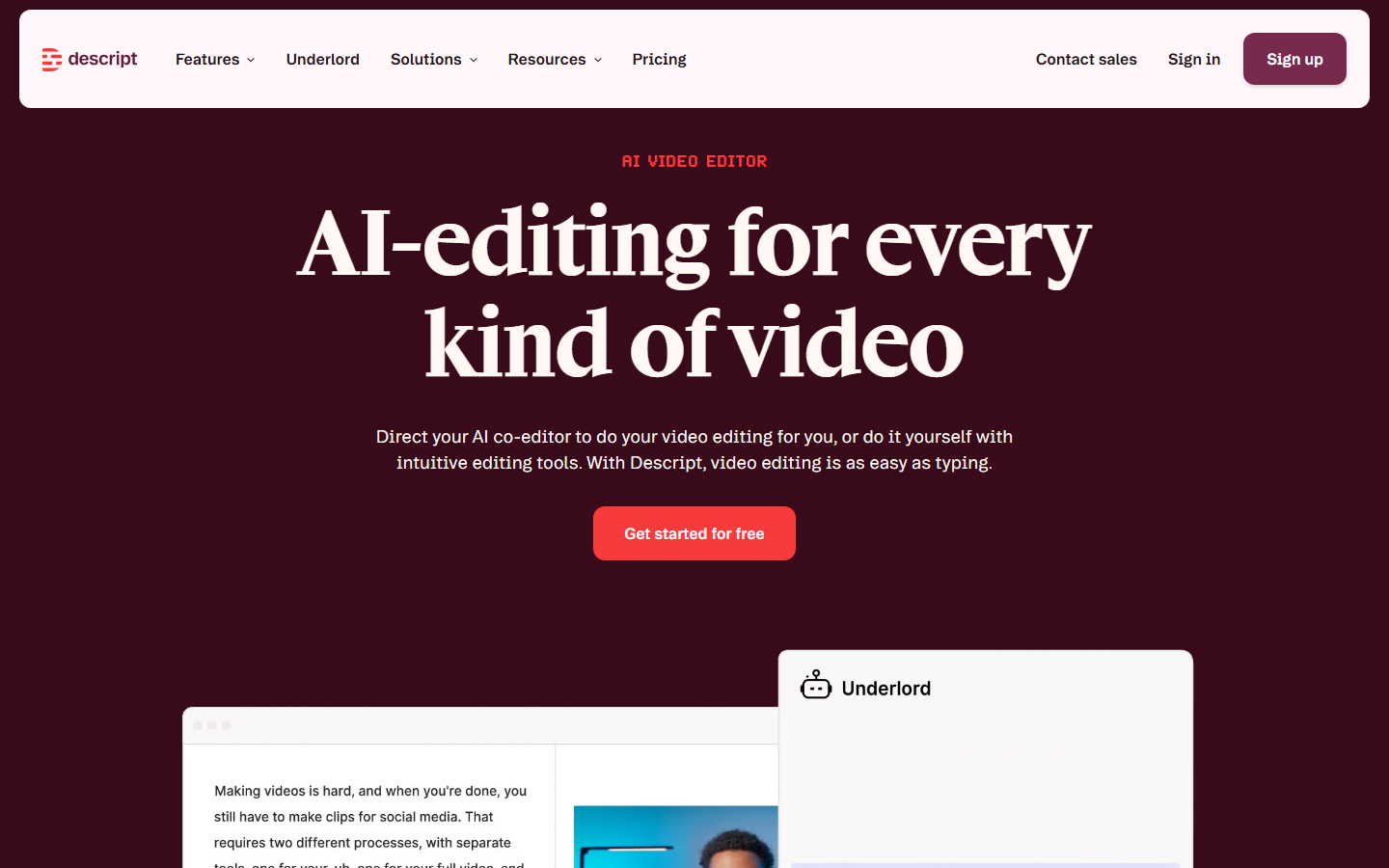
Descript transcribes your file, and you mount by editing the text. Cut a word in the script and cut it into the video. A Ctrl+F is enough to find a pass. You move whole blocks as in word processing. The editing multicam also works: you switch from one player to another in the script one click.
He's always the main differentiator. No competitor does that well. For creators who base their content on speech (podcasts, tutorials, face-cam), on time-saving is colossal, several users report a reduction in time editing 5h to 1h per episode.
Overdub: Voice cloning for bug-free corrections
After a brief exercise with your voice, type a text and Descript it generates with your exact stamp. Correct a wrong number or add a precision without coming out the microphone? You type the correction and the audio is patched almost invisiblely.
The result is excellent for short connections. In long sentences, slightly artificial intonation can betray the rigging. For further and multilingual voice cloning, ElevenLabs remains superior, but Descript the advantage of integrating cloning directly into the workflow of editing.
Studio Sound, subtitles and Underlord
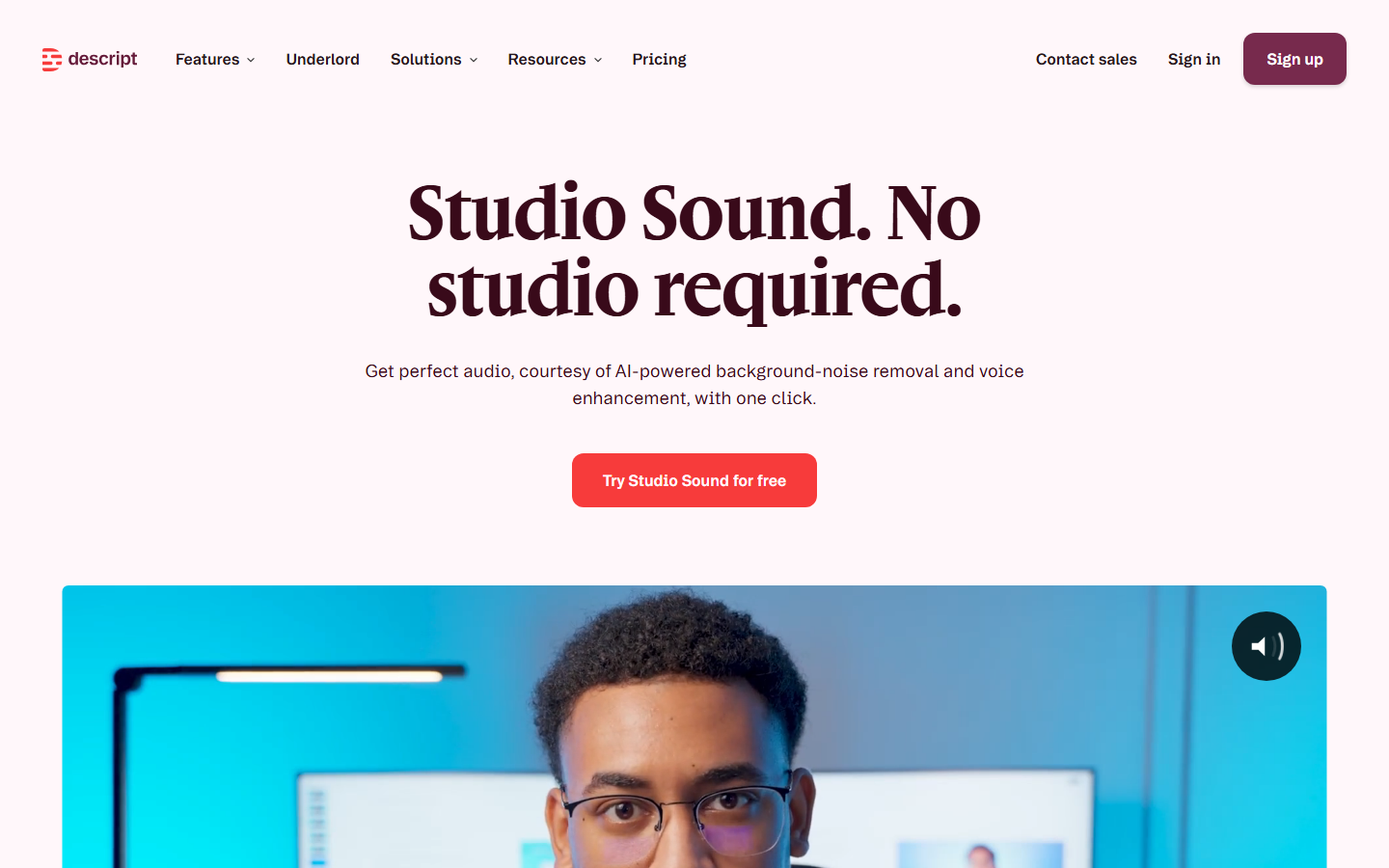
Studio Sound acts as a virtual sound engineer: it cleans audio, removes echo and background noise for rendering « studio »Even with a mediocre microphone. The deletion of fill words (« Uh. », « so ») works in just one click,AI manage 80% of hard work.
Underlord, Assistant AI introduced in 2025, automates repetitive tasks: generation of short clips for networks, creation of abstracts, eye contact correction. It's the systemAI Credits which regulates access to these functions, 400 credits/month on Hobbyist plan, 800 on Creator.
Side subtitles, Descript generates exploitable transcriptions but this is not its specialty for viral short formats. For dynamic and stylized subtitles (Reels, TikTok), a tool as Submagic remains more suitable. Descript excels in substance, Submagic the viral form.
French: an honest verdict
The English transcript is almost perfect. In French, It's still a bit below. Common sentences go well, but regional accents, technical jargon and proper names are problematic. Plan for a systematic review,tool Most of the work is handled, but manual verification remains essential for a clean result.
🎧 Test it editing by text with DescriptHow much does this really cost?
Descript adopted in 2026 a system of Media Minutes + AI Credits. Each downloaded file consumes minutes, and functions AI (Underlord, Overdub) consume separate credits.
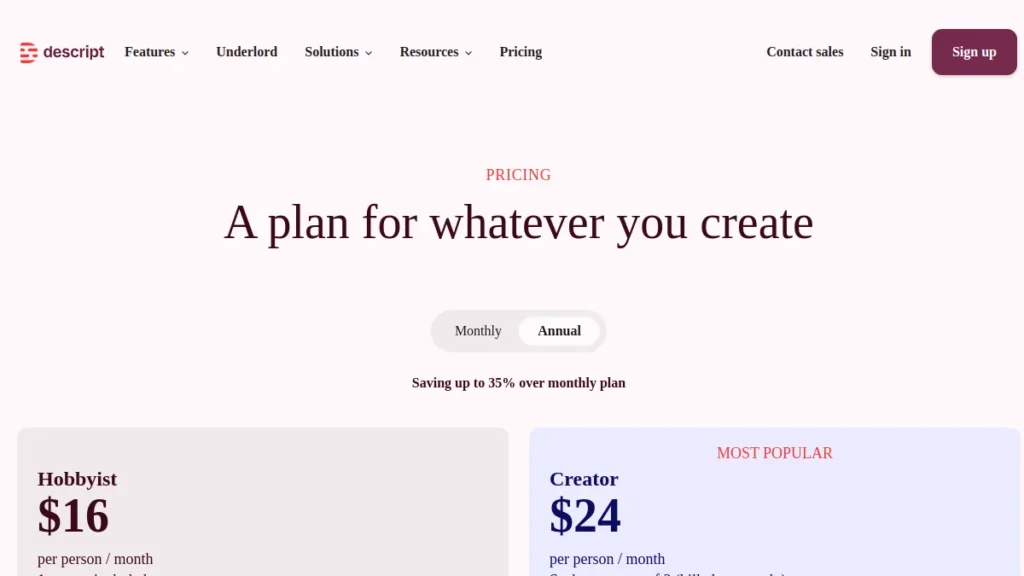
| Plan | Prices | Media & AI | Keys |
|---|---|---|---|
| Free |
0 $ CB-free |
1 hour of media / month 100 AI Credits (only) |
✔ Text edition ✔ Studio Sound ✘ Export 720p + watermark |
| Hobbyist |
16 $/month Annual: 12 $/month |
10h of media / month 400 AI Credits / month |
✔ 1080p export without watermark ✔ Overdub ✔ Basic Underlord |
| Creator |
24 $/month Annual: ~18 $/month |
30 hours of media / month 800 AI Credits / month |
✔ Export 4K ✔ Complete Underlord ✔ Up to 3 publishers |
| Business | 50 $/month |
40 hours of media / month 1 500 AI Credits / month |
✔ 5 publishers ✔ Priority support ✔ Brand Studio |
| Enterprise | On request | Custom |
✔ Enterprise security ✔ Dedicated medium |
Our recommendation: the plan Creator at 24 $/month is the sweet spot. It offers 30 hours of transcription, export 4K, and enough credits AI for regular use. Compared to the cost of a freelance assembler (30-80) €/h), the subscription is profitable from the first episode of podcast or the first long video.
For whom?
Podcasters and audio creatorsIt's the queen audience. Editing textual, removal of hesitations, Studio Sound: you produce a podcast with pro standards without touching an equalizer. You generate as a bonus the transcription for your website.
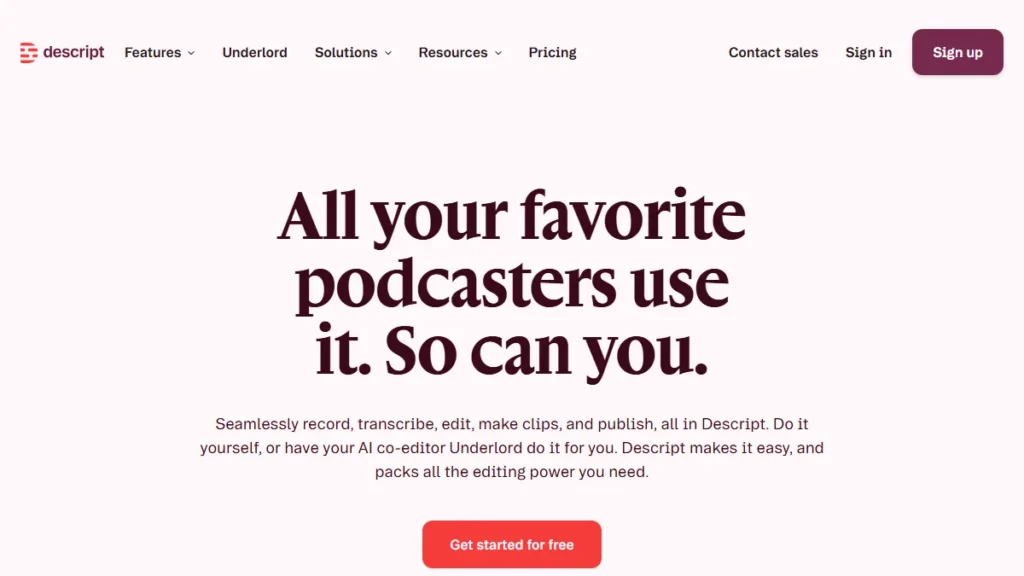
YouTubers and video recorders face-camera, If your content is based on speech (tutorials, training, interviews), Descript structure the narrative in minutes instead of hours. Attention: not a replacement for Premiere Pro for calibration or complex effects. But 80% of the tedious mess is done. Perfect to complement better tools of the editing AI.
Marketing teams, Transform a one-hour webinar into 10 clips for networks. The collaborative aspect (comments, shared edition) works as a Google Doc. Ideal for producing content without mobilizing a full-time editor.
Note, a 2026 novelty that clearly targets large volumes: Descript now offers an API giving programmatic access to its engine of editing (rough cuts, deletion of whites and tics of language, variants adapted to a brand). The idea is to plug in Descript in an existing CMS or production pipeline to process video in series, without going through the application. This is not a feature for the individual user, but a real asset for teams that produce large-scale video.
Lreview users of Descript
On G2, Descript displays 4.6/5 with more than 850 review checked. The points welcomed: time-saving radical and the simplicity of text editing. Many users describetool as the one who divided their time of editing by three.
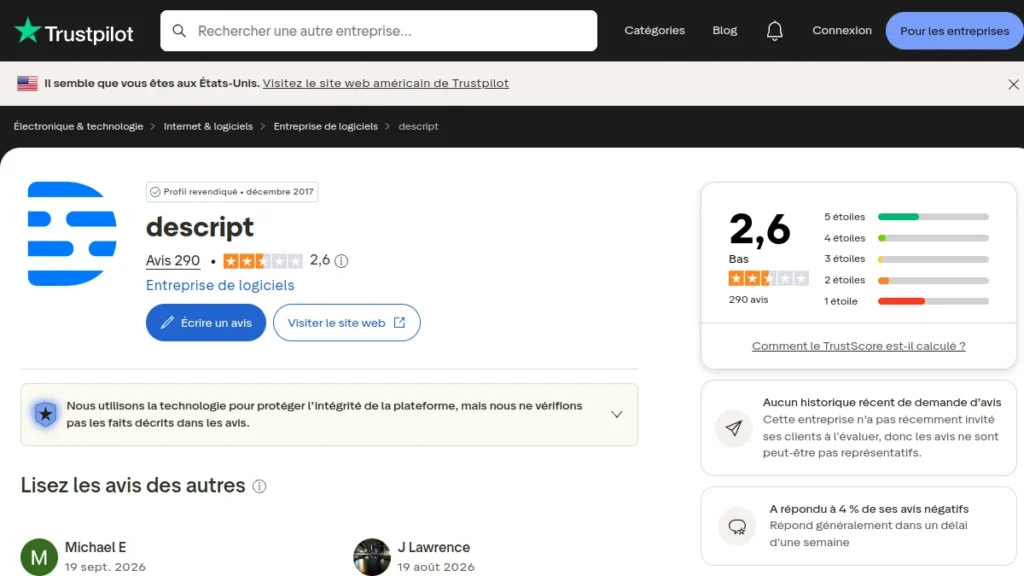
Side critical, the trend intensified in 2026. Several users on Capterra report a deterioration of stability : corrupted audio segments, recordings that stop without warning, video/audio desynchronization in the editor. A user summarizes: frequent updates add functionality but sometimes break what worked. The French transcription also remains a recurring weakness, a careful revision is indispensable.
What about alternatives?
Descript vs CapCut, Two tools additional. Descript excels on the editing background (structured speech, audio cleaning). CapCut excels on viral form (effects, animated subtitles, TikTok templates). Ideal: Descript to clear, CapCut to complete.
Submagic, Specialist in dynamic subtitles and short format virality. If your main need is to create striking Reels/TikToks, Submagic is more suitable.
ElevenLabs, If you are only looking for the best quality of AI Voice (without the editing), ElevenLabs Overdub surpasses in terms of vocal realism and linguistic coverage.
Fliki AI, Combine AI Voice and full video creation. More suitable if you start from zero (text → video) rather than mount an existing file.
Our final verdict on Descript
Descript remains one tool major content creation in 2026. His approach to text editing is always unique and redefines the most tedious part of the editing. Overdub, Studio Sound and Underlord form an ecosystem AI solid that automates the bulk of the work.
The plan Creator at 24 $/month suitable for the majority of solo designers. The reservations concern the Software stability, a real problem that persists despite updates, and on the French transcript still perfectable. But for English- and French-speaking podcasters and videographers who agree to reread their transcripts, the time-saving remains unbeatable.
The best thing is to get your own idea: Test Descript for free And judge for yourself.
✨ Try Descript for freeFAQ
Is Descript free?
Does Descript work well in French?
What's Overdub on Descript?
How much does Descript cost in 2026?
Descript or CapCut: which one to choose?
What are the alternatives to Descript?
Before making your choice, consult our guide best video software AI.