A miniature YouTube can multiply the CTR of a video by 3 or 5. This is the first performance factor on the platform, even before the title. In 2026, five AI Tools generate catchy miniatures in 2 minutes from a text description or source image. I compared the mains on the same three cases of use: tuto tech, video lifestyle, gaming.
The guide covers tools dedicated miniatures (Thumbnail.ai, Pippit) and tools generics suitable for 1280×720 format (Canva AI, Fotor, Adobe Express). Each has its strengths according to your workflow.
📌 Essentials
- Best tool free dedicated : Thumbnail.ai (template library) YouTube)
- Most comprehensive : Canva AI (templates + AI + brand kit)
- Renamed YouTubeur pro style : Pippit (specialized miniatures)
- Free Alternative Adobe : Adobe Express (2 miniatures/month free)
- Format to be followed: 1280×720 px, JPG or PNG, less than 2 MB
- Mandatory elements: expressive face, strong contrast, text 3-6 words max
Anatomy of a miniature YouTube which converts
After analyzing the 100 videos YouTube The most successful in 2026, there are systematically four key elements:
- An expressive face in the foreground : strong emotion (surprise, excitement, shock) that captures attention in 0.3 seconds
- A strong color contrast : red/green, blue/orange, yellow/violet combinations that come out in the feed
- Short text 3-6 words max : readable even 200 pixels wide on mobile
- An Intriguing Element : number, arrow, red circle, unexpected object that causes curiosity
The AI Tools below automate these principles by proposing preset templates that already comply with the winning formula.
The 5 AI Tools tested to create a thumbnail YouTube
| Tool | YT templates | Free | AI images | Rating |
|---|---|---|---|---|
| Canva AI | 500+ | Unlimited (Basic) | Magic Media | 9,0 / 10 |
| Thumbnail. a | 200+ | 5/month | yes | 8,7 / 10 |
| Pippit | 100+ | Test 7 j | yes | 8,5 / 10 |
| Adobe Express | 300+ | 2/month | Firefly | 8,3 / 10 |
| Fotor | 150+ | basic free | Fotor AI | 8,0 / 10 |
1. Canva AI: the free all-rounder
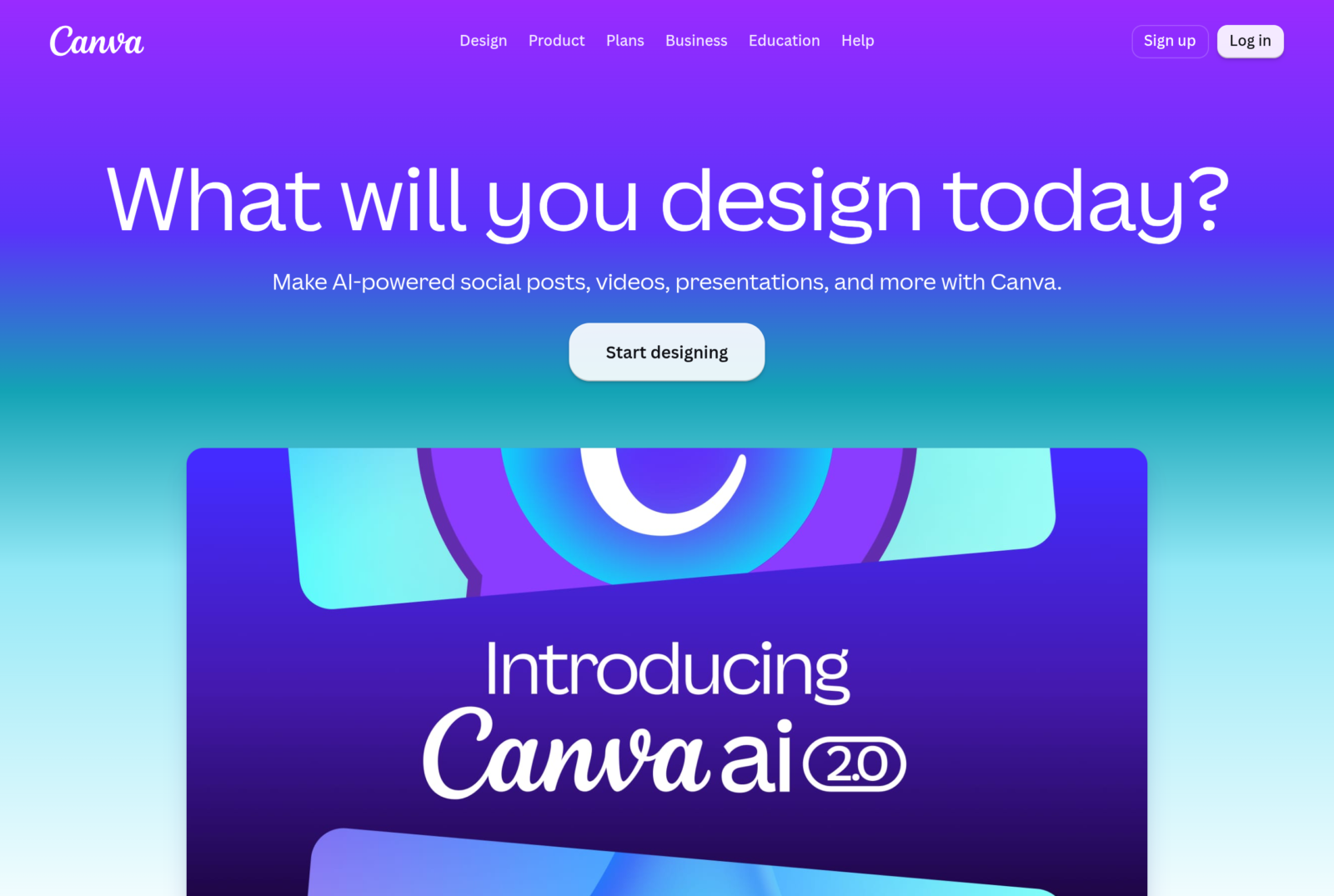
Canva remains my reference 2026 for miniatures YouTube. More than 500 dedicated templates YouTube (library enriched weekly), continued AI Integrated (Magic Media to generate a background image, Magic Eraser to delete items, Magic Edit to retouch), export 1280×720 in one click. The free Basic Plan covers most of the needs.
Highlights: brand kit persistent (colors, fonts, logo imported for consistency between miniatures), team collaboration, mobile extension. Bémol: the functions AI advanced (Magic Media unlimited, underground backup pro) are reserved for Canva Pro (12 euros per month).
2. Thumbnail.ai: the YouTube specialist
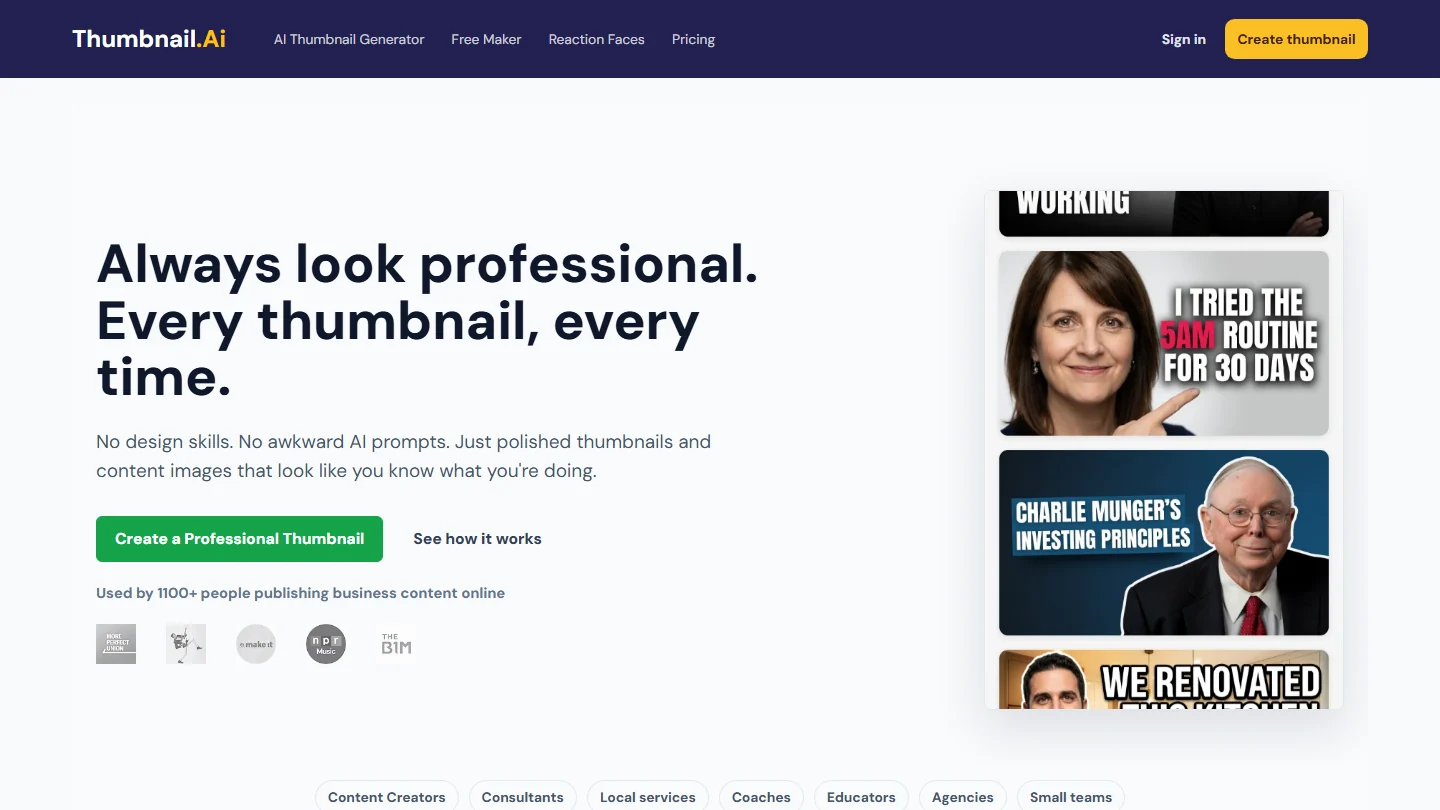
Thumbnail.ai is dedicated 100% to miniatures YouTube. The 200+ templates library is classified by niche (tech, gaming, lifestyle, food, education) with variations tested A/B to maximize CTR. L AI automatically offers 3 variations of an initial miniature to test which performs better.
Free plan: 5 miniatures per month. Subscription $12 per month for regular use. Ideal for semi-pros YouTubers who publish 2-4 videos per month.
3. Pippit: pro YouTuber-style results
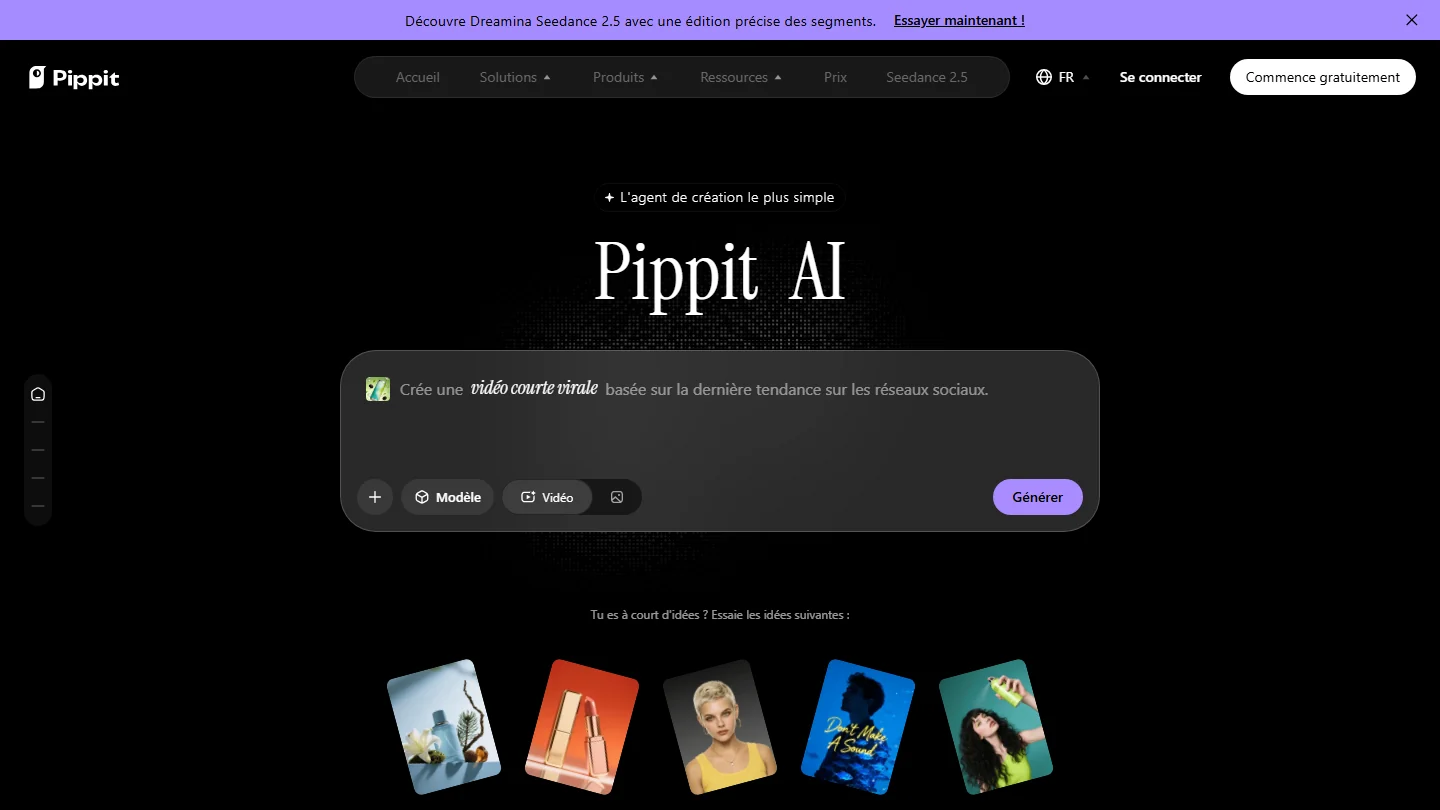
Pippit (published by ByteDance, like CapCut) offers templates that mimic the visual codes of top YouTubers (MrBeast, Marques Brownlee, Squeezie). The final rendering is very pro, immediately recognizable as « video worth clicking ». 100 templates YouTube plus 200 for TikTok and Instagram Reels.
Free trial 7 days then subscription. To be reserved for creators who make YouTube their main activity.
4. Adobe Express: the Firefly ecosystem
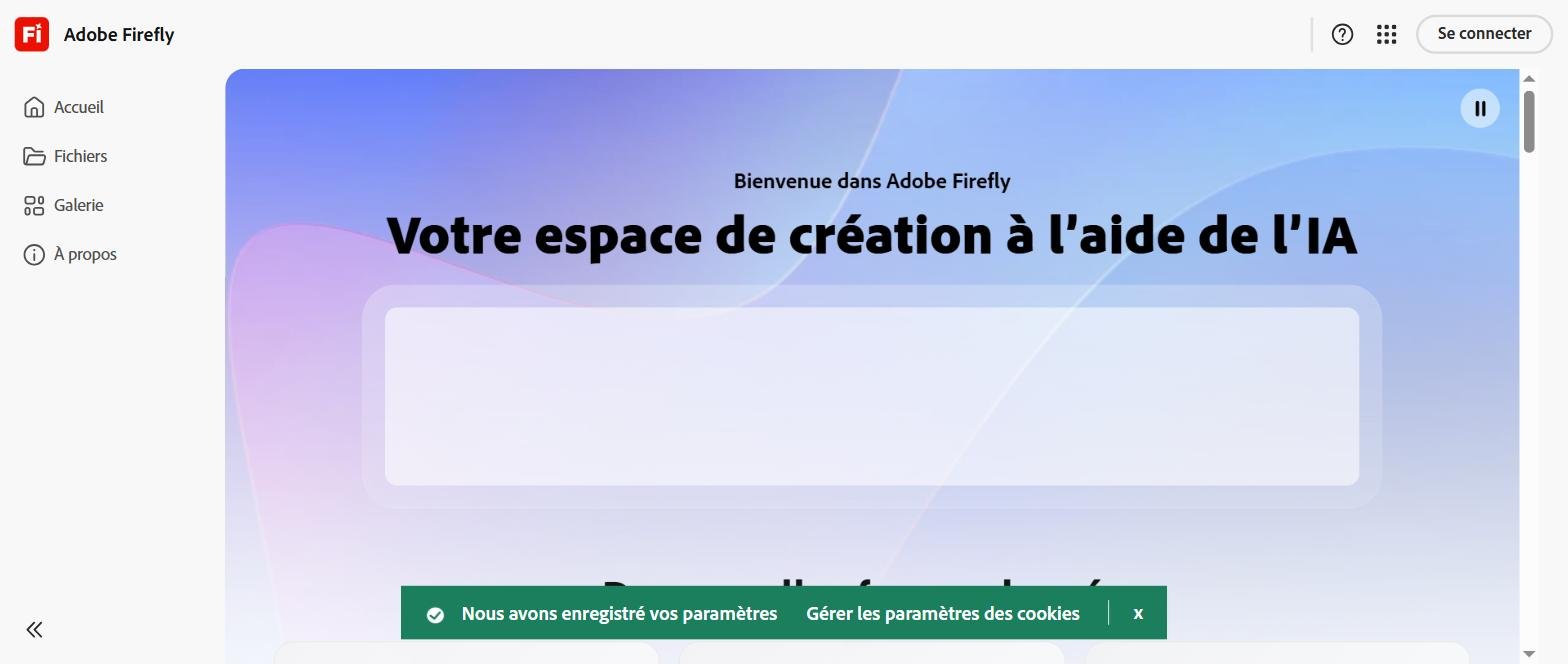
Adobe Express offers 300+ miniature templates YouTube and integrates Firefly,AI generative Adobe. The function « Generate Image » creates original background visuals without fees (unlike Midjourney Commercially used). Free plan limited to 2 miniatures per month, then $10 per month.
Ideal if you are already a Creative Cloud subscriber (including Adobe Express).
5. Fotor: the free entry point
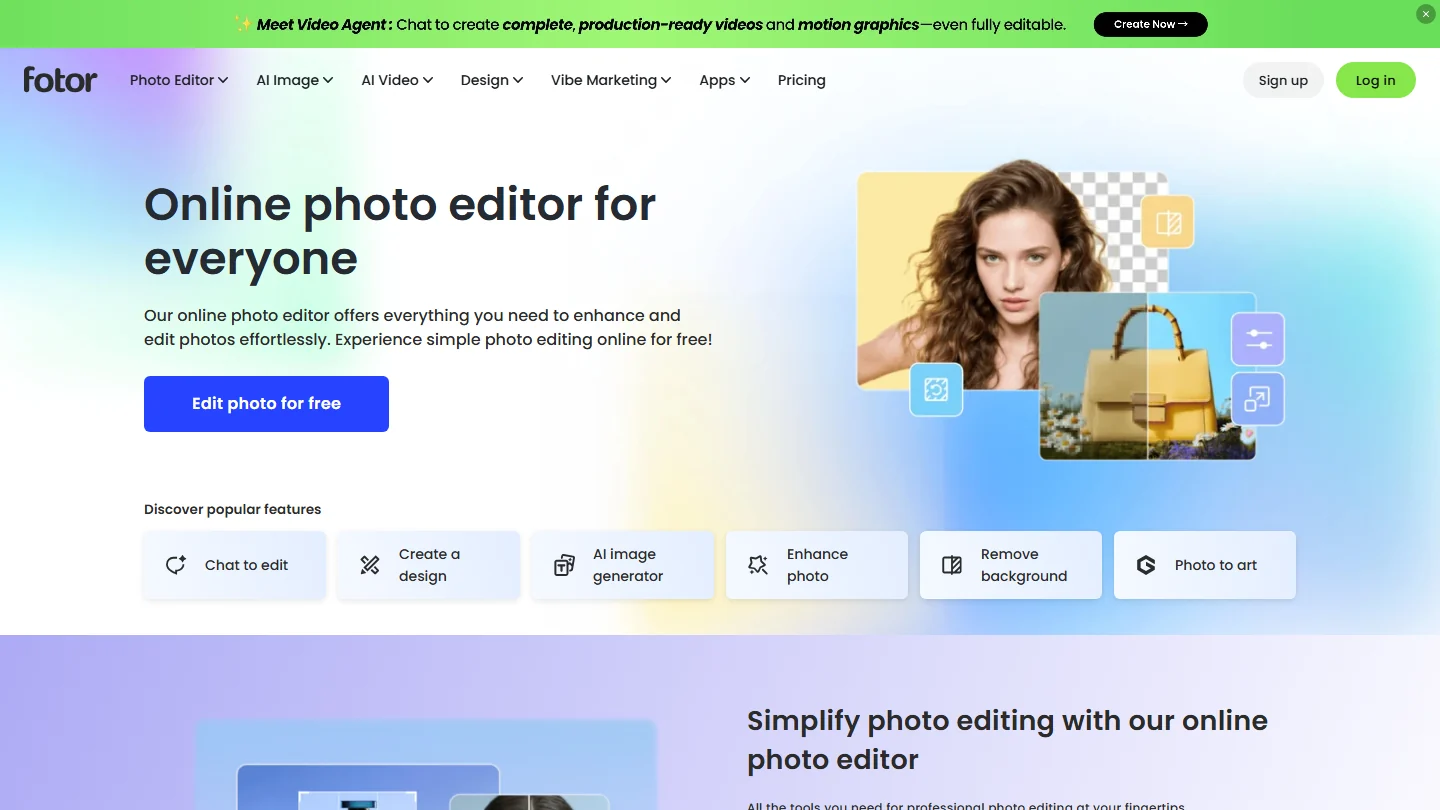
Fotor offers 150+ templates YouTube free of charge, with a discreet watermark at the bottom of the miniature (contourable via the 8 dollar subscription per month). Simple interface, minimal learning curve. Good compromise for a beginner YouTuber who publishes 1-2 videos per month.
In French: Créatis, thumbnail and title in the same tool
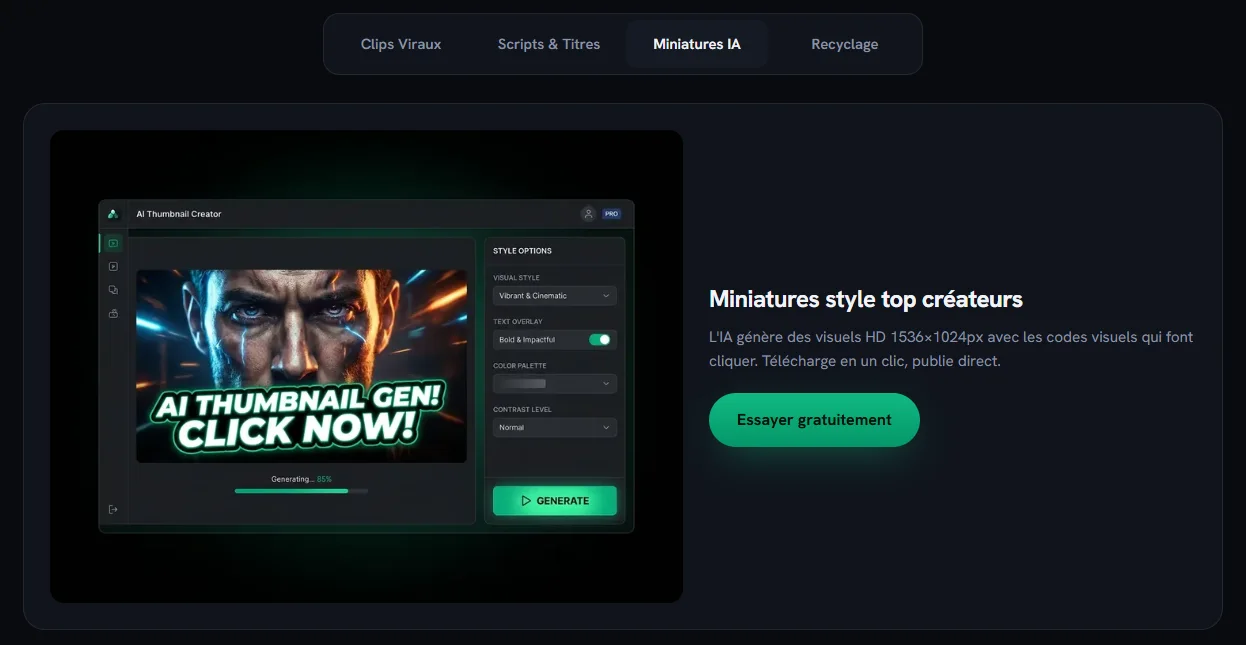
Creatis is not one of the five tools tested above: it is a recent French platform, thought for creators YouTube Francophones, whom we add for his all-in-one approach. Based on the publisher's website, it generates HD thumbnails of 1,536 × 1,024 pixels « with visual codes that make click », and its Product Hunt file mentions 16:9 and 9:16 formats. Above all, the miniature comes out with the rest of the publication kit: five titles, a script with timecodes, a SEO description and about thirty tags.
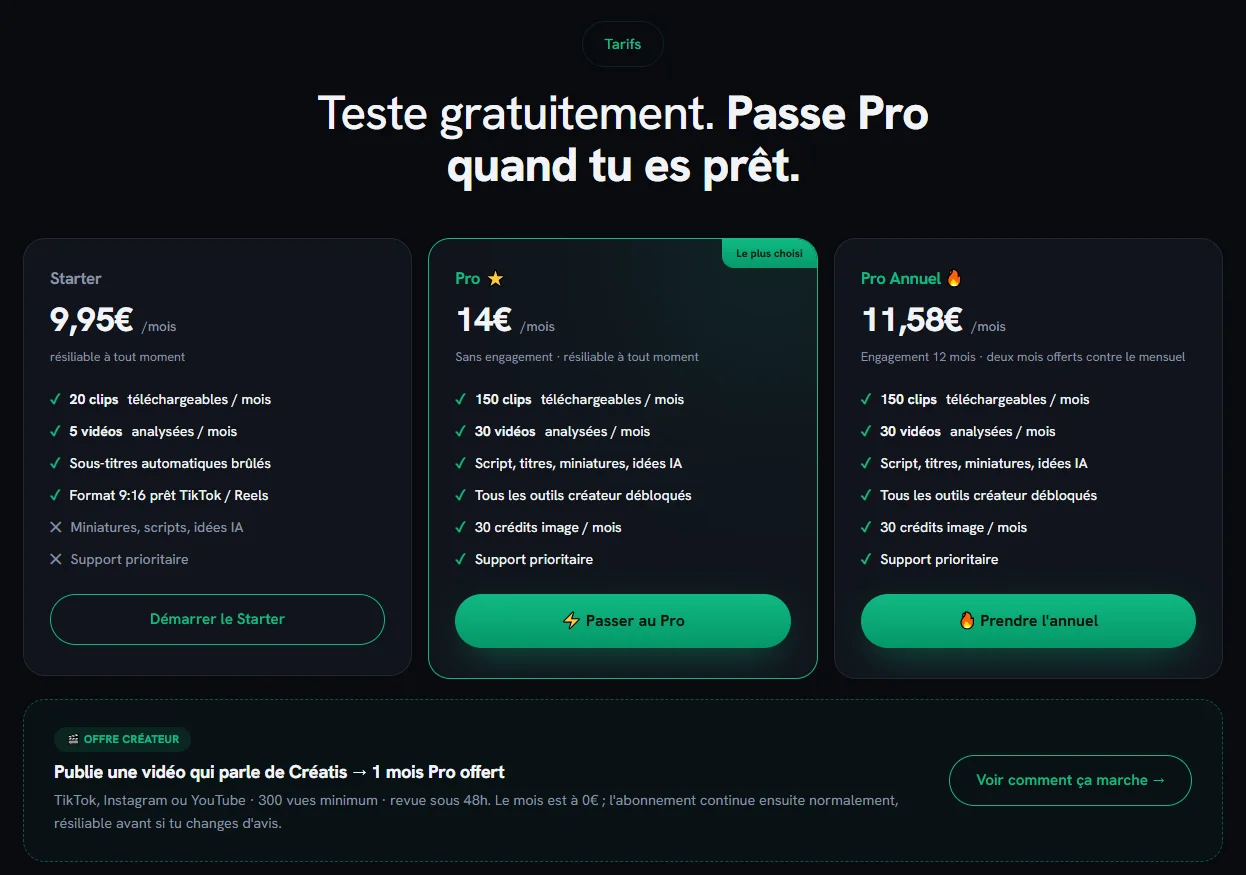
Price side, recorded on 12 October 2026: a unique free trial without credit card, then the Pro formula at 14 € per month (or 139) € per year), only to unlock the miniatures, with 30 credits image per month. Starter formula at 9.95 € is limited to clip cutting. Interesting if you want to produce everything in French in the same place; for an isolated miniature, Canva or Fotor remain cheaper.
How to create a thumbnail YouTube effective
- Analyze 5 thumbnails in your niche which perform well (CTR > 8%). Identify recurring elements (colors, text positions, expressions).
- Pick a similar template in Canva, Thumbnail.ai or Pippit that follows these codes.
- Customize with your face : screenshot of your video with strong expression (surprise, shock, wide smile), background blurred or replaced by an image AI generated.
- Add Short Text : 3 to 6 words, strong keywords (« FREE », « TEST », « ATTENTION »), contrasting font with shadow for readability.
- Export to 1280×720, weight less than 2 MB, optimized JPG format.
- Test A/B : YouTube Studio now offers a test of 3 miniatures during the first days, let the algorithm choose the best.
Common mistakes to avoid
- Too much text : beyond 6 words, the text becomes illegible on mobile
- Generic platform thumbnail : Canva template used without customization = visual confusion
- Tiny or absent face : miniatures with perforated face 30% better on average
- Low contrast : pastel colors drown in feed YouTube dominated by saturated
- Clickbait dissonant : miniature that promises an absent content of the video = long-term sustainable decline of the CTR
Frequently Asked Questions
What is the best free YouTube thumbnail generator?
Canva AI in Basic plan (limited, 500+ templates YouTube, AI Magic Media). Thumbnail.ai for a tool dedicated (5 miniatures/month free). Fotor for simplicity (150+ free templates with discreet watermark).
What size should a YouTube thumbnail be in 2026?
1280×720 pixels (ratio 16:9), JPG or PNG format, maximum weight 2 MB. YouTube Then compresses in several sizes for adaptive display (desktop 168×94, mobile 320×180). Optimize to remain legible even at 168px wide.
Can you use an AI-generated image in a YouTube thumbnail?
Yes, YouTube allows images AI Since 2024. Adobe Firefly, Canva Magic Media, Midjourney V6 provide commercially usable images (check specific CGUs). YouTube requires just to indicate whether AI was used to create deceptive realistic content (deepfake), not for a simple background visual.
How to A/B test thumbnails on YouTube?
YouTube Studio has been offering since 2023 tool « Miniature A/B test » Upload 2 or 3 versions, the algorithm alternates them for 2 weeks and automatically selects the one that gets the best CTR. Function accessible in the Content tab, on any published video.
What is a good thumbnail CTR?
A CTR « Average » YouTube Turns around 4-6%. A good CTR starts at 8%, an excellent CTR exceeds 12%. Highly competitive niches (tech, gaming) often have a 5-7% cap. Specialized niches (bricolage, niche knowledge) reach 10-15% regularly.
Generate background visual AI for your miniature
Instead of starting from a template, generate a background AI unique with a tool text-to-image. Two relevant options integrated into a miniature workflow YouTube :

Kling AI generates a 1080p kinematic visual from a prompt (e.g.: « Neon night urban background, cyberpunk atmosphere »). Importable then in Canva or Adobe Express as a miniature background. Free plan 5 generations a day.
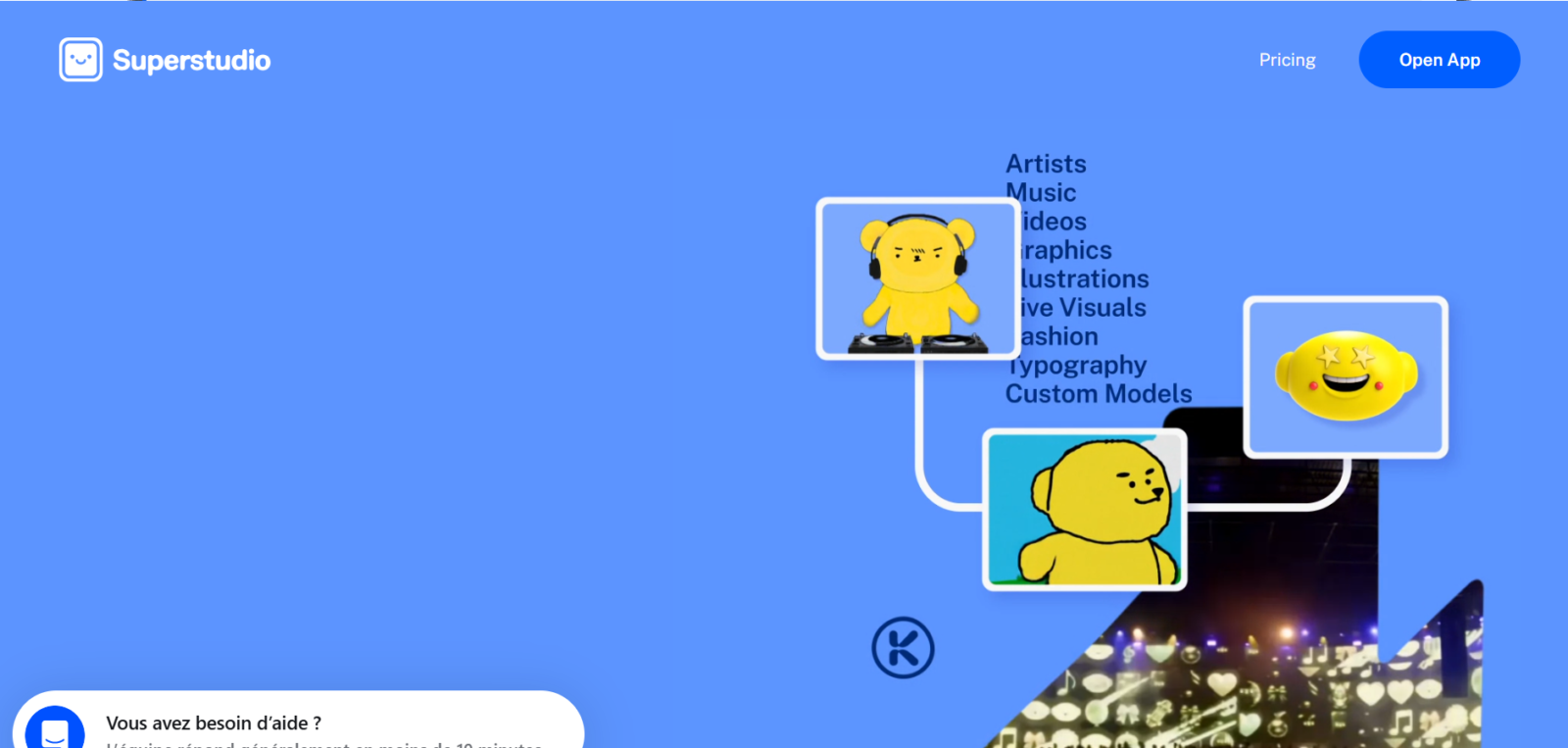
Kaiber AI excels on the illustrated styles (comic, anime, watercolor) that stand out in feed YouTube dominated by realistic photos.
A good miniature AI is generated in 2 minutes now. The difference between an average miniature and a powerful miniature can represent x3 the number of views on a video. To go further on video production AI, consult our comparison of the AI generators video free.
🎯 Verdict
For a YouTubeur who publishes 2-4 videos per month, Canva AI Basic free plan covers 90% of needs. For a top YouTubeur style rendering (MrBeast, Marques Brownlee), go to Pippit with its dedicated templates.