AI Tools for YouTubers and Shorts Creators
Produce quickly, automatically caption, publish on a large scale. The perfect combo to scalate a chain YouTube or TikTok without burn-out.
Our stack recommended.




Workflow guy.
How to articulate these tools in practice. Each step leads to the next one naturally.
Idea + script
AI Editorial assistant to generate the hook + script.
Voice off or avatar
ElevenLabs for the voice, Creatify If you want an avatar on the screen.
Editing car + B-roll
Tool Which adds B-roll, transitions, and cuts silences.
Viral subtitles
Submagic for animated subtitles in 1 click.
Why theAI changed the production of Shorts
The short format is a game of volume and regularity: you have to publish often for the algorithm to spot you. The real bottleneck was never the idea, but the time of editing, subtitling and declination in several formats. This is exactly what theAI absorbs, it returns you the hours you spent cutting and setting subtitles.
The stack to publish without exhausting yourself
Ideas and script
An editorial assistant generates the hook and structure in seconds. Your role is moving: you become editor rather than editor, you sort and refine instead of starting from the blank page.
Voice off or avatar
ElevenLabs provides a voiceover natural French for Short faceless. If you want a face on the screen without filming, a generator of avatars as Creatify does the work, and our file on the avatars AI compares other market options.
Editing and viral subtitles
Animated subtitles form a large part of mobile retention. The subtitling automatic and one tool as Submagic Set it up in one click, with silence cut and B-roll added.
Faceless or face: what to choose
Many faceless chains only spin with voiceover And B-roll, without ever showing anyone. The avatar becomes useful when you want to embody your brand without passing in front of the camera. If the goal is to make it an income, our guide for up a profitable faceless chain details the complete model.
The combo that works in 2026
No need for ten subscriptions: one tool One avatar (optional) and one subtitle is enough to produce several videos a week. To compare the options in detail, see our selection of best AI to create Shorts and comparison video software AI.
Creating a Short with AI: the step-by-step workflow
This is the production chain recommended to a single creator that targets three to five Shorts a week. It holds in a half-day of weekly work once worked, and each step can be done with a tool free at first.
- Find the angle. A short idea has one sentence: a question, a number, a forward/after. Note the questions your community is asking in comment, it's the best pool of topics.
- Write the short script. A hook in the first three seconds, a single idea developed, a fall. For 45 seconds, there are about 110 to 130 words. Our method for Write a video script with AI Gives the prompts of departure.
- Generate the voice. You stick the script in ElevenLabs, you choose a French voice and export a clean audio file. Re-listing at normal speed: a wrongly placed comma changes the rhythm of a sentence.
- Dress up the visuals. B-roll image bank, screenshots, or plans generated by a video model like Kling or PixVerse when you need a visual that doesn't exist anywhere.
- Edit and subtitle. Submagic or Descript set short subtitles, cut silences and add zooms and transitions. This is the stage where the AI saves the most time.
- Publish and recycle. You publish in 9:16, then you decline the same video on TikTok and Instagram. In the other direction, a long video or live cuts into several Shorts with a Magic Clips function.
Since October 2024, a Short can last up to three minutes, as specified inofficial YouTube Help. This is not a reason to lengthen: on most niches, formats from 30 to 60 seconds keep a better rate of full viewing.
Three real-world use cases
The faceless explainer channel
History, science, personal finance: a subject by Short, a voiceover ElevenLabs, archive or generated visuals, subtitles Submagic. The creator never shows up. What makes the difference here is the quality of the search and script, not the tool Two chains with the same stack can have opposite results.
The creator who recycles his long videos
Do you already publish 15 minute videos or a filmed podcast? The best passes make excellent Shorts, and they bring new subscribers back to the long format. One tool automatic cutting detects strong moments, frames in vertical and adds subtitles. It remains to choose the extracts by hand: the AI well detects peaks of energy, less well passages that have meaning outside context.
The brand or freelancer showing their expertise
A craftsman, a coach, a software publisher: the Short serves as a showcase. Here you often film yourself on the smartphone and the AI In particular, editing (cuts hesitations, subtitles, music). This is the most profitable use to start, because it does not require almost any subscription.
The tools of the stack in detail
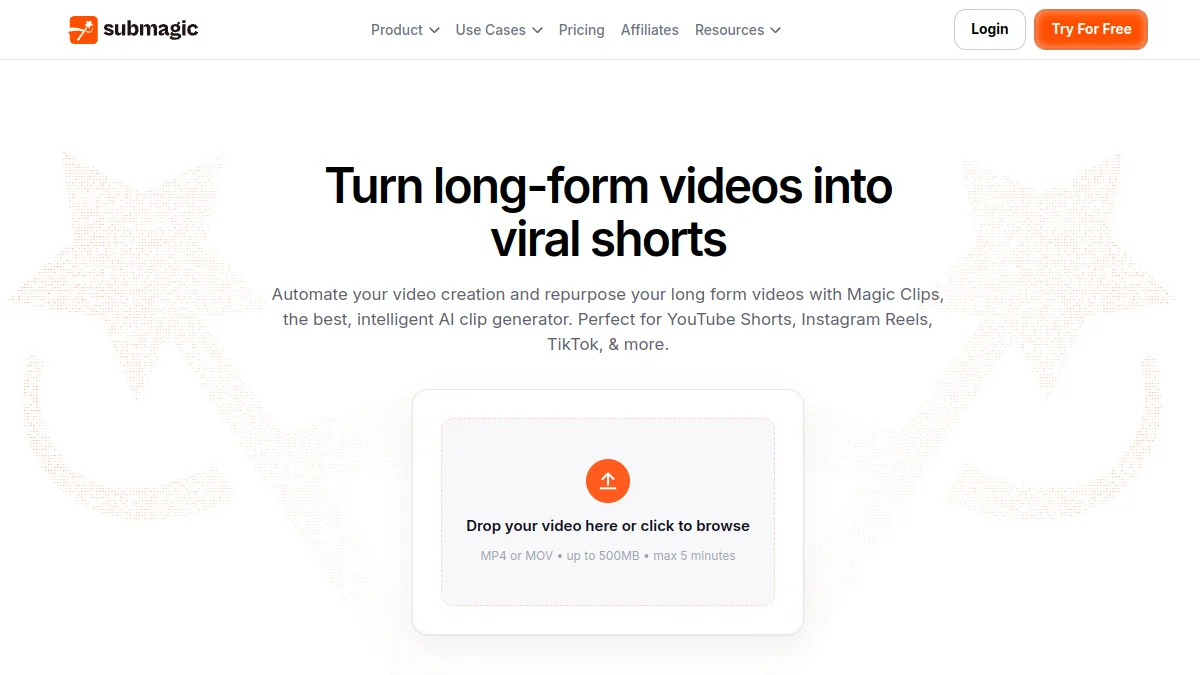
Submagic, for subtitles and cutting
That's it.tool That we keep first for the Shorts. Word-to-word animated subtitles, emojis and color keywords, silence suppression, automatic B-roll, and the Magic Clips function that transforms a long video into several vertical clips. Plan paying from 12 $ monthly invoicing (19 $ monthly) for the Starter plan, which is about 15 videos of up to two minutes. Details in our review complete on Submagic and on tariffs Submagic.
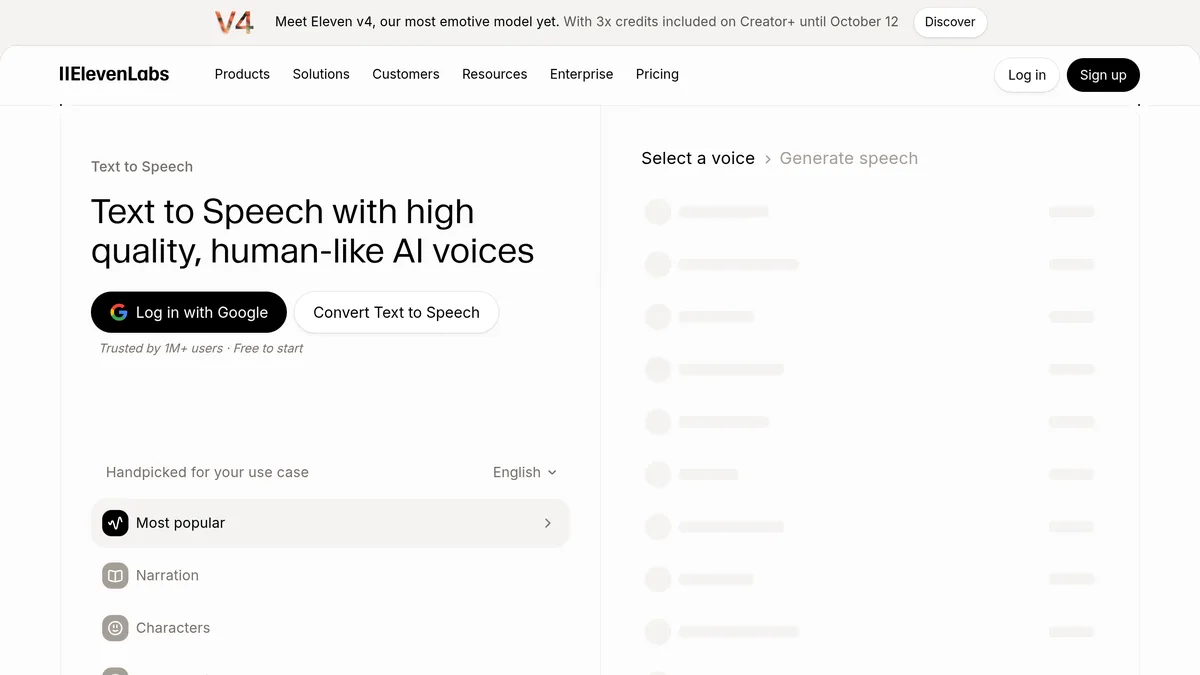
ElevenLabs, for the voiceover
The reference for a voiceover credible French. The free plan is enough to test a dozen Shorts, but it does not allow commercial use: as soon as the channel is monetized, passes on a paid plan (Starter to 6 $ per month for about 30 minutes of voice, Creator at 22 $ for about two hours). Cloning your own voice avoids the side « bank voice » the spectators can see quickly.
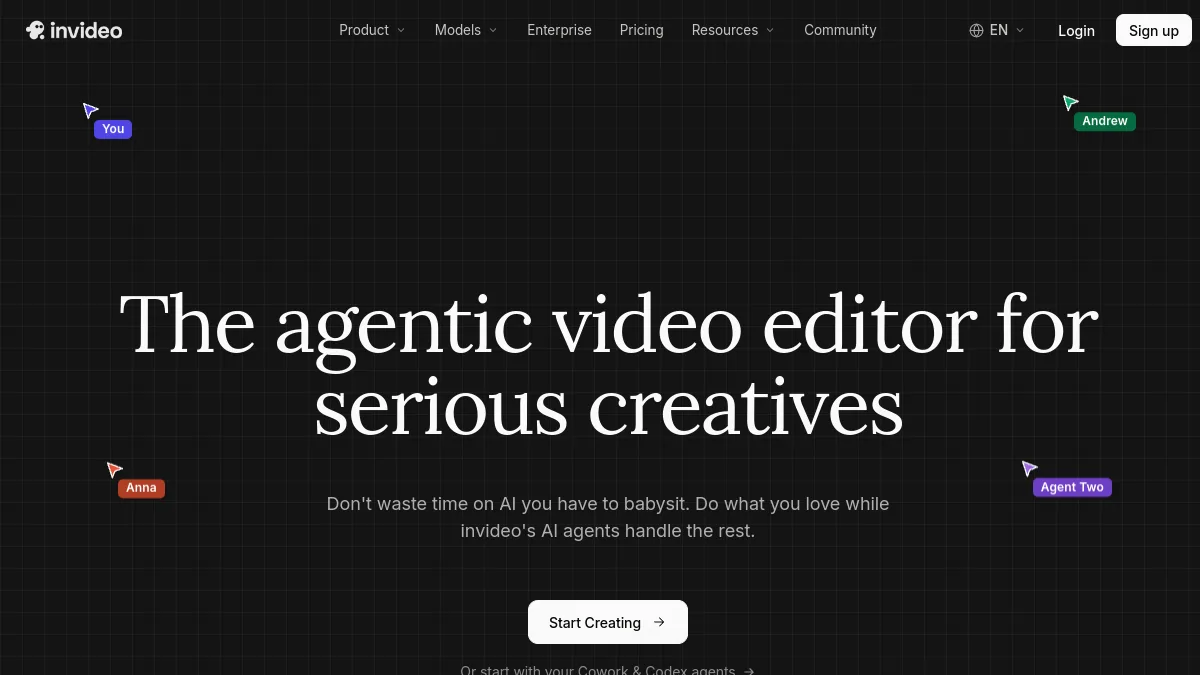
InVideo AI, to produce from a simple prompt
When you want to go fast on a faceless chain, InVideo AI assembles script, voice, illustration plans and subtitles from a natural language set, then lets you correct with written instructions. The result almost always requires a touch-up pass, but it makes the first jet win. Starter plan costs 20 € monthly or 10 € per month annually, with 400 credits.
PixVerse, for generated shots and viral effects
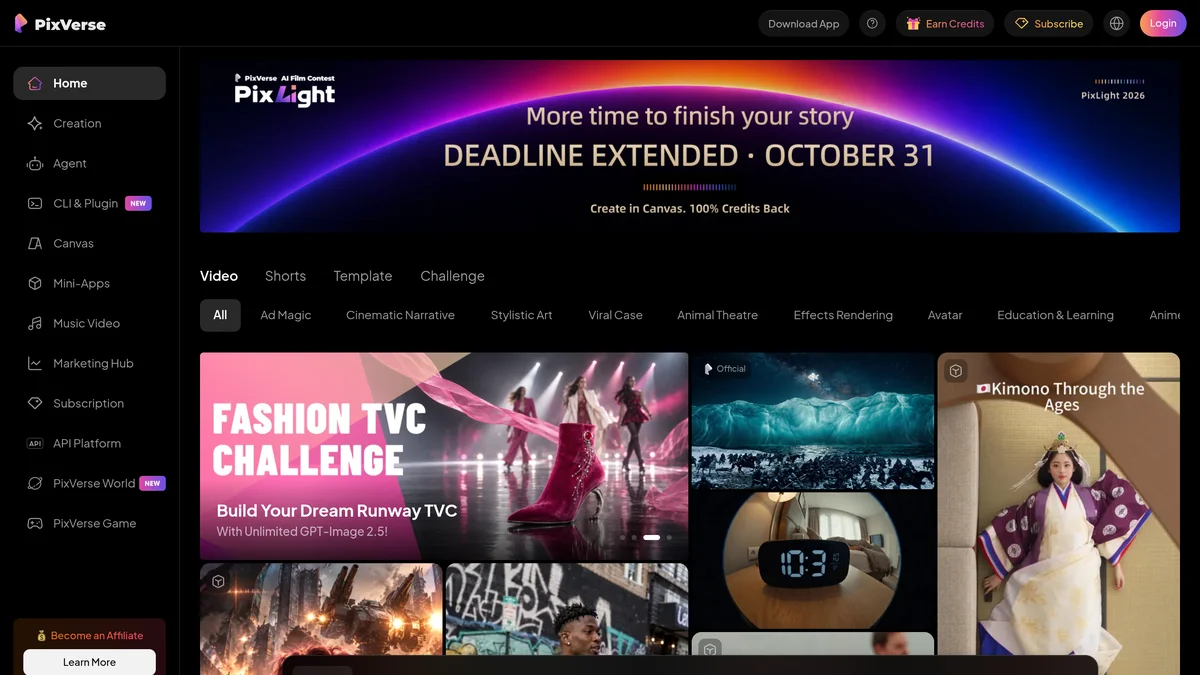
When no B-roll sticks about you, a video generator creates the missing plan. PixVerse has the advantage of being designed for social networks: native vertical format, ready-to-use effects and daily credits offered on the free account. The free account receives 30 credits per day in 540p, the standard plan increases to 10 $ per month (8 $ in annual) with export 720p. For a more cinematic rendering, Kling remains our choice (seereview Kling AI).
Descript, for those who film themselves
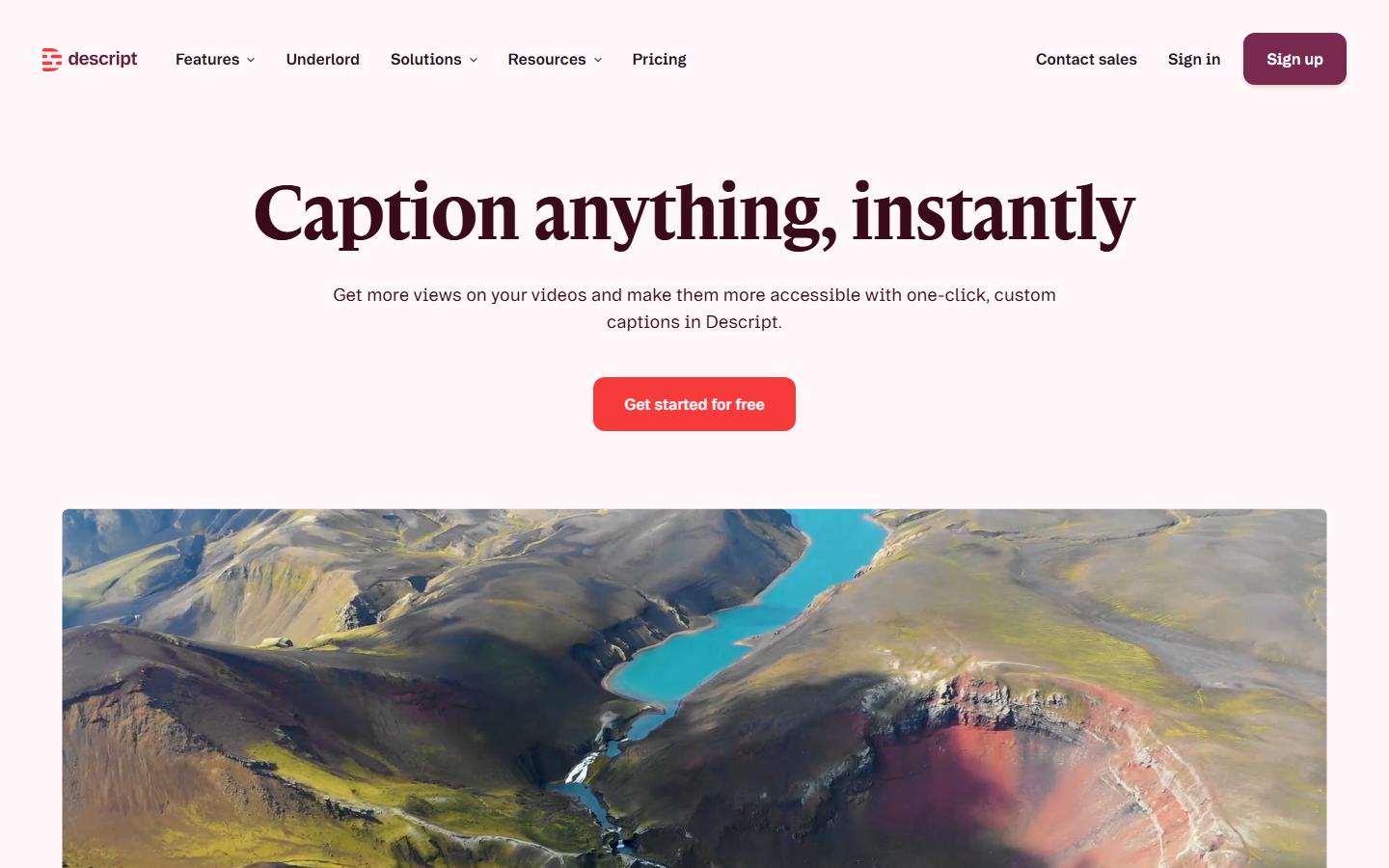
If you turn to camera, Descript changes how to mount: you modify the transcription as a text document and the video follows. The « Uh. » and the whites go in one click, the subtitles are generated in the footsteps. The free plan offers 60 minutes of media per month with watermark, Hobbyist plan costs 24 $ per month (16 $ in annual terms). More details in our Descript review.
Créatis, for Shorts, titles and scripts in French
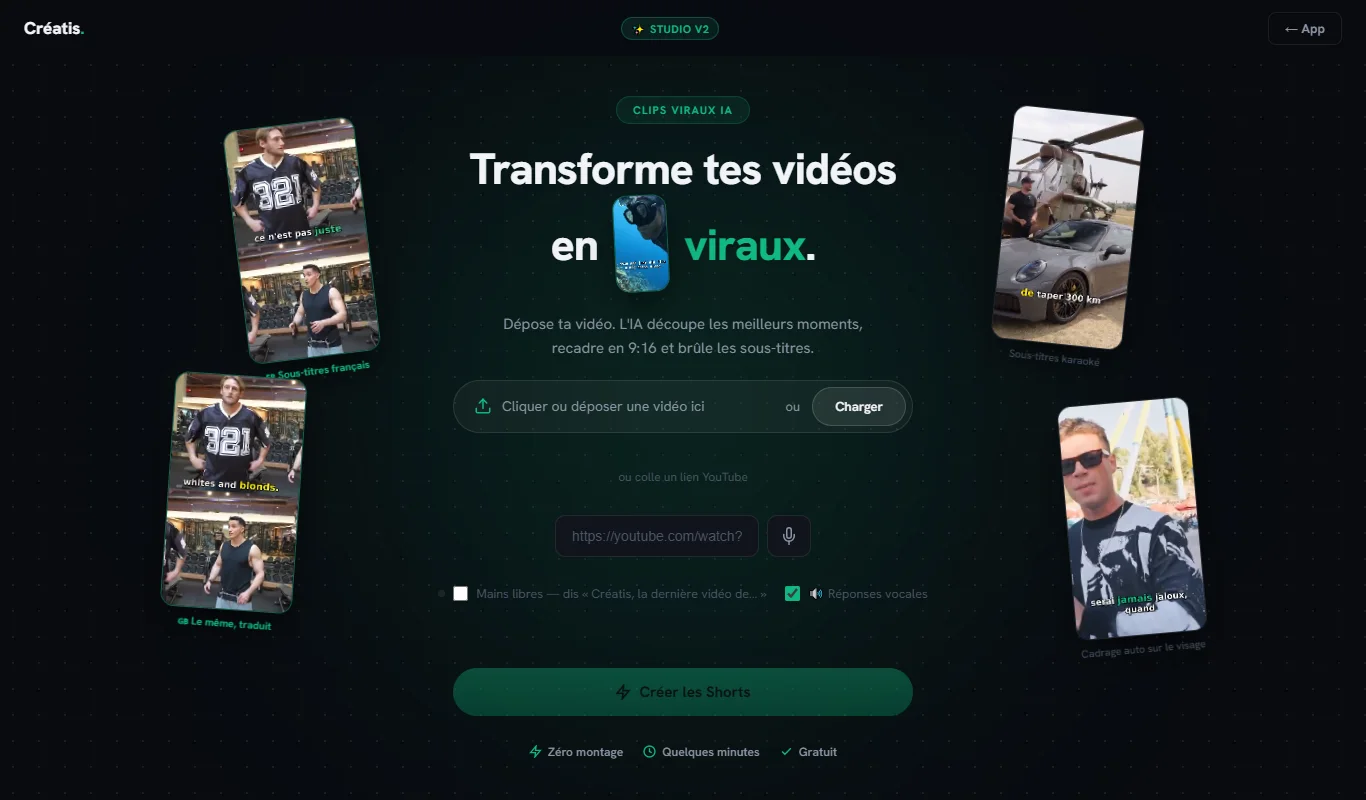
If you recycle your long videos, Creatis is a 100% French option. According to the publisher's website, you're filing an MP4 or MOV file, or you're attaching a link YouTube :AI highlights the highlights, frames in 9:16 with facial follow-up and incrust karaoke subtitles, translated into English. The Pro formula adds a generator titles, scripts with timecodes, SEO descriptions and miniatures for the main string. Rates raised on 12.10.2026: a unique free trial without credit card, Starter at 9.95 € per month (20 clips, without the tools Pro to 14 € per month or 139 € per year. It has not yet been thoroughly tested, hence its place out of the stack above.
Which stack for your budget
| Budget | Tools | For whom | Main limit |
|---|---|---|---|
| 0 € | Free plan ElevenLabs (without commercial use), free Descript with watermark, daily credits PixVerse, editing in the editor YouTube or CapCut | Test a niche for a month | Watermarks, low quotas, no commercial use on free voice |
| About €20/month | Submagic Starter (12-19) $) and ElevenLabs Starter (6 $), the rest free of charge | Regular Creator, 3 to 5 Shorts per week | Only one tool pay: choose the one that costs you the most time |
| Pro (€50 to €100/month) | Submagic Pro (23 to 39) $), ElevenLabs Creator (22 $), plus InVideo AI or PixVerse according to your needs in generated plans (10 to 30 $ or €) | Monetized chain or several parallel chains | Cost rises fast if you generate a lot of video plans |
Prices recorded on 11.10.2026 on the official tariff pages, excluding taxes, which may change. US publishers bill in dollars: the amount in euros depends on exchange and VAT.
Mistakes that sink a Shorts channel
- Publishing raw AI output. A Short generated from end to end without rereading recognizes itself: monotonous voice, generic images, ideas seen a thousand times. YouTube Demonstrates the repetitive content and produces mass, not the use of the AI himself.
- Neglecting the first three seconds. That's where detention is played. Test two or three different hooks for the same subject rather than multiply the subjects.
- Forgetting about rights. Free voice without commercial license, non-free music, film excerpts: each element must be usable on a monetized channel. Our guide on the music AI free of rights YouTube Avoid Content ID claims.
- Not disclosing realistic AI-generated content. YouTube ask to indicate realistic synthetic content (a real person or place who does or says something that has not happened). It does not penalise the scope, nor does it expose it to sanctions.
- Paying for five subscriptions in the first month. Starts free, measures what takes time, and pays only for this step.
To go further
Shorts are just part of a chain's life. Our guide of theAI for YouTubers covers everything else: long videos, miniatures, translation and organization of the week of production. For miniatures, the AI YouTube thumbnail generator saves valuable time, and our file on the monetization of AI videos on YouTube details what the platform really accepts.
Questions frequent.
What monthly budget to start a channel YouTube AI ?
Do you really need an avatar? AI To faceless?
Shorts generated in AI are they penalized by YouTube ?
What is the maximum length of a YouTube Short?
How to create YouTube Shorts for free with AI?
Which software to make Shorts with AI?
Articles useful.
See all articles →
Voiceover AI for e-learning and training: method, tools and costs (2026)
How to produce the voiceover of an e-learning module with AI : method, script, tools and cost per hour of audio, with prices recorded on 25.10.2026.
Kling 4.0: release date, news, prices and limits
Kling 4.0 has been open to all since 15 October 2026: 30 seconds, 10 key images, voice in French. What works, what is announced, what it costs.
Alternatives to Murf AI: 5 options compared and when Murf remains the right choice (2026)
Five alternatives to Murf AI compared on prices recorded on 25.10.2026, and uses where Murf remains the right choice: presentations, e-learning, Canva.
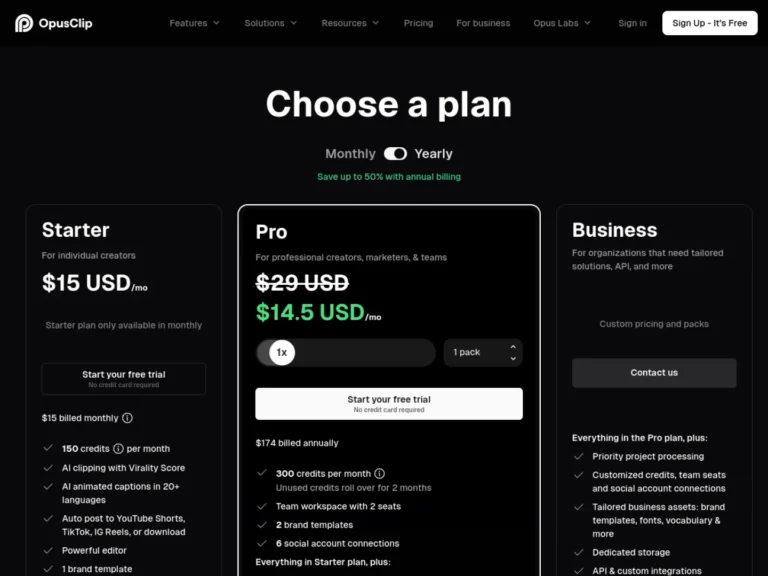
Revid vs Opus Clip: Which Should You Choose For your short videos? Comparison 2026
Revid creates short videos from zero, Opus Clip cuts your long videos: comparison of overlapping uses, prices and credits, with verdict by profile.
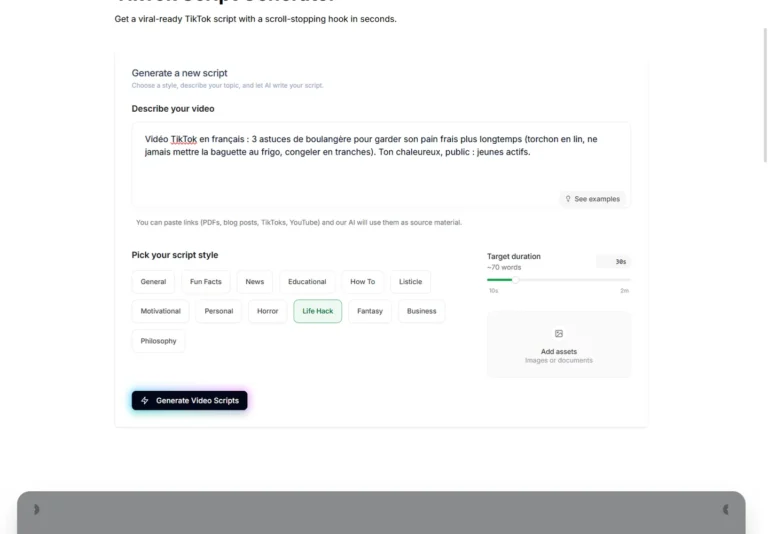
TikTok Script: Write a script that holds, looks and tests a AI generator (2026)
Structure of a retained TikTok script, examples of translated hooks and actual test of generator free Revid scripts with a brief in French.
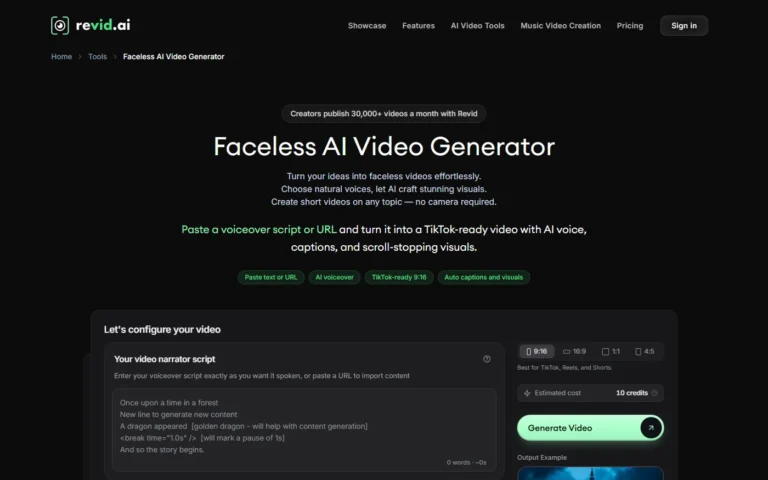
Video faceless with AI : step by step method for a faceless chain (2026)
Method for creating faceless videos with AI : script, voiceover, subtitles, publication and Auto-Mode with Revid, with credit costs and rules YouTube.
A newsletter that doesn't waste time.
An e-mail on Tuesday. 5 tools of the week. One honest verdict. 0 sponso disguised. Unsubscribe in 1 click.
GDPR-compatible. We only store your email. No resale.