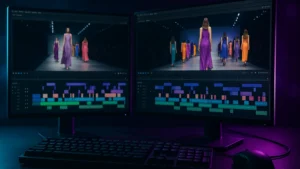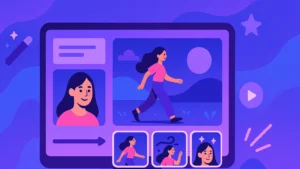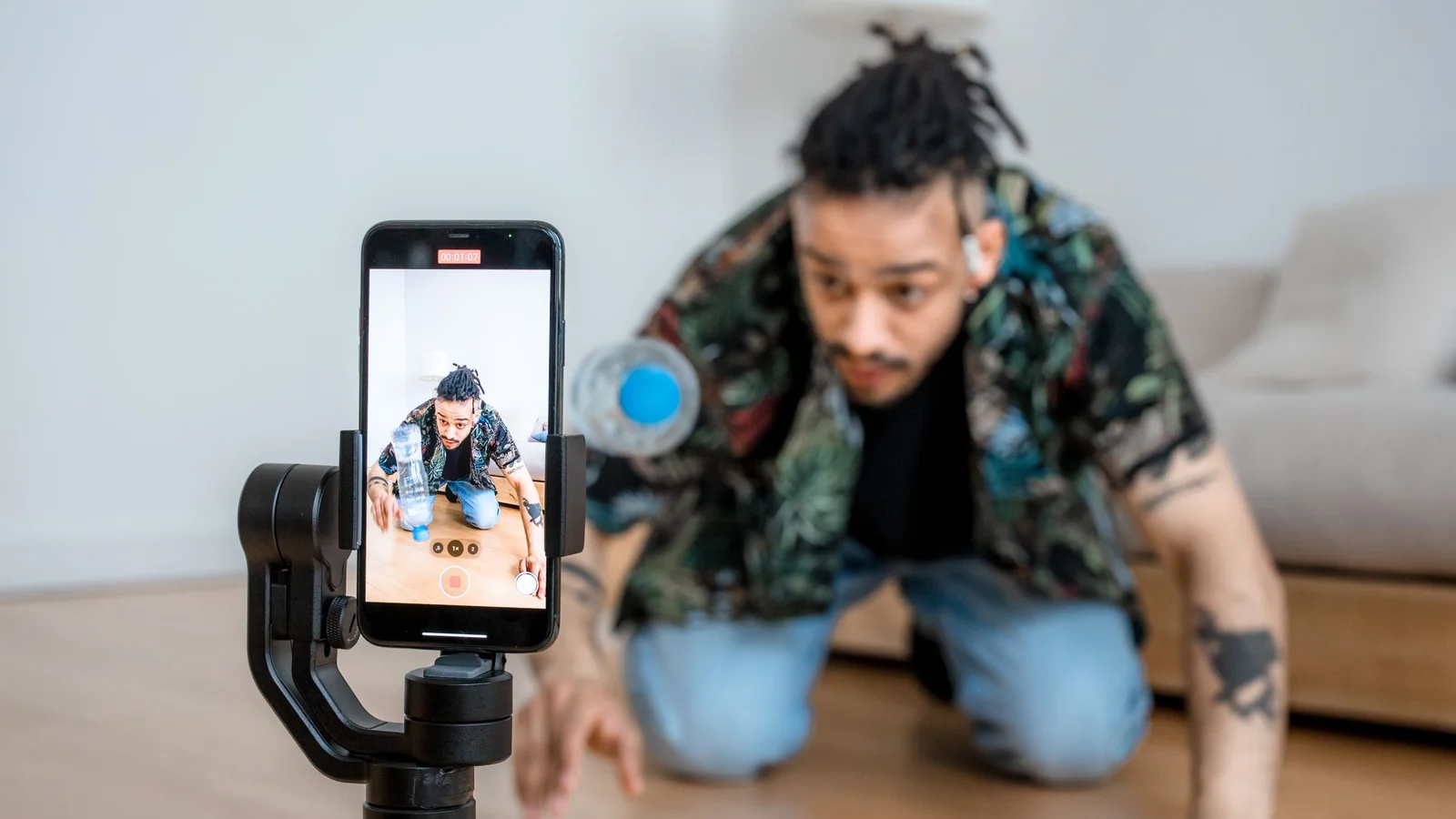
PixVerse AI is a video generator by artificial intelligence which transforms a text or a photo into a clip of a few seconds, with a sound generated automatically. That's the one.tool behind much of the viral effects that we see on TikTok and Reels: transformations, dances, and the famous train window that swings onto another world. Its current version, PixVerse V6, came out at the end of March 2026. We handed this over. review today October 11, 2026: what PixVerse is worth against Kling, what the free plan, prices, and a tutorial to animate a photo in five minutes.
🎬 New 2026 + partner offer
PixVerse has integrated the model MiniMax H3 to its generation engines. By going through our link, you take advantage of the offer partner of the moment: until -20% on Ultra subscription and flash sales up to -50 per cent.
See offer PixVerse →📌 Essentials
- What it is: one AI video generator (text to video and image to video), on the web and in iOS and Android application.
- Current model: PixVerse V6, released on March 30, 2026, video until 1080p with native audio. PixVerse also offers MiniMax H3 in its selector according to the accounts.
- Key strength: speed (about one minute per clip) and a library of ready-to-use viral effects.
- Free: Yes, credits for registration then daily charging, with watermark, low definition and non-commercial use.
- Price: Standard 10 $/month (8 $ annual, 1,200 credits), Pro 30 $ (6,000 credits), Premium 60 $ (15,000 credits).
- Ranking: PixVerse V6 is 17th-18th of the leaderboard text to video d Seedance on pure quality.
- For whom: TikTok and Reels designers, photo animation, short ads. Not for movie shots.
Want to test viral effects in less than a minute? PixVerse offers free credits every day.
Contents: What is PixVerse AI • Versions V2 to V6 • The 5 key features • Pricing 2026 • Is PixVerse free • Animate a photo on PixVerse • PixVerse vs Kling • 3 use cases • User reviews • Strengths and Limits • Alternatives • Tutorial • FAQ
What is PixVerse AI?
Pixverse AI is a video generation platform by artificial intelligence developed by the publisher of the same name. Launched at the end of 2023, it was established in 2024-2025 as the reference of viral effects on vertical formats: muscle surge, beauty transformation, dance animations, kissing scenes, 3D-aware camera motions. You probably already crossed a Reel or Short powered by Pixverse without knowing it.
Positioning is very different from Kling AI or Runway, which targets film studios. Pixverse aims at the social creator : TikToker, Reels podcaster, growth hacker Meta, credit agency. The promise is clear: turning an idea or image into a clip that can be published in less than a minute. Four native styles are available from freetier, realistic, anime, clay (modeling paste), 3D animation.
PixVerse exists in French since 2026: the Official website and his blog are translated, and the mobile app is installed from the App Store or Google Play. L tool In addition, it is important to note that the creation of the Centre remains largely in English. The prompts in French work, but English gives more regular results, especially for the effects whose names are in English. Beyond generator public, the publisher offers an API for developers and experimental models (C1, R2) presented as « world models » in real time.
Timeline of Pixverse versions: from V2 to V6
The two-year evolution of Pixverse is marked by a constant focus on three axes: speed, short movement quality, character consistency. Each version brings a significant improvement rather than a break, unlike Kling AI whose jumps are more brutal.
| Version | Date | Major contribution |
|---|---|---|
| Pixverse V2 | July 2024 | First stable model, 4-second duration, viral FX base |
| Pixverse V3 | August 2024 | Quality 720p stable, smoother transitions |
| Pixverse V4.5 | May 2025 | Duration 5-8 seconds, character basic consistancy |
| Pixverse V5 | August 2025 | Synchronised native audio (soundtrack, SFX, lip-sync voice) |
| Pixverse V6 | 30 March 2026 | Multi-shot, multilingual lip-sync, 1080p video with native audio |
The default version deployed in October 2026 is still PixVerse V6. Since summer, PixVerse also offers the MiniMax H3 model in its selector (output in 2K depending on the publisher), to check on your account. V5 and V4.5 remain optional in the interface, sometimes useful because some viral FXs give better results on older versions, counter-intuitive but documented by the community.
The 5 key features of Pixverse AI in 2026
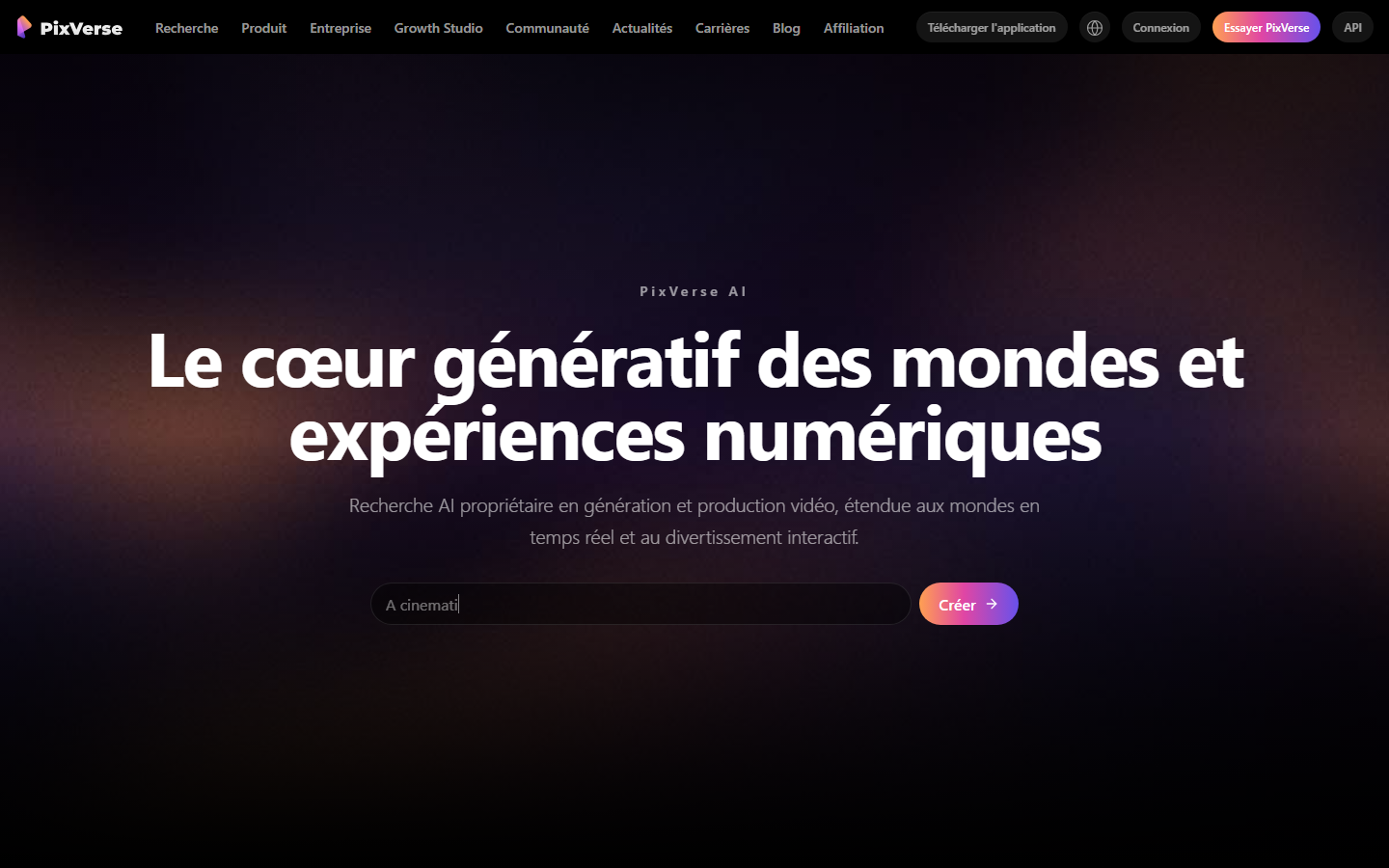
Which makes PixVerse different from tens of others AI generators video available in 2026. Five points that explain its popularity among social creators.
1. Generation speed: 30 to 60 seconds per clip
That's Pixverse's number one argument. Where Kling AI takes 1 to 3 minutes and Runway sometimes 5 minutes in rush hours, Pixverse makes a 5-10 seconds clip in 30 to 60 seconds. For whom it is very much in the production phase (test of prompts, A/B on social content), this is a major difference: you can compare 10 variants in 10 minutes, vs 30-40 minutes on competitors. This makes it the favorite of growth hackers and creative agencies.
2. Unique viral FX: Pixverse signature
Pixverse offers a library of Prefabricated viral FX than any direct competitor n-a as standard: muscle swelling, beauty transformation (relationing), dance animations (transfer of choreography), 3D-aware camera motions (rotation around a frozen subject), kiss scene. You upload a photo, choose the FX, and Pixverse generates the animated clip. No need to hurry, a menu offers the effects. That's what turned him into.tool On TikTok from the end of 2024.

3. Synchronised native audio (since V5)
Since Pixverse V5 (August 2025),tool generates image and sound in one pass : automatic soundtrack adapted to content, synchronised sound effects, and text-to-speech with lip-sync on speaking portraits. The V6 added the multilingual lip-sync (in particular French, Japanese, Spanish), a particularly valuable functionality for who produces for several markets. This is what makes Pixverse as effective for commercial hooks as for fast dubbing.
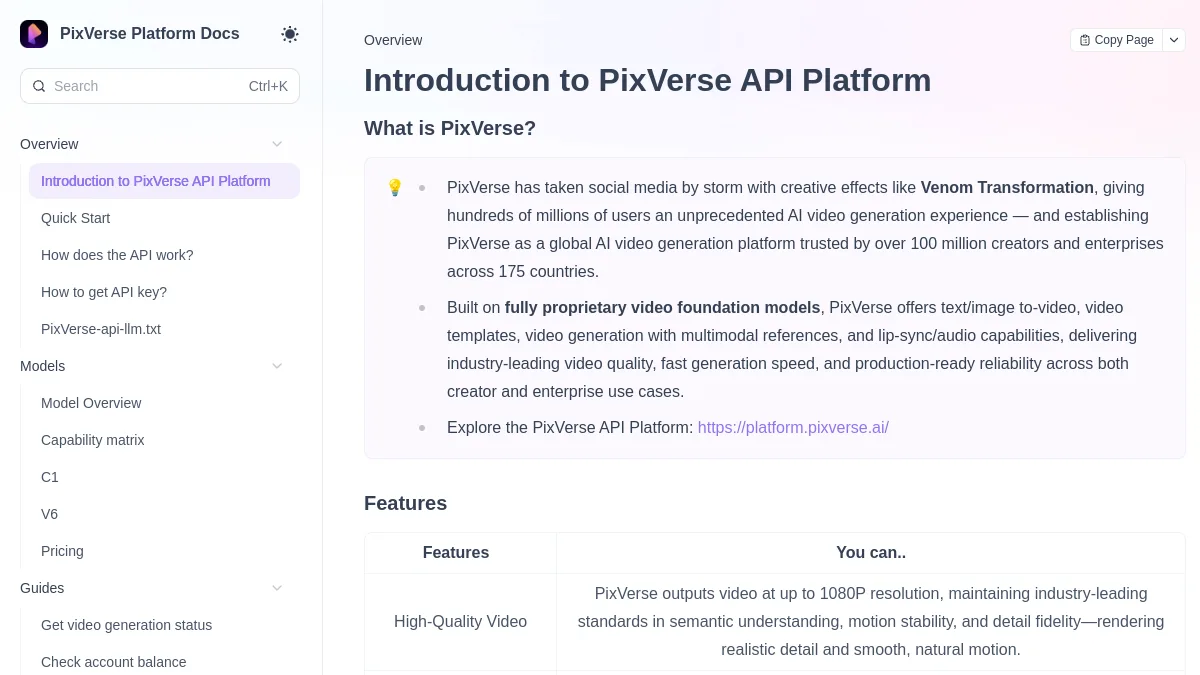
4. Multi-shot character consistency (V6)
New V6 launched early 2026: Pixverse can maintain a character coherent on several successive levels. If you describe « a blonde woman in a blue shirt » in shot 1, you can find it in shot 2 with the same lines, provided you repeat the key literal descriptors in each prompt. It is less automatic than on Kling 3.0 (which accepts 4 reference images) but it works well on stylized content (anime, clay, 3D).
5. AI Agent: conversational mode
For beginners, Pixverse offers a mode AI Officer Instead of writing a structured prompt, you describe what you want in common language (« I want a chat video that surfs on a pink cloud, Pixar atmosphere »). Agent reformulates the prompt backstage and launches the generation. Not the most precise mode if you know how to speed, but fearlessly effective to start without learning curve. That's why Pixverse is often recommended as first tool AI video to beginners, before tools more pointed like Runway or Kling AI, see our tuto AI video in 10 minutes for the bases of the prompt.
⚡ Fastest for TikTok and Reels
Generate viral videos in less than a minute with PixVerse V6
Credits offered for registration and then daily recharge. Ready-to-use viral effects, native audio, image to video, mobile app.
Without credit card
PixVerse pricing 2026: how much does PixVerse AI cost?
PixVerse works with credits that are consumed according to the model, duration, resolution and addition of audio. The rate page is only visible once logged in and the publisher regularly adjusts its offers: this is the grid that was crossed between our account and several recent statements on October 11, 2026.
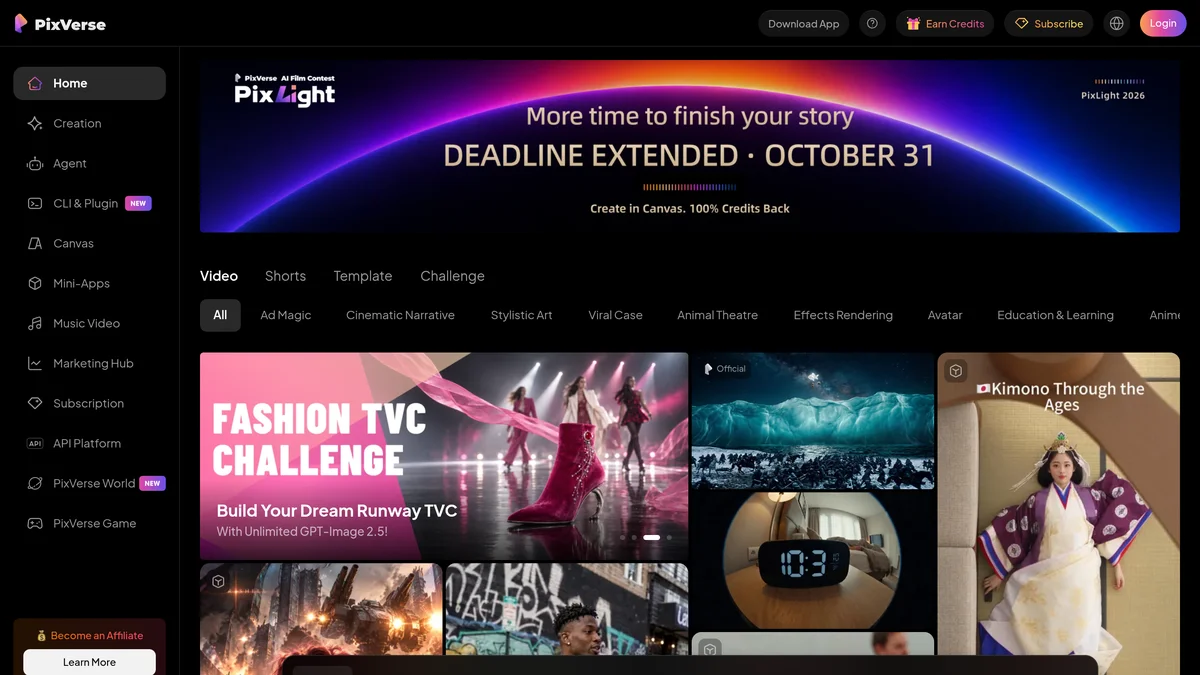
| Plan | Monthly price | Credits | What we get |
|---|---|---|---|
| Basic (free) | 0 $ | Registration credits + daily charge | Low definition (540p to 720p depending on survey), watermark, non-commercial use |
| Standard | 10 $ 8 $ annual) | 1,200/month | Watermark-free, until 720p, commercial use |
| Pro | 30 $ (24) $ annual) | 6 000/month | High definition (1080p, 4K depending on the models), batch generation |
| Premium | 60 $ (48 $ annual) | 15,000/month | High definition, more simultaneous generations |
| Ultra | 199 $ to 249 $ according to surveys | 25,000/month | Large volumes, discounted off peak hours |
| API | For use | Credit packages | For developers, separate billing |
Our reading : the Standard at 10 $ sufficient to publish watermark-free on TikTok or Reels, where the 720p passes very well on a phone. The Pro at 30 $ becomes interesting if you release multiple clips a day or if you deliver customers that require 1080p. Premium and Ultra only justify themselves for an agency or creator who continuously produces. A detail that counts: with V6, a second of video costs significantly more in 1080p than in 540p, and audio adds more credits. Test your actual use before choosing the landing.
Attention: the 3 types of credits
Pixverse has one of the most complex credit systems on the market. Three types coexist and you must understand the difference before you subscribe:
- Daily Credits : renew at 0h UTC each day. Expire at the end of the day if unused, they must be consumed in the day.
- Monthly Credits : renew on the date of invoicing. Expire the next cycle. No roll-over.
- Bonus Credits : obtained via Credit Packs purchased. Never exhale. Malinous strategy for the months of large volume: buy in pack without subscription.
Is PixVerse free?
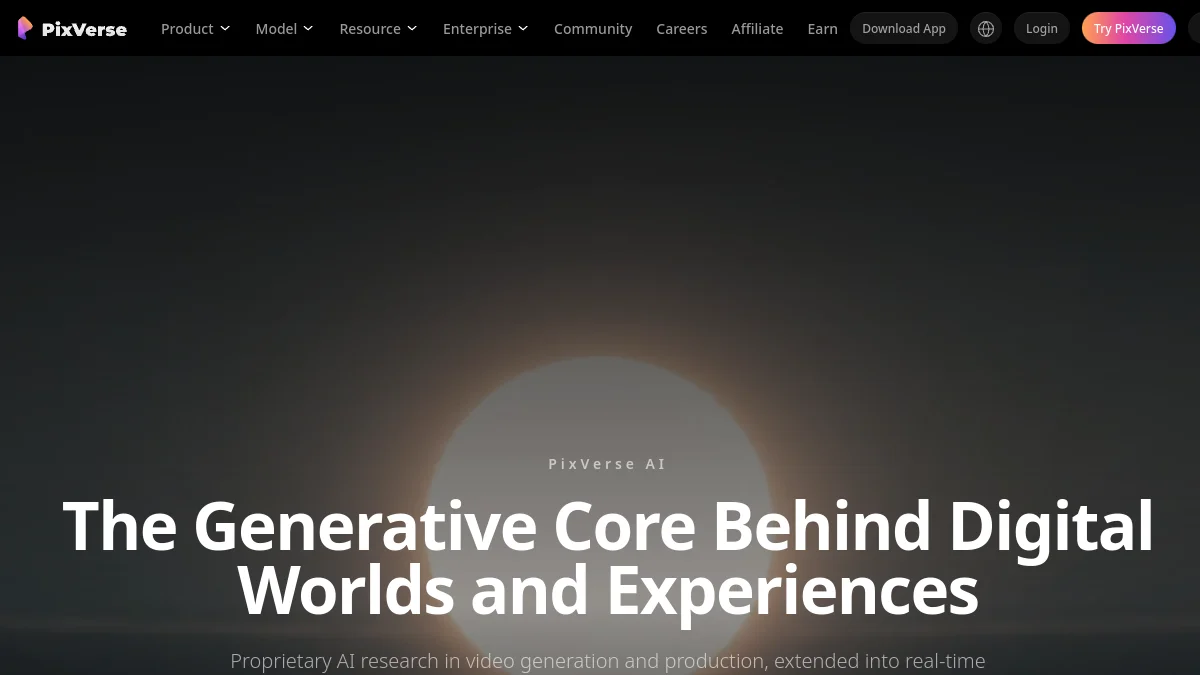
Yes, PixVerse has a real free plan, without credit card. We receive credits on registration (90 on our account in September 2026), then a daily charge, the amount of which varies according to the accounts and statements (from 30 to 60 credits per day). Today's credits expire at night even if they are not used.
What the free plan allows
In practice, one to three short clips per day in low definition, depending on the model and duration chosen. Viral effects, image to video, native audio and Agent mode are accessible. This is largely enough to understand tool and animate some photos.
The limits of free
Four ceilings to know. 1) Reduced definition, correct on a phone, insufficient for YouTube full screen. 2) PixVerse watermark on all exports. (3) Prohibited commercial use To monetize, we need the Standard as a minimum. 4) Queue Longer peak hours, with subscribers passing first. To compare to other free offers, see our top of tools AI video free 2026.
Want to go further on this free plan before going to the cash register? Our dedicated article PixVerse Free 2026: What can we really do without paying? details the Free Credit per Credit plan, with real demos generated on the viral trend of the train tipping onto another world.
How to animate a photo on PixVerse?
It is the most popular use of PixVerse, and the easiest. Count five minutes the first time.
- Open Mode Image to Video (or « Image to video ») on the site or application.
- Import your photo : clear, well lit, subject well visible. A face portrait gives the best results.
- Choose Effect in the library (smile, dance, transformation) or describe the movement in one sentence, for example « she turns her head and smiles, slow camera push in ».
- Set Duration and Definition Stay in 5 seconds and in low definition for testing, only mount for the final version.
- Generate and download : about a minute later, the clip is ready in MP4.
For others tools able to move a photo, and tips on old family photos, see our Complete Guide for Animate a photo with AI. If you want her to speak, it is another use, detailed in Make a photo talk.
Which AI can animate a photo?
PixVerse is one of the simplest, but it's not the only one. Kling AI gives more realistic human movements, Runway offers more control, Seedance 2.0 adds a very credible synchronised sound. For a free trial, PixVerse and Kling are the two entry points recommended.
PixVerse vs Kling: which should you choose?
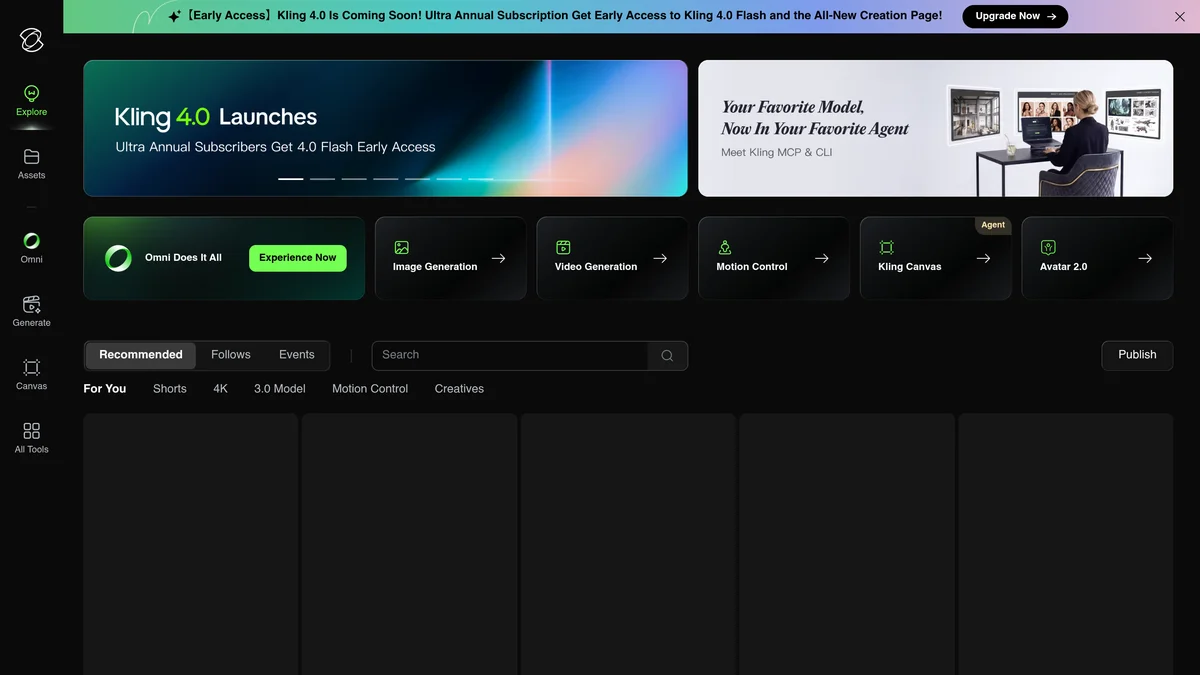
That's the question we're asked the most. Both tools have a free plan with daily charging and animate a photo very well, but they do not aim for the same result.
| Criteria | PixVerse V6 | Kling AI |
|---|---|---|
| Speed | About 1 minute per clip | Often several minutes, more free |
| Pure quality | 17th-18th on Artificial Analysis (985 Elo) | Kling 3.0 Omni 15th (1 015 Elo) |
| Ready-to-use viral effects | Highly provided library | Fewer |
| Movement control | Prompt and effects | Motion Control, multiple references |
| Free | Daily credits, watermark | Daily credits, watermark |
| Entry price | 10 $/month | About 10 $/month |
Our review : PixVerse to produce fast and much, especially for TikTok and trend effects; Kling when realism of a movement or face counts more than waiting time. Many creators use both. Details in our review Kling AI, or test it directly on Kling AI.
How PixVerse performs on 3 use cases
Here is what we see with PixVerse V6 on three typical uses. The results vary from one generation to another: always launch two or three variants.
Case 1: Advertising Hook for Reels Meta
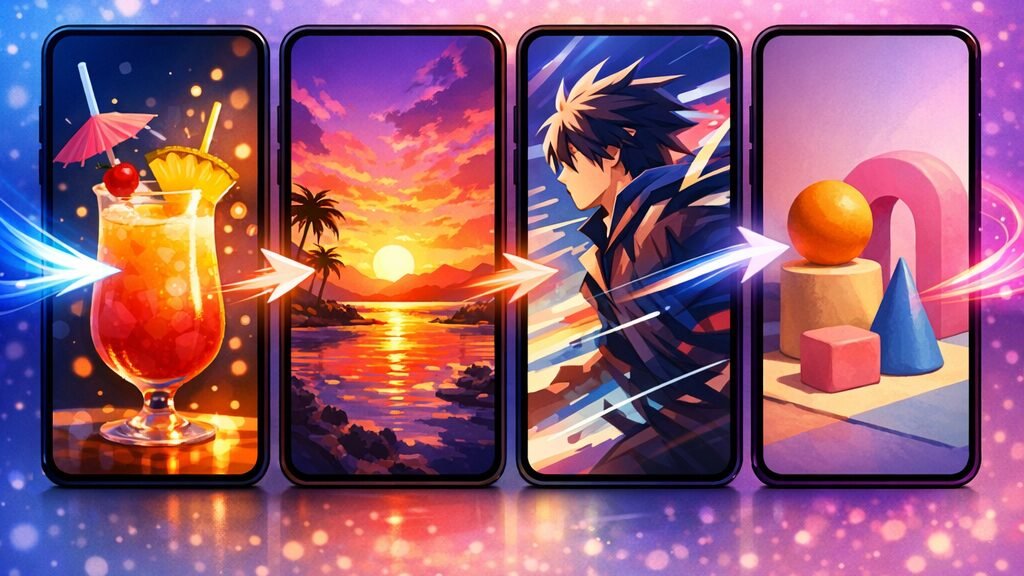
Objective: generate a 5-second ad creative TikTok/Reels clip, 9:16 format, attractive from the first second. Prompt: « A vibrant smoothie glass on a tropical beach background, dramatic close-up zoom with light particles bursting around the glass, viral commercial style, golden hour lighting. »
Result : excellent. Generation in less than one minute, 720p quality without artifact, convincing zoom camera movement, well integrated light particles. Native audio added automatically (subtle SFX ambient). Pixverse's sweet spot is what it's for tool is done.
Case 2: FX viral muscle surge
FX viral signature test: upload of a neutral photo, preset selection « Surge muscle » in the FX menu. No time to write, Itool Do everything.
Result : impressive for the viral side, variable quality according to the source photo. In a well-lit and neutral photo, the rendering is very convincing. In a photo on the backlight or with a complex background, artifacts appear at the edges of the body. This is the practice where Pixverse had virtually no direct competitors to the general public in 2026.
Case 3: Multi-shot narrative (anime)
More demanding case: generate 3 successive plans of a coherent character in anime style. Plan 1: « Anime girl with red hair and white floor uniform standing in a cherry blossom park ». Plan 2: « Same anime girl with red hair and white floor uniform sitting on a bench ». Plan 3: « Close-up of same anime girl with red hair and white silk uniform smiling ».
Result : the consistency of the character is most of the time, provided that the literal descriptors are repeated in each prompt (colour, clothes, style). On secondary details (face shape, expression), variations remain between the planes. Below Kling 3.0 which accepts 4 reference images and locks the character better. Largely enough for fast social content, limit if you mount a web-series.
What do users say about PixVerse AI?
User feedback, both on the application blinds and on the forums, comes together on three points. The positive: speed, ease to animate a photo and the fun side of the effects. The negative: a system of credits deemed confused, generations that sometimes fail by still consuming credits, and an uneven quality on complex scenes. Many users also report automatically renewed mobile subscriptions: disable renewal if you are just testing.
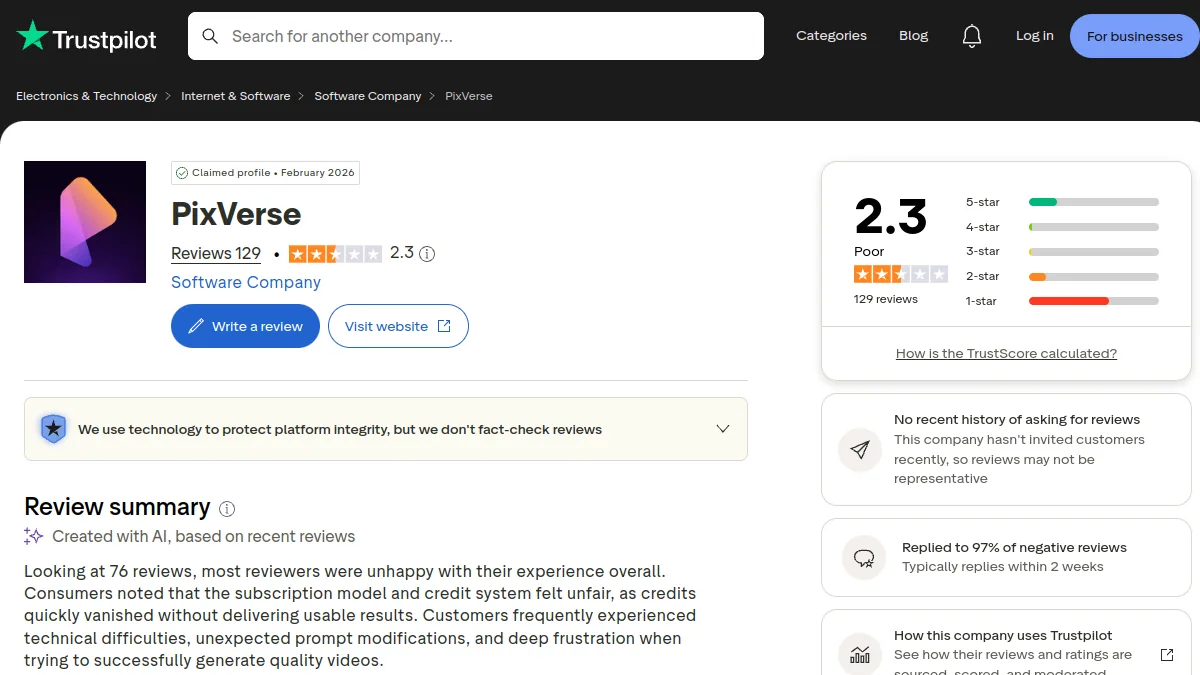
Our review joins this consensus: PixVerse is excellent for what it aims for, short and catchy clips produced quickly, and disappointing if asked for a cinema plan. The Artificial Analysis classification confirms this: V6 stands far behind Kling, Seedance or Wan on pure quality, but none of these competitors is as fast or as simple.
PixVerse AI strengths and limits
Major forces
- Unmatched rendering speed 30-60 seconds per clip vs 2-5 minutes for Kling or Runway. Decisive to iterate.
- Viral FX Library : muscle surging, beauty, dance, 3D transformations, no direct competitors general public has such a prefabricated library.
- 4 native styles : realistic, anime, clay, 3D animation. Allows to cover various audiences without changing fromtool.
- Native Audio + Multilingual Lip-sync : saves a separate audio editing workflow (real gain of 20-30 minutes per clip).
- Usable free plan : credits for registration and then daily reloading, one to three clips a day.
- AI Officer : facilitates onboarding for beginners who don't know how to hurry.
Limitations to be incorporated
- Lower kinematic quality at Kling AI or Veo 3.1 on broad planes, landscapes, cinema. Pixverse is made for short and stylized formats.
- Complex credit system : three types (Daily, Monthly, Bonus) with different expiry rules, it takes several sessions to understand what to consume first.
- Character consisting less than Kling 3.0 : no system of 4 reference images, depends on the repetition of descriptors in the prompt.
- Duration capped at 8-15 seconds According to the plan. For longer videos, you have to concate several clips.
- Creation tool mostly in English The site is translated into French, but the generation menus and effects remain in English. The prompt FR works, English gives better results.
- Competition limits strict On low planes: On Free and Standard, we often expect more than we generate at peak hours.
Pixverse alternative: what to choose according to your need?
Four serious options according to your usage profile, based on our Complete Comparison Top 10 AI Software video 2026.
Kling AI: for kinematic quality
If you want kinematic plans, advanced motion control (Single Control on the market) and multi-shot 4K, Kling AI 3.0 is the best choice. Slower to generate (1-3 min) but wide plan quality well above. See our Kling AI review complete 2026.
Google Veo 3.1: for maximum free quality
For the best free tier quality 2026: Veo 3.1 via Google AI Studio. No watermark, 1080p, native audio, commercial use allowed on free. Less prefabricated viral FX, more versatility. Details in our Complete Guide Google AI Video.
Seedance 2.0: for quality and dialogue
Seed 2.0 ByteDance ranks much higher than PixVerse on quality (7th on Artificial Analysis on October 11, 2026) and generates dialogues with a very well synchronized sound. Slower and subject to strict moderation, he also has daily free credits on Dreamina. Details in our Seedance 2.0 review.
DeeVid AI : French alternative
Deevid AI is a French platform that combines several models (Kling, Hailuo, Veo, Pika) in a single 100% French interface. 100 free credits for registration, text-to-video modes and guided image-to-video. The best entry point if you want to test several video models AI without multiplying accounts and without battle with English interfaces.
Do you prefer a French interface?
Access Kling, Veo and Pika in a single Francophone interface
DeeVid AI aggregates the best video models AI in a 100% Francophone interface. 100 credits offered for registration, text-to-video modes and guided image-to-video. The simplest bridge to start without setting each tool separately.
100 credits offered · French interface · No commitment
For a comparison detailed of these four alternatives against Pixverse, with the viral effect demo « Train window » on each, see our article Alternatives to PixVerse AI in 2026: Kling, Seedance, Veo for the same viral effect.
Tutorial: get started with PixVerse AI in 5 minutes
Workflow concrete to generate your first Pixverse video without wasting your free credits.
Step 1: Create Account
See you on the official website Pixverse AI. Registration via email or account Google. No credit cards requested. Your registration credits are available immediately, and the daily charge takes over.
Step 2: Choose the appropriate mode
Three main modes: Text to Video (prompt alone), Image to Video (animate an image), and Effects (the famous prefabricated viral FX: muscle surge, dance, transformations). For a first test, start in EffectsThis is the fastest proof of Pixverse's value, and it is the least expensive method of credit.
Step 3: The prompt that walks on Pixverse
For Text to Video, recommended structure: [Precise visual subject] + [Action/Movement] + [Style] + [Ambiance]. Example: « A red sports car driving on a wet city street at night, anime style, neon lights reflection, dynamic camera pan »20 to 40 words in English. Always specify the style (realistic, anime, clay, 3D), this is the most powerful lever on Pixverse.
Step 4: Generation and Export
Click Generate. Average time in off-peak hours: 30-45 seconds. In US rush hour (20h-2h UTC), count 60-90 seconds. The clip appears in your history. On the freetier, watermark Pixverse at the bottom right. Standard MP4 export.
Step 5: Iterate in parallel
Golden rule to save credit: launch 3 variants of the same prompt in parallel rather than iterate in series. The speed of Pixverse (30-45 sec) allows you to have 3 results in less than 2 minutes. You keep the best, which ultimately consumes less credit than changing the quick after each failure without knowing whether it was the quick or the random that was the problem.
FAQ: Everything about PixVerse AI in 2026
Is PixVerse free?
Yes. PixVerse offers a free plan without credit card, with credit for registration and a daily charge. Free videos are in low definition, with watermark, and commercial use is prohibited. To publish watermark-free Standard plan costs 10 $ per month, or 8 $ annual.
What is PixVerse?
PixVerse is a video generator by artificial intelligence which transforms a text or photo into a short video clip with sound. It is known for its speed and viral effects used on TikTok and Instagram. His current model, PixVerse V6, was released on March 30, 2026.
What do users say about PixVerse AI?
Users salute the speed, simplicity to animate a photo and viral effects. They criticize a complex credit system, sometimes failed generations and a lower quality than Kling or Seedance on realistic scenes.
How to animate a photo on PixVerse?
Open Image to Video mode, import a clean photo, choose an effect or describe the movement in one sentence, set the duration to 5 seconds, and then run the generation. The clip is ready in MP4 in about a minute.
Which free AI can animate a photo?
PixVerse and Kling AI are the two best free options in 2026: both offer daily credits to animate a photo, with watermark. Runway and MyEdit also offer more limited free trials.
PixVerse vs Kling: which should you choose?
PixVerse is faster and more provided with viral effects, ideal for TikTok and Reels. Kling produces more realistic movements and offers more control, at the price of longer waiting times. Many creators use both.
What is the price of PixVerse AI in 2026?
On October 11, 2026: free plan, Standard at 10 $ per month (1 200 credits), Pro at 30 $ (6,000 credits), Premium to 60 $ (15,000 credits) and Ultra for large volumes. Annual rates are about 20% cheaper.
Can PixVerse AI be used for commercial use?
Not with the free plan. From the Standard Plan, commercial use is allowed: monetization YouTube, advertisements, content for customers.
🎯 Verdict
PixVerse AI remains in October 2026 l tool The most effective way to quickly produce short and catchy videos: about a minute per clip, ready-to-use viral effects, a mobile app and a free plan that is really usable. To animate a photo or follow a TikTok trend, it is difficult to make it easier.
Its limits are equally clear: a pure quality well below Kling AI and Seedance in independent rankings, and a credit system that needs to be tamed. For an interface entirely in French, Deevid AI remains the simplest bridge.
Our advice: start with the PixVerse free plan, then go to the Standard to 10 $ As soon as the watermark bothers you. To compare: our guide of the tools AI video free, our comparison of PixVerse alternatives and our comparison AI Software video 2026.