
📌 Essentials
MindVideo AI is an all-in-one platform of video generation by AI : text to video, image to video (up to 4K), improvement/upscaling, and above all a collection ofviral effects (AI Hug, AI Kiss, AI Inflate...) very popular on networks. A free plan allows you to test (2 videos/month, with watermark), then offers start at 9,90 $/month. Accessible and oriented social content.
Between generators video « serious » and fun effects apps, MindVideo AI tries to bring everything together: create a video from a text or photo, improve it in 4K, and apply the viral effects of the moment. Is it a complete platform or a simple one generator effects? This is our review Detailed on MindVideo AI in 2026: features, effects, real prices, and for whom it is made.
Contents: What MindVideo is • Features • Viral effects • How to use • Price (free?) • Benefits & Limitations • Use • Alternatives • FAQ
What is MindVideo AI?
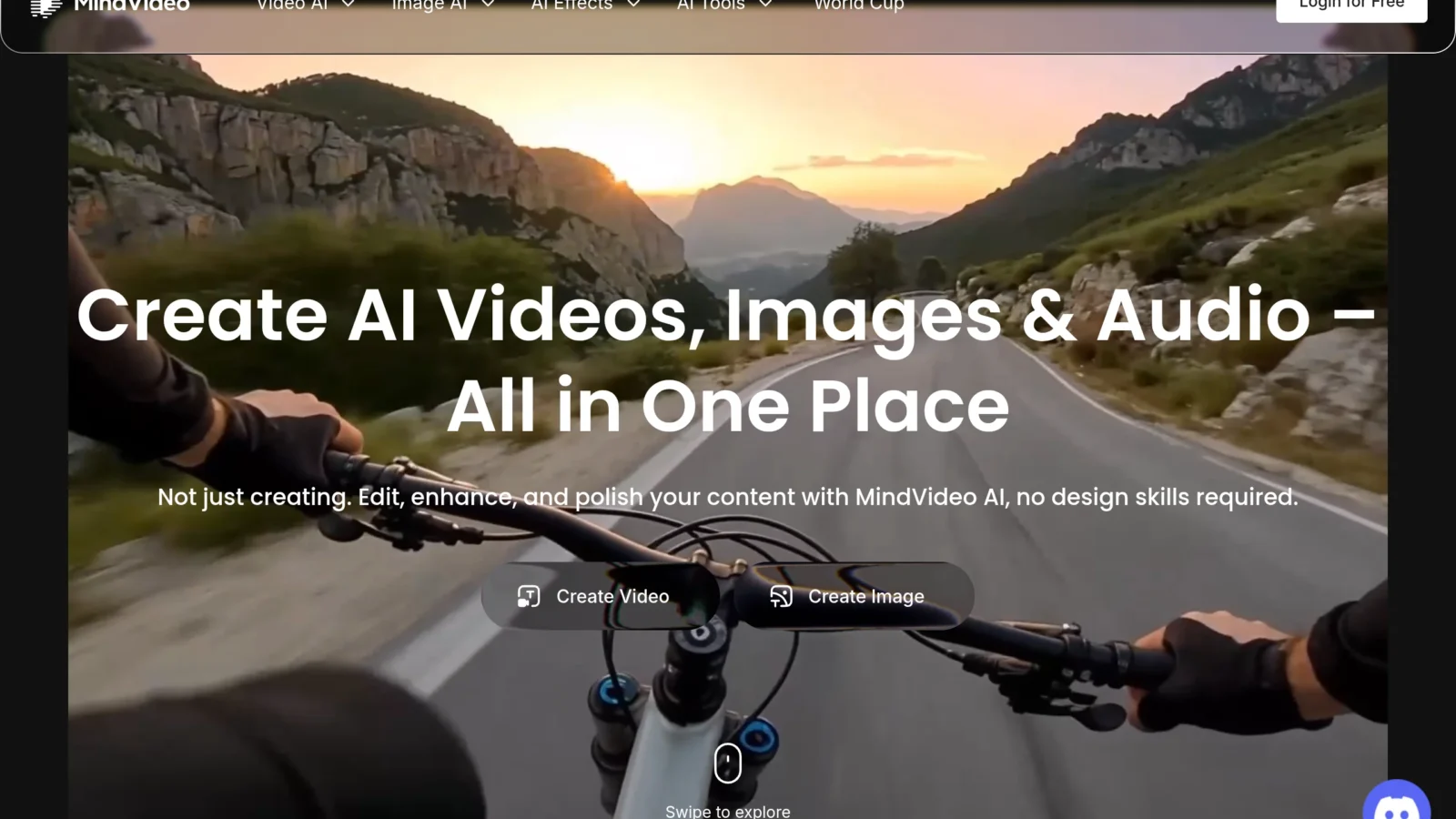
MindVideo AI presents itself as an all-in-one creative platform of video generation by artificial intelligence. In concrete terms, it combines in a single interface several bricks that are usually scattered: the generation of video from a text, animation of a fixed image, improvement of quality, and a large library of ready-to-use effects. The displayed objective is clear: to allow anyone to produce catchy videos for social networks, without technical competence or video editing software.
This approach « Swiss knife » makes it attractive for social content creators, who want to chain formats (generated clip, animated photo, trend effect) without changing dtool Every time.
MindVideo features
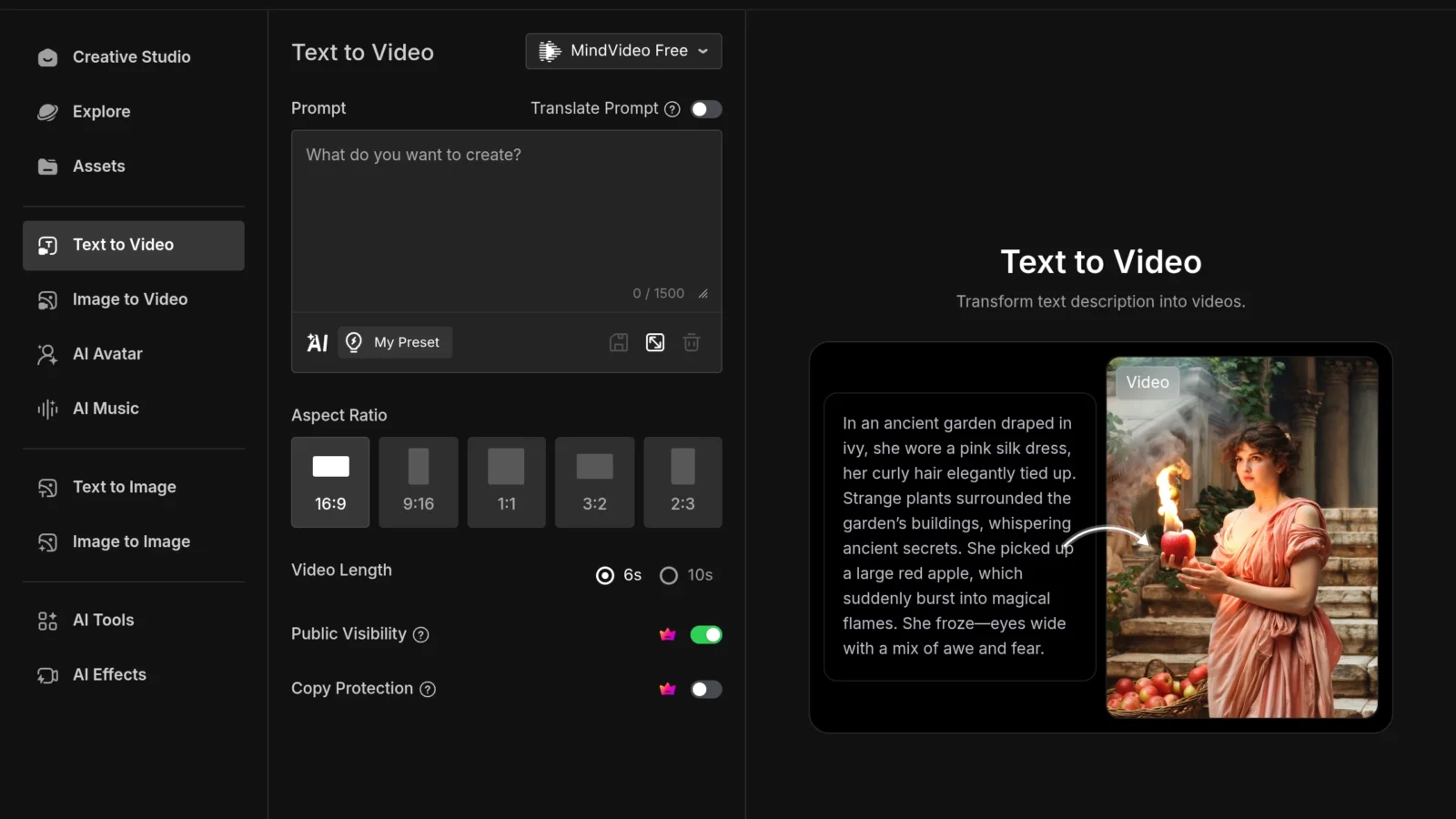
- Text to video : describe a scene,AI generates the corresponding clip.
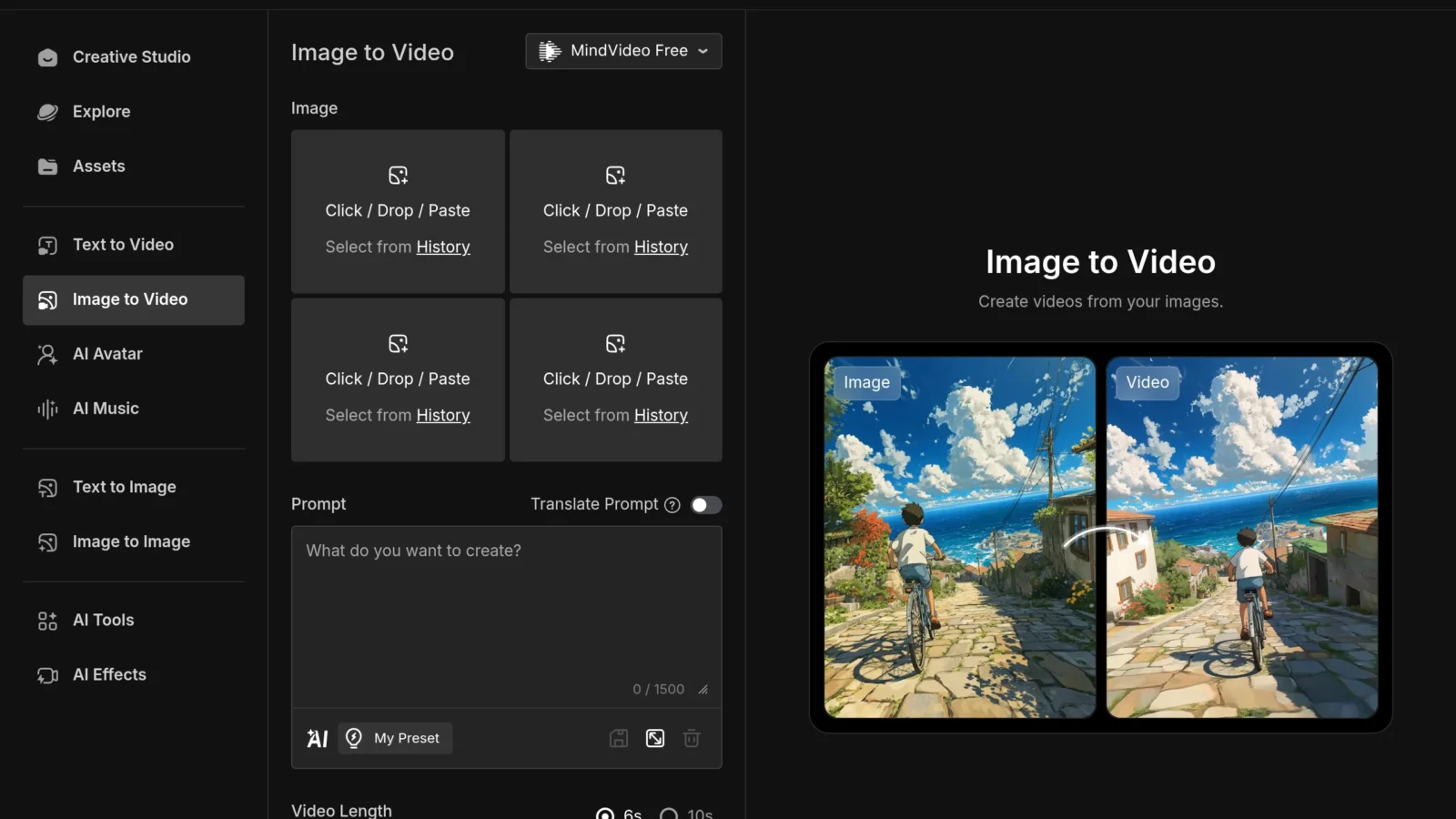
- Image to video Animates a product photo, a portrait or an illustration, useful for transforming a static visual into a social creation.
- High resolution up to 4K : Quality exports for a clean rendering on all screens.
- Improvement and upscaling : an enhancer AI cleans and mounts old or granular videos in quality.
- Effects AI Viral : a library of trend effects (dynamic camera movements, playful transformations) designed for networks.
- Multi-models : access to several generation engines according to the rendering and budget in credits.
The brick « image to video » is at the heart of many current uses: to understand this technology, see our guide image to video.
Viral effects (AI Hug, AI Kiss, AI Inflate...)
This is one of MindVideo's signatures: its effects AI Employment loans, which surf on network trends. Among the best known: AI Hug (two people in a photo) AI Kiss, AI Inflated or AI Squish (playful transformations of a subject). The principle is simple: you leave from a photo, you choose the effect, and IAI generates a short animated video. These effects are widely used on TikTok and Reels, and MindVideo makes them accessible in a few clicks, a good way to quickly surf a viral trend without technical know-how.
Why does it work so well? Because these effects are based on emotion and surprise: seeing two close relatives cling to a photo where they have never been together, or an unexpected transformation, generates a high rate of sharing. MindVideo regularly updates its effects catalog to fit current trends, which avoids having to look for the app « Agenda ». A tip, however: these effects quickly wear out on the audience side, it is better to use them at the right timing rather than chain them, and always treat the starting photo (net, well framed) for a credible rendering.
How to use MindVideo
- Create an account (free credits are available for registration).
- Selectedtool : text to video, image to video, effect, or improvement.
- Inform your content : a detailed prompt, or imports a starting photo.
- Set Settings (duration, ratio, resolution) then launches the generation (it consumes credits).
- Download or re-edit the result, then publish on your networks.
The interface is designed to go fast: you can earn extra credits by connecting each day or sponsoring, which allows you to test without paying immediately.
MindVideo price: Is it free?
Yes, MindVideo proposes a free plan, but very limited : about 2 videos per month, only one task at a time, and one Watermark on exports. What to try, not produce. Subscriptions (monthly billing, cheaper on an annual basis):
| Plan | Prices | Credits / months | Watermark |
|---|---|---|---|
| Free | 0 $ | ~2 videos | Yes |
| Lite | 9,90 $ / month | 300 videos | No |
| Basic | 20 $ / month | 400 ( | No |
| Standard | 40 $ / month | 1,000 videos | No |
| Premium | 99 $ / month | 2 600 (的520 videos) | No |
The plan Lite to 9,90 $ is the most interesting entry point: it removes the watermark and offers enough credits for regular use. The system operates in credits (each generation consumes according to model and duration). Rates are changing: check the official grid.
Benefits, limitations and for whom
MindVideo is primarily addressed to creators of social content who want to quickly produce various videos: generated clips, animated photos, trend effects. Its benefits : a versatile platform, turnkey viral effects, 4K, and accessible rates (from 9,90 $). Its limits : the free plan is too small to actually produce, the generation quality remains a step below the top specialists like Runway on the most demanding renderings, and the credit system requires a little management. Our review : an excellent tool versatile and affordable for social content, less suitable for cutting edge professional video production. To locate it, see our comparison video software AI.
Use case: What is MindVideo for?
- Social content and trends : quickly produce clips and viral effects (AI Hug, AI Kiss...) for TikTok, Reels and Shorts, and bounce back on a trend in minutes.
- E-commerce Animate a product photo to make it a dynamic advertisement or a video sheet, much more engaging than a fixed image.
- Marketing and advertising : generate several variants of video creations to test, without shooting or editing.
- Souvenirs and family photos : give life to old photos by animating them, or apply a playful effect for sharing between relatives.
- Restoring videos : improve and upscaler in 4K old or low quality sequences.
This versatility is MindVideo's real argument: instead of juggling between a generator, an effect app and an upscaler, we chain everything from the same dashboard. For a creator who publishes a lot and varies the formats, it is a time-saving concrete. On the other hand, on a single project requiring the best possible return, a tool This will result in a more successful outcome, which is why it is interesting to clearly identify one's need before choosing.
Alternatives to MindVideo
Depending on your need: Runway for high-end film quality, Kling AI for excellent realism at low price, or Pixverse for speed and effects. For viral effects specifically, several mobile apps are valid; MindVideo has the advantage of bringing everything together. Our guide video AI Take a look at the options.
FAQ
Is MindVideo AI free?
Yes, there is a free but very limited plan: about 2 videos a month with watermark. Free credits are also available for registration. For regular use watermark-free, you have to go to the Lite plan (9,90 $/month).
Does MindVideo allow 4K?
Yes, MindVideo manages high resolution exports up to 4K, and offers a tool d
How to make an AI Hug or AI Kiss effect?
On MindVideo, choose the desired effect (AI Hug, AI Kiss...), import a photo with the people concerned, and launch the generation: AI produces a short animated video ready to share.
What is the best alternative to MindVideo?
For superior quality, Runway and Kling AI are excellent alternatives. Pixverse is a good choice for speed. The best depends on your need: versatility/effects (MindVideo) or made high-end.