Create Video with AI in 2026 is done in 5 minutes time if you know which of the three main methods choose: text-to-video (one sentence → one video, with Kling or PixVerse), image-to-video (a photo → animated, with Vidnoz or Kling), script-to-video (a quick narrative → video YouTube complete, with InVideo AI or Fliki). This guide gives the step-by-step method for each, tools free that really work, and traps that ruin 90% of the first attempts.
Contents: Essential · The 3 methods that work · Step-by-step Text-to-video · Step-by-step image-to-video · Step-by-step Script-to-video · How to choose your method · The 5 traps to avoid · FAQ
📌 Essentials
- The question to ask you first Do you already have a script, a photo, or just an idea? The answer slices the method.
- Best tool free text-to-video Kling AI, 166 credits/day renewed, photorealistic.
- Best tool free image-to-video : Vidnoz, several videos/day, simple photo animation to pilot.
- Best tool free script-to-video : InVideo AI, 10 min/week, video YouTube generated from a prompt.
- The worst trap to avoid : to ask AI A video too long on the first try. Stay within 8 seconds to test, expand after.
No time to read everything? The 3 methods in video (generated, precisely, with a AI from guide) :
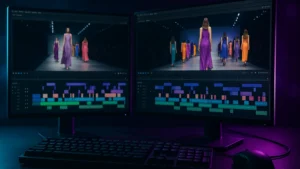
Want to see how far a video editor goes AI Online? We reviewed all FlexClip functionality, capture with support.
The 3 methods to create a video with AI in 2026
Three families tools, three logics, three cases of use. Confounding the three is the first mistake of creators complaining about a tool « who does not do what he should ». A quick table and then the details of each method.
| Method | What you bring | What AI generates | Best tool free | Use |
|---|---|---|---|---|
| Text to video | A descriptive sentence | Sequence 5-10 s photorealist | Kling AI | Creative B-roll, teaser, TikTok |
| Image-to-video | A photo/illustration | Coherent animation 5-10 s | Vidnoz | Photo product, portrait, logo |
| Script to video | A quick narrative high level | Full video 1-10 min | InVideo AI | YouTube long, explanatory |
Many creators combine two methods in the same workflow: InVideo AI for structure and script, plus some Kling shots inserted to illustrate key moments. We go back to the method section.
Create AI Video from a simple text: the text-to-video method
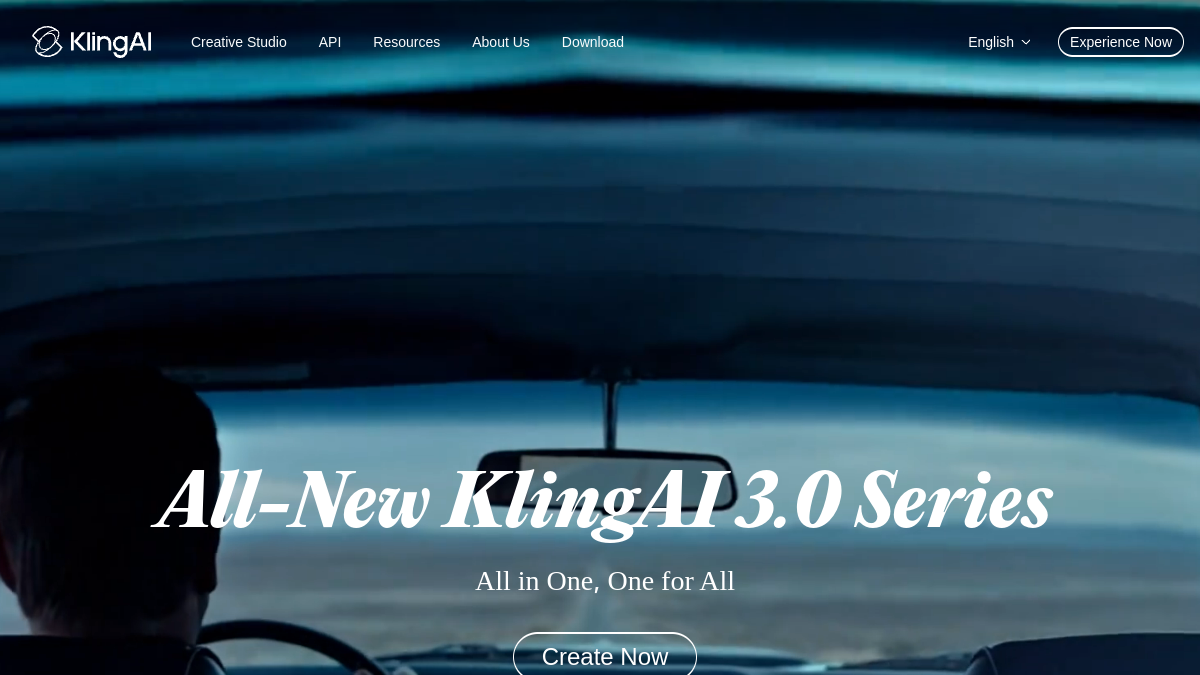
You type a sentence,AI generates a video. Simple on paper, much more subtle in detail. The quality of the rendering depends on the accuracy of the prompt. A rapid wave (« a beach ») gives a flat result. A structured prompt (« white sand beach at sunset, coconut tree in the foreground, calm sea, wide plan, 35mm cinematic style, slow camera movement to the right ») gives a professional result.
Step 1: Structure your prompt into 4 bricks
An effective quick text-to-video still holds in 4 bricks in this order: topic (what we see), environment (where, atmosphere, light), cinema plan (wide, close-up, dive), camera motion (fix, travel, zoom). Structure: « [subject] in [environment], [film plan], [camera movement] ». This structure works on Kling, PixVerse, Vidfly, Deevid.
Step 2: Generate to Kling AI (the best free)
On Kling AI, Text-to-Video mode: stick to your prompt, choose duration (5 or 10 s), resolution (720p free), quality (Standard consumes 20 credits, High consumes 35 credits). Made in 30-60 seconds. There are 5 possible daily generations with the 166 credits/day renewed pot. No watermarks on exits.
Create a video with Kling for free →
Step 3: iterate 3-5 times
Never publish the first generation. The first rendering serves as a test, adjusts your speed and regenerates. What changes most between two runes: camera angle, light, micro-details (exact position of the subject, expression). Over five generations, you're recovering 1 or 2 made really public. Counts 30 minutes for a convincing kinematic plan.
See also our full hub: Top 10 AI generators video free which details Kling, Vidnoz, PixVerse, Kaiber and 6 other alternatives.
Create AI Video from a photo: the image-to-video method
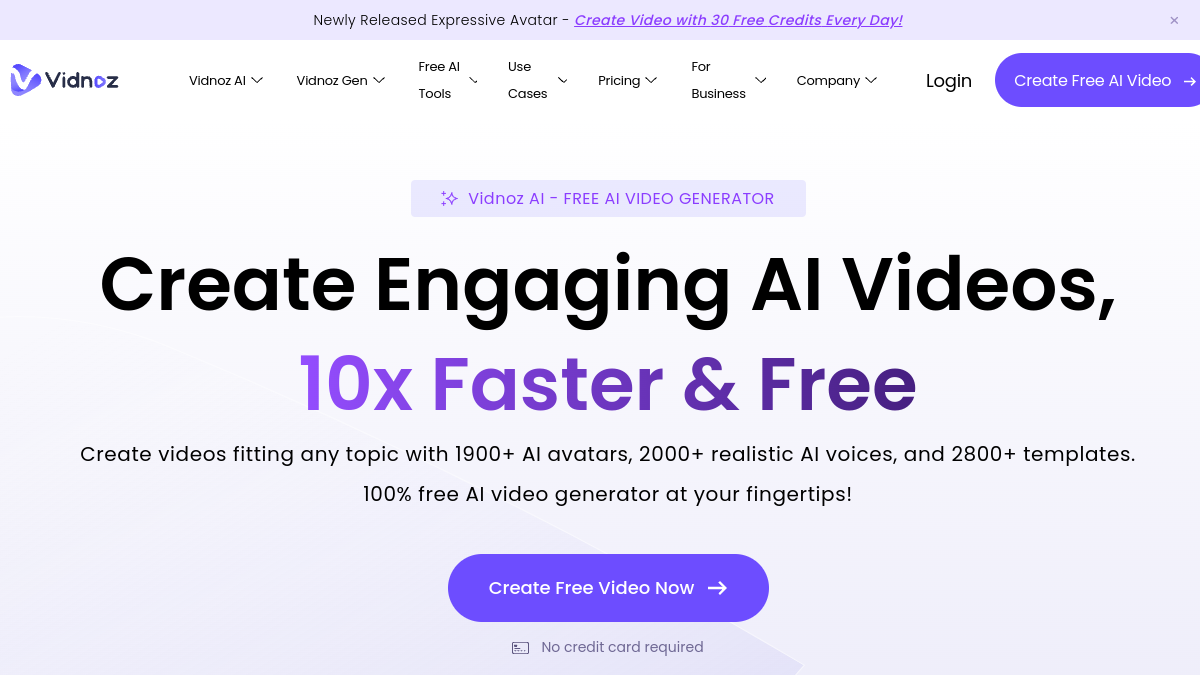
You bring a picture, you add a motion instruction,AI Anime image. This method is more reliable than a pure text-to-video for two reasons: visual consistency is guaranteed (the subject remains identical), and the direction of movement is precise (you indicate what moves and how).
Step 1: Prepare a photo that gives a good rendering
Minimum resolution 1024×1024, net subject, background not too loaded (l AI has difficulty moving 10 elements at once consistently), neutral lighting. A photo produced on a white background, a well lit face portrait, an illustration with a clear line all give excellent results. A blurred or overloaded photo comes out of a confused animation.
Step 2: Formulate the movement instructions
Describe what should move and how, in 1 to 2 sentences. Examples that work: « The person slowly turns their head to the right », « The product rotates 360 degrees on its axis », « The camera slowly zooms in on the subject ». Avoid vague instructions (« make it move ») or too complex (« the person walks then jumps then dances »). One action per generation.
Step 3: Generate on Vidnoz or Kling
On Vidnoz, Image-to-Video mode: photo upload, set entry, duration choice. On Kling image-to-video: same stream, with finer control over fluidity. Vidnoz is faster and more generous in free, Kling gives a more stylish rendering. Test both on the same photo in 10 minutes.
To animate a picture of someone and make him say something (lip-sync), see our guide dedicated Make a photo talk with AI free. For other cases of use in photos, see also Animate a photo with AI.
Create Video YouTube from a prompt: the script-to-video method
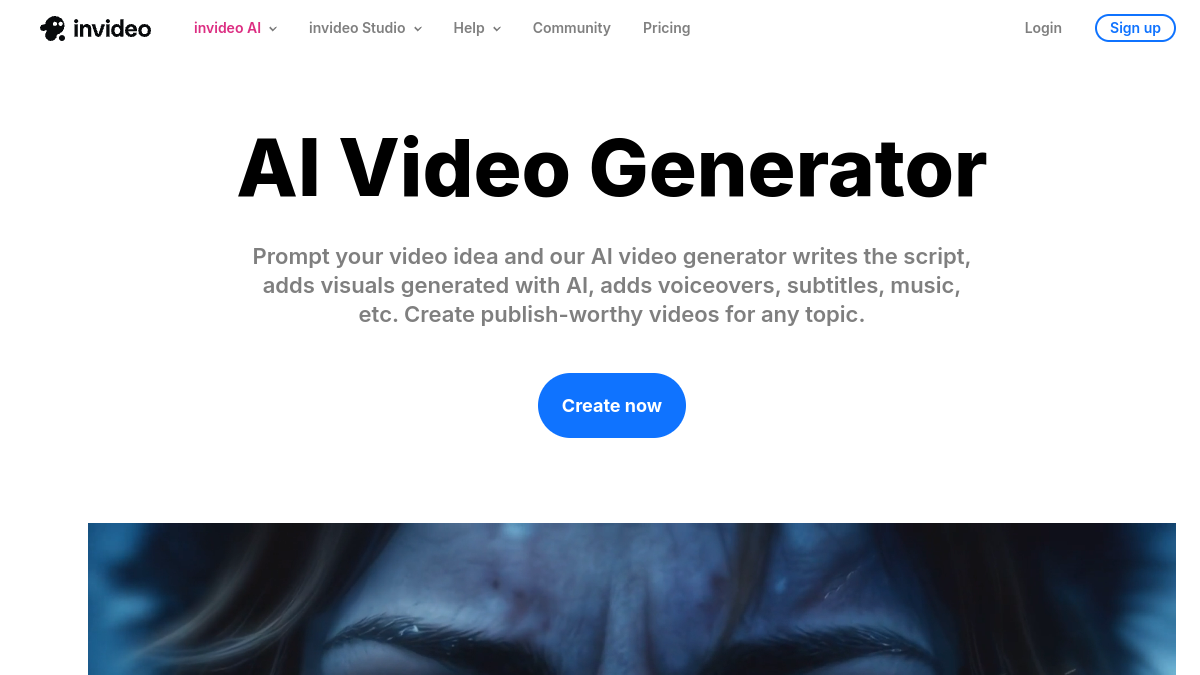
The most automated method. You write « video YouTube 3 minutes on trends AI in 2026 », InVideo AI writes the script, selects rushes in its integrated bank, adds a voiceover AI, hold the cuts to pace. Made usable in 5 minutes time. The rendering is raw, published in the state for a beginner channel, to rework in a publisher for a more pro rendering.
Step 1: Make your high-level statement
A good quick script-to-video holds in 3 elements: the topic (« the 5 best alternatives to ChatGPT in 2026 »), the Target duration (« 3 minutes », « 5 minutes », « 10 minutes »), target audience (« for beginners who discover AI », « for developers already users »). This precision helps AI to choose the tone and rhythm.
Step 2: Generate on InVideo AI
On InVideo AI, paste your instructions into the main field, select the format (16:9 YouTube, 9:16 Shorts, 1:1 Instagram), the AI Voice (choose among 50+ voices including several natural French), and click Generate. The rendering takes 3 to 5 minutes depending on the length. Free plan: 10 minutes of video per week, watermark, export 1080p.
Step 3: Edit the generated script
Real value added InVideo AI comes to the post-generation stage: you open the generated script, you rewrite flat sentences, you replace stock rushes with more original visuals (upload of your own images or videos), you add animated subtitles. L AI makes 80% of the gross work, you polish the 20% that make the difference between « AI video generic » and « content that receives attention ».
Create Video YouTube with InVideo AI →
For a complete pipeline YouTube Monetized, see our guide monetization YouTube with AI which combines InVideo (script) + ElevenLabs (voiceover) + Kling (B-roll planes) + Descript (editing final).
How to choose the right method according to your need
A simple decision tree, tested on most common cases.
- You want an impressive short visual plan (5-10 s) → text to video with Kling or PixVerse.
- You already have an image (product photo, portrait, logo) to animate → image-to-video with Vidnoz Or Kling.
- You want a video YouTube complete (2-10 min) on a given subject → script-to-video with InVideo AI or Fliki.
- You want a TikTok/Viral Reels short (15-60 s) → text-to-video Kling for the main plane + Submagic for subtitles.
- You want to animate a portrait that talks (lip-sync) → Make a photo talk with HeyGen or Vidnoz.
- You run an interview or an existing video podcast → AI of the video editing with Descript or Filmora.
💡 Tip: for an ambitious project, combining two methods gives the best result. Example: InVideo AI generates the structure and script of a video YouTube 5 minutes, you replace 3-4 rushes stock with plans generated on Kling to give a unique stamp. Cost: 15 more minutes, difference visible immediately.
The 5 traps to avoid when you create your first video AI
Trap 1: Asking for too long video in the first trial
Stay within 8 seconds to test a quick text-to-video. Models lose coherence after 10 seconds: hands that distort, objects that disappear, context that drifts. Generate a short plan, validate as please, then expand (function « extend » on Kling and Vidnoz). A chain of 3 planes of 5 s coherent between them is always better than a plan of 15 s inconsistent.
Trap 2: Quick in French misunderstood
Kling, PixVerse and Seedance interpret prompts better in English than in French. Write the prompt directly in English, or go through a translation ChatGPT in advance. The difference in quality between a quick DIY FR and a fast structured EN is spectacular, including for very French-speaking scenes.
Trap 3: Forget about checking user fees
Most tools free limit commercial use. Publish a free Kling video in a customer ad or on a channel YouTube Monetized exposes to a claim. Check the CGU at the time of registration, switch to the paid plan if use will be monetized. See also our guide AI Deepfakes in France for the legal framework 2026.
Trap 4: Do not iterate
The first generation is almost never the best. Provide 3 to 5 tests per plane for a truly satisfactory rendering. Creators who give up after 1 try miss 90% of the potential of AI Tools video. The daily free credit is precisely for this: iterating costs zero euros.
Trap 5: neglecting sound
The tools text-to-video and image-to-video do not generate sound (except PixVerse in free). systematically add a soundtrack to a publisher: background music via Mubert, voiceover via ElevenLabs or integrated in Descript. A video without sound has a retention rate divided by 3 on social networks.
FAQ: Frequently asked questions about creating a video with AI
How to create a video with AI For free?
Three free methods in 2026 according to your starting point. From a simple text: Kling AI (166 credits/day). From a photo: Vidnoz (3 videos/day). From a long narrative prompt: InVideo AI (10 min/week). None of these methods require to install software or pay, only to create a free account.
How to generate a video with AI from a text?
The text-to-video method: you type a descriptive sentence in a tool like Kling or PixVerse, I AI generates a video sequence of 5 to 10 seconds. A good quick structure in 4 bricks: subject, environment, cinema plan, camera movement. Example: « A woman runs in a wheat field at sunset, wide plane, lateral travelling ». Kling AI gives the best free photorealistic rendering in 2026.
What AI choose to create a video YouTube Complete?
InVideo AI remains the best choice in 2026 to generate a video YouTube full from a prompt. You write « 3 minute video on trends X »,tool write the script, select rushes, add a voiceover, hold the cuts. Fliki AI is a relevant alternative for multilingual content. See also our guide monetization YouTube with AI.
How long does it take to create a video? with AI ?
Depending on the method. A text-to-video plan of 5-10 seconds: 30 to 60 seconds of rendering, plus 5-10 minutes to iterate 3-5 times and select the best rendering. An image-to-video animation: 1-2 minutes of rendering. A video YouTube complete 3 minutes via InAI Video: 5 to 10 minutes of generation, plus 30 to 60 minutes of edition for a really published rendering. Always much faster than a classic shooting.
Do the videos generated by AI are royalty-free ?
On free plans, not systematically. Kling, Vidnoz, InVideo assign user rights in free plan for use personal, but not commercial. Posting a free Kling video in a monetized ad exposes a claim. For pro use, switch to the paid plan tool (10-30 euros/month) which unlocks clear commercial rights. See our guide Legal.
Can we create a AI video in French?
Yes, all tools in French. However, text-to-video models (Kling, PixVerse, Seedance) give a 30% better rendering with prompts in English because their training corpus is predominantly English speaking. Practical tip: translate your prompt into English via ChatGPT before submitting it. The voiceover AI in French (ElevenLabs, InVideo in 2026.
🎯 Verdict
Create Video with AI In 2026, choose the right method according to your starting point. Pure text → Kling. Photo to be animated → Vidnoz. Prompt narrative long → InVideo AI. Do not try an inappropriate method: this is the first cause of failure of beginners. Provide 3 to 5 iterations per plane for a really satisfactory rendering, all the tools of the ranking have a daily free quota precisely made for that. The gap enters « AI video generic » and « content that hangs » Don't play on it tool, but on the accuracy of the prompt and the effort of iteration.
Go further on video creation AI
- Tuto AI video for beginner
- Image to AI Video: animate your photos
- Classification of AI Tools video
- Edit videos automatically with AI
Sora 2 is not free in 2026 but 6 alternatives AI Are. Check out our guide Sora 2 free with quotas, restrictions France and alternatives.
To go further on this subject, consult our Complete Guide Cartoon AI.
To go further on this subject, consult our Complete Guide cartoon AI.
To go further on this subject, consult our Complete Guide storyboard AI.