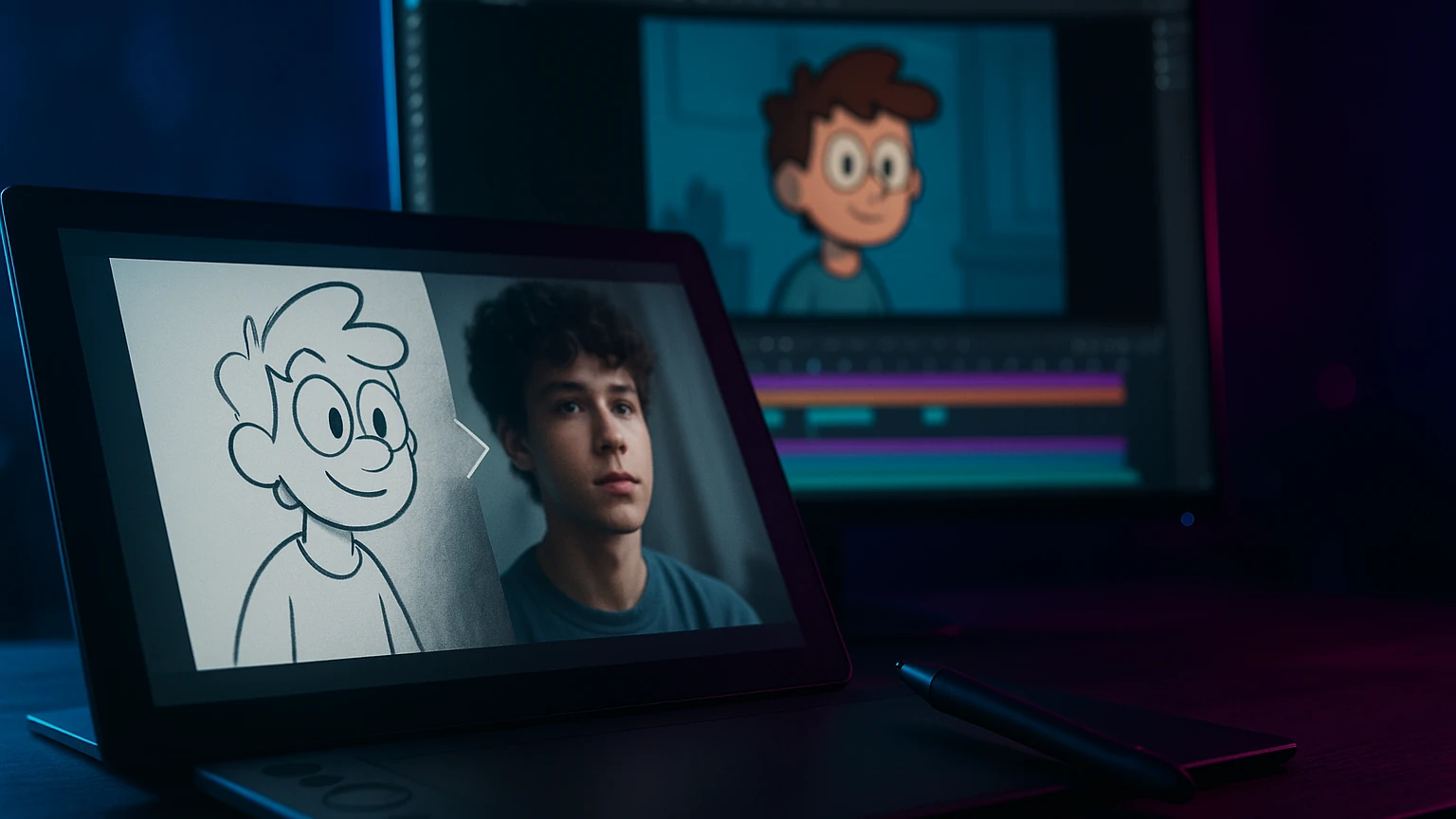
Transforming a photo into a cartoon was an exercise reserved for illustrators two years ago. In 2026, six AI Tools Do it in 15 seconds from a smartphone. I tested the mains on the same series of photos (portrait, landscape, animal) to see which one produces the most faithful and stylish rendering.
The comparison below crosses three criteria: quality of the cartoon rendering, choice of styles available, and free plan price. My selection ranges from 100% free to 1 tool pro for content creators.
📌 Essentials
- Best free cartoon rendering : Fotor Cartoon Maker
- Most Styles : Kaiber AI (30+ animation styles)
- The most faithful to the face : Krea AI
- Made Disney/Pixar : PixVerse with Disney effect
- Cartoon animated (movement) : Kling AI image-to-video
- Ideal input format: clear portrait, neutral background, PNG or high def JPG
How to turn a photo into a cartoon with AI
Three approaches exist in 2026. The stylisation AI (Fotor, Photoleap) apply a direct cartoon filter to your photo, result in 5 seconds. The generation style transfer (Krea, PixVerse) analyzes your photo and completely regenerates the image in Disney style, anime, comics or 3D. Finally, the cartoon video (Kling AI image-to-video, Kaiber) animates your cartoon in a few seconds video clip.
The choice depends on use: fast filter for a social avatar, transfer style for a pro portrait, animation for content YouTube or TikTok.
The 6 AI Tools tested to transform photo into cartoon
| Tool | Type | Free | Styles | Rating |
|---|---|---|---|---|
| Fotor Cartoon | Filter | yes | 5 | 8,5 / 10 |
| Krea AI | Transfer Style | limited test | 15+ | 9,0 / 10 |
| PixVerse | Style + animation | 3/day | 10+ | 8,7 / 10 |
| Kaiber AI | Cartoon animated | Trial | 30+ | 8,3 / 10 |
| Kling AI | Image-to-video cartoon | 5/day | customizable | 8,5 / 10 |
| Photoleap | Mobile filter | Test 7 j | 8 | 7,8 / 10 |
1. Fotor Cartoon Maker: the best free without an account
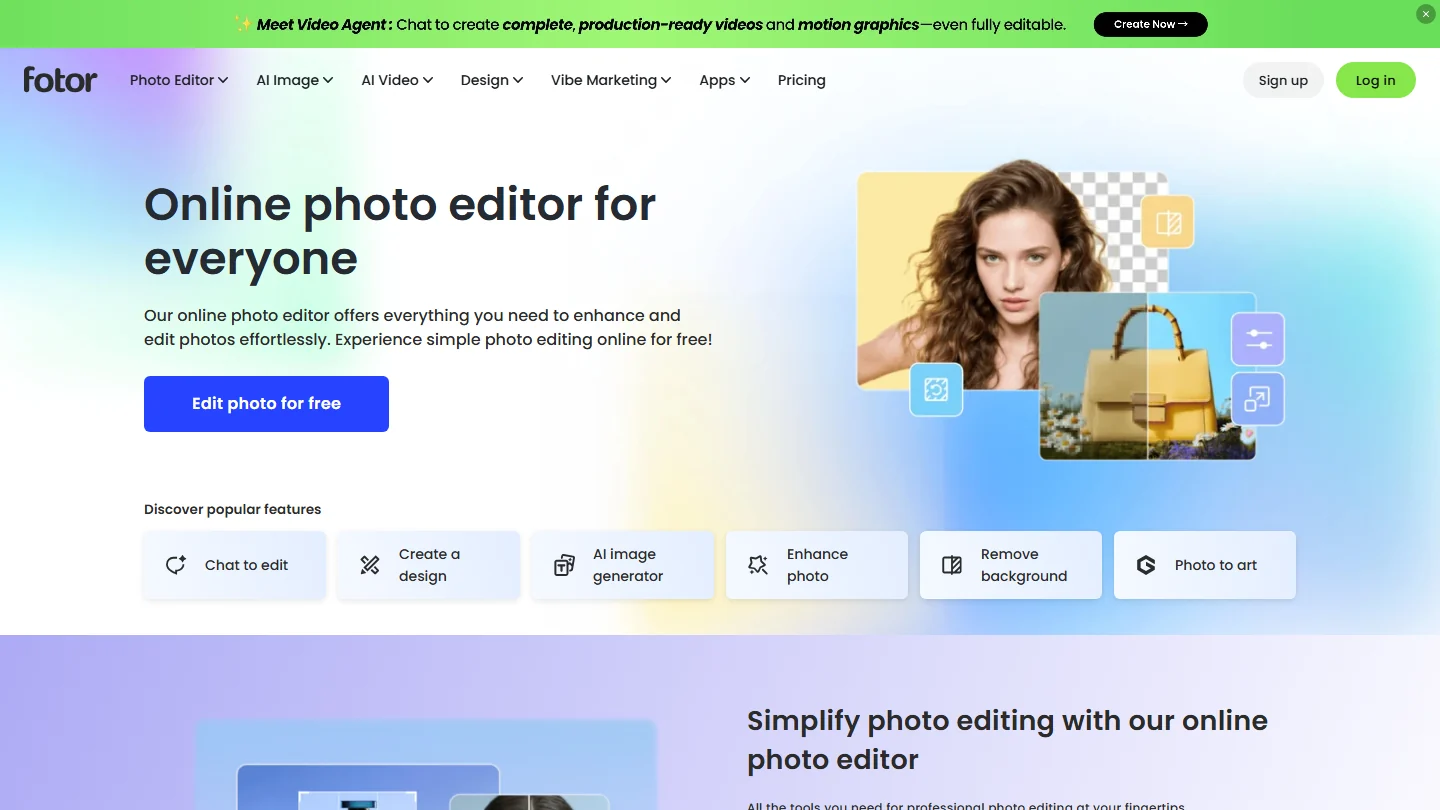
Fotor offers a free online cartoon maker, without registration for one-time use. We charge the photo, we choose from five styles (Disney, manga, comic, 3D toon, clear line), we download in 5 seconds. The rendering is convincing for social use (avatar, story Instagram), less for pro use (banner YouTube, print).
Ideal for testing a single photo. For regular use, the $8 per month subscription unlocks high resolution and removes the watermark.
2. Krea AI: the most faithful to the source face
Krea AI has the best transfer style engine in 2026. On my portrait tests, the resemblance to the source face is preserved at 95% even with a radically different style (Disney, anime, Pixar). More than 15 preset styles, plus the possibility to create your own style via a prompt.
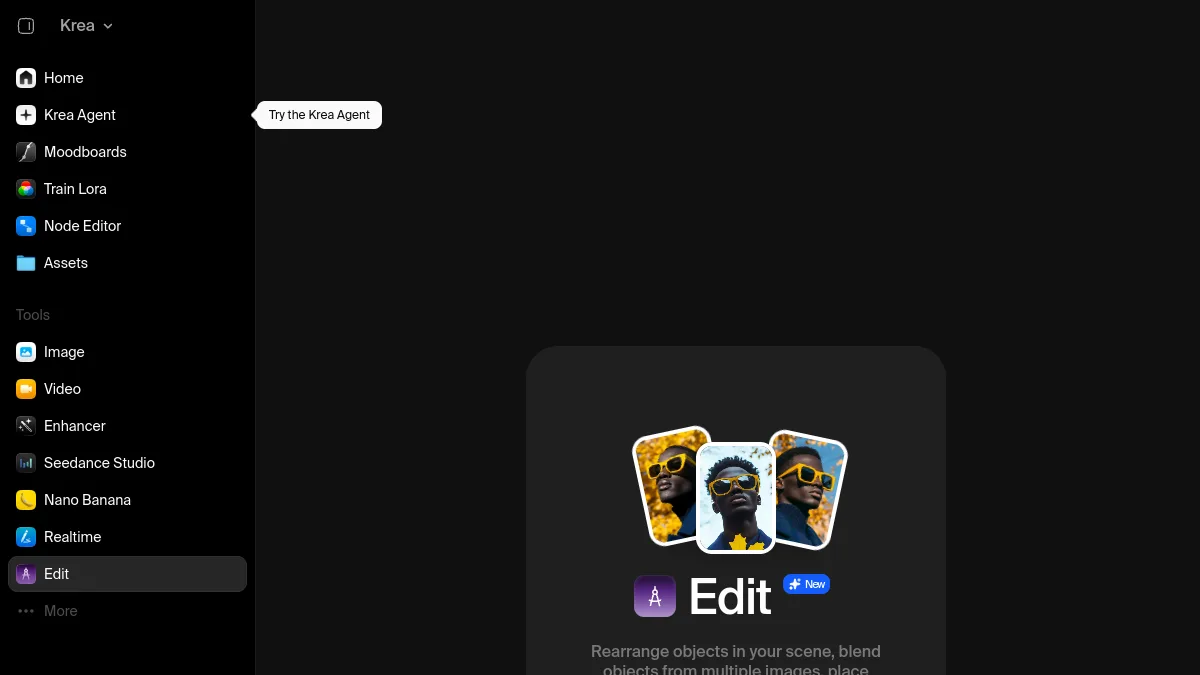
Limited free plan (5 generations offered for registration), then subscription to $10 per month. The choice of pro creators who want a constant rendering.
3. PixVerse: transfer style + cartoon animation in one stream
PixVerse has two advantages: Cartoon stylization (Disney, anime, Pixar) and clip animation 5 to 8 seconds. We charge a photo, we apply a pre-set cartoon effect,AI generates an animated mini-clip where the character moves slightly (look, smile, head). Ideal for Reels and TikTok who use animated cartoon aesthetics.
Free plan: 3 clips per day. See our review complete PixVerse. Try PixVerse for free →
4. Kaiber AI: 30+ animation styles
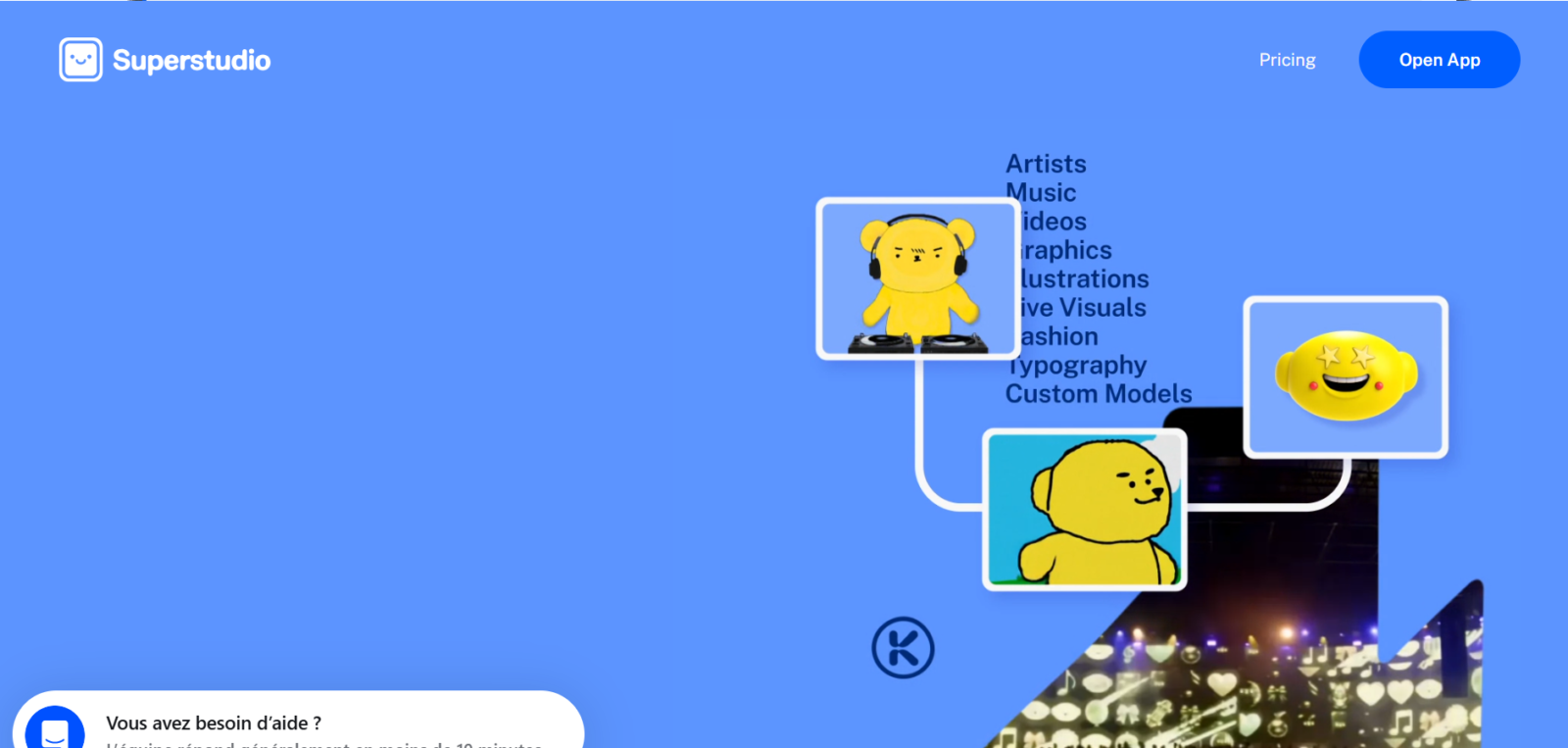
Kaiber AI has the largest library of cartoon styles on the market: more than 30 aesthetics available (American comic, Japanese manga, European clear line, low-poly 3D, watercolor, etc.). L tool transforms a static photo into an animated clip of 4 to 8 seconds, with persistent cartoon effect throughout.
Free trial of 60 seconds of video. Subscription from $5 per month. Discover Kaiber →
5. Kling AI : cinematic video cartoon
Kling AI is my choice for a cartoon video 1080p kinematic. We load a photo, we specify the desired cartoon style in the prompt (« Ghibli Studio style, soft movement »),AI generates up to 10 seconds of animated clip consistent with the requested aesthetic. The rendering is bluffing on the portraits.
Free plan: 5 clips per day. Our guide Free Kling AI details the use. Tester Kling AI →
6. Photoleap: cartoon from a smartphone
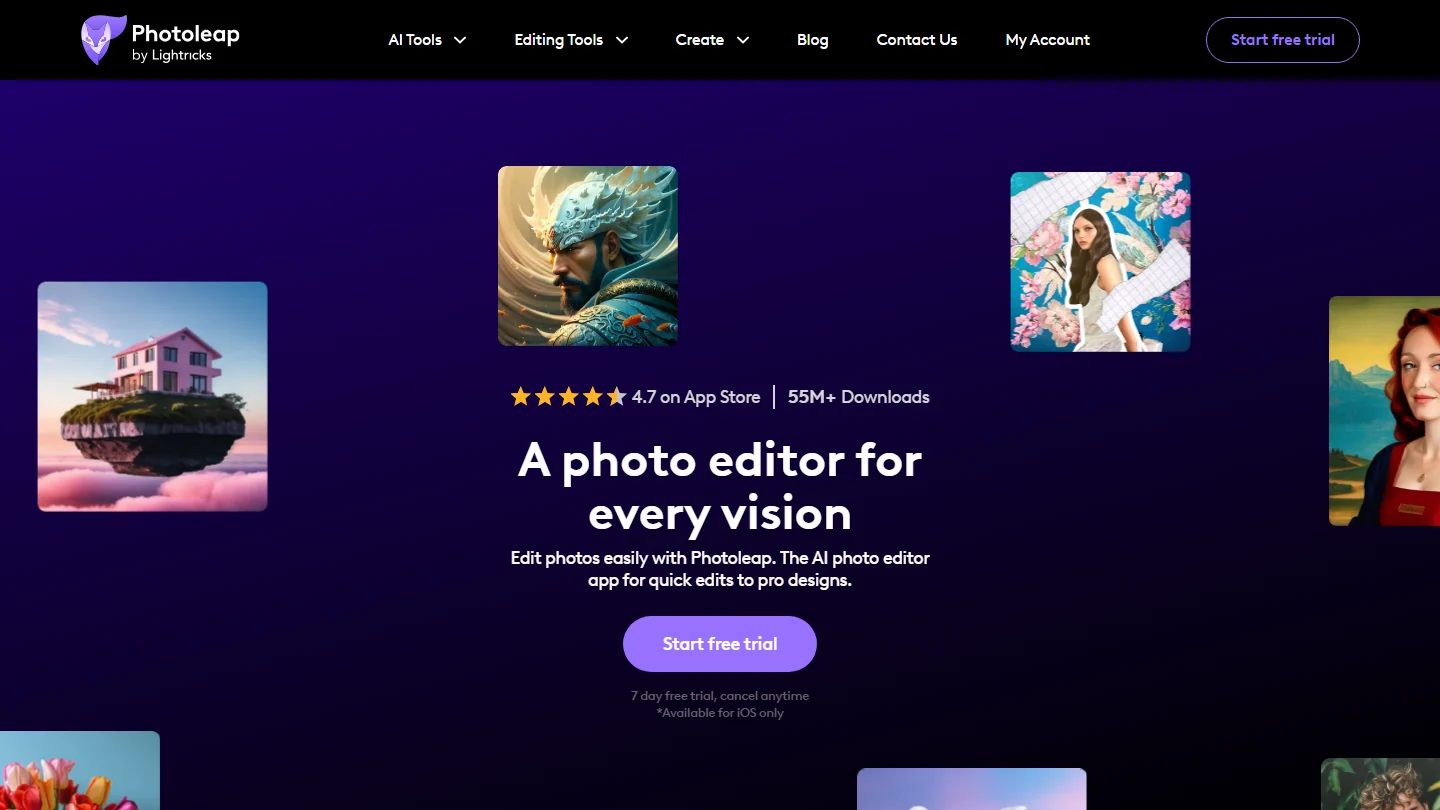
Photoleap is an iOS and Android app that offers 8 cartoon filters directly from your phone. Attitude: total simplicity, a tap is enough. The flat: free trial of 7 days, then compulsory subscription at $4 per month to continue.
To be reserved for users who do everything from mobile and accept a monthly subscription.
Which cartoon style to choose for your photo?
Portrait for social avatar
Disney/Pixar Style via Krea or PixVerse. Facial recognition remains good and the warm rendering attracts the look.
Miniature YouTube or banner
American comic style via Fotor or Kaiber AI. Marked features, saturated colours, visual impact guaranteed.
Story Instagram or Reels
Cartoon animated via Kling AI or PixVerse. The movement holds attention 3 times more than a static image.
Family portrait Disney way
Krea AI for face fidelity. The Pixar style rendering on a family portrait is the case of Krea's star use in 2026.
Frequently Asked Questions
How to transform a photo into a free cartoon?
Fotor Cartoon Maker is completely free without registration for one-time use. PixVerse offers 3 free cartoon clips per day. Kling AI offers 5 generations a day free of charge including cartoon style via prompt.
What is the best software to turn a photo into a Disney cartoon?
Krea AI for maximum fidelity to the source face. PixVerse for the animated Disney effect (photo moving). Fotor for a fast and free static Disney rendering.
Can we turn a photo into a cartoon from an iPhone?
Yes, three options: Photoleap app (iOS and Android), tools online (Fotor, PixVerse, Kling) accessible from Safari mobile, or native 18+ photos filters that include some basic cartoon effects.
How long does the photo conversion to cartoon take?
5 to 15 seconds for a simple cartoon filter (Fotor, Photoleap). 30 seconds to 2 minutes for a complete transfer style (Krea, PixVerse). 2 to 5 minutes for a cartoon video animation (Kaiber, Kling).
Cartoons AI Are they royalty-free ?
You are the owner of the original photo AND the cartoon rendering generated, unless otherwise stated in the CGU of l tool (e.g. commercial use sometimes restricted in a free plan). Always use your own photos, not third-party images protected by copyright.
Transforming a photo into a cartoon is now a few seconds exercise accessible to all. The best choice depends on your use: Fotor for a free punctual need, Kling AI for a high quality animated cartoon, Krea for a faithful Disney rendering. To go further, consult our comparison of the AI video generators free.
🎯 Verdict
To turn a picture into a cartoon, Fotor is largely free of charge for specific uses. For an animated cartoon moving, pass on Kling AI or PixVerse — The visual effect fully justifies the $5-10 per month.