AI Video Tools for E-commerce
Demos produced in video, UGC, conversions without studio. Multiply your video contact points without Hollywood budget.
Our stack recommended.





Workflow guy.
How to articulate these tools in practice. Each step leads to the next one naturally.
Product Script
Short description + key benefits in 30 seconds.
UGC AI or avatar
Creatify present your product from its URL.
Multi-formats + languages
Export 9:16, 1:1, 16:9 and 5+ languages.
Why the video came into the e-commerce
A plug produced with video takes more attention and removes the doubts that block the purchase: the material, the actual size, the operation. The problem was never the interest of the video, but its cost. Turning each reference into a studio becomes unthinkable as soon as we exceed a few dozen products. It is precisely this lock that theAI jumps: from a simple shot pack and a description, we generate a credible demo in a few minutes, declineable as many times as we have references.
Three distinct needs, three familiestools
Before choosing a tool, identify what you really want to produce. Most disappointments come from a bad match between thetool and usage.
Demos and Product Sheets
A presenter or an avatar that shows the product and unfolds its profits. For this need, we are now moving towards Creatify, which starts directly from the URL of the product form, or to a generator image to video to animate the packshot itself. This is the format that works on the product page and in emails.
UGC advertising for Meta and TikTok
The format that looks like a review Client filmed camera by hand. Creatify is specialized in this: it generates advertising UGCs from a product URL, which allows to multiply ad variants without turning anything.
Multilingual variations
Secondary markets (DE, IT, ES) are often left out due to lack of resources. Dubbing AI declines the same video in several languages keeping the voice and rhythm, a lever of growth that few shops still exploit.
The Point We Forget: Commercial Rights
This is the decisive question in e-commerce, and yet the most neglected. Not all free plans allow commercial use, and some require a watermark or a restricted license. Before launching a campaign, check three things: the right to exploit the video in a paid advertisement, the absence of watermark on the chosen plan, and the conditions related to the faces of avatars (some library avatars have restrictions). In case of doubt, a paid plan raises ambiguity, it is the cheapest insurance in a campaign.
How to choose without mistake
Part of the volume and type of product. For a wide catalog and functional products (tech, accessories, beauty), a tool which transforms the product plug into video, as Creatify, industrialize production. For paid acquisition, the UGC angle of Creatify or Arcads usually converts better than a presenter into a costume. If you still hesitate, our comparison best video software AI deliver each tool against its use case, real prices in support. And to understand the mechanics of video generation before investing, the guide Video AI Put down the bases.
A shop's workflow, from product photo to ad
This is the web that we recommend to a shop of 20 to 200 references that starts the video. The idea is to start with products that are already selling, not with the entire catalogue.
- Choose five products. Best sales, or those that generate the most questions to customer service. A video that responds to a real objection converts better than an atmosphere video.
- Prepare the source material. A clean shot package on a neutral background, three concrete benefits, an objection to be raised. If your photos have a heavy background, our tutorial for remove the background of an image with AI Set this up in seconds.
- Produce the product page demo. 20 to 40 seconds, without invasive music, with the product visible from the first second. Our method for a product video in 60 seconds details the structure.
- Turn them into ads. Three to five UGC variants per product, with different hooks. We test hooks, not products.
- Adapt formats. 9:16 for TikTok, Reels and Shorts, 1:1 or 4:5 for Meta thread, 16:9 for the product plug and YouTube.
- Translate the winning ads. Once a variant is validated in French, it is doubled in German or Spanish instead of starting from scratch.
Three real-world use cases
Shopify cosmetics shop
Visual products, impulse purchase, strong competition on Meta: the UGC is king. A typical routine consists of generating about ten UGC variants per month with actors AI cut those that do not hold the cost per purchase targeted after a few days, and decline the two best. Point of attention: no health claim or numerical result in the mouth of the avatar, it is the shop that bears the responsibility.
The technical equipment reseller
Here the buyer wants to understand how the product works. A structured demo (problem, solution, characteristics, contents of the cardboard) with voiceover and plans of the animated product is better than false testimony. The image to video animates the existing photos, the voiceover AI Explain.
The artisan or small brand
Few references, know-how to show. The most effective thing is to film yourself on the smartphone and leave the AI to take care of editing, subtitles and resizing. The avatars have little interest here: the customer also buys the person behind the brand.
The e-commerce stack tools in detail
Creatify, from product URL to advertising
You paste the address of your product sheet, Creatify recovers images and description, writes several scripts and makes them play by UGC style avatars. The batch mode generates dozens of variants at once for ad tests. Price side: a free 10 credits per month with watermark, then Starter at 39 $ per month (100 credits). Our Creatify review details the quality of the avatars in French.

Arcads, for more realistic UGCs
Arcads relies on a library of actors AI filmed in real-life conditions (bathroom, car, kitchen) for UGC hard to distinguish from shooting. It's more expensive than Creatify and reserved for substantial advertising budgets. Arcads does not publish a public tariff schedule: according to a third-party statement on 11.10.2026, plans start around 110 $ per month, with frequent promotions. Our Arcads review Make the point.

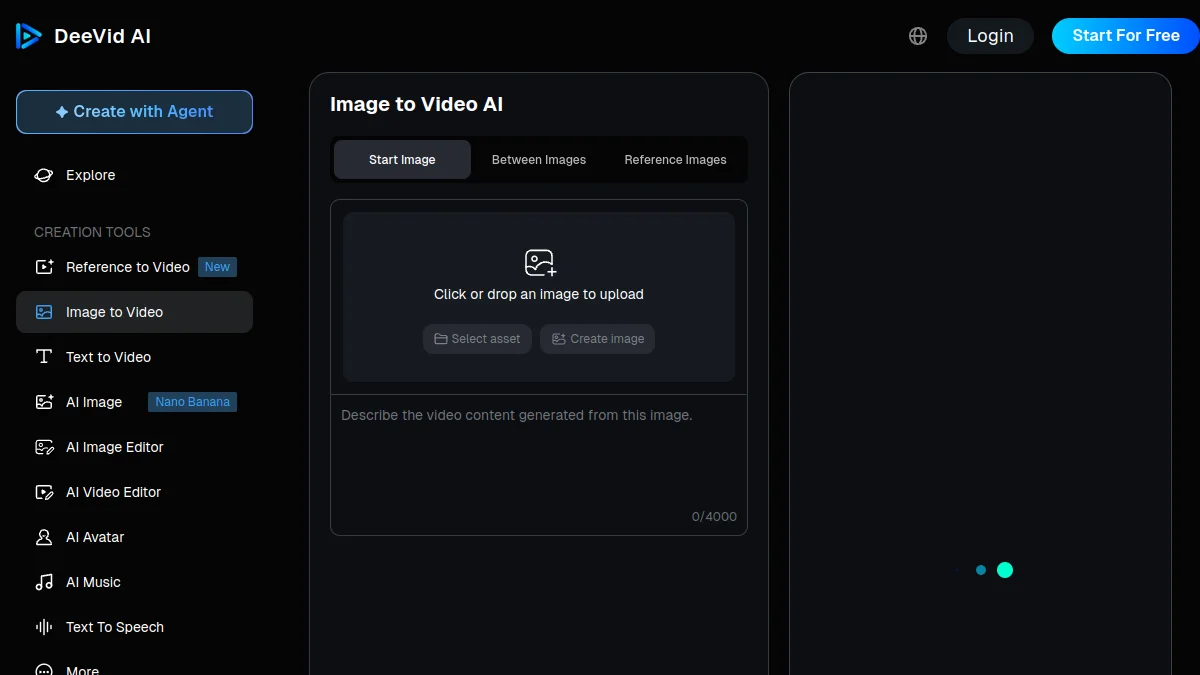
DeeVid AI, to animate a packshot
When you want to move the product itself (rotation, setting, light effect), a generator image to video from your photo. DeeVid AI is simple to take in hand and cheap: plan Lite to 14 $ per month (10 $ for 200 credits, 20 credits offered for registration with watermark. Always check that the logo and product details remain true: a generator can invent a seam or distort a label. Our guide image to video compares the other engines.
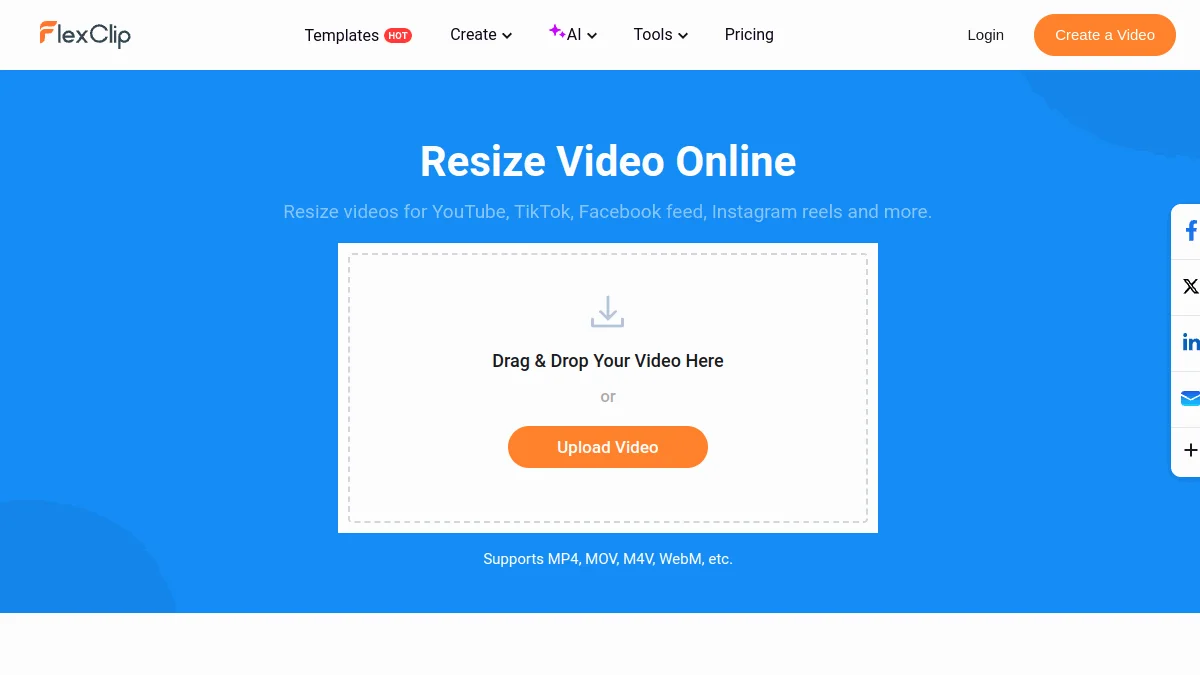
FlexClip, to adapt formats
Once the video is ready, you need to resize it for each platform, add subtitles and price text. FlexClip does this in the browser, with e-commerce models and a tool resize in one click. Free in 720p with watermark, map More than 19.99 $ per month (11.99 $ in annual) for export 1080p watermark-free.
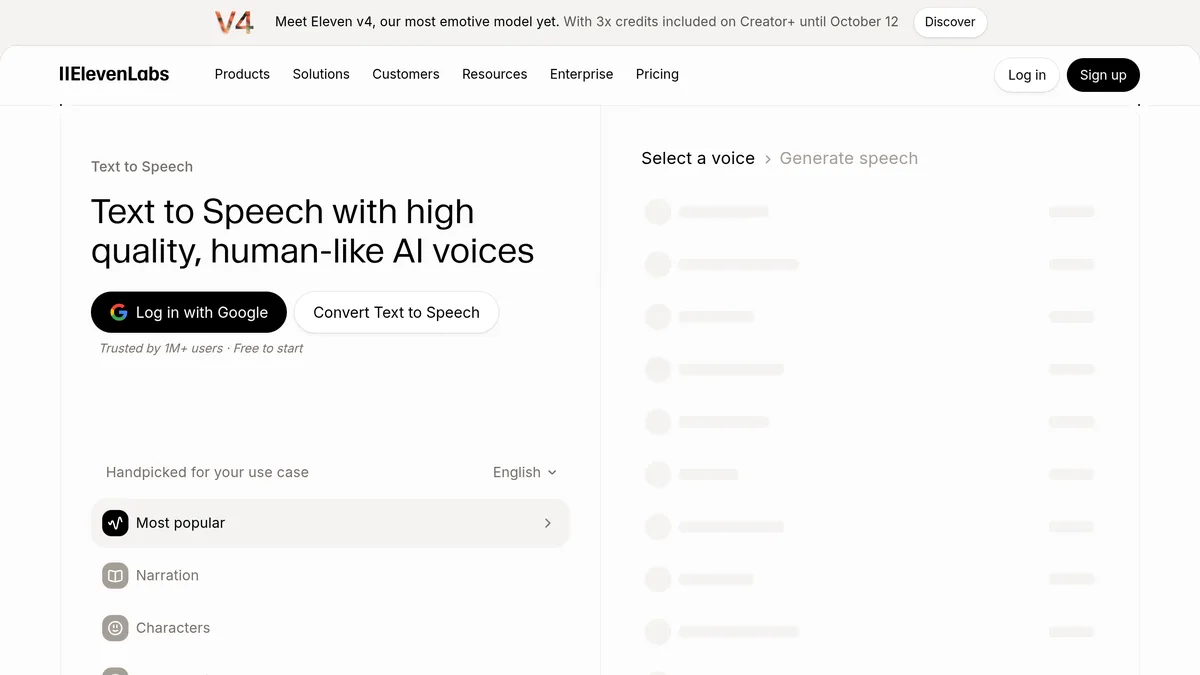
ElevenLabs, for voice and translation
For demos in voiceover and variations in other languages, ElevenLabs remains the reference in quality. Attention to the free plan, which does not allow commercial use: for a shop, the plan Starter at 6 $ per month (about 30 minutes of voice) is the minimum.
Which stack for your budget
| Budget | Tools | What you can produce | Main limit |
|---|---|---|---|
| 0 € | Free plan Creatify (10 credits), FlexClip free, registration credits Deevid | Two or three test videos to validate the format | Watermarks everywhere: Unusable in paid advertising |
| About €20/month | Deevid Lite (10-14) $) and ElevenLabs Starter (6 $), editing in free FlexClip or CapCut | Demos of animated product sheets, voiceover clean | No UGC avatars at this price |
| Pro (€60 to €150/month) | Creatify Starter (39 $) or Pro (99 $), FlexClip Plus, ElevenLabs Creator (22 $) | Series UGC variants for Meta and TikTok, translated versions | Media budget still to be planned next door |
Prices recorded on 11.10.2026 on the official tariff pages (third party for Arcads), duty free and subject to change.
Mistakes to avoid
- Make an avatar say anything. An avatar that claims a product « cure » or « loses 5 pounds » hire the shop, not the tool. Meta and TikTok advertising rules also apply to generated videos.
- Letting AI alter the product. One video generator can distort a logo, change a color or add a detail. A video that does not match the delivered product is an insured return.
- Test products instead of testing messages. Keep the same product and make vary the hook, actor and promise. That's where the AI brings real value.
- Forgetting the AI disclosure. Since 2 August 2026, Article 50 of the European Regulation on AI requires professionals to report generated content that mimics reality, as a false testimony filmed. Our article onAI video labelling summarizes what applies to advertisers.
To go further
The video is only part of the AI useful to an online shop. Our guide of theAI for e-commerce also covers product visuals, plugs and voice. And if you focus on acquisition, our file on theAI UGC compares in detail generators commercial evidence.
Questions frequent.
TheAI Can she really sell like a human?
What ROI expect on video demos AI ?
Do you need a studio to shoot the products?
Which AI for e-commerce?
What is the price of a AI video ?
Can ChatGPT create videos?
Articles useful.
See all articles →
Voiceover AI for e-learning and training: method, tools and costs (2026)
How to produce the voiceover of an e-learning module with AI : method, script, tools and cost per hour of audio, with prices recorded on 25.10.2026.

Kling 4.0: release date, news, prices and limits
Kling 4.0 has been open to all since 15 October 2026: 30 seconds, 10 key images, voice in French. What works, what is announced, what it costs.

Alternatives to Murf AI: 5 options compared and when Murf remains the right choice (2026)
Five alternatives to Murf AI compared on prices recorded on 25.10.2026, and uses where Murf remains the right choice: presentations, e-learning, Canva.
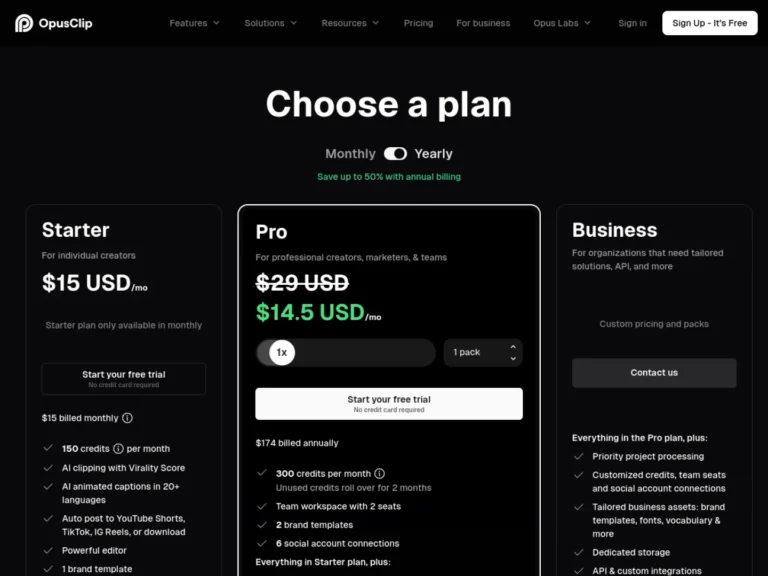
Revid vs Opus Clip: Which Should You Choose For your short videos? Comparison 2026
Revid creates short videos from zero, Opus Clip cuts your long videos: comparison of overlapping uses, prices and credits, with verdict by profile.
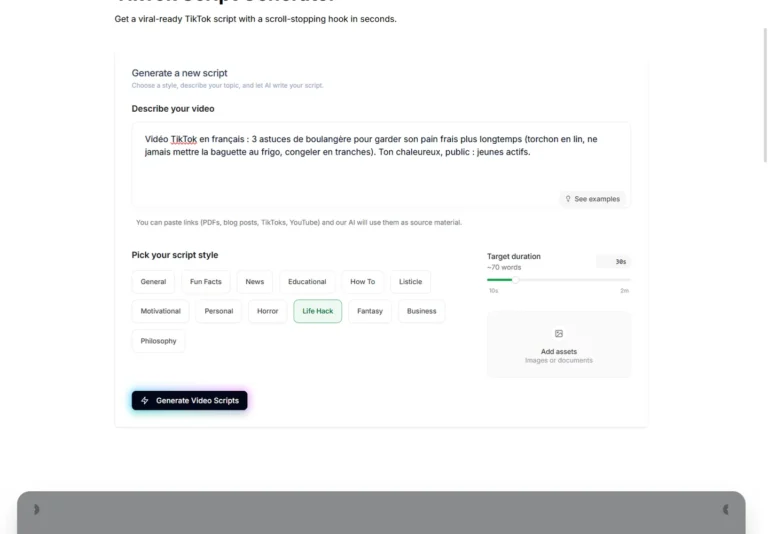
TikTok Script: Write a script that holds, looks and tests a AI generator (2026)
Structure of a retained TikTok script, examples of translated hooks and actual test of generator free Revid scripts with a brief in French.
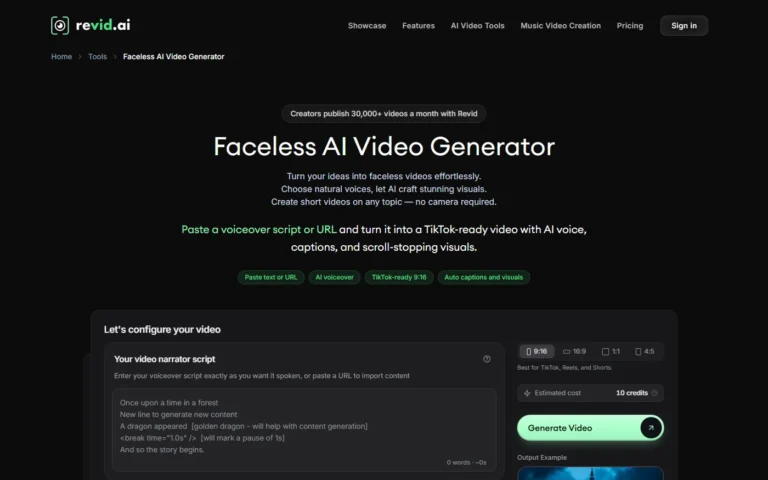
Video faceless with AI : step by step method for a faceless chain (2026)
Method for creating faceless videos with AI : script, voiceover, subtitles, publication and Auto-Mode with Revid, with credit costs and rules YouTube.
A newsletter that doesn't waste time.
An e-mail on Tuesday. 5 tools of the week. One honest verdict. 0 sponso disguised. Unsubscribe in 1 click.
GDPR-compatible. We only store your email. No resale.