Creating a cartoon in 2 minutes from a simple quick text sounded like science fiction three years ago. In 2026, six AI Tools do exactly that, with radically different qualities depending on the style targeted (Japanese anime, American cartoon, Pixar 3D, European clear line). I generated the same scene (« a black cat crosses a magical forest in autumn ») to compare objectively.
This guide covers the generation of cartoons from a quick text, the transformation of a real video into animation, and the animation of static characters. Three complementary approaches according to your need.
📌 Essentials
- Japanese Anime Style : Kling AI prompt « Ghibli Studio Style »
- American Cartoon (Disney/Pixar) : PixVerse with Disney effect
- Free short animation : Kaiber AI 30+ styles
- Real video → cartoon : Runway Video-to-Video
- Typical duration per generated clip: 4 to 10 seconds according to tool
- Generation time: 1 to 5 minutes per clip
How to generate a cartoon with AI in 2026
Three workflows dominate. The text-to-animation generates a full animated clip from a quick text (« a purple dragon flies over a futuristic city ») in 2 to 5 minutes. The image-to-animation Animates a static image (drawing, photo) in a coherent animated clip. The video-to-animation turns a real video into a stylish cartoon.
The choice depends on your starting point: start from the text to create from scratch, start from an image to give life to an existing drawing, start from a video to turn a real recording into a cartoon.
The 6 AI Tools tested to create a cartoon
| Tool | Type | Styles | Free | Rating |
|---|---|---|---|---|
| Kling AI | Text/Image-to-animate | via prompt | 5/day | 9,0 / 10 |
| Kaiber AI | Image-to-animation | 30+ | Trial | 8,5 / 10 |
| PixVerse | Image-to-animation | 10 preset | 3/day | 8,7 / 10 |
| Runway Gen-3 | Text/Video to video | via prompt | 125 credits | 8,8 / 10 |
| Krea AI | Text-to-image → anim | 15+ | Trial | 8,3 / 10 |
| Vidfly AI | Text to animation | 8 styles | 2/day | 7,8 / 10 |
1. Kling AI: the best for Japanese anime and cinema style
Kling AI remains my reference 2026 for cartoon anime style. A prompt like « Studio Ghibli style, magical forest, a black cat crosses a wooden bridge, morning mist » generates a 10 seconds clip in 1080p that rivals professional productions. The free plan offers 5 clips a day, much to experience.
Our guide Free Kling AI covers the best quick anime. Tester Kling AI →
2. Kaiber AI: the richest style library
Kaiber AI stands out for its collection of 30+ preset styles. We load an image, we choose a style (shonen anime, clear line tintin, watercolor, low-poly 3D...),AI generates a consistent 4 to 8 seconds clip. Ideal to quickly test different rendered without writing complex prompts.
Free trial 60 seconds of video. Subscription from $5 per month. Discover Kaiber →
3. PixVerse: ready-to-use viral cartoon effects
PixVerse offers 10 preset cartoon effects (Disney, Pixar, comic, chibi anime, etc.) applicable to an image in one click. L AI generates a 5-8 seconds animated mini-clip where the subject is stylized cartoon and moves slightly. Perfect for TikTok and Reels based on the viral effects of the moment.
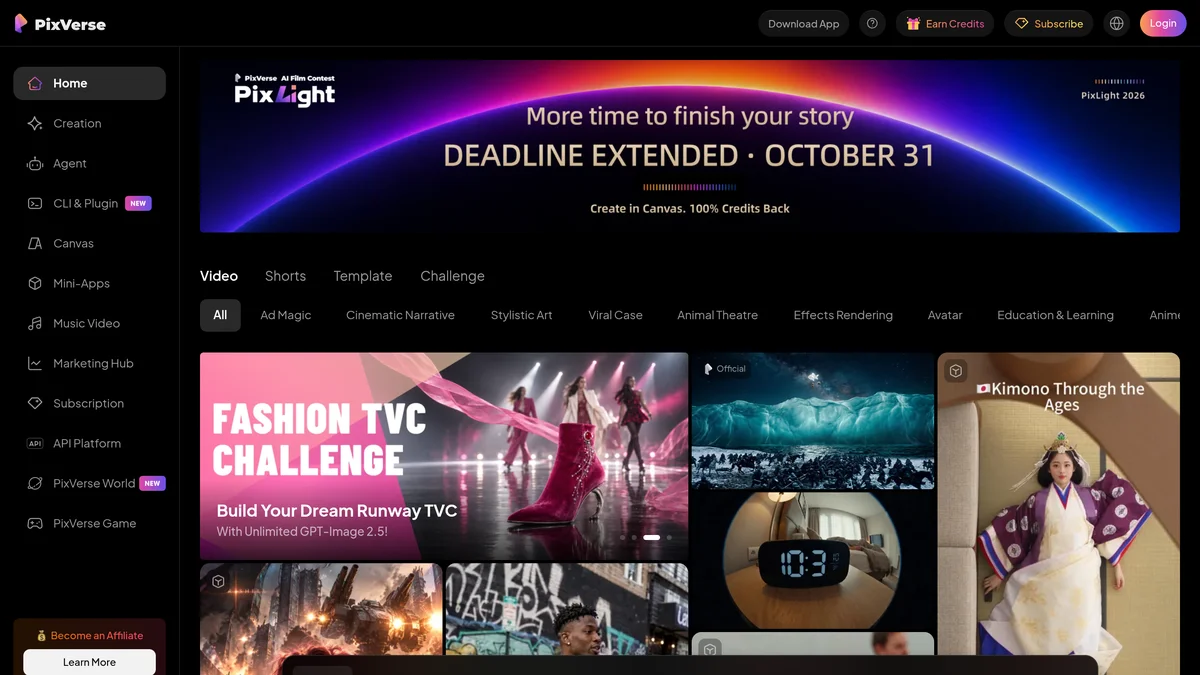
Free plan: 3 clips per day. See our review complete PixVerse.
4. Runway Gen-3: turning a real video into a cartoon
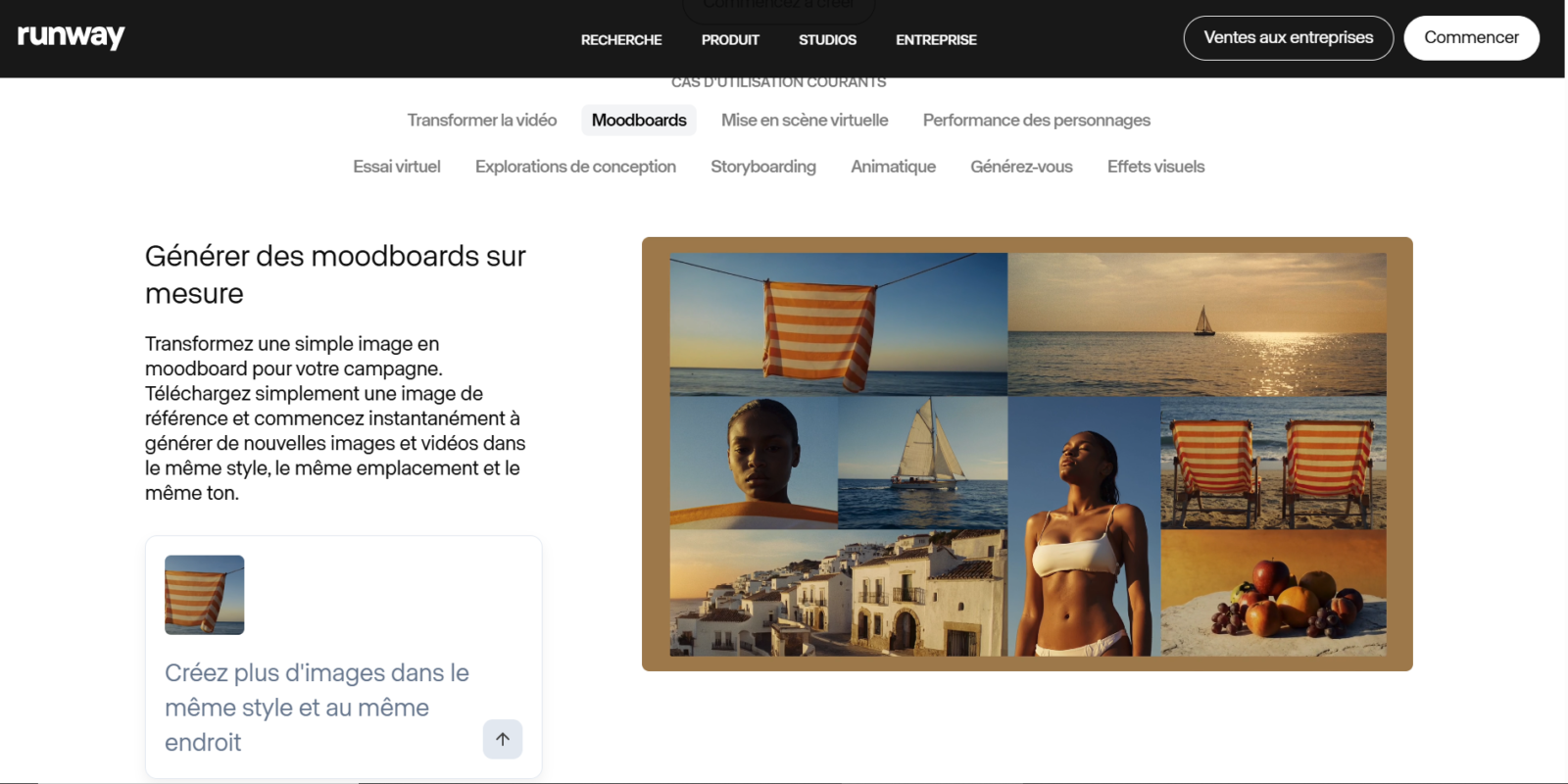
Runway is unique for its fashion Video-to-Video : you load a real video (a dance class, an urban timelapse, a sports sequence),AI the re-genera entirely in coherent cartoon style. The result retains the original movements while applying the required visual style.
Costful in credits (10-20 per generation), so quickly exhausts the 125 credits Free plan. Pass Standard (15 $/month) for regular use. See our guide Free Runway.
5. Krea AI: cartoon from a generated image
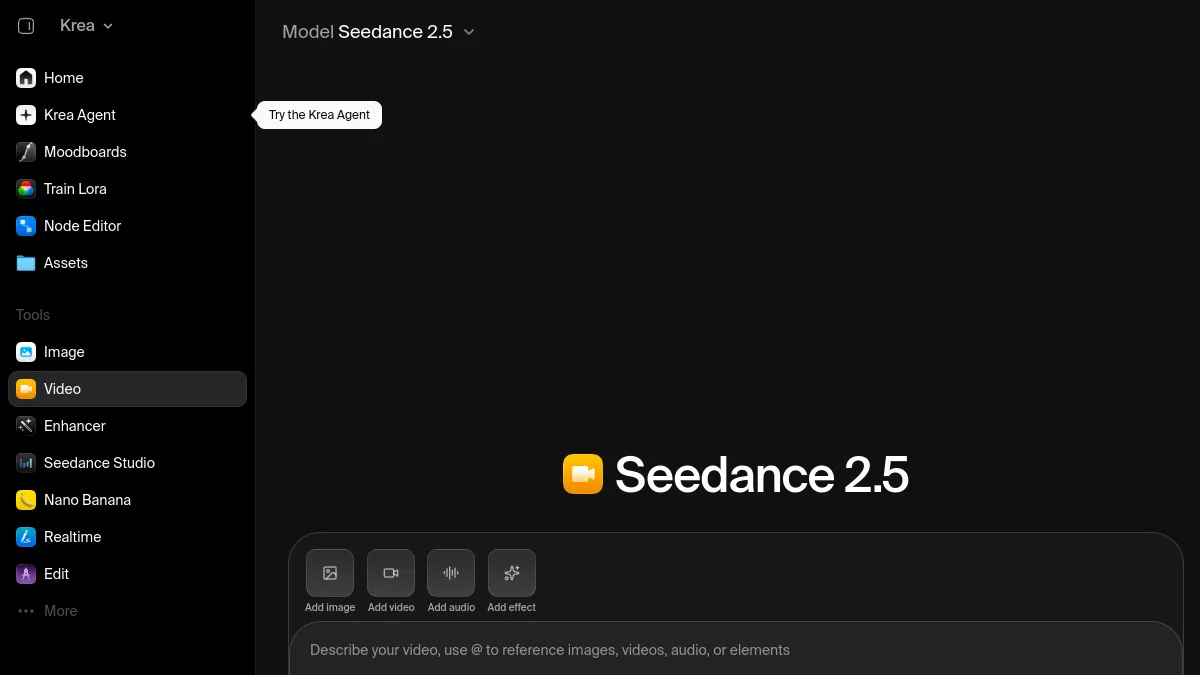
Krea AI combines two steps: to generate a cartoon-style image for a quick time, then to animate in 4-6 seconds clip. The rendering is faithful to the style requested (Disney, Ghibli, comic). Free trial 5 credits for registration, then $10 a month.
6. Vidfly AI: the little new accessible
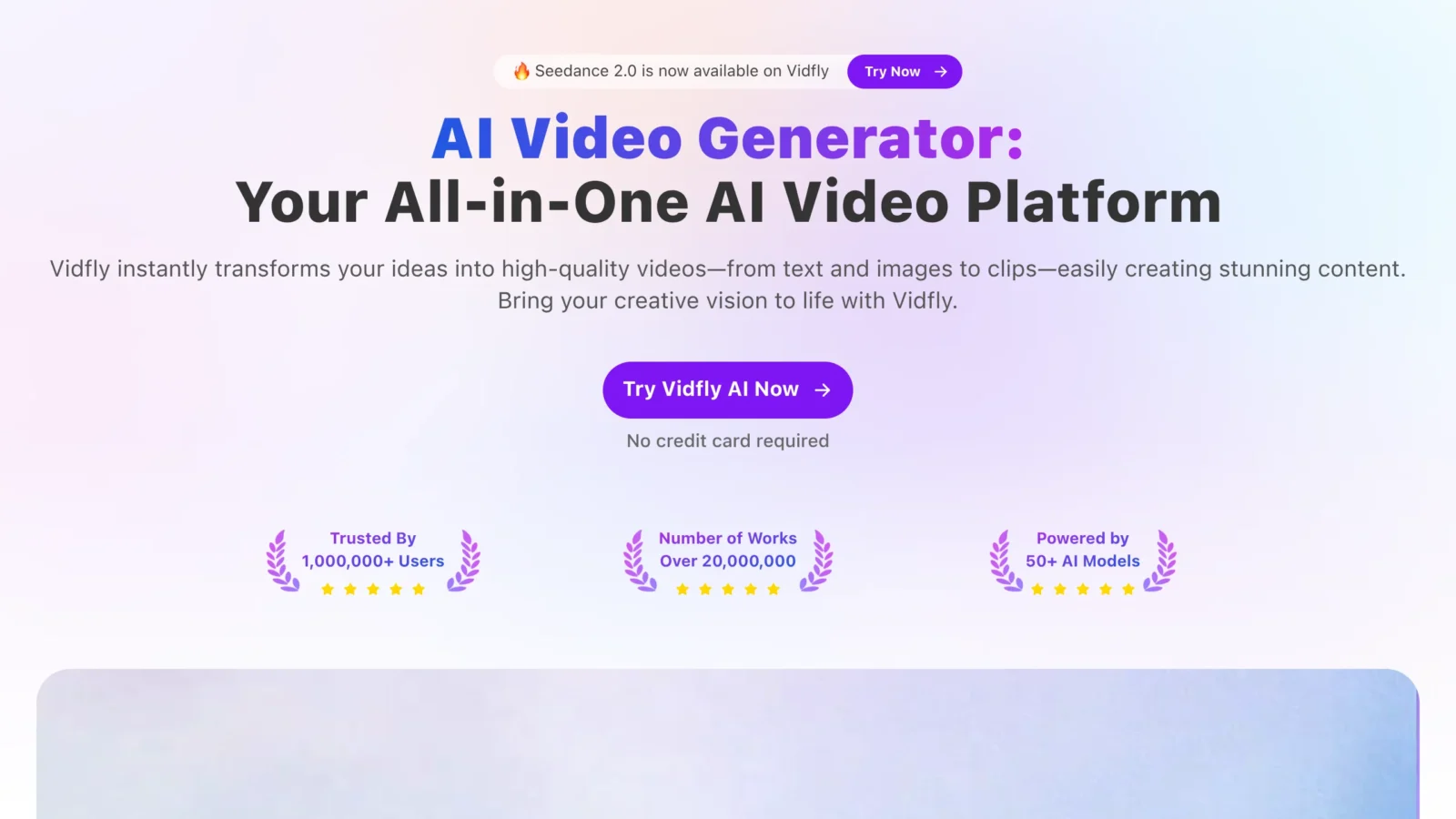
Vidfly AI offers 8 preset cartoon styles and 2 free generations per day. Made 720p in 5 seconds. Less powerful than Kling or Kaiber but simple interface and accessible to complete beginners.
What style of cartoon choose?
Japanese anime (Ghibli, Shinkai)
Kling AI with accurate prompt « Ghibli Studio Style » or « Makoto Shinkai style ». The best 1080p rendering available in free.
American Cartoon (Disney, Pixar, DreamWorks)
PixVerse with preset Disney effect, or Krea AI for a faithful Pixar 3D rendering.
European clear line (Tintin, Asterix)
Kaiber AI has a dedicated clear line style. Clean result, clear contours, coloured flats.
Transformation of a real video
Runway Video-to-Video, unique on this case used in 2026. Count $15 a month for regular use.
Frequently Asked Questions
How to create a free cartoon with AI ?
Kling AI priority (5 free clips per day, 1080p, styles via prompt). PixVerse for 3 animated cartoon clips per day. Kaiber AI offers a free trial of 60 seconds of video. Runway Free gives 125 credits for registration.
What tool AI for a Disney-style cartoon?
PixVerse with preset Disney effect for quick rendering. Krea AI for a Pixar 3D style faithful to the face. Kling AI with prompt « Pixar 3D style » for an animated cinema.
How long to generate a cartoon AI ?
1 to 5 minutes per 4-10 seconds clip depending on the tool and server load. Kling AI typically generates in 3 minutes, Kaiber in 2 minutes, PixVerse in 1 minute.
Can one create a complete cartoon (2-3 minutes) with AI ?
Not yet in 2026 with perfect consistency. Each tool generates clips up to 4-10 seconds. For a 2 minute cartoon, you have to chain 15-20 clips and mount them (Adobe Premiere, DaVinci, CapCut). The consistency of the characters between clips remains an active research challenge.
Cartoons AI Are they royalty-free ?
You own the generated renditions (except CGU specific). Be careful not to violate studio copyrights (do not prompt « exact Mickey Mouse character » or « scene of the Lion King »). Stay on generic style (« Japanese anime 2D », « 3D cartoon Pixar-like »).
Create a cartoon with AI is a child's play in 2026. Kling AI for anime cinema, PixVerse for viral effects, Kaiber for the variety of styles. To go further, consult our Complete Comparison of the AI video generators.
🎯 Verdict
For a cartoon anime kinematic style, Kling AI remains unbeatable in 2026. For the variety of styles (comic, watercolor, low-poly), Kaiber AI has the best library in the market. Choose according to your target aesthetic.