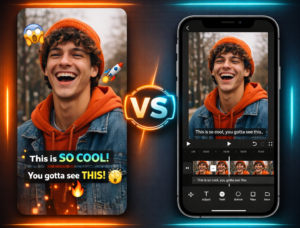
📌 Essentials
Submagic is not a simple generator subtitles: it is a complete post-production channel for vertical video. It subtitles, adds B-rolls, zooms and transitions, and recycles a long video in several shorts via Magic Clips. For who produces many TikTok, Reels or Shorts, the time-saving is the decisive argument. Main limitation: little fine creative control and a subscription that weighs for a beginner.
Test Submagic for freeThe editing Short formats snack a disproportionate part of the time of creators. Our test evaluates in concrete terms the capacity of Submagic to automate the subtitling and publishing to produce faster, without sacrificing rendering. Real prices, functions that are really worth it, limits, alternatives: we've scrutinized everything to know iftool deserves its place in your workflow in 2026.
Contents: Our review in brief • Tariffs 2026 • For who? • Features • Submagic in French • Alternatives • Customer reviews • Verdict • FAQ
Our review on Submagic in brief
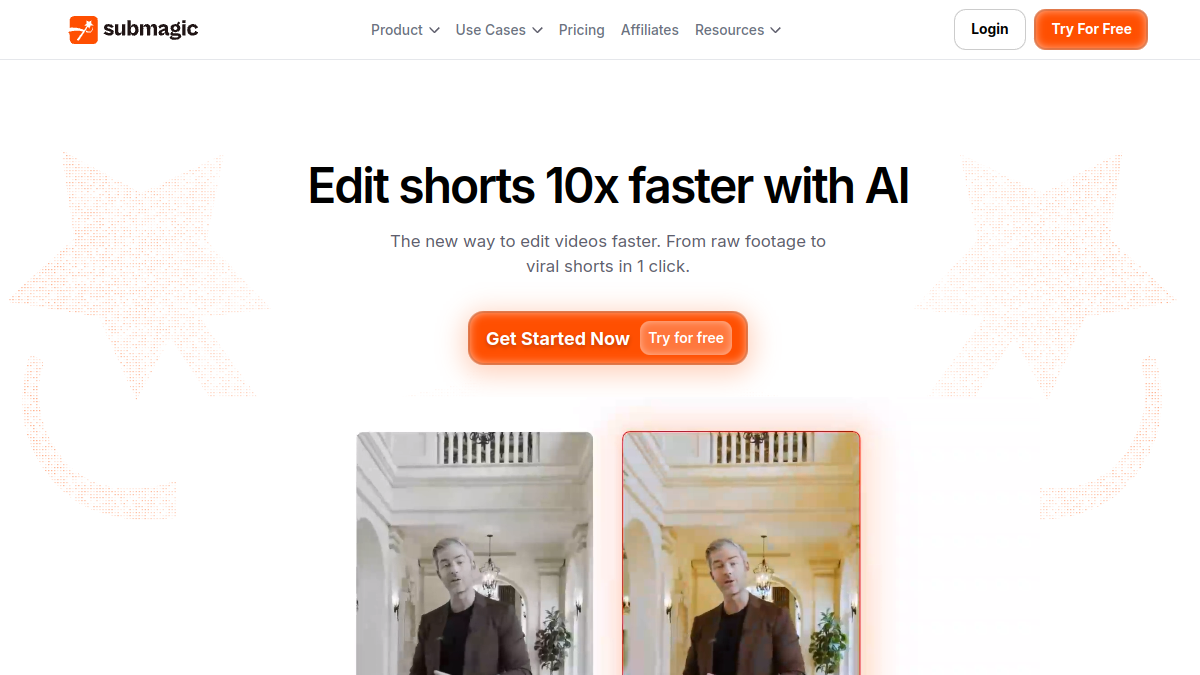
Note: 9/10. Submagic turns a raw video into a clip ready to publish in minutes. Where a classic editor requires an hour of settings, ltool transcription chain, formatting subtitles, B-rolls and zooms automatically. We keep our hands on the bottom; the machine takes care of the ungrateful part.
What we liked:
- Time-saving real : the editing a short goes from several hours to about ten minutes.
- Dynamic subtitles which attract attention on mobile, with styles inspired by renowned creators.
- Magic Clips : a long video (podcast, interview) becomes a series of shorts in one click.
- B-rolls and automatic zooms which energize the rendering effortlessly.
- Simple interface, thought for speed, without learning curve.
What's in it?
- Limited creative control in relation to video editing software traditional.
- Monthly cost which can brake a creator who starts.
- Tool Single task : it excels on the short format, not beyond.
In short: for anyone who takes the short video seriously, the subscription quickly gets profitable in time saved. If you compare several solutions, our comparison best video software AI Issue Submagic against its direct competitors.
To compare with others AI Tools of the editing, take a look at our top 10 best AI Tools of the video editing in 2026 : Descript, Filmora, InVideo, Submagic, CapCut, OpusClip, FlexClip, Runway and two others, with real free quotas and usage cases.
See also our guide dedicated: alternatives-Submagic.
See also our guide dedicated: Submagic-free.
Tariffs Submagic in 2026
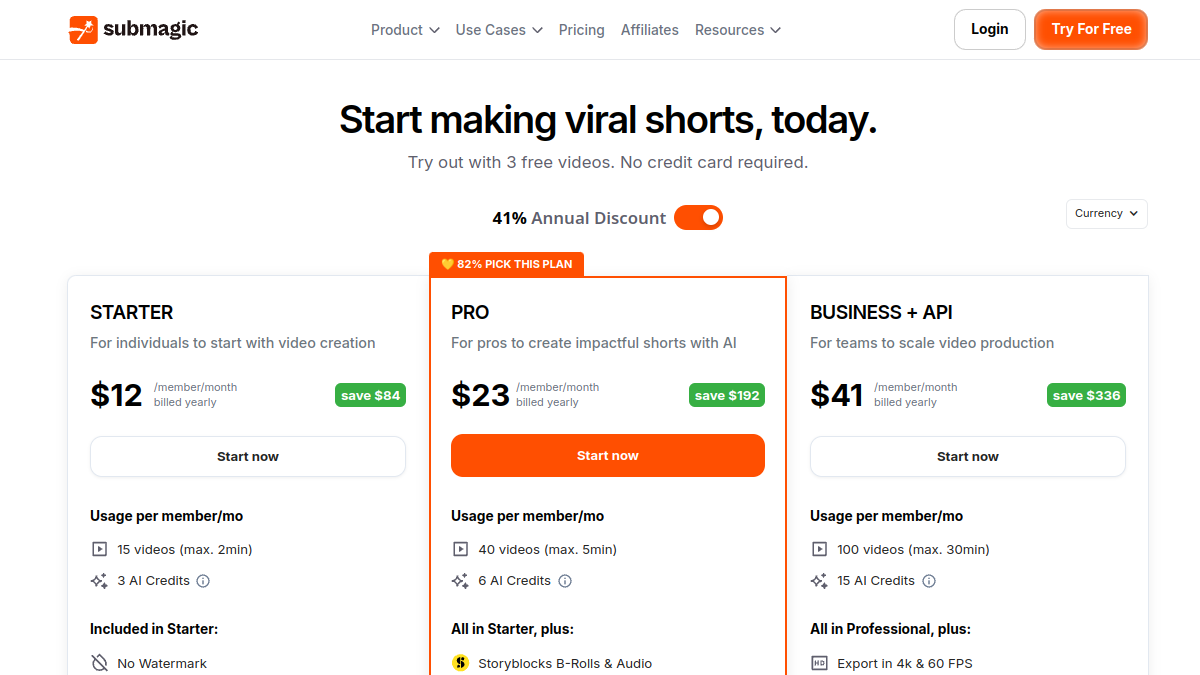
Submagic works in freemium: a free plan to test, then monthly or annual subscriptions. The annual billing significantly reduces the mark. This is the structure in effect in June 2026.
⚠️ Attention: prices Submagic often move and vary according to billing (monthly or annual), region and promotions. The above amounts are indicative, verified in June 2026. Always refer to the official tariff schedule before you pay.
Our review on price
Submagic is not given, but the saved time directly turns into additional publications. Reduce editing a short of two hours to ten minutes changes the production scale of a creator. For the majority of serious users, the intermediate plan (Growth) remains the best compromise: it unlocks functions AI without tipping into agency rates. Before you commit, the free plan is enough to check thattool integrate with your Shorts workflow.
Submagic: for whom?
Let us be direct: Submagic is not addressed to everyone. It aims at profiles that favour production speed and visual impact on vertical platforms.
- The creators TikTok, Instagram Reels and YouTube Shorts: Target number one.
- YouTubers and podcasters who want to recycle their long videos into viral extracts.
- Agencies and community managers that manage multiple client accounts.
- Trainers and coaches who promote their offers in short videos.
- Solopreneurs who do everything themselves and seek to save time.
For these uses,tool automates the essentials of post-production and guarantees a modern style. The Magic Clips function alone transforms a 30-minute video into five to ten subtitled shorts. For agencies, the gain is multiplied: only one person manages the editing Dozens of videos a week.
The features that really matter

Automatic subtitles: the signature of Submagic
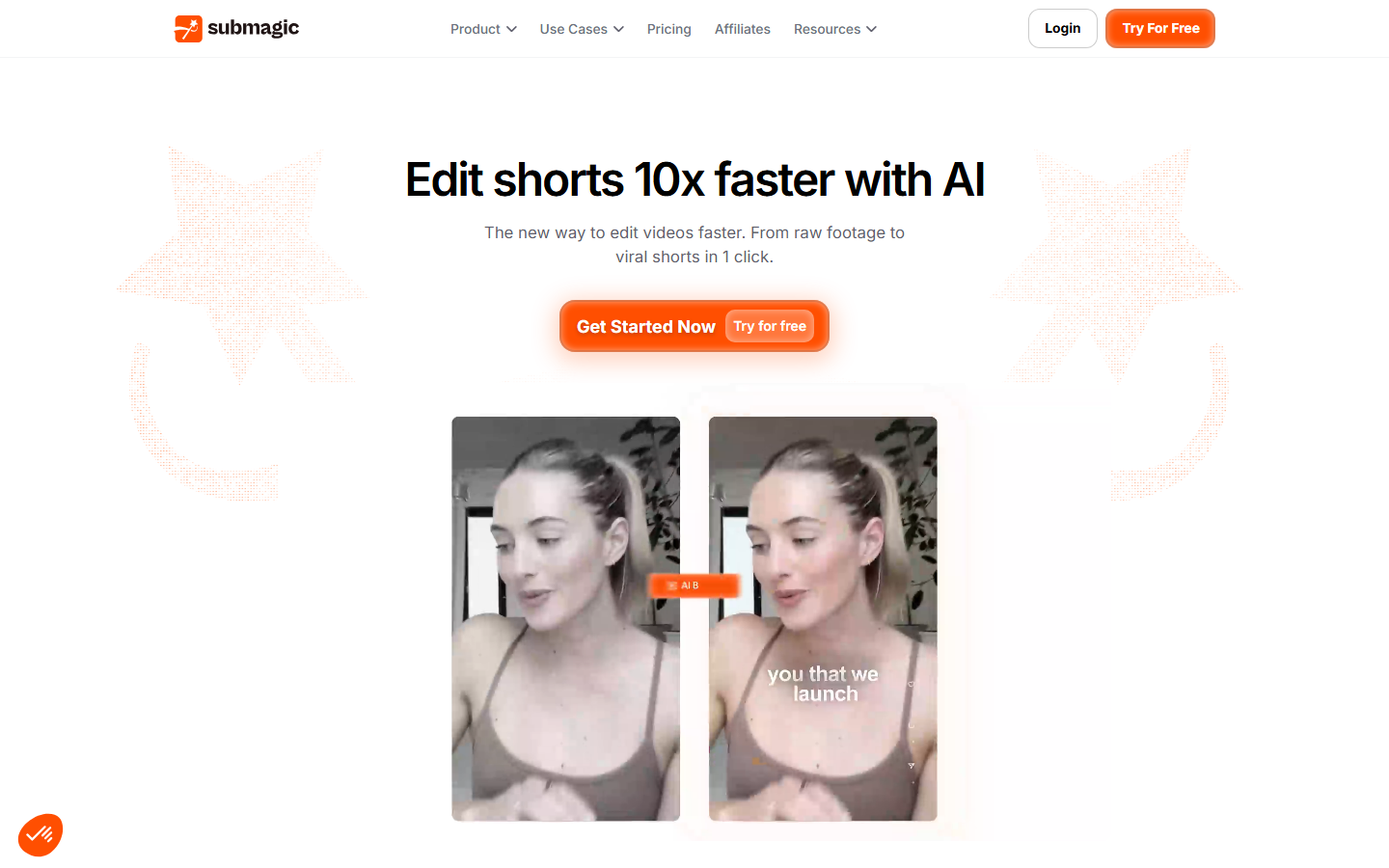
This is the flagship function. Ltool generates subtitles with an accuracy announced around 98% in more than 50 languages. But his real strength is the style:AI Highlights keywords, animates the text and offers models inspired by designers such as Alex Hormozi or MrBeast. You get a professional rendering in one click, where the manual setting would take an hour.
Magic Clips: turning the long into a short
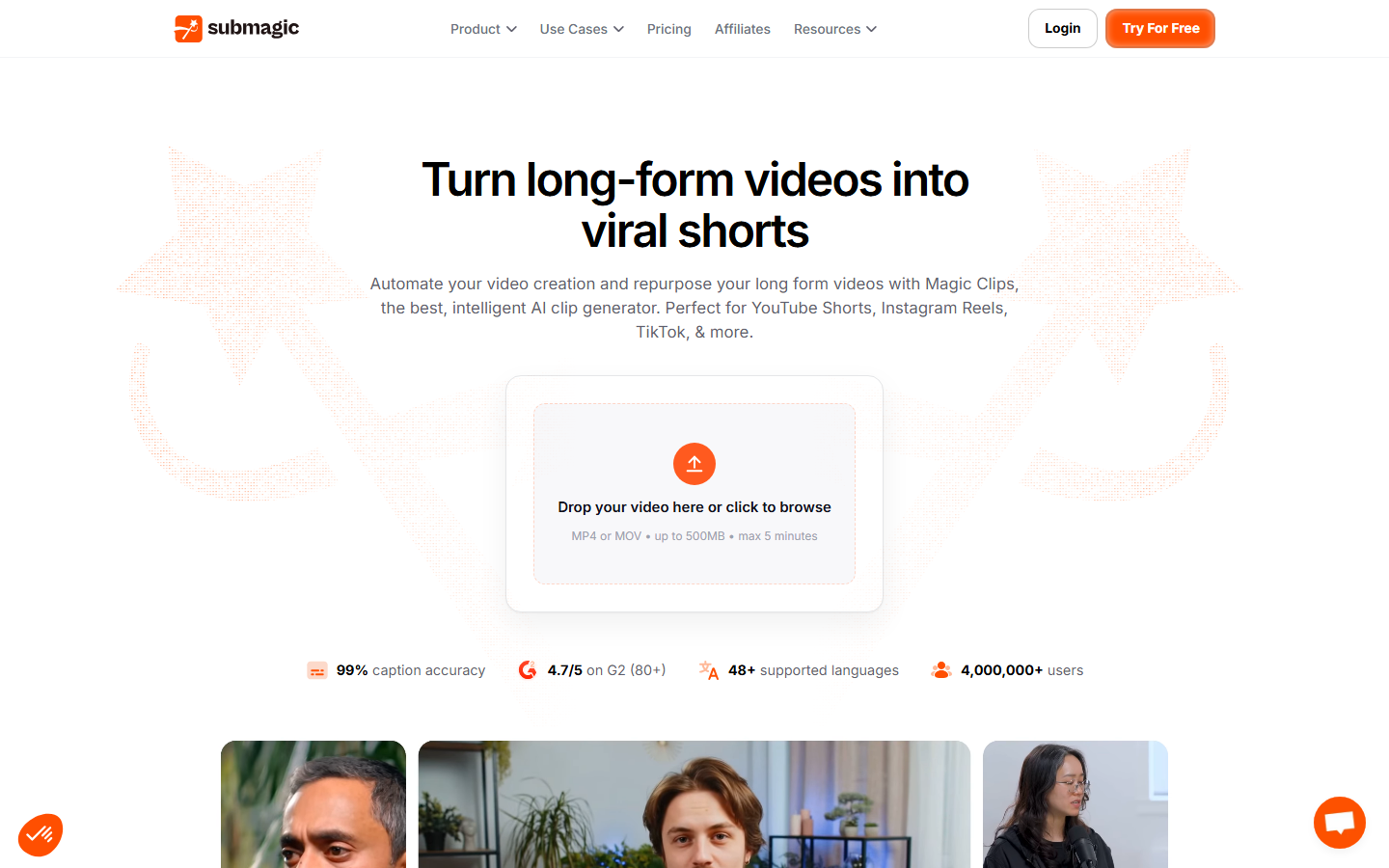
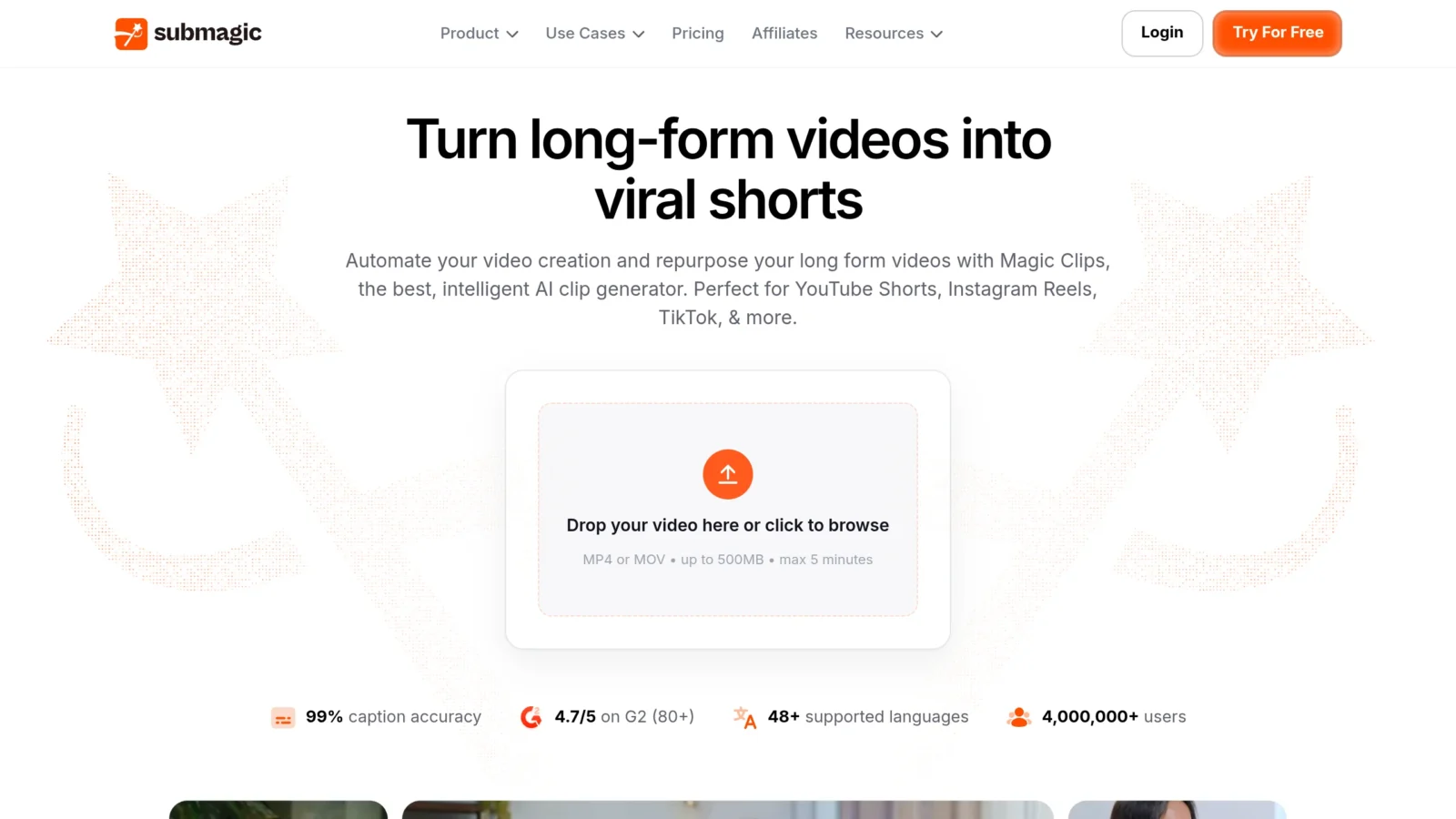
It's the function that changes the deal. We stick the link to a video YouTube (interview, podcast),AI analyzes all the content and offers in a few minutes a series of short clips identified as having strong potential. Each excerpt is already framed in vertical format, subtitled and ready to publish. A single long video can feed a week of shorts.
Editing assisted: B-rolls, zooms and transitions
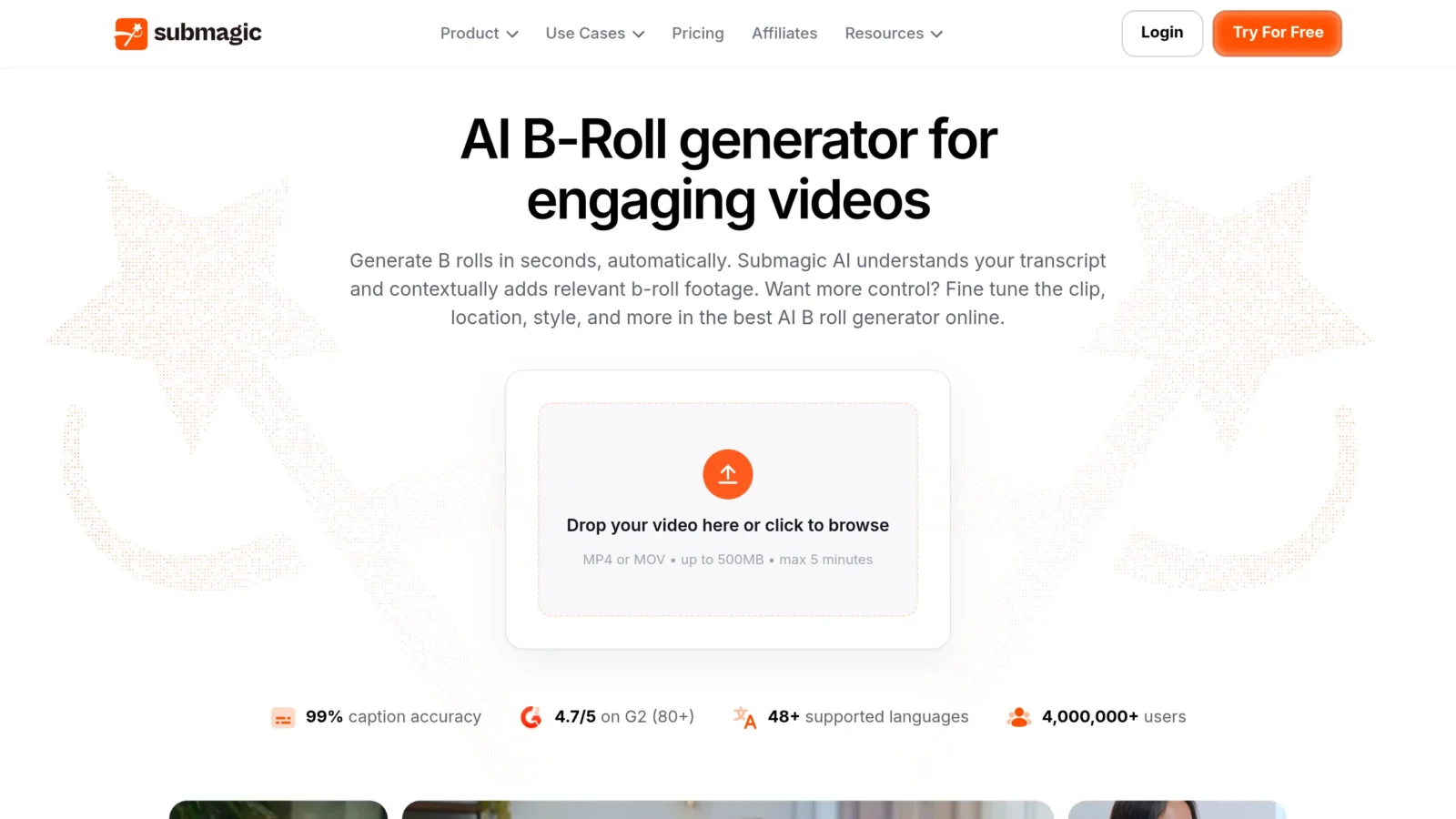
To boost the video, Submagic analyzes the script and automatically adds relevant B-rolls from a large library. It also manages zooms (on the face or a key element) and inserts fluid transitions. The result looks like a editing Handmade. On speed, we are in the same spirit as some publishers like Descript, but with an exclusive focus on vertical.
Network optimization: descriptions and hashtags
Once the video is ready,tool generates an optimized description and a list of relevant hashtags. A detail, but that improves the discovery on TikTok or YouTube Shorts and saves another few minutes.
Submagic in French: what is the subtitling ?
Legitimate question for a Francophone public: Submagic Does he manage our language well? Yes. The French transcription is solid, accents and punctuation are properly managed, and the subtitle models apply without concern to French. Some technical terms or proper names sometimes require a quick rereading, but nothing blocking. For subtitling automatic in French, Submagic is among the tools the most reliable on the market.
Alternatives to Submagic
Submagic is not alone on the slot of the automated shorts. Depending on your need, several tools We should be detoured.
- OpusClip : the most direct competitor on the recycling of long videos in clips. Very good for repurposing, a little less pushed on subtitle styles.
- CapCut : free and complete, but part of the functions AI It's past a paywall. Our comparison Submagic vs CapCut details the deviations.
- InVideo AI : more generalist, strong on creating video from a text. To be seen in our comparison Submagic vs InVideo.
- Description : a studio of editing full (editing by text, voice, podcasts), beyond the only short format. See Submagic vs Descript.
For those who just want to caption and boost videos « face camera », Submagic often offers the fastest workflow and the most current models. For wider needs, a tool generalist will be more suitable.
What users say
Beyond our test, the reality of the field matters. On Trustpilot, Submagic displays a solid note, around 4.6/5. The consensus is clear: this is the end of the editing manual, with a drastic reduction in production time quoted by almost all of the review.
Several creators report peaks of visibility after switching to automatic recycling of their long videos. The argument of profitability often comes back: for a freelancer or agency, the hours saved each month translate directly into turnover. On the aesthetic side, the returns salute an immediate professional rendering.
Criticism also exists: a lack of variety on certain sound effects and the impossibility, to date, of finely separating audio tracks. Nothing against the target, but good to know if you're looking for a push control.
Our verdict on Submagic
For us, it is a frank yes. Submagic has perfectly identified the urgency of modern designers: speed of execution and visual impact. Ltool does not seek to replace a Premiere Pro; It focuses on a critical task and executes better and faster than most competitors.
🎯 Verdict
If you regularly produce vertical content and editing shorts weigh you, Submagic is a quickly profitable investment. Tool specialized, mono-task, but formidable on his field. Note: 9/10 in 2026.
For the details of the three formulas and above all the length limit per video, which blocks much more often than the quota, we have devoted a complete page to tariffs Submagic.
FAQ
What are the Submagic ?
Submagic offers a free plan (3 videos per month with watermark) and then paid subscriptions. Count about 12 to 20 $ per month for entry-level (Starter, without watermark), around 23 to 40 $ for the most popular intermediate plan, and from 40 to 80 $ for the agency offer with API access. Prices vary according to monthly or annual billing; Annual commitment lowers the rating. Always check the official grid before paying.
Is there a free version of Submagic?
Yes, but limited. The free plan allows you to create up to 3 videos a month to test the interface and theAI. In return, exports carry watermarks Submagic and video duration is limited. For professional use without a visual mark, the switch to a paid plan is necessary.
Submagic Does it work well in French?
Yes. The French transcription is reliable, accents and punctuation are well managed, and the subtitle models apply without problems. A quick rereading is enough to correct any proper names or technical terms.
Can we cut a video YouTube Directly?
Yes, thanks to the Magic Clips module. Just paste the URL of a video YouTube long : AI identifies high-potential segments, cuts, frames them in vertical format and applies subtitles. This is the most effective method for recycling long content in short clips.
What are the best alternatives to Submagic ?
The most credible are OpusClip (long video recycling), CapCut (free and complete), InVideo AI (generalist, text-to-video) and Descript (studio editing full). Submagic keeps the advantage over speed and subtitle styles for short format; others are better suited to broader needs.