
- Yes, Kaiber AI is free, 50 credits offered for registration, without credit card.
- These 50 credits test basic features: image generation, short animations, audioreactivity in preview.
- Attention Each action consumes credits (generation, preview, upscaling). The 50 credits run out fast if you experiment.
- Premium models (Kling, Luma, Veo, Runway) are reserved for the Creator Plan to 29$/month.
- The free plan is ideal for to get a real idea oftool before committing.
Kaiber AI, 50 free credits without credit card
Test Superstudio, audioreactivity and basic generations. Plan Creator from 29$/month for premium models.
You've heard about Kaiber AI and you want to test before you take out your credit card. Good news: Kaiber offers a real free plan, 50 credits offered for registration, without CB required. But what exactly can we do with these 50 credits? And where are the real boundaries? This guide does the point honestly.
Kaiber free plan: what you get exactly
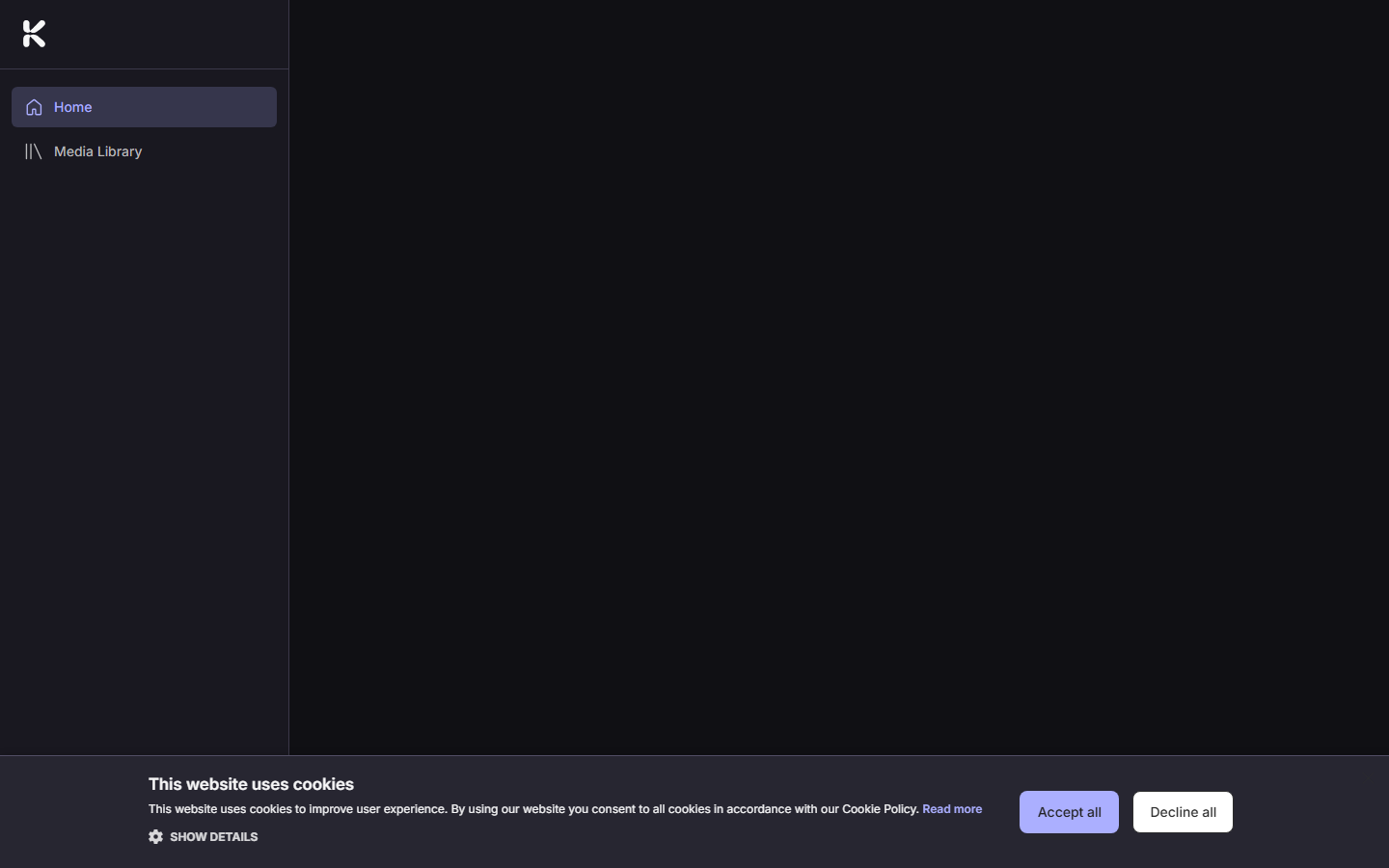
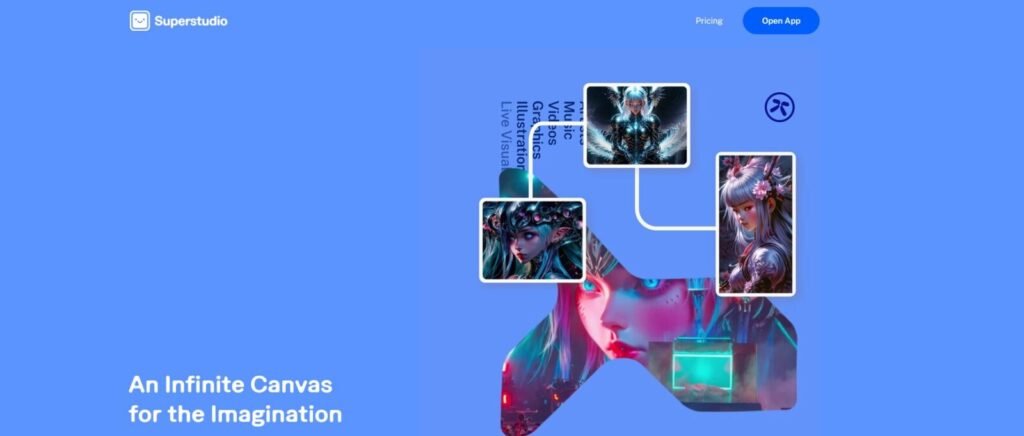
Kaiber AI offers a free plan directly accessible from kaiber. aJust create an account with your email. No credit cards are required to start. You get 50 credits at registration, available immediately in Superstudio.
What we can do with 50 credits
50 credits, that's enough to exploretool Seriously, if you don't waste. Here's what you can do:
What is blocked without subscription
How long do the 50 credits last?
That's the real question. And the honest answer: Depends on how you use them. Here is an estimate based on user returns:
| Action | Estimated credits | With 50 credits |
|---|---|---|
| Image generation (base model) | ~5 credits | ~10 images |
| Short animation (preview) | ~10-15 credits | ~3-5 previews |
| Full animation exported | ~20-30 credits | 1-2 final videos |
| Audio-reactivity session (preview) | ~15-20 credits | 2-3 overviews |
⚠️ The trap to avoid
Credit is consumed even for previews and regenerations. If you experiment with several prompts to get the desired result, the 50 credits leave very quickly. Tip: prepare your prompt carefully before launching a generation, and choose the least expensive action to validate aesthetics (preview first, export then).
Free vs Creator: Key Differences
| Functionality | Free | Creator (29)$/month) |
|---|---|---|
| Credits | 50 (single) | 1,400/month |
| Canvas Superstudio | ✅ | ✅ |
| Basic models (Flux...) | ✅ | ✅ |
| Premium models (Kling, Luma, Veo, Runway) | ❌ | ✅ |
| Audioreactivity | ⚠️ Overview | ✅ Complete |
| Upscaling 4K (Topaz) | ❌ | ✅ |
| Custom Models | ❌ | ✅ |
| Audio module (generation, stems) | ❌ | ✅ |
When to go to the pay plan?
- You produce regular music clips or audio-reactive visuals
- You want access to premium models Kling, Luma or Veo for kinematic quality
- You have a Recurrent visual style that you want to train via Custom Models
- You validated free of charge that Kaiber fits your usage
Verdict: Is Kaiber's free plan worth it?
🎨 Our verdict
Yes, Kaiber AI's free plan is a real test planNot a frustrating teaser. 50 credits without credit card is enough to understand iftool fits your creative vision. The main limit: the 50 credits do not charge, and premium models remain blocked.
If after the free test you are convinced, especially by audioreactivity or the canvas Superstudio, the Creator plan to 29$/month With 1,400 credits and access to all models is the logical continuation. However, with: ~200 credits per satisfactory video, these 1,400 credits cover about 7 final videos if you experience a lot.
For simpler uses or a predictable budget, take a look at our comparison of the alternatives to Kaiber AI.
🎨 Test Kaiber AI for free (50 credits) →FAQ: Kaiber AI free
Is Kaiber AI really free?
Yes, 50 credits offered for registration without credit card. Sufficient to test basic features. Credits are not automatically charged.
How many videos can we create for free with Kaiber?
About 1 to 2 final videos exported, or 3 to 5 previews of short animations. If you experiment a lot with the quick, the 50 credits go faster.
Do you need a credit card to test Kaiber AI for free?
No. Simple registration by email, no CB required for the 50 starting credits.
Are Kaiber's free credits charged?
No, it's a one-off package. For more credits: Creator plan (29$/month, 1,400 credits) or pack from 5$ for 300 credits.
Can we access Kling or Luma models for free on Kaiber?
No. Kling, Luma, Veo and Runway are reserved for the Creator Plan. The free plan gives access to basic models only. See our review Kaiber complete for all the details.
To locate this tool face the whole market, browse our comparison best video software AI.