📌 Essentials
Pika (Pika AI) is a generator by AI known for its creative effects unique (Pikaffitions, Pikadditions, Pikaswaps...). He creates videos from a text, image or other video, with his Pika 2.5 model. More oriented « fun and viral » cinema, it is very accessible. A free plan exists (80 credits/month, with watermark), then offers start at 8 $/month. Ideal for original social content.
In the jungle of generators video AI, Pika has made a name thanks to a different recipe: rather than aiming at cinematographic realism, he relies on creative and fun effects that's on the networks. Melt, explode or inflate an object, insert a character into a video... This is our review Complete on Pika AI in 2026: features, signature effects, real prices, and for whom it is made.
Contents: What is Pika? • Features • Pika effects • How to use • Price (free?) • Benefits & Limitations • Use • Alternatives • FAQ
What's Pika AI?
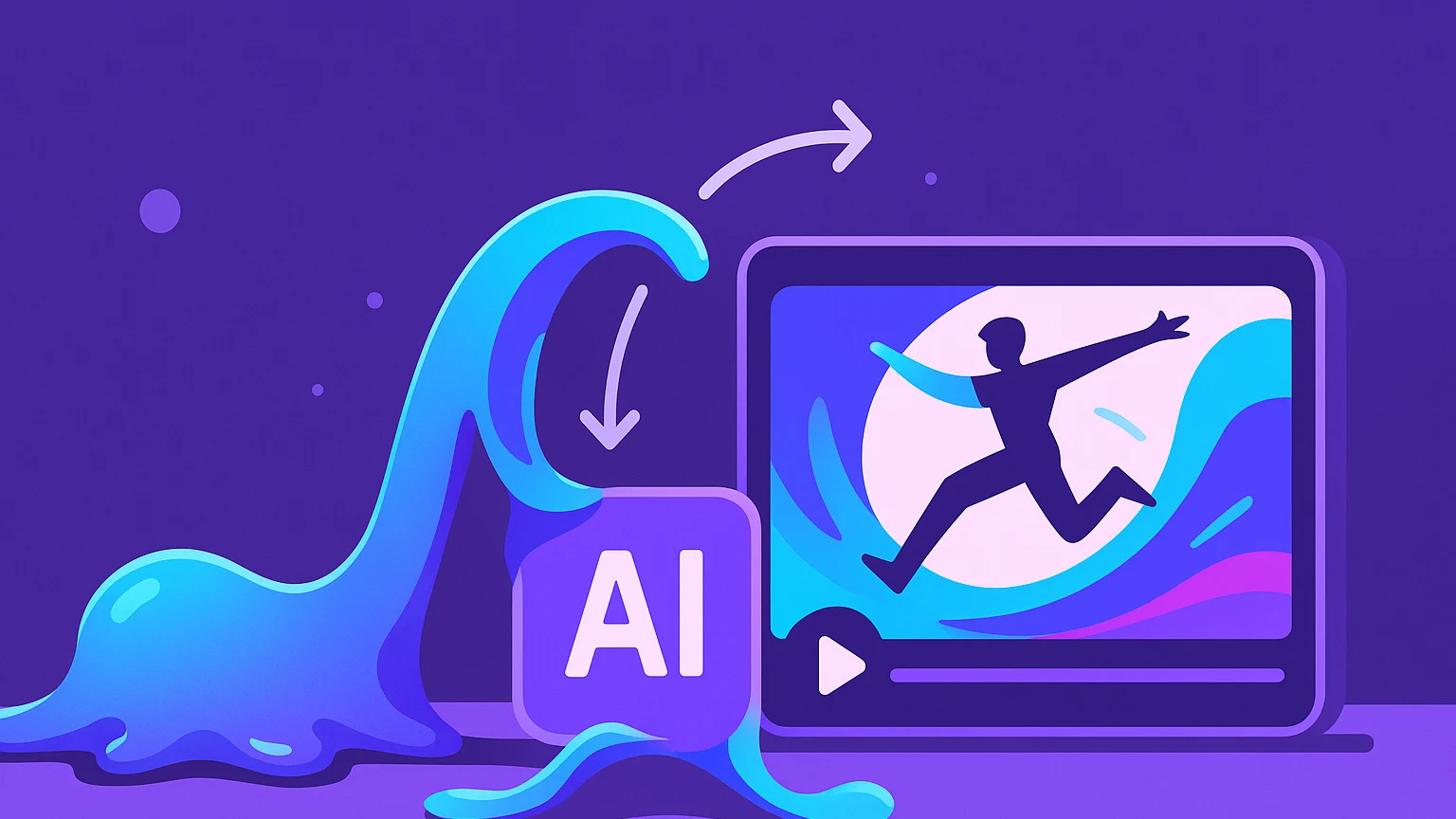
Pika is a video generation platform by artificial intelligencedeveloped by Pika Labs. She is provided with a text, image or video, and she produces an animated clip. Its singularity is its creative and playful positioning: where Runway or Kling aim at high-end realistic rendering, Pika has built his reputation on the spectacular and viral effects It is not so easily found elsewhere. Its current model, Pika 2.5, manages text to video, image to video and existing video editing.
Result: Pika has become thetool favorite creators who want to produce original and fun content, likely to become viral, without spending hours on software dspecial effects.
Pika Features
- Text to video : generate a clip from a written description.
- Image to video Animate a photo or a fixed illustration.
- Video to video : transform or restore an existing video.
- Pikalitis Effects « Physical » impossible (melt, explode, inflate, crush a subject).
- Pikadditions : Insert a character or object in a real video.
- Pikaswaps : replace an object or element in a scene.
- Pikaframes : generate the transition between a starting image and an arrival image.
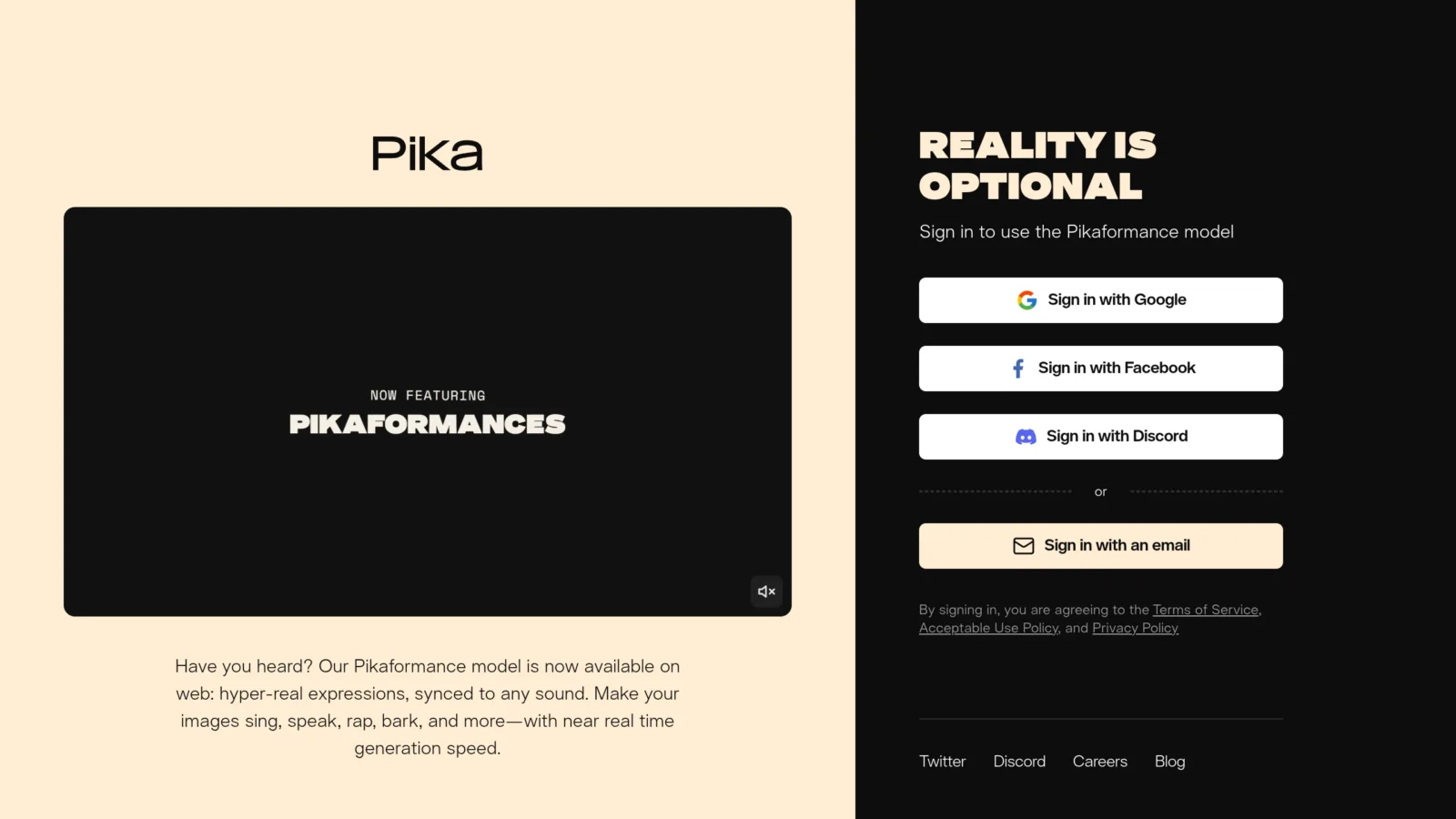
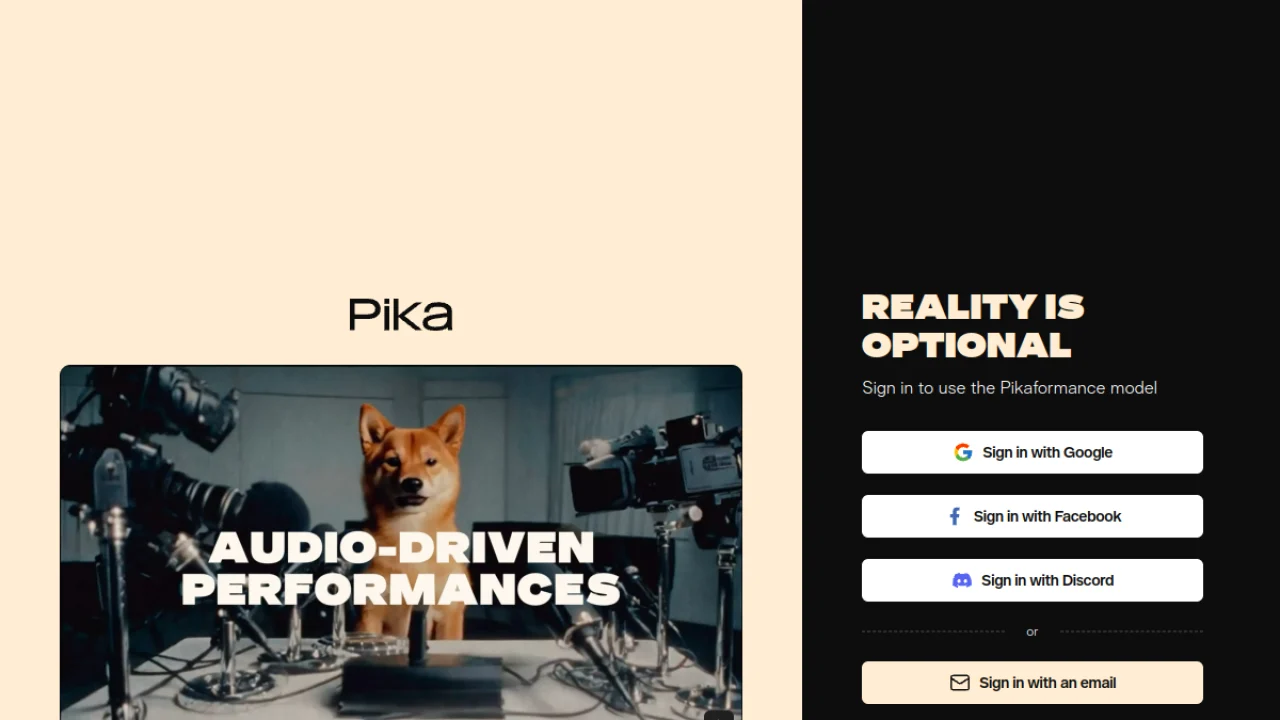
- Pikaformance : labial synchronization (lip-sync) controlled by audio.
The brick « image to video » is at the heart of many uses, to understand it, see our guide image to video.
Pika-effects: Pika's signature
What really distinguishes Pika is his family.tools « Pika ». The Pikalitis apply physically impossible transformations to a subject, it melts, explodes, deflates or transforms, for an immediate catchy result. The Pikadditions allow to add a character or object to an existing video (e.g. make an animal appear in your filmed living room), and Pikaswaps replace an element. The PikaframesThey create a fluid animation between two key images that you provide.
These effects are the main reason for choosing Pika: they are simple to trigger (you select the effect, you import its media) and give highly shareable videos. It's a field where Pika keeps a head start over even more powerful competitors over pure realism.
How to use Pika
- Create an account on pika.art (free credits allow to start).
- Choose your starting point : a quick text, an image, or a video to modify.
- Select an effect or a mode (classical generation, Pikaffite, Pikaddition...).
- Set options (duration, resolution) and launch, each generation consumes credits.
- Refine and download Your clip, ready to publish.
The interface is fun and quick to take in hand, making it a good one tool to experiment without learning curve.
Some tips for better results: leave a clear and well-lit image for the effects (the rendering depends heavily on it), write precise prompts describing the action and atmosphere, and do not hesitate to revive several generations, like all the tools of this type, Pika can give variable results from one test to another, and sorting is part of the game. Also keep an eye on your credits: the longer effects consume more, so it's better to test in the short before producing the final version.
Pika Price: Is it free?
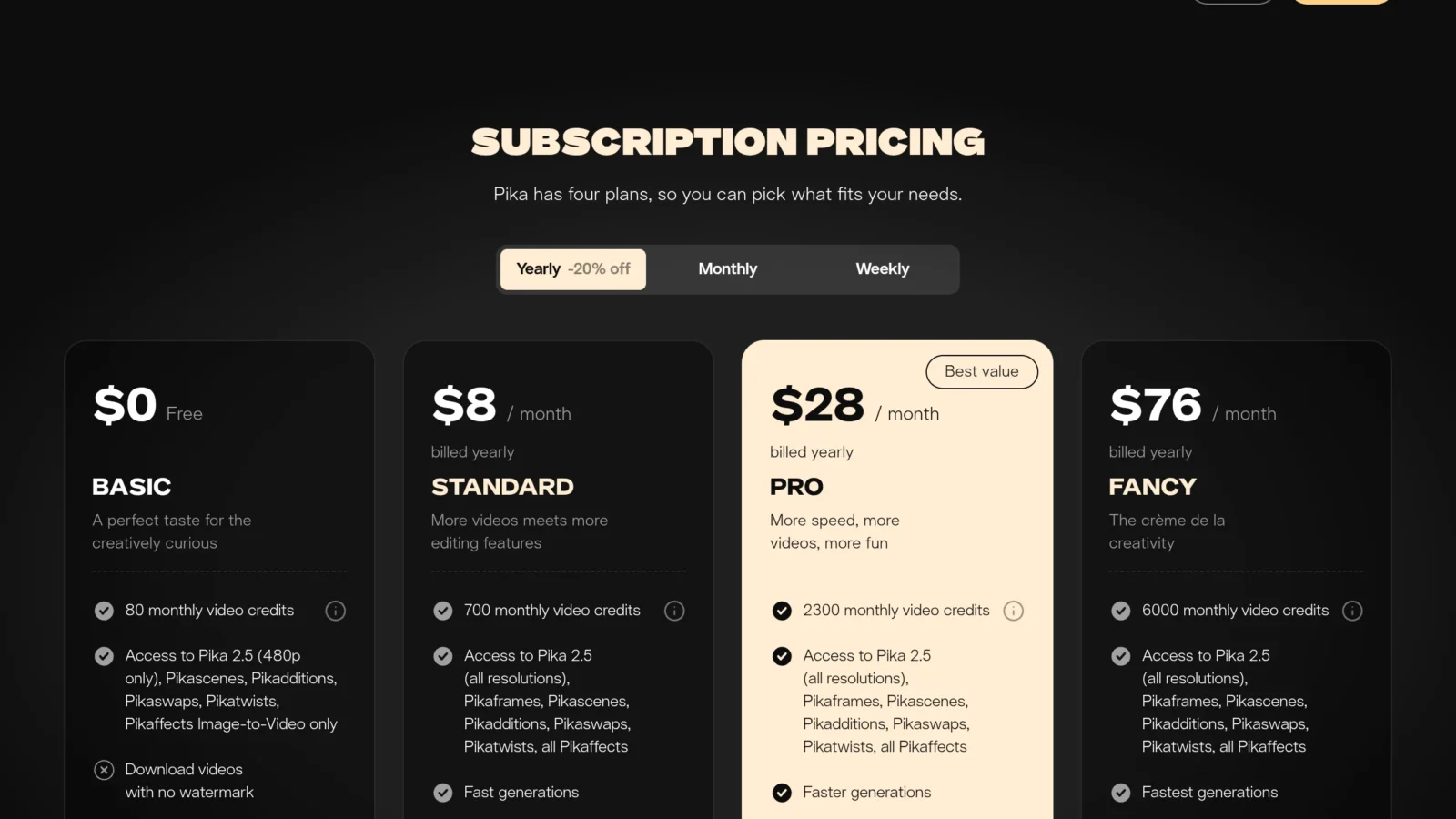
Yes, Pika proposes a free plan : 80 credits per month, equivalent to about 2 clips in full resolution (480p). It has a watermark, excludes commercial use and limits certain functions. What to testtool and its effects. Subscriptions (annual billing, ~20% saving):
| Plan | Prices | For |
|---|---|---|
| Free | 0 $ | Tester (80 credits/month, watermark) |
| Standard | ~8 $ / month | Regular use, watermark-free |
| Pro | ~28 $ / month | Intensive Creators |
| Fancy | ~76 $ / month | High volume, pros |
The credits in the monthly plan expire at the end of the cycle (only credits purchased in addition are reported). The plan Standard to ~8 $ is the best value for money for most creators. Rates are changing: check the official grid.
Benefits, limitations and for whom
Pika is made for the creators of social content who seek originality and viral side rather than pure realism. Benefits : unique and fun effects, a onboarding immediate, a very accessible entry rate (8 $), and real creativity. Limits : quality and realism remain behind in the face of Runway or Kling on demanding renderings, the duration of the clips is limited, and the free plan quickly runs out. Our review : an excellent choice for fun and viral content, to be completed by a tool plus « cinema » If you're aiming at realistic renderings. To locate it, see our comparison video software AI.
Use case: what is Pika for?
- Viral content TikTok/Reels : a well chosen Pikaffition (an object that melts or explodes) is enough to create a catchy video that shares.
- Creative advertising : make a product appear in an unexpected scene, or stage it with an effect impossible to film in real life.
- Visual Animation : Turn an illustration, poster or brand photo into a dynamic short video.
- Memes and humorous content : Pika's playful transformations are perfect for light and viral content.
- Storyboard and prototyping : quickly generate plans to test a visual idea before a heavier production.
The idea to remember: Pika is not the onetool of the perfect realism, it's thetool of the rapid creativity. Its value is to turn a fun idea into a shared video in minutes, where an equivalent effect would require hours of VFX. For a brand, it is an inexpensive way to multiply formats and test what hangs, even if the most demanding renderings are entrusted to a tool higher-end.
Alternatives to Pika
Depending on your need: Runway for a film rendering, Kling AI for realism at low price, or MindVideo which also offers many viral effects in an all-in-one platform. To compare the whole, our guide video AI makes a tour of the available engines.
FAQ
Is Pika AI free?
Yes, Pika has a free plan of 80 credits per month (about 2 clips), but with watermark and no commercial use. To produce watermark-free, you have to move to the Standard Plan (~8 $/month).
What are the Pikaffites?
Pikaffi are the signature effects of Pika: they apply to a subject physically impossible transformations (melting, blowing, inflating, crushing). This is one of the main reasons to choose Pika for viral content.
Pika or Runway: Which Should You Choose ?
Pika is more creative and affordable, ideal for fun effects and social content. Runway is more powerful and realistic, for a cinematic quality. The choice depends on your goal: virality or pro rendering.
Does Pika manage French?
The prompts work in several languages. The interface is mainly in English, but usage is mainly based on the choice of effects and import of media, which makes the onboarding simple even without good English level.