Guides & Tutorials AI Video.
Numbered steps, actual screenshots, reported traps. We teach you how to do it, not theorize it. From your first AI video atautomation Full.
Recent : the guides Headlights.
All guides →
Prompt AI video : the structure that works and 30 examples (Kling, Seedance, PixVerse)
The structure in six blocks to write a quick AI video effective, the errors to avoid and 30 examples to copy for Kling, Seedance and PixVerse.
Glossary of the AI video, image and audio: 60 terms explained simply
Prompt, image-to-video, seed, LoRA, lip sync, C2PA : 60 terms of the AI video, image and audio defined simply, with examples and English equivalents.
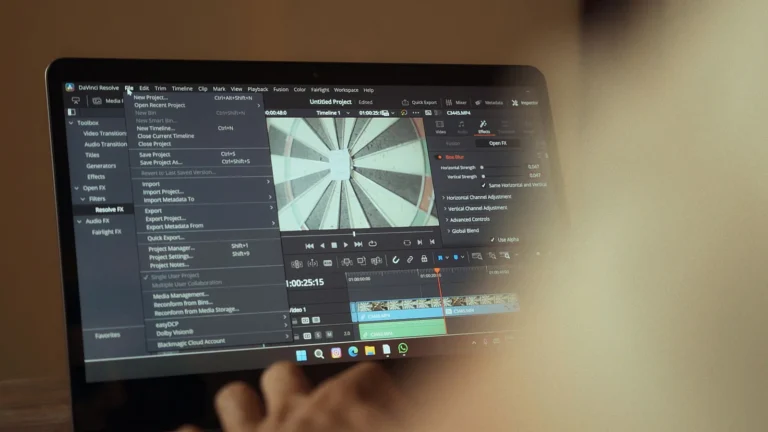
Delete a video watermark with AI : methods, tools and limits (2026)
Frame, blur, cover or erase by AI : methods to remove a watermark on your own videos, tools (HitPaw, online) and legal limits.

Videos generated by AI and copyright in France: to whom a video belongs AI ?
Video AI and copyright in France: protection, tools, commercial use, monetization YouTube and real risks, full point in 2026.
Separate voice and music from song with AI : guide and tools free
Separate voice and music from song with AI UVR5, Audacity, LALAL.AI, MVSEP, Moses and Descript compared, step by step method and rights.

Video formats of social networks 2026 : TikTok, Reels, Shorts
Reel Instagram format, TikTok, YouTube Shorts: dimensions 1080 x 1920, ratio 9:16 or 4:5, maximum durations and export settings verified in 2026.
By level.
Three routes depending on where you are. From the first AI video Multi-account automated pipelines.
Beginner
You find out.AI video. You want to install your first tool and produce your first video.
Intermediate
You know the basics. You're trying to structure your workflow and improve quality.
Advanced / Pro
You're industrializing. You're looking for automation, API, multi-account, scale.
Our method education.
No theoretical spread. Each guide was tested in a real account before being published.
Numbered steps
Each guide is cut in clear steps, screen photos in support.
Actual captures
No theoretical captures, all our screenshots come from real paid accounts.
Reported traps
Typical mistakes are noted and how to avoid them.
Concrete workflow
Each tutorial gives a workflow that can be used directly, not a theoretical thing.
Questions frequent.
The guides are they updated when the tools Change?
Does it take a fee-based account to track the tutorials ?
What level to start?
A newsletter that doesn't waste time.
An e-mail on Tuesday. 5 tools of the week. One honest verdict. 0 sponso disguised. Unsubscribe in 1 click.
GDPR-compatible. We only store your email. No resale.