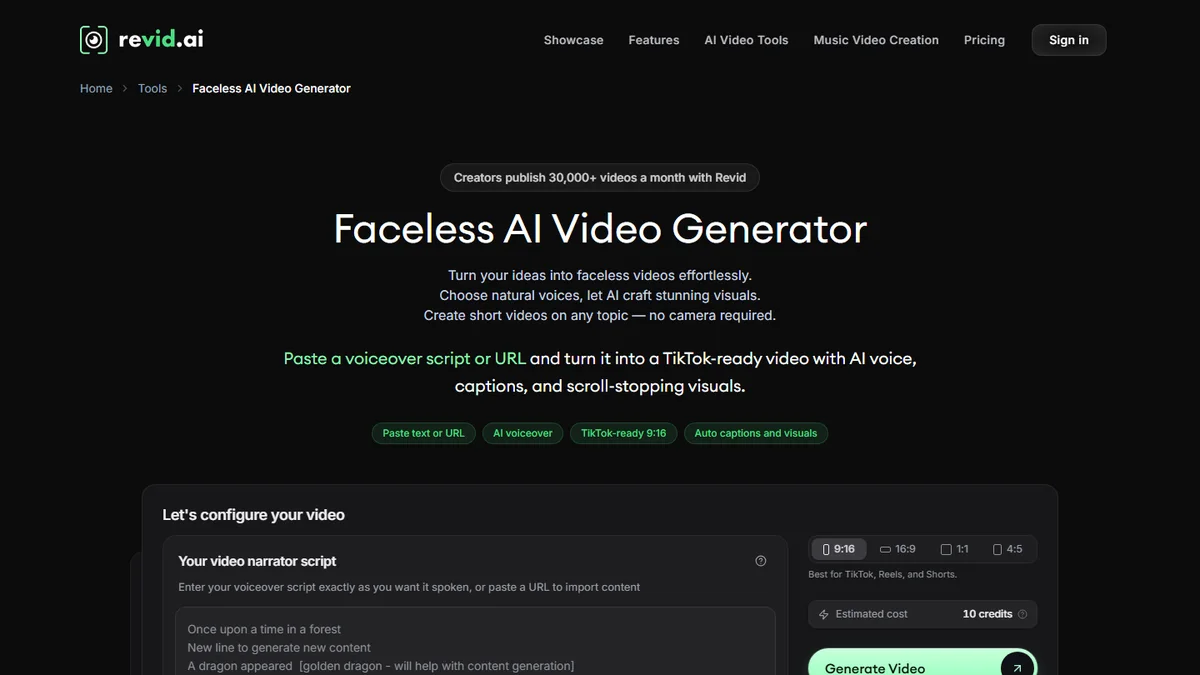
Do we have to pull out the credit card to try? Revid AI ? Not necessarily. One part of the platform runs without account, another with some credits offered for registration, and the rest requires a subscription from 39 € per month. The most useful thing is to know where these borders pass before clicking. We have tried tools free on October 24, 2026 and noted what the tariff page and official documentation say about the rest. Here is what Revid allows to do without paying, what it does not allow, and when the subscription becomes reasonable.
Tested 24.10.2026: generators free scripts from Revid, without account, and a free account (70 credits displayed). This page contains partner links.
Contents: Essential · Three levels of free · Tools without account · Credits offered · Limits · 5-step plan · When to pay · Other tools free · Verdict · FAQ
Essentials
- No permanent free formula: the fare page shows only three pay formulas (Hobby, Growth, Ultra). On the other hand, registration is without credit card and part of the tools Works without account.
- Excluding: generators Scripts, library of more than 130 TikTok hooks, Video to Prompt, TikTok account audit, current trends, legends and titles. We tested the scripts: a convincing French, but anecdotes and figures invented.
- With a free account: some credits offered (70 on our account on 24.10.2026) and, after a capture by Revid, missions to +10 credits. I don't need a channel.
- What we did not verify: watermark and export resolution of a video made with free credits.
- Moving to paid: from the moment you publish every week. Growth (39 €) is about 0.8 to 1.6 € by video of 30 seconds in animated images, according to our calculations.
With our link, the BEKOE code opens 20% in the first month for new subscribers.
Is Revid AI free? Three levels to distinguish
The question « Free revid AI? » receives three different answers according to what is called free. Might as well separate them right now.
| Level | What it takes | What you can do | What you can't. |
|---|---|---|---|
| 1. None | Nothing: a web page | Write scripts, find hooks, scan a TikTok account, turn a video into prompts | Create or export a video because the button « Create Video » open the publisher and request an account |
| 2. Free account | Registration, without credit card | Use credits offered (unpublished amount, 70 on our account) and missions onboarding | Publish, automate or use the API: features listed on the paid formulas, free account access to check on registration |
| 3. Fee | Hobby or Growth at 39 € per month, Ultra at 199 € (page of 24.10.2026) | Everything else: 2,000 monthly credits for Growth, publication, Auto-Mode, API | Nothing important, but credits do not refer to the other month |
Revid himself writes about his tariff page : each formula includes « the complete engine » (delivery, publication, statistics, Auto-Mode, agent access). The difference between the formulae is therefore mainly due to credits and the number of workers automation, not to shuffled functions, even if the maps do not all detail the same list. For an overview of the tool, from its 163 pages tools and its prices, our review complete on Revid AI remains the reference.
What tools Are Revid free and without an account?
It's the most generous part of Revid. Public pages are marked as « Free · No signup » or « No login, no TikTok connection ». This is what we have identified, with what we have actually tried.
The generators scripts: tested, useful, to read again
We submitted the same type of briefing to two generators. The first, in French, for the TikTok Script Generator: « 3 baker tips to keep your bread fresh longer »Life Hack style, 30 seconds. The second, in English, for the YouTube Shorts Script Generator: why octopus has three hearts and blue blood, Fun Facts style. Each tool returned three proposals in 25 to 30 seconds, without registration, with thirteen styles of choice and an adjustable duration of 10 seconds to 2 minutes.
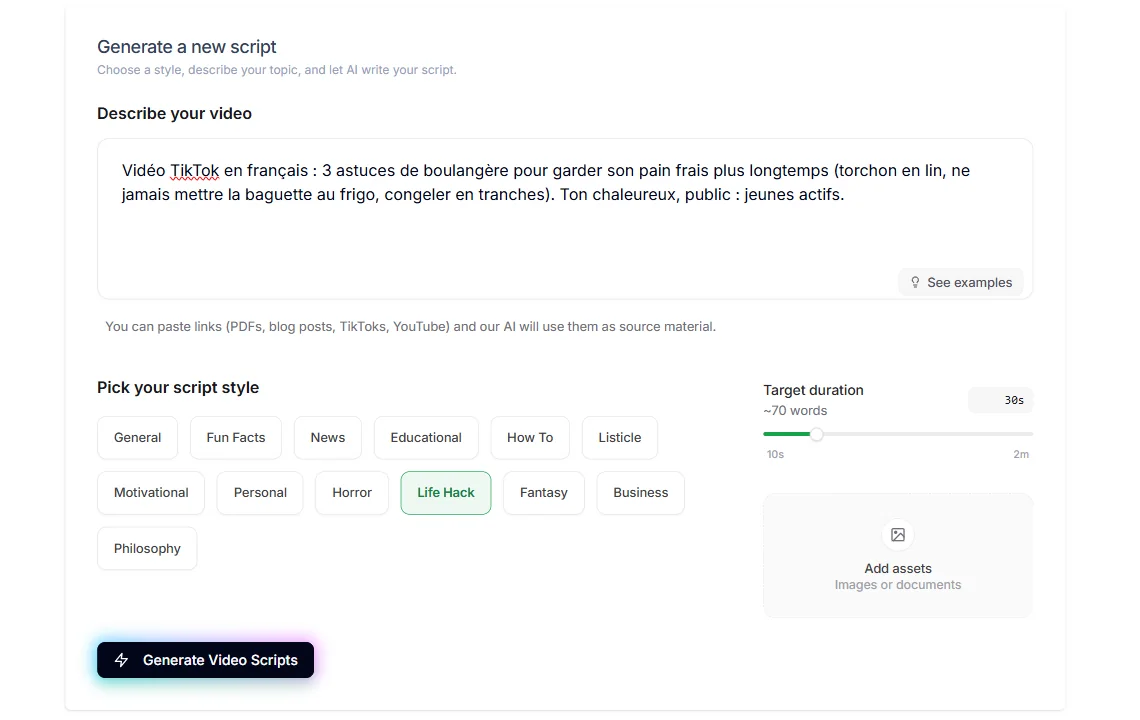
French is at the level: hang from the first sentence, tutoement, short sentences to say aloud, three tricks taken in order. But there's a setback. Two of three French scripts invent a character (« My first boss learned three things. », « my mother, baker »), and a script adds a statistic that we didn't provide (the bread that « fills twice as fast »). The English test shows the same tick with a personal anecdote made (« I found out at an aquarium »). Simple rule: keep the structure, remove the memories and check the numbers.
Hooks, prompts and audit: tools ideas
- TikTok Hook Library: More than 130 hooks divided into 14 categories (questions, curiosity, POV, lists, counterfoot, emergency, transformation, business, health, beauty...). Each hook is copied in one click, and a field allows to customize it about it. Page marked « Updated October 2026 · Free · No signup ».
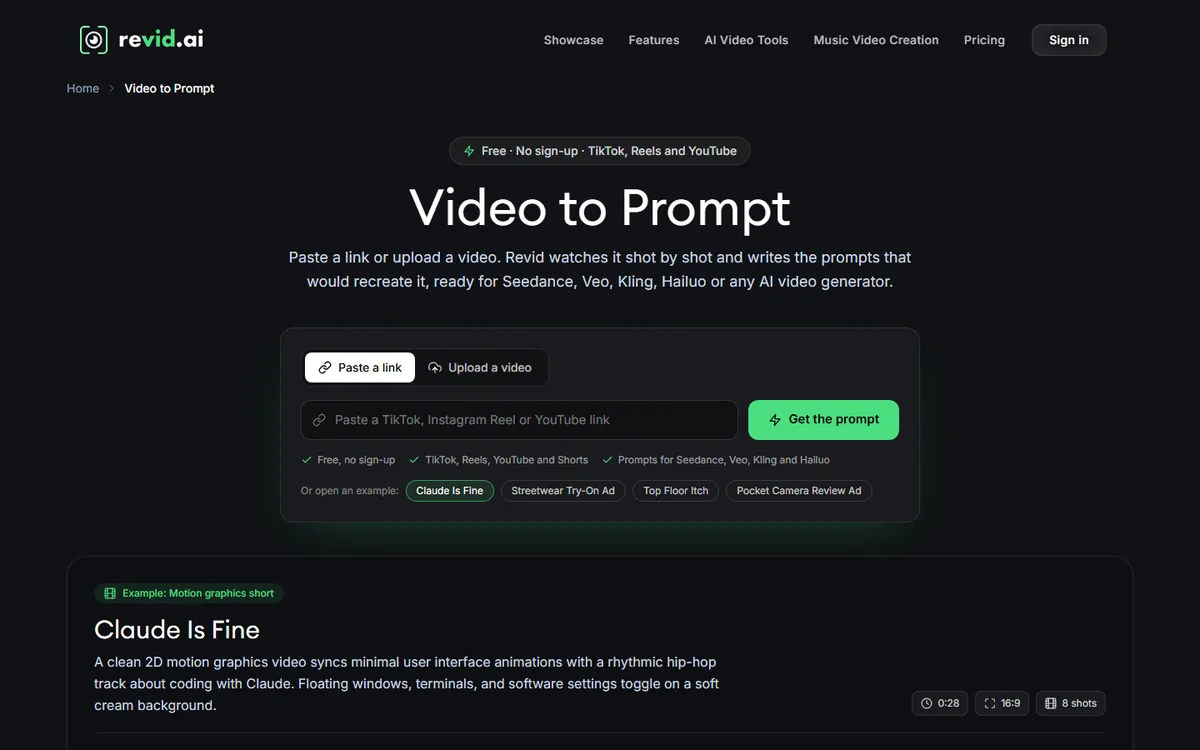
- Video to Prompt: we bond a TikTok, Reels or YouTube, or we upload a video, and tool description plan by plan by writing the prompts that would allow it to be recreated in Seedance, Veo, Kling or Hailuo. It's mostly a tool learning: we understand how a viral video is built.
- TikTok Account Audit: we stick a nick and I tool reads the public statistics of the last 50 videos to indicate the times, durations and contents that exceed the account median. No TikTok connection requested.
- Today's TikTok Trends: hashtags, sounds and videos on the rise, with a page updated daily.
- Legends and titles: generators Instagram and TikTok legends, titles and descriptions YouTube.
- Utilities: security areas TikTok, Reels and Shorts to place texts, BPM detector, music clip planner.
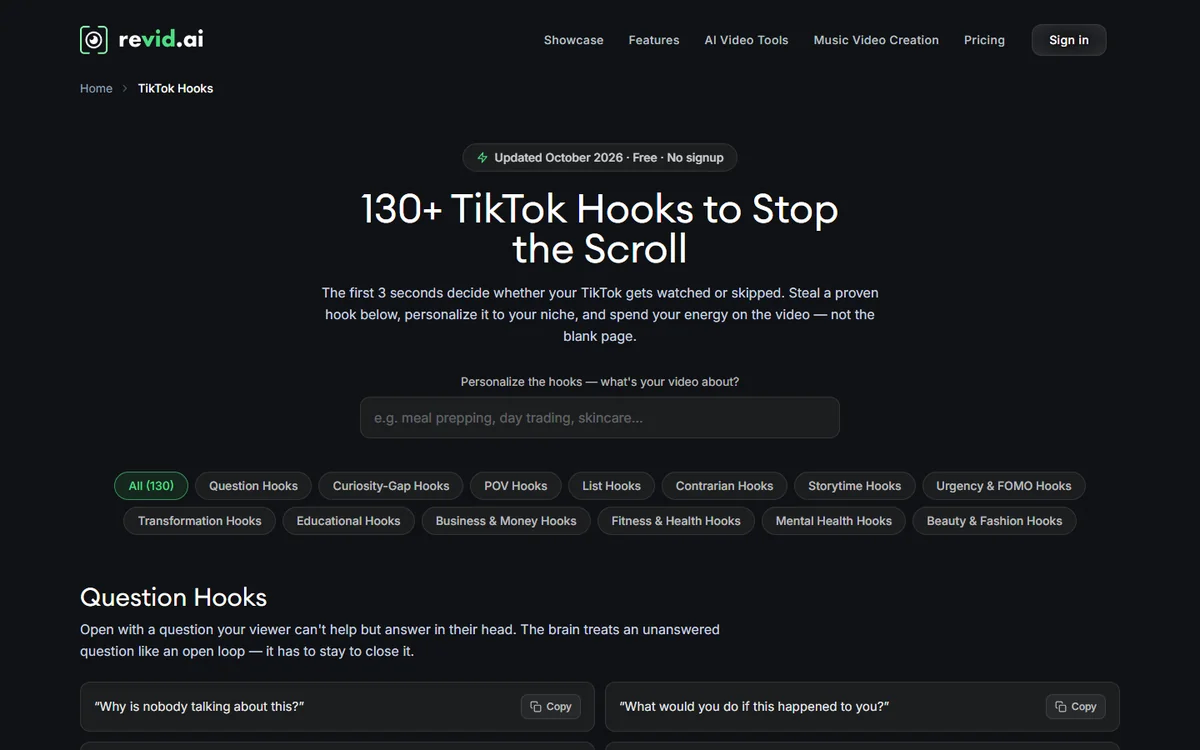
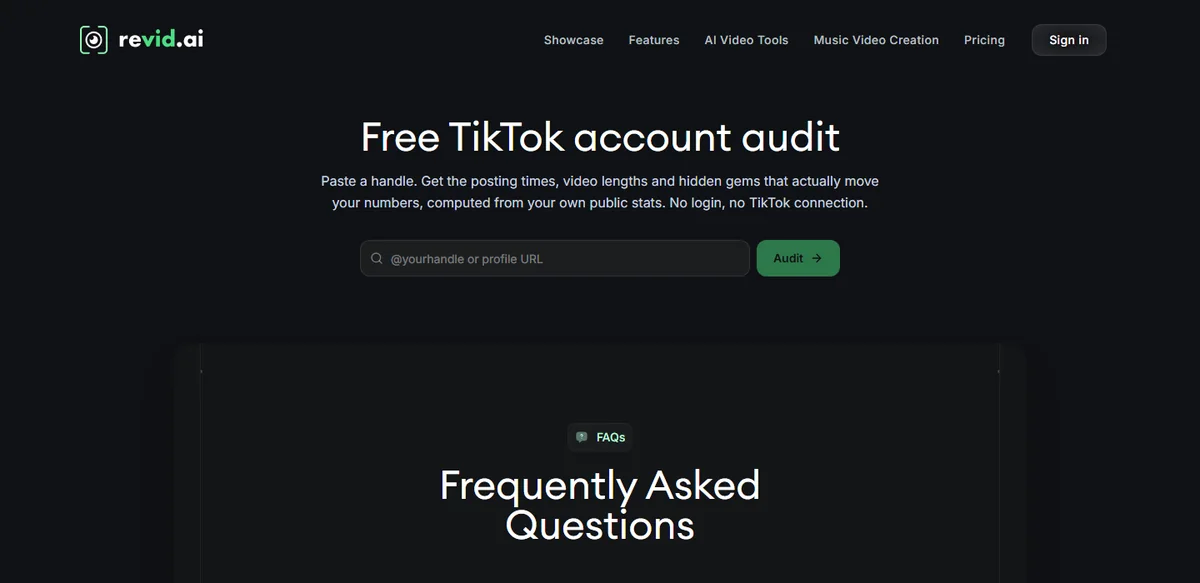
These tools are free because they serve as a showcase: Revid hopes you will switch from idea to video in his editor. You don't have to. A creator can very well prepare his hangers, scripts and publication schedules with these pages, then mount his videos elsewhere. To write better texts upstream, our guide for Write a video script with AI usefully complements these generators.
Credits offered and missions: what can be done with a free account?
Creating an account does not require a credit card. Revid says on his home page « No credit card required » and on its tariff page that new accounts receive credits offered. The amount is not published. The free editorial account had 70 credits on October 24, 2026: do not take this figure for a rule, it may vary according to the periods or regions.
The onboarding (capture provided by Revid)
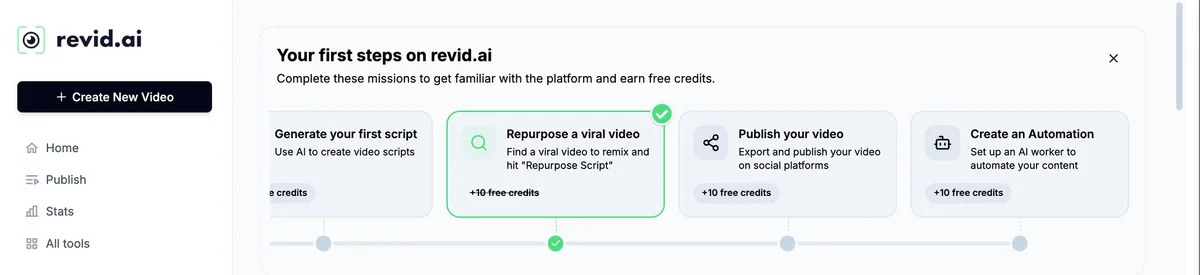
The presentation kit provided by Revid shows a box « Your first steps on revid. a » : a series of missions for « become familiar with the platform and earn free credits ». On the capture of April 2026, four steps to +10 credits each: generating its first script, remixing a viral video, publishing a video, creating a automation. The last two relate to publication and automation, functions that the pricing page lists on the Growth card: we do not know if they are accessible without subscription. Watch the registration home screen to see the missions proposed in October and their total.
What's 70 credits?
To measure the value of a balance of 70 credits, let us use the scale that Revid publishes in its documentation (October 2026). One voiceover Cost 10 credits for 500 characters. An image AI Low range costs 1 credit, Pro range 4. A 5-second video slice AI Cost 15 credits in Low and 50 in Pro. Revid itself gives an order of magnitude for 30 seconds: from 40 to 80 credits with animated images of the Pro range and a voiceover, about 100 in AI video Low.
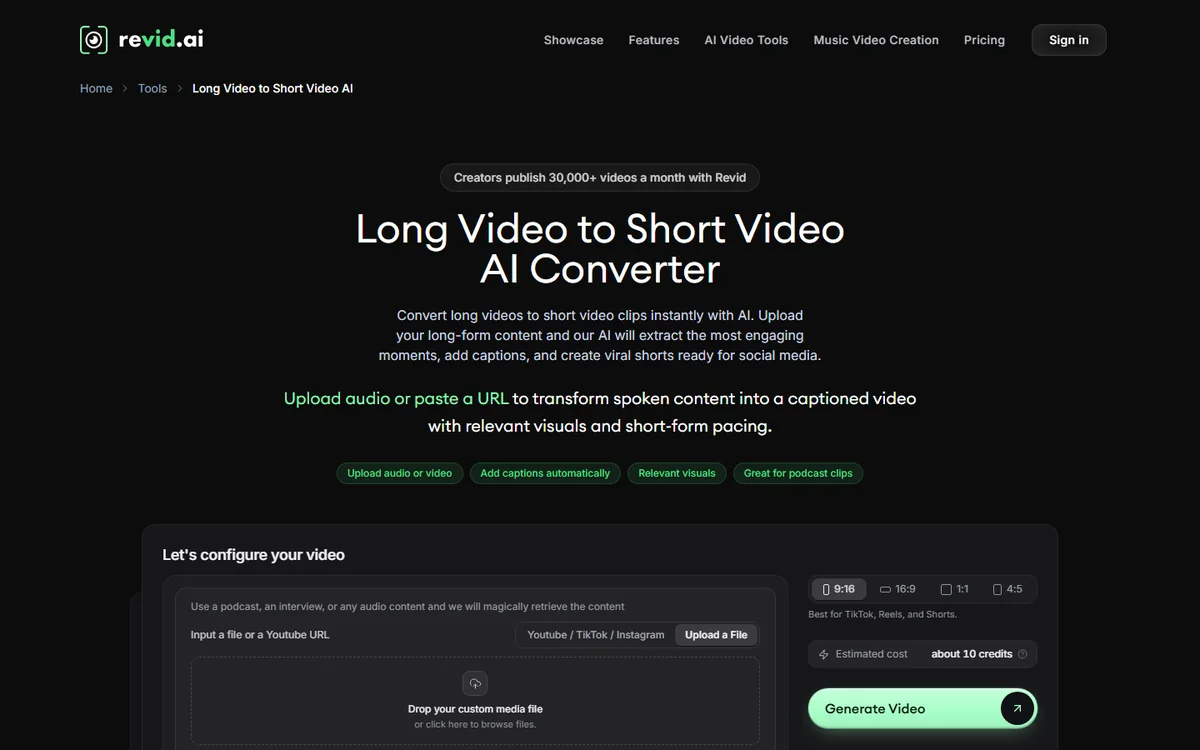
Calculation conclusion, no test: 70 credits allow you to produce a short video in animated images, provided you stay on economical settings, and no more. This is enough to judge the interface, the voice, the subtitles and the way in which tool translate your script into images. It's not enough to power a chain. The pages of tools Moreover, the estimated cost before generation is displayed: 10 credits for Faceless AI Video Generator or for the long video converter to Short on the day of our captures.
The limits for free at Revid
This is what awaits you, and what remains to be checked, without trimming.
- No durable free formula. Once the credits are spent, we don't generate any more. The credits for paid packages do not refer from one month to the next, but the one-time packages (1 000 credits for 49 $) do not expire.
- Publication and automation : access not confirmed. The Growth map lists the publication on TikTok, Instagram and YouTube, string statistics and tracking, as well as Auto-Mode (3 workers) and access to API, MCP server and command line. Check at registration what the free account allows.
- Watermark and resolution: to be checked. Look at your first export before publishing. Do not count on the absence of watermark until you have found it.
- Scripts to read again. L tool free invents characters and sometimes slides numbers. Publish as is on a health, money or legal subject would be a mistake.
- The tools which serve as a window. Free pages push towards « Create Video ». This is good war, but it means that the free value is mostly in the upstream (ideas, scripts, analysis).
- Unjudged video rendering. In the absence of a credit test, we do not note the quality of images, voices or subtitles. Look at the examples of Revid with caution: they are chosen by the publisher.
How to get the most out of Revid without paying: a 5-step plan
Here's the web we would recommend to a creator who starts, only with the tools free of charge and a balance of credits offered.
- 1. Choose your angle with the day before. Open the trends of the day and the account audit of a competitor to identify the formats and schedules that work in your niche.
- 2. Find the hanger. Browse the hook library and customize two or three hooks with your subject. The first three seconds decide the rest.
- 3. Have the script written, then read it again. Launch it generator scripts with a precise brief (public, tone, duration). Remove invented anecdotes, check numbers, shorten.
- 4. Learn from a viral video. Pass a link in Video to Prompt to understand the plan structure by plan, without copying the original.
- 5. Spend your credits with method. Create an account, run a single short video with an economical setting, watch the estimated cost before clicking. Then judge the rendering, the voice and the export.
If you prepare a whole chain in parallel, our guide chain YouTube cost-effective details the strategy part, and our selection ofAI for YouTube Shorts on tools that surround Revid.
When to go to the payer?
The right time depends on your pace. Calculation is simple: Growth costs 39 € per month for 2,000 credits (page of 24.10.2026). By taking over official orders of magnitude for a video of 30 seconds, this gives between 25 and 50 videos per month in animated images Pro with voice, i.e. about 0.8 to 1.6 € video, or about 20 videos in AI video Low, almost 2 € Each. With Veo 3 (more than 600 credits per 30 seconds), you fall to three videos, or 13 € Room. These are our calculations from Revid's numbers, not measurements.
| Your situation | Is free enough? | Our advice |
|---|---|---|
| You prepare ideas, hooks and scripts | Yes | Stay on the tools without an account, mount your videos wherever you want |
| You want to judge tool before deciding | Yes, with the credits offered | Create an account, run a single short video, compare with your habits |
| You publish 1 to 4 videos per month | No | A classic publisher or a competitor's formula is probably more economical |
| You publish every week, several channels | No | Growth at 39 €, by monitoring the estimated cost before each generation |
| You want to automate (one post a day) | No | Growth to test a worker, Ultra if you want several or high-end models |
| You are a developer or agency | No | Paid plan gives API, MCP server and command line |
A word about Hobby: the October 24 tariff page displays Hobby and Growth at the same price of 39 € per month. The Growth card announces 2,000 credits, publication, statistics and Auto-Mode, while Hobby's does not mention any credit. At equal price, we see no reason to choose Hobby.
BEKOE code
If you decide to subscribe, go to our link: the BEKOE code gives 20% reduction over the first month, reserved for new subscribers. Always check the amount displayed before validating the order.
What others tools AI video free compare with Revid?
Revid is not the only one offering a free entrance. The tools below meet neighbouring needs, with their own limitations, which we have detailed in our guides. The free terms change quickly: check each publisher's page before launching.
- For dynamic subtitles and Shorts: our guide of the Submagic free.
- For the text to generalist video: our guide dInVideo Free AI.
- For videos from text with voice: our guide of the Fliki AI free.
- For a editing free classic in the browser: Nos guides Free Clipchamp and Free FlexClip.
- For speaking avatars: our guide of the HeyGen free.
- To review all the generators : our comparison of the 10 AI video generators free and our selection of tools of AI video free in 2026.
What distinguishes Revid in this basket: the extent of his box to tools without an account (scripts, hooks, audit, watch) and, on the pay side, direct publication and the automation. Where others offer a small quota of free videos with watermark, Revid mainly offers tools free upstream and few generation credits.
Our review : Free revid, for whom and how far?
What we keep from the free Revid
The good one: a real box to tools without account, useful even if you never buy anything, and a registration without credit card. The French scripts are solid in their construction.
The least good: No permanent free formula, few credits offered (70 at home), scripts that invent characters and numbers, and two unknowns that we want to raise: the watermark and the quality of rendering of a video made with free credits.
Our advice: take advantage of the tools free to prepare your ideas, test a short video with your credits offered, and only pass to Growth if your pace of publication justifies it. We will update this article after our test of a full video.
FAQ: Revid AI free
Is Revid AI really free?
Not entirely. There is no permanent free formula: the pricing page shows only Hobby, Growth (39 € per month each) and Ultra (199 €). On the other hand, registration is without credit card with credits offered, and many tools You don't have an account.
Can Revid AI be used without an account?
Yes for tools Upstream: generators TikTok scripts and YouTube Shorts, hook library, Video to Prompt, TikTok account audit, current trends. To create or export a video, an account is required.
How many free credits does Revid offer?
The amount is not published. Our free account posted 70 credits on 24.10.2026. A capture provided by Revid shows in addition missions to +10 credits, to be checked on registration.
Do free Revid videos have watermarks?
The pricing page does not specify it for a free account. Check with your credits before considering a publication.
Does Revid AI free work in French?
The generators scripts written in French from a French brief during our test, with a convincing oral tone. Remember to remove the anecdotes and figures invented before publishing.
How much does a video with Revid credits cost?
According to Revid's documentation: 40 to 80 credits for 30 seconds with animated images and voices, about 100 in AI video Low, over 600 with Veo 3. The estimated cost appears before starting the generation.
When do you have to switch to a paid package?
When you publish every week or want to automate. Growth (39 € per month, 2000 credits) amounts to about 0.8 to 1.6 € by video of 30 seconds in animated images according to our calculations, against a free balance that barely covers a video.
Is there a free alternative to Revid AI?
Yes, several tools offer a free quota, with watermark or limits as appropriate: Submagic, InVideo AI, Fliki, Clipchamp or FlexClip, detailed in our guides. Check the current conditions on each editor's page.