📌 Essentials
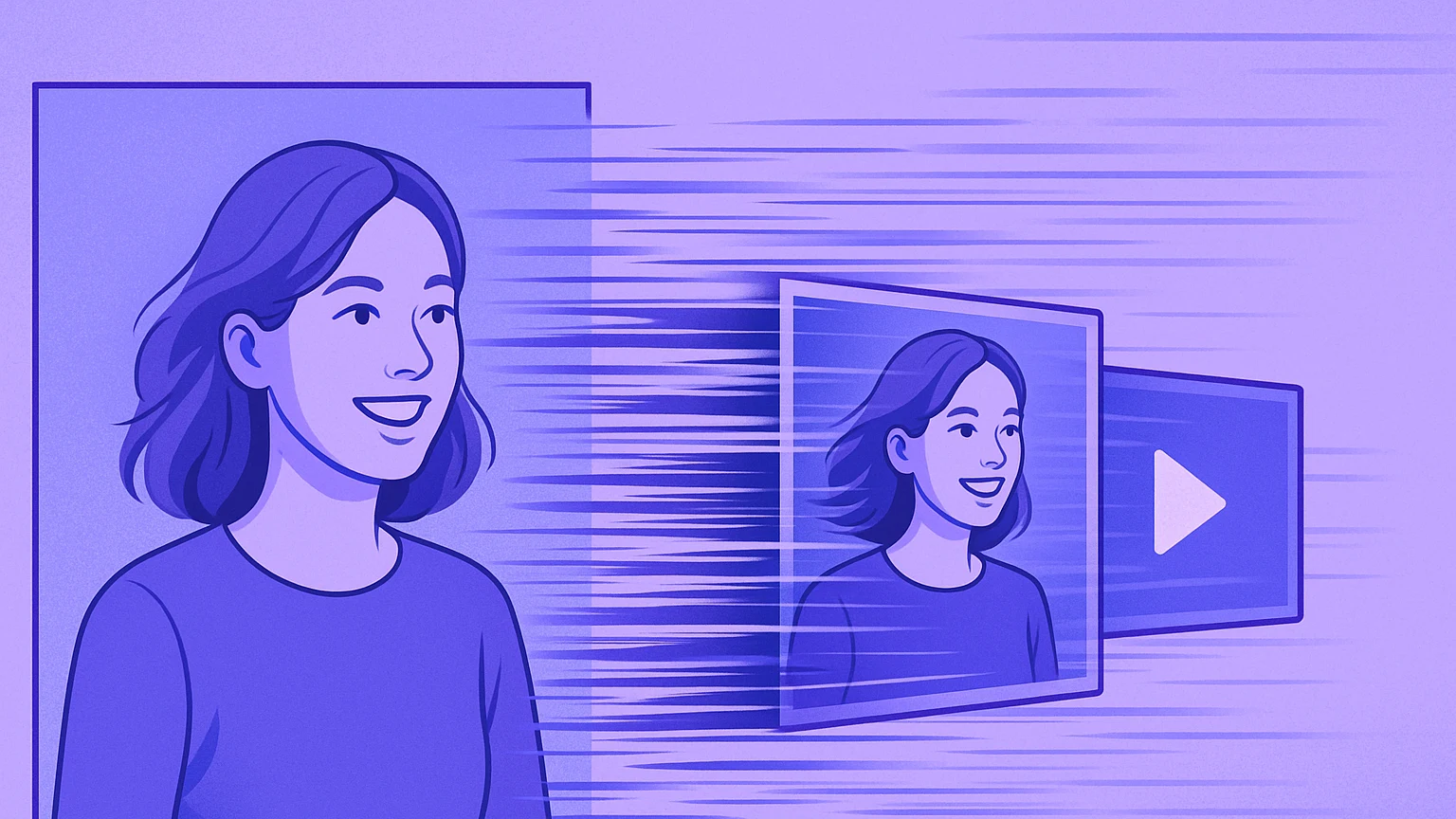
To animate a photo,AI transforms a fixed image into a short video of 5 to 10 seconds: it adds movement (camera, parallax), moves a face, or animates the entire scene. You import your picture, you describe the movement,AI generates animation. The tools the simplest online: PixVerse, Kling AIMyEdit, Runway. Almost all have free credits every day, with watermark. To do Talk a picture, we go through a tool of the « talking photo » as Creatify.
A photo that comes to life, a portrait that smiles or turns its head, a landscape where clouds begin to scroll. Three years ago, after effects and a good afternoon. Today,artificial intelligence moves a photo in a minute, from a browser or phone. The principle is called « image to video » (image to video): The model guesses the depth of the scene and invents the missing images between two moments. We took back this guide in October 2026 with tools and the free quotas of the moment, to answer everyone's question: how to animate a photo for free, and with what AI ?
Contents: How to do • Which AI to choose • Free of charge • Without registration • What about ChatGPT? • Animating a Face • An old picture • On the phone • The 4 types of animation • What's the point? • Advice • FAQ
How to animate a photo with AI (and make it move)
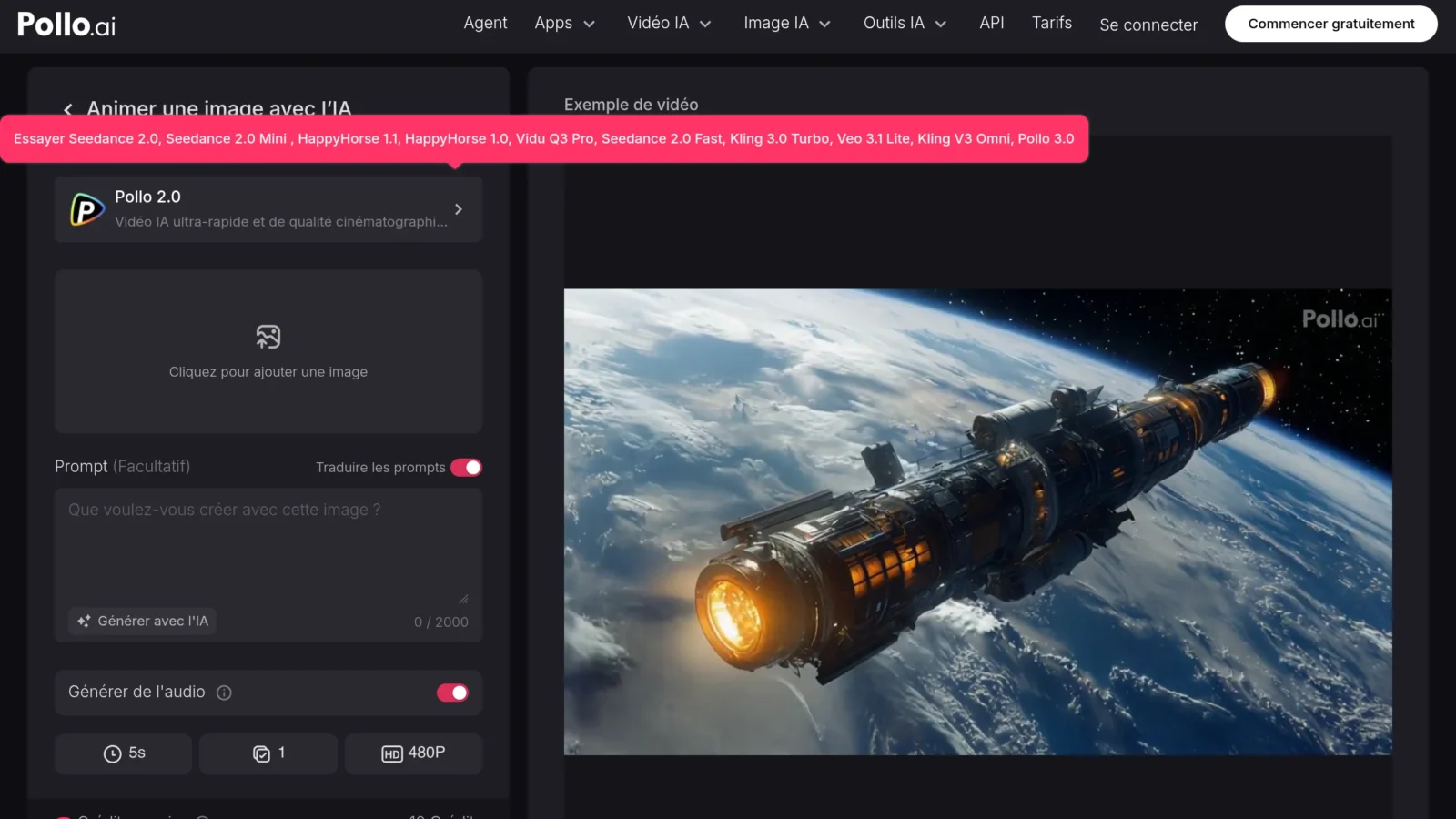
- Import your photo on tool (slide and drop) A clear, well-lit image of at least 1000 px wide gives a better result.
- Choose the type of animation : camera movement (zoom, panoramic), subject animation, prefabricated effect, or description of movement in a prompt (« She turns her head towards the window and smiles »).
- LAI generates the video, most often 5 seconds, sometimes 10, by analyzing the depth and elements of the image. Counts 30 seconds to a few minutes depending on the tool and hour.
- Adjust and download : restarts if a detail deforms, then exports in MP4 ready to share.
The prompt makes a real difference. A short and concrete set-up works better than a poetic description: subject, action, camera movement. For example « the dog runs towards the camera, fixed plane, late afternoon light ». If you just want « moving a photo » without thinking, the ready-to-use effects of PixVerse or MyEdit do the work in one click.
It's exactly the technology. « image to video » that one finds in the big generators video. To understand the behind the scenes, see our guide image to video.
To go further and make talk a photo (not just animate), see our guide dedicated: Make a photo talk AI free in 2026, complete method and alternatives tested.
Which free AI can animate a photo?
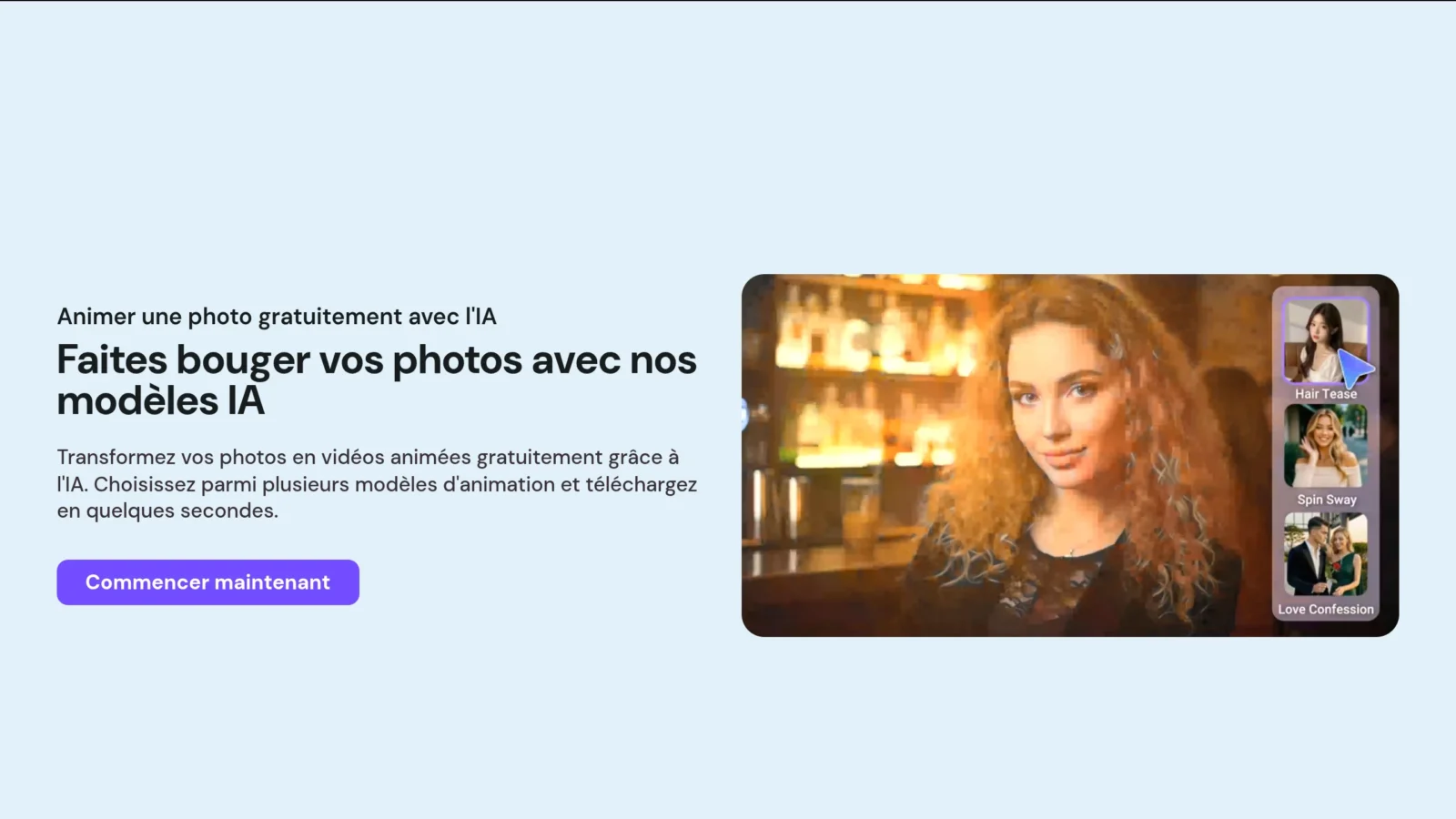
There's not one good answer: it depends on what you want to move. Here are the tools recommended in October 2026, with what their free version really gives.
| Tool | Free | Strong point | Free plan limit |
|---|---|---|---|
| PixVerse | Yes, daily credits | Quick, viral effects, image to video | Watermark, low definition |
| Kling AI | Yes, daily credits | Very realistic movements, faces | Waiting line sometimes long, watermark |
| MyEdit | Yes, limited tests | Simple, ready-to-use models | Little control over movement |
| Pollo AI | Yes (test) | Multiple engines in the same location | Quickly consumed credits |
| Runway | Limited test | Fine control, cinema quality | Unique free credits, not daily |
| Creatify (Talking Photo) | Yes, 10 credits/month | Make a portrait speak | Watermark, short videos |
PixVerse remains our recommended starting point: fast, with various effects and an efficient image to video mode, with credits that recharge each day. Kling AI is a step above the realism of human movements (a hand that rises, hair in the wind), at the price of longer waiting time on the free plane. MyEdit relies on simplicity, Pollo allows you to compare several engines, and Runway Targets those who want to settle everything by hand.
For details of the quotas for each tool, we took stock in Free Kling AI and PixVerse free plan Both operate on a system of daily credits that expire if they are not used.
How to animate a photo for free?
Yes, we can animate a photo for free, and without DIY. Most tools offer credit for registration and then a small daily charge. Based on the grids published by the publishers and the third-party comparisons that we cross-referenced on October 11, 2026, Kling announces around 66 credits per day on its free plan and PixVerse a few dozen daily credits: from which to leave one to three animations of 5 seconds a day. Amounts often change, check your account before planning a project.
The free always has the same counterpart: watermark, reduced definition (often 540p or 720p), short duration, queue at peak hours, and commercial use prohibited. For a story or a family memory, it is largely enough. For an advertisement or a video client, you need a subscription.
Our tip to stay free longer: combine two or three tools. You test the movement on PixVerse, you make the clean version on Kling the next day with the reloaded credits, and you keep MyEdit for the simple effects. In practice, we produce a lot of animations a week without taking out the credit card.
💡 Tip: daily credits expire at the end of the day on most platforms. Launch your generations at night rather than keep them « for later ».
Where to animate an AI image for free without signing up?
That's the trick question. The AI generators video It costs a lot of money to run (several cents per second of server-side video), so serious publishers almost all require an account, even free, to limit abuses. The sites that promise « without registration » often work like this: an anonymous first try, then a wall connecting to the download.
What actually works without creating an account in 2026: some mobile animation apps (Revive, StoryZ et al.) that offer a first free export, and some tools web effects simple (zoom, parallax). For real animation AI with subject movement, relies on a connection via Google or e-mail: thirty seconds, and you unlock the daily credits. Beware of unknown sites that ask to send photos of relatives without clear conditions of use.
Can ChatGPT animate an image?
Not directly in the conversation, at least not reliably at the time of writing. ChatGPT can generate and retouch fixed images, but animation goes through Sora, the video generator d OpenAI, accessible via its application and sound Official website. Sora accepts a starting photo, with strict rules: photos of real people are often refused by moderation, and access depends on country and subscription.
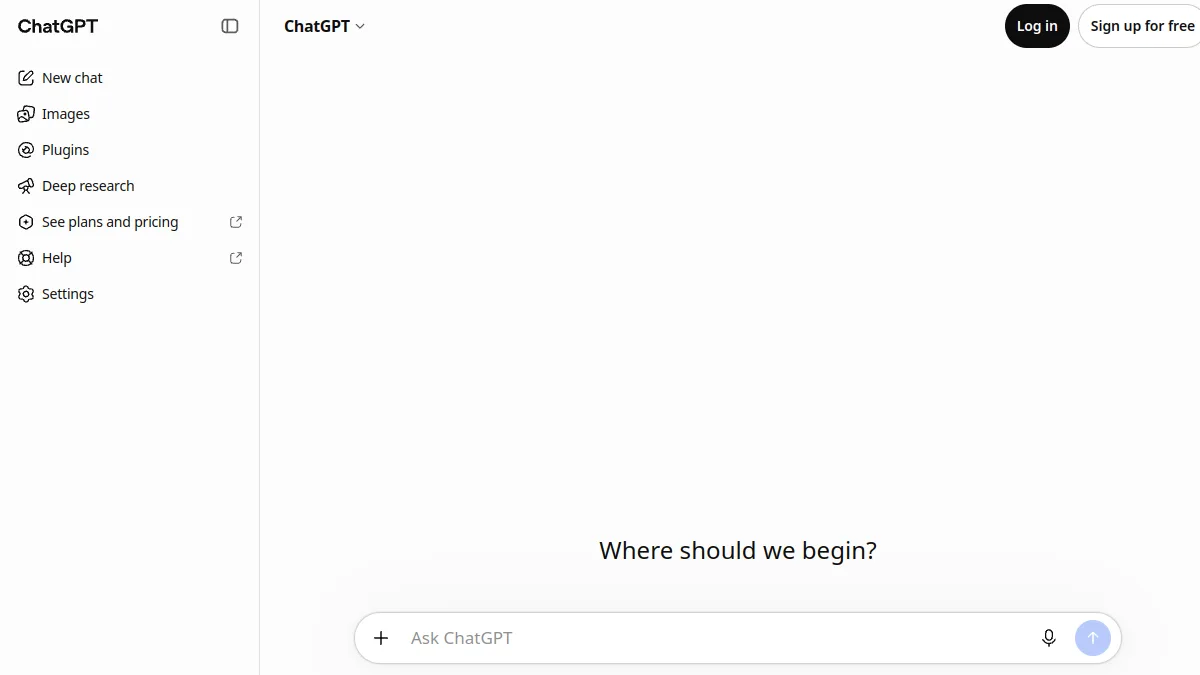
In other words: to animate a family photo or a portrait, a tool specialized (Kling, PixVerse) will be simpler and more permissive than ChatGPT. ChatGPT remains useful upstream, to write the prompt movement in English or restore a damaged photo before animating. We detailed the Sora accesses in Sora 2 free.
Animating a face (moving or talking)
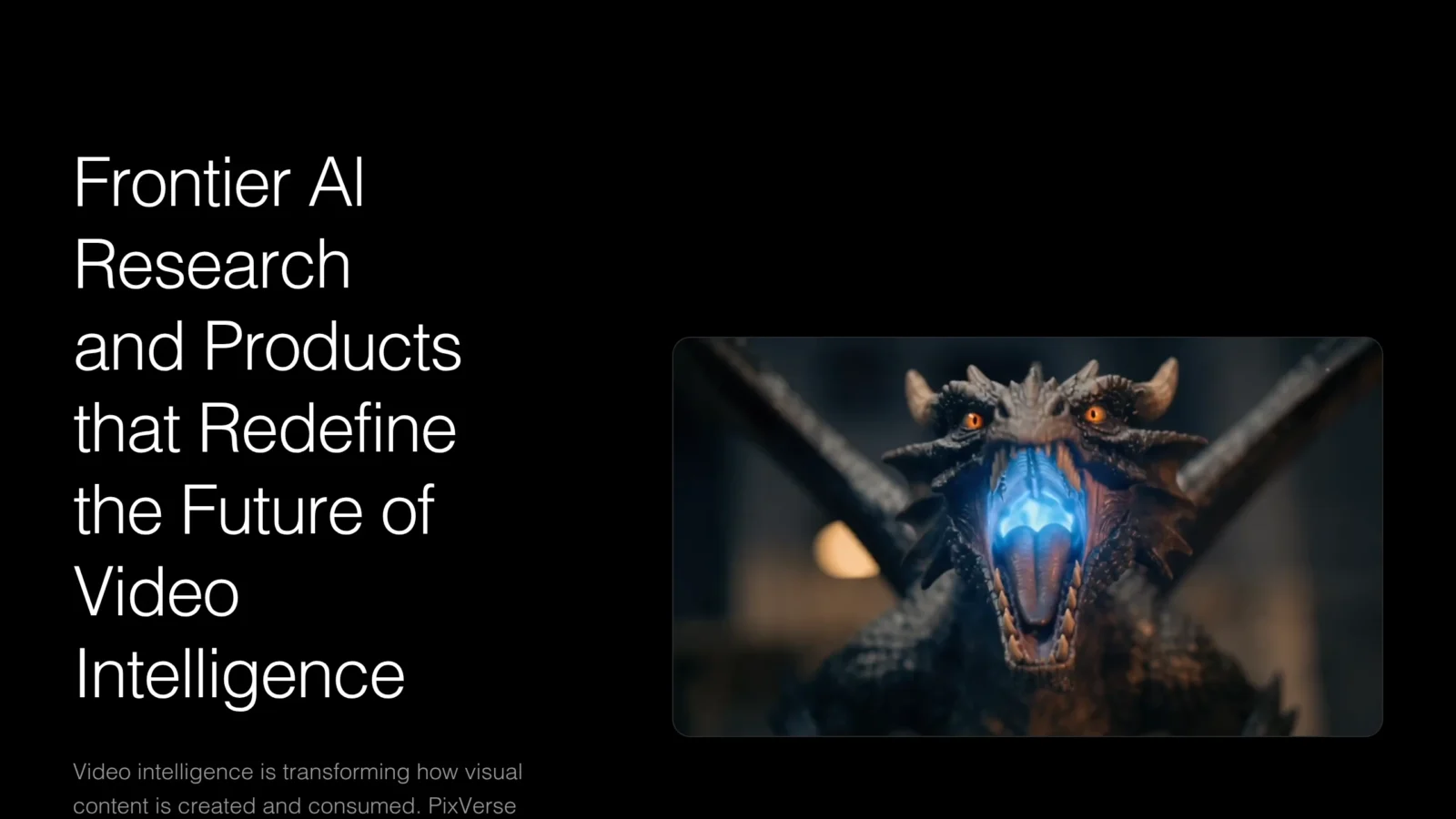
Animate a portrait is the most spectacular use. Two main approaches: animation « natural » (the face blinks from the eyes, smiles, slightly turns the head) lip-sync, where the face speaks, synchronized with a text or audio you provide. For the first case, Kling and PixVerse give the most credible returns. For the second, we need a tool of the « talking photo » : Creatify offers it in its free plan (with watermark), and it is the shortest way to turn a profile photo into a small speaking avatar.
To sustainably transform a face (exchange, rejuvenation), also look at our file AI swap face. And if you hesitate between animating and making talk, our guide Make a photo talk compares the two approaches.
How to animate an old photo for free?
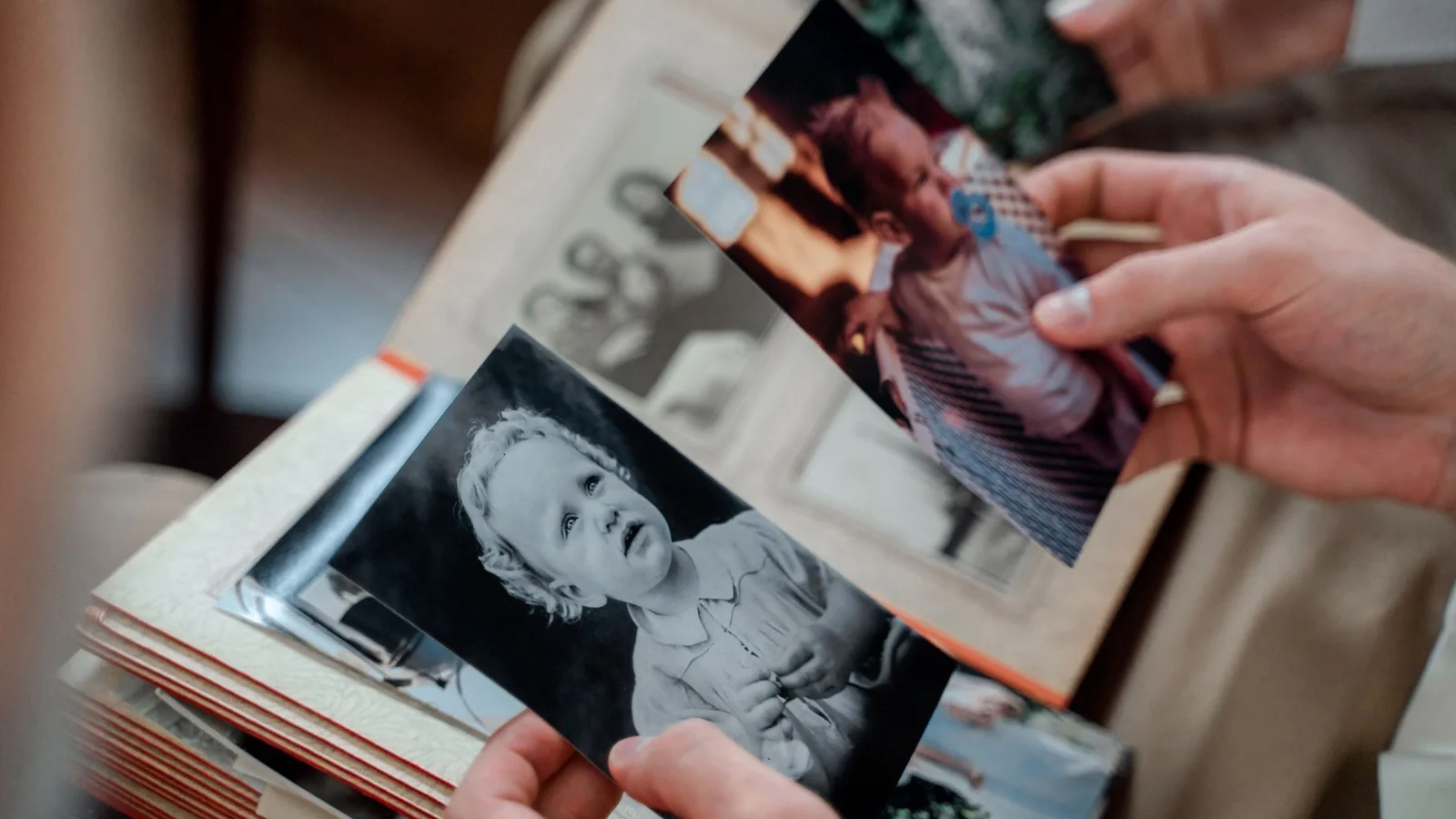
It is the most moving use: to revive a grandparent's photo or a childhood cliché. The best working method is three steps.
- Scan it cleanly : a flat scanner or, failing that, a photo with a flat smartphone, in daylight, without reflection.
- Restore before animating : sharpness, stripes, possible colouring. Our guide for improve the quality of a photo details the tools free. A restored image gives a much more credible animation.
- Animate gently : a light smile, a blink, a head movement. In an old photo, too wide a movement betrays immediately AI.
Always keep the original next door. Animation is a touching interpretation, not a film of memory. And if the person is alive, ask him for his review before publishing: the CNIL recalls that the image of a person is a personal data, including when a AI transforms it.
What is the app that makes photos move called?
There are many, and it is often where they are most used. The best known: PixVerse (iOS and Android app from generator of the same name), Kling, Revive (specialized in ancient portraits) and StoryZ (animation of image parts, such as water or sky). CapCut also incorporates photo animation effects into its editor.
On the phone, the advantage is obvious: you animate and publish directly in story or Reel. The downside is the aggressive weekly subscriptions of some apps, to spot before validating the free trial. For the best quality or exports watermark-free, web version of the same tools Stay more comfortable.
What are the 4 types of photo animation?
When you talk about animating a photo with AI, we actually mix four quite different techniques. Know which one you want to help you choose tool.
- The camera movement ( Ken Burns effect, parallax 2.5D): the photo does not move, it is the « camera » moving or spinning. The simplest and most secure.
- Partial animation (cinemagraph): only an area moves, water, clouds, a flame. StoryZ or tools of the « motion brush » Kling and Runway do it well.
- Subject animation The person or animal really moves, walks, turns around. It's the real thing. « image to video », Kling and PixVerse estate.
- Lip-sync : the face speaks on an audio. Tools from talking photo as Creatify.
An animated photo often makes a good opening of Reel. If this is your use, our guide AI for Instagram shows how to integrate carousels into ads into the rest of an account.
What is the purpose of animating a photo?
- Social networks : An animated photo captures much more attention than a fixed image in a wire, perfect for a story or a Reel.
- E-commerce and advertising : give movement to a product photo (rotation, zoom, staging) without shooting.
- Family memories : revive an old portrait, see a close friend « Move » I'll be right back.
- Avatars and presentations transform a profile photo into an avatar that speaks for a video intro.
- Animated illustrations : make a poster, work or drawing live.
In all these cases, we save crazy time and recycle visuals we already own. If you want to go to the full video from nothing, our guide for create a video with AI Take over.
Tips for a beautiful animation
- Leave a clean photo and well-lit:AI to build a credible movement.
- Dos the movement : subtle animation often seems more realistic than too strong an effect.
- For a portrait, favors a face of face, clear, without object in front.
- Write the prompt in English if tool hesitancy: most models were trained mostly in English.
- Iterus The result varies from one test to another.
- Improve first old photos (cleared, resolved) before animating them.
🎯 Our review
Animating a photo with AI has become simple and often free: an image, a motion statement, and a short video comes out in a minute. To start, PixVerse offers the best balance simplicity and speed; Kling AI takes over when face realism really matters.
To make a portrait speak, go through a tool from talking photo instead of forcing a video generator classic. And for an old family photo, the restoration before animation does more for the result than any setting.
FAQ
How to animate a photo for free?
Create a free account on PixVerse or Kling AI, import your photo, describe the desired movement or choose an effect, then launch the generation. Both tools offer sufficient daily credits for one to three animations of 5 seconds a day, with watermark.
Which AI can animate a photo?
Kling AI and PixVerse are the most effective for moving the subject of a photo. Runway offers more control, MyEdit more simplicity. To make a portrait speak, a tool from talking photo as Creatify is more suitable.
What is the app that makes photos move called?
The most popular applications are PixVerse, Kling, Revive (old portraits) and StoryZ (partial animation of the image). CapCut also offers photo animation effects in its mobile editor.
Can ChatGPT animate an image?
ChatGPT generates and edits fixed images. The animation goes through Sora, the video generator d OpenAI, whose access depends on country and subscription, with strict moderation on photos of real people.
Where to animate an AI image for free without signing up?
Some mobile apps and tools web effects allow a first trial without an account. For real animation AI a free account via the subject Google or e-mail is almost always requested.
How to animate an old photo for free?
Digitalize the photo properly, restore it with a tool improved image, then animated it with a discreet movement (smile, blinking) on Kling or PixVerse. Always keep the original.