AI Tools for Internal Communication
Onboarding, executive announcements, multilingual messages without shooting. The Com mittee is entering the era of scalable production.
Our stack recommended.




Workflow guy.
How to articulate these tools in practice. Each step leads to the next one naturally.
Avatar of the leader
Synthesia creates an avatar from a reference video, with agreement.
Script + translation
The script is translated and then interpreted by the avatar in 30+ languages.
Intranet dissemination
Multi-format export for Intranet, Teams, e-mailing.
Internal com enters the era of scalable video
The written messages are not much read, the manager never has time to turn, and the subsidiaries wait for their translated versions for weeks. AI Video Unlock these three points: we produce a clear message, we decline it in several languages, and we update it without remobilizing anyone.
Three uses that change everyday life
Onboarding and procedures
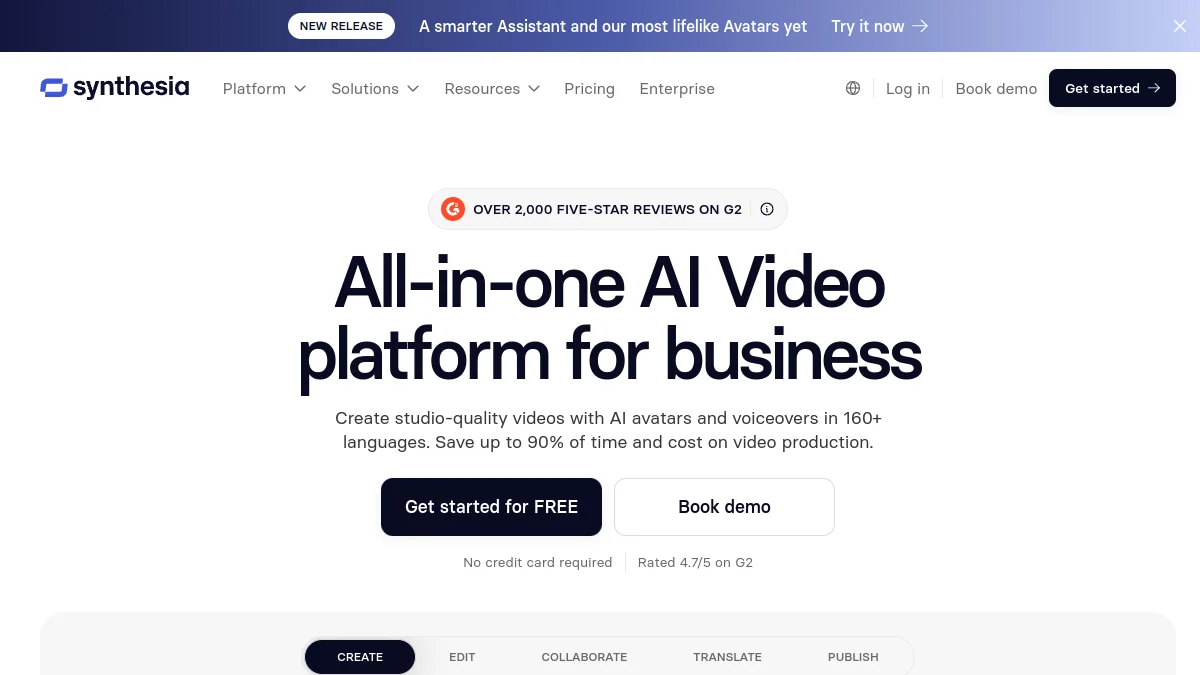
An avatar standardizes the reception of new and procedural modules, with constant quality from one version to the next. Synthesia allows to create a reusable presenter for the entire internal library, from an existing script or presentation.
Leadership announcements
An avatar built from a real video of the leader makes it possible to broadcast an incarnate message without blocking its calendar. The effect « too smooth » avoids from an avatar custom rather than generic.
Multilingual messages
Dubbing AI same announcement for international teams, keeping the voice and tone, finished the translation deadlines that date the information.
What tool for internal com
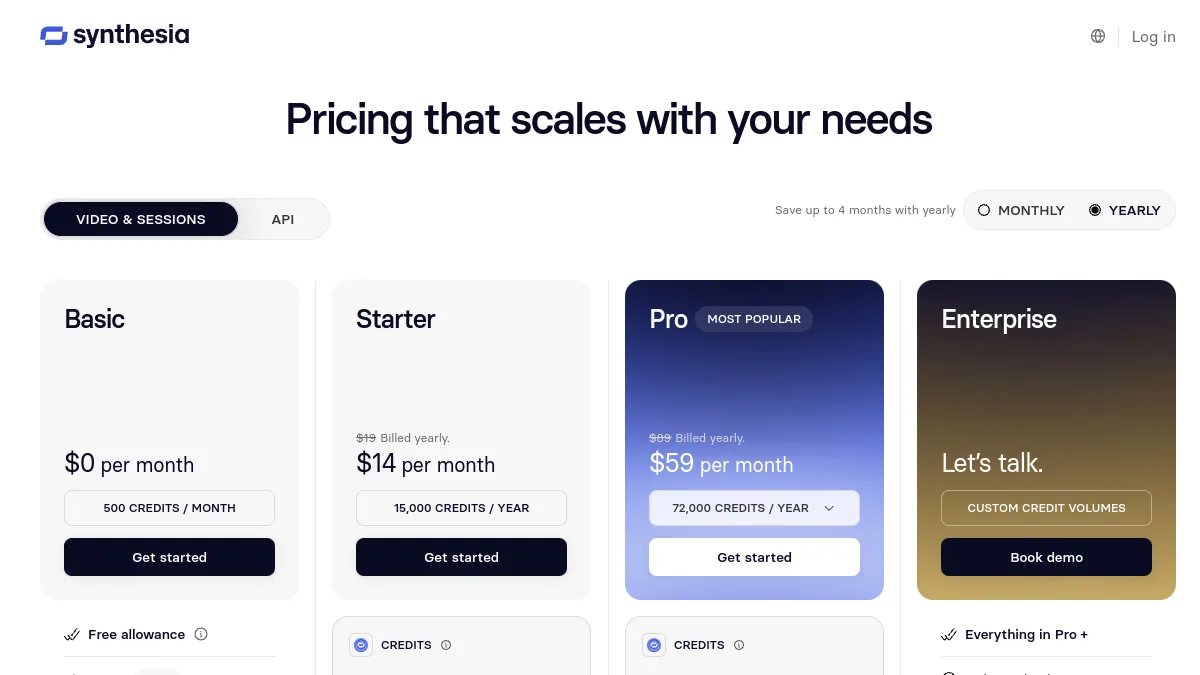
Synthesia is our recommendation for the video with presenter: thought for organizations (security, access management, traceability), it also offers a free plan to test. HeyGen, another actor known to the avatars, is more focused on creators and marketing. For faceless messages, a voiceover AI on slides often enough. Our comparison helps to slice according to the size of the structure.
The confidentiality point to frame
The internal com touches sensitive data: flowcharts, strategic announcements, faces of collaborators. Before deploying, validates data hosting, consent for real person avatars and provider security guarantees. This is what separates a tool a solution that is truly tailored to the company.
What is internal communication, and where AI video inserts
Internal communication brings together all the messages an organization sends to its own teams: inform, align, federate. Three flows are usually distinguished. Communication top-down goes from direction to teams (announcements, results, organizational changes). Communication bottom-up from the ground to the direction (returns, surveys, ideas). Communication cross-functional flows between services and sites.
Video AI primarily serves the downward flow, the one that demands to reach many people quickly and in several languages. It also helps the transversal, with tutorials and shared procedures between sites. For the ascendant, she does not bring much: a collaborator who expresses himself must be able to do so with his true voice.
Producing an internal video with AI: the workflow
- Sum up the message in one sentence. What each employee must remember and do after the video. If you can't write it in one sentence, the video will be too long.
- Write a short script. One to three minutes, your direct, no direction jargon. Make it read again by someone who did not participate in the project.
- Choose the format. Generic Avatar for procedures, avatar of the leader (with his written consent) for announcements, voiceover on slides for encrypted points.
- Generate and validate. Review by communication, HR or legal depending on the subject. Check for proper names and acronyms internal to the oral.
- Translate. Versions in the languages of the subsidiaries, read by a native speaker before broadcast.
- Distribute and measure. Intranet, Teams or Slack, e-mail. Look at the full viewing rate, not just the number of clicks.
Three real-world use cases
The multi-site SME onboarding its new hires
About ten short videos (company presentation, tools, security, interlocutors) replace the repeated reception day with each job. When a procedure changes, the script of the video is changed instead of returning everything.
The international group that announces a change
Reorganization, new software, annual results: the same message starts the same day in all languages. For sensitive ads, the director filmed in truth remains preferable, the AI then serve subtitling and dubbing.
The HR department explaining employee benefits
Mutual, wage savings, telework: complex topics that few employees read in their entirety. A video of two minutes per theme, with voiceover and diagrams, answers the most frequent questions and reduces the burden of HR.
The complementary tools in detail
Murf AI, for voiceovers on slides
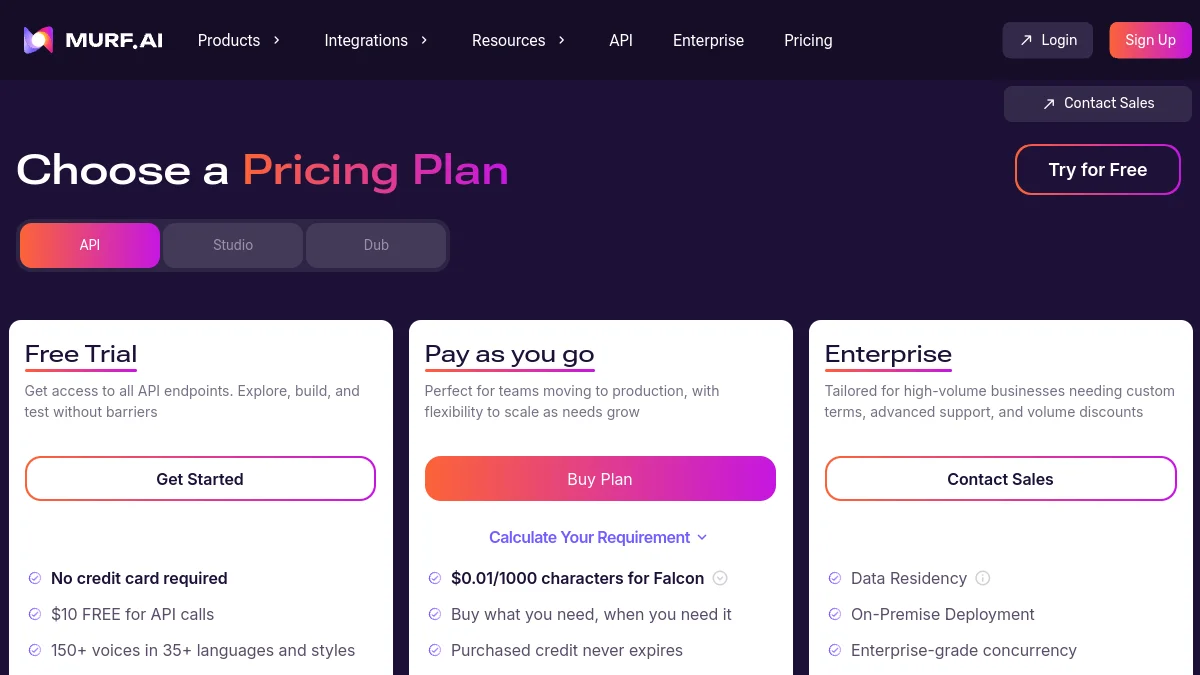
When a face does not bring anything, a voiceover on a presentation does the work. Murf AI offers a studio designed for this and an API for technical teams. The free plan allows 10 minutes of generation without download, the Creator plan costs 29 $ per month (19 $ in annual) and the Business 99 plan $ per month (66 $ in annual terms).
ElevenLabs, for dubbing announcements
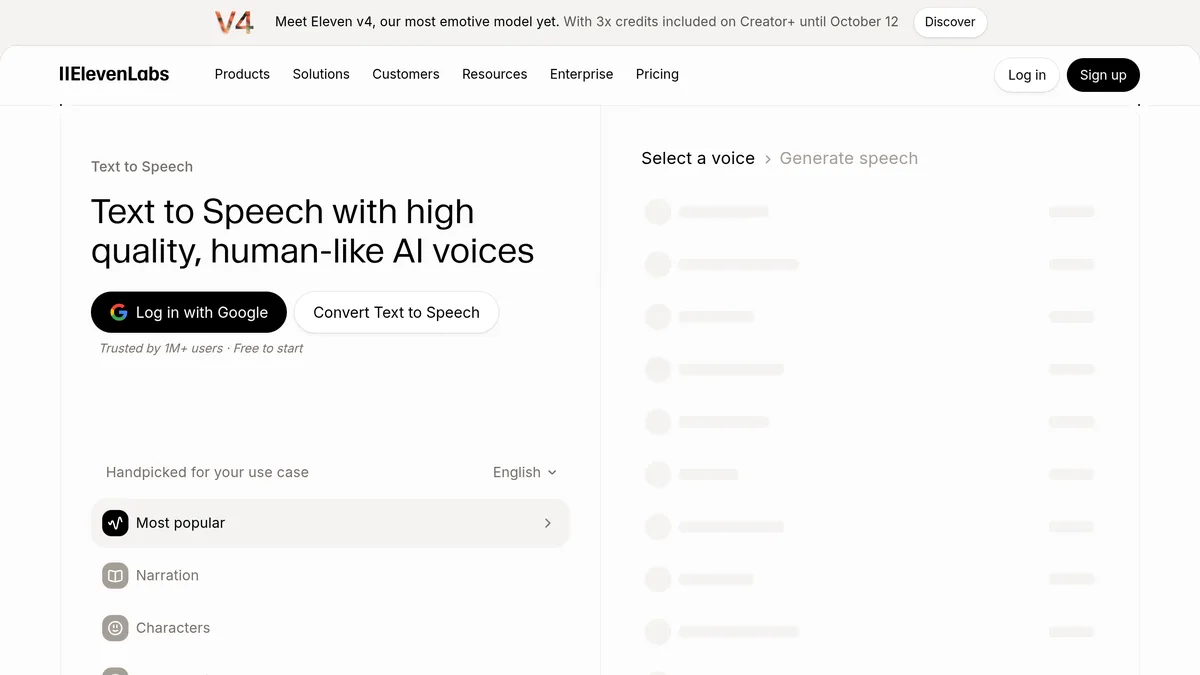
To decline an existing video in other languages keeping the speaker's tone, ElevenLabs remains the reference as a voice. The free plan does not allow commercial use, which in practice includes business use: counts at least the Starter plan at 6 $ per month.
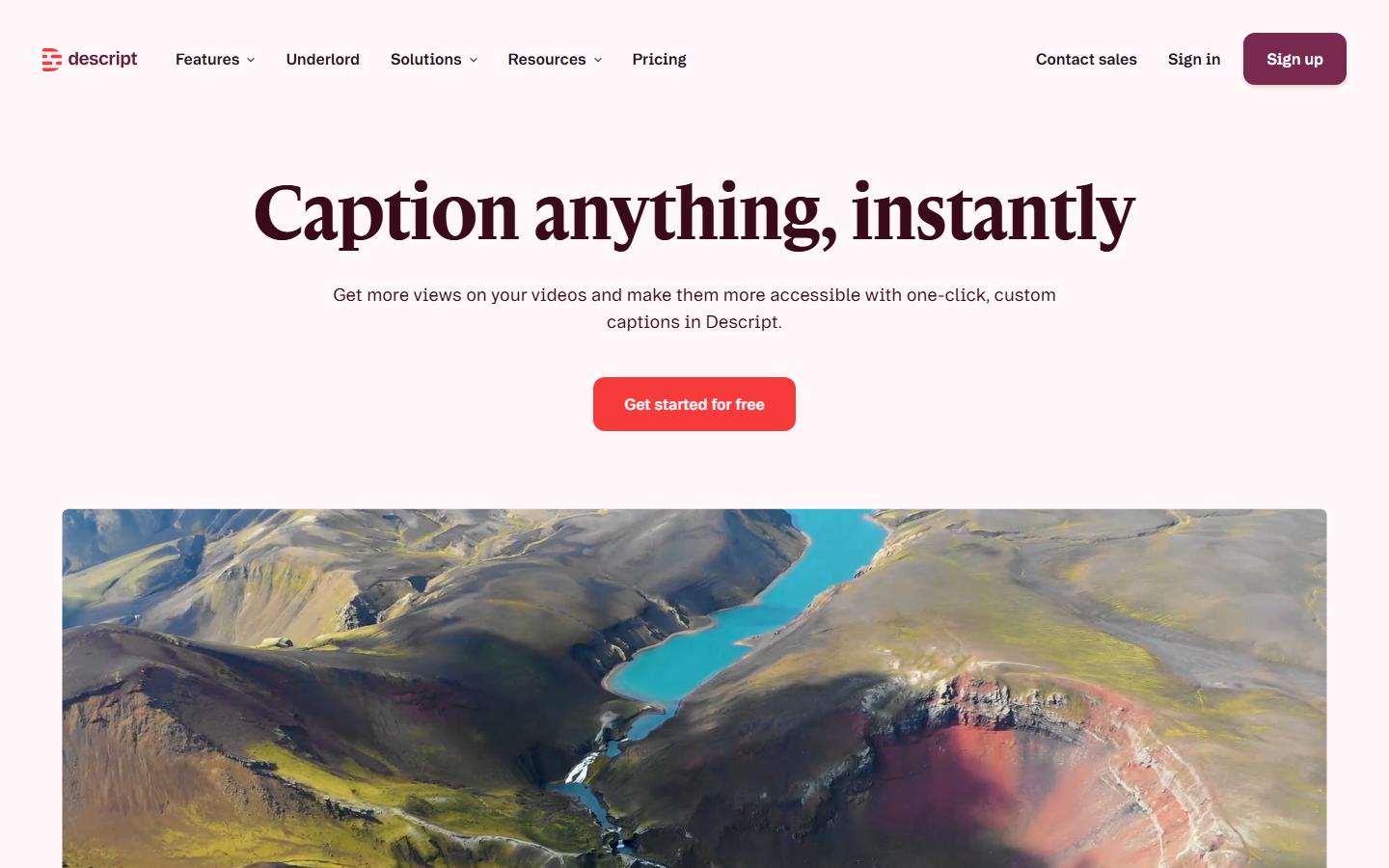
Descript, for filmed videos and recorded meetings
An intervention by the director filmed in video, an internal webinar: Descript clean the sound, cut the hesitations by editing the transcription and generate the subtitles. Free 60 minute media plan per month with watermark, Hobbyist 24 $ per month (16 $ in annual terms).
Which stack for your budget
| Budget | Tools | For whom | Main limit |
|---|---|---|---|
| 0 € | Synthesia Basic (10 min per month), automatic subtitles of Teams or tone tool of the editing | Test team reception on a first message | Watermark Synthesia, commercial use not covered by most free plans |
| About €20/month | Synthesia Starter in annual (18 $) or Murf Creator in annual (19 $) | SMEs, Communication Officer alone | Limited minute volume, no advanced security features |
| Pro (on quote or over €100/month) | Synthesia Pro or Enterprise, Murf Business, ElevenLabs for dubbing, Descript for filmed videos | ETI and major groups | SSO, data hosting and contracts to be negotiated with DSI |
Prices recorded on 11.10.2026 on the official tariff pages, excluding taxes and subject to change.
Mistakes to avoid
- Creating an employee's avatar without their consent. His image and voice belong to him: it requires written consent, revocable, and use limited to what has been agreed.
- Announcing bad news with an avatar. Release, site closure, crisis: a message from an avatar will be experienced as a leak. These ads are made in person.
- Hiding that the video is AI-generated. A simple mention is enough and avoids mistrust when teams realize it. Our article onAI video labelling recalls the provisions of Article 50 of the European Regulation on AI since 2 August 2026.
- Forgetting the IT department. One tool public use with internal data may violate security policy. Have it validated.tool before the first project, not after.
- Making it too long. Over three minutes, the viewing rate drops. Better three short videos than a long one.
To go further
Before choosing a plan, our guide on Synthesia free plan details what the Basic Plan allows and its limitations. For longer home modules, the page on AI tools for training and e-learning take over, and our file on the avatars AI compares generators virtual presenters.
Questions frequent.
Synthesia vs HeyGen For internal com?
How to avoid the 'avatar too smooth' effect?
Do employees react well to messages AI ?
What is internal communication?
What are the 3 types of internal communication?
Can you create an AI avatar of an employee?
Articles useful.
See all articles →
Voiceover AI for e-learning and training: method, tools and costs (2026)
How to produce the voiceover of an e-learning module with AI : method, script, tools and cost per hour of audio, with prices recorded on 25.10.2026.

Kling 4.0: release date, news, prices and limits
Kling 4.0 has been open to all since 15 October 2026: 30 seconds, 10 key images, voice in French. What works, what is announced, what it costs.

Alternatives to Murf AI: 5 options compared and when Murf remains the right choice (2026)
Five alternatives to Murf AI compared on prices recorded on 25.10.2026, and uses where Murf remains the right choice: presentations, e-learning, Canva.
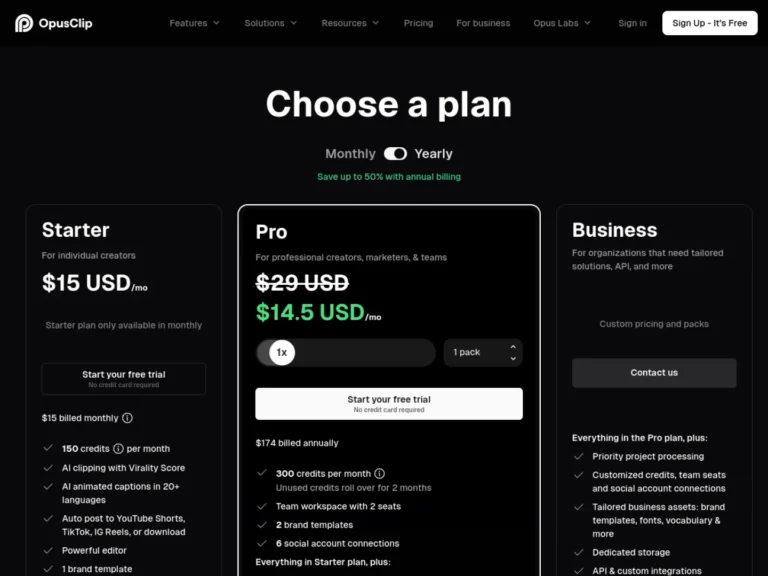
Revid vs Opus Clip: Which Should You Choose For your short videos? Comparison 2026
Revid creates short videos from zero, Opus Clip cuts your long videos: comparison of overlapping uses, prices and credits, with verdict by profile.
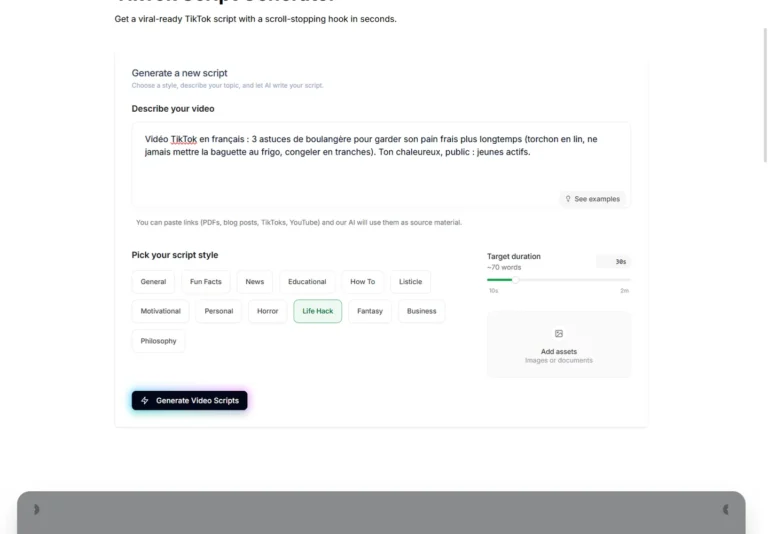
TikTok Script: Write a script that holds, looks and tests a AI generator (2026)
Structure of a retained TikTok script, examples of translated hooks and actual test of generator free Revid scripts with a brief in French.
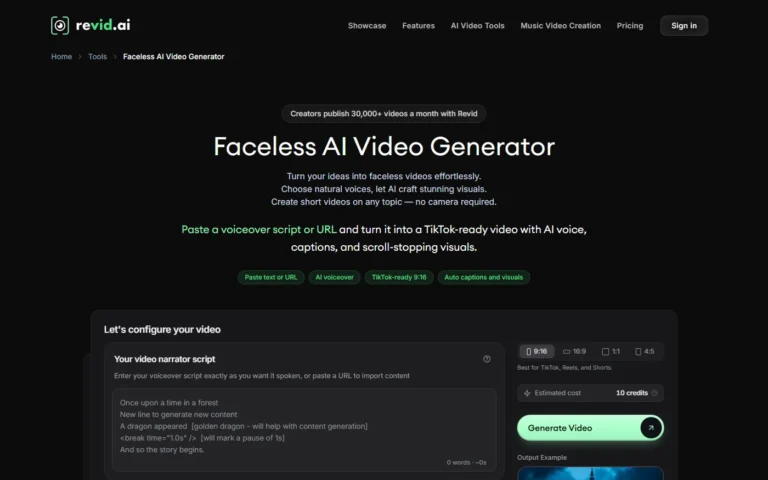
Video faceless with AI : step by step method for a faceless chain (2026)
Method for creating faceless videos with AI : script, voiceover, subtitles, publication and Auto-Mode with Revid, with credit costs and rules YouTube.
A newsletter that doesn't waste time.
An e-mail on Tuesday. 5 tools of the week. One honest verdict. 0 sponso disguised. Unsubscribe in 1 click.
GDPR-compatible. We only store your email. No resale.