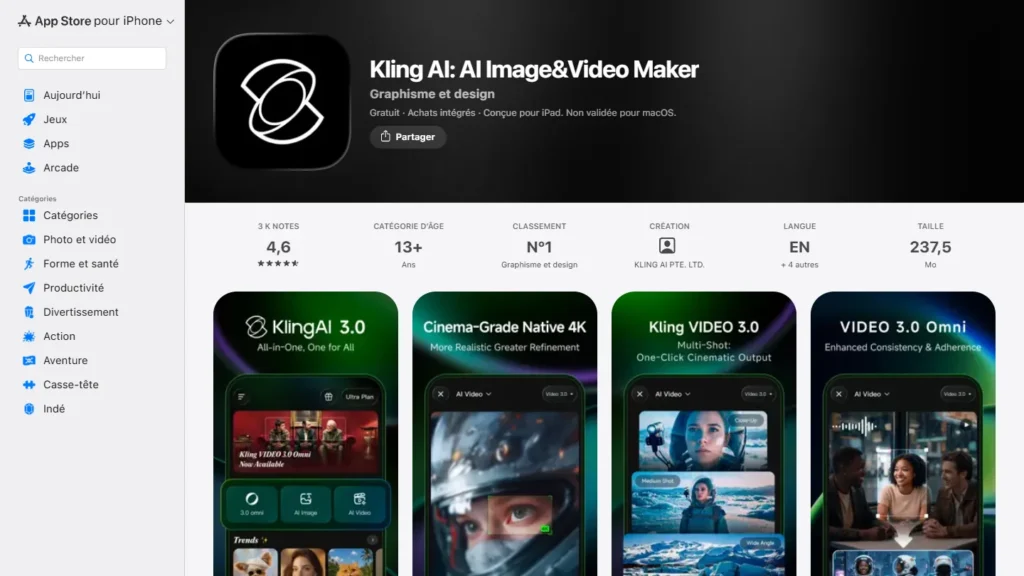
Kling 2.6 is the model that made the Kling AI videos talk. Released in December 2025, this is the first version of the generator from Kuaishou to produce the image and sound in one pass: dialogues, noises, atmosphere, without going through a tool external audio. Since then, Kling 3.0 and then the announcement of Kling 4.0 have arrived. So why are you still interested in 2.6 in November 2026? Because it remains proposed, that it costs less in credit than recent models and that it suffices for many short clips. We take stock of its novelties, its real price and how to serve it, without repeating here our review complete on l tool.
📌 Essentials
- Check out : early December 2025, guide published on December 16, 2025.
- Major novelty : native audio. Voice, sound effects and ambiance are generated with the video, in clips of 5 or 10 seconds.
- The limit to know The voice speaks only Chinese or English. A dialogue written in French is translated into English for the vocal generation.
- Cost : according to the grid announced at the launch, 10 credits per second in Professional mode with audio, 5 without audio.
- In 2026 Kling 3.0 (February) and Kling 4.0 (announced at the end of September) were out of date, but 2.6 is still a good choice for single, short-budgeted plans.
Contents: What Kling 2.6 is • New products • How Kling AI works • Prices • Free? • Step by step • Audio prompts • 2.6, 3.0 or 4.0? • Review • FAQ
What is Kling 2.6?
Kling AI is the generator from videos by artificial intelligence from Kuaishou, one of the Chinese giants of short video. The platform opened in June 2024 and continues since the versions: 1.6 late 2024, 2.0 in spring 2025, 2.1 with its quality modes, 2.5 Turbo in autumn 2025, and 2.6. The Kling AI Wikipedia sheet traces the major steps.
2.6 was presented in early December 2025, during a week of announcements where Kuaishou also unveiled his unified model O1. It came out with a simple promise, summarized by the publisher: « see the sound, hear the image ». Until then, Kling videos were silent. The voice had to be generated elsewhere (ElevenLabs, for example), add noises by hand, then synchronize everything with editing. With 2.6, only one prompt gives an already sounded clip.
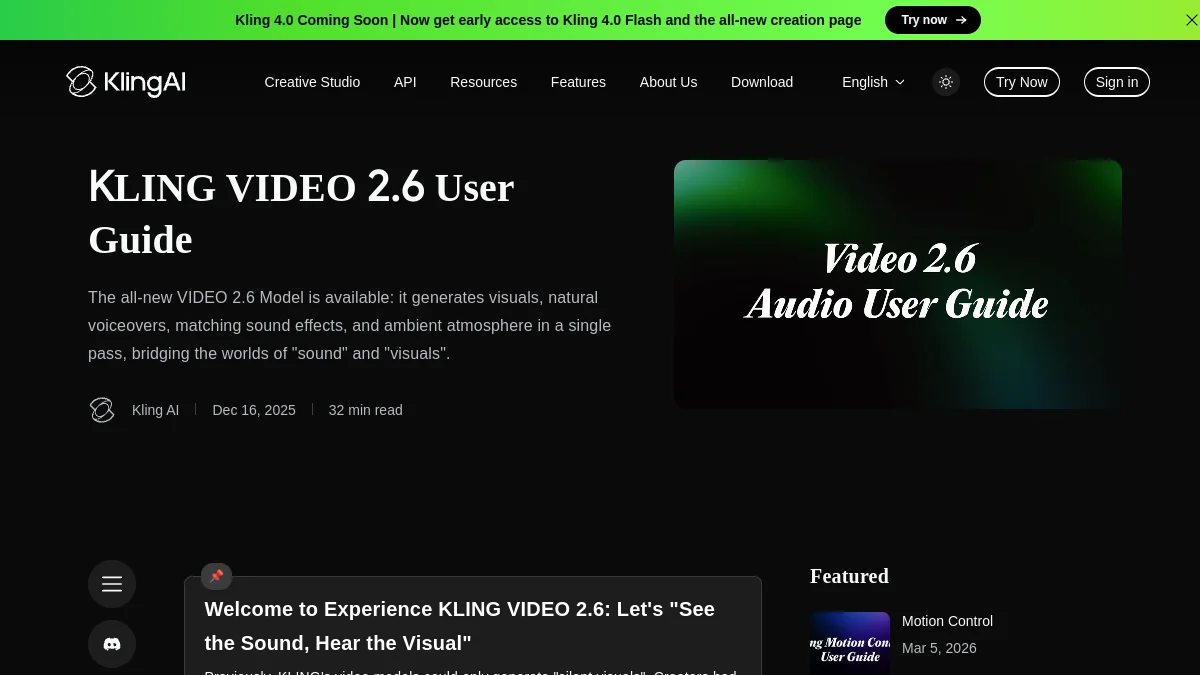
Kling 2.6: new features compared to 2.5
Native audio, the real breakup
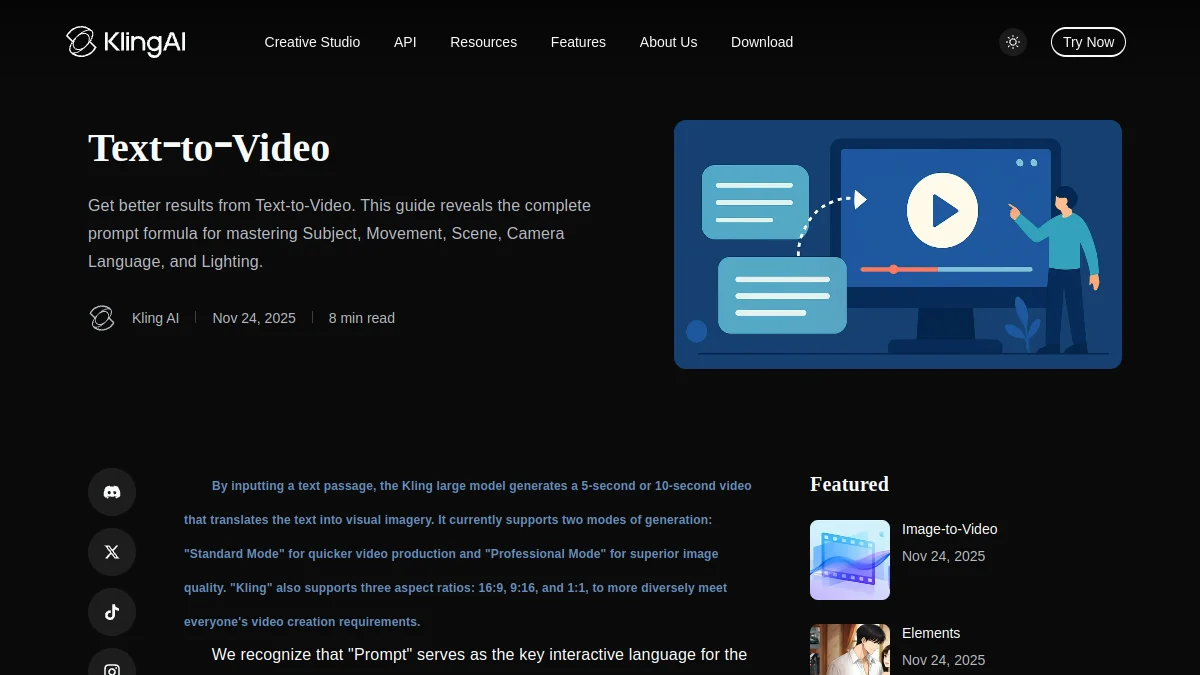
The model simultaneously generates the image and several types of sounds, alone or mixed: narration, dialogue between characters, singing or rap, atmosphere (rain, crowd, wind) and effects related to actions (a door that slams, steps). A switch « Native Audio » allows you to cut it when you want to keep a clip silent, for example to put up your own music.
What strikes in the examples published by Kling and the clips shared by the creators: the synchronization of noises. A glass placed on a table makes its « tac » at the right time, without having to ask explicitly. On dialogues, the movement of the lips usually follows the voice correctly on close-up to one or two characters.
Text-to-video and image-to-video with sound
Both historical modes enjoy audio. In text to video, we describe the scene and what we say. In a video-to-video image, you leave a photo or illustration and make it speak or move with sound. The formats proposed are 16:9, 1:1 and 9:16, in clips of 5 or 10 seconds. Kling also recommends 10 seconds for dialogue or singing scenes, which need time to ring just.
Voice Control: a recurring voice for your characters
Added a few weeks after launch, this feature creates a personalized voice from a video of 5 to 30 seconds where only one person speaks, calmly, in a neutral tone. Then it is attached to a character with a tag of the type « Character » in the prompt. The guide official indicates up to 200 voices created per account. It only works in image-to-video, and only for English or Chinese. Obviously, only one's own voice or that of a person who has given his consent is used.
Motion Control 2.6
2.6 also received an improved version of Motion Control, the function that transfers the movements of a reference video (a dance, a gesture) to the character of a photo. It is she who triggered the wave of trends « Make your photo dance » on TikTok late 2025. It has since been refined on Kling 3.0.
⚠️ No voices in French: on guide official states that the model can only generate voice in Chinese and English. If you write a reply in French, it is translated and spoken in English. For a video spoken in French, generate the voiceless (or ambiance-only) clip and add a voiceover French editing.
How does Kling AI work?
Kling is based on a broadcast model trained on huge volumes of videos. You provide a statement (one text, one image, or both), the model starts with a random noise and turns it, step by step, into a sequence of images consistent with your request. Since 2.6, part of the model produces in parallel the soundtrack, based on what happens to the image. If you do not understand these terms, our glossary AI video explains them one by one.
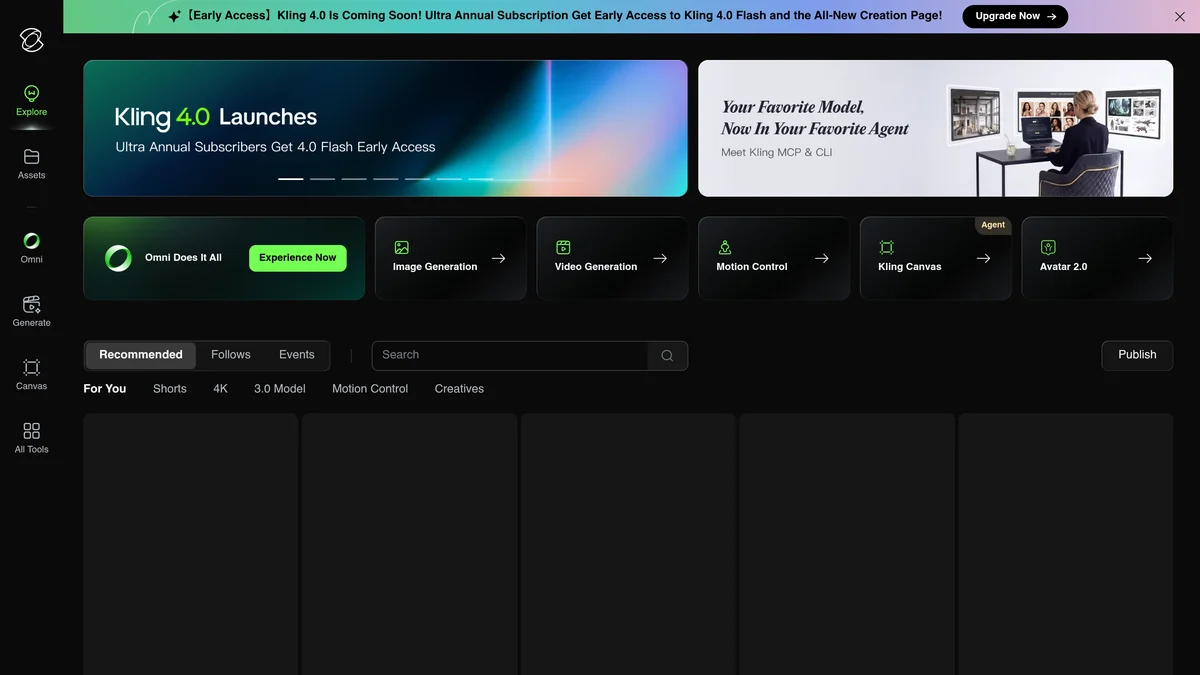
On the user side, everything goes through the kling.ai site or mobile app. You choose a model from a list (2.6, 3.0 and the latest according to your formula), a quality mode, a duration, a format, then you start the generation. Each generation consumes credits, debited from your balance before launch.
What is the price of a Kling AI package to use 2.6?
There is no subscription « Kling 2.6 » Apart: 2.6 is a model among others in the Kling forms, and it pays in credits. Two grids therefore count: subscriptions and the cost per video.
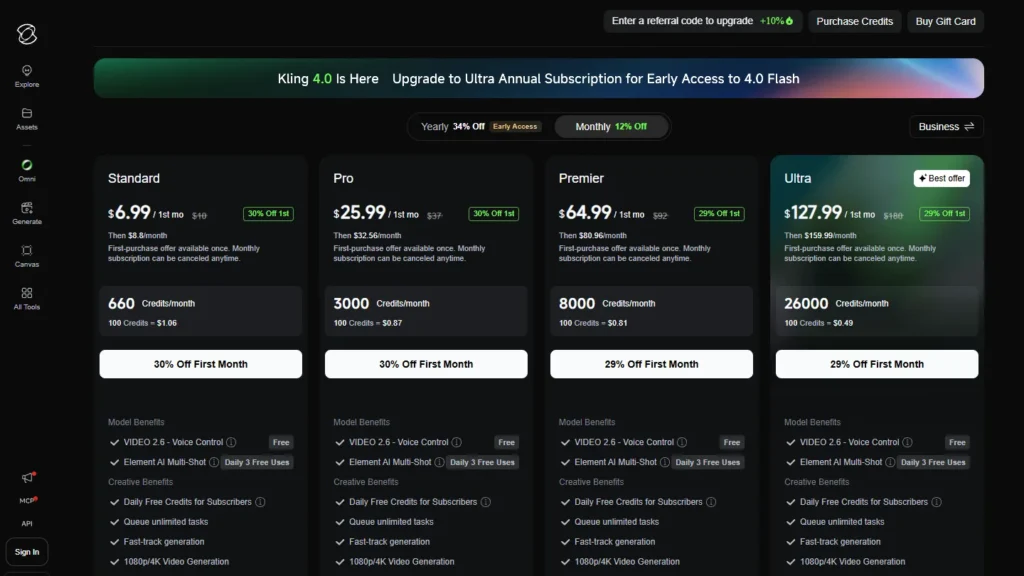
Forms in October 2026
| Formula | 1st month | Monthly renewal | Appropriations per month | Commercial use |
|---|---|---|---|---|
| Basic (free) | 0 $ | 0 $ | Loans offered, variable amount | No |
| Standard | 6,99 $ | 8,80 $ | 660 | Yes |
| Pro | 25,99 $ | 32,56 $ | 3 000 | Yes |
| First | 64,99 $ | 80,96 $ | 8 000 | Yes |
| Ultra | 127,99 $ | 159,99 $ | 26 000 | Yes |
These amounts are those recorded in 2026 on the form page, excluding taxes, and Kling regularly adjusts his promotions. The detail, including the trap of renewal, is in our article Kling AI prices.
How much does a Kling 2.6 video cost in credits?
According to the grid published in the guide official Kling Video 2.6 at launch:
| Setting | Projected cost | 5 s clip | 10 s clip |
|---|---|---|---|
| Professional mode, audio enabled | 10 credits per second | 50 credits | 100 credits |
| Professional mode, audio cut | 5 credits per second | 25 credits | 50 credits |
| Standard mode, without audio | 3 credits per second | 15 credits | 30 credits |
| Voice Control (in addition) | 2 credits per second, offered to subscribers according to the guide | +10 | +20 |
Specifically, with the 660 monthly credits of the Standard formula, you get around 13 5-second clips with sound in Professional mode, or about 40 silent clips in Standard mode. Kling has already changed his grids in the past: the meter displayed just before launching the generation is authentic. Resellers and third party platforms charge 2.6 per API per second, but their rates vary and are not Kling's.
Is Kling AI free or paid?
Both. The Basic formula is free, without credit card, and gives credits offered: the figure most often raised in 2026 is 66 credits per day, but Kling specifies that the amount depends on the offers displayed on your account. What to test 2.6 on a few clips, with a longer queue and limited use to non-commercial. To publish a monetized video or for a customer, you need a paid formula, from Standard. Details of all that the free account allows in Free Kling AI.
A tip to avoid wasting: test your prompt in cut audio and Standard mode, then restart in Professional with the sound once the framing has been validated. Audio doubles the cost, as much as it pays for the final version.
How to use Kling 2.6: step by step tuto
- Create an account on the website of Kling AI (e-mail address or account Google). The interface exists in French.
- Open the Video module and choose the tab « Text to video » or « Image to video ».
- Select model Kling 2.6 in the drop-down list. Depending on your formula and date, several versions are included, the most recent being proposed by default.
- Import Your Image If you're in the image-to-video. Take it in good resolution: the output quality depends directly on it.
- Write the prompt following the structure described below, with the quote replicas.
- Activate or not native audio, then choose the mode (Standard or Professional), duration (5 or 10 s) and format (16:9, 1:1, 9:16).
- Check the displayed cost, launch, and download the clip once ready. You can generate up to four at a time to compare.
For the general method (choose and prepare an image, measure the movement), our guide image-to-video applies as is to Kling.
Write a good audio prompt for Kling 2.6
The guide Kling offers a simple and effective formula: scene + element + movement + audio + style. The sound is described as the rest, but the words go in quotation marks.
The rules that make the difference
- Anchoring image before speech : first describe what the character does (« the woman in the red coat turns to the camera »), then what he says. The model knows who speaks.
- A fixed label per character : « Old man », « the young woman ». Do not change the designation during the short term.
- The tone next to the replica : emotion, speed, volume (« says softly, with a tired voice »).
- Clear transitions between interlocutors : « Then man answers ». Stay two characters, quality drops beyond the guide.
- The lyrics in English, in lower case for common words and in upper case for proper acronyms and names, as recommended by Kling.
Example of prompt
« A small Parisian coffee in the rain, late afternoon, hot light. A barista with short hair puts a cup on the counter and smiles at the client, then says in a playful tone: « your usual, right? ». The client, a man in raincoat, laughs and answers: « you know me too well ». Rain noise against the window, tingling the cup, distant jazz music. Close-up, fixed camera, movie style. »
This type of scene, short, with two characters and unique décor, is exactly where 2.6 shines. For three or more characters, several chained planes or longer than 10 seconds, it is best to switch to Kling 3.0.
Kling 2.6, 3.0 or 4.0: Which version to choose in 2026?
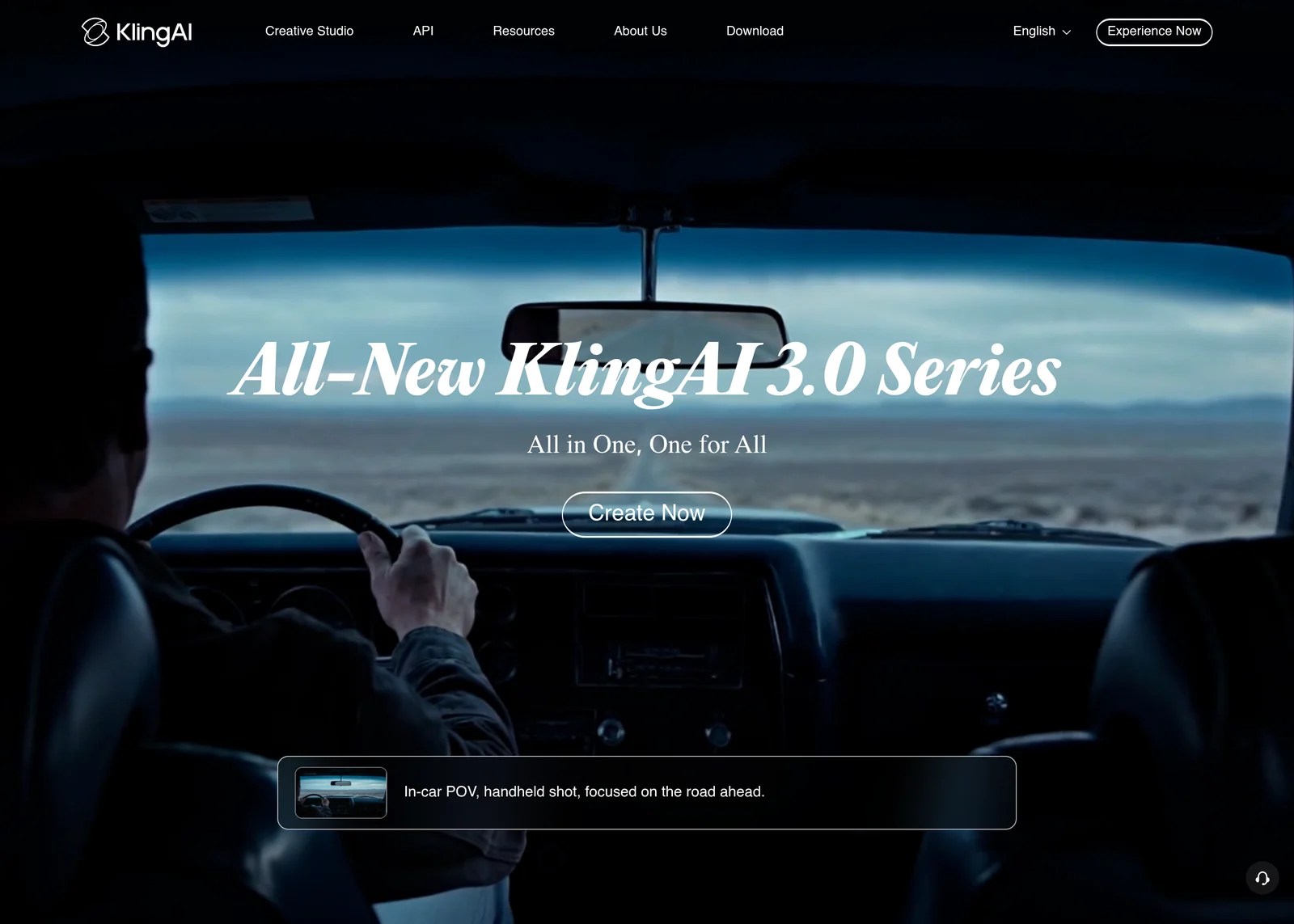
Kling's pace is fast. Kling 3.0 was released in early February 2026 with multi-plans, longer durations and better management of several characters and additional languages. A 3.0 Turbo and Omni decline followed in June. At the end of September 2026, Kuaishou announced Kling 4.0, with clips up to 30 seconds, up to 10 keyframes and 4K; at the time of writing, the Flash version is in early access and the site announces the full launch.
| Need | Recommended version | Why? |
|---|---|---|
| Unique plan from 5 to 10 s with sound, small budget | Kling 2.6 | Less credit, stable and predictable behaviour |
| Dialogue with two in English | Kling 2.6 or 3.0 | 2.6 is enough for two characters |
| Several plans chained, three characters or more | Kling 3.0 | Multi-plans and better coherence |
| Voice in languages other than English or Chinese | Kling 3.0 or voiceover separated | 2.6 speaks only English and Chinese |
| Long clips, 4K, fine keyframe control | Kling 4.0 | Up to 30 s and 10 key images announced |
If you hesitate with a competitor, we compared the others generators (Seedance, Veo, PixVerse, Hailuo) in our alternatives to Kling AI.
We also tried Kling 2.6 on November 1, 2026 on Magic Hour (Pro plan offered by the publisher), the day Kling 3.0 failed three times out of three, with automatic repayment of credits. 2.6 made a 5-second clip in 720p for 180 credits (36 per second). The image-to-video form did not provide an audio option for this model, and the downloaded file does not contain an audio track: the native audio described above was not checked in this context. Detail of the test in our review Complete on Magic Hour.
What are the review Kling AI and 2.6?
Among the creators, 2.6 has left a good reputation: making bodies and faces realistic, natural movements, sounding well set. Criticism goes back to three points. First the language of the voice, blocking for a francophone audience. Then the queues of the free plan during rush hours. Finally, the policy of renewal of subscriptions, more expensive than the call price. It is also our reading: an excellent model of short clips, which keeps its place for simple plans even since the arrival of 3.0.
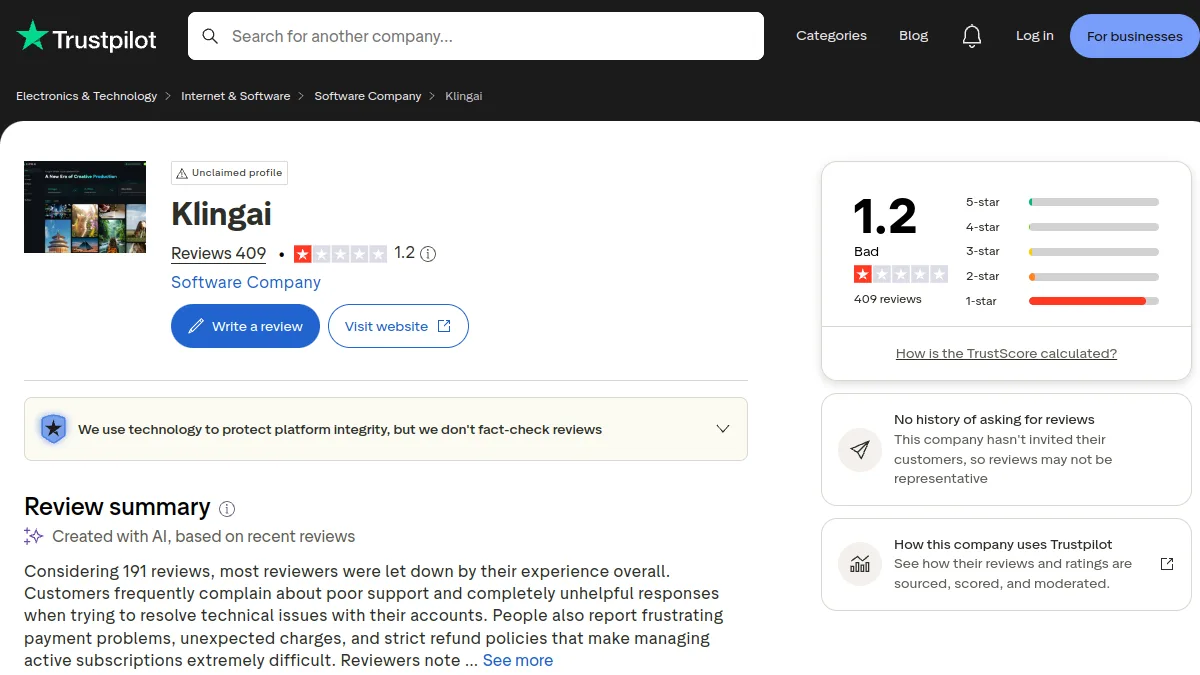
Our review complete on the platform, with its different versions, is in our review on Kling AI. We don't repeat it here.
🎯 Verdict
Kling 2.6 introduced native audio at Kling and, at the end of 2026, remains an economical and reliable model for single shots of 5 to 10 seconds. His real flaw for us francophones: the voice speaks only English or Chinese. Use it for mood and noise, or for English dialogues; for the rest, go to 3.0 or 4.0, or add your voiceover French editing.
FAQ: Kling 2.6
When did Kling 2.6 come out?
Kling 2.6 was presented in early December 2025 by Kuaishou, and his guide official use was published on 16 December 2025. Kling 3.0 succeeded him in early February 2026.
Does Kling 2.6 speak French?
No. According to guide The official voice generation of Kling 2.6 only works in Chinese and English. A reply written in French is translated into English. Noise and ambiance are not dependent on language.
What maximum duration for a Kling 2.6 video?
A Kling 2.6 clip lasts 5 or 10 seconds. To go beyond this, you need to extend the clip or switch to more recent versions, which generate longer durations.
What is Kling called in French?
Kling does not have a French name tool keeps his international name everywhere. In Chinese, it's called Keling, and it's developed by Kuaishou in Beijing.
What is the price of Kling O1?
Kling O1 is the unified model presented at the same time as 2.6, which generates and edits videos from texts, images and videos. Like 2.6, it does not sell alone: it consumes credits from the Kling formulas, at a rate displayed before each generation.