
In 2026, the 3 best AI software video according to our test: Synthesia (avatars) AI pros, 9/10), InVideo AI (best value for money, 8.5/10) and Vidnoz (best free real plan, 8/10). The right choice depends on your use, comparison you guide in detail.
By Lucas Mercier, testerAI Tools video. This article is updated monthly. Last revision: July 2026.
In 2026, over 80 tools claim to generate or mount video « withAI ». The majority do not keep their promises, copy their competitors, or hide their real costs behind trapous freemium plans.
I tested for 6 weeks 12 generators video AI the most credible the French market. Avatars AI, text to AI video French, voice-over French, editing automatic, viral subtitles: each tool for create videos with AI is noted, classified, and associated with a specific use case. No empty charts where « Everyone wins ».
The purpose of this comparison : avoid the 3 months of paid testing that it took to sort the right tare grain.
Contents • Quick Verdict • Method • Table comparison • The 10 tools in detail • What tool Choose? • Real costs • Free plans • FAQ • Conclusion
Do you prefer an online editor who is more than a software to install? Take a look at our selection of best alternatives to FlexClip.
What AI software video for your profile? (3 questions)
🎬 Simulator: Find YOUR software in 30 seconds
Answer the 3 questions: Your custom recommendation will automatically appear below.
1 · Your monthly budget?
2 · Your main use?
3 · Your level?
What is the best AI software video in 2026?
If you want to go fast, here are the 3 tools which come out of the test according to your main need:
- 🥇 The best global: Synthesia, the reference for AI avatars pros, training, internal communication. 9/10. Starting plan €/month.
- 🥈 The best value for money : InVideo AI, to turn a script or article into a full video automatically. 8.5/10. Complimentary plan + chargeable $/month.
- 🥉 Best free (usable): Vidnoz, 1 900+ avatars, free plan that really allows to produce. 8/10.
Test method: how we selected these 12 AI Tools video
I've ruled out everything tool which does not offer correct support of French (synthetic voice or native avatars FR), does not exist for at least 12 months (the niche AI to make videos or lack of clear documentation of its actual tariffs.
Each tool is evaluated on 4 weighted criteria : quality of rendering (40%), videos generated by myself, same prompts, judgment at the eye on nature and coherence; real price (25%), cost per minute of finished video, not the display price; Support FR + French voice (20%), voice quality, French lip-sync, interface; onboarding (15%), time to produce the first completed video.
Table comparison of 12 AI software video in 2026
| # | Tool | Type | Starting price | Free trial | EN voice | Note |
|---|---|---|---|---|---|---|
| 1 | Synthesia | Avatars AI | 22 €/month | Demo 3 min | ✅ | 9/10 |
| 2 | HeyGen | Avatars AI | 24 $/month | 1 min/month | ✅ | 8.8/10 |
| 3 | InVideo AI | Text to video | 25 $/month | 10 min/sem | ✅ | 8.5/10 |
| 4 | Vidnoz | All One | 19 $/month | Free plan | ✅ | 8/10 |
| 5 | Submagic | Subtitles + editing | 16 $/month | Trial 7 j | ✅ | 8.2/10 |
| 6 | Kling AI | Kinematic generation | 7 $/month | 166 credits/j | ⚠️ voice-over apart | 8/10 |
| 7 | Description | Editing text | 16 $/month | Free plan | ✅ | 8.5/10 |
| 8 | ElevenLabs | Voice over AI | 5 $/month | 10k characters/m | ✅ excellent | 9/10 |
| 9 | Creatify | Video Pubs AI | 39 $/month | Trial 7 j | ✅ | 7.8/10 |
| 10 | Filmora | Editing Classic + AI | 7 €/month | Watermark free | ✅ | 7.5/10 |
| 11 | Runway | Kinematic generation | 12 $/month | 125 credits offered | ⚠️ voiceless | 8.5/10 |
| 12 | Pika | Generation + effects | 8 $/month | 80 credits/month | ⚠️ voiceless | 8/10 |
💡 Click on each name tool to access the full test, with captures, video demo and detailed rates.
The 12 best AI software video in detail
1. Synthesia : The best for the AI avatars Professionals
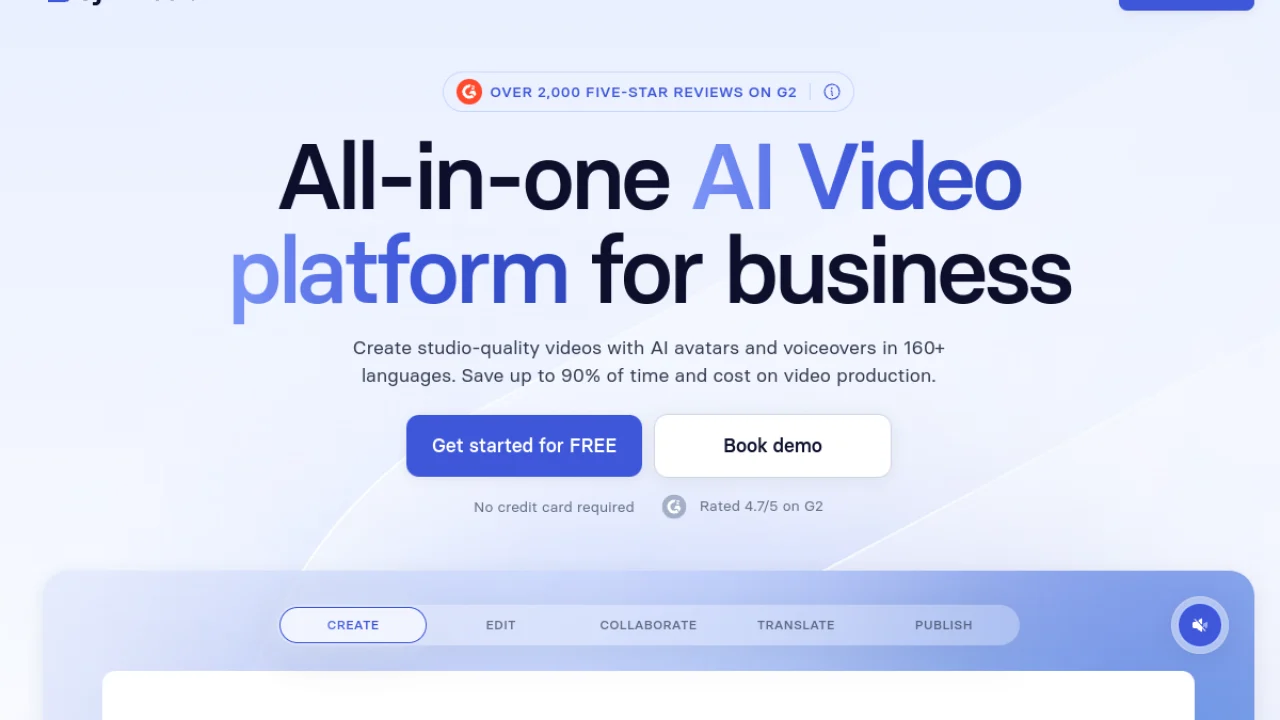
Synthesia remains in 2026 the reference to produce videos d AI « who are not amateur ». 200+ avatars (human and stylized), 140+ languages including an impeccable French, and an interface that requires no video skills.
To whom it is addressed: companies (training, HR, internal comm), online course creators, freelancers that produce corporate content. To whom it's NOT addressed: Creative YouTubers, motion designers, visual faceless channels (prefer Kling AI or Runway).
- Most natural Avatars of the market in 2026
- Lip-sync French top
- Template library (training, presentation, news)
- Corporate security (SOC 2, GDPR)
- High price: 22 €/month for 10 min/month only
- Not suitable for creative or generating video
- Avatars a little stiff in extreme emotions
→ Read the full test of Synthesia → · Comparison Synthesia vs HeyGen →
2. HeyGen Direct alternative to Synthesia, more expressive
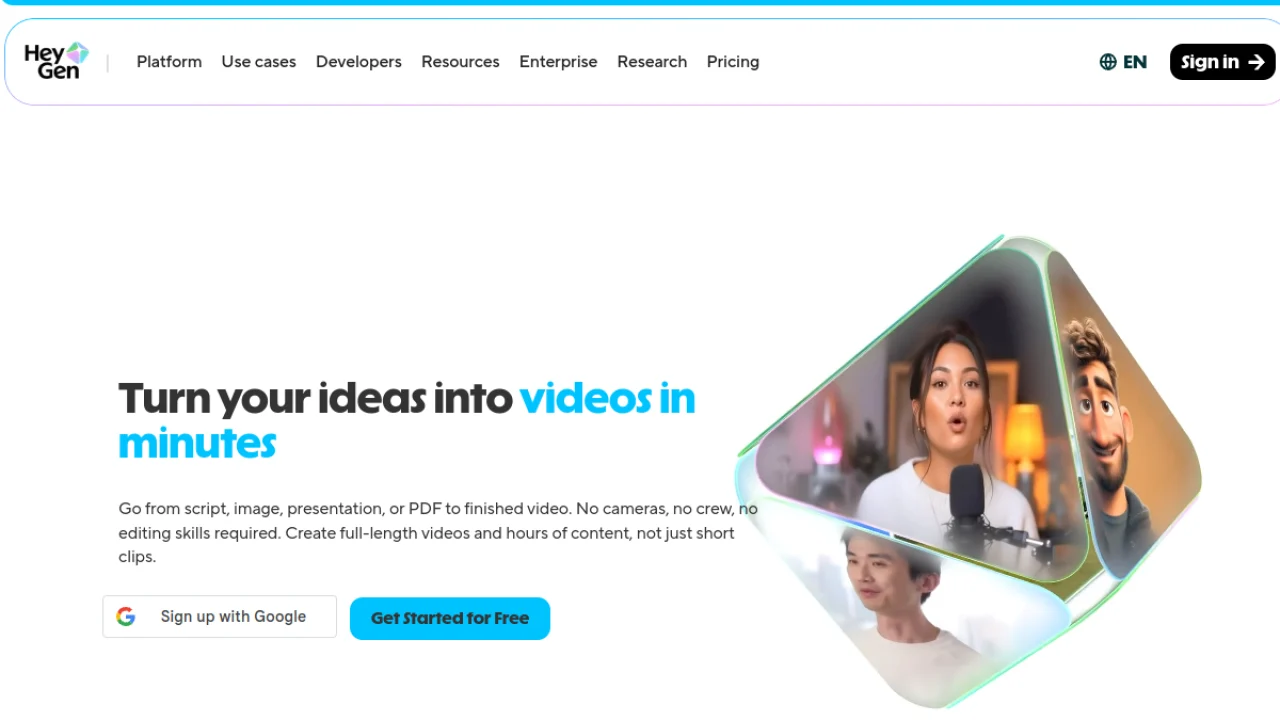
HeyGen plays in the same yard as Synthesia but relies on more expressive avatars, an impressive lip-sync translation function, and a slightly more aggressive price. It's my choice if you want to produce viral marketing content rather than corporate.
To whom it is addressed: social media creators, marketers, teams growth, multilingual content creators.
- Avatars more natural in emotions than Synthesia
- Revolutionary lip-sync translation (English→French impeccable)
- Free plan that allows you to actually test
- Instant Avatar from a 2 min video
- Less than Synthesia
- Some bugs on long French texts
- Interface less polite than competition
→ Read the full test of HeyGen → · The 5 alternatives to HeyGen →
3. InAI Video: The best value for money text-to-video
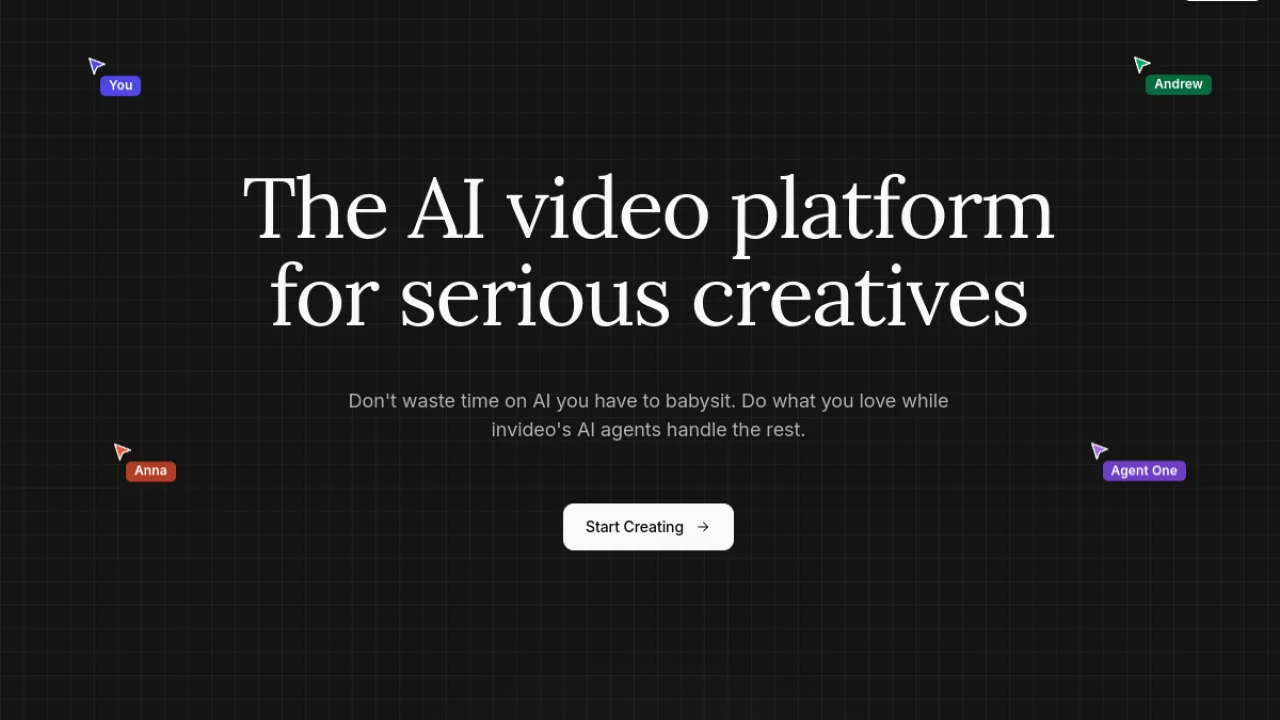
InVideo AI transforms a simple text or blog article into a complete video, with voice-over, B-rolls, subtitles and music. For those who want to produce in volume without sacrificing quality, this is my tool No. 1.
To whom it is addressed: bloggers who recycle video, faceless channels, solo marketers, mass social content creators.
- Full generation from a script in 3 min
- Library of 16 million integrated media
- Useful free plan (10 min/week)
- Excellent French audio quality
- The rendering may seem « generic » without customization
- Watermark on a free plan
- No davatars AI
→ Read the full test dInVideo AI → · Comparison InVideo vs Descript →
4. Vidnoz : The best all-in-one tool with a real free plan
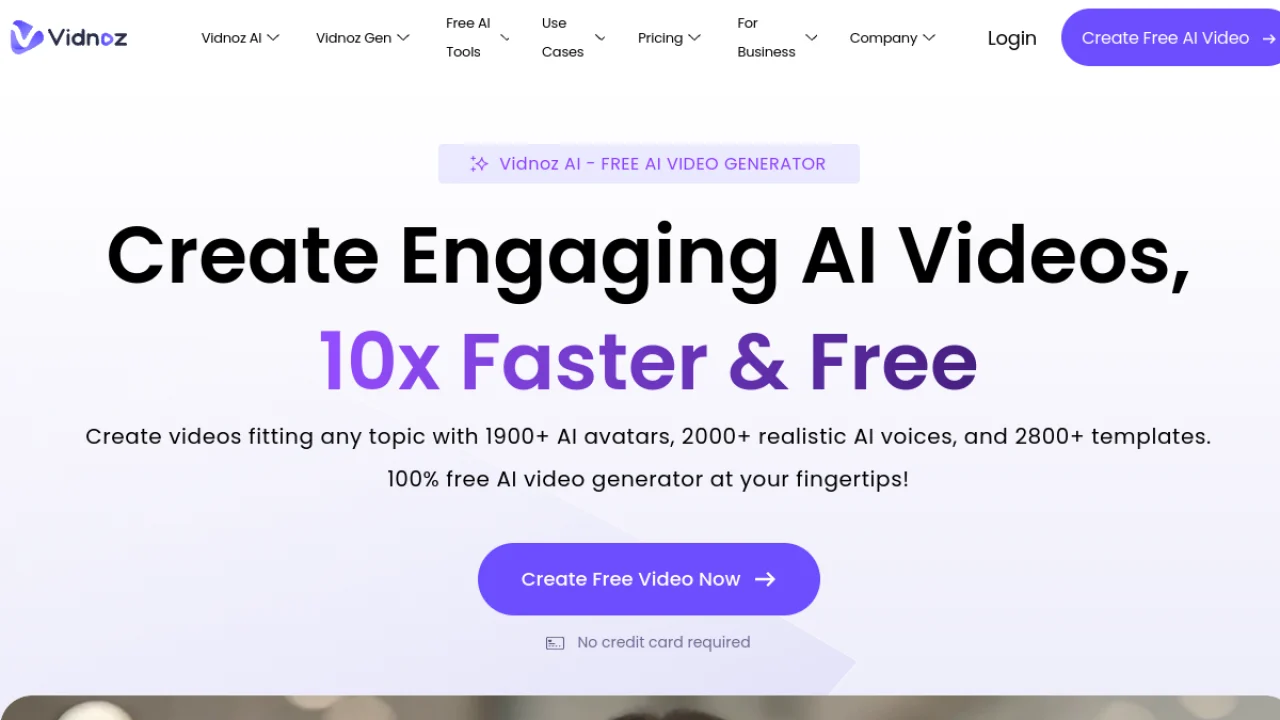
Vidnoz exploded in 2025-2026 thanks to its generous offer: 1,900+ avatars, including voice cloning, face swap, music video generator, and a free plan that really makes it possible to produce exploitable videos.
To whom it is addressed: beginners who want to test everything without paying, solo designers, e-commerçants for UGC ads.
- 1 900+ avatars (the largest catalogue 2026)
- True free plan (3 min/day, without CB)
- Includes face swap, music video, voice cloning
- Full French interface
- rendering quality less than Synthesia/HeyGen
- Watermark free of charge
- Templates sometimes dated
→ Read the full test of Vidnoz → · See the exact limits of the free plan →
5. Submagic : The king of viral subtitles and the editing shorts
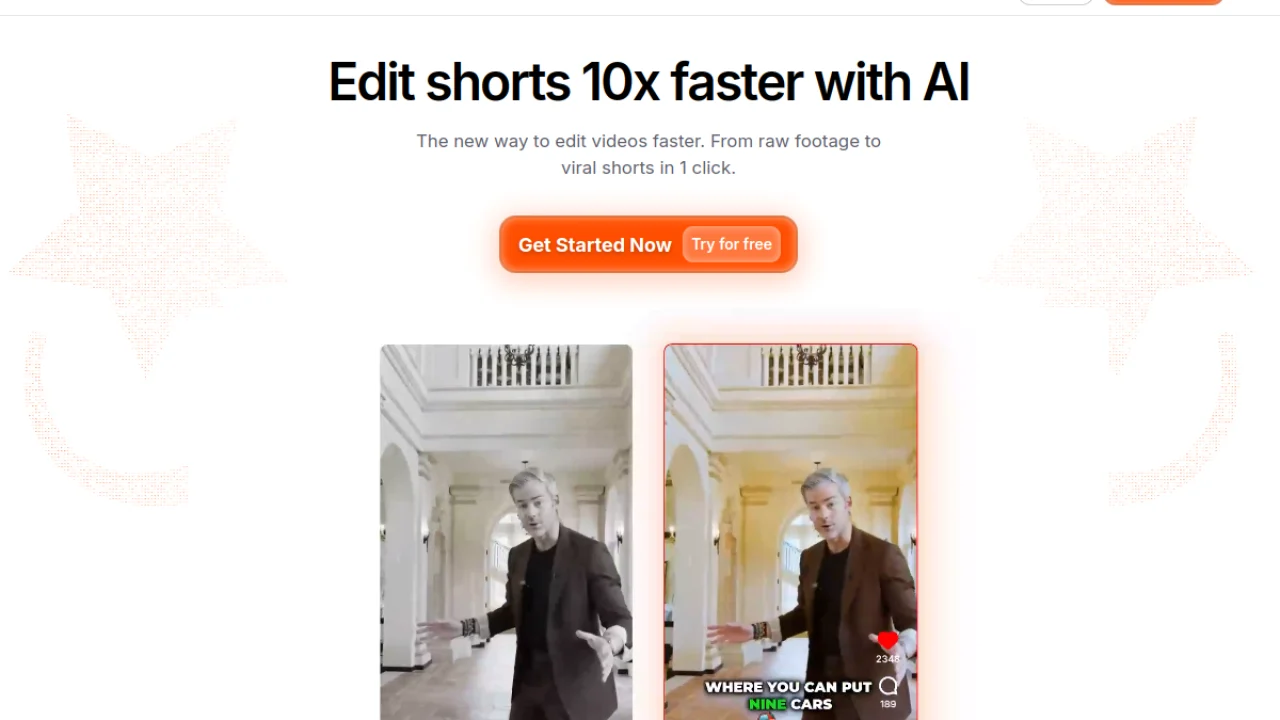
Submagic istool which uses 80% of shorts/reels/TikTok creators profitable in 2026. Animated subtitles, B-rolls auto, zooms, transitions AI It transforms a raw video into viral shorts in 3 minutes.
To whom it is addressed: creators Shorts/Reels/TikTok, podcasters who want to recycle short videos, freelances in social media.
- Most clean animated subtitles in the market
- Magic Clips: automatically extracts the best moments
- Excellent French support
- Ultra-fast workflow (5 min from raw video to finished shorts)
- Short specialized (not for long format)
- Basic plan limited to 30 videos/month
- Aggressive competition by CapCut
→ Read the full test of Submagic → · Comparison Submagic vs CapCut →
6. Kling AI: For creative and creative cinematic video

Kling was the most serious rival of Sora and Veo in 2026 on the ground of the creative video generation. Ideal for producing videos without shooting film quality, with videos up to 2 minutes and a publicly accessible model.
To whom it is addressed: Creative YouTubers, motion designers, advertising agencies, creators of artistic content.
- Bluffing visual quality (often confused with real shooting)
- Videos up to 2 minutes (rare in 2026)
- Free plan with 166 credits/day
- Unbeatable tariff (7 $/month on entry)
- Not suitable for avatars-presentations
- Voice-over to add with another tool (ElevenLabs ideal)
- Learning curve for prompting
→ Read the full Kling AI test → · Comparison Kling AI vs Fliki →
7. Descript : The studio of editing text + vote AI
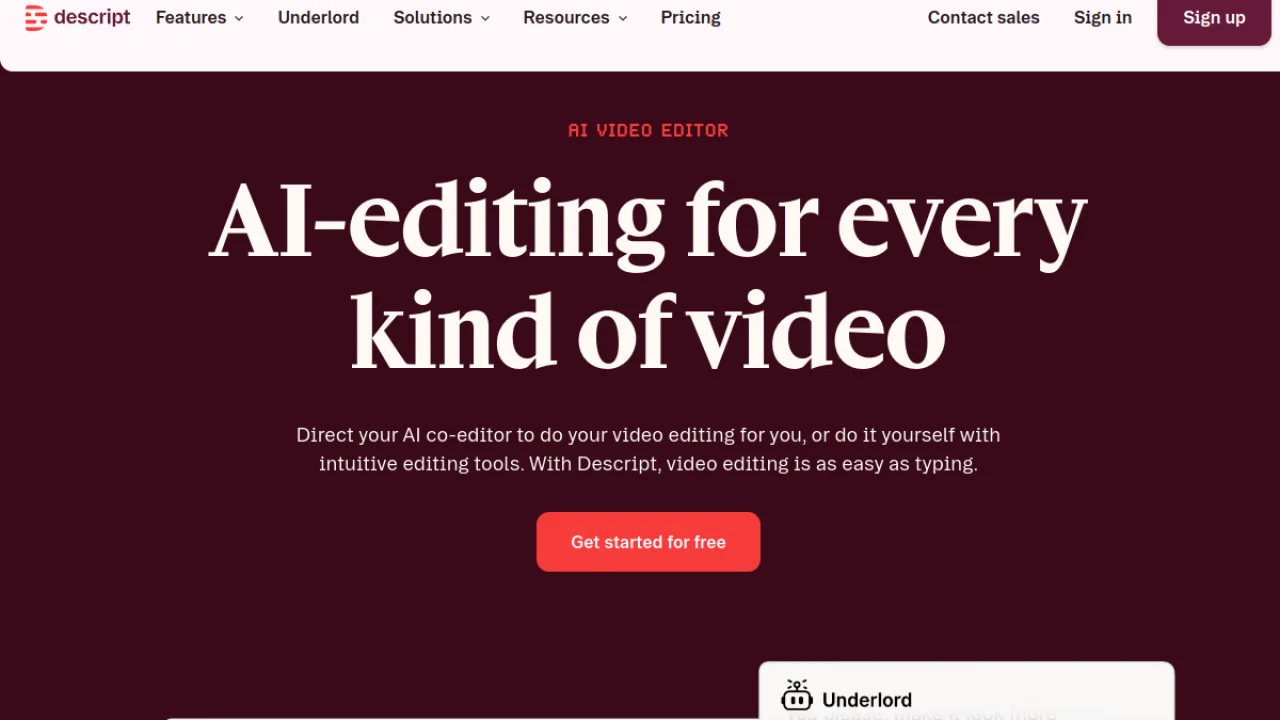
Describe changes how to mount a video: you edit the transcript as in a Google Doc, and the video updates automatically. Tool reference for podcasters and YouTubers that produce long content.
To whom it is addressed: podcasters, conversational YouTubers, course creators, content agencies.
- Video editing by text (time-saving massive)
- Overdub integrated
- Automatic removal of « Uh. », silences, rehearsals
- Useful free plan
- More complex interface than competition
- Support English correct but not excellent
- Not for very short videos (Shorts/Reels)
→ Read the full test of Descript → · Comparison Descript vs ElevenLabs →
8. ElevenLabs : The best voiceover AI French
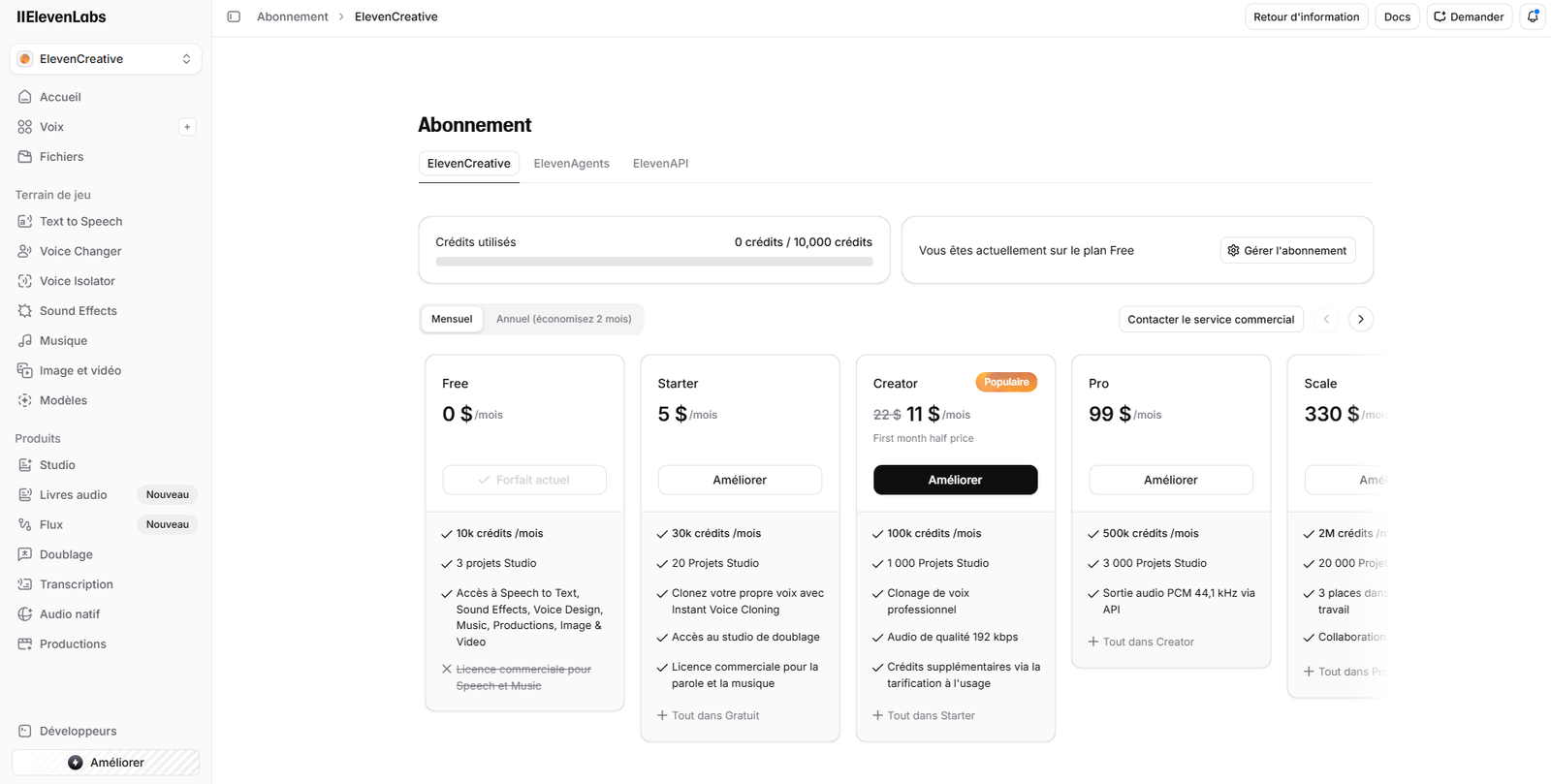
Not one tool of video generation per se, but unavoidable for anyone who produces video in French: ElevenLabs offers the best voice cloning AI and the best quality of French voice-over in the market. To be combined with Kling, Runway or InVideo for pro results.
To whom it is addressed: all French-speaking video creators, it'stool you combine with your publisher.
- Natural French Voice (often better than English competition)
- Voice cloning in 3 minutes
- Useful free plan (10,000 characters/month)
- API to integrate into your workflow
- Not one tool « all-in-one » : vote only
- Tariffs for use rising rapidly
- Pro vocal fence reserved for paid plans
→ Read the full test ofElevenLabs → · Comparison ElevenLabs vs Murf AI →
9. Creatify : The video ad specialist AI
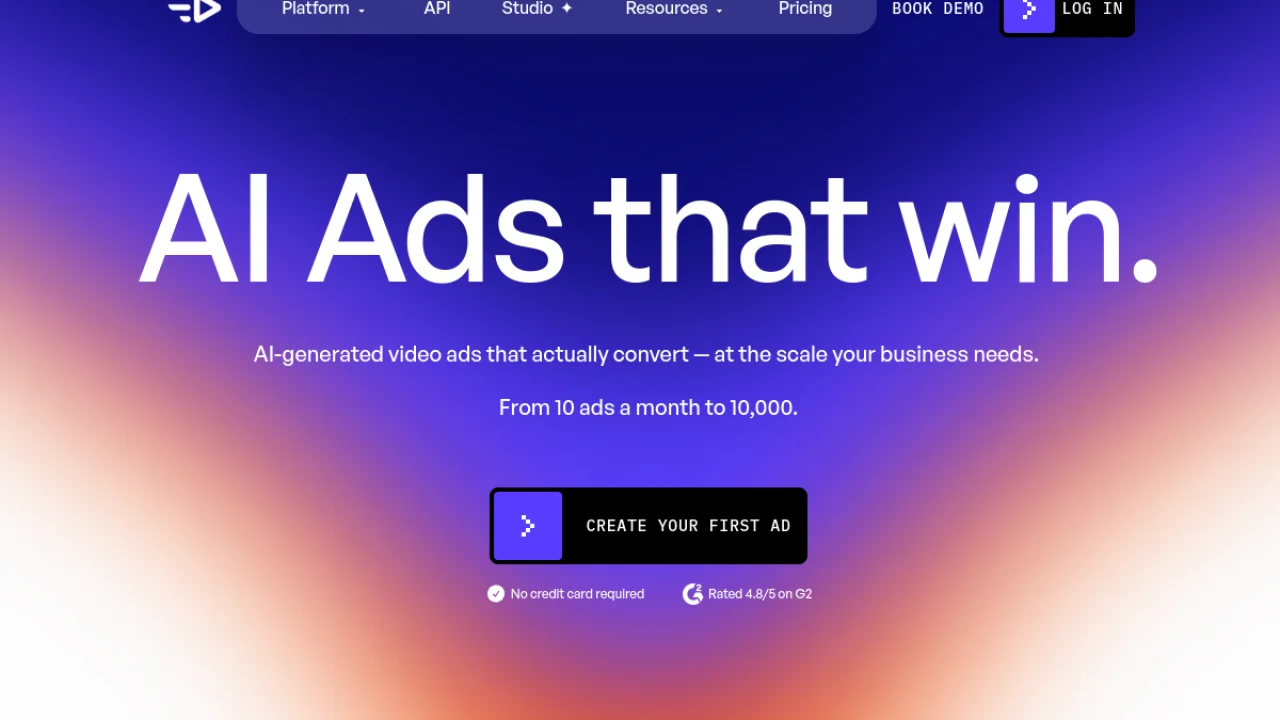
Creatify is designed for a specific mission: Video commercials from a simple product URL. UGC ads, hooks, faceless ads, that's ltool n°1 for e-marketers and marketers performance.
To whom it is addressed: dropshippers, e-commerce, advertising agencies, Meta/TikTok Ads marketers.
- Generates 10 variants from a 5 min URL
- UGC realistic library
- Optimized format for TikTok/Meta Ads
- Ideal for A/B testing quickly
- Dear (39 $/month on entry)
- Too specialized for general use
- Variable quality according to product niche
→ Read the full test of Creatify → · Comparison Vidnoz vs Creatify →
10. Filmora : The editing classic boosted by AI
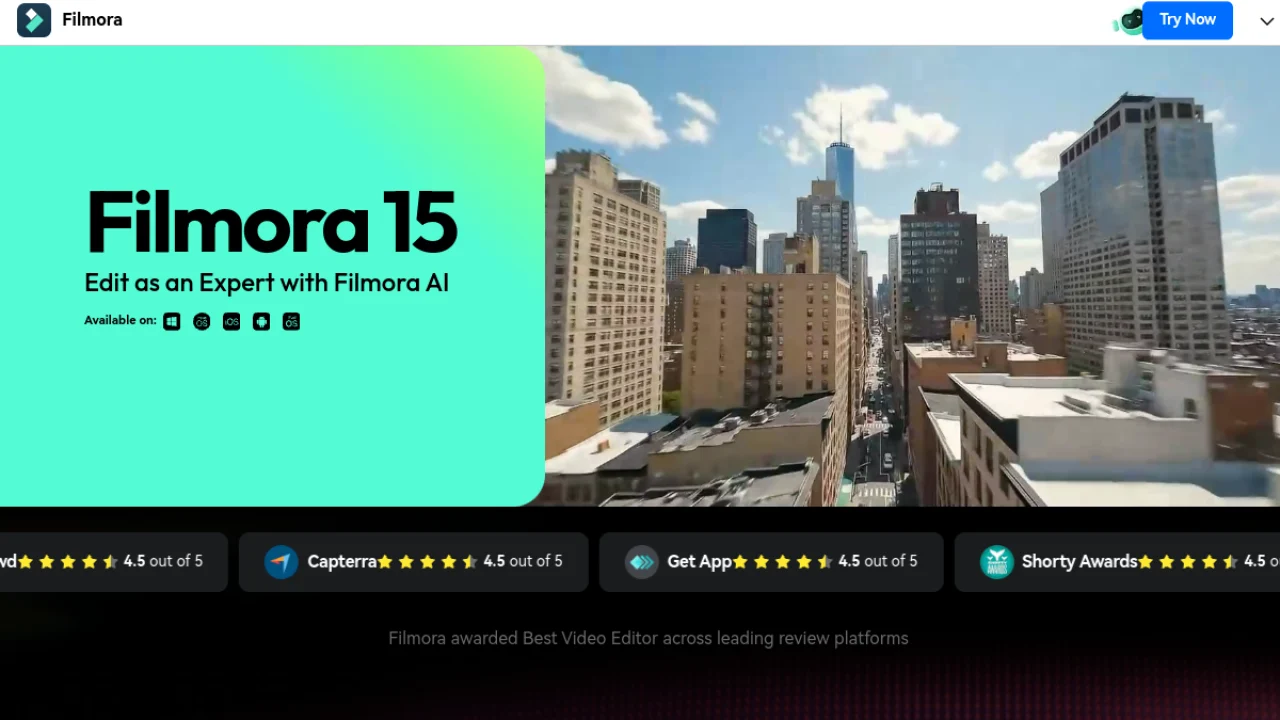
Filmora remains a publisher classic timeline, but Wondershare incorporated functions AI solid: automatic silence removal, color retouch AI, animation generation, automatic subtitles. The good compromise for those who do not want to give up the editing Manual.
To whom it is addressed: creators accustomed to Premiere/Final Cut who want a tool cheaper with AI, beginners who learn editing.
- familiar interface (classic timeline)
- Life license available (rare in 2026)
- AI integrated clean (auto-cut, color grading)
- Very accessible rates
- Automatic renewal tricky on subscriptions
- Less powerful than tools 100% AI for rapid production
- Watermark on free version
→ Read the full test of Filmora → · Comparison Filmora vs. InVideo →
11. Runway: The top of the video generation AI
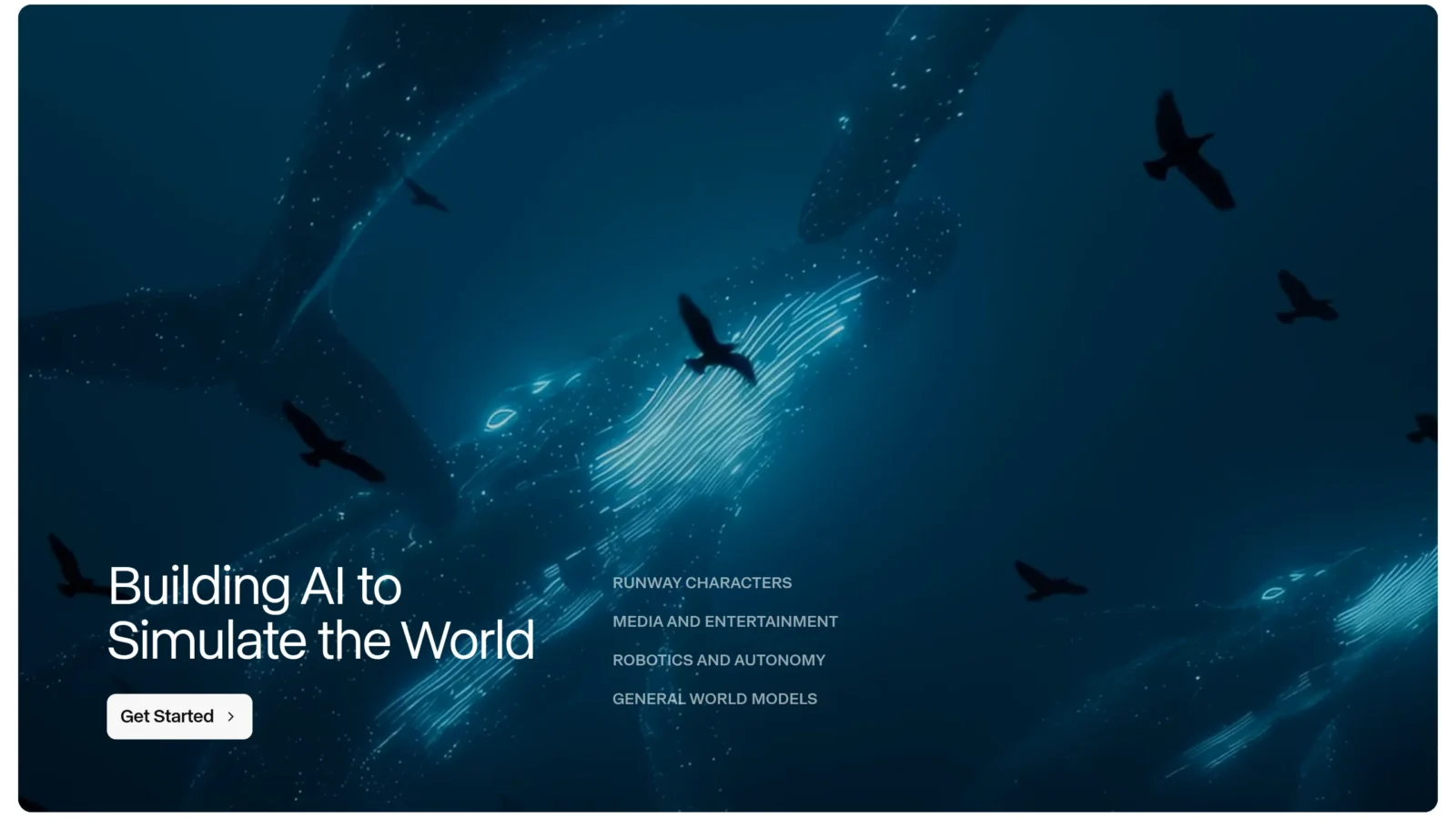
Runway is the reference for the film quality video generated. Its Gen-4.5 model produces realistic and coherent plans from text or image, with fine control (camera movement, character consistency). That's the one.tool videomakers and studios who want the best creative performance, provided they manage their credit system, which quickly climbs into intensive use.
To whom it is addressed: directors, motion designers, demanding designers. To whom it's NOT addressed: beginners or small budgets (the free one runs out in a few tries).
- Generation quality at the top (Gen-4.5)
- Advanced Creative Control
- Tools edition AI Integrated
- Cost in high appropriations
- No voiceover Integrated
- Quickening curve
12. Pika: Creative and viral video generation
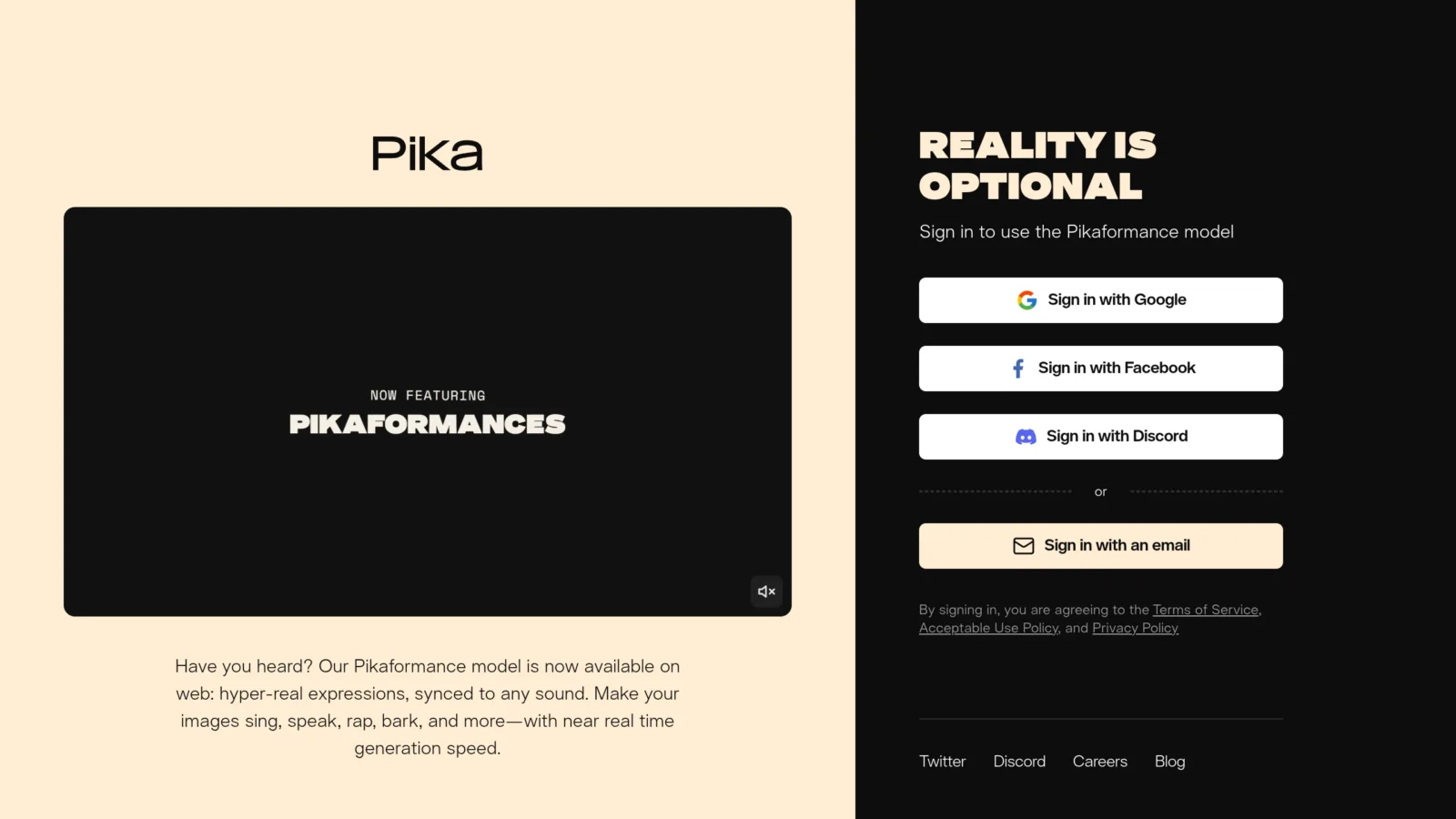
Pika bet on the creativity and viral side Rather than pure realism. Its signature effects (Pikaffits: melt, explode, inflate a subject) and its tools Pikadditions/Pikaframes make ittool ideal for original social content. Accessible and affordable, this is an excellent complement to tools plus « serious ».
To whom it is addressed: social content creators, brands that want viral fun. To whom it's NOT addressed: Those looking for film realism (prefer Runway or Kling).
- Unique and viral creative effects
- Onboarding immediate
- Accessible entry tariff (8 $)
- Less realistic than Runway/Kling
- No voiceover Integrated
- Short Clips
What AI software video choose according to your need?
- Avatars AI for training / corporate → Synthesia (corporate) or HeyGen (marketing)
- Transforming a blog article into a video → InVideo AI without hesitation
- Short videos Shorts/TikTok/Reels → Submagic (recycling) or Vidnoz (creation)
- Creative or kinematic videos → Kling AI (quality/price), Runway (high end) or Pika (creative effects)
- Editing podcast / interview / online lessons → Description
- Voice-over AI French → ElevenLabs (top quality)
- e-commerce video advertising → Creatify
- Only tools free → complete guide tools AI free video 2026
- Chain YouTube faceless → guide chain YouTube profitable faceless 2026
For an example number and size of what this type of subscription covers, our page on tariffs HeyGen the five formulae, the credit system and the moment or watermark disappears.
How much does a software really cost AI Video in 2026?
The prices display do not reflect the actual cost, we must look at the price per minute of finished video :
| User profile | Tool recommended | Actual monthly cost |
|---|---|---|
| Beginner testing | Vidnoz Free + InVideo Free | 0 € |
| Solo Creator (4 videos/month) | InVideo AI Plus | ≈ 25 $ |
| YouTubeur faceless | InVideo + ElevenLabs Starter | ≈ 30 $ |
| Online trainer | Synthesia Starter | ≈ 22 € |
| Marketer e-com | Creatify Pro | 39 $ |
| Video agency | Synthesia + Descript + Submagic | ≈ 70 $ |
Practical advice: start with 1-2 tools Max. Stacking subscriptions is the first mistake for beginners.
Best combinationstools AI video (recommended stacks)
| Stack | Tools | Cost/month | For whom |
|---|---|---|---|
| YouTubeur faceless | InVideo AI + ElevenLabs + Submagic | $/month | Produce text-to-video videos with FR voice and large-scale viral subtitles |
| Corporate trainer | Synthesia | 22 €/month | Create e-learning modules and HR videos with avatar AI professional, without shooting |
| Creator Shorts | Vidnoz + Submagic | $/month | Generate short content with avatars and transform into optimized Shorts/Reels |
| Public e-commerce agency | Creatify + ElevenLabs | 44 $/month | Generate dozens of UGC video variants with natural French voice-over |
| Creative kinematic | Kling AI + ElevenLabs + Submagic | $/month | Produce videos without cinematic quality shooting with voice AI and subtitles |
The 5 traps to avoid when choosing AI software video
An important update before approaching free. Sora, which appeared in many comparatives, is no longer exploited: OpenAI stopped the service on 26 April 2026 for economic reasons, and its API was completed in September. Our article on Sora 2 closing goes back to the causes and what takes over the torch.
1. The hidden automatic renewal
Several tools (including Filmora) enable automatic renewal by default upon registration. Always check the cancellation policy before entering your CB, some invoice the full year as soon as you forget to cancel before the renewal date.
2. Credits which expire without warning
Kling AI, Vidnoz and other tools operate on a monthly basis which cannot be combined. If you don't produce video this month, your credits disappear. The actual cost per minute of video produced can double or triple if you don't use ittool regularly.
3. The invisible watermark in demo, visible to export
The preview in the interface is sometimes without watermark, but export in free plan it automatically adds. Always test a full export before committing. On Vidnoz, InVideo AI and Filmora free, watermark is present on all exports.
4. The French voices « window » which hide a poor quality
Some tools display 1 or 2 convincing French voices in their demo, but their real FR catalogue is limited to robotic or generic voices. Always test several different French voices before you subscribe. ElevenLabs and Murf AI are the only ones to have a truly qualitative FR catalogue.
5. The actual cost per minute very different from the price displayed
A plan to 22 €/month may seem affordable, but if it includes only 10 minutes of video (like Synthesia Starter), the cost per minute is 2.2 €. Always calculate your actual monthly production and divide by the included quota to compare the tools with equivalent volume.
Software AI free video that really is worth it
Let's be clear: none tool « free unlimited » In 2026 there was a serious problem. But 3 free plans make it possible to produce usable videos without paying:
- Vidnoz, 3 min/day, without CB, watermark but discreet
- Kaiber AI, 50 credits offered for registration, without CB
- Deevid AI, freemium plan for beginner creators
For the voice-over, ElevenLabs offers 10 000 free characters/month () (10 minutes of French voice-over).
FAQ: Frequently Asked Questions about AI Software video
What is the best AI software Video in 2026?
It depends on your use. Synthesia remains the reference for the AI avatars pros. InVideo AI offers the best value for money for the text-to-video generation. Kling AI dominates on creative cinematic video. For general use with a tight budget, Vidnoz is the best all-in-one choice.
What AI software Is video free?
Several tools offer a free plan usable: Vidnoz (3 min/day without CB), Kaiber AI (50 credits offered), DeeVid AI, and the freemium version dInVideo AI (10 min/week). For voice-over, ElevenLabs offers 10,000 free characters/month.
Is there AI software video in French with French voice?
Yes. The best French voices are at ElevenLabs (top quality) and Murf AI (business orientation). For avatars in French with lip-sync correct, Synthesia and HeyGen are the references. Vidnoz also offers affordable FR avatars.
Synthesia or HeyGenWhich one?
Synthesia remains more polished for corporate and training. HeyGen is more expressive and offers a revolutionary lip-sync translation. If you produce formal pros videos: Synthesia. If you want viral video marketing: HeyGen. See comparison detailed Synthesia vs HeyGen.
Can one create a video entirely with AI 2026?
Yes, it became common. With a combo InVideo AI (generation) + ElevenLabs (voice-over) + Submagic (subtitles), you produce a full video without shooting. For avatars-presentations, Synthesia or HeyGen All alone.
LAI Does video replace a professional editor?
No, not for creativity, storytelling, or premium projects. Yes for standardized content: tutorials, corporate training, e-commerce ads, blog videos. LAI video in 2026 replaces freelance editor « execution-only », not the creative editor.
What are the legal limits to use avatars? AI ?
In France/EU in 2026: prohibition of unauthorised deepfakes, obligation to mention the synthetic nature of content, GDPR applicable to voice cloning. For commercial use, check thattool proposes avatars with full commercial rights (Synthesia and HeyGen do, some tools free of charge no).
What AI software video to create online training?
Synthesia is the reference for e-learning courses: professional avatars in 140+ languages, integrated course templates, GDPR compliance. For trainers who want to mount their own voices on slides, Description is ideal: it allows to edit the video by modifying the transcript, and to integrate voice cloning to correct errors without re-turning. Average budget : 22–40 $/month by volume.
Can software be used AI Video on smartphone?
Several tools of this list propose a mobile app: Vidnoz has an iOS/Android app to generate d InVideo AI is accessible via mobile browser. Submagic allows to upload and edit Shorts from mobile. For complete production on smartphone, Vidnoz remains the most comprehensive, even if the features remain more limited than on desktop.
What is the difference between text-to-video and avatar? AI ?
The text-to-video (InVideo AI, Kling AI) generates a complete video from a text or prompt: images, B-rolls, music, narrative, without visible human. Lavatar AI (Synthesia, HeyGen, Vidnoz) stages a virtual character who speaks face to camera from a script. Text-to-video is suitable for faceless channels; Iavatar AI suitable for training, corporate presentations or personalized marketing videos.
Conclusion: my top 3 if you start today
- Solo/Freelance Creator: start with InVideo AI (25) $/month, full generation) + ElevenLabs free plan (French voice).
- Training/HR/Corporate: Synthesia alone. No other tool doesn't do the job as well.
- Creator Shorts / TikToks: Submagic + Vidnoz free plan to generate extra visual.
✅ This article is updated monthly (last revised June 2026). Prices and features are changing rapidly in the niche AI video, always check on the official website before purchase.
To go further
- Top 10 tools AI free video 2026, only free versions
- Top AI to create videos YouTube, focus YouTube
- Better tools AI to automatically mount videos, focus editing
- Best AI voice-over in English, focus voiceover
- Chain YouTube profitable faceless in 2026, Complete Guide
To go further on this subject, consult our Complete Guide free runway ml.