Produce voiceover a training module quickly takes the look of puzzles: an actor to reserve, repeated charges for each set-up change, a module that is no longer updated because the original voice is no longer available. The AI Voice deal with some of these problems, not all of them. This guide for trainers, HR managers, training organizations and online course creators who want to know when AI enough, how to take it, with which tools and for what real cost.
Released on 25.10.2026 on official pages. This page contains partner links.
Contents: Essential · AI or comedian · What an e-learning voice requires · 6-step method · Write for voice · The tools · How much it costs · Rights and accessibility · Common errors · FAQ
Essentials
- The AI Voice is a good option for modules that often change: one rewrites a sentence, one regenerates the passage, without resuming a studio.
- Keep an actor for branding, incarnate voice or strong emotional content.
- Murf AI is designed for presentations and training (Canva from 19 $/month in annual, PowerPoint and Google Business Slides at 66 $/month in annual).
- ElevenLabs gives more expressive French voices from 6 $/month, with commercial license and cloning.
- The real cost is in the covers: count 8 to 12 $ per hour of audio at full quota consumption, detailed calculation below.
AI Voice or actor: what to choose for a training module?
The question rarely arises in black and white. The agencies of voiceover Moreover, the first results of research on this subject, which is understood, dominate: an actor brings an interpretation, a rhythm, a presence. But an e-learning module is not a radio ad. It is a teaching content that must be clear, regular, updated, and sometimes produced within a few days.
| Criteria | AI Voices | Comedian |
|---|---|---|
| Deadline | A few minutes per chapter | Reservation, registration, delivery: several days |
| Amendment of a sentence | Immediate regeneration | New session, often billed |
| Consistency between chapters | Same voice, same rhythm every generation | Depends on availability and voice of the day |
| Interpretation, emotion | Correct, sometimes monotonous on long texts | Netly higher |
| Cost of an update | Quota consumed, no new benefit | Resumption rate according to estimate |
| Multiple languages | Several languages in the same language tool | One actor per language |
Our reading:AI the internal training, procedures, tutorials software, compliance modules that change each year. The actor keeps the advantage for display routes, brand content, or anything that should touch more than just inform. Many organisms mix: an actor for introduction and conclusion, AI Voice for the body of the module. However, beware of the breaking effect if the two voices are very different. If you hesitate on the very principle of producing a voiceover, our guide how to make a voiceover self or with AI Put down the bases.
What does it really require? voiceover e-learning
Before choosing a tool, better write his specifications. A voice for a training is judged on criteria other than a voice for a viral video.
- A steady and steady flow. A learner must be able to follow by taking notes. Aim about 140 to 160 words per minute, a little less for technical content.
- A controlled pronunciation of business terms. Agles, product names, regulatory terms: a voice that spells badly « GDPR » or « QHSE » loses the credibility of an entire module. Look for a tool with a pronunciation dictionary.
- Total consistency. Same voice, same tone, same volume from first to last chapter.
- A simple update. To be able to regenerate a sentence without touching the rest.
- A clear license. A module delivered to a customer or distributed to employees is a professional use: free plans do not cover it.
- An exploitable export format. MP3 or WAV according to your module creation software, to be checked in iSpring, Articulate or l tool you're using.
6 steps method to produce a voiceover training with AI
1. Cut script by screen
Write one script per slide or screen, with one audio file per segment. This is the rule that saves the most time: if a set changes on screen 14, you will regenerate segment 14 without listening to the 30 minutes of the module. Name the files with the chapter and screen number, e.g. 03-07-security.mp3.
2. Write for the ear
Text read aloud does not resemble text read on screen. Shorten the sentences, replace the parentheses with autonomous sentences, write the numbers as they speak. The following section provides examples before and after.
3. Choose a voice and stick to it
Listen to three voices on a single 150-word excerpt, with an acronym, a number and a date. Choose the one that remains clear in the third paragraph, not the one that impresses in the first ten seconds. Note the name of the voice and the settings (speed, breaks) in a project file: you will need it for an update six months later.
4. Set Pronunciation
Before generating the entire module, review your difficult terms. Murf, for example, lists in its tariff schedule a function to modify pronunciations from the Creator plan. Make up a small lexicon: spelled acronyms, proper names, foreign words. Reuse it at each module.
5. Generate, listen, correct by segment
Generate chapter by chapter and listen with a helmet. Correct what hangs: a pause too short settles with a comma or an additional point, a rising intonation at the end of the sentence corrects by reformulating. Avoid regenerating the same segment a hundred times: each generation consumes quota.
6. Import, set and test with a real learner
Import files into your tool (PowerPoint, iSpring, Articulate, LMS depending on your channel) and set the duration of the screens to that of the audios. Make the module listen to a person who did not participate in its creation: it is the only test that reveals a dubious pronunciation or too dense a passage. For the presentation part, our guide on the voiceover AI in a PowerPoint presentation details the import step by step.
Write a script designed for the voice
This is the stage that we jump most often, and the one that changes the result the most. A synthesis voice does not catch up with a written text to be read. Here are three typical rewrites.
| Written text for the screen | Rewritten for voice |
|---|---|
| In accordance with Art. L1221-1 of the Labour Code (see form 4), the employee must be informed. | The employee must be informed. The rule comes from the Labour Code. You can find it in Form 4. |
| The deadline is 15 working days (3 weeks). | The deadline is 15 working days. That's three weeks. |
| Click File > Export > PDF, then confirm. | Open the File menu. Choose Export, then PDF. Validate. |
Three simple reflexes: one idea per sentence, numbers written in all letters when they count, and interface instructions cut out like gestures. Add points where you want a break. In most tools, a point is enough to mark a stop time that is clearer than a comma.
Tip: reread your script aloud before sticking it in l tool. If you hit a sentence, the AI Voice I'll kill you too.
What tools for voiceover an e-learning module?
Three tools rendezvous in training uses. We give for each one what the official pages display on 25.10.2026, and what this implies for a module.
Murf AI: the most oriented presentations and training
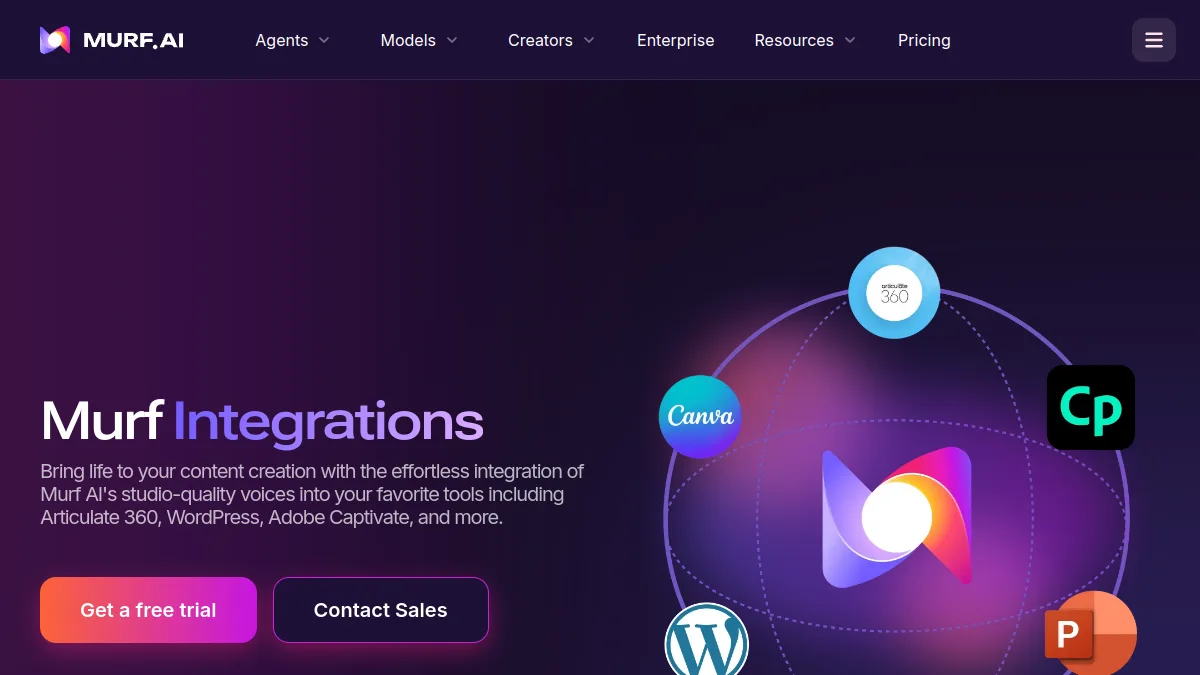
Murf clearly targets this audience. Creator plan costs 19 $/month in annual billing (228) $ per year) for 24 hours of voices per year, 100 projects, Canva integration and commercial rights. Business Plan, 66 $/month in annual (792 $ per year), increases to 96 hours per year, 500 projects and adds the Business license, PowerPoint plugins and Google Slides, focus, variability and audio transcription to text. The free plan gives ten minutes of generation without downloading: enough to choose a voice, not to deliver a module. Everything is in the official grid. See our Murf AI review and alternatives to Murf AI.
ElevenLabs : more expressive French voices and cloning
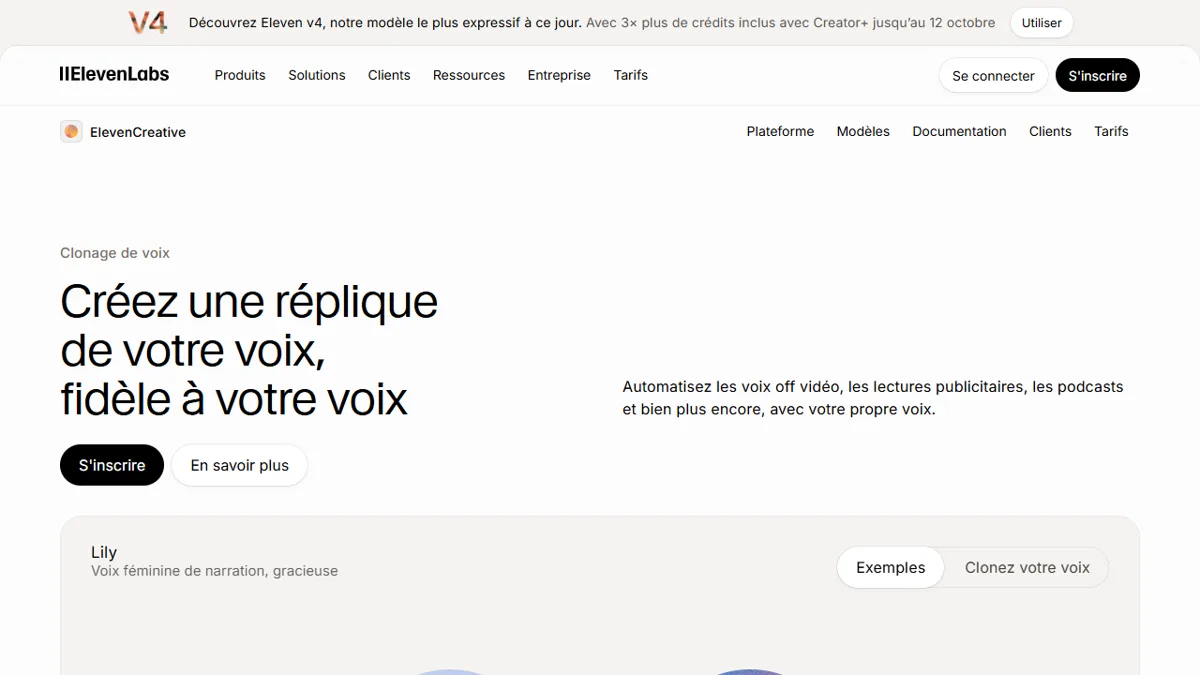
ElevenLabs displays a free plan at 10,000 credits per month (about ten minutes) without commercial license, a Starter at 6 $/month with commercial license and instant cloning (30,000 credits), a Creator at 22 $/month (121,000 credits, professional cloning). For an e-learning module, the asset is the ability to clone the voice of a trainer to keep his voice in all content, with his written consent, and to regenerate a passage when the content changes. The Official tariffs provide for months of closed trial, but the recurring is that indicated here. To read: comparison ElevenLabs vs Murf AI and guide of the Voice cloning.
Descript : for the trainer who prefers to record his voice
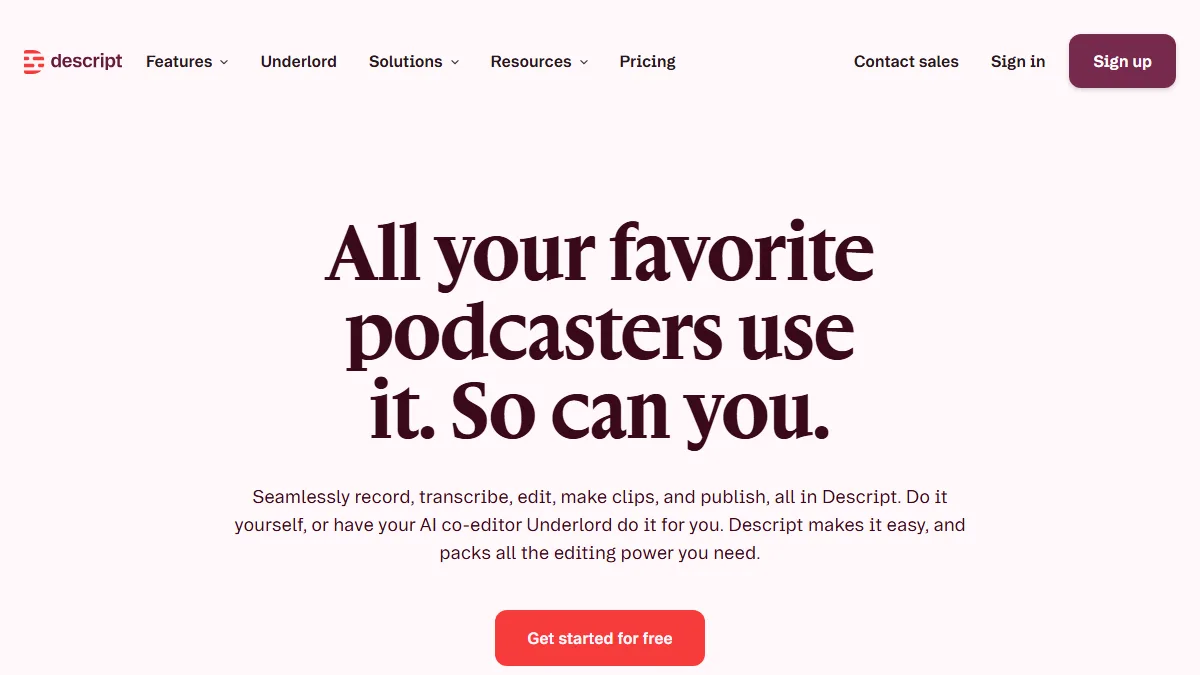
Descript proposes another approach: we record our own voice, we correct the editing by modifying the text, and use the AI Voice to fill or correct a passage. Plans read 25.10.2026 : Hobbyist 16 $/month in annual (24 $ in monthly), Creator 24 $/month in annual (35 $ in monthly), Business 50 $/month in annual (65 $ monthly), with one hour of media per month free. It's ideal if the trainer wants to keep his true voice. Seereview Descript.
How much does the voiceover a training module with AI ?
The quotas displayed by publishers do not speak to a trainer: « 24 hours a year » or « 30 000 appropriations » don't say how many modules we produce. Here is a conversion to audio minutes, calculated from the official figures of 25.10.2026. It is a calculation at full consumption, off-time: each regeneration consumes quota, provide a margin.
| Plan | Quota displayed | Audio per month (calculation) | Cost per audio hour (calculation) |
|---|---|---|---|
| Murf Creator, 228 $/year | 24 hours a year | about 2 hours | approximately 9.50 $ |
| Murf Business, 792 $/year | 96 hours per year | approximately 8 hours | about 8.25 $ |
| ElevenLabs Starter, 6 $/month | 30 000 appropriations | about 30 minutes | about 12 $ |
| ElevenLabs Creator, 22 $/month | 121 000 appropriations | about 2 hours | about 11 $ |
Reading: For an organization that produces four 30-minute modules a month, Murf's Creator covers the need, while ElevenLabs Starter only produces one. But these figures require perfect consumption. In practice, between voice tests and corrections, one often consumes 30 to 50% more than the final duration: it is an estimate of common sense, not a measure. For a smaller or irregular volume, a monthly subscription without annual commitment is more flexible. For a regular volume, Murf's annual billing costs less per hour.
To compare, finally, with what you are paying today: an actor is billed on estimate, and each cover costs. The real economy AI is not the price of the first version, this is the almost zero cost of the tenth update.
Rights, consent and accessibility
- Commercial license. Free plans of Murf and d ElevenLabs exclude commercial use. Once a module is sold or distributed in a business, take a paid plan.
- Clone the voice of a trainer. Have a written agreement on duration and use signed. This protects you as much as he does, especially if he leaves the body.
- Prevent learners. A discreet mention indicating that the voice is synthetic avoids any surprise. It's a good practice, not a dramatic formula.
- Subtitles and transcription. A screen-cut script directly serves as subtitles. Murf offers audio to text in the Business plan; Descript transcribed natively. Accessibility of modules is gaining.
Common mistakes to avoid
- Generate the whole module of a block: impossible to correct a passage without repeating everything.
- Choose the voice over ten seconds of listening rather than a realistic two-minute excerpt.
- Forget to note the voice settings: a six-month update will no longer sound the same.
- Do not let a third party listen: errors of pronunciation are noticed first in others.
- Wrong plan: PowerPoint plugins and Google Slides de Murf are reserved for Business.
- Neglect the license: A free plan does not cover a module delivered to a customer.
If you are preparing materials for a class rather than for a professional career, our hub AI for teachers group tools free. And to compare the voices more widely, see the ranking of the best AI of the voiceover in French.
Verdict
For a training module which must remain up to date, the AI Voice is a good choice: a regular voice, immediate corrections, low marginal cost. Murf is the most direct if you work in PowerPoint or Canva (Business Plan for PowerPoint), ElevenLabs if you want a more expressive French voice or clone that of a trainer, Descript If you prefer to register yourself. Keep an actor on the road.
FAQ: Your questions
How to do voiceover AI For training?
Cut your script by screen, write for ear, choose a voice on a realistic extract, generate segment by segment and import the files into your tool of creation. Note the settings for updates.
What AI choose for a voiceover e-learning?
Murf AI if you work with Canva, PowerPoint or Google Slides; ElevenLabs for more expressive French voices or the cloning of voices; Descript if you save yourself and correct by text.
The AI Voice Is it commercially usable in a module?
Yes with a paid plan: free plans of Murf and d ElevenLabs does not include a commercial licence. ElevenLabs offers from Starter to 6 $/month, Murf from Creator at 19 $/month in annual (updated 25.10.2026).
How much does the voiceover a module with AI ?
At full consumption of the posted quotas, count about 8 to 12 $ per audio hour according to the tool. This calculation does not take into account the recoveries, which consume quota.
Can we clone the voice of a trainer?
Yes, for example with ElevenLabs from the Starter plan for instant cloning. Have the trainer sign a written agreement to fix the duration and use of his voice.