The video AI (or video ai in English) means any video created, transformed or enriched by a artificial intelligence. In practice, in 2026, it means that a model such as Veo 3.1 Google, Runway Gen-4.5 or Kling AI 3.0 can generate a realistic video sequence from a simple text, a scene, a character, a camera movement, sometimes even the soundtrack. This guide explains how it works under the hood, what it's for, and what the technology really is after Sora's brutal shutdown 2 at the end of April 2026.
📌 Essentials
- 3 large families: text-to-video, image-to-video, and edition/enrichment AI an existing video.
- Current Leader: Google Veo 3.1, followed by Runway Gen-4.5 and Kling AI 3.0.
- Sora 2 dOpenAI : closed on 26 April 2026, API arrested at the end of September 2026.
- Technology: latent diffusion + transform architecture, similar to generators images but extended to the temporal dimension.
- Current limit: consistency on planes of more than 60 seconds remains imperfect, and complex physics (liquids, crowds) is not always faithful.
Contents: What is video AI • How it works • Generation types • Tools Main 2026 • Case of practical use • Current limits • FAQ (PAA)
What is AI video 2026?
The term « AI video » In fact covers several different technologies, which are often confused in the general public.
1. Pure video generation (text-to-video, image-to-video)
You write a quick, « An astronaut walking on Mars at sunset », anAI generates a zero video. This is what Veo 3.1, Runway, Kling AI or Pika do. The video didn't exist until you asked.
2. AI Video with avatars and synthetic voices
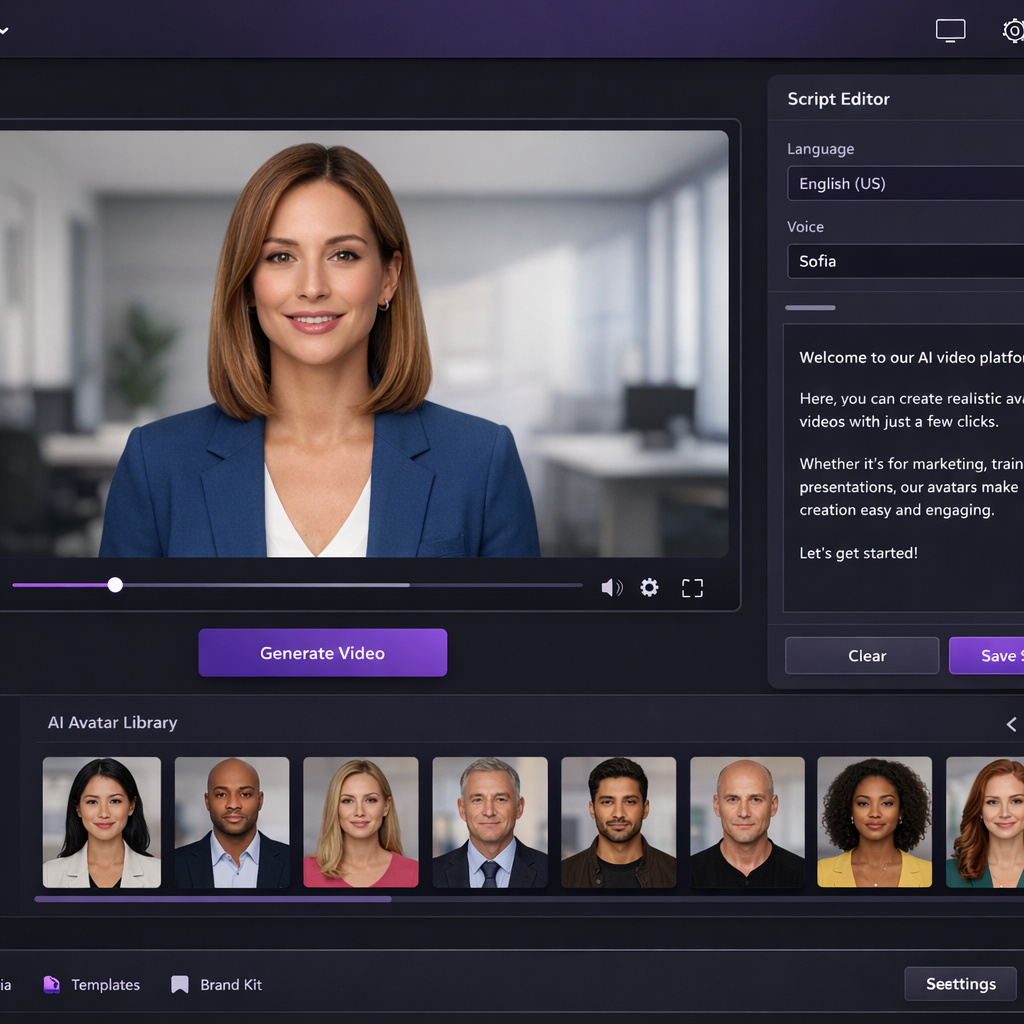
You provide a text script. LAI generates a video where a human avatar (realist or stylized) reads the script, with natural voice-over. That's what we're proposing. Synthesia, HeyGen or Vidnoz AI. The main use case: in-house training, marketing, multilingual e-learning. Very different from Veo or Runway in technical terms.
3. Publishing and enrichment AI an existing video
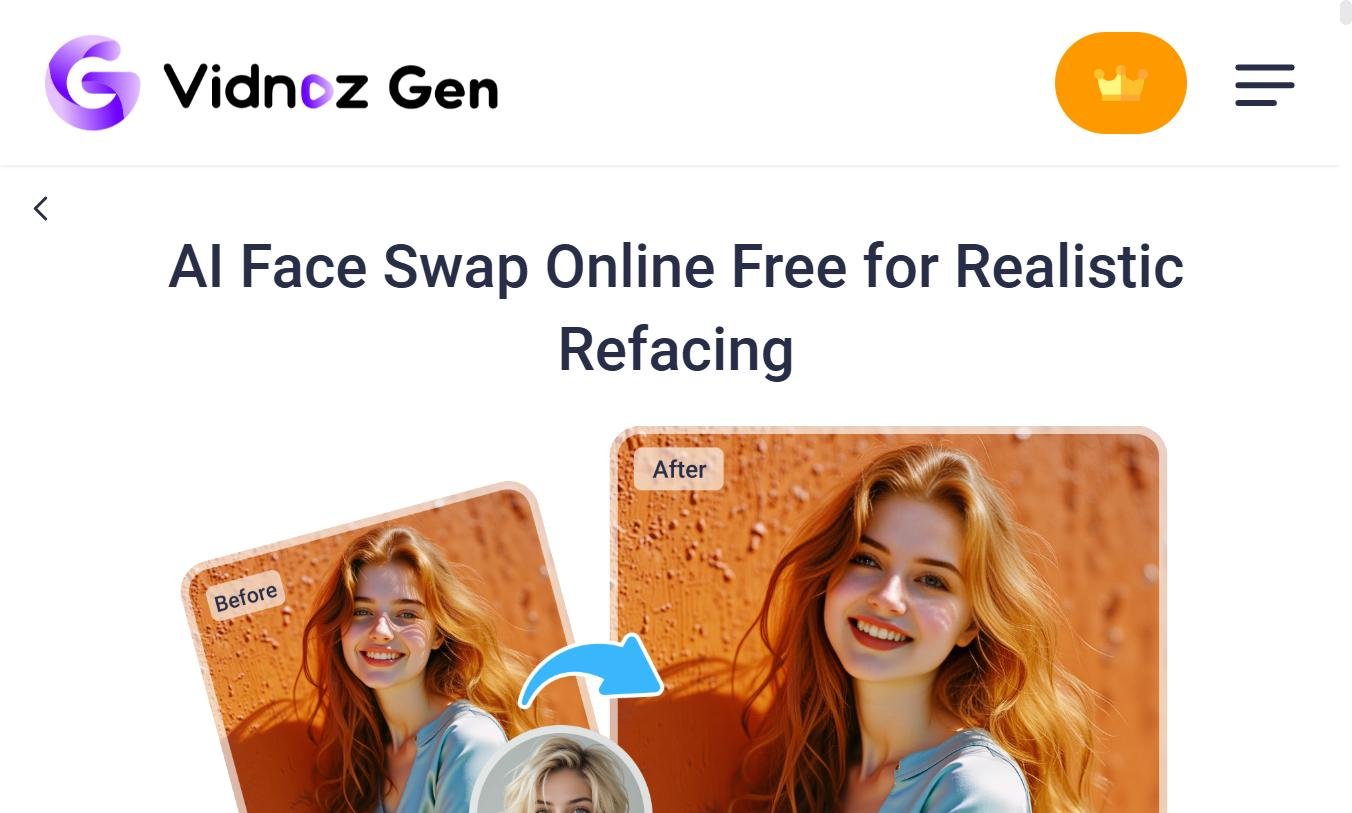
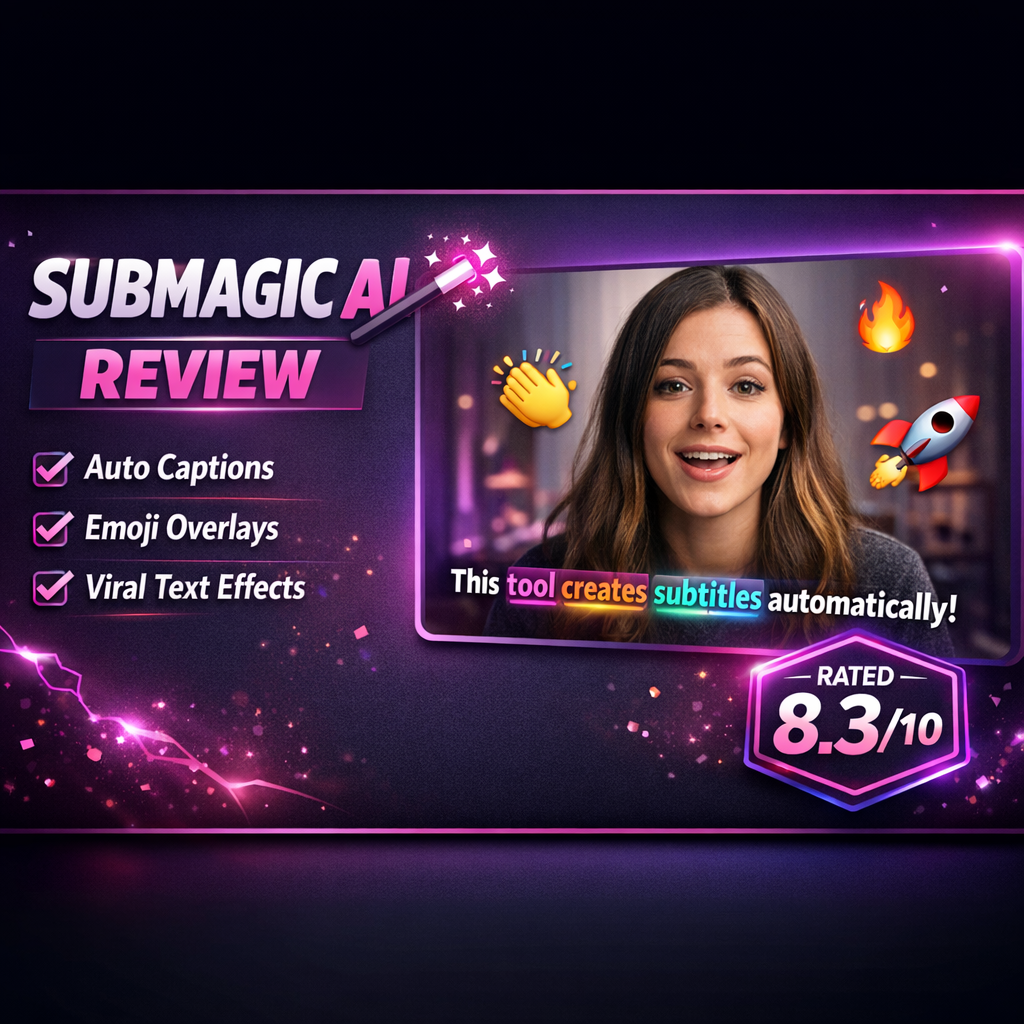
LAI Don't make up a video. It corrects colors, generates automatic subtitles, removes a background, makes the face swap, or animates a static photo. Descript, CapCut, Filmora, Submagic belong to this category. This is probably the most common use in 2026, because the most directly useful in everyday life.
⚠️ Good to know: When someone says « I used a AI video »One must always ask which of the three. The uses, the tools and the necessary skills have nothing to do with it.
How a AI video: the technical pipeline
Under the hood, the video generation AI is based on two bricks: a model of latent diffusion (the same principle as a ai image generator type Stable Diffusion or DALL-E) and architecture transform (the same family as GPT). The great difference with a generator images, is thatAI must manage an additional dimension: time.
Step 1: From Quick to Embeddings
When you write your prompt (« a cat playing piano in a Parisian apartment »), a text encoder transforms it into Embeddings, digital vectors that capture meaning. These beddings say to meAI What to represent: topic, action, environment, style.
Step 2: generation by diffusion
The model starts with random numerical noise and gradually degrades it, step by step, relying on the embeddings of the prompt. At each step, it brings the noise closer to a coherent video. For a video of 5 seconds in 24 frames per second, it is 120 frames that must be generated by keeping the consistency of one frame to another.
Step 3: Time consistency (the difficult part)
This is where the differences between tools. An object that changes color between two frames, a character whose face changes, a ball that teleports to the basketball basket: these are the temporal artifacts. Sora 2 had made a huge leap by respecting the real physics (a failed ball that bounced on the panel instead of magically entering). Veo 3.1 and Runway Gen-4.5 play in the same yard.
Step 4: Synchronised audio generation (new 2026)
Veo 3.1 and Sora 2 introduced native audio generation synchronized to video: dialogues, sound effects, atmosphere. Before that, you had to generate the video and add the sound separately. It's the big breakup of 2025-2026.
The main types of video generation AI
Text to video
The entry is a text, the output is a video. It's the iconic fashion. The internal pipeline combines visual generation, audio synthesis (voice-in-spoken text for voice-over, musical selection), temporal composition (rhythm, transitions) and post-processing (colour correction, subtitles). Reference models: Veo 3.1, Sora 2 (before closing), Runway Gen-4.5, Kling AI 3.0, Pika 2.
Image-to-video
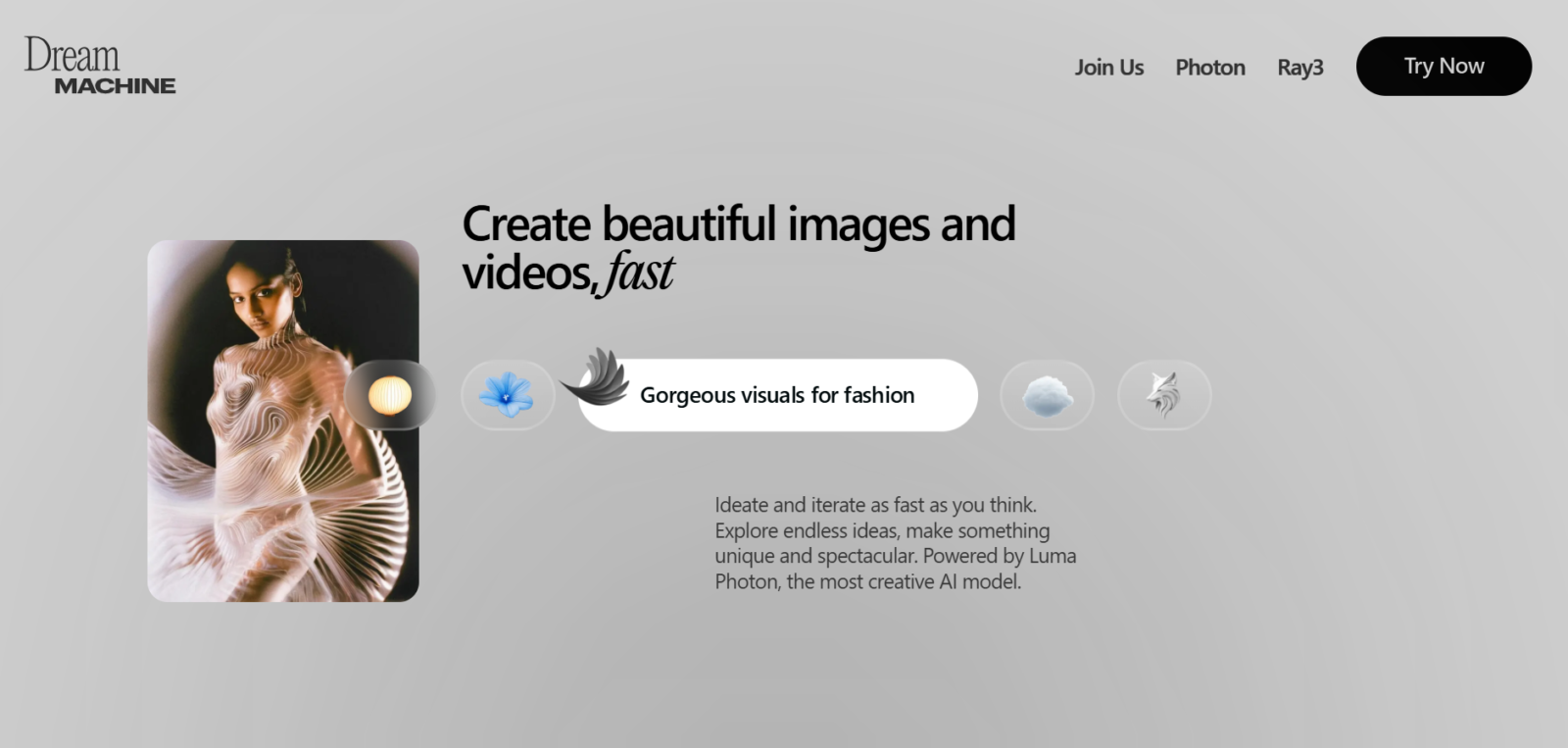
You're leaving with a fixed image.AI Anime. Technically, modelsdepth estimate analyze the spatial structure of the image, then motion models create a camera panorama, a parallax effect or animate a subject. This is what makes it possible to turn a family photo into a 5-second mini-clip for Instagram, or an illustration into a kinematic plan. Luma Dream Machine, Runway and Kling are very good at this mode.
Video to video
You provide an existing video and theAI transforms the style or a specific element. Change the decor, replace a character, turn a video into animation. Runway has made it his specialty with his Motion Brush and his control of the continuity of characters from one plane to another.
Avatar-based video
Different from the previous three. You provide a script,AI makes a video where a human avatar (real or stylized) speaks with a synchronised synthetic voice. This is the specialty of Synthesia, HeyGenand Vidnoz AI to a lesser extent. Not at all the same technical models as Veo or Runway.
The main tools AI video in May 2026
The landscape has moved a lot in six months. Here's an honest report, updated after Sora's closing.
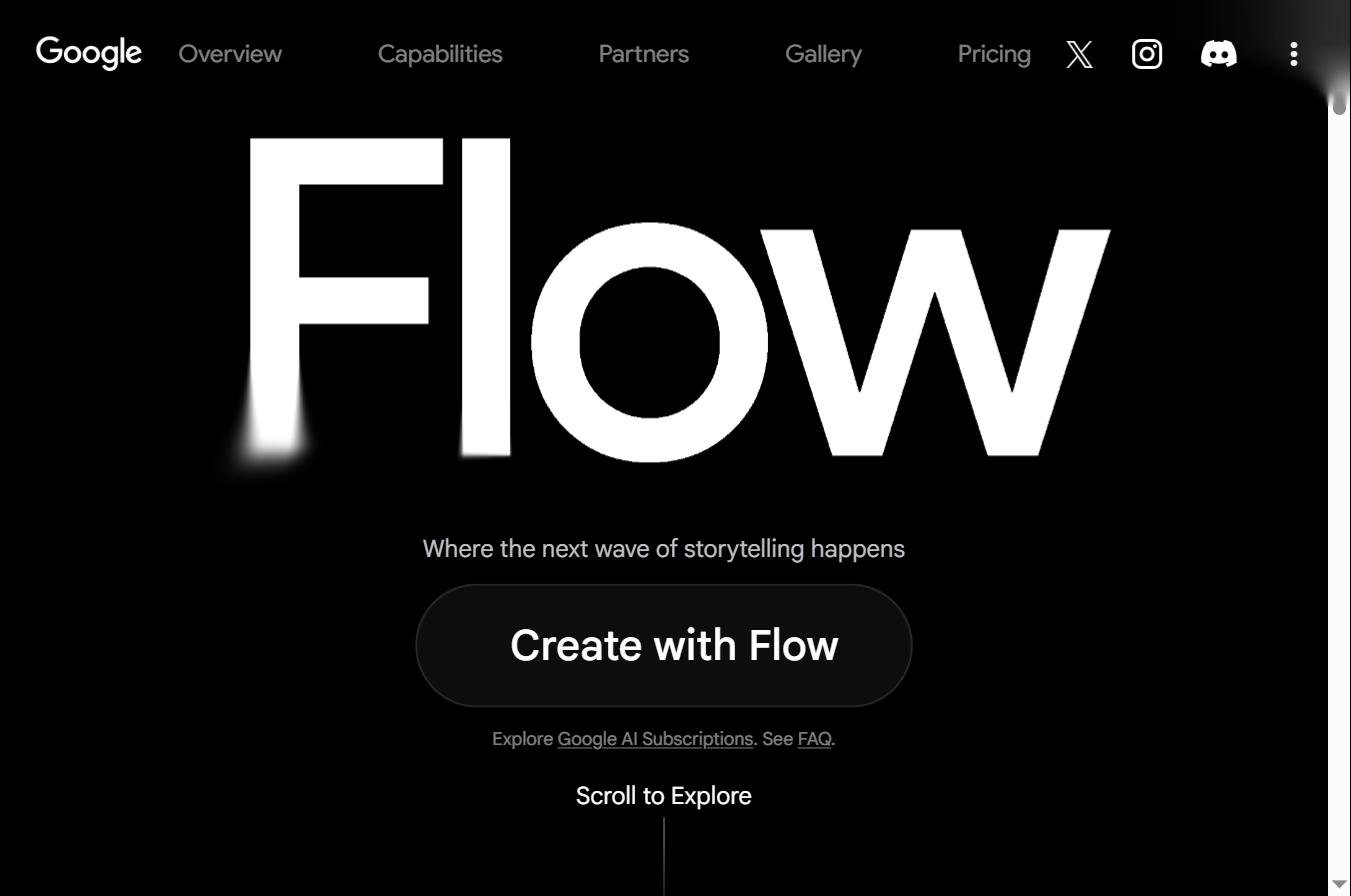
Google Veo 3.1: the current leader
Launched in January 2026, Veo 3.1 is today the reference text-to-video. Native synchronised audio, quasi photorealistic quality, native integration in Gemini, YouTube, Google Vids and Flow. More information on the official page Veo de Google DeepMind. The general public istool the most accessible because it is connected to products that many already use. On the pro side, his creative control remains lower than Runway.
Runway Gen-4.5: Pros' favourite
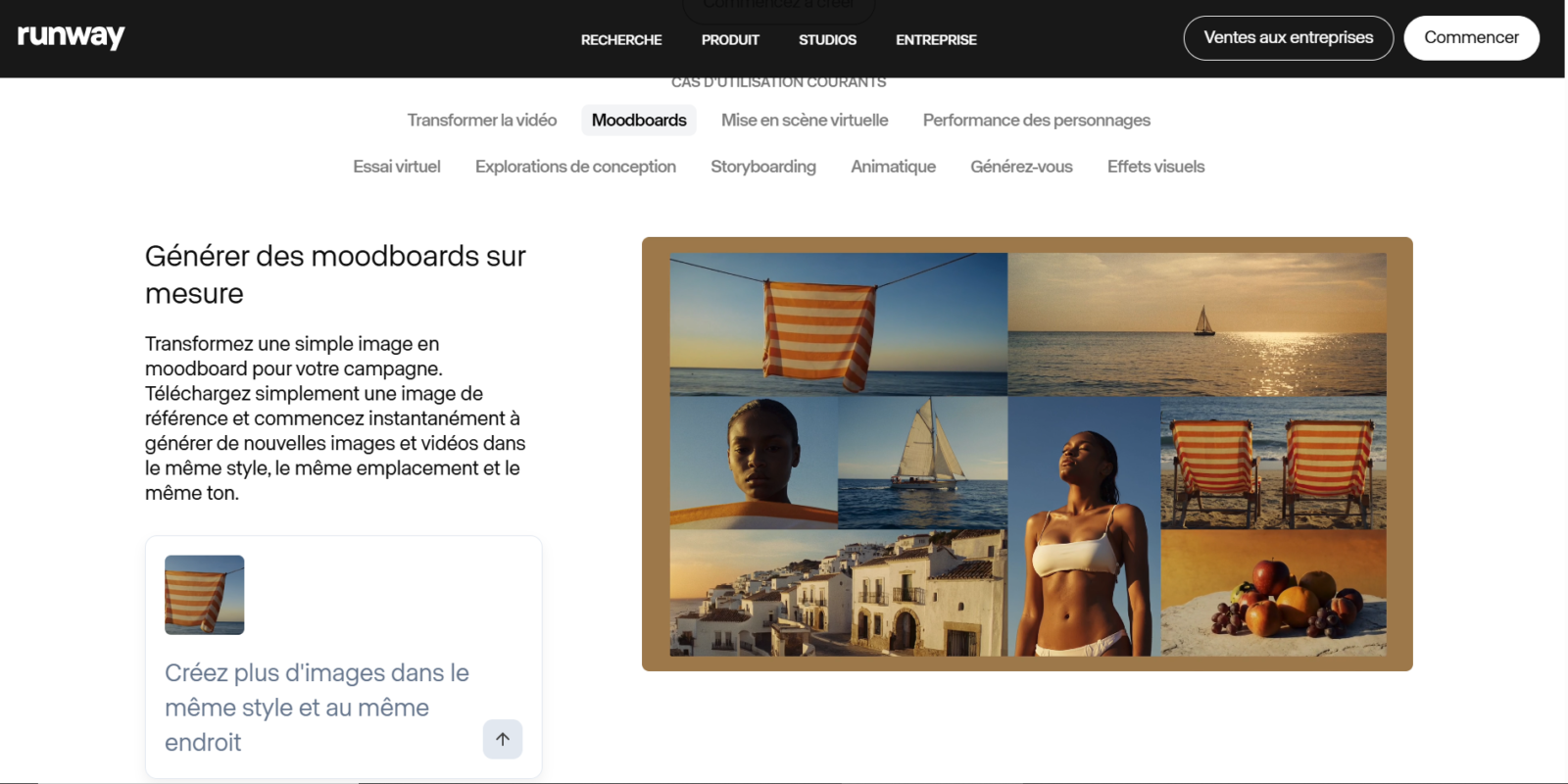
Runway plays on another field: not the « wow video » buttool This is a work programme that is close to traditional post-production software. Motion Brush, precise control of the virtual camera, continuity of characters from one plane to another, this is the sequel that independent directors really use to produce coherent short films. Several analysts in the sector believe that Runway is best placed to impose a sustainable professional standard.
Kling AI 3.0: the value for money
Developed by Kuaishou (Chinese competitor of TikTok), Kling AI at 10 $/month, or even free of charge on the basic plane, offers a rendering of human characters that rivals tools Two to three times more expensive. The 3.0 release at the beginning of 2026 significantly improved the management of movement and facial expressions. For a comparison detailed with Fliki, see our analysis Kling AI vs Fliki 2026.
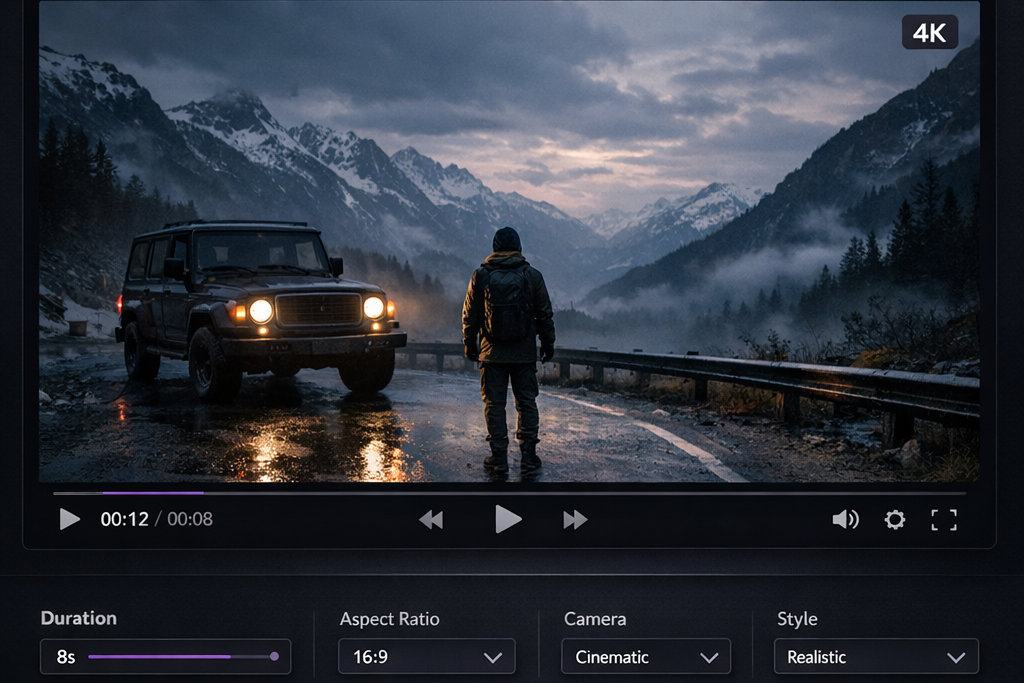
Sora 2 (OpenAI) : end of life
Sora 2 remains technically impressive, the model better manages complex movements (gymnastic, liquid physics, crowds) than its competitors. But the Sora application was closed on 26 April 2026, and the API will be stopped at the end of September 2026. OpenAI invoked an industrial refocusing against the calculation costs and drifts reported by 404 Media (accounts dedicated to the broadcast of violent videos generated with Sora 2). SeeOfficial announcement Sora 2 on OpenAI.com. If you used Sora, it's time to migrate.
Pika 2 and Luma Dream Machine: Solid Outsiders
Pika remains appreciated for its simplicity of use, its accessible interface and its creative community. Luma Dream Machine excels on image-to-video and short kinematic renderings. Neither leads the market, but both are valid choices according to the specific need.
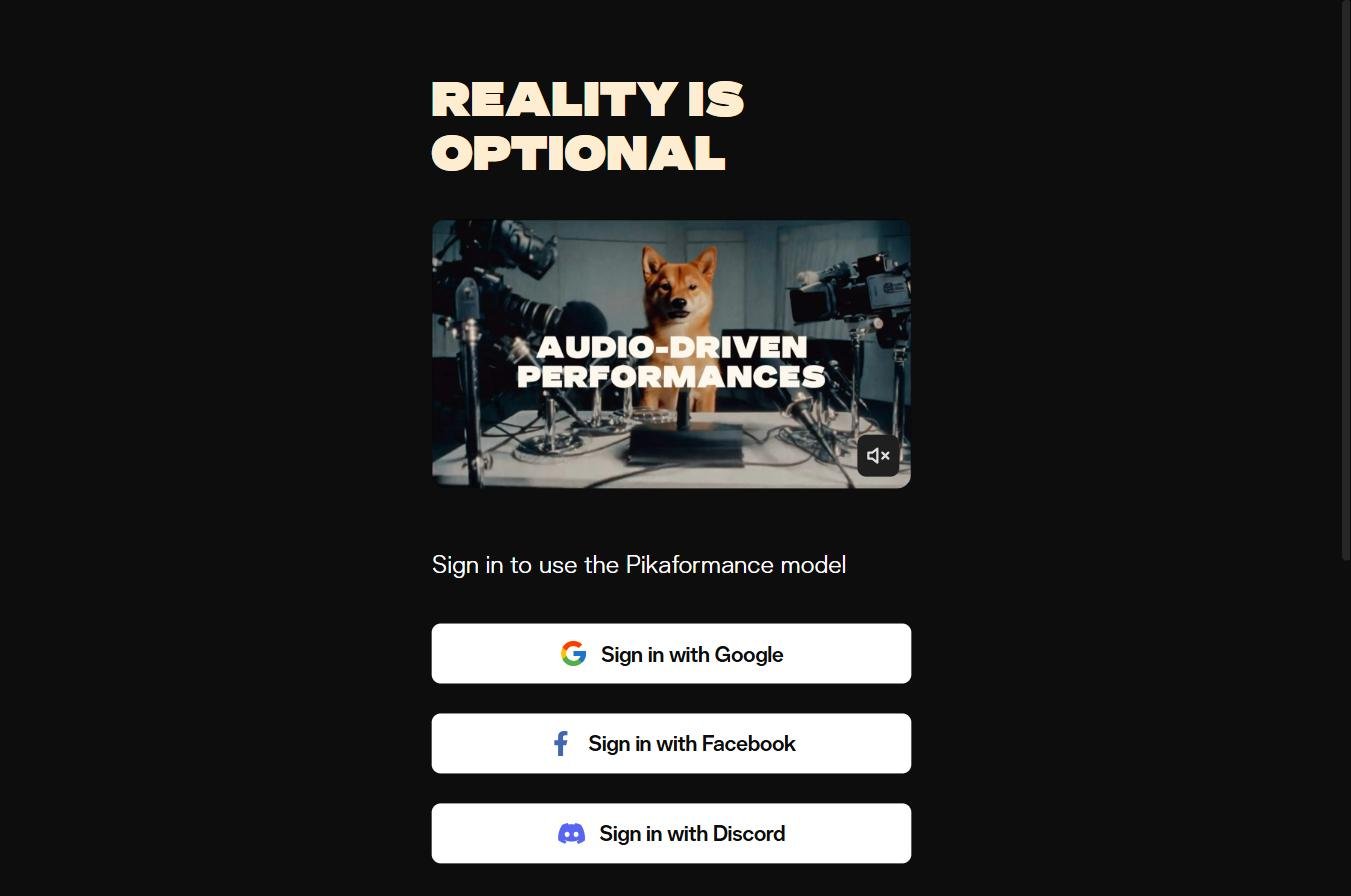
Synthesia, HeyGen, Vidnoz AI: Avatars
Category apart. To produce a training video, a tutorial product or video marketing with an avatar talking, these are the tools Not Veo or Runway. Vidnoz AI offers the most accessible free plan (3 minutes of video per day with watermark). HeyGen and Synthesia The aim is more enterprise. For details, see our analyses alternatives Synthesia and alternatives HeyGen.
DeeVid AI : practice
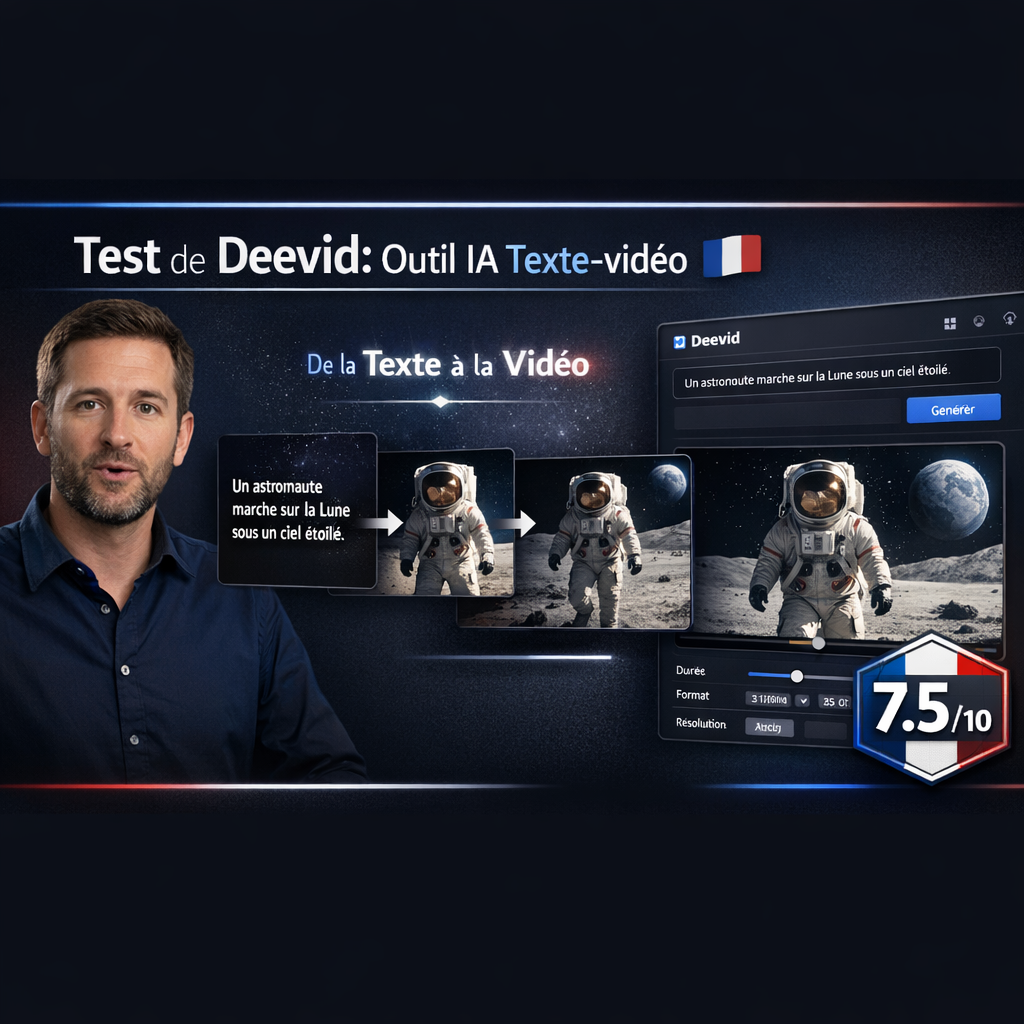
Deevid AI is a tool oriented social creators: quick to video, animation of images, pay plans from 19 $/month. Without the power of Veo or Runway, but with a sharp interface to quickly produce published content.
💡 To go further: We published a comparison details of the 10 best AI software video 2026 with price table, case of use by profile and honest verdict.
Case of concrete use of video AI
Marketing and advertising
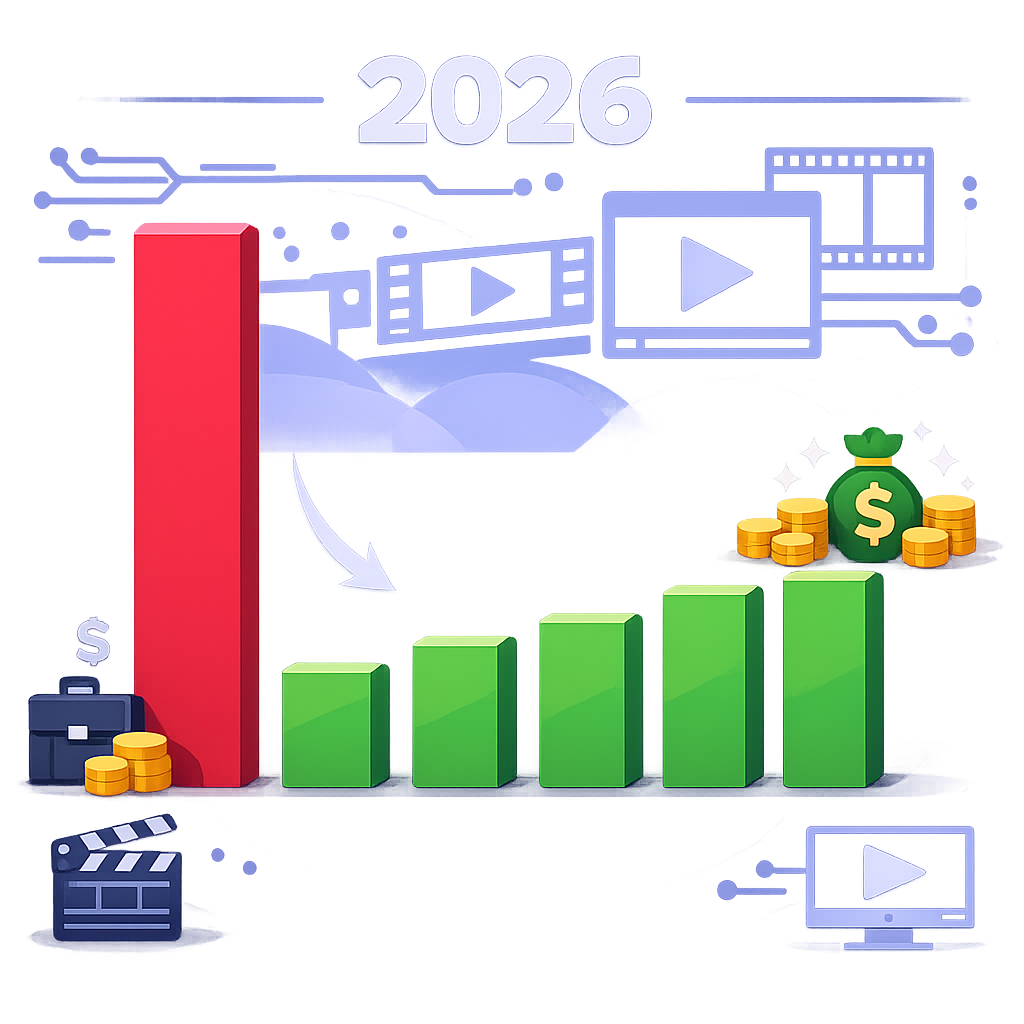
A brand that produced two advertising videos a month for a budget of 15,000 € can now produce 20 for the same budget, or the same two for 1,500 €. This is probably the case whereAI video has the most disrupted economy. UGC-style ads, A/B massive testing on the creation, multilingual variations of the same spot, everything becomes economically viable.
Social networks and content creation
TikTok, Reels, YouTube Short. Content specialised accounts AI video (faceless chains, extension, narrative) exploded between 2024 and 2026. Our guide chain YouTube cost-effective details how some reach 1,000 €/month in six months with workflow AI That's good. Tools Typical: ChatGPT for the script, ElevenLabs for voice, Veo or Runway for planes, Submagic for viral subtitles.

Internal training and e-learning
This is the land of Synthesia and HeyGen. A box with 2,000 employees in 12 countries can translate and adapt the same training into 12 languages with an avatar that speaks each language. Cost and delay divided by 5 compared to a traditional studio. It is also the segment where Vyond and its multilingual engine (70+ languages, 1,100 avatars) hold a real place.
E-commerce and product data sheets
Animate a product photo, create a 360° demo, generate an avatar that presents the product. Brands who do so see conversion rates rise from 10 to 30% according to the internal studies of the platforms (to be taken back, these figures are rarely audited).
Film production and music clips
The high-end cinema remains on traditional production, but the cutting planes, the backgrounds, the special effects Miners migrate quickly to Runway et al. Hollywood unions have been negotiating the use contracts on foot since 2024. For independent music clips,AI video divided the production budget by 10.
Memes, virality and creative content
The face swap ai on video templates, meme animation, stylized d AI accessible. For details tools memes, see our guide creation of meme 2026.
How to make a AI video : concrete steps
No magic. A AI video successful always follows the same sequence.
- Choose the right one tool for proper use. Veo or Runway to generate a new scene. Synthesia or Vidnoz for a video with avatar talking. Submagic or Filmora to enrich an existing video.
- Prepare your prompt with care. A good structured description gives 5× better results than a vague sentence. Describe: subject, action, environment, style (cinematic, 3D, animation, photorealist), camera movement (panoramic, travelling, fixed), luminous atmosphere. Many use ChatGPT to structure their prompt before sending it to Sora or Runway.
- Generates several variants. The majority of tools allow 2 to 4 variations per prompt. The first is rarely the right one. Counts 5 to 10 iterations to get a really exploitable plan.
- Edit and assemble. A AI video Gross is rarely more than 10 seconds. For a social format (30 sec) or a long format (5 min), you must assemble several plans in a traditional editor. Descript, CapCut or Filmora do it very well.
- Add the sound if Itool has not generated it. Veo 3.1 and Sora 2 did it natively. For Runway, Pika or Kling, you still have to generate voice-over and music separately. ElevenLabs for voice, Mubert or Suno for music.
- Check the artifacts. Hands with 6 fingers, faces that distort between frames, objects that teleport: it still happens in 2026. A critical glance before publication avoids the accident.
The current limitations of the AI video in 2026
The marketing of publishers would make you believe that everything is solved. That's not true. This is what is not working (yet).
- Consistency on long formats: beyond 60 seconds, the models struggle to keep the same appearance of a character and decor. Runway made huge progress with Gen-4.5, but the problem is not solved.
- Complex physics: fluids that flow, crowds moving, interactions between several objects. Sora 2 raised the level, but remains imperfect.
- Text in the video: Having a specific text (pancard, computer screen, open book) displayed remains a weak point. The characters are often blurred or aberrant.
- Calculation cost: generating 10 seconds of HD video costs much more than a fixed image. The subscriptions range from 10 to 50 €/month for regular use, and some pros spend 200 to 500 €/month in credits.
- Legal risks: deepfakes not granted, violation of the right to image, misleading content. The SREN Law of 2024 in France penalises deepfakes disseminated without consent, and theAI European Act came into force in 2025-2026.
- Detection AI : The generated videos are cryptographically signed (C2PA) and marked with metadata. The circumventions exist, but publish without declaring the character AI becomes legally risky for commercial uses.
FAQ : AI Video and video AI
What AI Make videos in 2026?
The main AI which generate videos in 2026 are Google Veo 3.1 (current leader), Runway Gen-4.5 (pro reference), Kling AI 3.0 (value for money Unbeatable), Pika 2 and Luma Dream Machine. Sora 2 dOpenAI closed its application on 26 April 2026. For videos with speaking avatar, Synthesia, HeyGen and Vidnoz AI dominates.
Which is the best video site AI free?
Several real options: Kling AI offers a free functional plan, Vidnoz AI offers 3 minutes of video a day with watermark, Pika has an accessible free tier, and Veo 3.1 is partially free via Gemini Advanced (integrated into subscriptions) Google). None is completely unlimited or totally without consideration. The most generous freetier for pure text-to-video generation remains Kling AI in 2026.
How to make a AI video ?
Choose your tool as needed (Veo/Runway to generate a scene, Synthesia for a speaking avatar, Vidnoz for an accessible mix). Writes a quick structured with subject, action, environment, style and camera movement. Generates several variants, selects the best, assembles several plans in a classic editor, adds its and subtitles if necessary. Counts 1 to 3 hours for a short video of quality, despite the marketing promises « 10 seconds ».
What are the 4 types ofAI ?
The classical computer typology distinguishes four types ofAI by capacity: (1) AI reactive (without memory, like Deep Blue chess), (2) AI Limited memory (the majority of current LLM and video models AI, which contain a short context), (3) AI with mind theory (capable of modeling the mental states of others, still in research), (4) AI self-consciousness (hypothetic, does not exist). All video templates AI of 2026 are of type 2.
Is ChatGPT Make videos?
Not directly in May 2026. ChatGPT (OpenAI) generates text and images via DALL-E. For the video, OpenAI had Sora 2, but the application closed on 26 April 2026 and the API will be stopped at the end of September 2026. ChatGPT can help structure a prompt tool AI video third party (Veo, Runway, Kling), but does not generate video itself.
Which is the best AI Free for the video?
For pure generation: Kling AI 3.0 on its free plan remains the best quality/constraint proposal. For video with avatar: Vidnoz AI on its freetier (3 min/day). For publishing and enrichment AI d
🎯 Verdict: The real status of the AI video in May 2026
Technology is mature for common uses: marketing, social networks, e-learning, e-commerce, memes. For these cases, choose between Veo, Runway or Vidnoz is a question of ergonomics and budget, technical quality makes the job largely.
It remains limited for long or demanding professional uses: cinema, narrative series, plans with complex physics, formats beyond one minute. There, the human and the traditional studio remain indispensable, for how long, it is the great unknown.
If you want to start now: start with a freetier (Kling AI or Vidnoz According to your need), learn to hurry, make 20 videos to understand the concrete limits. Then you'll know if your workflow justifies a paid subscription or if you need free.