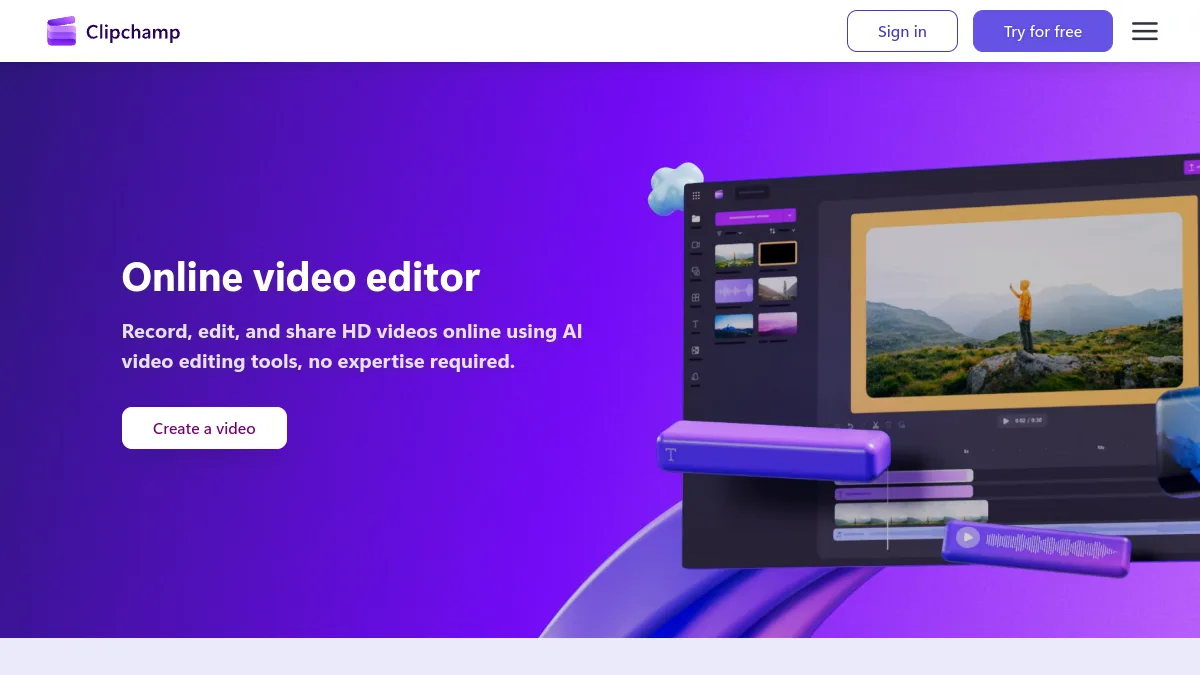
Clipchamp free is one of the few offers of video editing who really keeps his promise: export until 1080p, watermark-free, with automatic subtitles, voiceover AI and suppression of silences included. Microsoft editor is already installed on most PCs on Windows 11 and also runs in the browser. The limits exist: no 4K, no brand kit, premium stock elements locked. To unlock them, Microsoft no longer sells Clipchamp alone, it includes in Microsoft 365 Personnel and Family. We take stock, with the alternatives to consider according to your usage.
Contents: Essential · Is Clipchamp completely free? · Free vs Premium · How to use Clipchamp · Our review · Alternatives · FAQ
📌 Essentials
- Free version : export until 1080 p watermark-free, free audio, image and video stock, filters and basic effects.
- AI included in free : automatic subtitles, voiceover by voice synthesis, suppression of silences.
- Premium 4K, premium stock and effects, brand kit, OneDrive backup. Included in Microsoft 365 Personnel (99 € per year) and Family (129 € per year).
- Where to find him : pre-installed on Windows 11, otherwise in the Microsoft Store or on clipchamp.com from Edge or Chrome.
- For whom : beginners, videos YouTube and social networks, presentations. Less adapted to editing advanced or video generation by AI.
Is Clipchamp completely free?
Almost. Clipchamp was purchased by Microsoft in 2021 and now serves as a video editor « house » Windows. Its free version only requires a personal Microsoft account, no credit card. And unlike many online publishers, it does not affix watermarks on exports: official Clipchamp rates page the precise black on white in its FAQ, export until 1080p, without watermarks.
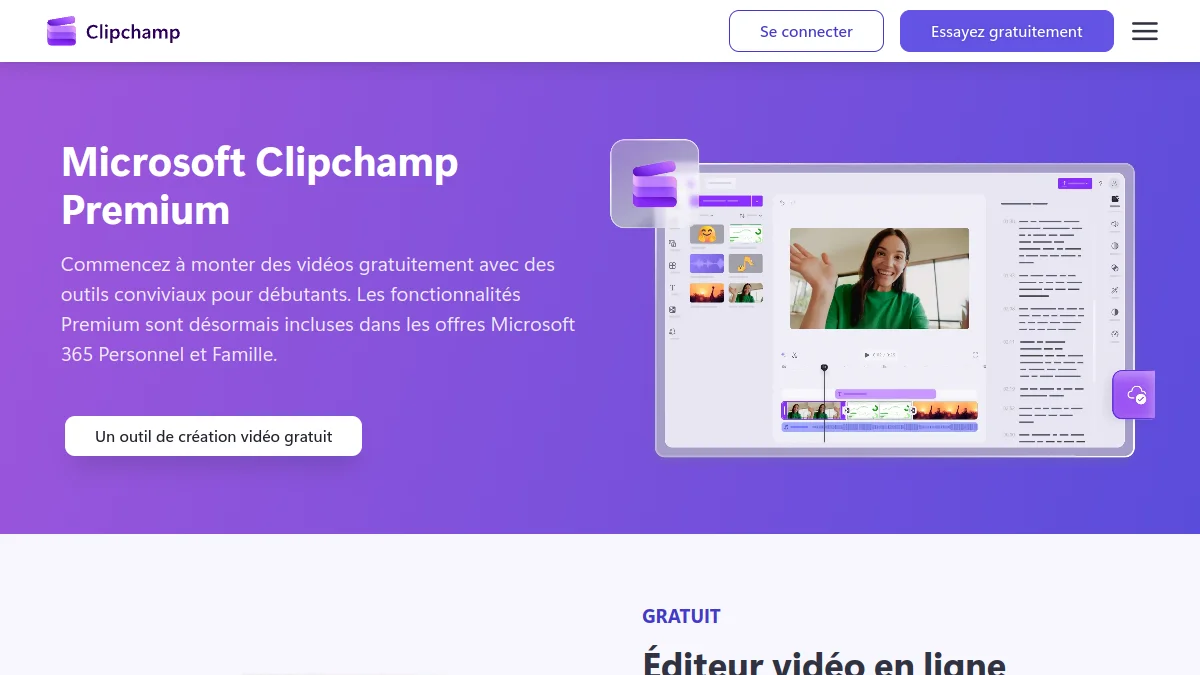
What is not free is the « Extras » : export in 4K, videos, music and filters marked premium in the library, brand kit (logo, colors, fonts) and project backup in OneDrive. If you drag a premium item into your timeline with a free account, Clipchamp will ask you to switch to Premium before exporting. The reflex to take: filter the library on free items.
What about Clipchamp for business accounts?
It's another product. A standard version of Clipchamp is included in some Microsoft 365 company licenses and education, and complete access to premium features and video creation by AI It passes through a Copilot license, according to the same official page. This guide deals with the general public version, which one opens with an Outlook or Hotmail account.
Clipchamp free vs Premium: the comparison
| Function | Free | Premium (Microsoft 365) |
|---|---|---|
| Export resolution | Up to 1080p | Up to 4K UHD |
| Watermark | No | No |
| Stock audio, image, video | Free library | + premium elements |
| Filters and effects | Free | + premium |
| Automatic subtitles | Yes | Yes |
| Voiceover AI (voice synthesis) | Yes | Yes |
| Removal of silences | Yes | Yes |
| Brand kit | No | Yes (a mark) |
| OneDrive Backup | Not clearly specified | Yes |
| Prices | 0 € | Microsoft 365 Staff 99 € / year (10 € / month) or Family 129 € / year (13 € / month) |
Microsoft 365 prices are those displayed on the Microsoft official comparison page October 11, 2026. On the backup, the Clipchamp page contradicts itself a little: the table ticks « content backup » for both offers, while text reserves OneDrive backup to Premium. In doubt, keep a local copy of your rushes.
The calculation is simple. If you already pay Microsoft 365 for Word, Excel and OneDrive, you have Clipchamp Premium without knowing it: sign in with the same account. If you do not have it, 99 € per year just for 4K and premium stock, it's expensive. Free version is enough for the vast majority of videos YouTube and social networks, published in 1080p anyway.
Free stock limits
Clipchamp's free library covers the essentials of a editing Simple: music, noise, videos and stock images usable without paying. The trap is the premium elements mixed with this catalogue. You can drag them into a project, but the block comes when you export. Lofficial Microsoft help is clear: to export with the free version, you have to remove or replace premium content and choose a resolution included, so maximum 1080p.
The right reflex is to spot the premium elements before building a editing around, rather than discovering it at export, once the work is finished. For a tutorial, a story or presentation, a musical background and some free stock plans almost always do the job. And if you already have a Microsoft 365 subscription, Microsoft advises you to check what it includes on the Clipchamp side before buying anything: the benefits vary according to the offers.
How to use Clipchamp (free of charge)
Where is Clipchamp on PC?
On Windows 11, Clipchamp is preinstalled. Three paths lead: typing « Clipchamp » in the search area of the taskbar, go through Start and then All applications, or open from the Photos application. On Windows 10, install from the Microsoft Store. On Mac or Linux, the web version opens on app.clipchamp.com in Edge or Chrome. The Microsoft help page dedicated to Clipchamp summarize these accesses.
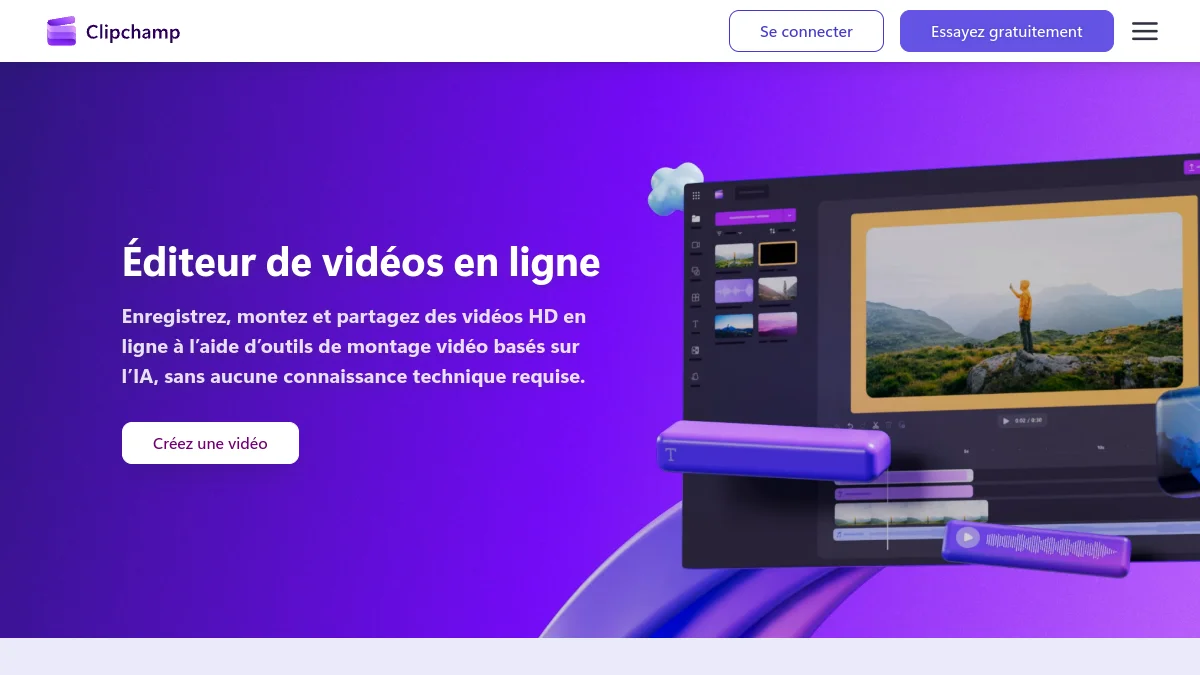
Create your first video in 6 steps
- Create a new video from home, or from a template if you lack layout ideas.
- Import Media : drag and drop from PC, or from OneDrive, Google Drive and your phone.
- Mount the timeline : cut with l tool scissors, rearrange clips, adjust duration.
- Add text, transitions and music from the library (filtering on free items).
- Launch automatic subtitles in the right panel, then correct poorly recognized words.
- Export in 1080p : MP4 file is ready for YouTube, TikTok or LinkedIn.
How to record a video with Clipchamp?
Tab « Save and Create » offers the recording of the screen, webcam, or both at the same time, directly in the project. Practical for a tutorial or a software demo: we record, the sequence arrives on the timeline, we cut the hesitations, and the suppression of silences is part of the household alone. The same tab gives access to voice synthesis, to add a voiceover No microphone.
The right export settings for YouTube, TikTok and LinkedIn
The format is chosen before mounting, not when exporting. Clipchamp proposes 16:9 ratios for YouTube, 9:16 for TikTok, Reels and Shorts, 1:1 or 4:5 for LinkedIn and Instagram wires. Changing the ratio at the end of the project requires a reframement of each plan, which often costs more time than the editing himself.
At export, 1080p is the right choice by default: it's the maximum in free, and that's what most platforms actually broadcast on mobile. The 720p is used mainly for a draft to send quickly by courier. For a long video, plan a little patience, the duration of export also depends on the power of your machine. On a modest PC, close other tabs and applications during the help operation.
Functions AI to know
Three functions AI really change the life of a beginner, and all are in the free version. The automatic subtitles transcribe the audio track and display in inlay, in French included. The voiceover by voice synthesis transforms text into narrative, with a choice of voice, language and speed. The suppression of silences spot the whites and cut them in one click, ideal on a video face camera. This is not video generation by AI at the Kling or Sora : Clipchamp mounts your images, he does not invent.
💡 Tip: the voiceover AI from Clipchamp is correct for an explanatory video, but a bit flat on a long narrative. For a more lively voice, we generate the voice elsewhere (ElevenLabs, Murf) and we just import the audio file into Clipchamp.
Our review on Clipchamp free
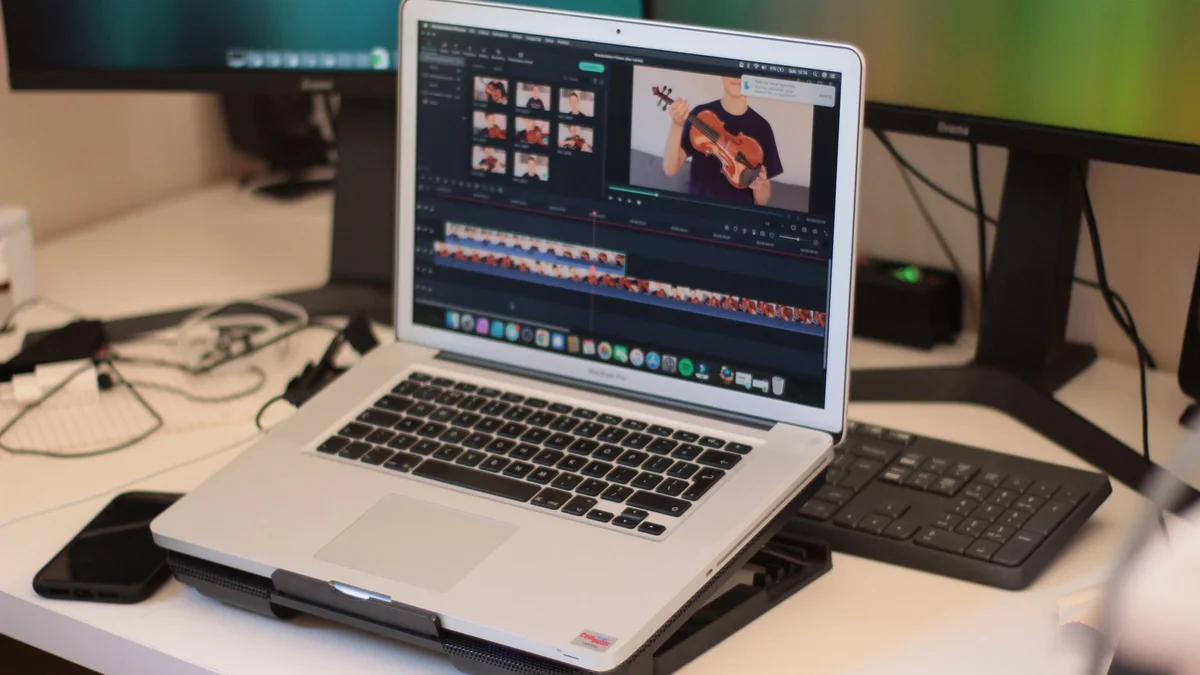
What we love: the onboarding immediately, the absence of watermark, the fact that everything is already there on a recent PC. Automatic subtitles and the suppression of silences save crazy time on short videos. And 1080p export covers the vast majority of real uses.
What's stuck: the timeline quickly shows its limits as soon as you stack a lot of tracks, calibration remains basic, and the browser version can row on heavy projects or 4K rushes. No advanced keyframes, no multicam. And the Microsoft ecosystem makes itself felt: without Microsoft account, no Clipchamp.
What's the best video editing software video for a beginner?
For a real beginner on Windows, Clipchamp is probably the best starting point in 2026: free, watermark-free, in French, already installed. When you want to go further (effects, AI of the editing, export pro), we switch to a more complete editor. Our file on the fileAI of the video editing review the tools that automate the most tasks.
What's the best video editing software Free video? Alternatives
Clipchamp is an excellent free. But depending on what you're looking for, other tools go further, often at the price of a free watermark.
| Tool | Watermark for free | Strong point | Ideal for |
|---|---|---|---|
| Clipchamp | No (1080p) | Simplicity, integrated with Windows | Beginners, short videos |
| Filmora | Yes | Effects, AI integrated, desktop software | Youtubers that go up a lot |
| FlexClip | Yes (720p free) | Models, continued AI online | Marketing, social networks |
| InVideo AI | Yes | Full video from a prompt | Faceless strings, explanatory videos |
Filmora: the step above to seriously climb
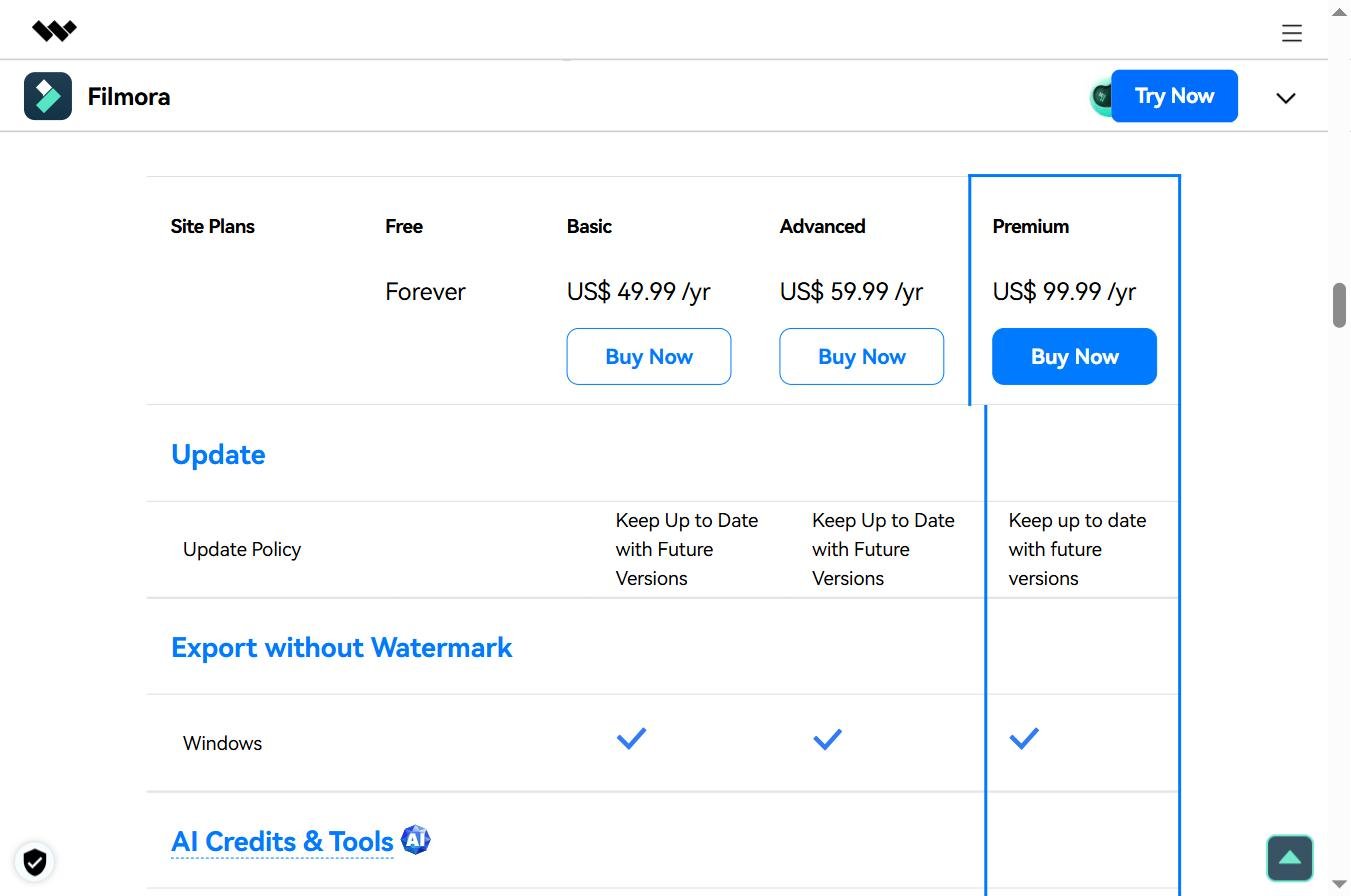
Filmora is a desktop software, more powerful on timeline, effects and AI Tools (detouring, music, subtitles). Its free version adds a watermark to export, as confirmed by its own FAQ. The annual Advanced plan was posted at 59.99 $ per year with 1 000 credits AI per month on the official shop on October 11, 2026. See our review complete on Filmora.
FlexClip: the models and the AI in the browser
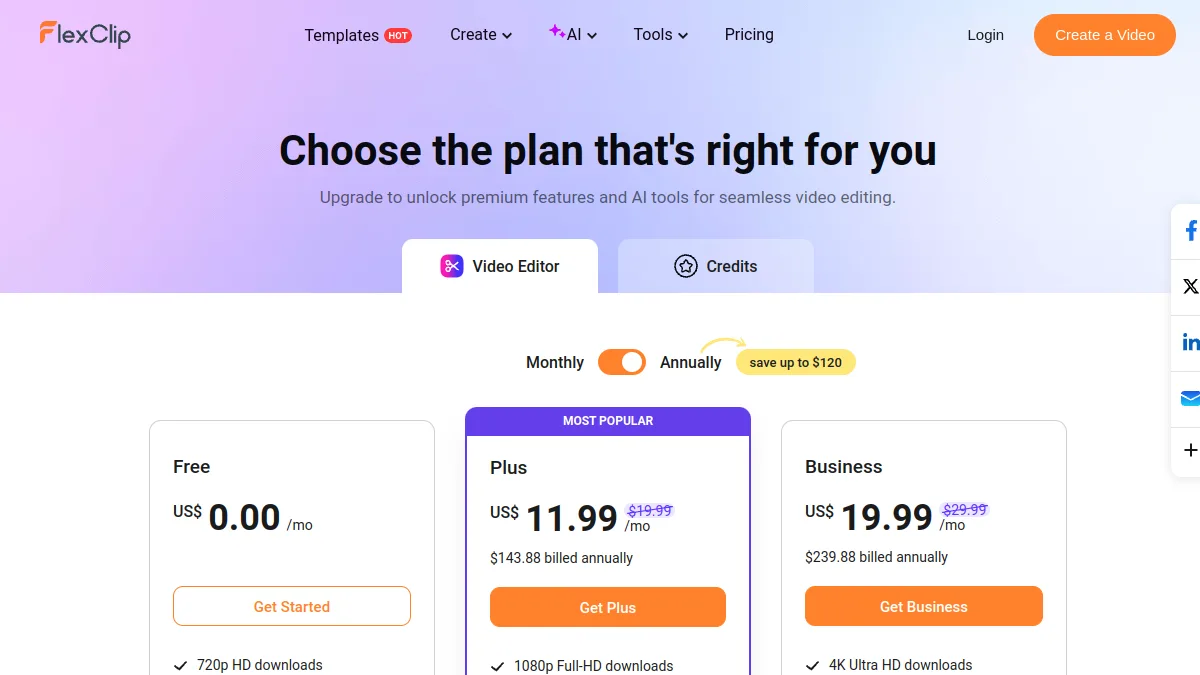
FlexClip plays on the same field as Clipchamp (online editor), with more models and a suite AI wider. Free of charge, this is less generous: watermark and export limited to 720p during our last review. The detail is in our article Free FlexClip.
InAI Video: When you want to see AI do it editing
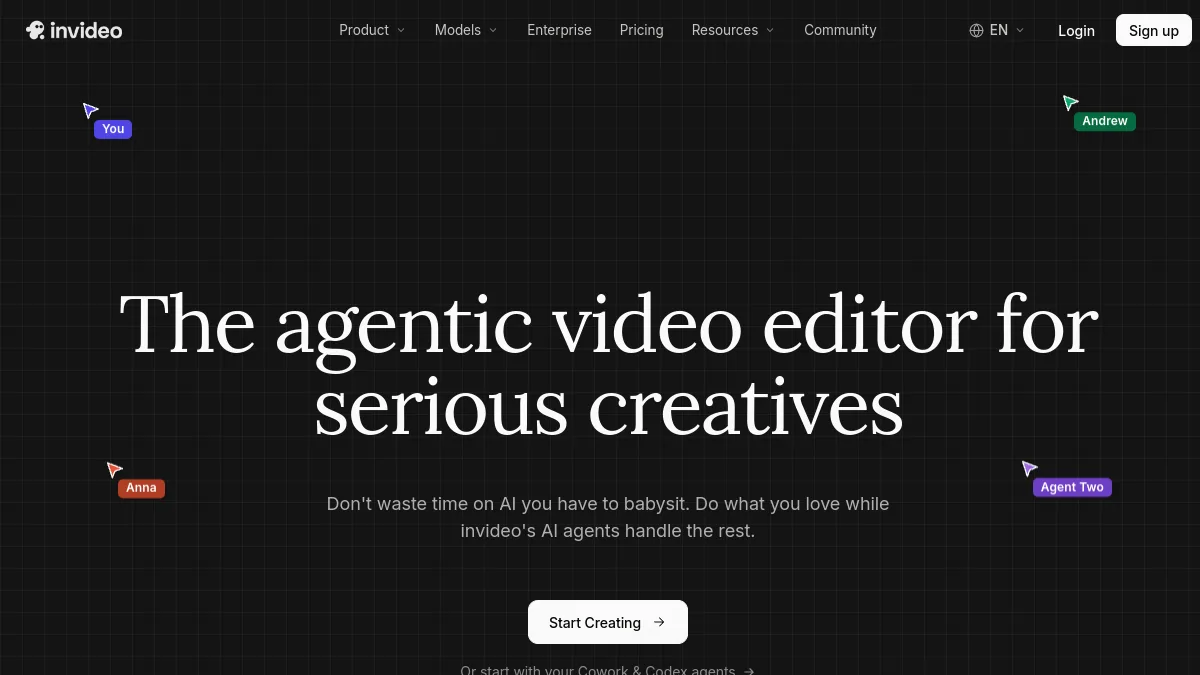
InVideo does not really compare to Clipchamp: we give him a subject, he writes the script, chooses the stock plans, adds the voiceover and subtitles. To quickly produce explanatory videos or a faceless channel, it is something other than a manual editor. The free version exports with watermark.
Is CapCut free?
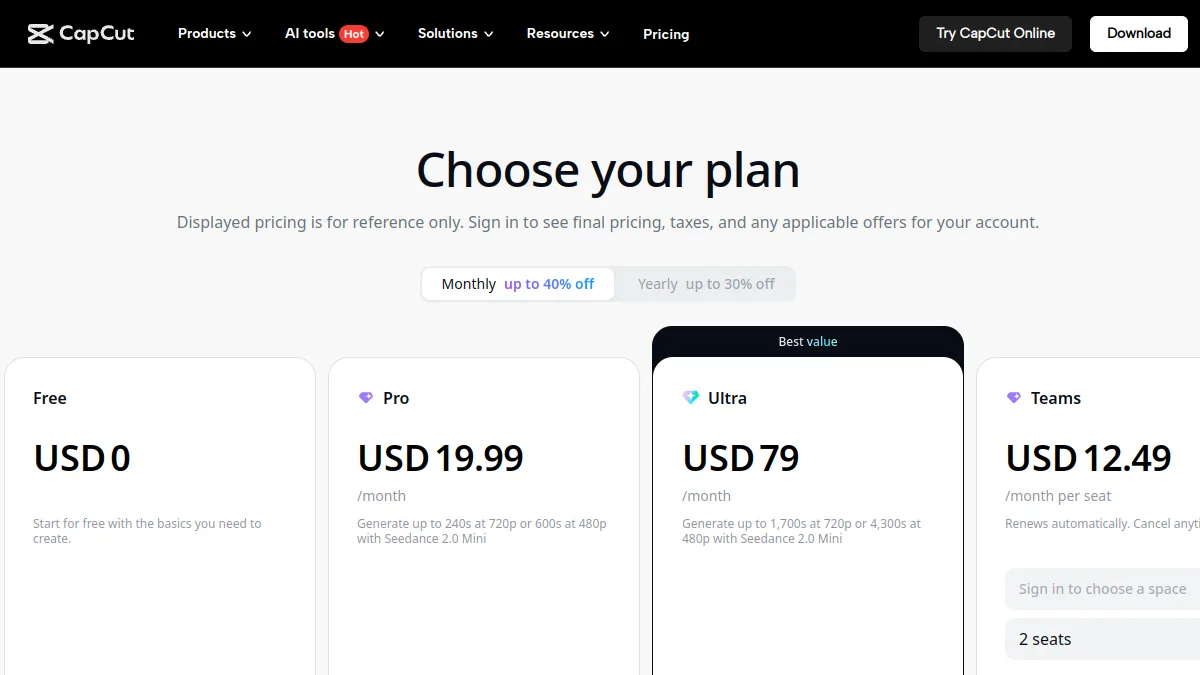
CapCut remains free to download, but a growing part of its effects and functions AI is reserved for the Pro subscription, and its conditions of use debated in 2025 on the rights granted on the content. If you are looking for a free computer equivalent without these questions, Clipchamp is the most direct alternative on Windows.
🎯 Verdict
Free Clipchamp is one of the best video editors without subscription in 2026: 1080p, no watermark, subtitles and voiceover AI included. Premium is only worth it if you already have Microsoft 365, or if the 4K and brand kit are essential. When the timeline becomes too accurate, Filmora takes over for a editing further, and InVideo AI to delegate the editing to AI.
FAQ: Clipchamp free
Is Clipchamp really free?
Yes. The free version only requires a Microsoft account and allows to export until 1080 p watermark-free. Only 4K, premium stock, brand kit and some extras are paid.
Is Clipchamp wearing a watermark?
No, not in free version until you use premium items. 1080p exports are clean.
How much does Clipchamp Premium cost?
Clipchamp Premium is included in Microsoft 365 Personnel, at 99 euros per year or 10 euros per month, and Family, at 129 euros per year or 13 euros per month, depending on the prices displayed by Microsoft on October 11, 2026.
Does Clipchamp work on Mac?
Yes, via the web version on clipchamp.com, in Edge or Chrome. The installable application is reserved for Windows.
Does Clipchamp have free automatic subtitles?
Yes. Automatic subtitles, voiceover by voice synthesis and deletion of silences are included in the free version.
What's the best video editing software free to start?
On Windows, Clipchamp is the easiest to start: free, in French and watermark-free. To go further, Filmora offers more effects, with watermark in free version.