
📌 Essentials
Runway (Runway ML) is one of the generators by AI the most advanced: it creates videos from a text or image, with its flagship model Gen-4.5. Thought for creators and professionals of video, it offers a strong cinematic control. A free plan allows you to test (125 credits one-shot), then subscriptions start at 12 $/month. Powerful, but the credit system quickly climbs in intensive use.
Runway is a historical reference of the generative video: it is one of the first tools to have democratized the « text to video », and today it remains among the most successful for quality and control. But is it free, how much does it really cost, and for whom is it made? This is our review Complete on Runway AI in 2026: features, real prices, and alternatives.
Contents: What is Runway? • Features • How it works • Gen-4.5 • Price (free?) • For whom & review • Use • Alternatives • FAQ
What's Runway AI?

Runway is a platform of generation and video editing by AI, developed by the American company Runway AI. He is given a text instruction (« prompt ») or a starting image, and it produces an animated video sequence. Its strength: an almost cinematic quality rendering and tools control (camera movement, consistency of characters, duration) that make it a favorite of videomakers, editors and studios. His most recent model, Gen-4.5is among the best on the market for consistency and realism.
Runway features


- Text to video : describe a scene and get a video generated by Gen-4.5.
- Image to video : to animate a fixed image by giving it movement.
- Film control : camera movements, consistency of characters from one plane to another, duration adjustment.
- Tools edition AI : object removal, image extension, image generation, and functions of editing assisted.
- Model library : access to different generations (Gen-3, Gen-4, Gen-4.5) according to the needs and budget of credits.
How it works

- Create an account on Runway and choose « Generate video ».
- Enter a detailed prompt (or import a starting image to animate).
- Sets parameters: model, duration, ratio, camera movement.
- Launch the generation (it consumes credits), then download or refine the result.
The onboarding requires a small time to adapt: the quality of the result depends very much on the accuracy of the prompt and the choice of parameters. The more detailed the description (subject, action, style, light, camera movement), the more Runway sticks to the intention. It's a tool which rewards experimentation: you quickly learn how to formulate your requests for exploitable plans, and the community shares many good practices of prompting.
The principle « image to video » is at the heart of many dtools to understand this brick, see our guide image to video.
Gen-4.5: the flagship model
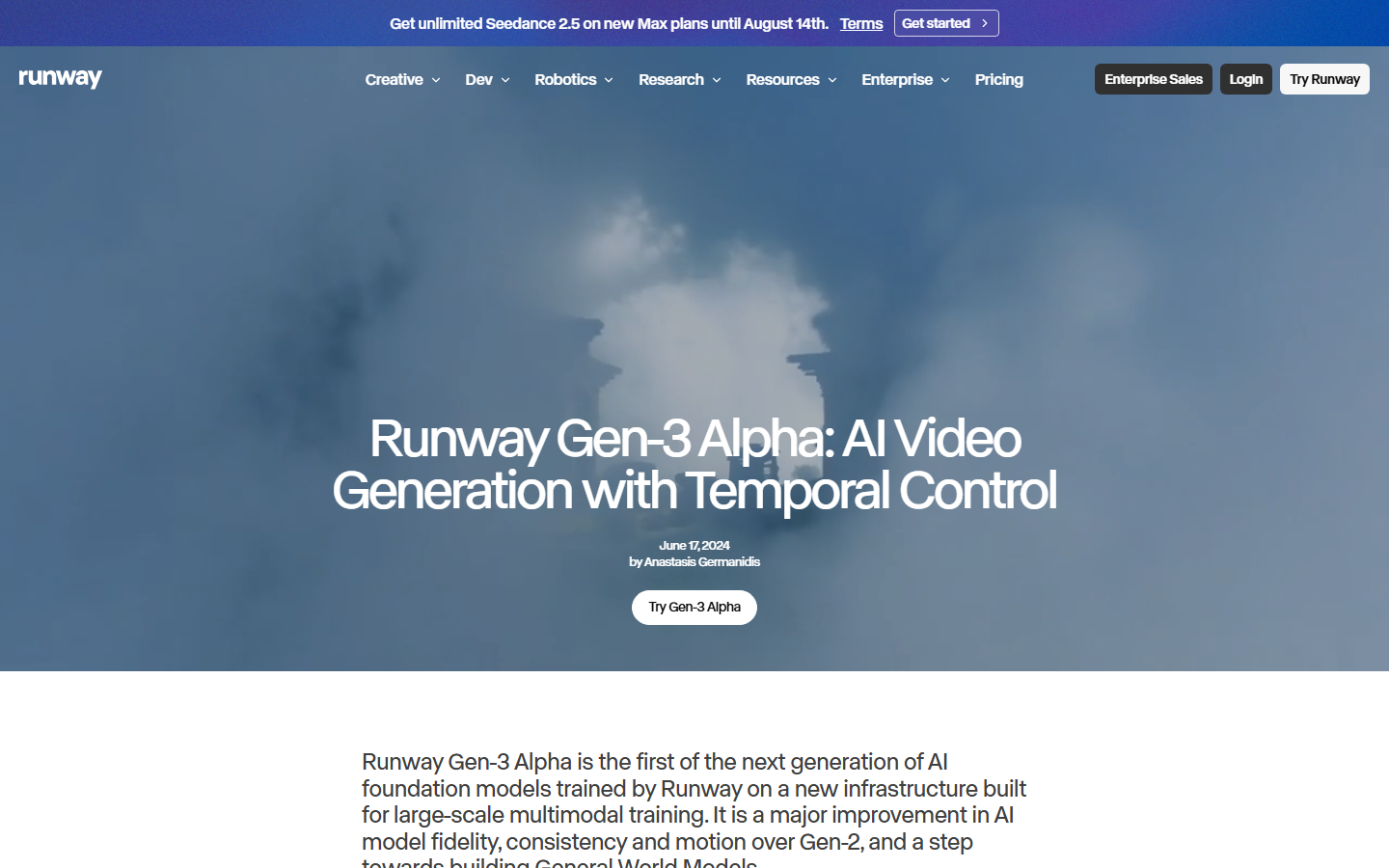
The heart of Runway is its generation model. The version Gen-4.5 represents its best level: it is distinguished by the coherence of characters and scenery from one plane to another (a long-weak point of the video AI), a more natural movement, and a much better understanding of the complex rapids. In concrete terms, one can describe a detailed scene, a precise character, an atmosphere, a camera movement, and obtain a faithful and stable result, without the typical deformations of the first generations.
Runway also offers earlier models (Gen-3, Gen-4), less expensive in credits: a good way to trim a project before finalizing on the flagship model. This graduation makes it possible to adjust the budget to the real need for quality.
Runway Price: Is it free?
Runway proposes a free plan, but be careful : it offers 125 single credits (non-renewable), once exhausted, they do not recharge. It's enough to test it.tool, not to produce regularly. Subscriptions (annual billing):
| Plan | Prices | Credits / months |
|---|---|---|
| Free | 0 $ | 125 (only once) |
| Standard | 12 $ / month | 625 |
| Pro | 28 $ / month | 2 250 |
| Max | 76 $ / month | 9 500 |
As a benchmark, a second of Gen-4.5 video costs about 25 credits: the Standard Plan allows about 20 seconds per month on the flagship model. This is the point to watch, on intensive use, the bill climbs fast. Rates are changing: check the official grid before signing up.
For whom, and our review
Runway is addressed to demanding creators : videomakers, directors, motion designers and studios who want fine control and high quality. For them, this is one of the best tools the market. However, for a beginner or occasional use, the credit system quickly makes it expensive, and more generous alternatives exist. Our review : excellent tool, probably the most complete for professional video creation, but to be reserved for those who really produce, otherwise we exhaust the free plan in a few essays and the cost in credits becomes the main brake. For occasional use or tight budget, a more generous alternative will be more appropriate. To position him in front of others, see our comparison video software AI.
Use case: what is Runway for?
- Cinema and clips : directors and video makers use for impossible-to-turn plans, special effects or generated whole sequences.
- Advertising and brands : create high-end animated visuals for campaigns, without expensive shooting.
- Motion design : to animate concepts, storyboards or transitions with a professional rendering.
- Premium social content : produce very qualitative short videos that stand out.
- Prototyping : quickly test a visual idea before a heavier production.
It is this high-end versatility that explains why Runway has entered professional workflows, including film and festival production. The reverse, we have seen, is the cost in credits: on intensive use, one must monitor its consumption and choose the right model (the generations on the flagship model being the most greedy). A good reflex is to iterate in low duration to fix the prompt, then launch the final version once the rendering is validated.
Alternatives to Runway
Depending on your need and budget, several competitors deserve a detour: Kling AI (excellent realism, more accessible), Pixverse (fast and affordable), or Sora and Veo models. To generate the video from a photo, our guide video AI Take a look at the options. Many of these engines are also accessible via all-in-one platforms, convenient to compare without increasing subscriptions.
FAQ
Is Runway free?
Runway has a free plan with 125 credits offered only once (non-renewable). What to test, but not produce regularly: you then need a subscription from 12 $/month.
How much does Runway cost a month?
Paid plans range from 12 $/month (Standard, 625 credits) to 28 $ (Pro, 2,250 credits) and 76 $ (Max, 9,500 credits), in annual billing. A custom Enterprise offer also exists.
Is Runway available in French?
The interface is mainly in English, but the prompts work in several languages. The onboarding remains simple even without mastering English, the essential is via the description text.
What's the best alternative to Runway?
This depends on the need: Kling AI for realism at low price, Pixverse for speed, or Sora and Veo models. Our AI Video Comparison details each other's strengths.
Is Runway suitable for beginners?
Yes, the interface is accessible and it can generate a first video in minutes. The difficulty lies mainly in writing good prompts to get exactly the desired rendering, this comes with practice. The free plan (125 credits) allows you to exercise, but quickly runs out: plan a subscription if you hang up.
Can we use Runway videos commercially?
Yes, paid plans allow commercial use of generated videos (advertising, branding, customer projects). Check the exact conditions of your formula, especially on a free basis, which can be more restrictive.