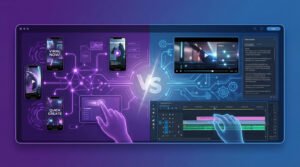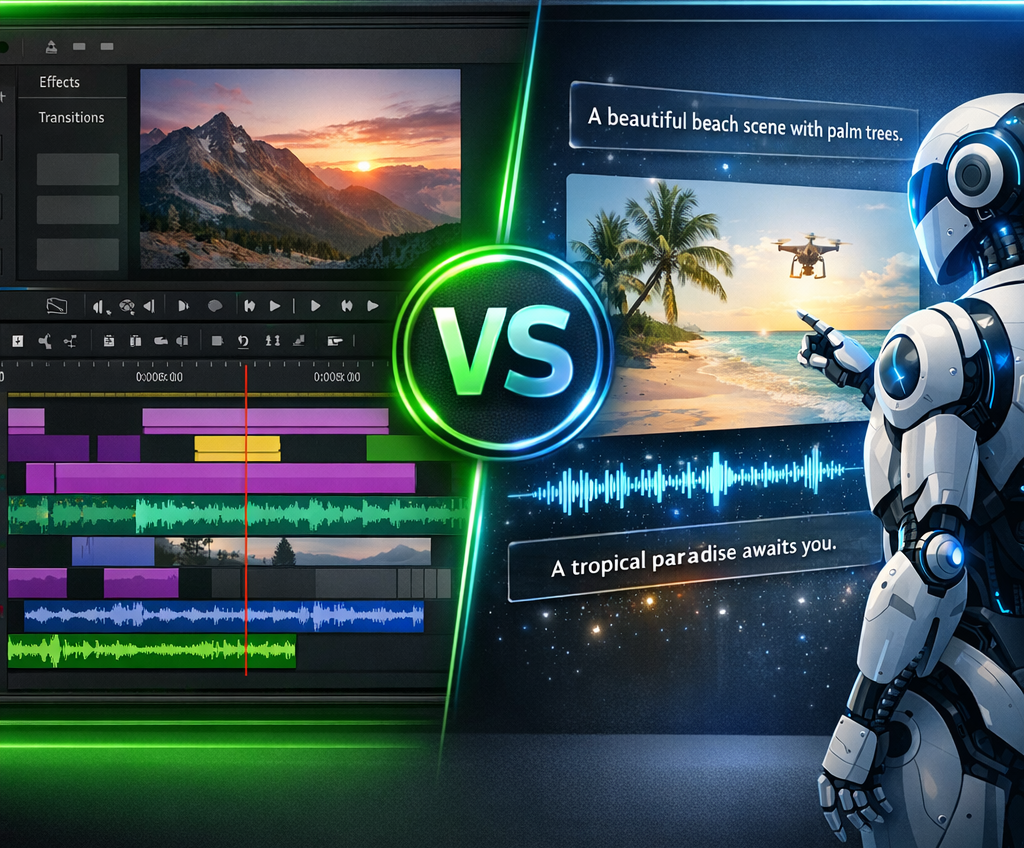
Filmora and InVideo AI respond to two different needs. Filmora = timeline editor (you mount your clips). InVideo AI = generator text-to-video (l)AI create the video for you).
Verdict: Editing Creative → Filmora. Automated videos → InVideo AI. Both + ElevenLabs = perfect combo.

Filmora, Editing classic timeline
1000+ effects, transitions, AI integrated. From 49.99 $/year.

InVideo AI, Generator text-to-video
Prompt → full video with voice-over, stock, subtitles. From 25 $/month.
Compare Filmora and InVideo AI, is to compare a carpentry workshop with a 3D printer. One gives you tools to build. The other makes the object for you. This comparison helps you choose.
Filmora in 2 minutes: you go up, you control
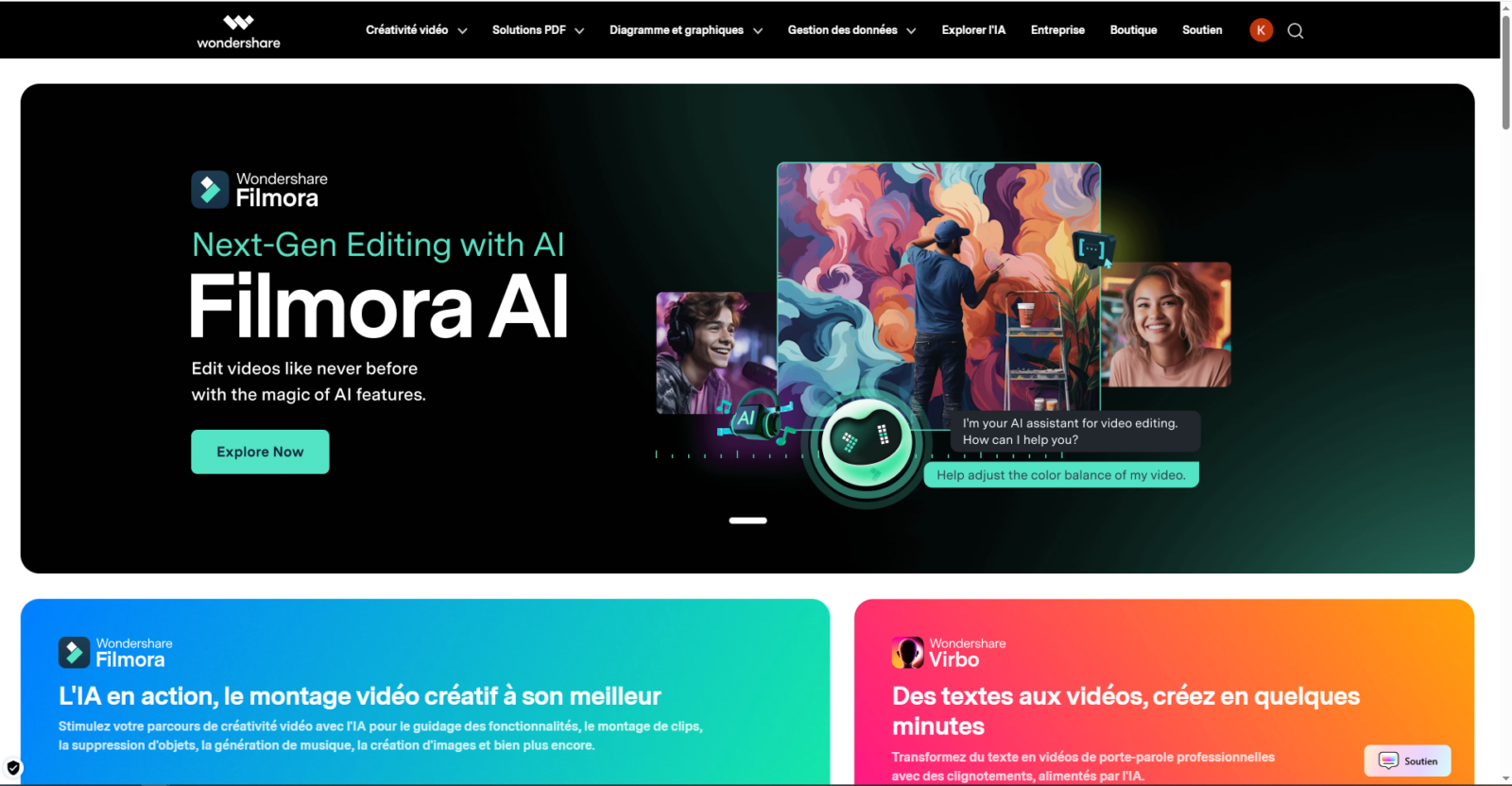
Filmora is a desktop video editor. You import your clips, place them on a multi-track timeline, add effects, transitions, animated text, music, and export with a Total control.
The forces: intuitive interface. 1000+ templates, effects. Continue AI (deletion background, denoise, auto subtitles, cropping, speed ramping). Color graduation. Multi-camera. Export 4K. Windows, Mac, iOS, Android. Unbeatable price: 49.99 $/year. See review Filmora.
What Filmora does NOT do: it does not does not generate video. No text-to-video. It's a tool of the editing, no generation. See Filmora vs Descript.
See also our guide dedicated: filmora-free.
InVideo AI in 2 minutes:AI create the video for you
InVideo AI is a generator of videos. You're typing a quick one.AI generates a full video: video stock, voiceover AI, music, subtitles, transitions, in minutes.
The forces: Text to video in minutes. 4,000+ templates. 9M+ stock media (iStock). Voice over AI 10+ languages + cloning. Real time collaboration. 100% web. And the killer feature: blog article → video completes automatically.
The text-to-video revolution: instead of spending 2 hours looking for plans, organize them, add music and transitions, you type a quick and AI produces a published result in 5 minutes. It's not from editing, it's from the generation.
The limits: no real multi-track timeline, no color graduation, no motion tracking. Correct quality for marketing but does not compete with a editing manual. See Submagic vs InVideo.
Comparison on 10 criteria
| Criteria | Filmora | InVideo AI | Winner |
|---|---|---|---|
| Approach | Manual timeline | Text to video AI | 🤝 Different |
| Speed | 30 min-3h | 5-15 min | 🏆 InVideo |
| Creative control | Total | Limited | 🏆 Filmora |
| Effects/transitions | 1 000+ | Basic | 🏆 Filmora |
| Text to video | ✘ | ✔ Prompt → video | 🏆 InVideo |
| Voice over AI | ✘ | ✔ 10+ languages + cloning | 🏆 InVideo |
| Subtitles AI | ✔ Advanced styles | ✔ Auto | 🏆 Filmora |
| Collaboration | ✘ | ✔ Real time | 🏆 InVideo |
| Mobile App | ✔ iOS/Android | Web | 🏆 Filmora |
| Annual price | 49,99 $ | 300 $ | 🏆 Filmora (6x-) |
Score : Filmora 5, InVideo 4, Equality 1. Two tools additional. Music to mount → Filmora. AI that creates → InVideo. See tools AI editing.
Comparative rates
| Plan | Filmora | InVideo AI |
|---|---|---|
| Free | All features (watermark) | 10 min AI/week, watermark |
| Entry | 49.99 $/year (~4 $/month) | Plus: 25 $/month (300 $/year) |
| Pro | 79.99 $ perpetual | Max: 60 $/month (720 $/year) |
Filmora is 6x cheaper. But not the same product: Filmora asks time, InVideo AI requestsmoney. If you produce 10 videos/month and earn 20h of editing, the additional cost is profitable. See Price analysis Filmora.
What tool For you?
🎯 3 questions
Click for your recommendation.
For whom exactly?
Filmora if: You're filming your own videos. You have time to get up. You want a visually worked result. Close budget (49.99) $/year). Mobile app for riding.
InVideo AI if: You're not filming. High volume marketing. Blog articles → videos. Chain YouTube Faceless. Team collaboration. You'd rather pay to save time. See tools AI YouTube.
Concrete examples InAI Video: consultant publishing 3 videos LinkedIn/week without filming. E-commerçant creating videos produced from descriptions. Blogger converting articles into videos YouTube. In all these cases, Filmora is not the right one. toolThere's no clip to mount.
The hybrid case: InVideo AI to generate a first quick jet, then Filmora to refine. Combined cost: ~350 $/year (~29 $/month) for a complete pipeline.
And for the voice-over AI ?
InVideo AI incorporates a correct voice-over (10+ languages, cloning). Sufficient for marketing. For studio quality → ElevenLabs : 1000+ votes, 89.6% natural, free cloning, 70+ languages, from 0 $/month. See ElevenLabs test and guide Votes AI Free.
Optimal faceless pipeline: script → voice-over ElevenLabs → video InVideo AI (audio imported) → publication.
Verdict by profile
| Profile | Tool | Why? |
|---|---|---|
| YouTuber | Filmora | Creative control, effects, transitions |
| Faceless chain | InVideo AI | Text-to-video, no need to film |
| Marketer | InVideo AI | Volume, speed, templates |
| Freelance video | Filmora | Pro result, 49.99 $/year |
| Blog → video | InVideo AI | Content repurposing auto |
| Close budget | Filmora | 6x cheaper |
| Polyvalent | Both | InVideo (first jet) + Filmora (polish) |
Our recommendation: Filmora = editing. InVideo AI = generation. They complement each other. The optimal stack 2026 : Filmora (50 $/year) + InVideo AI (25 $/month) + ElevenLabs (voice-over, free) + Submagic (viral subtitles, 23 €/month) = ~60 $/month for a complete pipeline.
See also: Filmora vs Descript, Descript vs CapCut, guide subtitles AI.
FAQ
Filmora or InVideo Which one is the best?
Not the same tools. Filmora = timeline editor (editing clips). InVideo AI = generator text-to-AI video creates the video). YouTuber → Filmora. Marketing/faceless → InVideo AI.
Is Filmora cheaper thanInVideo ?
Yeah, 6x cheaper. Filmora : 49.99 $/year. InAI Video: 300 $/year. But InVideo AI generates automatically, saving hours of editing.
InVideo Can AI replace an assembler?
For marketing and faceless, yes. For creative videos (vlogs, kinematics), no, a publisher like Filmora remains necessary.
Can Filmora be used and InVideo Together?
Yes. InVideo AI for the first jet, Filmora for visual polish. The most efficient hybrid workflow.
What tool for voice-over AI ?
InVideo has a correct voice-over. ElevenLabs is clearly superior (1 000+ votes, free cloning, 70+ languages, from 0 $/month).
Before making your choice, consult our guide best video software AI.