
FlexClip seduces by its simplicity: a video editor AI 100% online, a huge model library and a suite AI which covers text, image and voice. But this comfort has its limits. Text-to-video generation still basic, watermark free, editing advanced absent: depending on your usage, another tool will do the job faster or cheaper.
We tested the five most credible alternatives in 2026. Each aims at a specific need: script-to-video for YouTube, editing full desktop, AI Voice Multilingual, turnkey or editing 100% free for networks. These are worth the detour, and for whom.
Contents: Comparison • Why? • Top 5 • vs FlexClip • How to choose • FAQ
📌 Essentials
- Best text-to-video generation: InVideo AI transforms a simple prompt into a mounted video, ideal for YouTube and long formats.
- Editing Advanced on computer: Filmora remains the reference desktop, with a AI integrated and a life license possible.
- AI Voice and dubbing: Fliki AI generates ultra realistic voices in dozens of languages from a text.
- The simplest and most famous: Canva for models, CapCut for a editing Social 100% free.
- Price: from free (CapCut, Canva) to about 28 $/month for AI Tools the most advanced.
To see these tools in action, comparison video reviews the main alternatives to FlexClip:
Comparison Quick: 5 alternatives to FlexClip in 2026
A table to locate each tool at a glance. Starting prices are those recorded in the summer of 2026 and may vary depending on the promotions and the mode of billing (monthly or annual).
| Tool | Ideal for | Starting price | Link |
|---|---|---|---|
| InVideo AI | Script-to-video, videos YouTube | Free (10 min/month), then from around 20 $/month (annual) | Test |
| Filmora | Editing complete desktop + AI | Free (filigree), starting about 29,99 $/year or life license ~79.99 $ | Test |
| Fliki AI | Text-to-video and AI Voice Multilingual | Free (limited), from around 28 $/month (annual) | Test |
| Canva | Models and editing Simple | Free, Pro from around 11,99 €/month | Official website |
| CapCut | Social networks, editing free | Free, Pro from around 9.99 $/month | Official website |
Why look for an alternative to FlexClip?
FlexClip does a lot of things right. It is an accessible online publisher, without installation, with thousands of models and a suite AI which covers the essentials. For a beginner who wants to dress a product video or a story, it is enough.
Frustrations occur when needs rise in line. First point: the text-to-video generation. FlexClip proposes it, but it remains less successful than what the tools specialized as InVideo AI or Fliki, able to perform a complete script in a mounted video. If your goal is to produce videos YouTube or long content from a simple text, you will quickly feel the ceiling.
Second point: editing advanced. FlexClip lives in the browser, with the limits that this implies. Pushed multipiste, fine keyframes, colorimetric correction, heavy project management: for this, a desktop software like Filmora keeps one step ahead. The third point is the watermark and quotas in the entry plans, which push some to seek a 100% free solution like CapCut. Finally, the AI Voice For those who do multilingual dubbing, Fliki will find a much wider voice library.
Anyway, we don't leave FlexClip because it's bad. One leaves it because a precise use deserves a tool cut for him. Our guide to create a video with AI details the method according to your objective.
Top 5 FlexClip alternatives (tested)
1. InVideo AI, the champion of script-to-video

To whom it is addressed: to creators YouTube, marketers and solopreneurs who want to transform an idea or script into a complete video without touching a timeline. We hit a quick one.tool writes, selects plans, adds the voiceover and get up.
Highlights: The text-to-video generation is the most convincing of all. We can fly the editing by natural language commands (« Shortcuts intro », « changes voice »), regenerate a sequence, and export watermark-free from the paying plan. The stock media bank and the voice cloning complete well the set for long content.
Honest limit: the model is based on credits or minutes of AI. In intensive use, the bill climbs fast, and its quota must be monitored. The rendering also often requires some manual touches for a really pro result.
2. Filmora, the editing complete desktop doped to l AI
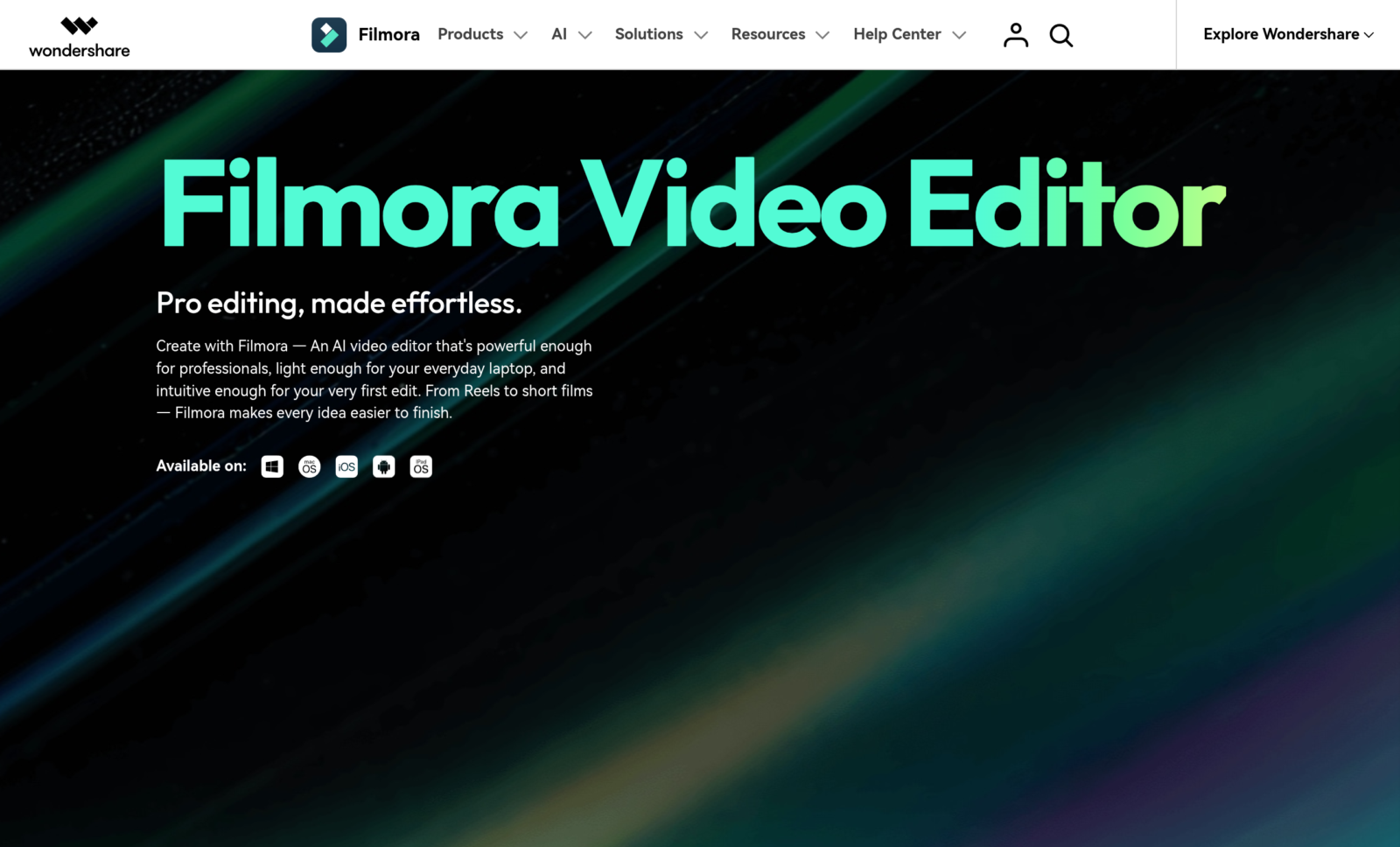
To whom it is addressed: to those who want a true video editing software on the computer, with the power of a multitrack timeline, while enjoying the benefits of AI Tools modern. It is the ideal bridge between simplified online editor and intimidating professional software.
Highlights: clear interface, soft learning curve, and a box to AI Tools rich (automatic subtitles, background deletion, text-to-speech, deructuring). The big advantage on FlexClip: local work, without dependent on the browser, and a life license possible that avoids repeat subscription.
Honest limit: This is software to install, reserved for Windows and Mac. No editing from a phone or a Chromebook. And the free version has a watermark on exports.
3. Fliki AI, the king of voice and text-to-video
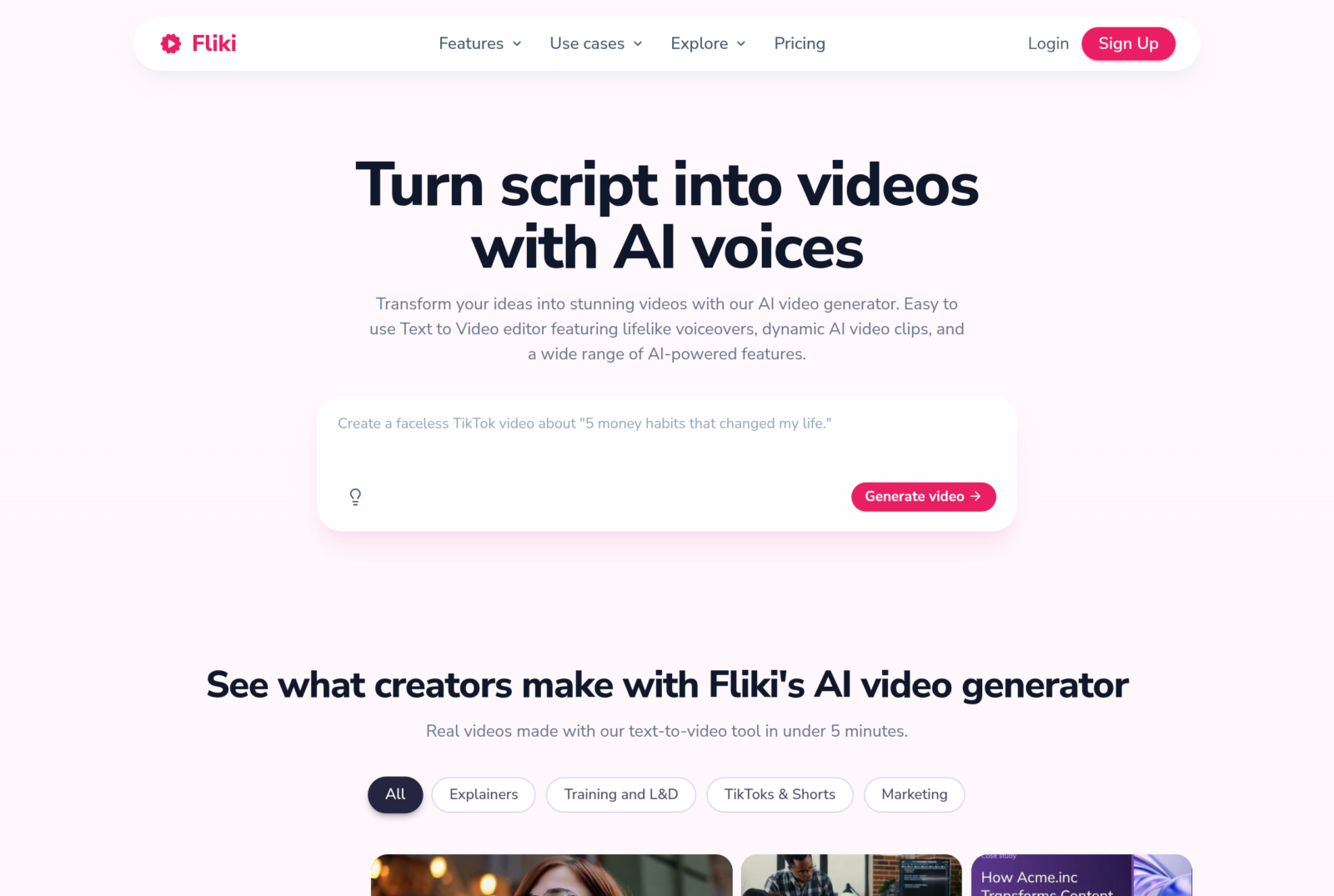
To whom it is addressed: to creators who rely on voiceover and multilingualism. Podcasters, content faceless channels, brands that double their videos in several languages. We paste a text or an article, Fliki makes it a narrated video.
Highlights: a library of AI Voice among the most realistic and supplied on the market, with dozens of languages and accents. The voice cloning and article-to-video conversion are bluffing to produce fast. Ideal when narration is the heart of content.
Honest limit: The visual editor remains more abstract than a real video editing software. Fliki excels on voice and fast assembly, less on the editing creative end. The minutes are also capped according to the plan.
4. Canva, turnkey models for all
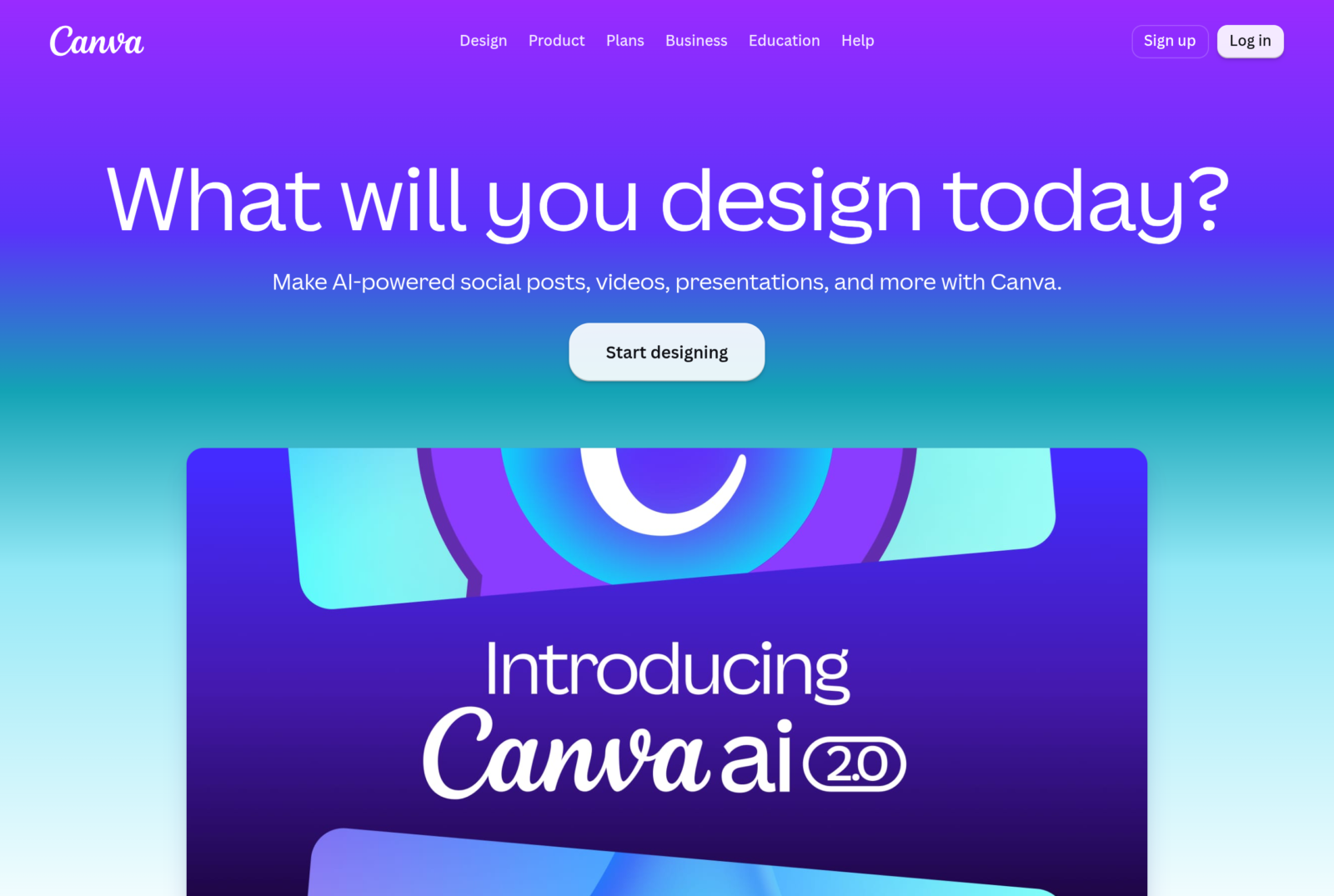
To whom it is addressed: community managers, entrepreneurs and non-mounters who want to produce a clean video in a few minutes, in the same tool their visuals and their posts. This is the closest alternative to logic « models » FlexClip.
Highlights: a huge library of video models, a onboarding near zero, and a complete ecosystem (design, networks, presentations). Functions AI of Canva (generation, retouching, video summary) have greatly expanded. Perfect to stay consistent on a brand identity.
Honest limit: Canva is not a tool of the video editing pure. Whenever you want fine control on the timeline or advanced text-to-video generation, you reach the ceiling. He's a brilliant generalist, not a specialist. Details on official website of Canva.
5. CapCut, editing Social 100% free
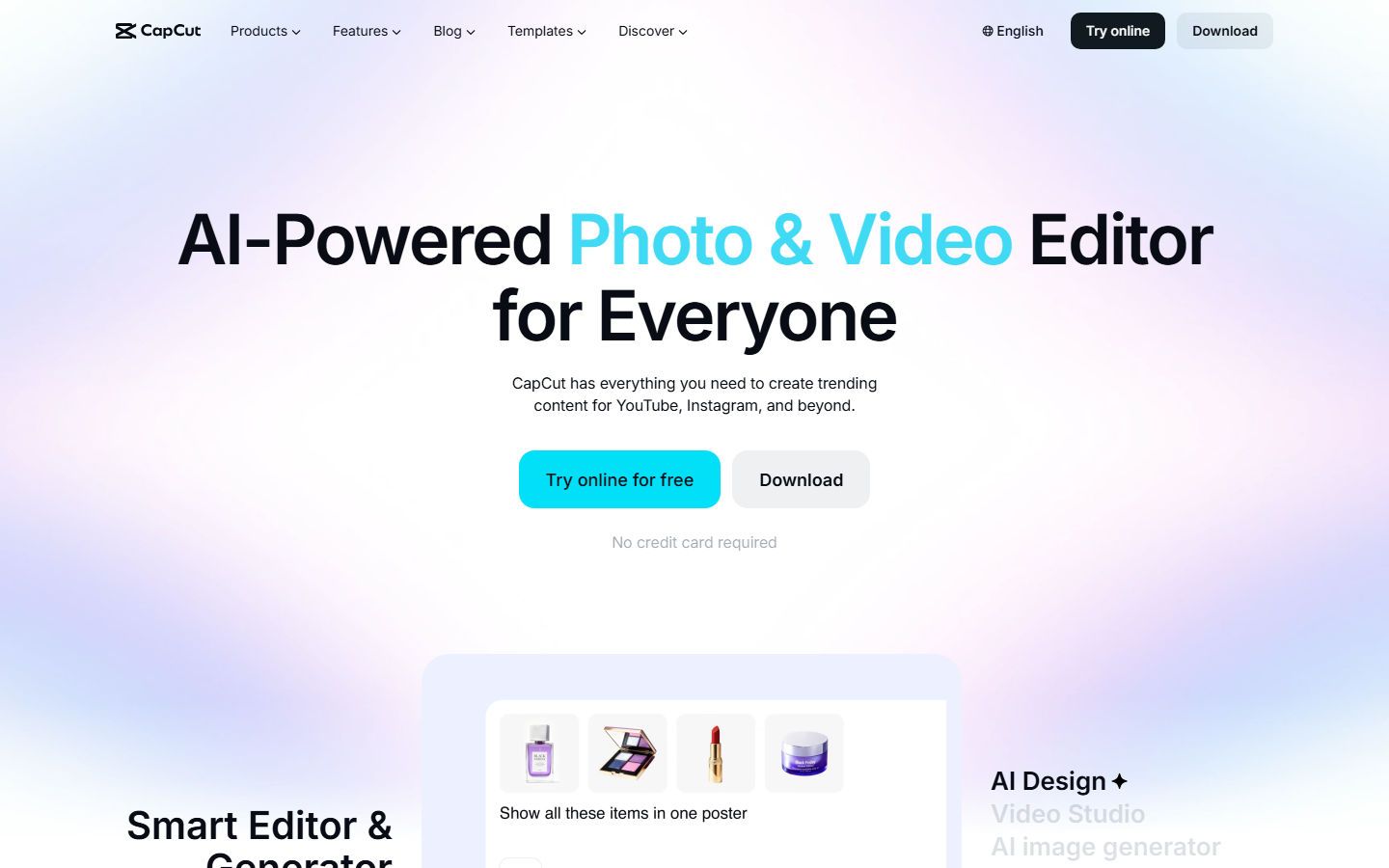
To whom it is addressed: To the creators of TikTok, Reels and Shorts who want to mount quickly, free of charge, on both mobile and computer. This is the direct response to those who leave FlexClip to avoid watermarking and quotas.
Highlights: one editing free very complete, precise automatic subtitles, tons of trendy effects, and smooth mobile-desktop synchronization. For vertical social media format, it's hard to beat. The basic version does not put watermarks on your own exports (excluding Pro marked models).
Honest limit: I tool is designed for vertical social. For corporate, long format YouTube or a true generation AI From a script, it shows its limits. Some effects and functions AI remain reserved for the Pro Plan. See official website of CapCut.
How these alternatives compare to FlexClip
Facing FlexClip, each tool creates an advantage on specific terrain. On the text-to-video generation, InVideo AI and Fliki clearly take the lead: where FlexClip proposes a AI As a generalist, these two perform an entire script in mounted video, with voice and media. It's the clearest jump.
On the editing The difference is structural. FlexClip and Canva live in the browser, with the simplicity but also the limits it imposes. Filmoraby working locally, unlocks a control that these online publishers cannot offer: serious multitrack, keyframes, colorimetry. Conversely, CapCut beats FlexClip on the ground of free and vertical, without quotas of AI to be monitored.
On the voice, none competes with Fliki and its multilingual library. On the richness of models and ecosystem, Canva remains the most comprehensive generalist. FlexClip, however, retains a real asset: it does a little bit of everything, correctly, in a single web interface. Our review complete on FlexClip details its strengths and weaknesses.
How to choose your alternative to FlexClip
No best tool in absolute: the right choice depends on your use. Here's how to decide quickly.
- You produce videos YouTube or long from a script: InVideo AI. His text-to-video generation is made for that.
- You want a real video editing software on your computer: Filmora, especially if the lifetime license avoids subscription.
- The voiceover and multilingualism are your core content: Fliki AI, without hesitation.
- You want simple models and your brand identity: Canva.
- You ride for TikTok, Reels and Shorts without a budget: CapCut.
A tip: always starts with the free version or the trial. Most of these tools Let you test the heart of the experiment before paying. You'll see if the interface and rendering stick to your way of working. Our guide video creation by AI help frame your project before choosing.
🎯 Verdict
If you leave FlexClip for a AI more powerful, InVideo AI is our first choice: it turns a script into a mounted video better than anyone else, perfect for YouTube. For editing serious on computer, Filmora remains unbeatable, life license bonus. Multilingual voice? Fliki. And for free social, CapCut Do the job without taking out the credit card. The best tool is simply the one that sticks to your real use.
FAQ: Frequently Asked Questions about FlexClip Alternatives
What is the best free alternative to FlexClip?
CapCut is the best 100% free alternative. It offers a editing complete, automatic subtitles and a host of effects, without strict quota or watermark on your own exports. Canva also offers a very good free plan for model-based videos.
What alternative to FlexClip for YouTube ?
InVideo AI is the most suitable for YouTube. It generates a full video from a script, with voiceover and editing automatic, which is perfectly suitable for long formats. For a finer control of editing, Filmora on computer is an excellent option.
FlexClip or Canva?
Both rely on models and simplicity. Canva wins if you want a complete ecosystem (visual, networks, presentations) and a consistent brand identity. FlexClip remains more video focused and offers a suite AI video a little more specialized. For a non-mounter, both are often worth it.
FlexClip or CapCut?
CapCut wins for the editing social vertical (TikTok, Reels, Shorts) and for free watermark-free. FlexClip keeps the advantage for a versatile web usage, more oriented models and corporate videos. The choice depends mainly on your distribution platform.
Is there a French alternative to FlexClip?
There is no such complete French equivalent, but most of these tools offer an interface in French, including Canva, CapCut and Filmora. For quality French text and voice, InVideo AI and Fliki manage the language very well, with AI Voice Francophones realistic.