In 2026, the top 3 free AI video really free generators: Google AI Studio (Veo 3.1) for the best quality without watermark, Seed 2.0 ByteDance for 100 daily credits that renew, and Pika 2.5 for short social formats. All accessible from a browser, without installation. This comparison details the top 10 free options, their real limits (watermarks, quotas, commercial conditions) and the pitfalls to avoid before publishing.
📌 Essentials
- Free AI video without watermark : Google AI Studio (Veo 3.1), Seedance 2.0, Pika 2.5 and CapCut (desktop) in 2026.
- The most generous daily : Seedance 2.0, 100 credits/day that automatically recharge.
- Best quality free of charge Veo 3.1 via Google AI Studio, 1080p, native audio, 0 watermark.
- For social formats : InVideo AI (10 min/week, templates) or DeeVid AI (FR interface).
- The Trap : « free » often means watermark, max 720p or non-commercial use. To be checked before publication.
- Duration of a free clip : 4 to 10 seconds depending on thetool. For long videos, you have to concatenate.
Want to test right away without installing anything? Start with DeeVid AI In less than 2 minutes.
Contents: Free AI video, what is it? • The 4 models « free » • Top 10 tools 2026 • Good practices • The limits of free • When toggle paying • FAQ
🎬 Simulator: what generator FREE for you?
2 questions, and your best tool free will display automatically below.
1 · Your priority?
2 · Your profile?
What is a AI generator video Free in 2026?
One generator ai video free is a tool cloud (or local) that turns a quick text or image into a video clip without asking for a credit card. The technology is based on video streaming models driven over billions of hours of footing, the same algorithms as paid versions, but with tight quotas and sometimes restrictions on quality or usage.
In June 2026, the ai generated video weighs about $940 million and grows by 20 per cent per year. This dynamic has two concrete effects for you: the quality of free third parties has exploded in 18 months (Veo 3.1 free equals Veo Pro of 2024), but the publishers tighten the screw on the conditions of use to push to pay conversion.
The four economic models « free » to understand before choosing
All ai video generator free Don't be worth it. Four business models coexist in 2026, with very different implications for your use.
1. The free tier with strict quota
The dominant model. The publisher offers 5 to 30 generations a month, sometimes less, betting that beyond you will pass to the subscription. Runway (125 life credits), Luma (30/month), Pika (150/month) fall into this category. Ideal for testing before buying or for very punctual use.
2. The daily quota that is renewed
The most generous model for who produces content daily. Seedance 2.0 gives 100 credits that charge each day. Kling 3.0 offers similar daily credits. No life course: if you publish every day, you turn to zero euro on the condition that you accept tail times and certain resolution limits.
3. Freemium backed by a pro
The publisher offers a freetier as a call product for its B2B or pro offer. Google AI Studio (Veo window for API), Adobe Firefly (Creative Cloud window), Synthesia (free avatar to demonstrate techno enterprise). Often the most generous in quality because the margin is made elsewhere.
4. L
Really free, unlimited, but requires equipment and technical expertise. WAN 2.6/2.7 of Tencent, HunyuanVideo of Tencent and CogVideoX of Tsinghua are the video models AI the most efficient open source in 2026, comparable to the proprietary models on some benchmarks. Requires a serious graphics card (24GB VRAM minimum) and workflow like ComfyUI.
💡 The right reflex: do not look « on » better free, but combine two tools according to your rhythm. Example: Google AI Studio for final quality + Seedance 2.0 for daily quick iterations. You will never pay and you will cover 95% of cases of use.
Top 10 best AI generators video free in 2026
We tested about 30 dtools over the last six months. Here are the ten that really deserve your time in June 2026, classified by global utility.
| Tool | Quota free | Watermark | Ideal for |
|---|---|---|---|
| Google AI Studio (Veo 3.1) | ~10/day | ❌ None | Top quality, marketing, YouTube |
| Seed 2.0 | 100/day | ❌ None | Daily volume, iterations |
| Pika 2.5 | 150/month | ❌ None (2026) | Reels, TikTok, vertical |
| Kling AI 3.0 | Daily credits | ⚠️ Free | Portraits, realistic physics |
| Runway Gen-4.5 | 125 for life | ⚠️ + 720p | Test before subscription |
| Luma Dream Machine | 30/month 720p | ⚠️ Watermark | Cinematic plans |
| InVideo AI | 10 min AI/week | ⚠️ Watermark | Templates, stock, scripts |
| Deevid AI | 100 credits/day | ⚠️ Free | Interface FR, e-commerce |
| CapCut | Free desktop | ❌ Desktop | Edit + AI, social formats |
| WAN 2.6 / HunyuanVideo (open source) | Local Unlimited | ❌ None | Devs, self-accommodation |
Our recommendation for Francophones
The AI generator video the simplest free to take charge of in French
DeeVid AI brings together Veo, Kling, Hailuo and Pika in a 100% French interface. 100 credits offered for registration, text-to-video mode and image-to-video. Ideal to start without configuring Google AI Studio.
No commitment · No credit card required
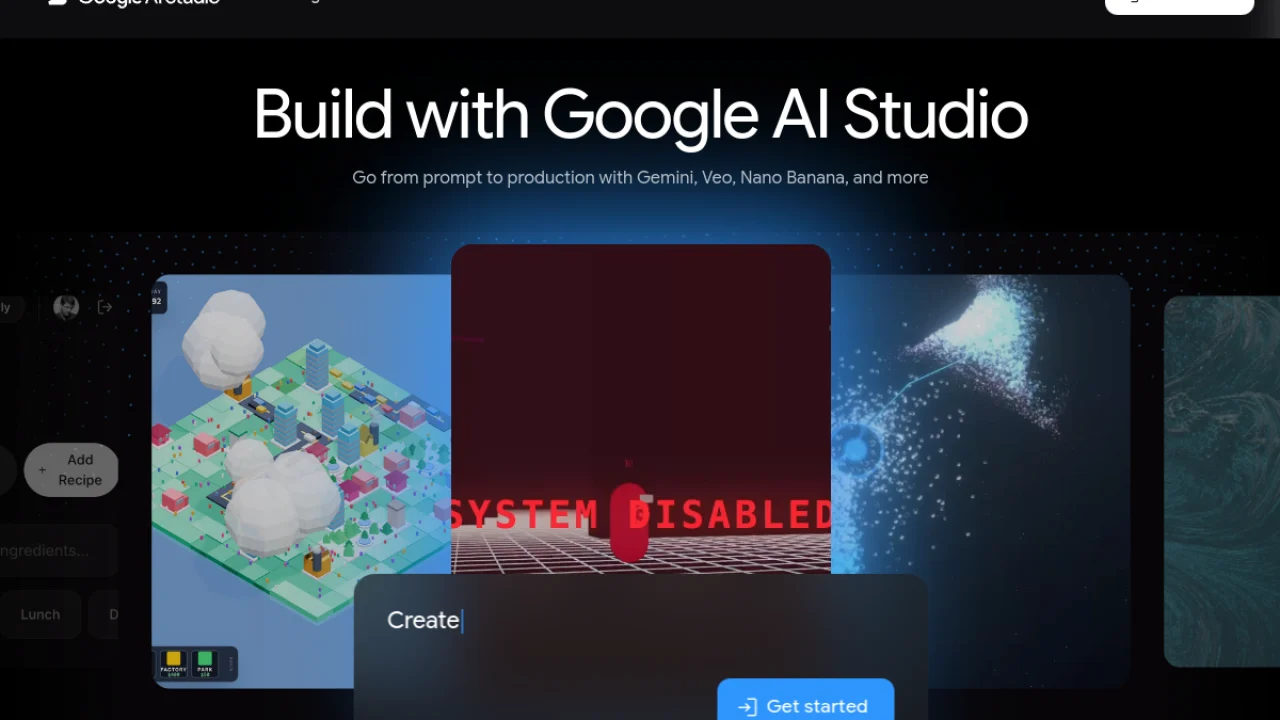
1) Google AI Studio (Veo 3.1): the free champion watermark-free
Grand winner 2026. Veo 3.1 is one of the video models AI the best performing on the market, and Google makes it accessible free of charge via aistudio.Google.com with a quota of about 10 to 12 generations per day depending on the region. No watermark, synchronised native audio, 1080p quality, duration up to 8 seconds per clip. See our Complete Guide Google AI Video 2026 for Veo 3.1, Flow and Details Google Vids.
To be monitored The queue can be long at European peak hours (6 p.m.-23 p.m.). And commercial use is allowed on the freetier, a very rare point in 2026 in the video ai General public.
2) Seedance 2.0: the most generous to produce daily
Launched by ByteDance (TikTok's mother house) in February 2026, Seedance 2.0 distributes 100 credits per day which recharge automatically. Sufficient for 5 to 10 short videos daily, in 1080p, without watermark on most free plans. The model excels particularly on movement quality and temporal stability.
To be monitored Access from Europe is sometimes capricious (relay via VPN or access via aggregating platforms like WaveSpeeAI). The conditions for commercial use vary by region, to be checked before publication.
3) Pika 2.5: the reference for vertical social formats
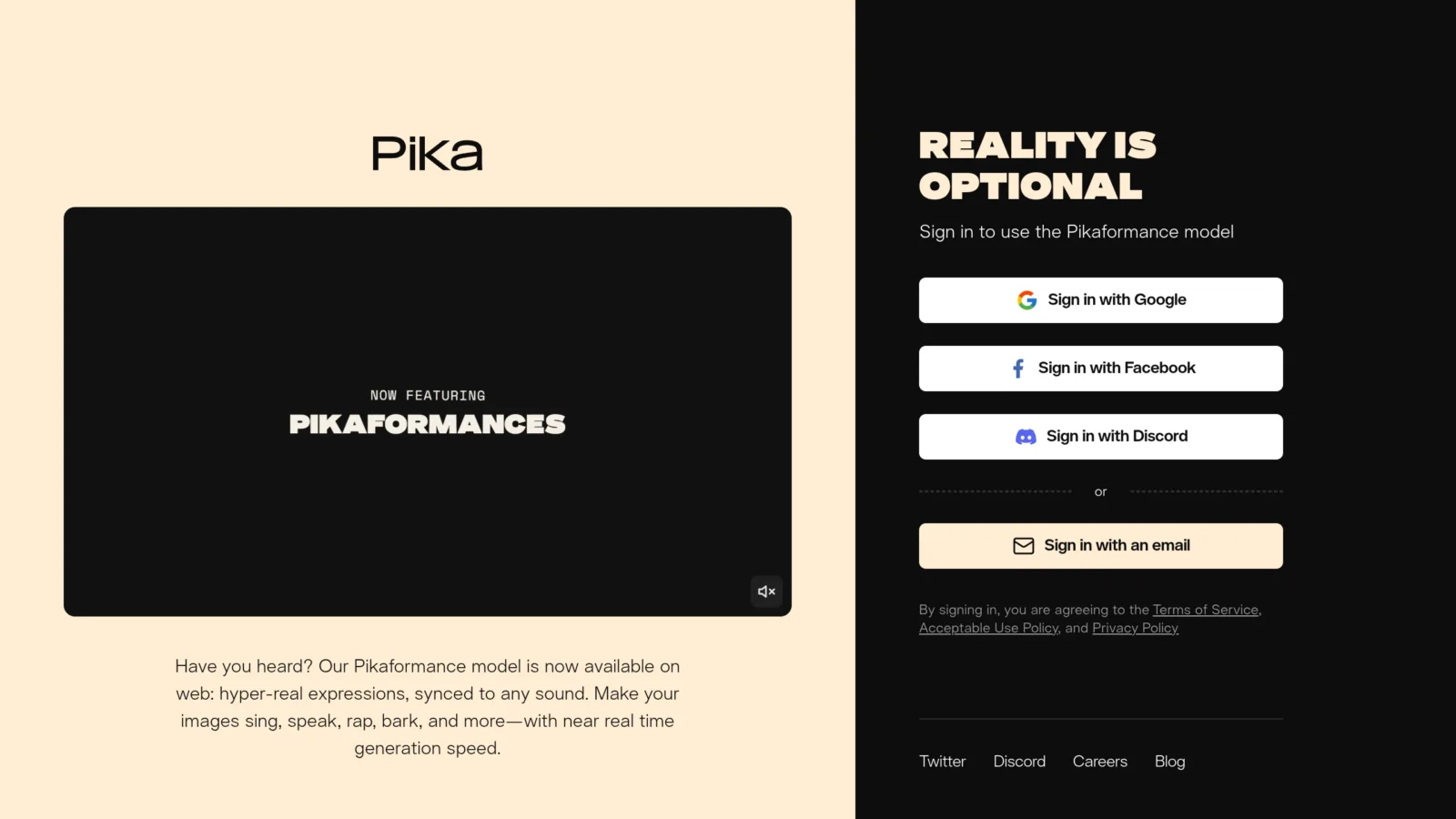
Pika made a major turn in 2026: the free plan now moves to 150 credits per month without watermarkagainst the old systematic watermarks. Native vertical format (9:16), extended 5-second default duration via Pikaframes, and a Pikaswaps system to exchange elements in the video. Perfect for Reels and TikTok.
To be monitored : 150 credits/month correspond to about 10-15 videos. Not enough for daily, ideal for occasional.
4) Kling AI 3.0: King of portraits and physics
Kling 3.0 of Kuaishou (Chinese competitor of TikTok) offers daily free credits and excels on two fronts: the coherence of the human face (the best to animate a portrait) and the physics of objects (falls, collisions, fluids). Ideal if your content involves characters. Free 720p plan with discreet watermark.
5) Runway Gen-4.5: to test before subscribing
Runway remains the pro reference but its freetier is strict: 125 life creditsNo renewal. Sufficient for 5 to 10 test clips. Gen-4.5 quality is exceptional, especially on camera control (Motion Brush, Camera Path). Freetier in 720p with watermark. Good choice only to evaluate before paying.
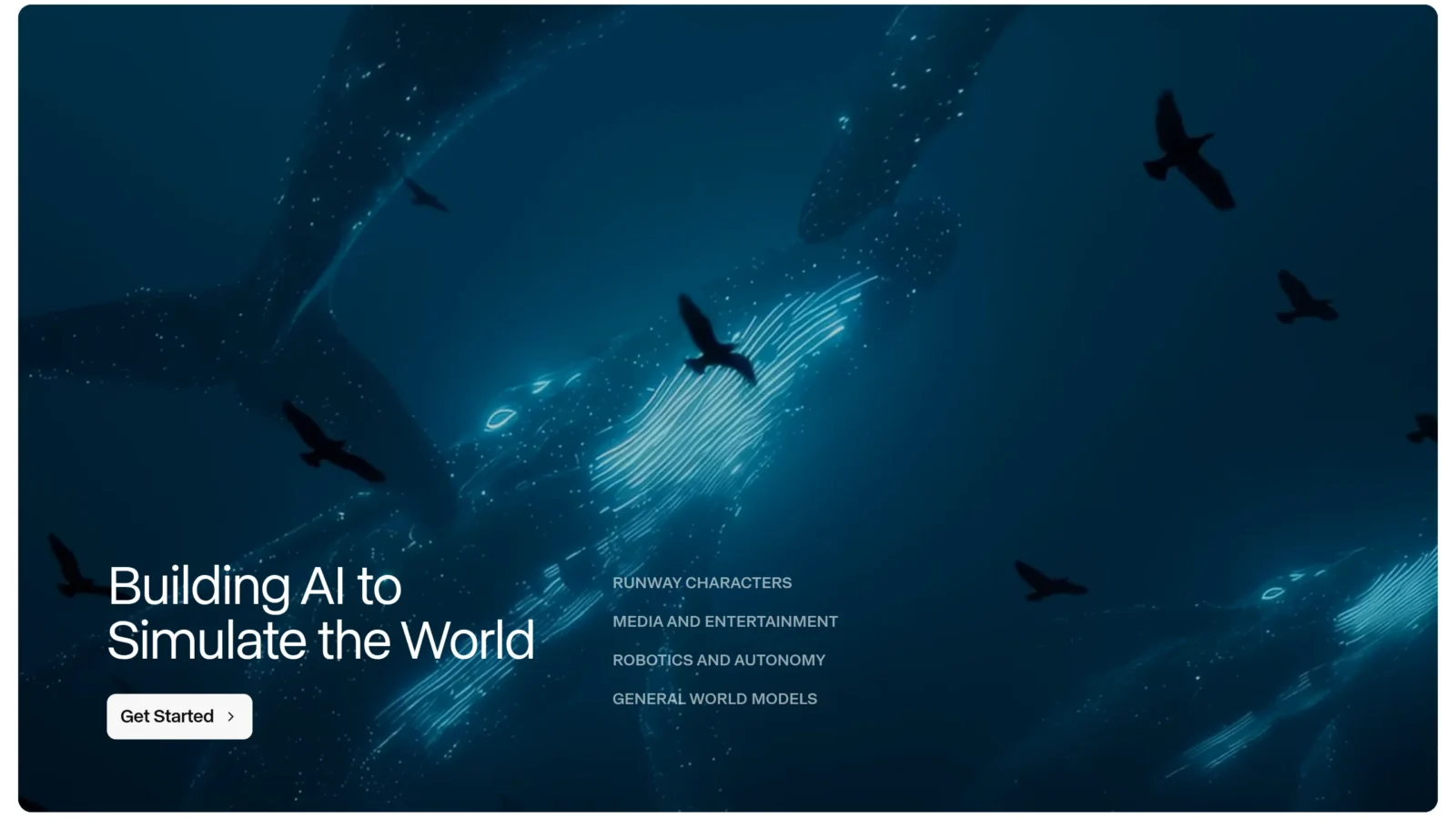
6) Luma Dream Machine: the option for kinematic plans
Luma offer 30 videos per month in 720p on its freetier, with a particularly organic and natural movement. Ideal for atmospheric plans, landscapes, atmosphere plans. Watermark on the freetier. Powerful image-to-video mode to bring photos to life.
(7) InAI Video: integrated templates and scripts
InVideo AI is not a AI generator video pure (no Veo or Kling under the hood), but it's theai video generator free the most complete for anyone who wants a video ready to publish quickly. You describe your subject, InVideo writes the script, selects stocks, generates a voice-over and mounts it all. Freetier: 10 minutes of AI video per week, watermark included. Ideal for faceless YouTube, educational videos and marketing formats.
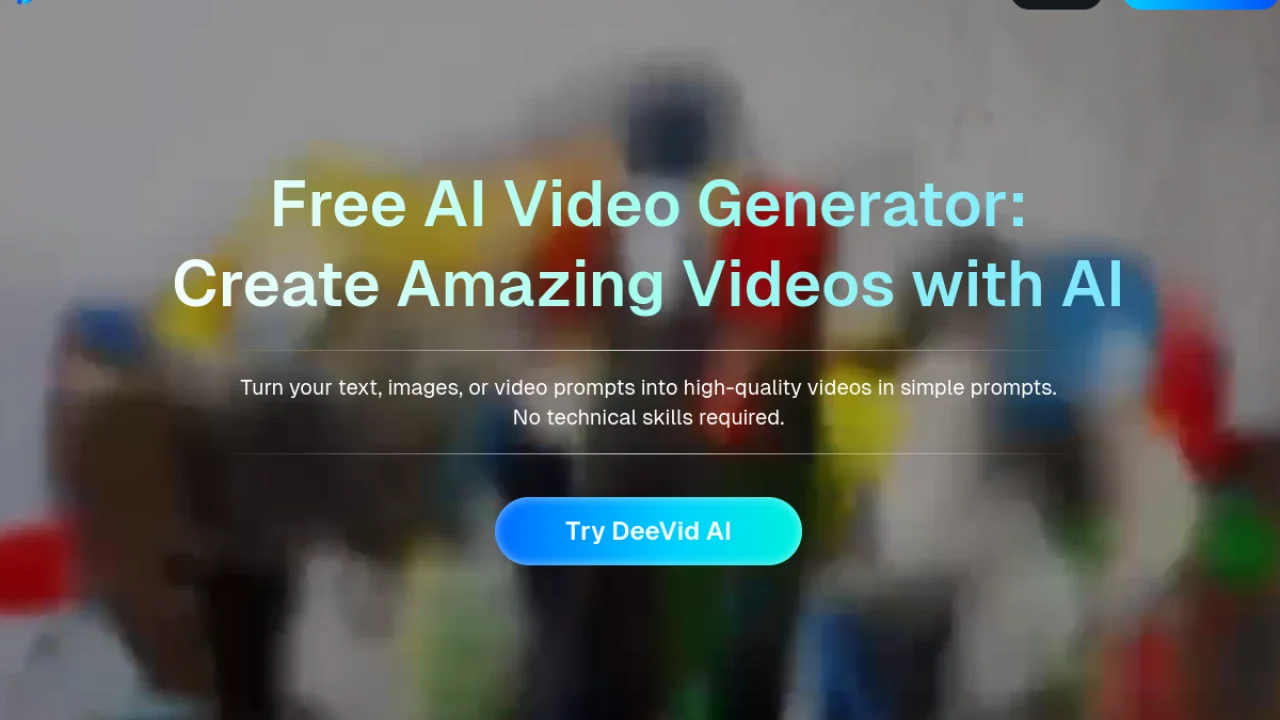
(8) DeeVid AI : aggregator in French interface
Deevid AI is a French platform that combines several models (Kling, Hailuo, Veo, Pika) in a single interface in French. Free plan with 100 credits per day for registration, text-to-video and image-to-video modes. The best entry point for Francophones who want a guided interface without setup Google AI Studio. Watermark discreet on the free plan. DeeVid AI is also subject to detailed and independent review.
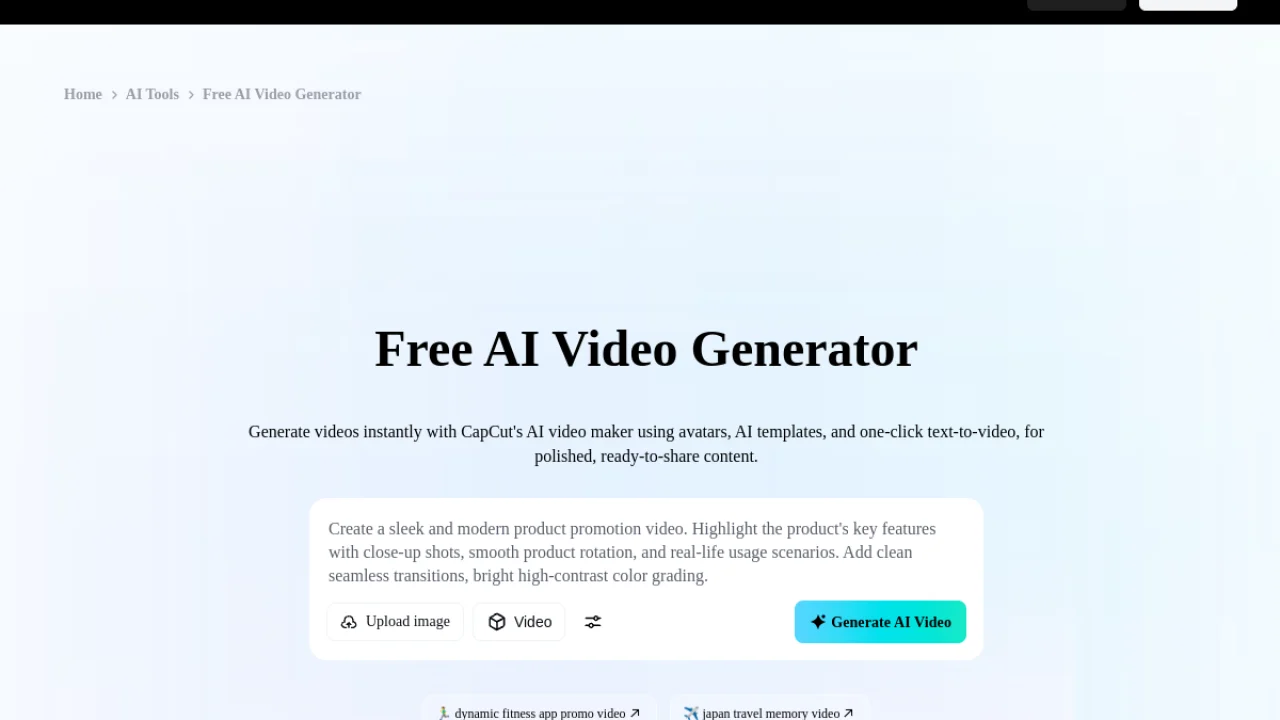
9) CapCut: free editor with AI Integrated
CapCut, the free video editor of ByteDance, integrated in 2025 a suite ofgeneric video ai directly in its interface. You generate a clip, you publish, you export, all watermark-free on the desktop version (Windows/Mac). It is the most profitable combo for those who want to get out of social content quickly, without juggling between 3 tools.
10) WAN 2.6 and HunyuanVideo: the open source self-hosted option
For those who have the minimum (24 GB VRAM, ideally RTX 4090 or similar), Tencent WAN 2.6 and HunyuanVideo are the two most powerful open source video models of 2026. They run locally via ComfyUI or Diffusers, unlimited, watermarkless, with no recurring cost. Permissive license for commercial use on most models. Asks for a serious technical setup and 30-60 minutes per generation on consumer equipment.
For detailed comparisons of the paid versions, see our guide Top 10 AI Software video 2026.
Best practices to get the most out of a free AI video
A freetier requires to be more precise than a Pro subscription. Each generation « Missed » Cost quota. Five habits that save credit and frustration.
1. Work quickly before clicking Generate
A well-built quick video includes: precise subject + main action + camera plane + light atmosphere + style. 25 to 50 descriptive words. Avoid cumulative actions (« he runs, then opens a door, then phone »), an 8-second clip can't do anything. Detailed method in our tuto AI video in 10 minutes.
2. Launch 2-3 generations in parallel and then sort
Video models have a high variability between generations. On Seedance or Pika, launch 3 variants of the same prompt in parallel, keep the best. This seems costly in terms of credits, but it is less greedy than to iterate the prompt without knowing whether it is he or the random that causes the problem.
3. Start in fast / fast mode when it exists
Veo 3 Fast (Google), Kling Fast, Seedance Fast consume less credits and make faster. Quality slightly lower but largely sufficient to validate an idea. You only run the quality version on the final prompt.
4. Preparing its rapids off the platform
Write all your prompts to a text file before you open ittool. You save tail time, you avoid errors related to the formulation on the fly, and you keep a reusable archive. Also ideal for translating into English (which often gives better results on international models).
5. Combine two or three tools by phase
The combo recommended for a creator YouTube faceless: Seed 2.0 to iterate (100 daily credits) → Google AI Studio for the final quality clip (without watermark) → CapCut for editing and export. Total paid: 0 €. See our full workflow chain YouTube faceless for monetization.
📱 AI Video Ready to publish
Generate a complete video with script, voice-over and stock in a quick
InVideo AI writes the script, selects the stock visuals, adds a voice-over and mounts it all in a few minutes. 10 minutes of AI video offered per week, over 5000 templates for TikTok, YouTube and Reels.
Web · iOS · Android · 10 min AI offered/week
The real limits of free AI video to know
Publisher marketing still boasts freetier. The limits are often discovered during use. Five concrete points to integrate before building a workflow around a video maker ai free.
An additional limit, independent oftool chosen: from 2 August 2026 onwards, the European Regulation requires that content generated by AI. We're detailing what to report on a AI video and who is concerned.
Watermark
The majority of free third parties add a logo or text to the clip. Acceptable for personal testing, problematic for content published under your brand or for customers. Watermarkless in 2026: Google AI Studio, Seedance 2.0, Pika 2.5 (since this year), CapCut desktop, and open source models.
Conditions for commercial use
Often ignored detail that can cost expensive. Kling, Hailuo, Pika and Runway generally prohibit commercial use on the free tier. Veo 3.1 via Google AI Studio authorizes. Open source models (WAN, HunyuanVideo) are licensed. Check systematically the Terms of Service before monetizing a clip, the penalty in case of default can go up to the account suspension.
The capped resolution
The free tier of a ai generator free usually comes out in 720p, sometimes 480p on very limited planes. To publish in 4K or on TV, you will either have to switch to pay or upscale with a a video enhancer dedicated (Topaz Video AI, Cutout.pro Upscale). Count 10 to 30 $/month for quality upscalers.
Tail times at peak hours
Paying users are given priority. On Google AI Studio in European hours (6 p.m.-23 p.m. UTC), a generation that takes 1 minute in off-peak hours can take 5-10 minutes. Plan your lots midday or early morning. On Seedance and Runway, it's less visible, but it also exists.
Lack of support and ALS
Free tier rhymes with « no guarantee of service ». Bug, removal of functionality, closure of the freetier (sora 2 case in March 2026 according to some community sources), you have no recourse. For critical professional workflow, always plan a backup plan.
When to switch by paying: 3 concrete signals
Staying free forever is not always the right strategy. Three signals indicate that it is time to pass Pro.
You reach your quotas more than 3 times a week
If you turn full diet on Seedance or Google AI Studio and as quotas slow you down, the calculation is simple: 20-30 $/month on the right tool Release 5-10 hours of DIY. Immediate ROI as soon as your time is over 5 €/hour.
You publish commercial content on which you earn money
YouTube Monetized shorts, Reels Meta, customer content, adcreative Meta/TikTok, as soon as the money comes in through the content, going pay regularizes your situation (commercial use allowed) and increases the quality (output 4K, no watermark, more duration per clip).
You need specific features that free does not offer
Motion Brush on Runway, extendable time on Kling Pro, cloned voice on ElevenLabs, custom avatars on HeyGen or Synthesia. If only one function Pro saves you time regularly, the monthly cost is largely justified.
FAQ: all about free AI video in 2026
What is the best free AI video generator in 2026?
Google AI Studio (Veo 3.1) remains the #1 option for free quality: no watermark, 1080p, native audio, commercial use allowed. Seed 2.0 is the most generous for who produces daily (100 credits per day that recharge). The « better » depends on your pace: Veo for the final quality clip, Seedance for daily iterations.
Is there a really free AI video generator without watermark?
Yes, but it's rare in 2026. Options confirmed without watermark: Google AI Studio (Veo 3.1), Seed 2.0 (ByteDance), Pika 2.5 (change of policy in 2026), CapCut desktop and self-hosted open source models (WAN 2.6, HunyuanVideo). Runway, Kling, Luma and most commercial publishers keep a watermark on their tier free.
Can we use a free AI video for commercial use?
It depends strictly on each tool. Veo 3.1 via Google AI Studio allows on the freetier. Pika, Kling and Runway have to pay. Open source models (WAN, HunyuanVideo) have permissive licenses that generally allow commercial use. Always check the Terms of Service before monetizing a clip, the penalty can go up to account suspension or copyright applications.
What is the maximum duration of a free clip?
Most models cap 4-10 seconds per generation on the freetier. Veo 3.1: 8 seconds max. Seedance 2.0: up to 10 seconds. Pika 2.5: 5 seconds by default, expandable via Pikaframes. For longer videos, you need to generate several clips and assemble them in a publisher like CapCut or Filmora. Our guide of the AI Tools for editing details the options.
Free AI video: Google AI Studio or Seedance 2.0?
For the final quality of a clip that will be published as is: Google AI Studio (Veo 3.1), better photorealism, native audio, no watermark, authorized commercial use. To quickly iterate and test many variations: Seed 2.0, 100 daily credits that recharge, generation in 30 seconds, top quality on the movement. Ideally, use both as complements.
What alternative to ChatGPT Free to generate video script?
To write a script that will feed your quick video, several free alternatives to ChatGPT work very well: Claude Free, Mistral Le Chat (GDPR), Gemini Free. See our comparison of the 7 best alternatives to ChatGPT in 2026 to choose according to your need.
🎯 Verdict
In 2026, the free AI video became really usable, it's a break from 2024. Google AI Studio (Veo 3.1) remains the most profitable freetier on the market: 1080p quality, no watermark, native audio, commercial use allowed. Seed 2.0 ByteDance is the ideal supplement for whom it is very much daily (100 credits that recharge).
For Francophones who want a guided interface in French without a setup, Deevid AI remains the most accessible option. For ready-to-publish video with script and voice-over, InVideo AI is unbeatable full workflow side.
The golden rule 2026: do not seektool single, but combine two or three depending on the phases (iteration, quality, editing). To go further: our tuto AI video in 10 minutes for practice, guide image-to-video to animate your photos, and our workflow chain YouTube faceless for monetization.