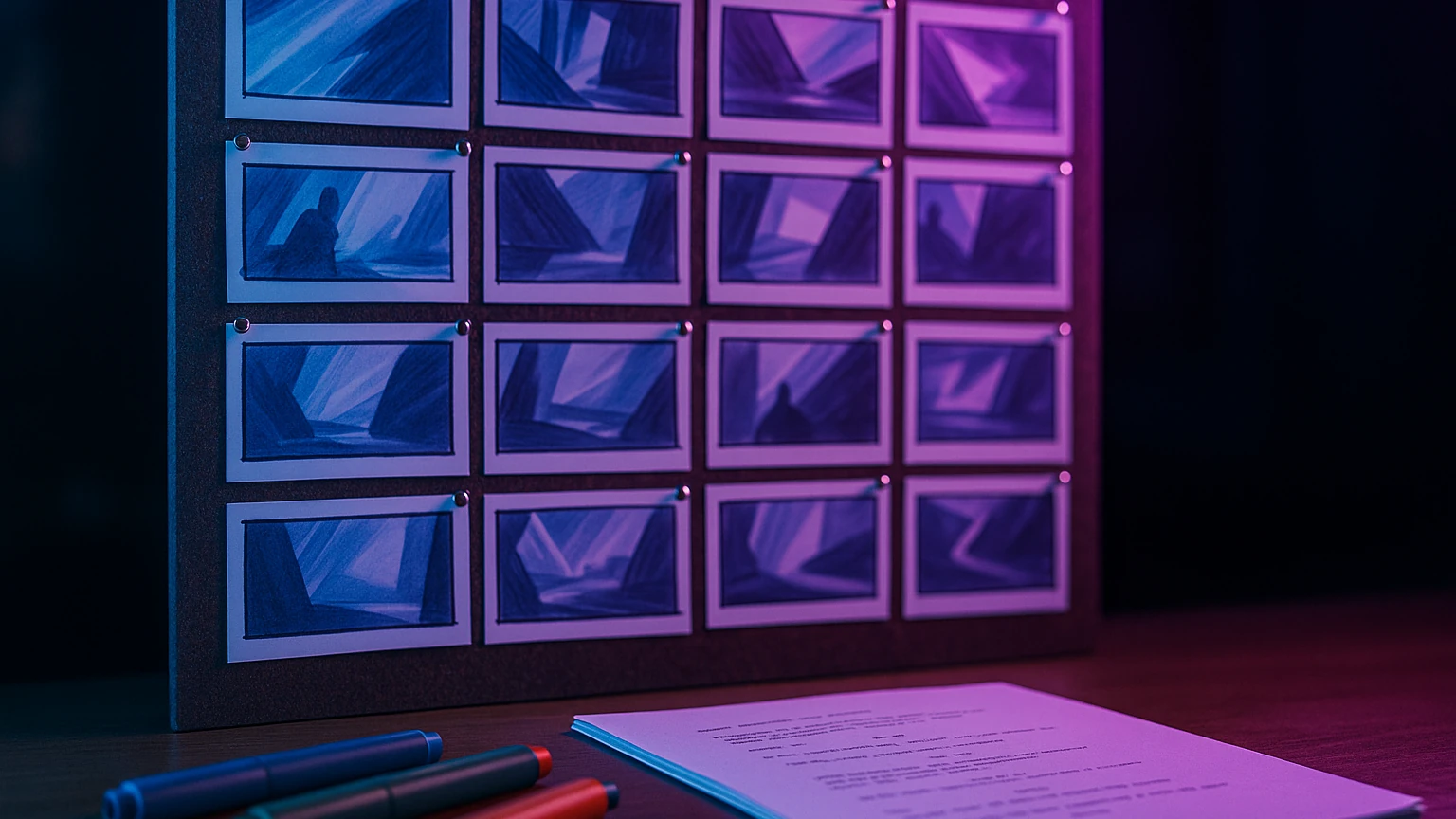
The storyboard remains the most time-consuming step of a video production: draw plan by plan the sequence before turning. In 2026, four AI Tools generate a complete storyboard from a simple text script in 3 minutes time, with a proper rendering to show a customer or team. I tested the mains on the same 30-second spot script to compare.
This guide covers AI Tools dedicated to storyboarding (Boords, StoryboardHero) and tools image AI hijacked in storyboard pipeline (Midjourney, Krea). Two complementary approaches depending on your budget and your need for customization.
📌 Essentials
- Best storyboard AI dedicated : Boords (script-to-storyboard automatic)
- Made in Pixar style : StoryboardHero
- Pipeline pro Midjourney : maximum control but timing
- Free alternative : Krea AI (5 generations offered)
- Typical full storyboard time: 3 to 15 minutes according to tool
- Number of typical plans: 6 to 20 thumbnails by storyboard short
Why go through a storyboard AI 2026?
The traditional hand-drawn storyboard takes 2 to 8 hours for a 30-second spot. L AI compresses this time to 5-15 minutes while providing a clean rendering for:
- Validate the concept with a customer before turning (saving production time)
- Align Team (director, chief operator, assembler) on visual vision
- Estimate the budget precisely (number of plans, complexity of decors, effects)
- Identify inconsistencies narrative before they are expensive to shoot
Time saving translates directly into a client project, or the ability to produce more creative content for an independent creator.
The 4 AI Tools tested to create a storyboard
| Tool | Approach | Prices | Coherence | Rating |
|---|---|---|---|---|
| Boords AI | Script-to-storyboard | 24 $/month | Very good | 9,0 / 10 |
| StoryboardHero | Script-to-storyboard | from 15 $/month | Good | 8,5 / 10 |
| Midjourney (manual pipeline) | Prompt-to-image | 10 $/month | Excellent (with ref) | 8,8 / 10 |
| Krea AI | Prompt-to-image | test 5 credits | Good | 8,0 / 10 |
1. Boords AI: the reference of the script-to-storyboard
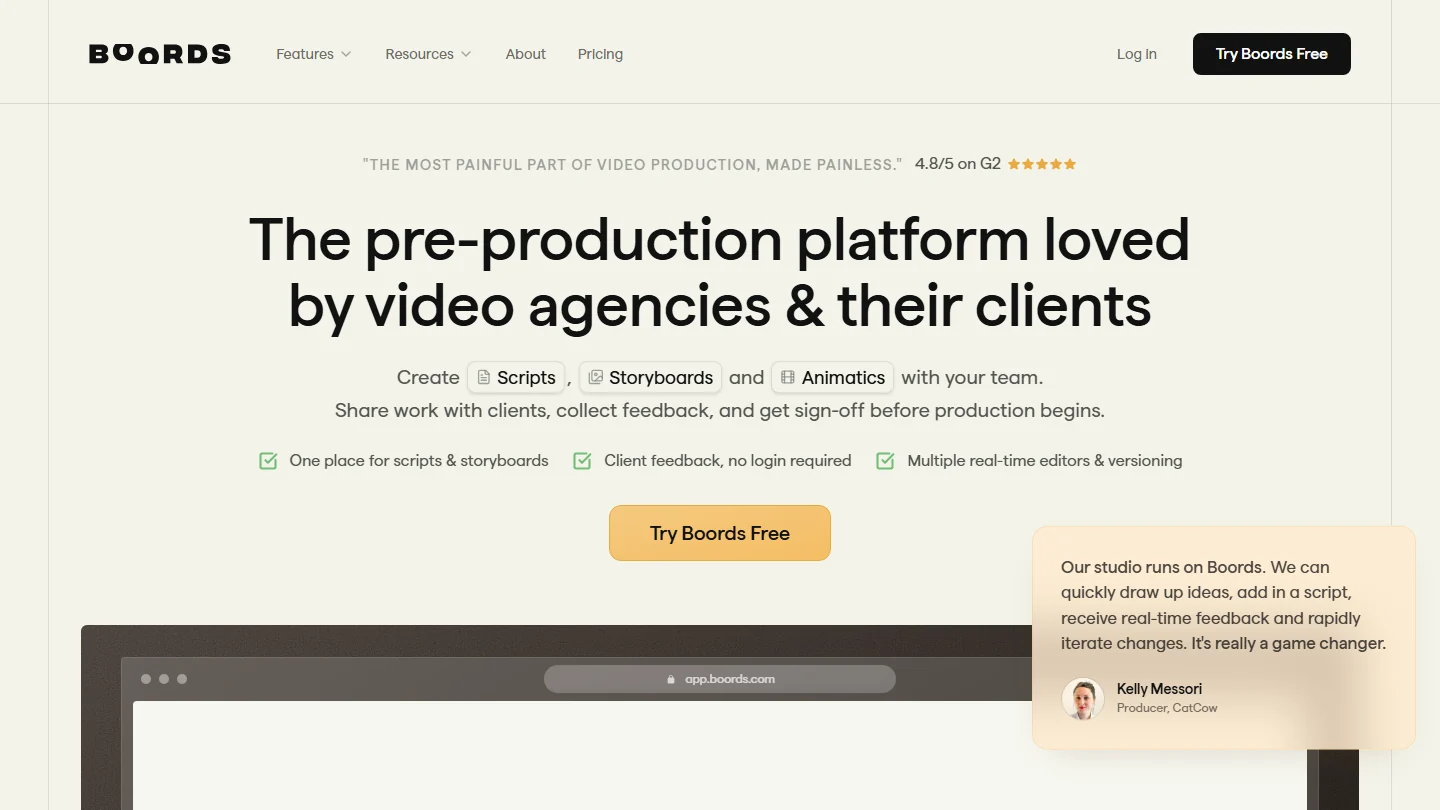
Boords is a tool dedicated to video production professionals since 2018. Its Script-to-Storyboard function AI (added in 2024) analyzes a script in text and automatically generates a sequence of corresponding thumbnails, with suggestions of plans (large plan, wide plan, counter-dive) depending on the narrative content.
Strengths: Coherence of characters between thumbnails (rare in AI), export PDF pro clean, integrated team collaboration. Bemol: $24 per month, no free permanent plan (14 days trial).
2. StoryboardHero: the price-quality compromise
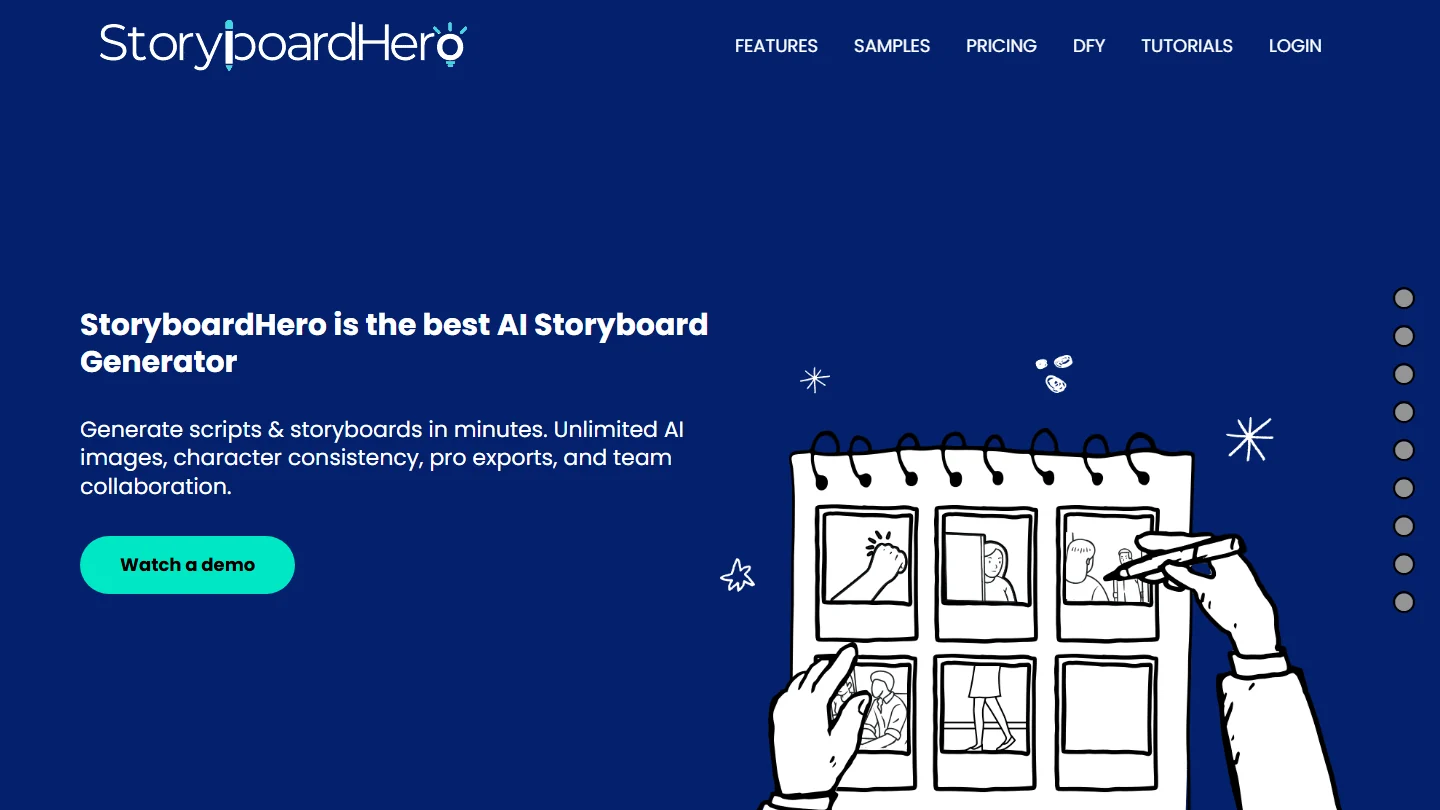
StoryboardHero targets the same use as Boords at a more accessible rate ($15 per month). The rendering is slightly less neat but remains very acceptable for internal use (team validation, prototyping). Good option for independents or small agencies.
3. Midjourney in pipeline: maximum control
Midjourney is not dedicated to storyboard but remains AI most powerful image in 2026. Used in manual pipeline (prompt by prompt, with consistent character reference via –cref), it produces the most visually impressive storyboards, worthy of pitch deck client.
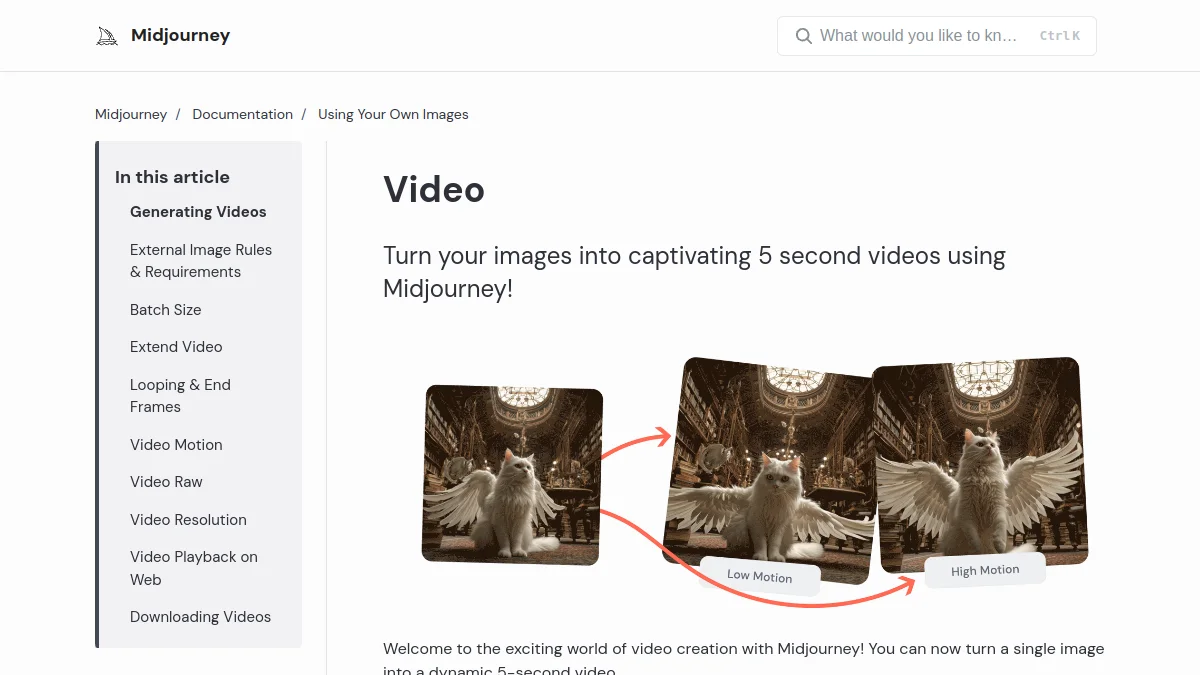
Constraint: timing. Count 30-60 minutes for a storyboard 10 plans vs 5 minutes with Boords. Book Midjourney premium projects where the visual rendering of the storyboard is part of the client's deliverable.
4. Krea AI: the free alternative
Krea AI offers 5 generations free registration, exploitable for a mini storyboard 5-6 plans. Accessible interface, rendered correct, ideal for a first try of the storyboard concept AI. Subscription at $10 per month for regular use.
How to create a storyboard AI step by step
- Write short script : sentence-by-phrase cutting of the narrative or dialogue, each sentence corresponding to a plan. 30 seconds of video = 8-12 sentences.
- Describe each plane visually : main subject, camera angle (large plan, wide plan), atmosphere, decor. The more precise the description, the better the rendering AI.
- Generate thumbnails : paste the script into Boords or StoryboardHero, leave it on AI propose a first draft.
- Regenerating weak planes : iterate on 1-2 thumbnails that do not stick to the concept.
- Export PDF or image sequence for customer or team sharing.
Storyboard AI vs traditional storyboard: when to choose what
Choose AI when:
- Fast prototyping of a concept to validate with a customer
- Short content (30 seconds to 3 minutes)
- Close budget not allowing a dedicated illustrator
- Need to quickly iterate on several versions
Stay on traditional when:
- Feature film project (complex coherence required)
- Very specific visual style impossible to describe quickly
- Final deliverable for a manual animation studio
- Comfortable budget and talented illustrator available
Frequently Asked Questions
What is the best tool storyboard AI free?
Krea AI offers 5 free generations allowing a mini-storyboard 5-6 plans. None tool dedicated storyboard nsa free permanent plan in 2026, but Boords and StoryboardHero offer 14 day trials that are sufficient for a first customer project.
L AI Can she replace a storyboard illustrator?
For fast prototyping and client validation, yes. For a unique final artistic rendering (animation film, premium advertising), no. L AI is an accelerator, not a replacement in high-end production.
How to maintain the consistency of characters between thumbnails?
Boords offers a function of « referenced characters » that keeps the same face through all the thumbnails. In pipeline Midjourney, use the parameter –cref URL with a stable reference image. This is the challenge #1 storyboards AI 2026.
Which export format to choose for a storyboard AI ?
PDF for client sharing (pro layout, all plans on one or two pages). PNG image sequence for import into Premiere Pro or DaVinci Resolve. Board Miro/FigJam for live collaborative discussion.
How many plans on a short storyboard?
Typical rule: 1 plan per script sentence. For a 30-second pub spot, count 8-12 plans. For a video YouTube Five minutes, 30-50 shots. For a short film 10 minutes, 80-150 shots. The storyboard AI is particularly effective on short formats (< 3 minutes).
To go to the video without leaving the video tool, we also tested GenFlick, which turns a storyboard into a short film by keeping the same characters from one plan to the next.
Complete your pre-production pipeline with a tool video AI
Once your storyboard is validated, the next step is to generate the video plans themselves. Two AI Tools marry well with a workflow storyboard:
Kling AI generates 10 seconds 1080p video clips from accurate prompts. Ideal to transform every thumbnail of the storyboard into a coherent animated plan. Free map 5 clips per day.

PixVerse Animate each thumbnail in 8 seconds clip with viral effects. Perfect for a storyboard for TikTok or Reels content.
The storyboard AI transforms video pre-production in 2026, with time savings that make projects previously impossible for small structures viable. To go further on the tools video creation AI, consult our Complete Guide to create a video with AI and our comparison of the AI video generators free.
🎯 Verdict
For pro regular use, Boords remains the reference (24 $/month). For a first free trial, Krea AI allows you to test the concept in 5 generations. For premium rendering for a client pitch, go through Midjourney in manual pipeline.