FlexClip is often stored in the box « small tool of the editing online ». It's a mistake. Behind the editor hides a suite of artificial intelligence which covers the video, image, voice and text, from the first script to export in 4K. We spent weeks in the city.tool for guide, and here's the truth: FlexClip does much more than its home page suggests. Functionality by functionality, capture of screen with support, here everything FlexClip really knows how to do in 2026.
📌 Essentials to remember
- A complete suite, not a simple editor: video generation by AI, avatars, voiceover, subtitles, translation, image editing and tools audio in a single interface, 100% in the browser.
- Voiceover high-end: FlexClip integrates engines ElevenLabs and MiniMax, plus voice cloning, for a natural rendering away from robotic voices.
- From script to publication: one starts with a text, a blog link or a long video, and one emerges a video mounted, doubles, subtitles and prepared for YouTube, TikTok or LinkedIn.
- For whom: creators, entrepreneurs and community managers who want to produce quickly without software to install or camera.
Create a video with FlexClip for free →
Contents: Online editor • Generate a video by AI • Long video to Shorts • Avatar AI • Voiceover ElevenLabs and MiniMax • Voice cloning • Automatic subtitles • Transcription, translation and dubbing • Image generator and editor • Audio tools • Screen recorder • GIF and small tools • Prices • Verdict • FAQ
FlexClip in action: here is a whole video created with l tool, from script to export.
Online video editor: the base, without installing anything

Everything from the editor, accessible directly from Chrome without installation. There is a classic timeline, a library of millions of photos, videos and music royalty-free, thousands of models ready for use, animated texts, transitions and graphic elements. This is the workspace or end all creations AI the rest of the suite: a video generee, an avatar or an avatar voiceover land here to be adjusted image by image.
Interest is continuity. Most AI Tools competitors leave you with a file to retouch elsewhere. FlexClip keeps everything in the same place: you will grow, you climb, you export in 1080p or 4K, then you share directly to YouTube, TikTok, Google Drive or Dropbox.
Generate a complete video from a text, blog or product
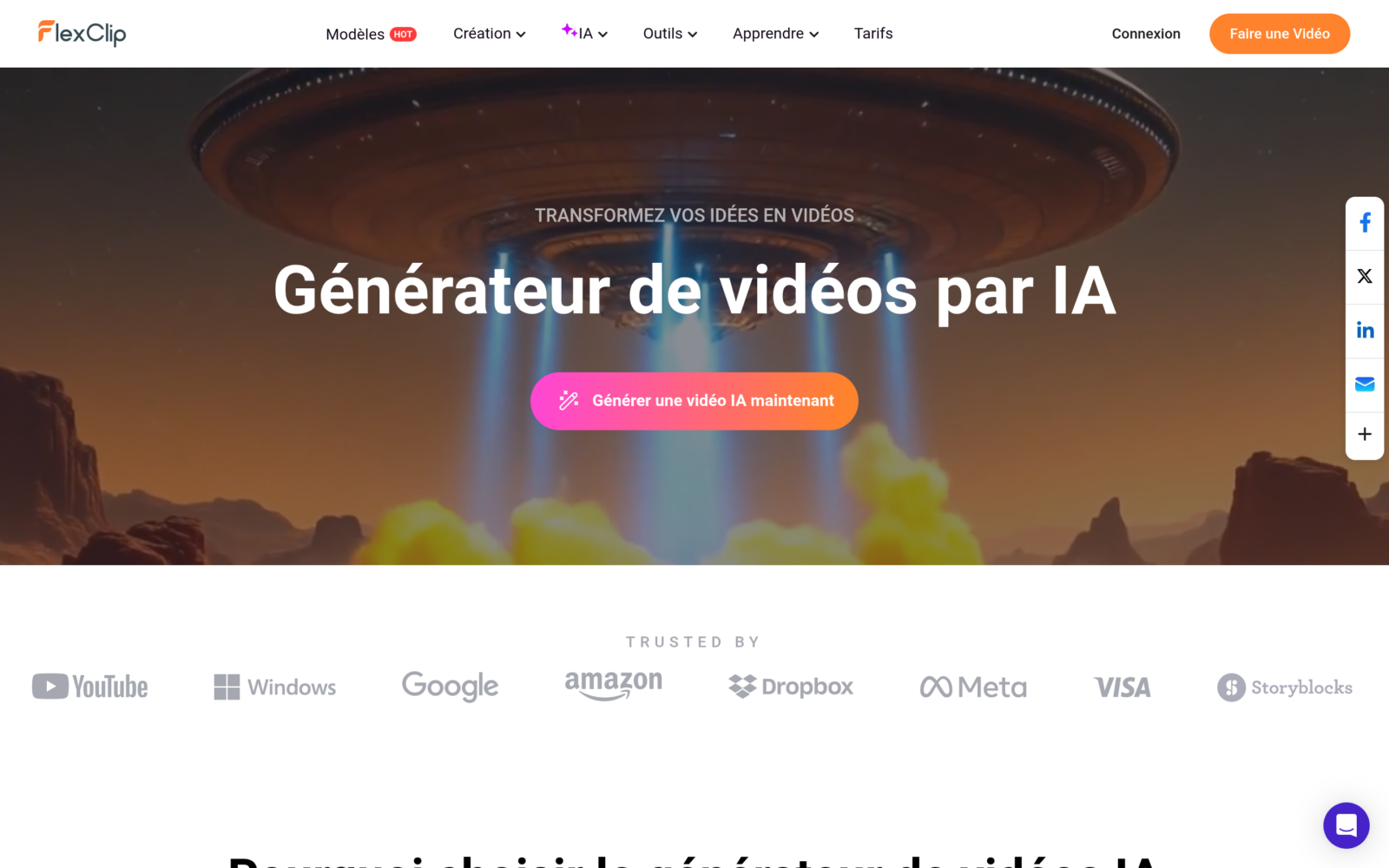
This is the most spectacular function. Three doors lead to the same result: a video mounted from A to Z.
- Text to video: you describe your idea in one sentence,AI edit the script scene by scene, select or generate the visuals, add a voiceover And hold the pace.
- Blog URL to video: you paste the link of an article, FlexClip reads it and turns it into a video resume, doubles and subtitles. Ideal to recycle its written content.
- Product URL to video: from a product sheet e-commerce,tool releases a presentation video ready for publicity.
Each time, you keep your hand: the script is editable before generation, the visual style is chosen (realistic, cinematic, 3D, drawing, watercolour) and the voice selects. The final rendering opens in the editor for the latest adjustments. For a creator who publishes several times a week, it is a time-saving Considerable.
Test the FlexClip video generator →
Transforming a long video into Viral Shorts
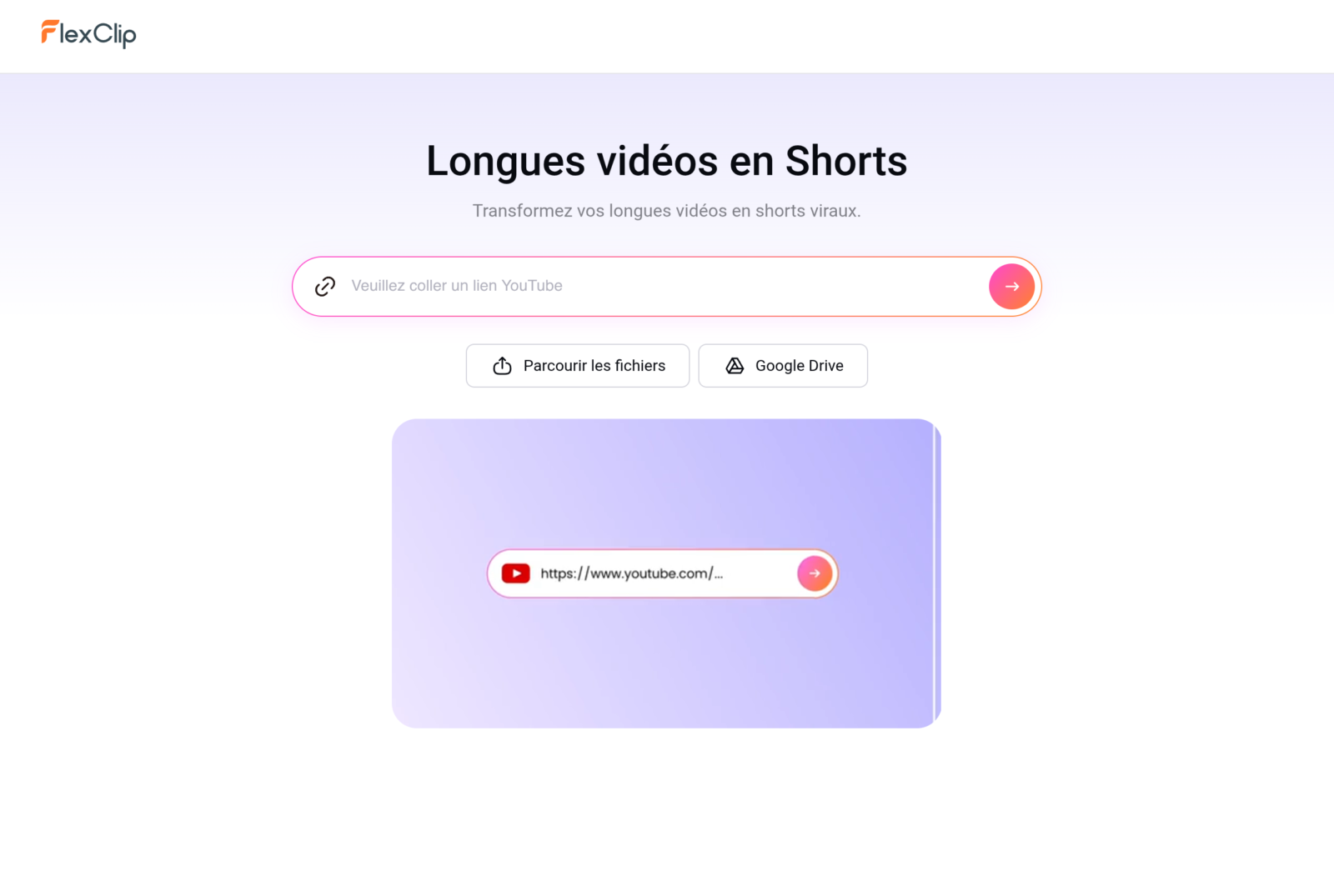
You bond a link YouTube or you import a long video, and FlexClip automatically extracts the best moments as vertical clips in 9:16 format. Each short is reformatted, subtitled with an anime style of choice, and notes on a viral potential score to prioritize those to publish first. We test the function on a video of a few minutes: it comes out several Shorts ready to post, each with its hook and its subtitles holds on the voice. To power a chain YouTube Shorts, TikTok or Reels from long content, it's formidable.
Avatar AI : a presenter who speaks in your place
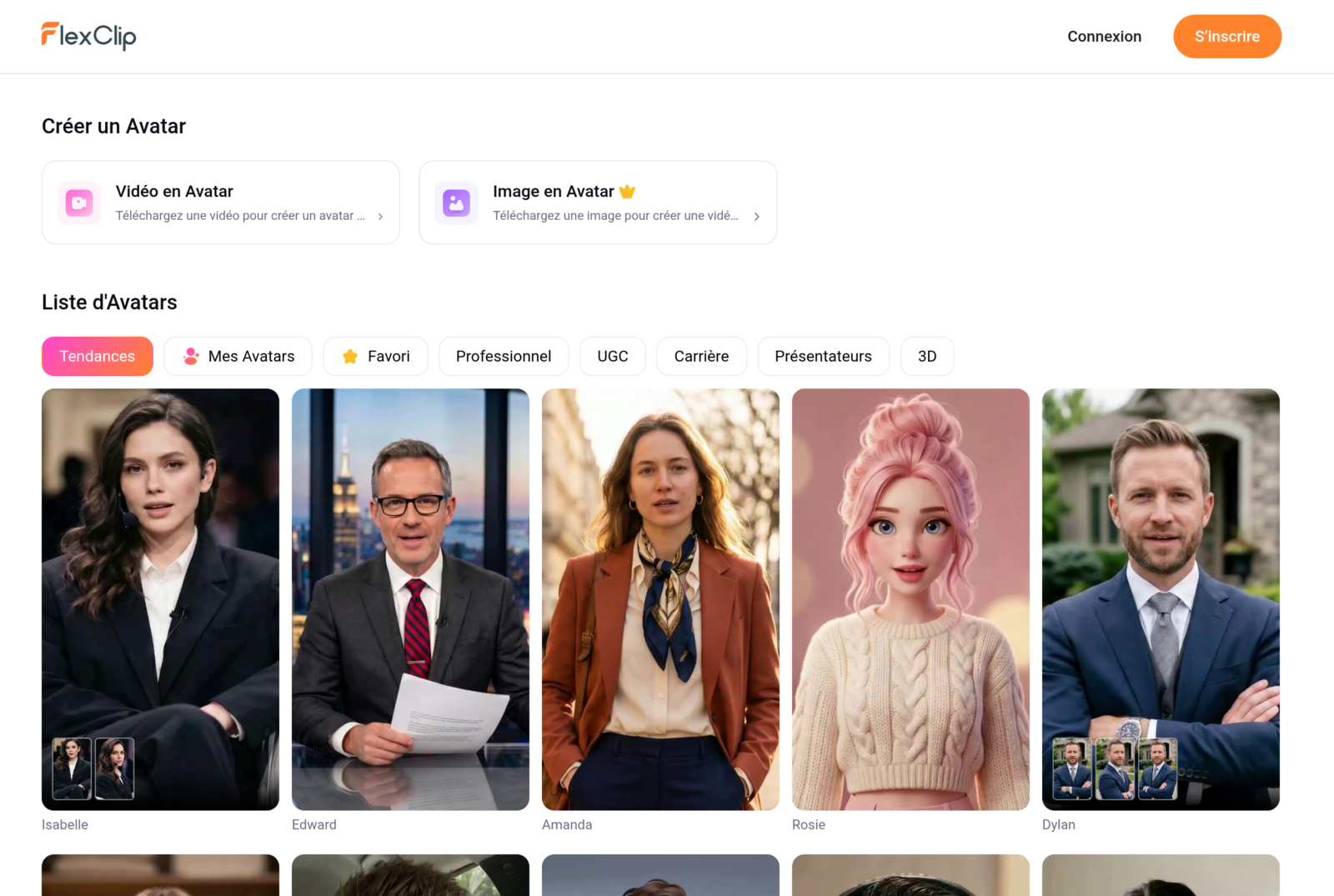
Don't you want to pass the camera? L tool Avatar AI Generates a digital spokesperson that recites your text with a gesture and labial syncables. You choose an avatar in the library, you write the script, you select the voice, and FlexClip produces a presentation video. It's perfect for tutorials, product ads, trainings or corporate videos or it wants a human face without shooting.
Voiceover AI with ElevenLabs and MiniMax
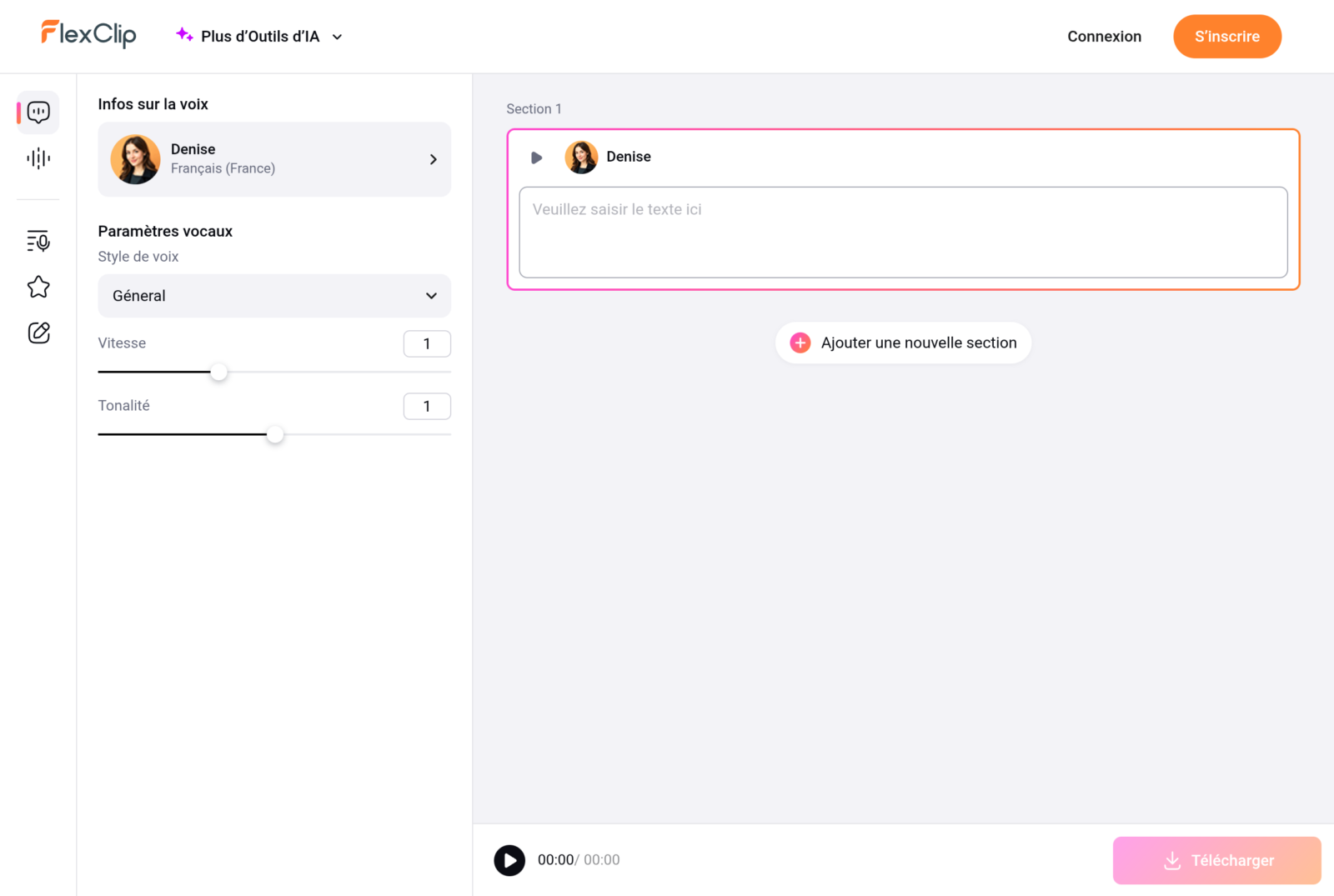
This is too little known: FlexClip's voice synthesizing is not limited to standard voices. L tool integrates engines ElevenLabs and MiniMax, references to walking for the natural voice. We select a language, a voice (the Frenchman has several male and female stamps), a style of diction, then we adjust the speed and tonalite. The text cuts into sections to manage the intonations. The rendering is a few years ago from the robotic voices of two years ago, and is directly loaded or embedded in the video.
💡 Tip: for voiceover ringing pro, leave with a voice ElevenLabs or MiniMax rather than voice by default, then lower speed. The difference of credibility is immediate.
Clone your own voice
In the pre-existing voices, FlexClip allows clone your own voice from an audio sample. Once the clone is created, you can read any text in your digital voice without going back to the microphone. Practical to keep a coherent sound identity on a whole string, correct a sentence without re-recording, or produce volume while remaining recognizable. It is a brick that few online editors propose natively.
Automatic subtitles
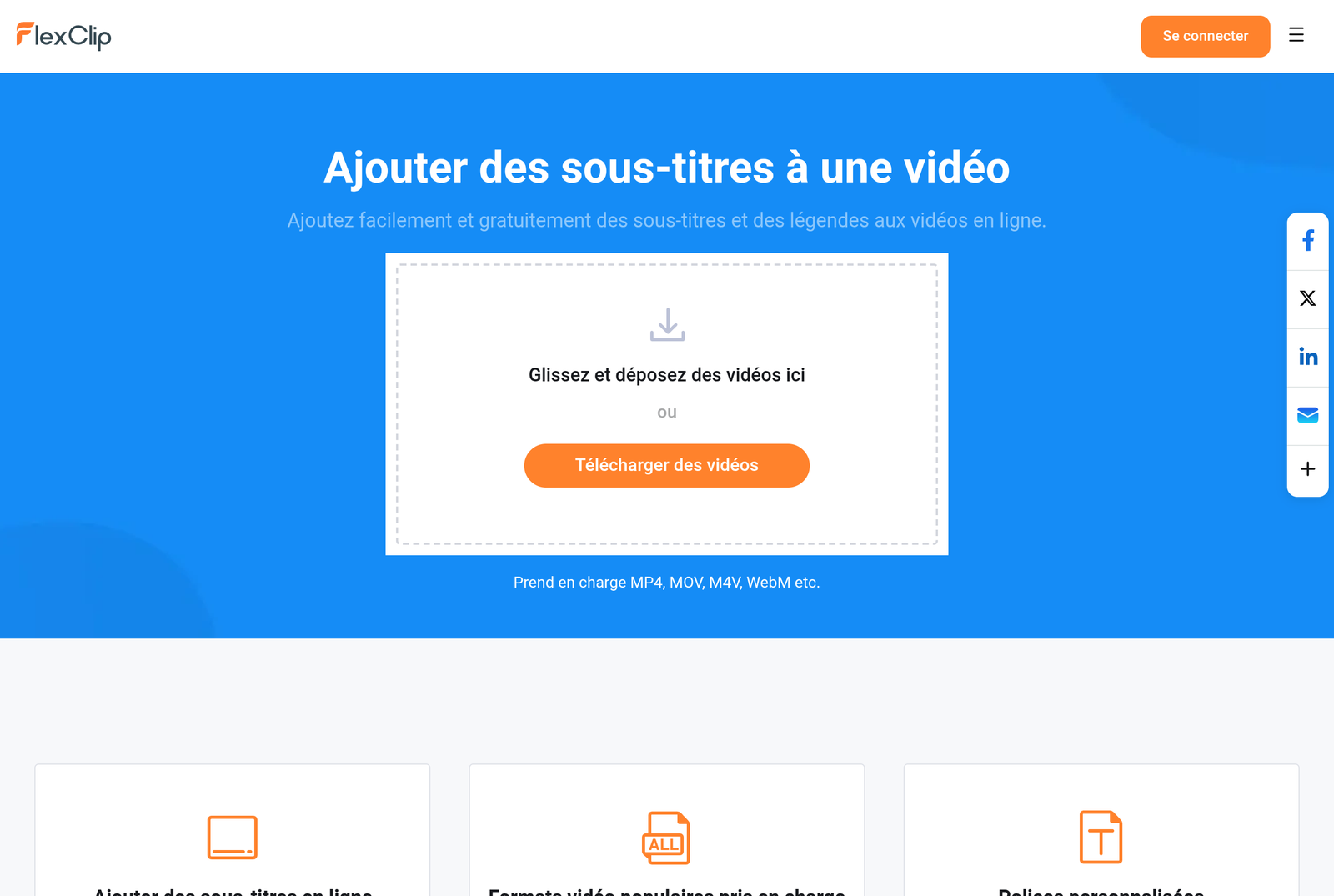
FlexClip automatically transcribes speech and puts subtitles on audio in about 30 languages. We choose a style from many anime models (the famous rendering « word by word » Viral Shorts), adjust the font and colors, and it's ready. Knowing that a large part of the videos are watched without the sound on mobile, the subtitling is no longer optional: this is what holds the viewer. The function is also available with one click on any video that is important.
Transcription, translation and video dubbing
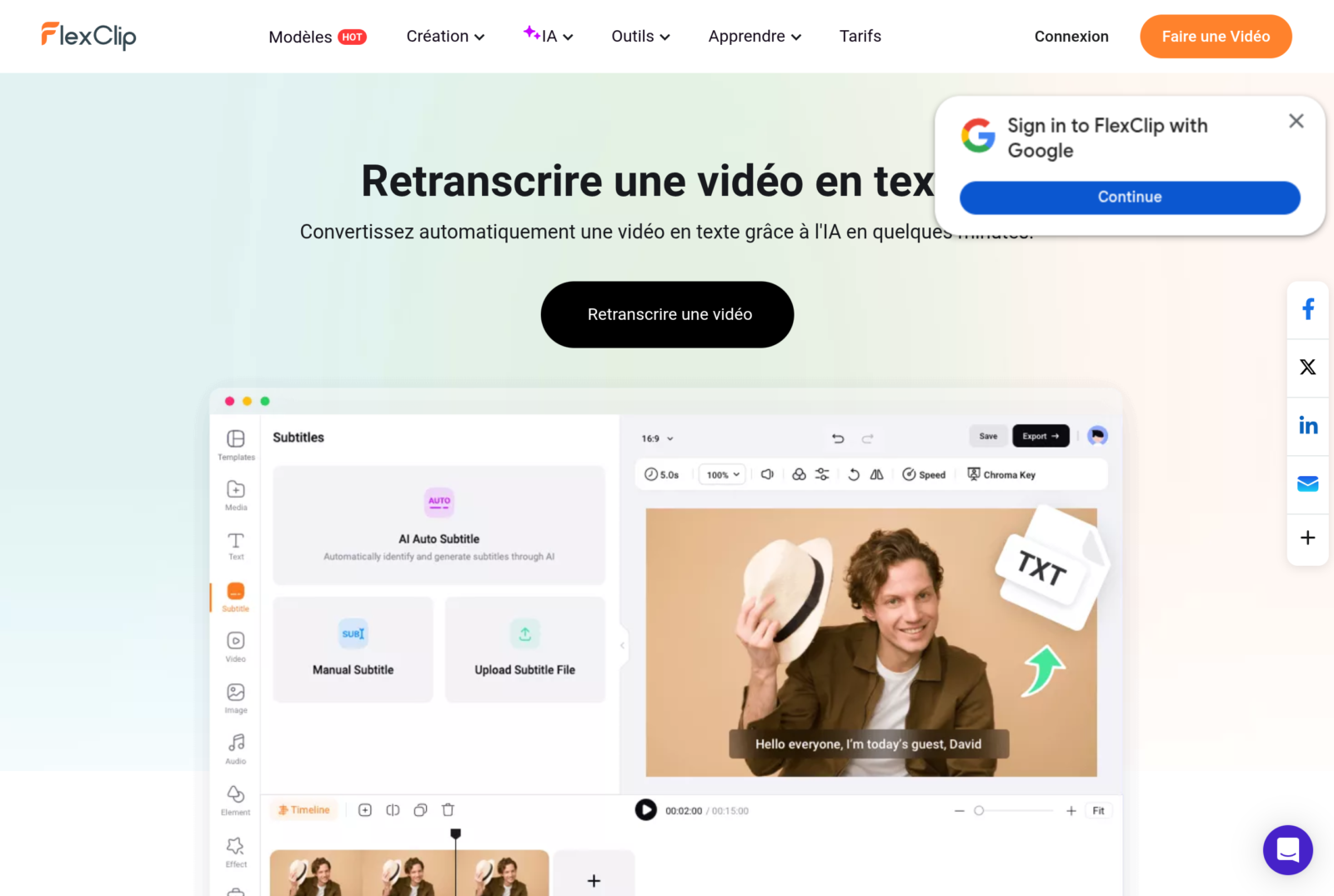
Three tools This is a real multilingual pole. The transcript converts any video into editable text, useful for drawing an article or notes from a speech. The video translator and dubbing AI go further: they translate the track and generate a new one voiceover in the target language, with the corresponding subtitles. Concretely, a French video becomes English, Spanish or German in a few minutes, without studio. To reach an international audience from a single shoot, it's a huge lever.
Image AI Generator and retouch sequence
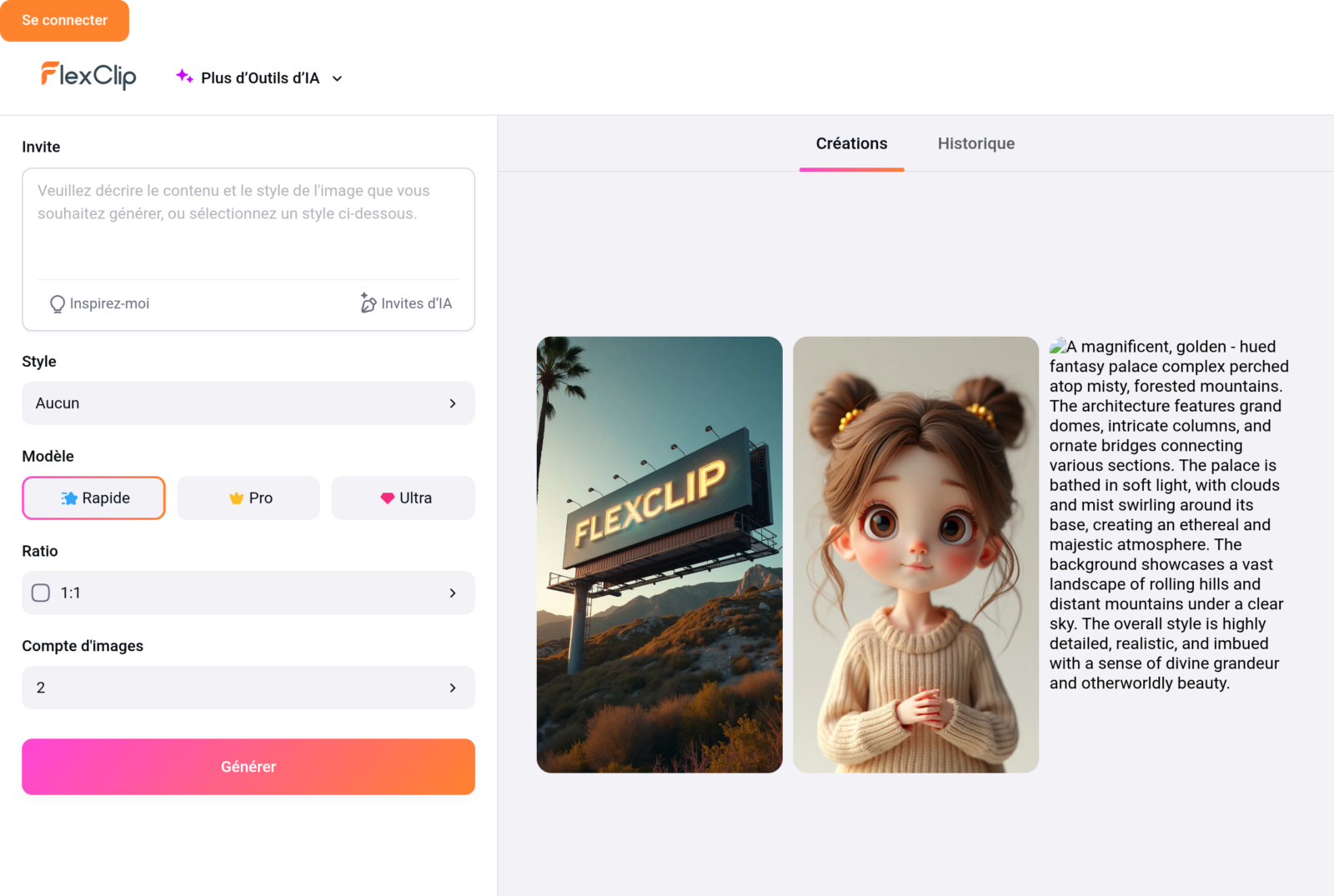
FlexClip embarks a surprisingly complete image suite, often unknown. On the menu: text to image and image to image to generate visuals, but also an entire battery d tools of retouching by AI :
- Removal of background (image and video) in one click
- Removal of undesirable object and smart gum
- Face exchange (Face Swap)
- Improvement and upscale of resolution
- Restoration of old photos and colouring
- Image extension, hair and clothing changer
- Watermark removal
It's the equivalent of a small suite Photoshop assists by AI, integrated with the editor video. To prepare a miniature, clean a visual or turn around a product without leaving it tool, it avoids juggling between several applications.
Tools audio: music, voice extractor and cleaning
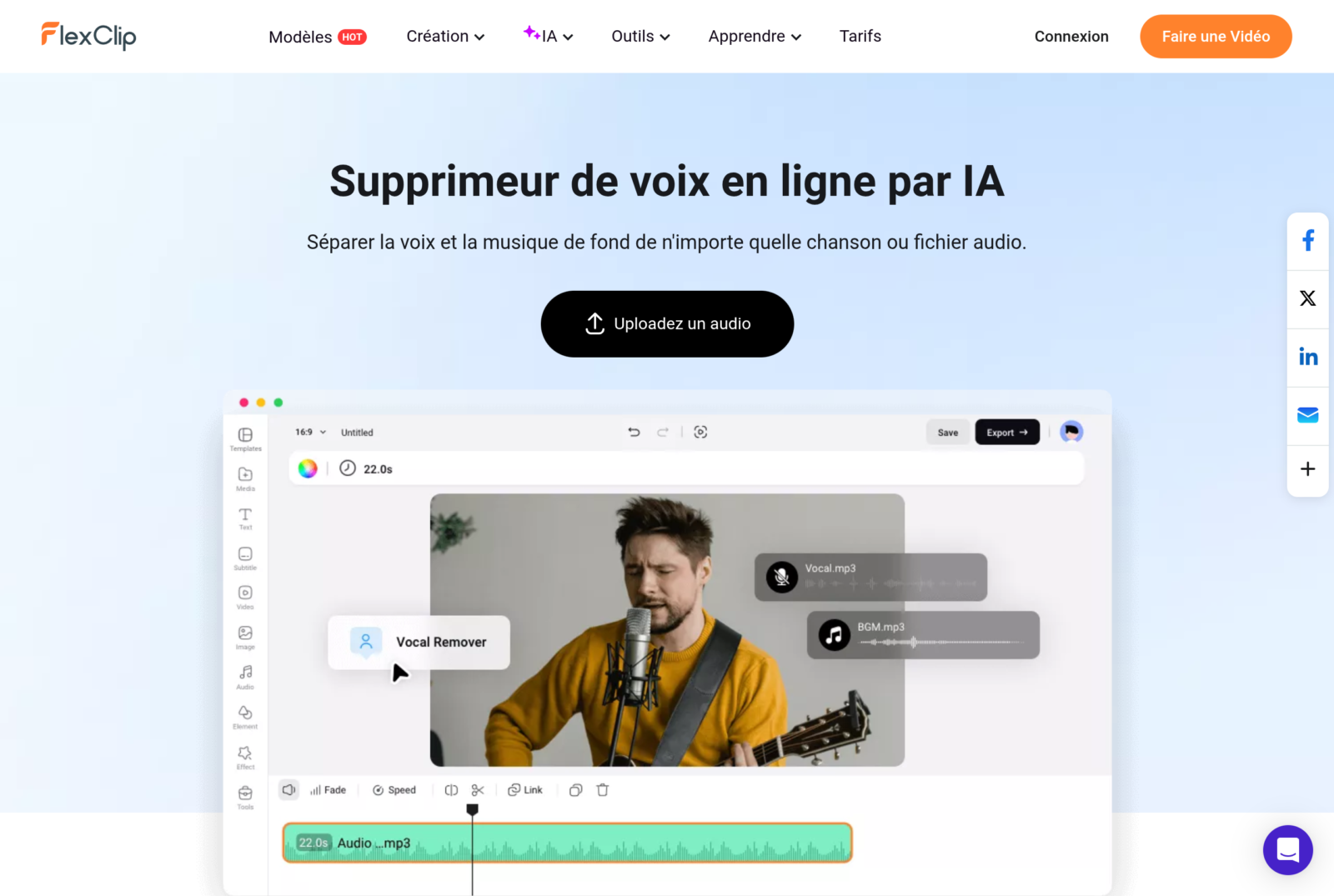
Sound is often the poor parent of online editors. Not FlexClip. We find a Music generator by AI to dress a video without rights problem, one Voice extractor which separates the voice of the music from a track, a noise reducer to clean a recording, sound effects and a voice recorder. What to clean up and enrich audio from a video without going through a dedie software.
Screen and webcam recorder
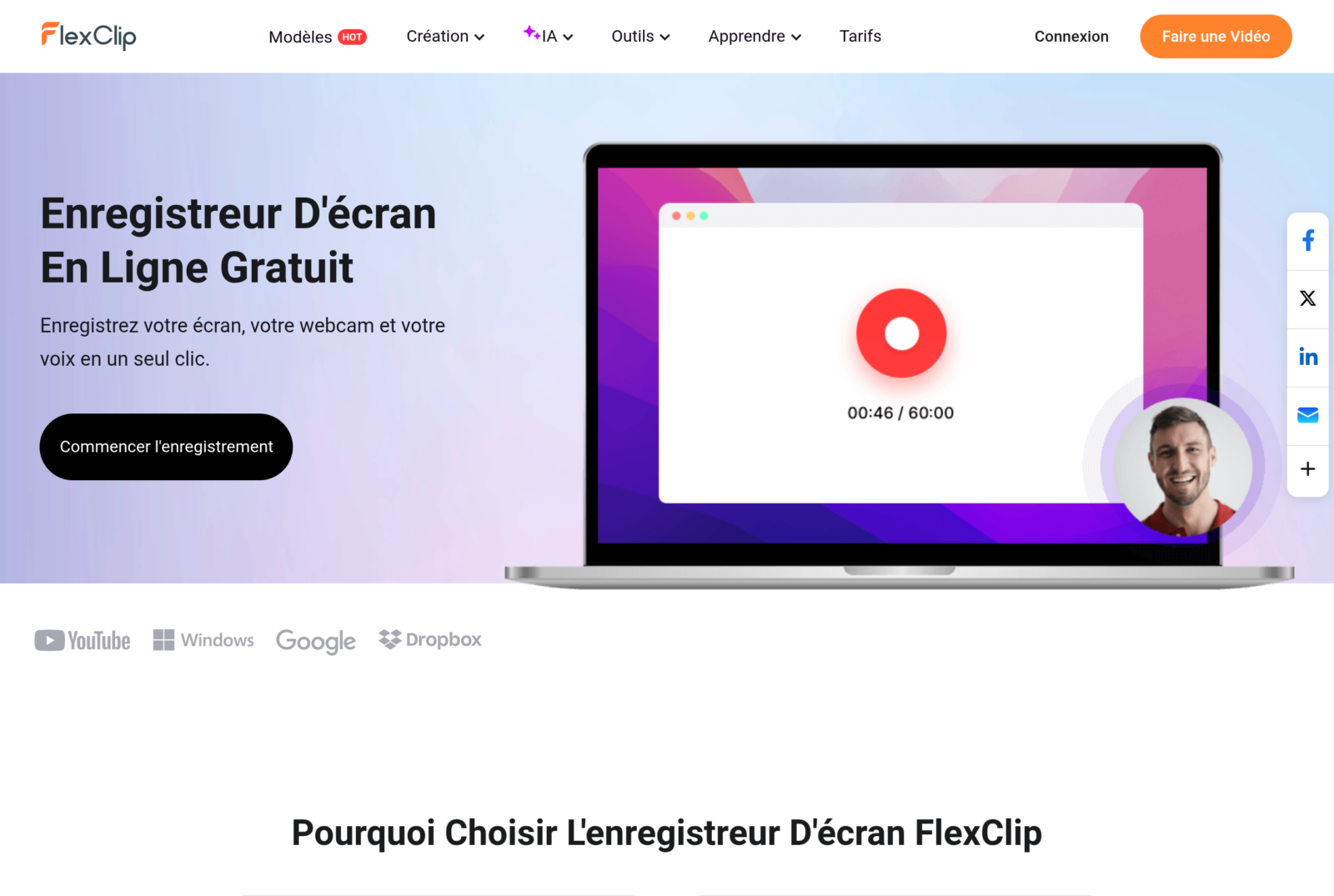
For tutorials, software demonstrations or training, FlexClip integrates a recorder which captures the screen, webcam or both, directly in the browser. The recording lands in the editor, or it also adds subtitles, zooms, annotations and voiceover. The complete circuit « I capture, I climb, I export » holds in one tab, without installation.
GIF Creator and Small tools good practice
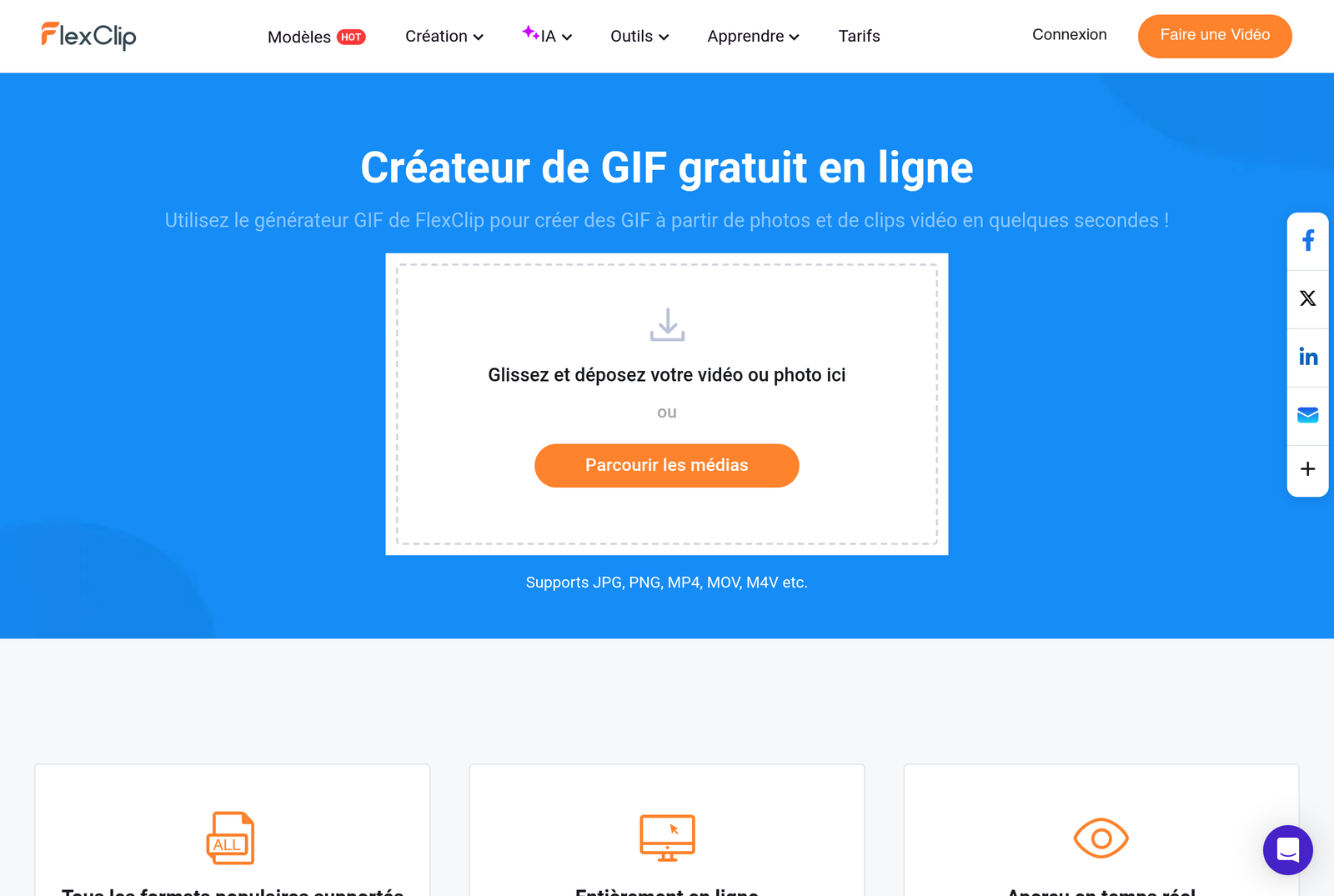
Around the big functions, FlexClip aligns a series of micro-tools who do daily service: GIF Creator, video cutting and merging, cropping and zooming, resolution change, watermark addition or removal, compression, converter. Nothing revolutionary taken isolation, but having in the same place avoids the race to third-party sites for each small manipulation.
Free price and map of FlexClip
FlexClip offers a free plan to test the essentials, then pay formulas that unlock export watermark-free, the high resolution, more credits AI and storage. The free plan remains limited (filigree, resolution and credits) AI But it is enough to make an idea of the suite before going to the crate.
| What matters | Free plan | Paid plans |
|---|---|---|
| Watermark | Yes | Withdraw |
| Resolution of export | Limit | Up to 1080p and 4K |
| Credits AI | Quota reduced | Quota rises according to formula |
| Cloud storage | Reduced | Scope |
| Votes ElevenLabs / MiniMax | Access limit | Full access |
For details of What You Can do without paying, we devoted an entire article to FlexClip free plan. And if you're hesitant with the competition, here's our comparison of the best alternatives to FlexClip.
Our verdict
🎯 Verdict
FlexClip is not a simple online editor, it's a creative suite AI complete that covers the entire string: script, video, avatar, voiceover ElevenLabs and MiniMax, subtitles, translation, image and audio, all without installing anything. Its strength is not to be the best on each brick taken isolation, but to unite everything in a single fluid interface, from the text from start to export 4K. For a creator, entrepreneur or community manager who wants to produce quickly and in several formats, it is a Swiss knife difficult to beat. The free plan allows you to try everything before deciding.
Discover all FlexClip functionality →
To go further, read also our review FlexClip Complete and Test.
FAQ: Frequently Asked Questions about FlexClip Functionalites
What can we do with FlexClip?
FlexClip allows to create and mount videos, but also to generate a video by AI from a text or link, to cut a long video into Shorts, to create a talking avatar, to add a voiceover ElevenLabs or MiniMax, clone your voice, generate subtitles, translate and double a video, generate and retouch images, clean audio and record your screen. All in the browser, without installation.
Does FlexClip use voices ElevenLabs ?
Yes. FlexClip voice synthesizing integrates engines ElevenLabs and MiniMax, in addition to standard voices. We choose the language, the stamp, the style and we adjust speed and tonalite for a natural rendering. Voice cloning is also available.
Do you need to install software to use FlexClip?
No. FlexClip works entirely online in a browser like Chrome, on PC or Mac. There is no download or installation, and projects are backup in the cloud.
Can we turn a long video into Shorts with FlexClip?
Yes. L tool Long videos in Shorts takes a link YouTube or a file, detects the best moments and generates vertical clips in 9:16 format with anime subtitles and a viral potential score to prioritize publications.
Can FlexClip translate and double a video?
Yes. The tools translation and dubbing AI translate the audio track and generate a new voiceover in the target language, with subtitles. A French video can be converted into English, Spanish or German in a few minutes.
Is FlexClip free?
FlexClip offers a free plan to test most functions, with watermark, resolution and credits AI limits. Pay plans remove watermark, unlock 4K, increase credits AI and storage, and give full access to premium voices.