A quick video AI, it is the written instruction which tells the generator what he has to film: who, what, where, how the camera moves, what light, what sound. The difference with a quick image holds in a word: movement. An image is described, a video is staged. That's why so many first tests on Kling, Seedance or PixVerse give blurred clips in their intention, where the camera hesitates and where the character vaguely does something.
We have gathered here the structure which returns in the guides official of the main models, errors that sabotage a clip, and a library of 30 examples of prompts classified by use, ready to copy and adapt. Most examples specify tool For which they are best cut. The prompts are in English, the language that these models interpret most finely, with the translation of intent into French.
📌 Essentials
- The working structure : subject + action + decor + camera movement + light and atmosphere (+ sound for audio models).
- One action per plan : a clip of 5 to 10 seconds holds only one main movement. Beyond, we cut into planes.
- The camera is called : « slow dolly-in », « Tracking shot », « static shot » rather than « beautiful camera ».
- In image to video, we describe the movement, not the image : the decor is already in the starting photo.
- 30 examples below, classified by use: social networks, advertising, cinema, photo animation, effects, multi-plans.
Contents: What is a quick video? • The working structure • Writing a Perfect Quick • Kling, Seedance, PixVerse : the differences • 30 examples of prompts • Frequent errors • Where to find prompts • FAQ
What is a quick video, and how does it differ from a quick image?
A quick one is the natural language instruction given to a model AI. For an image, he describes a frozen scene: a subject, a decor, a style. For a video, he must also describe what changes for a few seconds. Does the subject move? Does the camera move, does it turn around, does it remain fixed? Does the light evolve? Is there a sound, a music, a replica?
There are two main modes. In text to video, the prompt carries everything: we must describe the scene and the movement. In image to video, we provide a starting image and the prompt focuses on what is moving. If you're new, our guide to create a video with AI takes over the whole chain, from script to export.
What is a quick example?
A quick example is an already written instruction that is reused as a model by changing variables (the subject, the place, the style). It's the fastest way to learn: you start with a structure that works, you change one element at a time and you see what it changes. This is exactly the intended use for the lower library.
The structure of a fast video that works
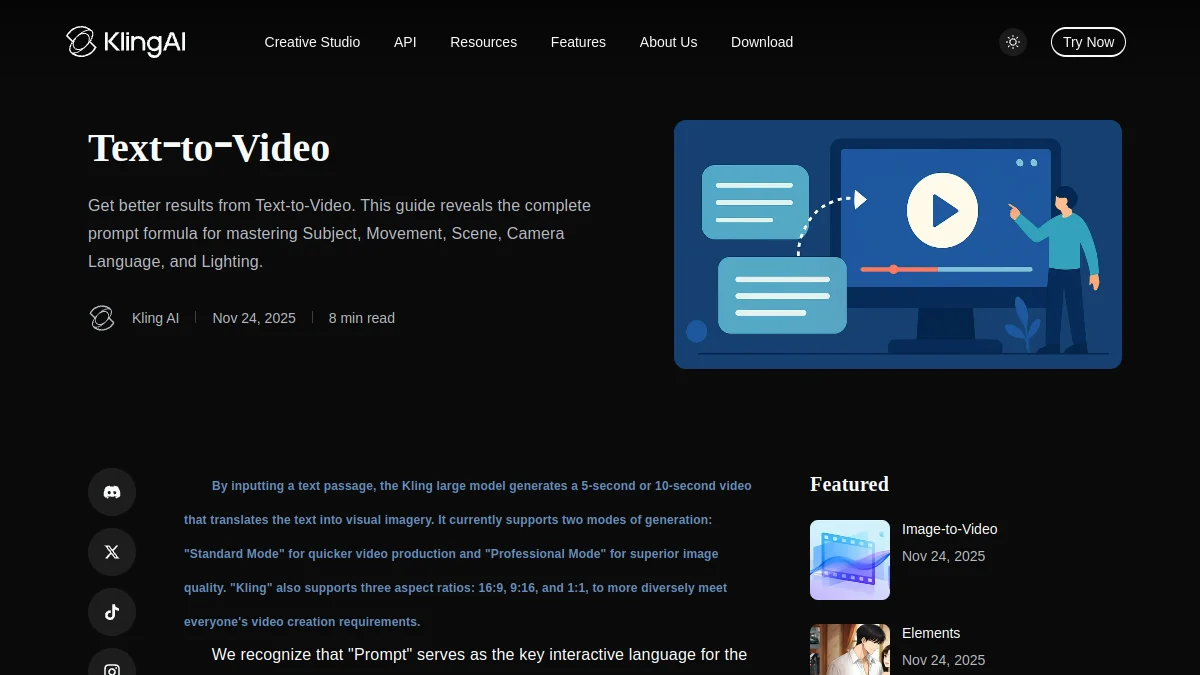
The guides official converge. Kling breaks down the prompt into subject, subject movement, scene, then optional camera language, light and atmosphere, in its guide text to video. Google follows the same logic for Veo: subject, action, scene, angle and camera movement, style, atmosphere, and now audio. It's a six-block formula.
| Block | What he describes | Example |
|---|---|---|
| 1. Subject | Who or what, with 2 or 3 visible details | an elderly fisherman with a grey beard and a yellow groove |
| 2. Action | A main movement, in the present | sweaters a net out of the water |
| 3. Decor | Location, time, weather | a small wooden boat, stormy sea at dawn |
| 4. Camera | Frame + movement, with cinema vocabulary | medium shot, slow handheld push-in |
| 5. Light and style | Lighting, pallet, rendered | gold blue light, cinematic, 35mm film grain |
| 6. Sound (if the model manages it) | Atmosphere, noise, dialogue between quotes | sound of waves and wind, seagulls in the distance |
Assembled, it gives: « An elderly fisherman with a grey beard and a yellow groove sweats a net out of the water, on a small wooden boat, stormy sea at dawn. Medium shot, slow handheld push-in. Cold blue light, cinematic, 35mm grain film. Sound of waves and wind, seagulls in the distance. » Four short sentences, no useless words, and the model knows exactly what to produce.
Camera vocabulary to know
The camera block is the one that changes the result most, and the one that we forget most often. These English terms are recognized by Kling, Seedance, PixVerse and Veo.
- Frames : extreme close-up (very close-up), close-up (large plan), medium shot (size plan), wide shot (wide plan), establishing shot (over-the-shoulder), POV (subjective view).
- Movements : static shot (fixed camera), dolly-in / push-in (the camera moves forward), dolly-out / pull-back (it moves backward), pan left / right (panoramic), tilt up / down (vertical slide), tracking shot (it follows the subject), orbit / arc shot (it revolves around), crane shot (crane movement), drone shot / aerial (air view), handheld (shoulder camera).
- Angles : low angle (counter-dive), high angle (dive), bird-eye view (top view), eye level (eye height).
- Effects : slow motion, timelapse, slow depth of field, rack focus.
How to write a perfect quick for a AI video ?
The perfect prompt does not exist at first sight. It is built in two or three iterations. This is the method that is applied, and that avoids burning credits for nothing.
1. First write the intent in one sentence
Before filling the six blocks, formulate what the viewer must feel: « one must feel the loneliness of the fisherman in the face of the storm ». This sentence guide all the following choices: wide plane rather than close-up, cold light, slow camera. Without it, we stack adjectives that shoot in opposite directions.
2. One main action per clip
A 5 or 10 seconds clip doesn't tell a whole story. « She enters the café, orders, sits down and opens her computer » produce a boil. Choose the strong moment (« She opens her computer and smiles ») and reserve the rest for other plans. Seedance 2.0 knows how to chain several plans in a single generation, but it is necessary to announce them explicitly (see multi-plan examples).
3. Concrete words rather than superlatives
« Ultra realistic, 8K, masterpiece, best quality » are remaining from the 2023 image prompts. They don't say anything about the content. Replace them with what you see: « morning sunlight through dusty windows », « rain drops on the Lens », « steam laughing from the cup ». Recent models respond to visual details, not compliments.
4. Change one variable at a time
If the result is not appropriate, do not rewrite everything. Change one block (camera, or light) and restart. You will know what improved or degraded the clip. On the tools to credits, generate in low resolution or standard mode during iterations, then switch to high quality for the final version, often divides the bill.
5. Use the negative prompt when it exists
Kling and PixVerse offer a field « prompt negative » to exclude what we do not want: « blurry, distorted hands, text, watermark, extra limbs ». No need to put 20 terms, four or five are enough. On models without this field, formulate positively: « empty street » rather than « No people ».
💡 Tip: ask ChatGPT or Claude to transform your idea into a structured prompt, giving it the formula in six blocks. Then reread and delete everything that is not visible on the screen. Assistants tend to add abstract emotions that the video model can't film.
How to create a AI video with a prompt: Kling, Seedance and PixVerse
The structure remains the same everywhere, but each model has its preferences. Knowing them avoids fighting against it tool.
| Tool | What he understands best | Recommended quick length | Ideal for |
|---|---|---|---|
| Kling AI | Camera movements, realistic physics, beginning and end image | 3 to 5 sentences | Movie plans, products, realistic scenes |
| Seedance | Multiple plans, character consistency, quote dialogues, sound | Longer, cut by plane | Mini-recitations, advertisements, narrative sequences |
| PixVerse | Ready-to-use effects, styles, rapid transformation | Short, 1 to 3 sentences | Viral formats TikTok and Reels |
Kling is the most « cinema ». It respects the named camera movements and physics (tissue, liquids, smoke). The guide official recommends that the topic be described in several short sentences. With its free daily credit plan, this is the best training ground (our page Free Kling AI details the quotas).
Test these prompts on Kling AI
Seedance is very literal about camera language and plan changes. He accepts a quick cut (« Shot 1: ... Shot 2: ... ») and keep the character's appearance from one plane to another if the same description is repeated. As it generates sound, think about specifying the sound atmosphere, or silence if you don't want it.
PixVerse shines on the effects (morphing, transformations, dances) where a model of effect makes most of the work. The prompt is mainly used to specify style and action. The shorter it is, the more legible the effect remains.
30 examples of quick AI videos to be copied
Each prompt follows the structure described above. Replace the subject or decor with yours, keep the camera and the light, and then adjust. The durations indicated are those for which the prompt is thought.
Social networks (TikTok, Reels, Shorts): 6 examples
- Coffee hanger (vertical, 5 s, Kling) :
Extreme close-up of hot coffee being poured into a white ceramic cup, steam rising, morning light through a window, slow motion, static shot, warm tones, vertical 9:16.Intention: a plan of opening that stops scrolling. - City at night (vertical, 5 s, Kling) :
A young woman in a red coat walks through a neon-lit street in Tokyo at night, rain on the pavement reflecting the signs, tracking shot from behind, shallow depth of field, cinematic. - Before/after (5 seconds, PixVerse) :
A messy desk transforms into a clean minimalist workspace, objects slide into place by themselves, top-down view, bright daylight. - Accelerated recipe (5 s, Kling) :
Top-down shot of hands chopping fresh vegetables on a wooden board, quick cuts of tomato, basil and garlic, timelapse, natural kitchen light. - Travel landscape (10 s, Kling) :
Aerial drone shot slowly flying over turquoise water and white cliffs in Brittany, gentle waves, golden hour, smooth forward movement. - Cute animal (5 s, PixVerse) :
A small corgi puppy runs towards the camera on a sunny lawn, ears flapping, low angle, slow motion, joyful mood.
Advertising and product: 6 examples
- Perfume (5 s, Kling) :
A glass perfume bottle on a black marble surface, slow orbit shot around it, drops of water sliding down the glass, soft rim light, luxurious mood. - Sneaker (5 s, Kling) :
A white sneaker lands on wet asphalt in slow motion, water splashes around it, low angle close-up, dramatic backlight, high contrast. - Cosmetic (5 s, Kling) :
Close-up of a cream jar opening, a finger scoops the texture, macro lens, pastel pink background, soft diffused light, static shot. - Mobile application (5 s, Seedance) :
Over-the-shoulder shot of a woman scrolling a smartphone app in a bright cafe, she smiles and taps the screen, shallow depth of field, natural light, soft cafe ambience sound. - Restaurant (10 s, Seedance) :
Shot 1: wide shot of a cosy bistro at dinner time, warm lights. Shot 2: close-up of a chef plating a dish with tweezers. Shot 3: a couple tasting the dish and smiling. Consistent warm tones, light jazz music. - Real estate (10 s, Kling) :
Smooth dolly-in through the front door of a modern bright living room with large windows, sunlight on a wooden floor, wide angle lens, calm atmosphere.
Cinema and storytelling: 6 examples
- Thriller (5 s, Kling) :
A man in a dark suit looks over his shoulder in an empty underground parking lot, flickering fluorescent lights, slow push-in on his face, tense atmosphere, desaturated colors. - Science fiction (10 s, Kling) :
An astronaut walks on a red desert planet towards a huge crashed spaceship, dust blowing in the wind, wide shot, slow tracking shot from the side, epic scale. - Intimistic drama (5 s, Seedance) :
Close-up of an old woman reading a letter by a window, a tear runs down her cheek, soft afternoon light, static shot, quiet room, ticking clock sound. - Fantastic (10 s, Kling) :
A glowing deer walks through a misty forest at night, fireflies around it, low angle tracking shot, magical atmosphere, blue and gold palette. - Dialogue (10 s, Seedance) :
Medium shot of two friends sitting on a bench in a park in autumn. The woman says: "We should have left earlier." The man laughs and shrugs. Natural light, handheld camera, ambient park sounds. - Western (5 s, Kling) :
A lone rider on horseback appears on the horizon of a dusty desert at sunset, heat haze, wide shot, slow crane shot rising, warm orange tones, film grain.
Animate a photo (image to video): 5 examples
Here, the decor is already in the picture. The prompt only describes the movement. It's the same logic for animate an image with Midjourney Video.
- Portrait :
The woman slowly turns her head towards the camera and smiles, hair moving gently in the wind, subtle slow push-in. - Old family photo :
The people in the photo blink and smile naturally, very subtle movements, static camera, keep the original photo grain. - Landscape :
Clouds move slowly across the sky, the water of the lake ripples, birds fly in the distance, static shot, timelapse feel. - Illustration :
The leaves of the trees sway, light particles float in the air, the character's cape moves in the wind, slow parallax camera movement. - Photo product :
Slow 180 degree orbit around the product, reflections moving on its surface, background stays still.
Viral effects and transformations: 4 examples
- Seasonal processing (PixVerse) :
The garden transforms from winter snow to blooming spring flowers, smooth morphing transition, static wide shot. - Character in figure (PixVerse) :
The person turns into a small collectible figurine standing on a desk, smooth transformation, close-up, soft studio light. - Color Explosion (Kling) :
A white t-shirt is hit by bursts of colored powder, slow motion, black background, static close-up, vivid colors. - Infinite Zoom (Kling) :
Continuous fast zoom out from a ladybug on a leaf to the garden, the city, then planet Earth seen from space, seamless transition.
Multi-plan sequences: 3 examples
Reserved for models that manage cuts in the same generation, such as Seedance 2.0. Repeat the character description to each plan to maintain consistency.
- Morning of a runner (10 seconds, Seedance) :
Shot 1: close-up of an alarm clock showing 6:00, a hand turns it off. Shot 2: a young man with short black hair and a grey hoodie ties his running shoes. Shot 3: wide shot of the same young man running along a river at sunrise. Upbeat music. - Trailer (10 seconds, Seedance) :
Shot 1: aerial shot of a foggy medieval village. Shot 2: close-up of a knight in silver armor opening his eyes. Shot 3: the knight draws his sword, low angle, thunder in the sky. Epic orchestral music, dark cinematic grade. - Tutorial product (10 s, Seedance) :
Shot 1: top-down view of a coffee machine on a kitchen counter. Shot 2: close-up of a hand pressing the start button. Shot 3: espresso flowing into a glass cup, slow motion. Bright clean light, soft machine sounds.
Try the quick multi-planes on Seedance
Errors that sabotage a quick video
When a clip misses, the cause is almost always in that list. We find them in the guides official as in the essays of creators.
- Too much action : the model chooses one at random or mixes them. One action by plan.
- No camera specified : the model improvises, often with a light soft zoom. Always name the movement, even « static shot ».
- Contradictions : « calm and dynamic », « night scene, bright sunlight ». Reread to remove oppositions.
- From text to screen : the models still write badly. Add titles to editing.
- Hands and fingers close up This is where the deformations are most visible. Prefer plans where the hands are occupied or partially hidden.
- Names of real people or brands moderation often blocks them, and this is not a good legal idea anyway. Describe a style rather than a person.
- Abstract words : « nostalgia », « freedom ». Translate them into images: « faded colors, old photographs on a table ».
⚠️ Attention: The same prompt never gives twice the same clip. The generation has a random part. Plan two or three trials for an important plan, and keep track of the prompts that worked.
Where to find quick videos, and what are the most used?
The most widely used rapids revolve around a few families: product plans, drone landscapes, animated portraits, transformation effects and short film scenes. They are also the most successful ones, because the models have been dragged into a lot of images of this type.
To find new ideas, four sources are worth a visit:
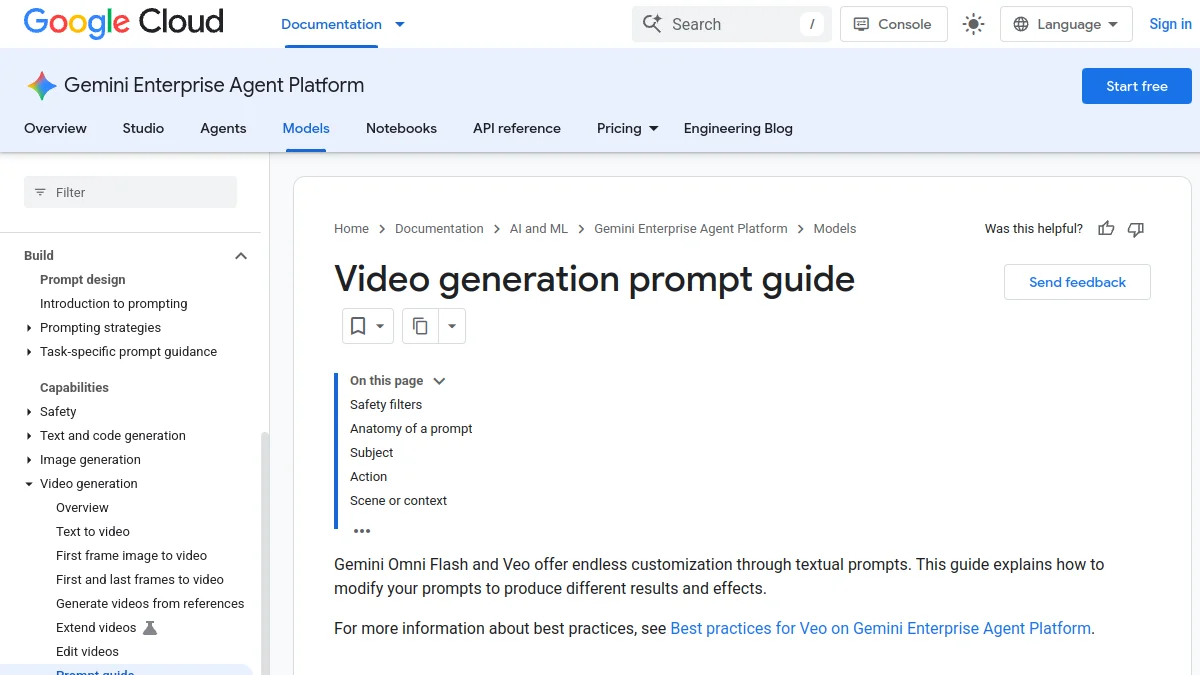
- The guides Official : the guide Kling cited above and the guide quick videos of Google for Veo, very complete on camera and audio vocabulary.
- Community galleries tools On Kling and PixVerse, many public videos show their promptness. We can take them back and adapt them.
- Reddit and Discord Communities of the generators, where users share their prompts and failures.
- Assistant AI (ChatGPT, Claude, Gemini) to which is given the structure in six blocks and an idea. Practical to decline a series of variants.
Beware of « 1000 prompt packs » sold online. Most are quick images recycled, without camera or action, and therefore not useful for video. A personal library of twenty tried and tested prompts is better. To make progress step by step, our tutorial AI video for beginners proposes a first guided project.
Test for free before paying
Kling and PixVerse offer free credits renewed every day, sufficient to test one or two daily quicks in standard quality. It is ideal to build its library without subscription. Once the right prompts are found, an entry-level subscription allows them to be generated watermark-free.
Test for prompt effects on PixVerse
🎯 Verdict
A good quick video looks more like a technical cutting line than a poem. Subject, action, decor, camera, light, sound: six blocks, one action per plan, concrete words. With this structure and the above 30 examples as a starting point, you will spend less time reviving generations and more time editing your clips.
FAQ: quick videos AI
How to write a good quick for a AI Video?
Describe in order the subject, its action, decor, camera movement, light and style, then sound if the model manages it. Restrict yourself to one main action per clip and use concrete visual terms rather than adjectives as an ultra-realistic or masterpiece.
How to create a AI video With a quick one?
Choose a generator (Kling, Seedance, PixVerse), select text to video mode, paste your prompt, set the duration and format (16:9 or 9:16), and then run the generation. Then adjust one element of the prompt to the desired result.
Should we write his quick videos in English?
This is not mandatory, most recent models include French. English, however, remains more reliable for the camera vocabulary (dolly-in, tracking shot), on which the models were most trained.
How long for a quick video?
Between 30 and 80 words for a single plan. Shorter, the model improvises. Longer, it may ignore some of the instructions. Multi-plan prompts for Seedance may be longer, provided that the plane is cut by plane.
What is a negative prompt?
It is a field, proposed by Kling or PixVerse, where one lists what one does not want to see: blur, deformed hands, text, watermark. Four or five terms are enough.
Where to find free quick videos?
In guides official Kling and Google Veo, in public galleries generators which display the quick videos, and in Reddit or Discord communities. The 30 examples of this article are also free to use.