Someone is sending a conference recorded in MP4 while I just need the audio track to listen in podcast on the train. A contributor wants to isolate the voice of a video interview to rework it. A YouTuber recovers audio from an old video for a remix. All these requests are settled in 30 seconds with the right tool. Here are the seven that j-uses as appropriate, from free without installation to workflow pro with transcription AI.
I leave from the fastest to the most complete, with for each the available output format, the file limit, and if the service requires an account. The comparison at the end tools by concrete use.
📌 Essentials
- Fastest (without account) : Convertio or FreeConvert online
- The most complete free : VLC (no size limit, offline)
- Pro with transcription AI : Description
- Batch pro : CloudConvert (200+ formats, API)
- Extraction in editing : Filmora or FlexClip
- Recommended format for the vote: MP3 192 kbps (indistinguishable quality, 6× lighter than WAV)
How to convert MP4 to MP3 for free
Three approaches work free in 2026, each with its advantages. The online converters Like Convertio, FreeConvert or CloudConvert process your MP4 without installation, usually under a ceiling of 100 to 500 MB per file. The VLC software, free and open source, allows unlimited size conversion and works offline. The AI Tools as Descript add an automatic bonus transcription, very useful to find a precise passage in a long recording.
For a punctual need: go through a tool online. For regular use or long files: prefer VLC or a tool AI installed.
The 7 tools tested to convert MP4 to MP3
| Tool | Type | Prices | File Limit | Bonus |
|---|---|---|---|---|
| VLC | Desktop | free | none | Offline |
| Convertio | Online | free / 10 $/month | 100 MB | 200+ formats |
| FreeConvert | Online | free / 10 $/month | 1 GB | batch, without registration |
| CloudConvert | Online / API | free 25/d/9 $/month | 1 GB | API, automation |
| Description | Desktop AI | Free / 12 $/month | according to plan | auto transcription |
| Filmora | Desktop AI | From 50 €/year | none | editing complete |
| FlexClip | Online AI | free / 10 $/month | according to plan | extraction + editor |
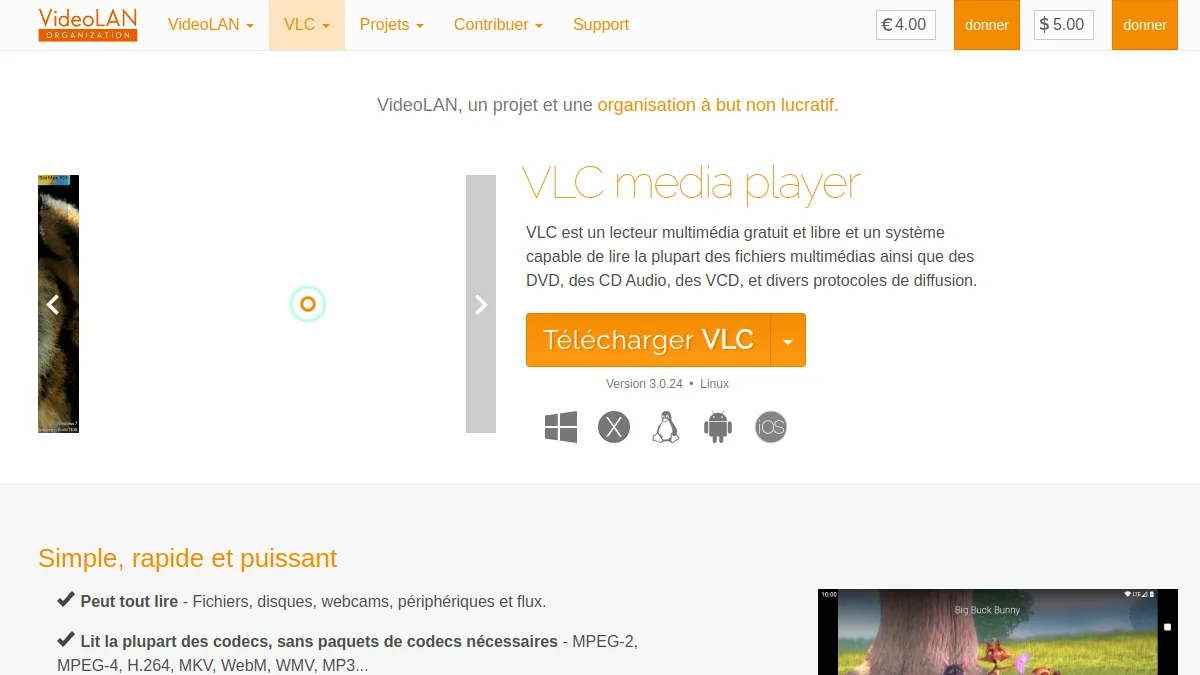
1. VLC: the free offline reference
The open source media player contains a often unknown conversion function. No size limit, works offline, free for life. Ideal for converting long files or for regular use without dependency of an online service. Counterpart: somewhat dated interface and default profiles sometimes cap MP3 at 128 kbps. The exact procedure is detailed in section VLC below.
2. Convertio: the fastest online
Convertio is leading the results Google French for several years, and for reasons: three clicks are enough. We slide the MP4, we select MP3 on the output, we download. No account required for a file up to 100 MB. Beyond, a $10 per month plan unlocks up to 1 GB per file and batch processing.
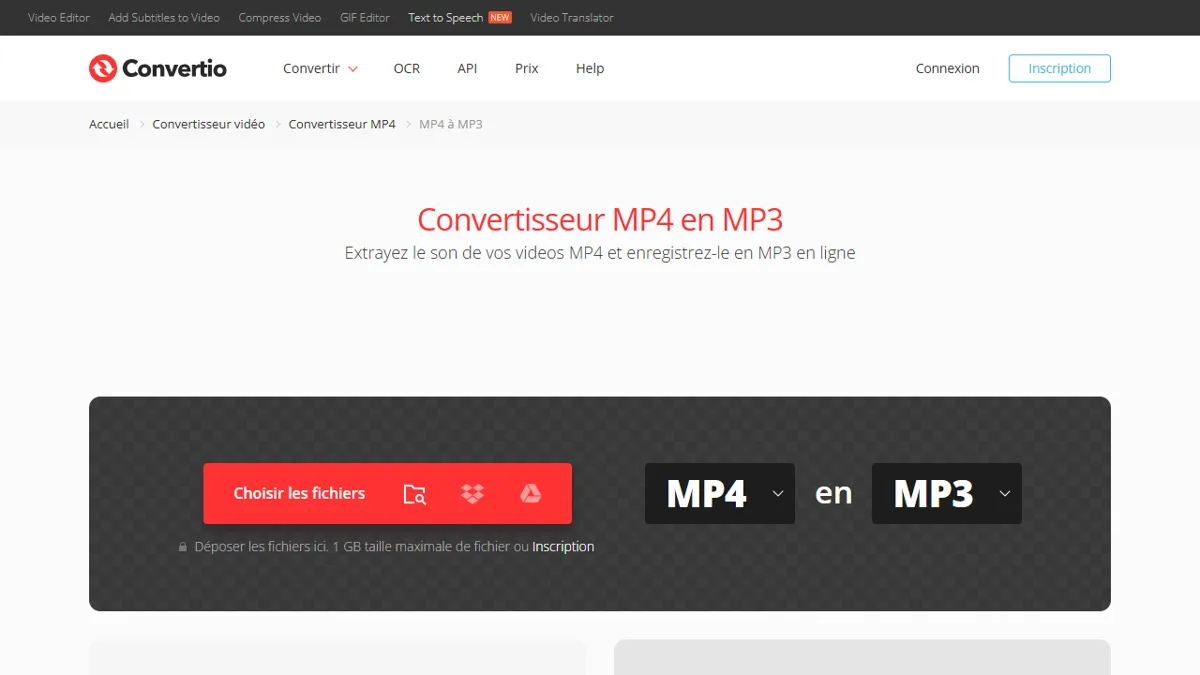
The service supports more than 200 input and output formats, making it a real Swiss knife to convert everything and anything on time. Bemol: files are uploaded to their server, do not go through Convertio for sensitive content.
3. FreeConvert: the most flexible
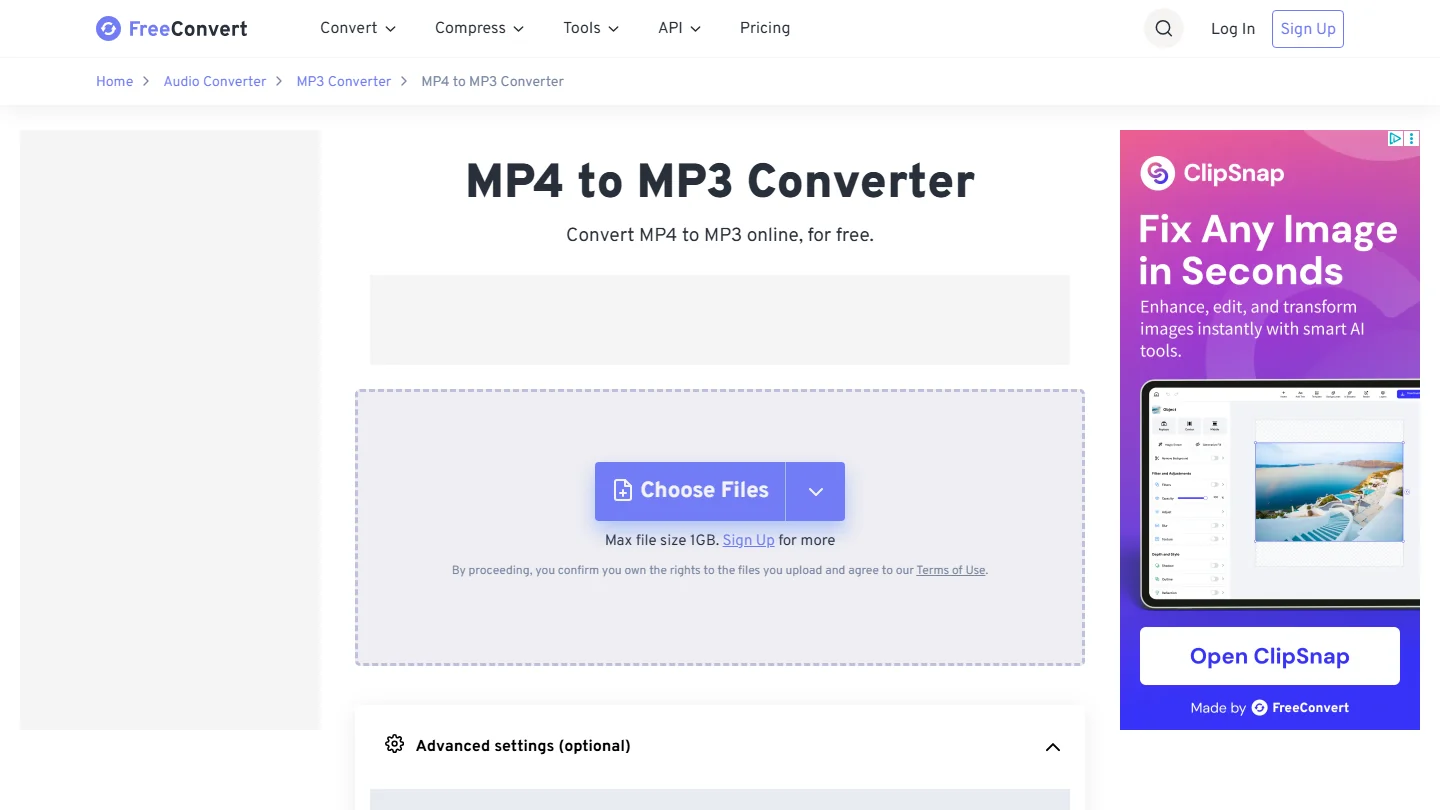
Similar to Convertio in use, FreeConvert raises the free ceiling to 1 GB per file, which covers the majority of long videos without having to pay. L tool Also offers the batch (several files in one time) and allows to adjust the MP3 bitrate before conversion, up to 320 kbps.
It's the best tool free online if you convert large files or several videos in a row. No account required for basic use.
4. CloudConvert: the pro with API
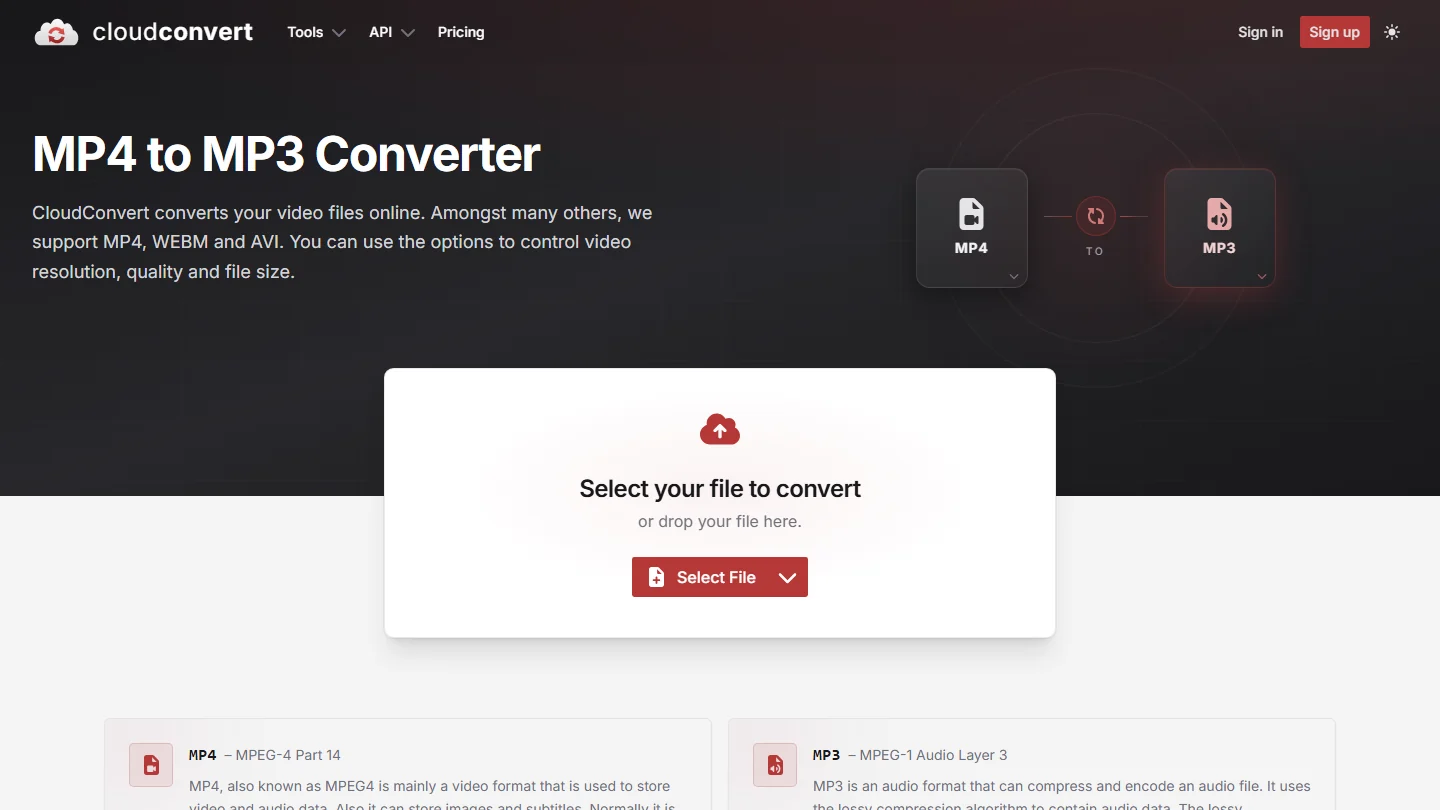
CloudConvert is distinguished by its REST API allowing to automate conversions in a workflow (Zapier, Make, home script). The free version limits to 25 conversions per day, the price offer starts at 9 dollars per month for intensive uses. Interface more dense than Convertio but fine options: audio bitrate up to 320 kbps, adjustable sampling, customizable ID3 tags.
This is my choice for recurring pipeline extractions (e.g. generating podcasts automatically from video rushes).
5. Descript : conversion + transcription AI
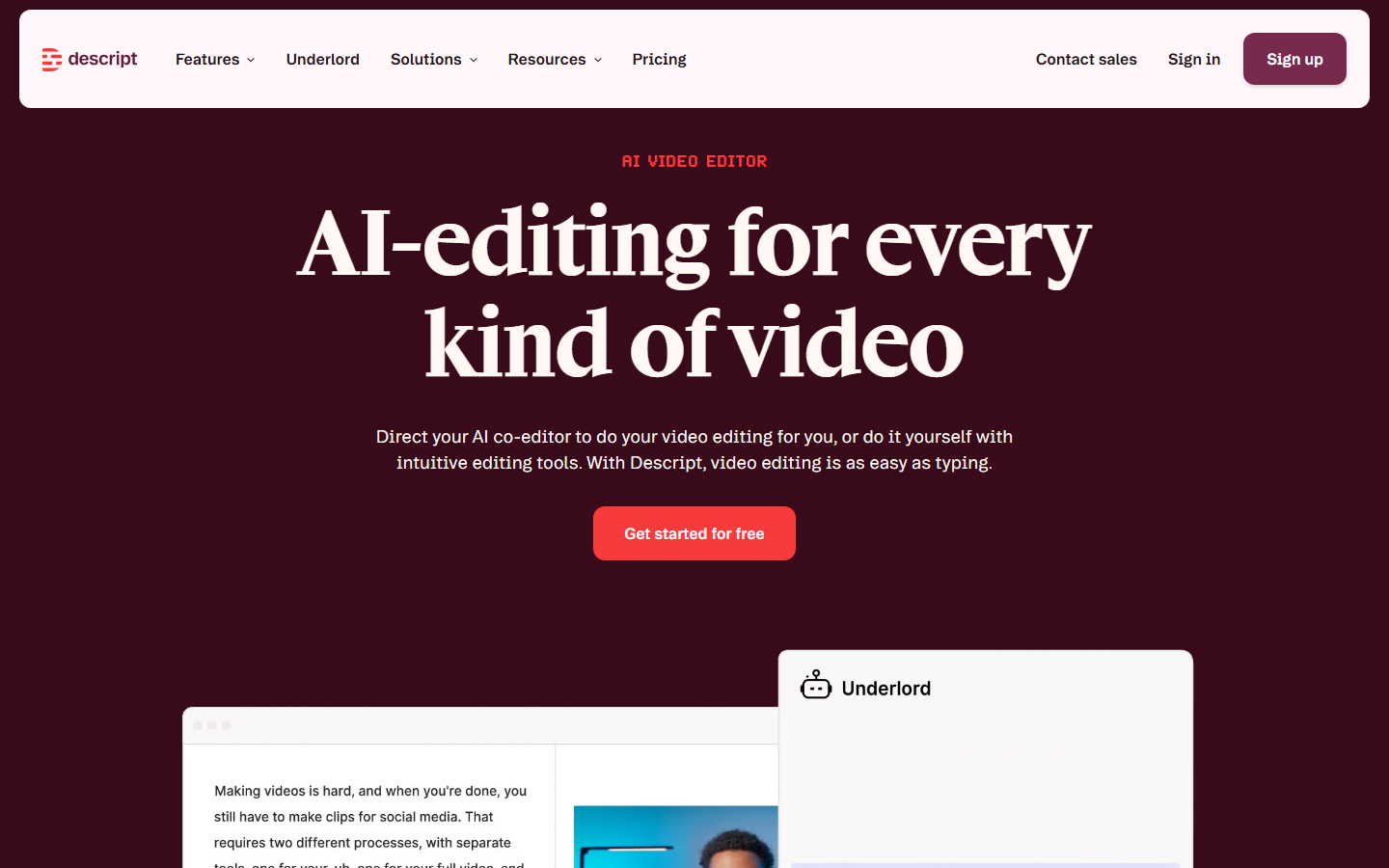
Descript does not only convert: it transcribes audio to text at the time of import, which allows to find a precise passage in a file of several hours by typing a few words. You can also edit audio via the text (cut a sentence = cut the corresponding audio), devastating function for the editing podcast.
The free plan allows to extract up to one hour of video per month. The paid version starts at $12 a month for regular use. Our Full Review of the Descript details all functions.
6. Filmora : extraction in the timeline of editing
If you mount your videos in Filmora, the extraction is done without leaving the tool. Import MP4, right click on clip, « Detach audio », export in MP3 or WAV. Filmora adds AI Tools Audio cleaning in its pay offer (nozzling, volume normalization), ideal for a professional podcast stream.
Price from 50 euros per year for the perpetual license. Our review complete on Filmora covers all the features of the software.
7. FlexClip: extraction and online publishing
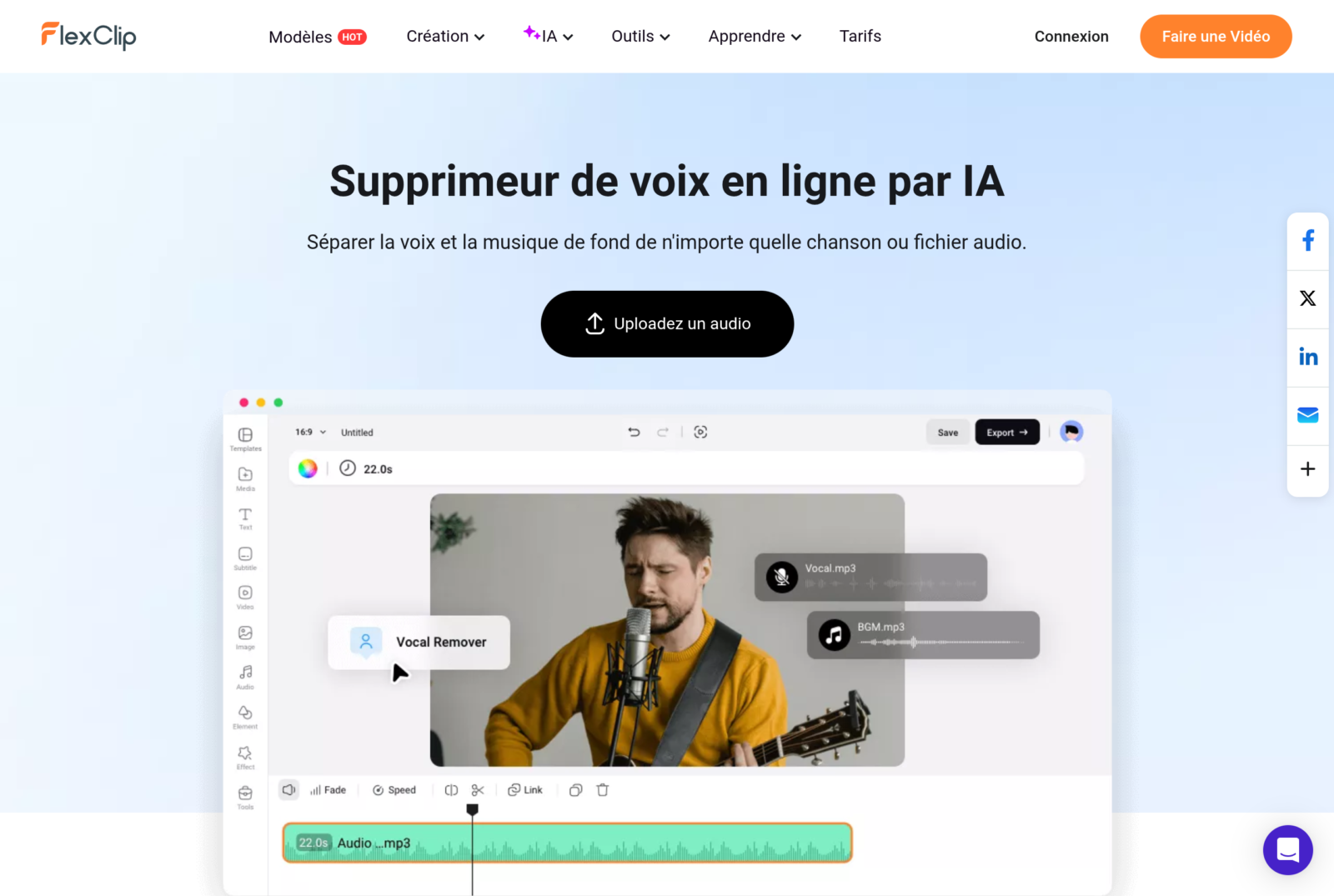
FlexClip works 100% in the browser and offers AI Tools bonus: classical audio extraction, but also a « voice remover » which separates voice and background music. Useful for recovering a voiceover clean from a video with embarrassing background music.
The free plan covers short extractions. The Pro version at $10 a month unlocks long files and features AI progress. See our Full Review FlexClip.
Convert MP4 to MP3 with VLC: the exact procedure
VLC remains the most reliable solution for converting without size limit and offline. This is the step by step procedure.
- Open VLC and go to the menu Media then Convert / Save.
- Click Adding and select your MP4 file.
- Click Convert / Save Down the window.
- From the Profile drop-down menu, choose Audio – MP3.
- Click on the wheel key icon to adjust the bitrate if needed (192 or 320 kbps recommended).
- Select destination folder via Browse.
- Click Start. VLC converts to real time (a 10-minute video takes 30 to 60 seconds).
No watermark, no file sending to an external server, conversion remains 100% local.
Convert MP4 from YouTube in MP3
This is the most frequent question, with an answer that depends on the legal context. YouTube does not allow audio extraction of most videos by its conditions of use. For personal videos or under Creative Commons license, two methods work.
On the web side, several services (notube, y2mate, ytmp3) offer extraction from a URL YouTube. We stick the link, we choose MP3, we download. Attention, these services often display intrusive advertising.
Software, yt-dlp remains tool reference for users comfortable with the command line. The command yt-dlp -x --audio-format mp3 URL audio extract in one line, within the limits of what the conditions of use allow. We detail this method in our article on methods to extract audio from a video.
Convert MP4 to MP3 on iPhone
On iPhone, three options work without installing heavy third party application. The fastest method is applied Shortcuts native to Apple: a custom shortcut can convert a shared MP4 to MP3 into a tap. Preconfigured shortcuts are found in the gallery of the RoutineHub community.
Alternative without installation: the online converters mentioned above (Convertio, FreeConvert) also work well on Safari mobile. You drag the file from Files, convert, upload to Files. Three minutes maximum for a 30-minute video.
Finally, the VLC application is available free of charge on the App Store and incorporates the conversion function of the desktop version.
Once your MP3 gets you can go further and isolate the voice or instrumental of the song. The method and the tools are detailed in our article for separating voice and music from a song with AI, with a part on what the law allows to make obtained leads.
Extracting sound is often only one step: if your goal is to get the text of a video, our guide for transcribe video to text for free compares six methods, of YouTube Whisper.
Are MP4 converters legal?
Converting an MP4 from which you hold rights (video shot by you, purchase, Creative Commons license) is perfectly legal. Converting a copyrighted MP4 without permission constitutes infringement, even if it is tool of conversion is legal by itself.
For YouTube, the conditions of use explicitly prohibit extraction except for personal use offline via YouTube Premium. For videos licensed under Creative Commons or in the public domain, extraction is permitted. In doubt, always check the source license before conversion.
Choose according to your use case
One-time conversion of a small file
Convertio or FreeConvert. Three clicks, no installation, no account required. Perfect for an isolated need.
Regular extraction or long files
VLC. No limit, no external shipment, free for life. The learning curve is three minutes.
Podcast with text transcription
Description priority. The bonus transcription saves several hours a week on recurring episodes.
Extraction in a flow of video editing
Filmora for desktop, FlexClip For online. Extraction is part of production workflow without leaving tool.
Automation via API
CloudConvert. Its REST API integrates with Zapier, Make or any home script to automatically convert files from their upload to a monitored folder.
Frequently Asked Questions
How to convert MP4 into MP3 for free?
Three options work in total free. Convertio and FreeConvert online (up to 100 MB and 1 GB respectively, without account), VLC to desktop (no limit, offline), Descript free plan with bonus transcription (up to 1 hour per month). Choose according to the size of the file and if you need transcription.
What is the best MP4 to MP3 converter?
For online speed, FreeConvert (free 1 GB ceiling, better than 100 MB Convertio). For reliability and lack of limits, VLC in desktop. For pro use with transcription, Descript. The « better » Depends on your volume and needs.
How to convert MP4 to MP3 with VLC?
Media menu then Convert / Save. Add your MP4, click Convert, choose the Audio MP3 profile, select the destination folder, run. Conversion takes 30 to 60 seconds for a 10-minute video.
Can MP4 be converted to MP3 on iPhone?
Yes, three methods work. The Apple native shortcut application allows a unique tap via a custom shortcut. Online converters (Convertio, FreeConvert) work from Safari mobile. The VLC app for iOS also incorporates the function.
What quality MP3 choose for voice?
192 kbps is the sweet spot for the spoken voice: indistinguishable quality of the original ear while weighing six times less than an equivalent WAV. For music, prefer 256 or 320 kbps. For a long-term archive podcast, FLAC (loss-free) remains the best option, but MP3 320 kbps remains largely acceptable.
Converting a MP4 to MP3 is no longer a technical operation in 2026. The tools free online is sufficient for the majority of ad hoc cases, VLC covers regular uses without addiction, and AI Tools as Description add the bonus transcription that saves hours on podcast workflows. To go further on audio extraction in general, check out our Complete Guide methods to extract audio from a video.
🎯 Verdict
To convert MP4 to MP3 quickly done, Convertio or FreeConvert Enough. For regular use with transcription AI bonus, pass on Description — It's the only one tool which manages extraction + transcription in one stream.
To go further on this subject, consult our Complete Guide convert video to gif.