Retrieving the text of a video took an afternoon five years ago: helmet on the ears, pause, back, knock. Today, AI voice recognition transcribes an hour of interview in a few minutes, including punctuation, and often free. The real subject is no longer « Is it possible? » but « what tool which file ». A video YouTube, a meeting MP4, a filmed podcast or a TikTok do not treat each other the same way. Here are six effective methods to transcribe a video into text, from the simplest to the most accurate, with their free limits noted in October 2026.
Contents: Essential • Comparison methods • Video YouTube • Word • TurboScribe • Whisper in local • Descript and Submagic • ElevenLabs and assistants AI • Improving accuracy • FAQ
📌 Essentials
- Video YouTube : the transcription is often already there, under the description (« Show Transcript »). Free, immediate.
- MP4 file on your computer : TurboScribe free (3 files of 30 minutes per day) or Word if you have Microsoft 365 (300 minutes per month).
- Free and unlimited : Whisper, the open source model OpenAI Locally on your machine. Your files don't leave the computer.
- To mount the video : Descript transcribed and allows to cut by editing the text (1 hour free per month).
- For the best accuracy : ElevenLabs Scribe v2, invoiced 0.22 $ of the hour in API, with identification of speakers.
What is the best tool free transcript?
There is not one, because the right choice depends on three parameters: the source (online link or local file), the duration and the level of confidentiality required. The following table summarizes what each method allows without paying.
| Method | Free limit | Locutors identified | Export | Ideal for |
|---|---|---|---|---|
| Transcript YouTube | Unlimited, if video has subtitles | No | Copy-paste | Videos YouTube Public |
| Word (Microsoft 365) | 300 min per month with a subscription | Yes | Word Document | Meetings, interviews |
| TurboScribe | 3 files a day, 30 min each | Yes | TXT, DOCX, PDF, SRT | One-time files |
| Whisper in local | None | No (without tool additional) | TXT, SRT, ATV | Significant volumes, sensitive data |
| Description | 1 hour of media per month | Yes | TXT, DOCX, SRT, video | Transcrire then mount |
| ElevenLabs Scribe v2 | Free plan credits, then 0.22 $/h in API | Yes | TXT, SRT, JSON | Maximum accuracy, 90+ languages |
Limits noted on October 11, 2026 on official pages or help from publishers. Free quotas change regularly.
Method 1: Retrieve the transcript of a video YouTube
That's the method everyone forgets. Most videos YouTube have subtitles, either added by the creator, or generated automatically by Google. And YouTube displays them as full text.
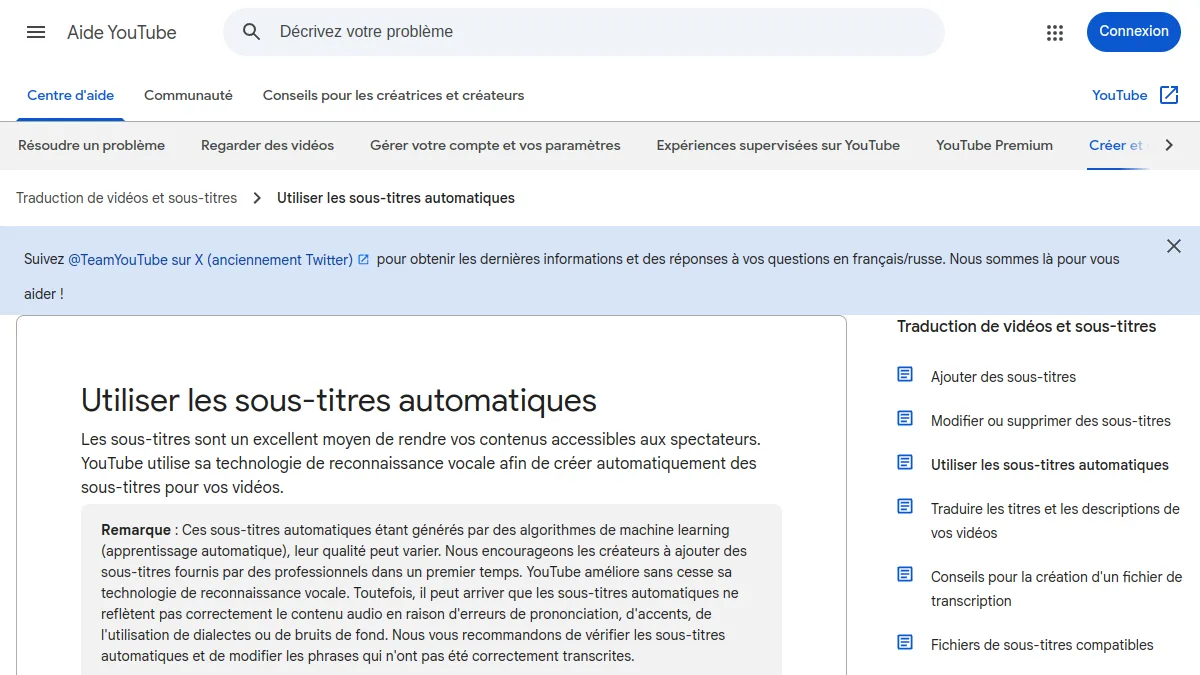
How to recover the transcript of a video?
- Open the video on a computer in the browser.
- Unfold the description under the video and click on Show Transcript.
- The right panel displays the timed text. The three-point menu hides the timer.
- Select the entire text and copy it to a document.
Limitations: If the creator has disabled the subtitles, the button does not appear. Automatic subtitles in French do not have reliable punctuation, and proper names are often unchecked. For serious use (citation, article, own subtitles), it is better to rewrite the text in a tool d AI or use another method. The YouTube details the operation of the automatic subtitles.
For a TikTok video or Instagram, there is no such simple built-in equivalent: you need to retrieve the file (or its audio) and then pass it in one of the following methods. Our guide for extract audio from a video explains how to isolate the sound track, which also lightens sending.
Method 2: Transcrib a video file with Word
If you have a Microsoft 365 subscription, you already have a tool of correct transcription without knowing it. In Word, the Home tab contains the Dicter menu, and in this menu the Transcrire option. It imports a MP4, M4A, MP3 or WAV file, and Word returns text cut by speaker, with time stamping, which is inserted into the document with one click.
According to the Microsoft help page, the quota is 300 minutes of audio imported per month for a Microsoft 365 subscriber, and much more with a Copilot license. The precision in French is good on a clear voice, less on a meeting where everyone speaks at the same time. The panel should be kept open during processing, which can last about the length of the file.
How to convert a video to Word text?
This is exactly what the Transcrire function does: the text lands directly in the document. With the others tools of this list, we export to DOCX (TurboScribe, Descript) or paste the raw text into Word. In all cases, provide for a rereading of proper names and numbers.
Method 3: TurboScribe, the simplest for a punctual file
TurboScribe is an online service built on Whisper. Swipe a video or audio file, choose the language, and retrieve a punctuated transcript, with the option of identifying speakers. The free plan allows three files a day, up to 30 minutes each, processed one by one with reduced priority. For one-time use (an interview, a course, a meeting), this is often enough.
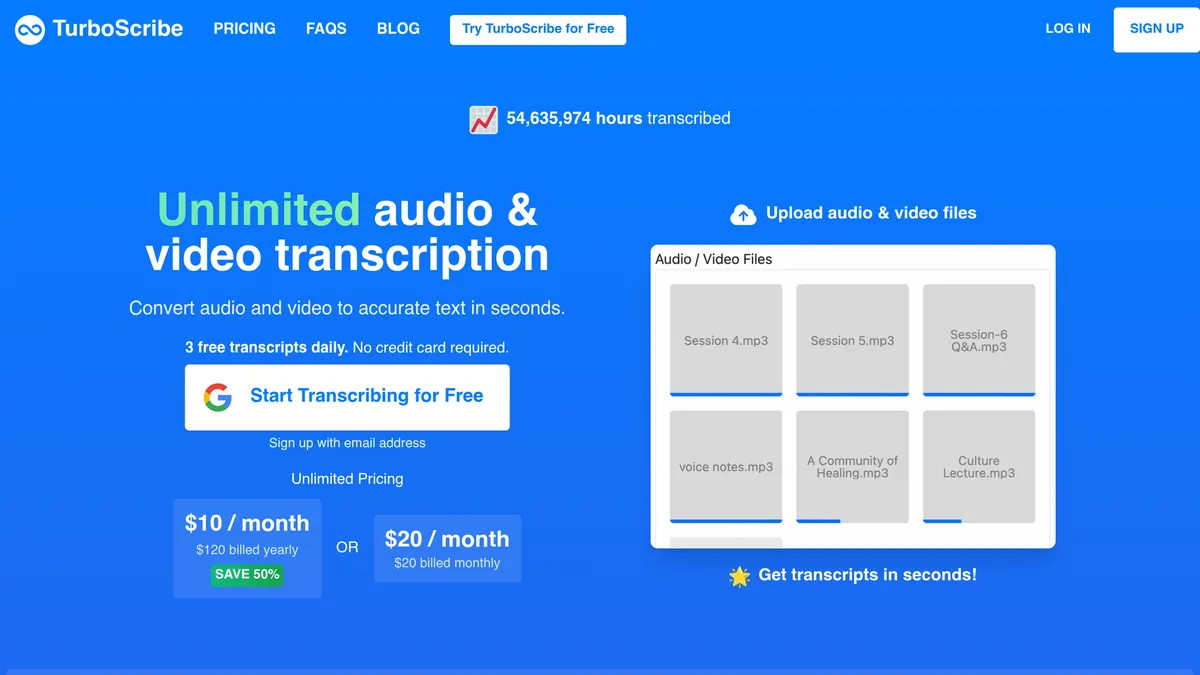
The paid plan, presented as unlimited, costs 10 $ per month in annual or 20 $ monthly, with files up to 10 hours. Some users report on the sites review restrictions after very large volumes: for industrial use, Whisper locally or an API billed per hour are more predictable. TurboScribe also offers to transcribe a video directly YouTube from his link.
Method 4: Whisper in local, free and unlimited
Whisper is the voice recognition model that OpenAI published in open source. It runs much of the market transcription services, and you can use it yourself, for free, on your computer. The code is available on the Whisper GitHub repository, but it is not necessary to type command lines: free applications like Buzz (Windows, Mac, Linux) or paid apps like MacWhisper add a graphical interface.
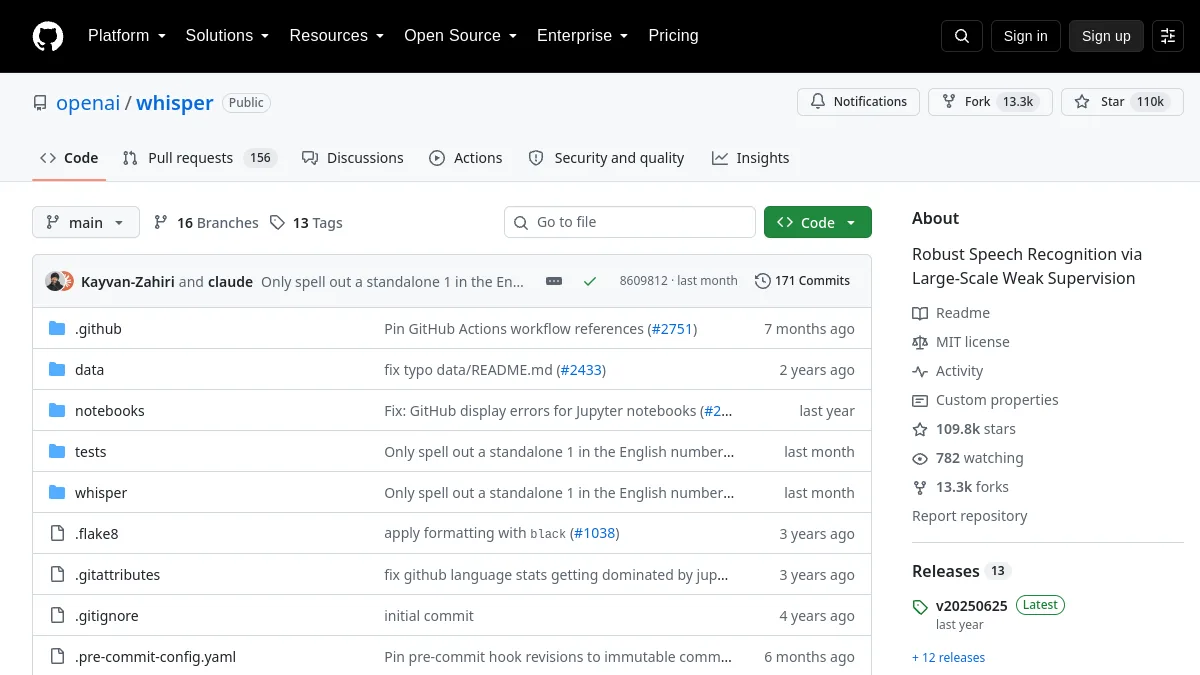
The benefits are clear: no time limit or number of files, and your videos never leave your machine, which counts for confidential maintenance or internal meeting. The disadvantages also: on a computer without a recent graphics card, the big model is slow, sometimes longer than the video itself. Smaller models go fast but are more mistaken in French. And Whisper alone does not distinguish who speaks.
💡 Tip: Always specify the language (French) instead of leaving the automatic detection. On a video that starts with music or phrase in English, Whisper can otherwise transcribe the entire file into the wrong language.
Method 5: Descript and Submagic, transcribe to mount
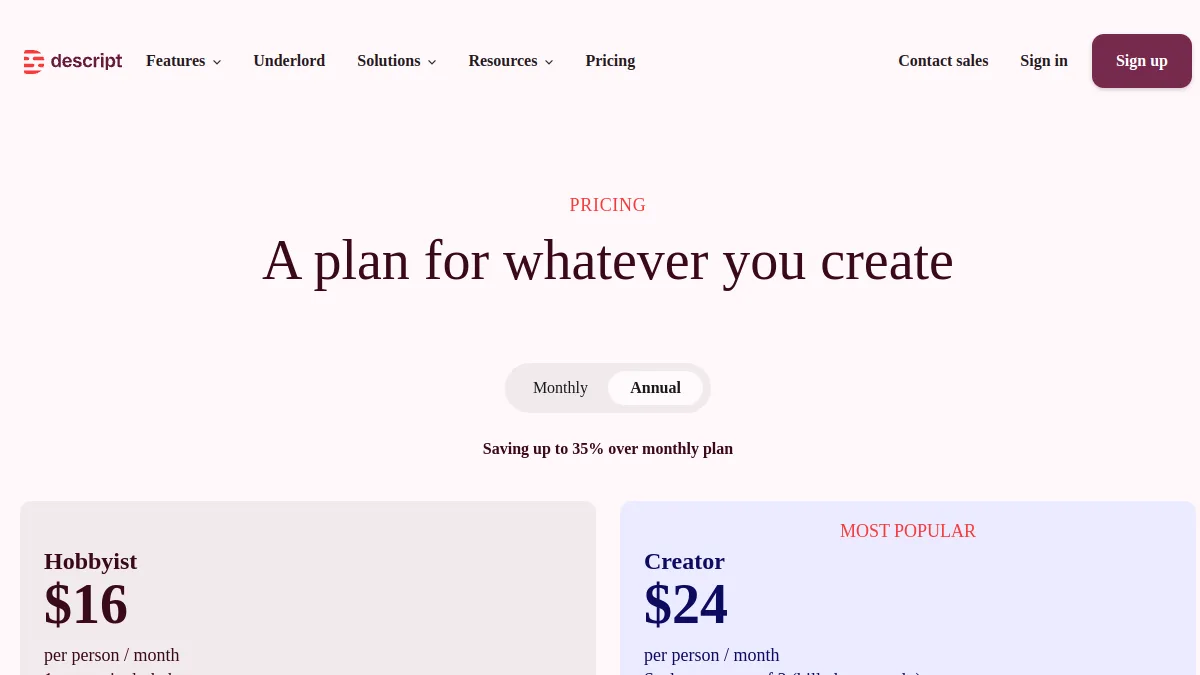
If transcription is only one step before editing the video, use a tool That makes both. Descript automatically transcribes each imported file, then lets you cut the video by deleting passages in the text. We can remove the hesitations with one click, export the text to DOCX or SRT, and generate subtitles. The free plan includes one hour of media per month, with a watermark on the exported videos (not on the text). We have detailed his limitations in Free description.
Submagic aims for another use: transcribe a short video to incrust animated subtitles, like Reels and TikTok. The transcription is quick and precise, but I tool is designed for subtitled video, not to recover a long text. To choose between these approaches, our guide for generate subtitles automatically with theAI compares the two logics.
Method 6: ElevenLabs Scribe and assistants AI
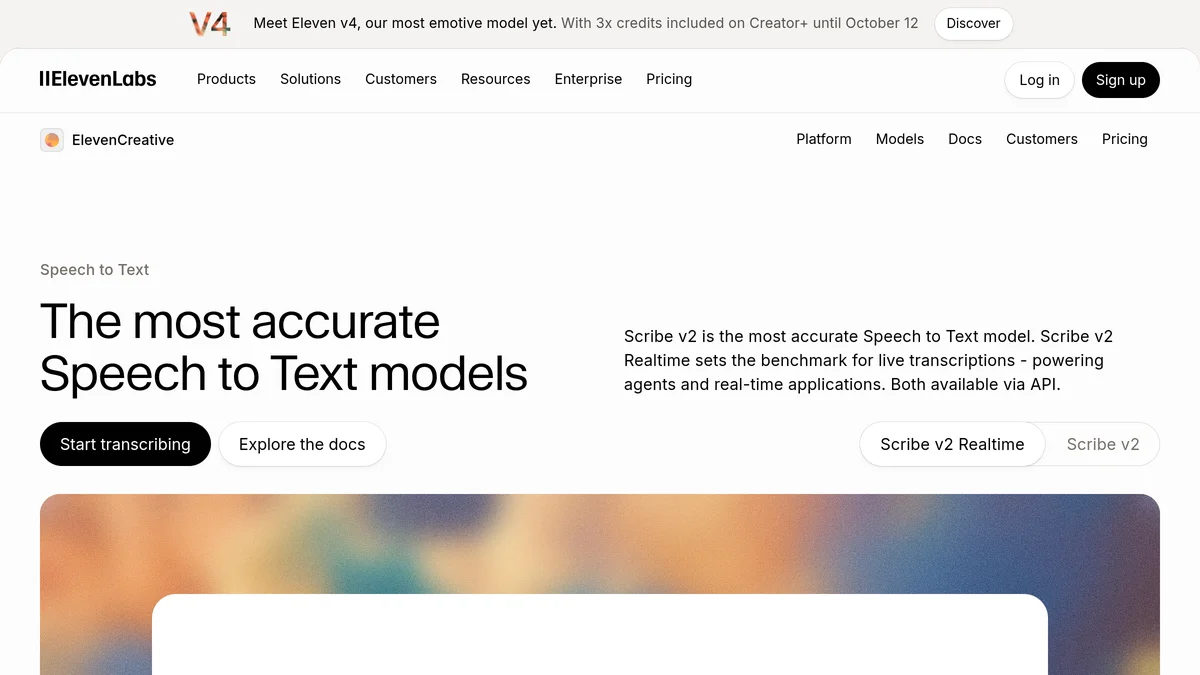
ElevenLabs, known for its synthetic voices, also offers a transcription model, Scribe v2. Today it is one of the most accurate in the market according to public rankings, with more than 90 languages, the identification of speakers, the time stamping to the nearest word and the identification of sound events (laughs, applause). In the interface, you import a video file and retrieve the text or a SRT file. In API, the official tariff page displays 0.22 $ per audio hour for batch processing. The free plan allows you to test on short files, within the limits of its monthly credits.
Is ChatGPT Can you transcribe an audio?
Yes, but with reservations. Import audio files in ChatGPT is reserved for paid subscriptions, and the available statements refer to size and length limits per file, without time stamping or distinction of speakers. The model also tends to « clean » if it is not explicitly asked for a verbatim transcript. Gemini accepts the video files directly and gets out well on short clips, but time stamping drifts on long files. For a faithful transcription, a tool specialist remains safer. The assistants, on the other hand, become very useful immediately after: correct punctuation, summarize, transform transcription into an article or a publication thread.
How to translate a MP4 video file into text, step by step
Whatever tool chosen, the approach is the same. It's detailed here with TurboScribe, the fastest one to take charge for free.
- Lighten the file if necessary : a MP4 of several gigabytes takes a long time to send. Extract audio in MP3 divides size by ten without loss for transcription (see our guide for convert MP4 to MP3).
- Import file and choose the language of the video rather than automatic detection.
- Enable the identification of speakers If there are more than one voice.
- Run the transcript : count a few minutes for an hour of video on an online service.
- Read it again proper names, numbers and jargon. That's where mistakes are concentrated.
- Export in adapted format: DOCX for a document, SRT or ATV for subtitles, TXT for reuse elsewhere.
How to improve the accuracy of a transcription
All tools of this list reach a very good accuracy on a clear voice recorded with a correct microphone. Differences appear in difficult conditions: background music, several people who cut their voice, pronounced accent, technical vocabulary. Some reflexes clearly change the result.
- Treat the source : a file with strong music transcribes badly. If you record yourself, a microphone close to your mouth is better than the best software.
- Isolate your voice : the tools voice and music by AI clean a lead before transcription.
- Give vocabulary : ElevenLabs and some services accept a list of key terms (brand names, people) that reduces errors.
- Cut the very long files : beyond two hours, time stamping errors multiply on some tools.
- Reread with an assistant AI, asking him to correct the punctuation without changing the words.
⚠️ Attention: transcribing someone else's video is legal for personal use or to cite a short excerpt, but republishing the entire text of a protected video without permission poses a copyright problem. And for a meeting or an interview, let participants know that the recording will be transcribed.
🎯 Verdict
For a video YouTube, always start with the button « Show Transcript ». For a punctual file, TurboScribe free does the job very well. For regular volumes or sensitive content, Whisper locally costs nothing. If the transcript is used to mount the video, Descript saves hours. And if precision takes precedence over everything, ElevenLabs Scribe v2 is our reference.
FAQ: Translate a video into text
What is the best tool free transcript?
For a punctual file, TurboScribe (3 files 30 minutes a day). For unlimited and confidential use, Whisper locally with an interface like Buzz. For a video YouTube, the integrated transcription of YouTube.
Is ChatGPT Can you transcribe an audio?
Yes on paid subscriptions, with size limits and without identification of speakers. For a faithful and time-bound transcription, a tool specialized as Whisper, TurboScribe or ElevenLabs Scribe is more reliable.
How to recover a video transcript YouTube ?
On computer, unfold the description under the video and click Show Transcript. The timed text appears on the right, just copy it. The button exists only if the video has subtitles.
How do I translate a video file into text?
Import the MP4 file into a tool like TurboScribe, Word (Microsoft 365) or Descript, choose the language, run the transcription and reread the proper names and numbers before exporting to DOCX, TXT or SRT.
Can we transcribe a video without registration?
Transcript YouTube and Whisper locally do not ask for any account. Most online services require registration, even for their free plan.