Filmora, published by Wondershare , is in 2026 one of the software of video editing most popular consumer in the world, with an average score of 4.4/5 on G2 (594 review) and over 100 million cumulative users. The Filmora 15 version (released at the end of 2025, updated 2026) now features native integrations with Sora 2 and Veo 3.1 in text-to-video, a copilot AI Named AI Mate, and 2.3 million integrated creative assemblies. Admission fee: 49.99 €/year in Advanced Plan. Verdict after 4 weeks of testing: an excellent price-quality ratio for beginner-to-intermediate designers who want an all-in-one suite, less relevant for pro coloring and standards (DaVinci or Final Cut stay ahead).
📌 Essentials
- Publisher Wondershare. Filmora 15 release end 2025, updated continuously in 2026.
- Cross-platform Windows, Mac, iOS, Android, cloud synchronization between devices.
- Strong point 2026 : native integration Sora 2 and Veo 3.1 in text-to-video directly in the timeline.
- AI Mate (copilot) : generation of scripts, automation multi-step edits, intelligent cutting suggestions.
- Free version : available with filmora watermark, no time limit. 100 credits AI offered to test premium functions.
- Paid price : Advanced 49.99 €/year (1 000 credits) AI/month, 10 GB cloud), Cross-Platform 69,99 €/year, Perpetual 99,99 € One-time.
- For whom : beginner and intermediate creators, social media managers, video trainers. Not for pro colours (DaVinci/First best suited).
Want to test the video editing AI All one? Filmora offers a free version + 100 credits AI offered.
Contents: What is Filmora • New 2026 • The 6 features AI Keys • Prices and plans 2026 • Free filmora: what is really included • Practical test on 3 cases of use • Strengths and Limits • Alternatives • FAQ
Filmora is not alone on this cranneau. We're in front of the other editors in our comparison of the best alternatives to FlexClip.
What is Filmora in 2026?
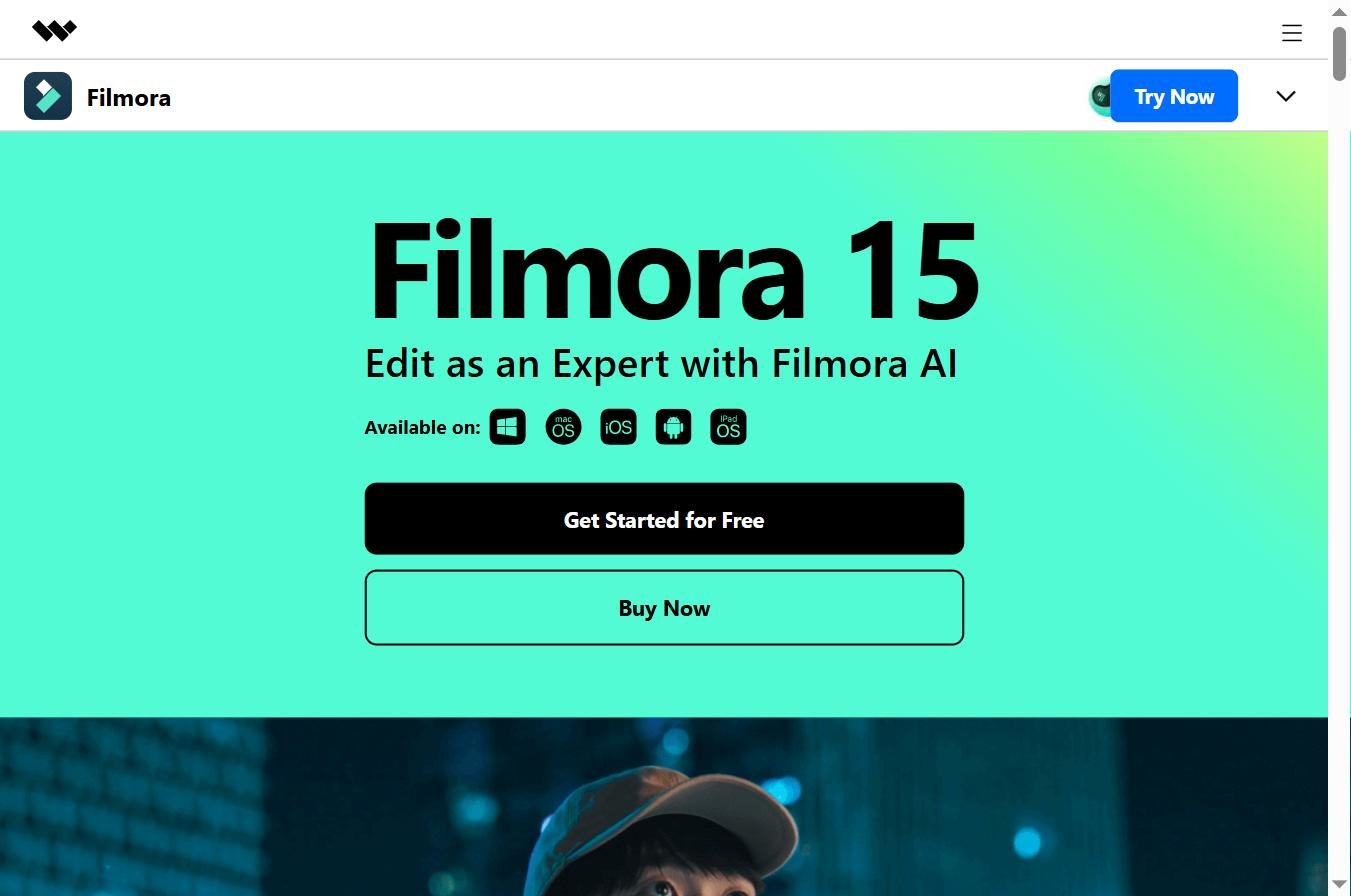
Wondershare Filmora is a video editing software cross-platform video developed by the Chinese publisher Wondershare since 2015. Initially positioned as a simplified alternative to Adobe Premiere Pro, Filmora evolved profoundly between 2024 and 2026 to become a platform editing increased byAI. The current version, Filmora 15, has much more to do with the first versions « timeline editor with effects ».
With more than 13,000 monthly searches in France on the keyword « filmora » (excluding 3,900 on « Wondershare filmora ») is one of the software editing the most sought after in the Francophone market. The positioning is clear: aim for creators beginners to intermediates, TikTokers, emerging YouTubers, online trainers, social media managers, small marketing teams, who want a semi-pro quality without the learning curve of Adobe Premiere or DaVinci Resolve.
The Mac, Windows, iOS and Android version shares the same project via cloud sync, you start a editing on desktop and finish on mobile from your sofa. This is one of the most prominent arguments put forward by Wondershare in 2026, and one of the reasons for moving from the Classic Annual Plan to the Cross-Platform Plan to 20 € per year.
To compare with others AI Tools of the editing, take a look at our top 10 best AI Tools of the video editing in 2026 : Descript, Filmora, InVideo, Submagic, CapCut, OpusClip, FlexClip, Runway and two others, with real free quotas and usage cases.
See also our guide dedicated: alternatives-filmora.
See also our guide dedicated: filmora-free.
The new features Filmora 15 in 2026
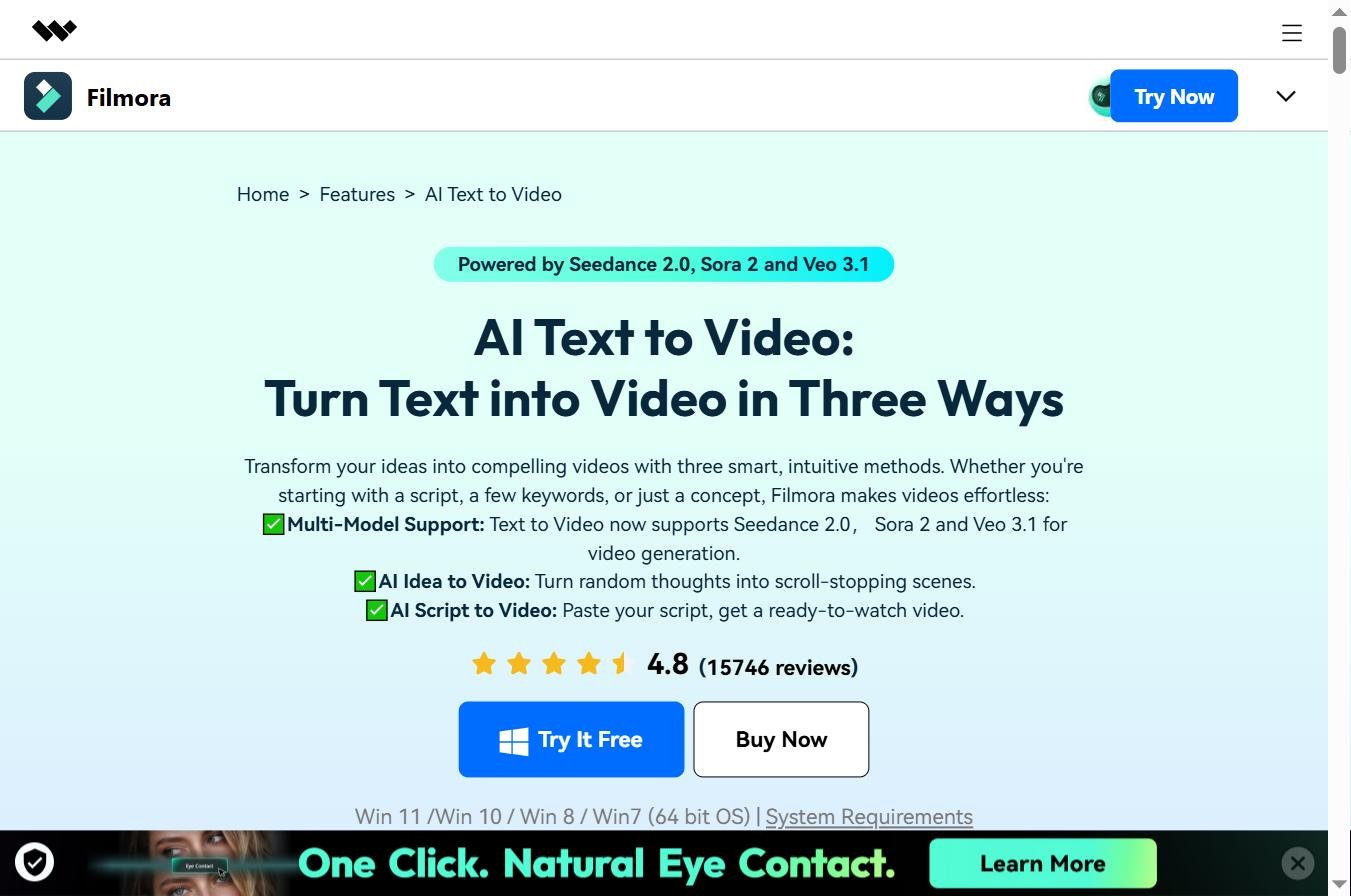
Three major axes for the 2026 update compared to the 14 release in 2024.
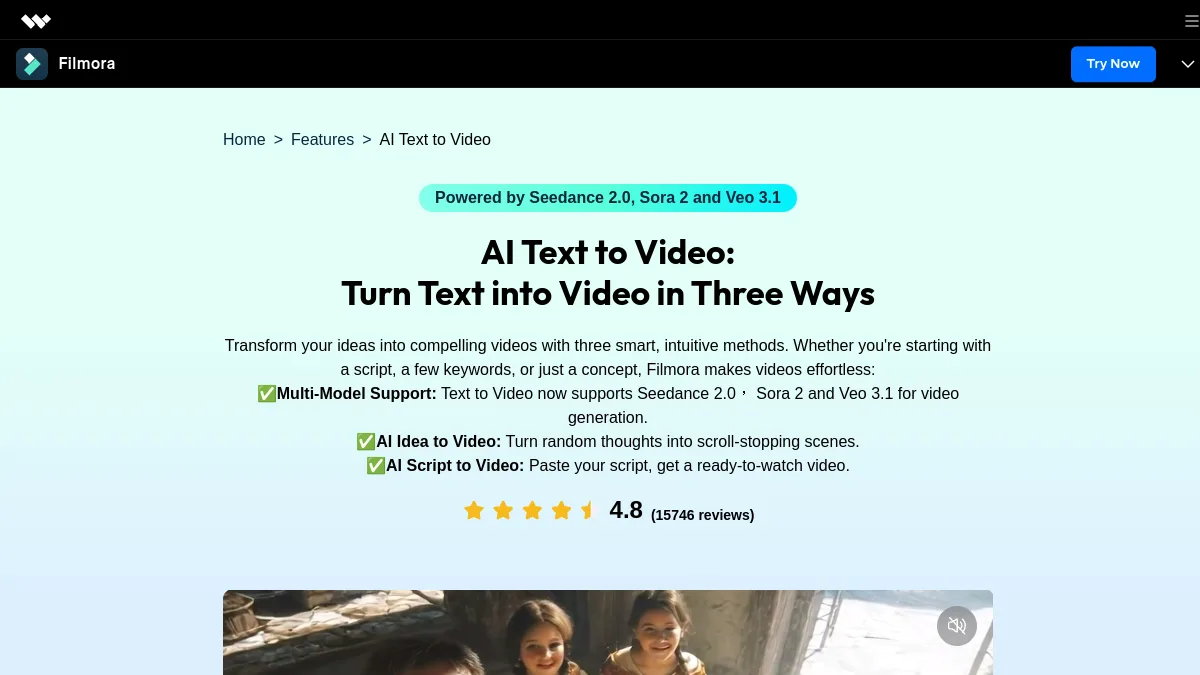
1. Text-to-video integrations (Sora 2, Veo 3.1)
This is Filmora 15. Editor didn't just add a module AI DIY, Wondershare has integrated Sora 2 dOpenAI and Veo 3.1 of Google directly into the timeline. You type a quick text, Filmora generates a video clip AI via one of the two models, and the result lands directly on your track. No need to leave the application, no export/import to manage. To compare competing models available separately, see our Kling AI review, our AI Pixverse review and our Seed 2.0 review 2026.
2. AI Mate: the integrated editing copilot
AI Mate is the conversational assistant introduced to Filmora 15. You talk to him (in text or voice) while you go up, and he can: generate scripts, automate multi-step sequences (« remove all silences greater than 1 second »), suggest cuts based on audio/visual analysis of your footage, recommend effects according to your intention. Our test: useful in addition to saving 20-30% time on repetitive tasks, not a complete replacement of human judgment. However, it was one of the best integrated co-pilots in the consumer market in 2026.

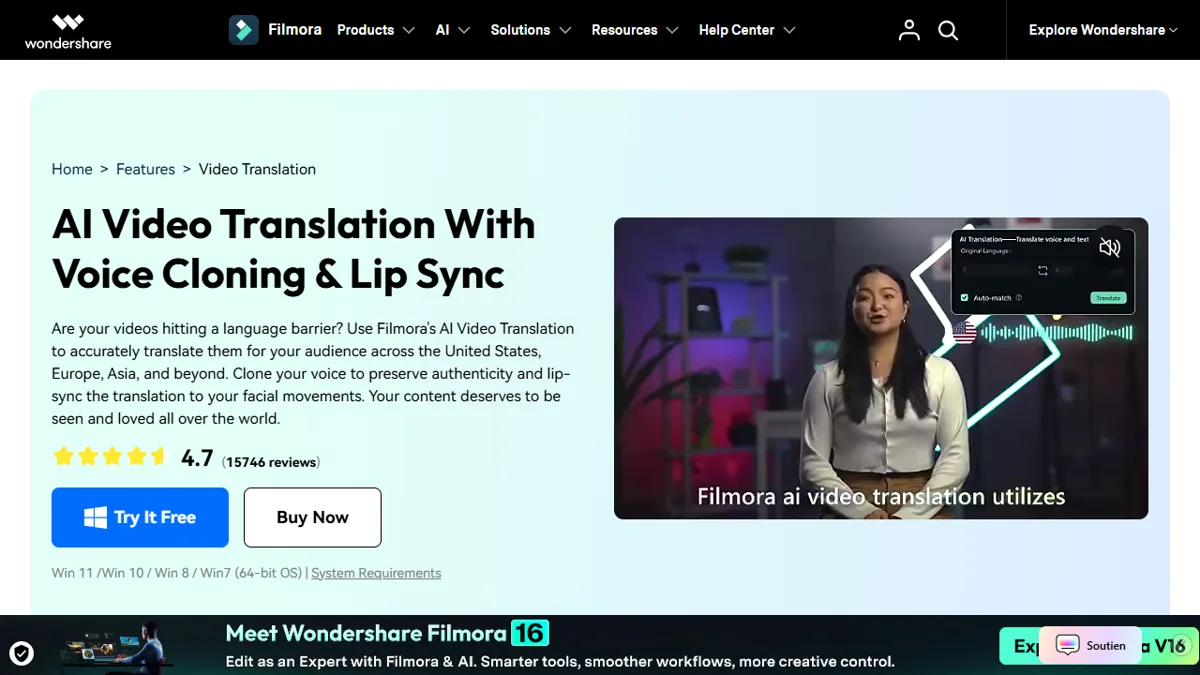
3. Audio AI enriched (voice clone + AI translation)
Filmora 15 brings several audio novelties: voice clone (generate a voiceover with your own stamp from a sample), AI translation with lip-sync correction (translating a dialogue with automatic lip adjustment), AI Music Generator (generating original soundtracks free of rights), Vocal Remover, Audio Denoise. Audio suite AI coherent, better than simple integration ElevenLabs seen in 2024 from other publishers.
The 6 features AI Filmora keys in 2026
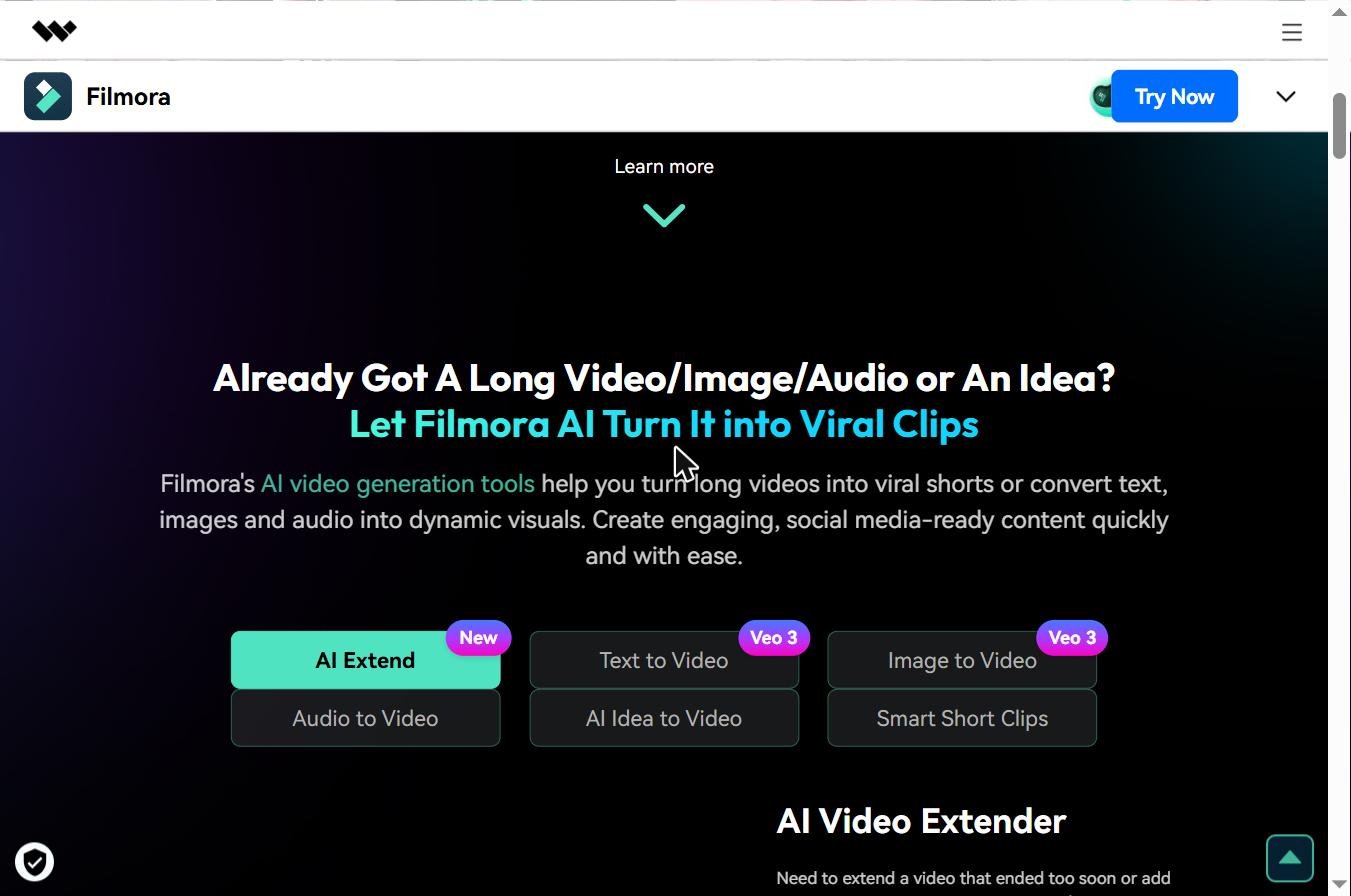
Beyond the major new features Filmora 15, here are the six modules AI which structure the daily publishing experience. All are accessible via the credit system AI (1,000/month on the Advanced Plan at 49.99) €/year).
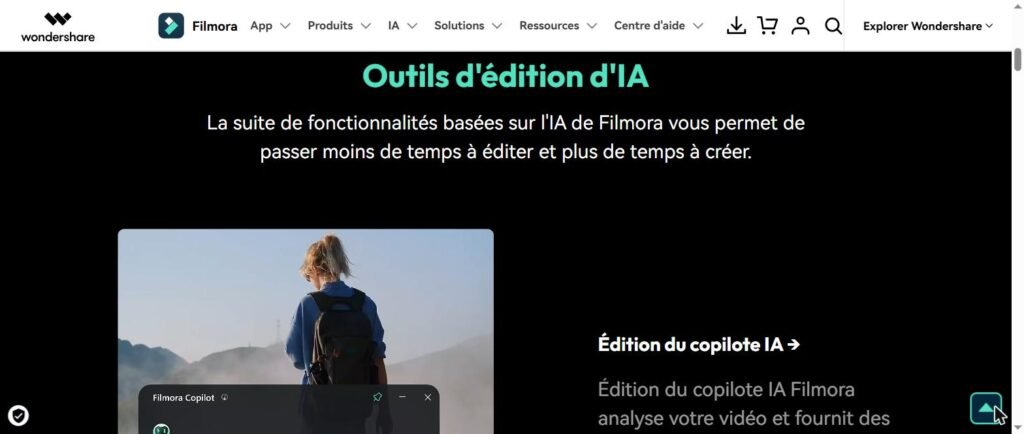
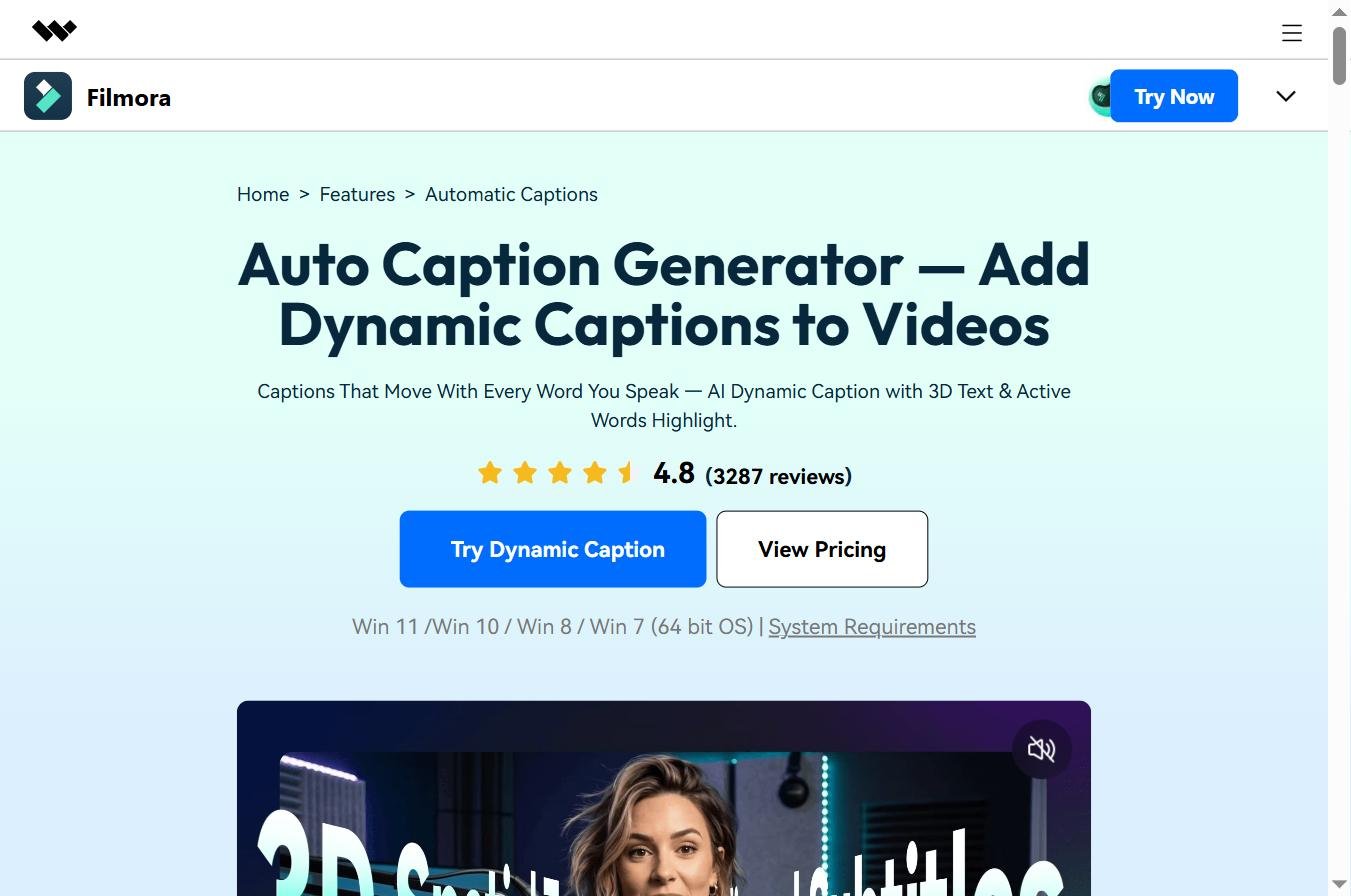
1. Auto Captions (multilingual automatic subtitles)
Filmora automatically generates subtitles from the audio track, with an excellent level of accuracy on French (~95% in our test). Perfect synchronization with lyrics, choice of integrated capture style, ability to translate into several languages on the fly. A highly requested function by social media managers who produce for TikTok and Reels where 85% of the views are cut.
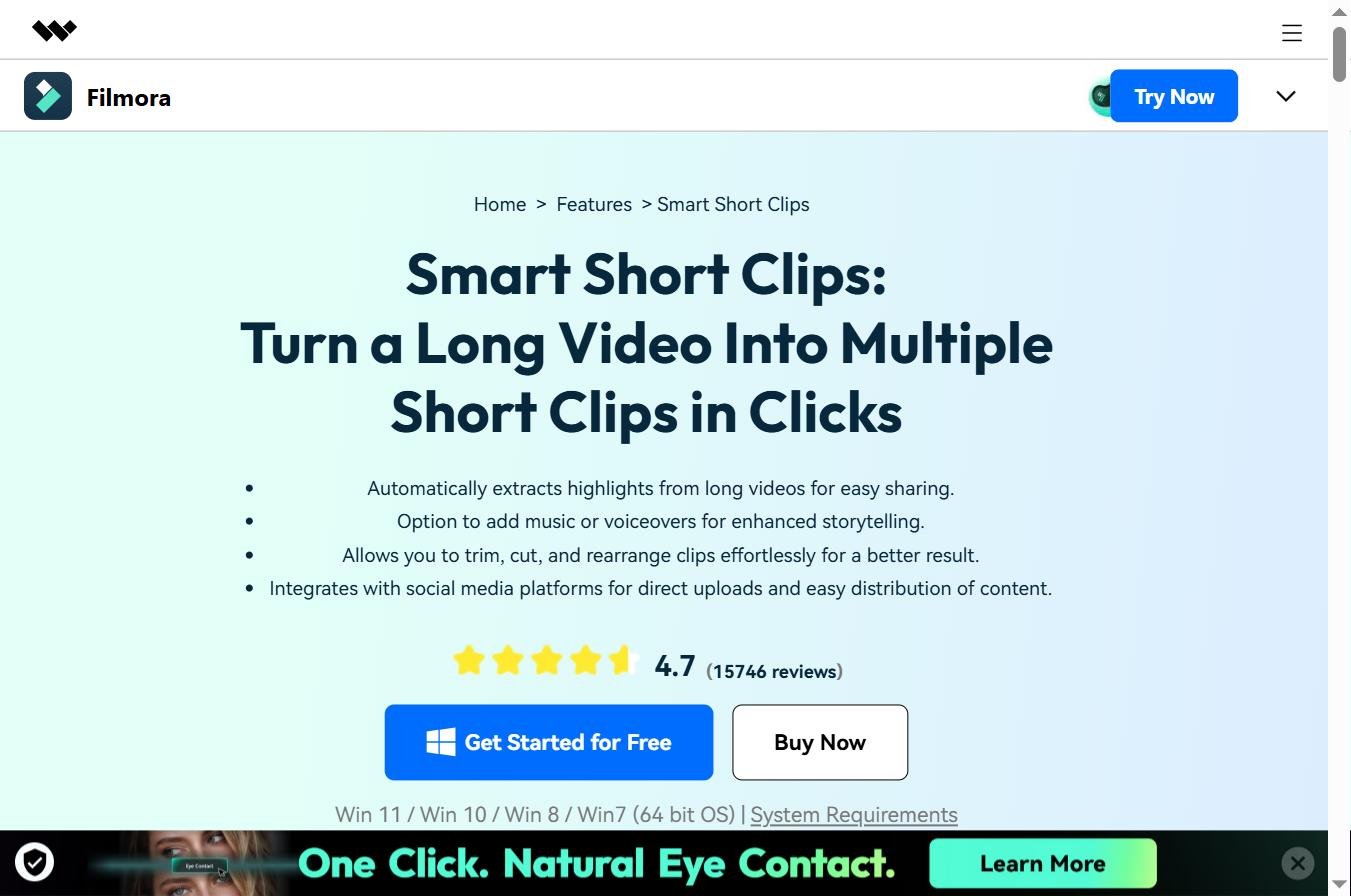
2. Smart Clip Generation
You load a long video (interview, conference, vlog 30 minutes), Filmora analyzes the content and automatically generates some short thematic clips Ready for TikTok/Shorts. LAI identifies the highlights, applies vertical format 9:16, adds dynamic subtitles. Excellent for repurposing content. See our best AI for YouTube Shorts 2026 for the competing context.
3. AI Video Enhancer (upscaling)
Module that automatically transforms low quality, blurred or granular videos. Restores details, corrects imperfections, removes compression artifacts, and makes the upscaling 720p → 4K. Very useful for valuing family video archives or poorly framed rushes. Comparable to Topaz AI Video on output quality, integrated into the Filmora suite at no extra cost.
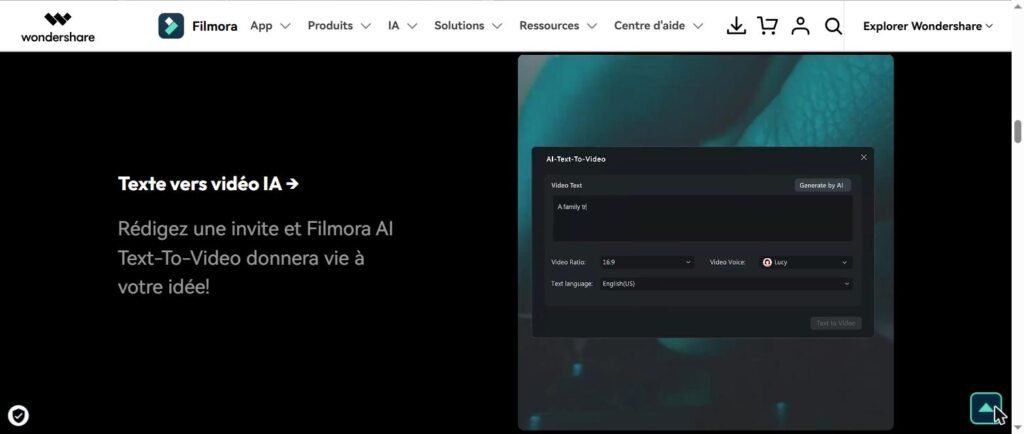
4. AI Image Expander (outpainting video)
Instead of crunching your footage for a format change (horizontal to vertical for example), Filmora extends the image beyond its original frame via outpainting AI. The result is more natural than a crop, especially when you pass from a format YouTube 16:9 to TikTok 9:16. Very effective on broad planes, more risky on portraits where AI can generate strange extensions.
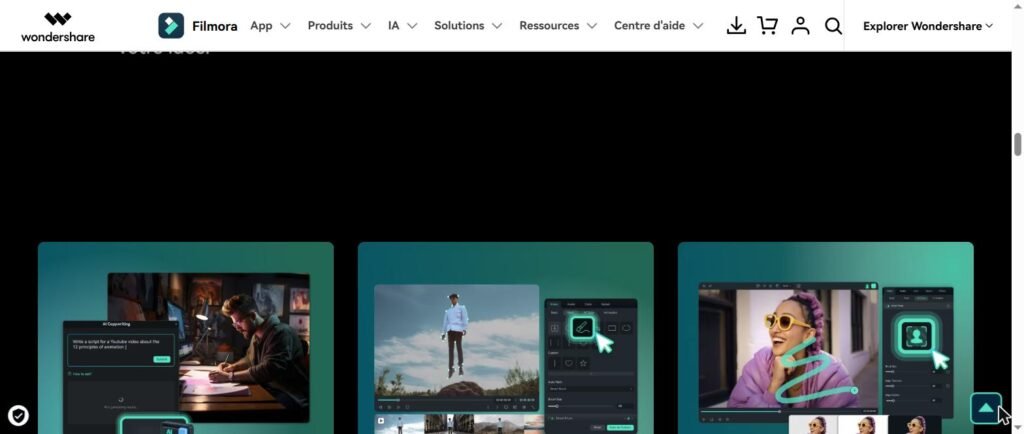
5. AI Thumbnail Creator
Automatic generation of thumbnails YouTube/Shorts optimized for CTR. LAI analyzes your video, extracts the most engaging frames, generates several Thumbnails proposals with stylized text, and lets you choose. Useful for creators who produce a lot and do not want to spend 30 minutes per video on the thumbnail.
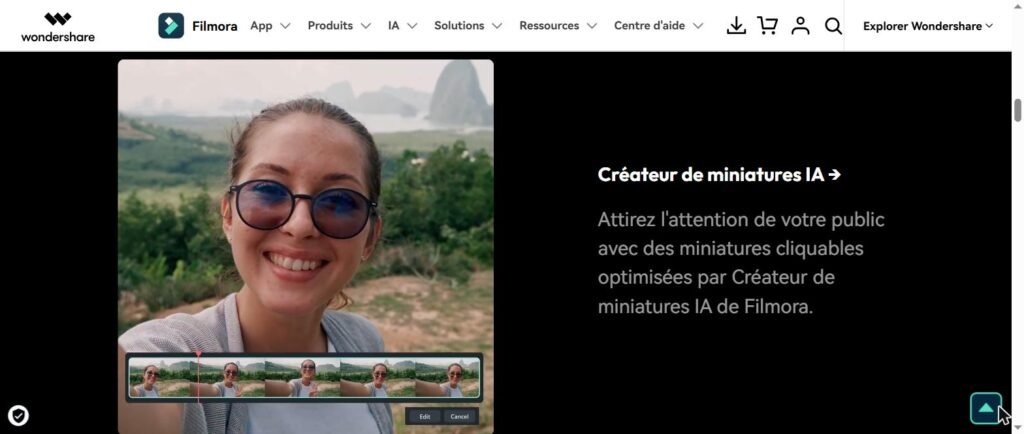
6. AI Music Generator
Generating original soundtracks free of rights adapted to the mood of your video (energy, calm, dramatic, festive). The underlying engine remains less powerful than Mubert or Suno (which remain the dedicated references in 2026), but for simple intros, transitions and ambiances, it is largely sufficient and avoids the transition to a tool third. See our AI guide music free of rights YouTube.
🎬 The editing AI all-in-one
Text-to-video Sora 2 + Veo 3.1 + editing AI in one app
Wondershare Filmora 15 directly integrates the best video models AI in his timeline. Auto-captions, smart clip generation, AI Mate copilot, voice clone. Free version available with 100 credits AI offered to test without commitment.
Free version · 100 credits AI offered · Windows/Mac/iOS/Android
Filmora price 2026: how much does it really cost?
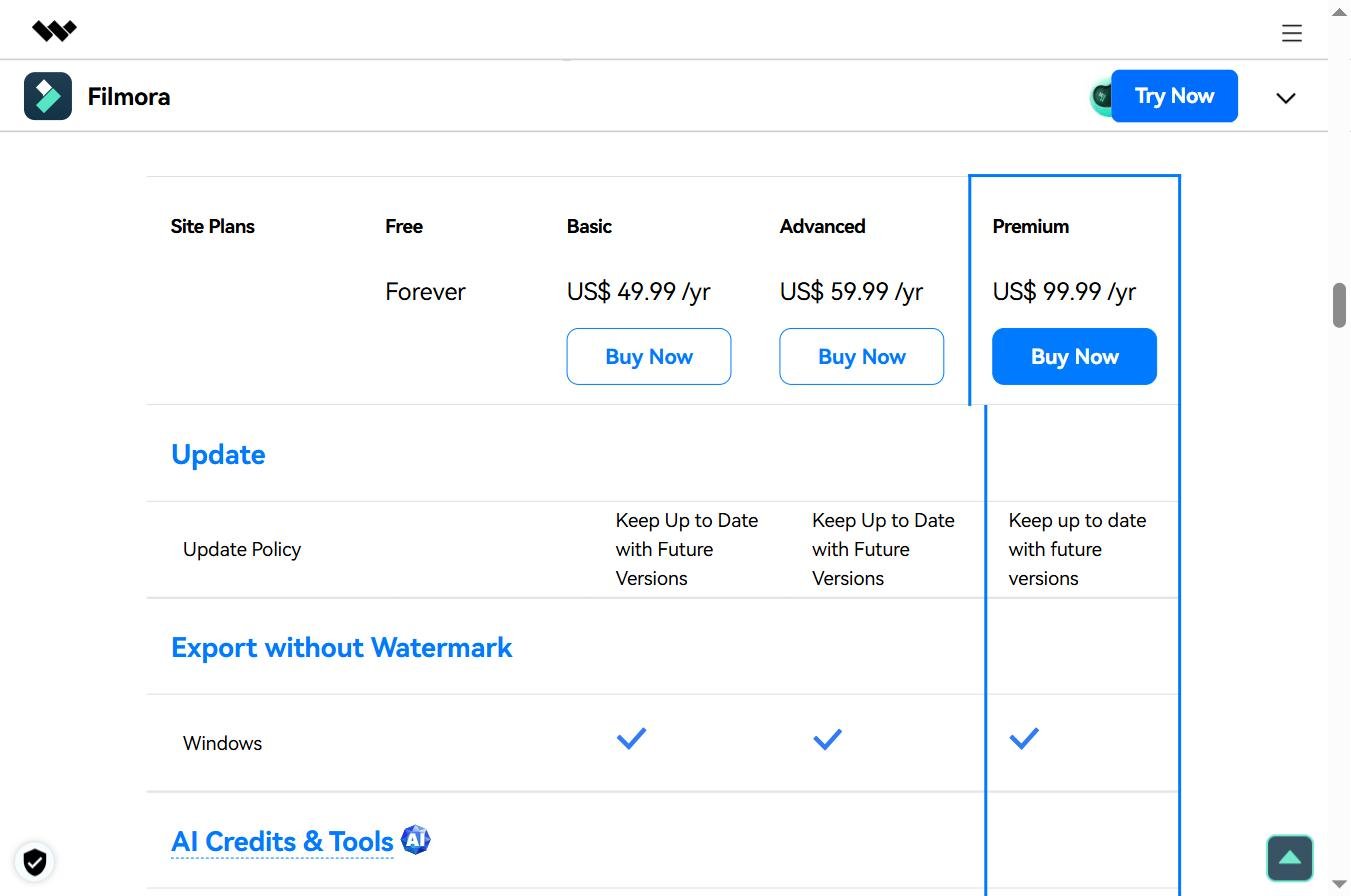
The filmora price remains one of the strong arguments of the software against Adobe Premiere Pro (24.19) €/month) or Final Cut Pro (349 € one-time for Mac only). This is the official grid Wondershare recorded in May 2026, in euros (prices may vary by a few euros according to seasonal promotions, useful to check the promo codes Filmora before purchase).
| Plan | Prices | Credits AI | Included |
|---|---|---|---|
| Free | 0 € | 100 credits one-time | All functions, Watermark Filmora on exports |
| Advanced (annual) | 49.99 €/year | 1000/month | Watermarkless, 10 GB cloud, including updates |
| Cross-Platform | 69.99 €/year | 1000/month | Windows/Mac/iOS/Android Sync, shared project |
| Perpetual | 99.99 € (single payment) | Limited | Life license, current version, no major updates |
| Team Plan | From 155 €/year/seat | Pool shared | Multi-user, centralized billing, priority support |
| Bundle Filmora + UniConverter | ~109 €/year | 1000/month | Filmora + Wondershare UniConverter for video conversion |
Our reading : for the majority of creators, the plan Advanced to 49.99 €/year is the sweet spot, 1,000 credits AI monthly cover largely regular use (~10 videos/month with functions AI), no watermark on exports, major updates included. Cross-Platform plan at 69.99 €/an is justified if you regularly climb between desktop and mobile. The Perpetual at 99.99 € seems attractive but beware: no major updates, so you will be blocked on Filmora 15 when Filmora 16 releases. Good choice only for very occasional use without need of new products AI future.
Free filmora: what is really included
The keyword « free filmora » is sought 2,500 times a month in France, it is one of the largest long-tail volumes of the software. Let's detail exactly what the free version allows, and where the limits are.
What is included
Good surprise: the free version of Filmora gives access to full editing functions, multitrack timeline, transitions, visual effects, basic calibration, audio mixing, export 4K. No time limit for use, no trial period that expires. You can edit a video from A to Z without paying. On registration, 100 credits AI are offered to test premium functions (Auto Captions, Smart Clip Generation, AI Video Enhancer, etc.).
The main limit: the Filmora watermark
« Watermark filmora » is also a very popular keyword (90/month), it the limit that pushes to buy. All exports of the free version bear a Filmora logo visible at the bottom right of the video. Acceptable for personal tests, problematic as soon as you publish under your brand or for a customer. This is the only real ceiling, no time limit, no export quality limit. To compare with other tools whose free third parties are without watermark, see our guide of the tools AI video free 2026.
Appropriations AI limited
The 100 credits AI initials are sufficient for 4-8 uses of premium functions (text-to-video, AI Mate, voice clone, etc.). Beyond, you either switch to a paid plan (Advanced to 49,99) €/year for 1,000 credits/month), or you buy additional credit packages at unit. No automatic renewal of 100 free credits, this is a one-time registration.
Important mention on versions « cracked »
Several sites offer pirated versions of Filmora or so-called « Filmora mod APK » with premium unlocked functions. We strongly advise against these versions : high risks of malware, lack of security updates, modified code execution on your machine. The official freetier Filmora is largely sufficient to evaluate the software before purchase, and the Advanced plan at 49,99 €/year remains one of the best quality/price ratios of the market editing 2026.
Practical test on 3 cases of use
We tested Filmora 15 over four weeks with three cases of representative use of Wondershare profiles. Here are the results, without a marketing filter.
Case 1: Repurposing an interview YouTube in 5 Shorts TikTok
Source: interview YouTube 38 minutes. Purpose: generate 5 clips Shorts 60 seconds ready to publish on TikTok/Reels, with subtitles FR, vertical format 9:16, in less than an hour.
Result : excellent. Smart Clip Generation has identified 8 highlights (yet kept 5), AI Image Expander converted 16:9 to 9:16 without crop ugly (intelligent background extension), Auto Captions generated FR subtitles with 96% accuracy. Total time: 47 minutes for 5 Shorts. This is the case where Filmora 15 actually demonstrates the value of its integration AI. Note: 9/10. Vs CapCut on this case: Filmora faster thanks to Smart Clip Generation, CapCut more economical (free desktop).

Case 2: Editing classic of a vlog 8 minutes
Objective: to mount a vlog YouTube horizontal 8 minutes from 25 minutes of rushes, with manual cuts, light calibration, AI music generated, and exports in 4K.
Result : very good. The timeline remains fluid even with 4K, the basic calibration covers 80% of the needs (colorimetric correction, white balance, vibration, saturation), the AI Music Generator has provided 3 coherent soundtrack proposals in less than 2 minutes. For advanced calibration (LUTs pro, detailed RGB Paradescopes, precise color match), Filmora shows its limits, DaVinci Resolve stays ahead. Note: 8/10. Solid for the creator YouTube non-professional, insufficient for graduation pros.
Case 3: Text-to-video Sora 2 generation in the timeline
Test the built-in text-to-video module: generate 3 B-roll clips from quick text without leaving Filmora, and chain them into a mounted sequence.
Result : bluffing for workflow. You type the prompt directly in Filmora, the clip is generated via Sora 2 (consumption of credits) AI), then you slide it on the timeline. No export/import to manage. The quality depends on the underlying model (Sora 2 remains excellent on realism, Veo 3.1 on movement), Filmora is only the access tunnel. It's today.one of the best native text-to-video integrations in a video editing software General public. Note: 8,5/10. Bémol: Quickly consumes credits AI monthly.
Strengths and limits observed in real use
Major forces
- Very soft learning curve : a complete beginner can release a correct video in less than an hour, vs ~10:00 on Adobe Premiere.
- Text-to-video integration Sora 2 and Veo 3.1 natives No other general public publisher offered this in May 2026.
- Audio Suite AI coherent : voice clone, AI translation lip-sync, music generator, voice backup, avoid juggling between 5 tools.
- Freetier really exploitable : all available editing functions, only the export watermark pushes to purchase.
- Cross-platform with cloud sync : start a editing on Windows and end up on iPad in bed, without breakage.
- Unbeatable value for money : 49.99 €/year vs Adobe Premiere Pro 290 €/year, for 80% of covered use cases.
- 2.3 million integrated creative assemblies : transitions, effects, templates, music, reduces the use of paid third-party stocks.
Limitations to be incorporated
- Insufficient for pro coloring DaVinci Resolve remains ahead for advanced graduation (proscopes, precise color match, windows and complex qualifications).
- Credit system AI may surprise : 1,000 credits/month seems a lot, but a few generation text-to-video and upscaling consume fast. Calibrate its use.
- No advanced multi-cam support As in Premiere Pro or Final Cut, for complex multi-cam productions (4 camera interviews), Filmora quickly shows its limits.
- Variable performance on modest configurations : Filmora 15 requires at least 8 GB of RAM and a dedicated graphics card for functions AI. On entry-level laptops, it lashes.
- Split pricing with hidden coupons : the real prices paid vary greatly according to seasonal promos and bundles. Always check coupons and coupon codes Filmora before purchase, possible savings of 20 to 40%.
- Dependence on models AI external The text-to-video quality depends on Sora 2 and Veo 3.1 (Wondershare does not control these models). If OpenAI or Google change their API policy, Filmora may lose this function.
Alternatives to Filmora for your profile
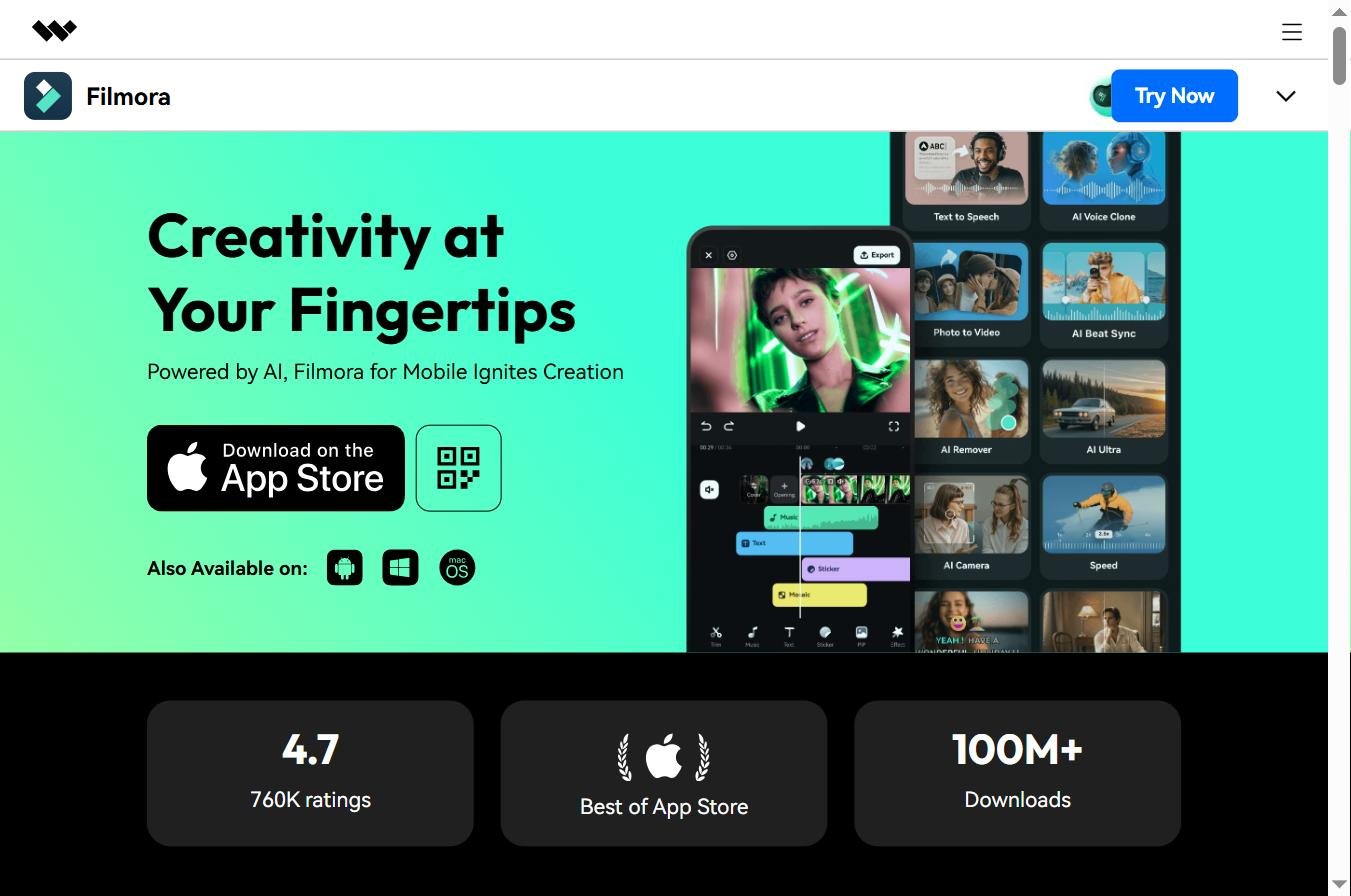
Depending on your need, several alternatives deserve consideration in 2026. Our comparison Top 10 AI Software video 2026 gives the general context.
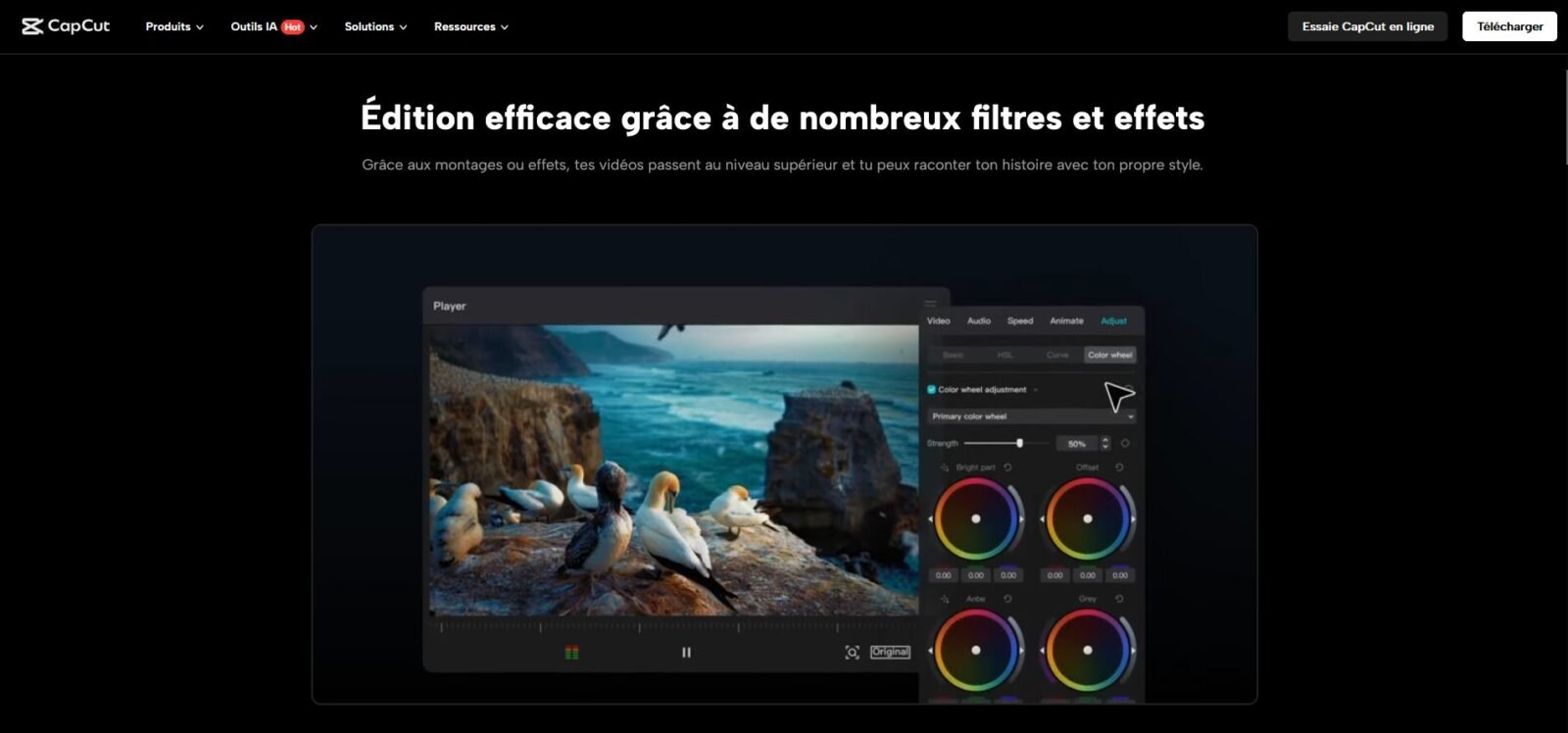
CapCut: for free desktop total
CapCut (ByteDance) offers a completely free desktop version without watermark, with AI integrated, and recent access to Seedance 2.0 directly. Less versatile than Filmora on calibration and sound design, but unbeatable budget side for beginner designers. Our reference for who starts without budget.
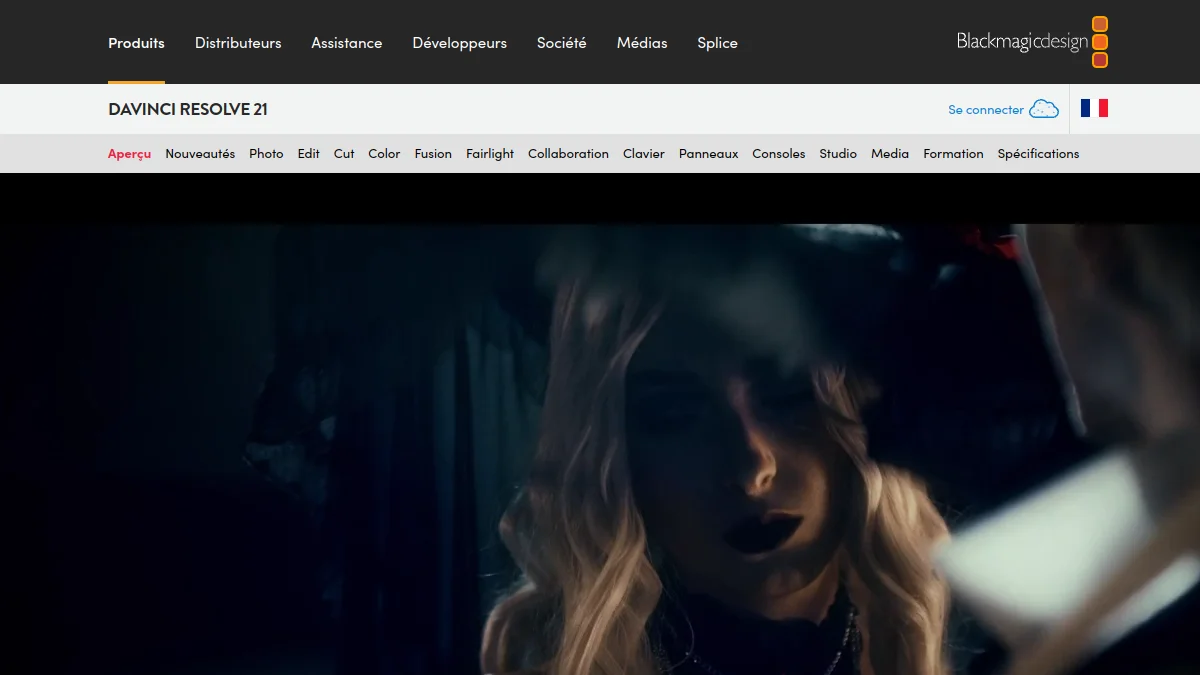
DaVinci Resolve: For Grading Pros
If your priority is broadcast-grade calibration, sound design pro (Fairlight) and advanced compositing (Fusion), DaVinci Resolve remains the reference. Full version free, Studio version 295 € One-time. Learning curve steeper than Filmora, but incomparable results for coloring.
Adobe Premiere Pro: for pro workflows
The industry standard remains Adobe Premiere Pro for pro workflows, especially when integration with After Effects, Photoshop and Hearing is critical. High cost (290 €/year minimum) and steep learning curve, but unavoidable in agency and production. For emerging YouTubers and social media managers, Filmora remains largely sufficient. The request filmora vs adobe premier pro (20/month) returns regularly: the short answer is « Filmora for simplicity/price ratio, Premiere for pro production ».

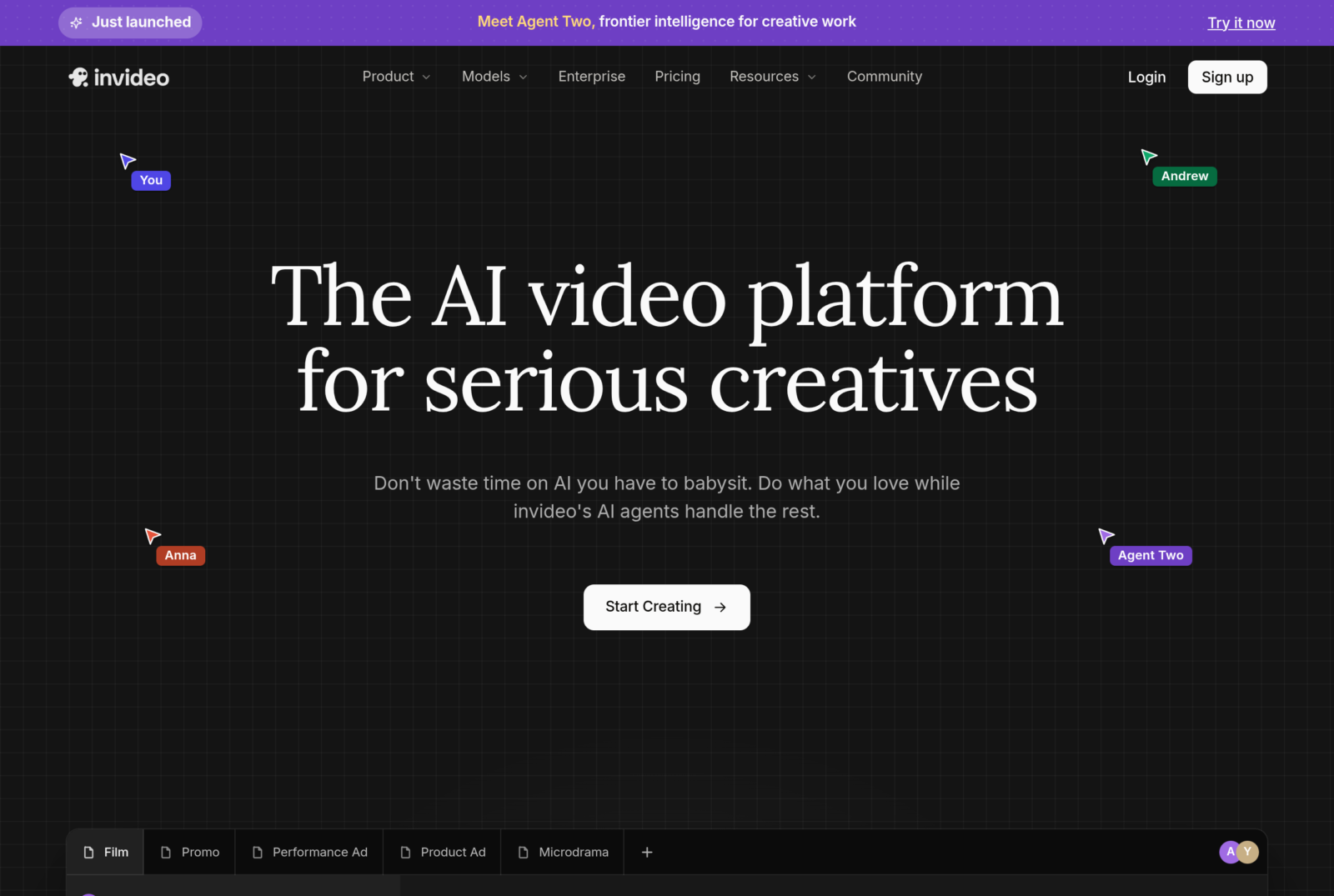
InAI Video: for video generation without editing
InVideo AI is not a classic editor but a AI video generator complete, you describe your subject, InVideo writes the script, selects stocks, generates a voiceover and automatically mounts it. Complementary to Filmora rather than competitor. Ideal for chains YouTube faceless and social media managers that produce content in volume, see our guide chain YouTube profitable faceless 2026.
DeeVid AI : for pure text-to-video
If your need focuses on generation of video clips AI rather than on the editing, aggregator Deevid AI gives access to the best video models AI (Kling, Veo 3.1, Hailuo, Pika) in a 100% Francophone interface. Additional to Filmora, generate your clips on Deevid then mount them on Filmora gives a coherent and economical workflow.

FAQ: Everything about Filmora in 2026
Is Filmora really free?
Yes, the free version of Filmora is available without time limit and gives access to full editing functions (multitrack timeline, transitions, effects, audio mixing, export 4K). The only real limit: a Watermark Filmora visible in the bottom right on all exports. On registration, 100 credits AI are offered to test premium functions (Auto Captions, AI Mate, text-to-video). For watermarkless exports and 1,000 credits AI Monthly Advanced Plan at 49.99 €/year is the minimum.
What is the price of Filmora in 2026?
The filmora price in 2026: Free (0 €, watermark for export), Annual Advanced (49.99) €/year, 1 000 credits AI/month, without watermark), Cross-Platform (69.99) €/year, Windows/Mac/iOS/Android sync), Perpetual (99.99) € single payment, lifetime license without major updates), Team Plan (from 155 €/year/seat), and Bundle Filmora + UniConverter (~109 €/year). Check coupons and coupon codes Filmora before purchase often saves 20% to 40%.
How to remove the Filmora watermark?
The only way Legal to remove the Filmora watermark is to move to a paid plan (Advanced to 49,99 €/year minimum). The methods promoted at some sites for « cracker » Filmora, use « mod APK » or « premium unlocked » are absolutely forbidden: high risks of malware, execution of modified code on your machine, absence of security updates, illegality under Wondershare license. The Advanced Plan remains one of the best value for money in the editing 2026.
Filmora vs Adobe Premiere Pro: Which Should You Choose ?
The request filmora vs adobe premier pro is one of the most demanded by creators. Short answer: Filmora for simplicity/price ratio, ideal for beginners to intermediates, very smooth learning curve, integrations AI Native. Adobe Premiere Pro for pro workflows, After Effects/Photoshop/Critical Hearing integration, and complex multi-cam productions. For 80% of emerging YouTubers, social media managers and solo creators, Filmora is largely enough. For agencies and pro productions, Premiere remains a must.
Does Filmora work on Mac and mobile?
Yes, Filmora is complete cross-platform Windows, Mac (Intel and Apple Silicon), iOS and Android. Cross-Platform plan at 69.99 €/an allows you to synchronize the same project between all your devices via cloud, start a editing on desktop, adjust on iPad, finalize on Mac. Mobile versions are simplified compared to desktop (less tracks, fewer functions) AI but largely sufficient for fast Shorts and Reels.
What are the new features of Filmora 15 compared to Filmora 14?
Filmora 15 (2026) brings three major innovations compared to version 14 released in 2024: Sora 2 and Veo 3.1 native text-to-video integrations in the timeline (you generate a clip AI without leaving Filmora), AI Mate copilot (a conversational assistant that automates repetitive tasks and suggests cuts), and Audio suite AI enriched (voice clone, AI translation with lip-sync correction, AI Music Generator). Annually users receive the upgrade free of charge.
How to download Filmora for free?
Download Filmora only from the Wondershare official website. Steps: 1) Click Download, 2) Choose your OS (Windows, Mac, iOS, Android), 3) Install and launch Filmora, 4) Create a free Wondershare account, 5) Enjoy the free version with 100 credits AI offered. No credit card required for registration. Avoid third party websites that offer modified downloads (high malware risks).
Does Filmora offer text-to-video AI ?
Yes, since Filmora 15 (2026), the software natively incorporates models Sora 2 dOpenAI and Veo 3.1 of Google text-to-video in the timeline. You enter a quick text directly in Filmora, the video clip AI is generated (consumption of credits AI), and land on your track without export/import. Today is one of the best native text-to-video integrations in a video editing software general public, complementary to tools dedicated as Kling AI or Seed 2.0.
🎯 Verdict
In May 2026, Wondershare Filmora 15 is one of the best software video editing General public of the market, note G2 4.4/5 out of 594 review, text-to-video Sora 2 and Veo 3.1 natives, AI Mate copilot, audio suite AI coherent (voice clone, AI translation, music generator). For creators beginners to intermediates (Emergent YouTubers, social media managers, trainers, small teams), it is today the sweet spot between simplicity and power.
The real limits: insufficient for pro colorants (DaVinci Resolve stays ahead), no advanced multi-cam (First Pro better adapted), credit system AI which can surprise, variable performance on modest configurations. Nevertheless, the price-quality ratio remains unbeatable: 49.99 €/year per 1,000 credits AI monthly covers 80% of cases of use that would require 290 €/year on Adobe Premiere Pro.
Our recommendation: start with the Free version Filmora with 100 credits AI offered to evaluate the software on your real projects. If the value is there (and for most creators, this is the case), switch to Advanced at 49,99 €/year. For the video generation AI in addition to editing, Deevid AI in French remains an excellent bridge. To compare to other options: our comparison 10 best AI software video 2026, our AI guide for YouTube Shorts and our alternatives to Kaiber AI 2026.