Search for an alternative to Description in 2026 is justified by two common profiles: the creators who find the editing by binding text on pure visual content, and those who have exhausted the monthly free transcription hour and are looking for cheaper. Five serious alternatives compare: Filmora (classical timeline editor + AI), CapCut (free watermark-free), Kapwing (online collaboration), Reloop (multiplatform repurposing), and Fliki AI (text-to-video).
Contents: Essential · Comparison rapid · Top 5 alternatives tested · How to choose · FAQ
📌 Essentials
Comparison fast: 5 alternatives to Descript in 2026
| Tool | Approach | Free plan | Watermark | Strong point vs. Descript |
|---|---|---|---|---|
| Filmora | Classic timeline + AI | Unlimited under test | Yes | Rich visual editing |
| CapCut | Mobile+desktop editing | Unlimited | No | Free watermark-free |
| Kapwing | Collaborating online | 4 min/video, 720p | Yes | Marketing teams |
| Reloop | Repurposing AI | Limited test | Yes | Multi-channel adaptation |
| Fliki AI | Text to video | 5 min/month | Yes | Generate from a script |
See also our guide dedicated: Descript-free.
Top 5 alternatives to Descript in 2026 (tested)
1. Filmora: classic timeline editor enriched with features AI
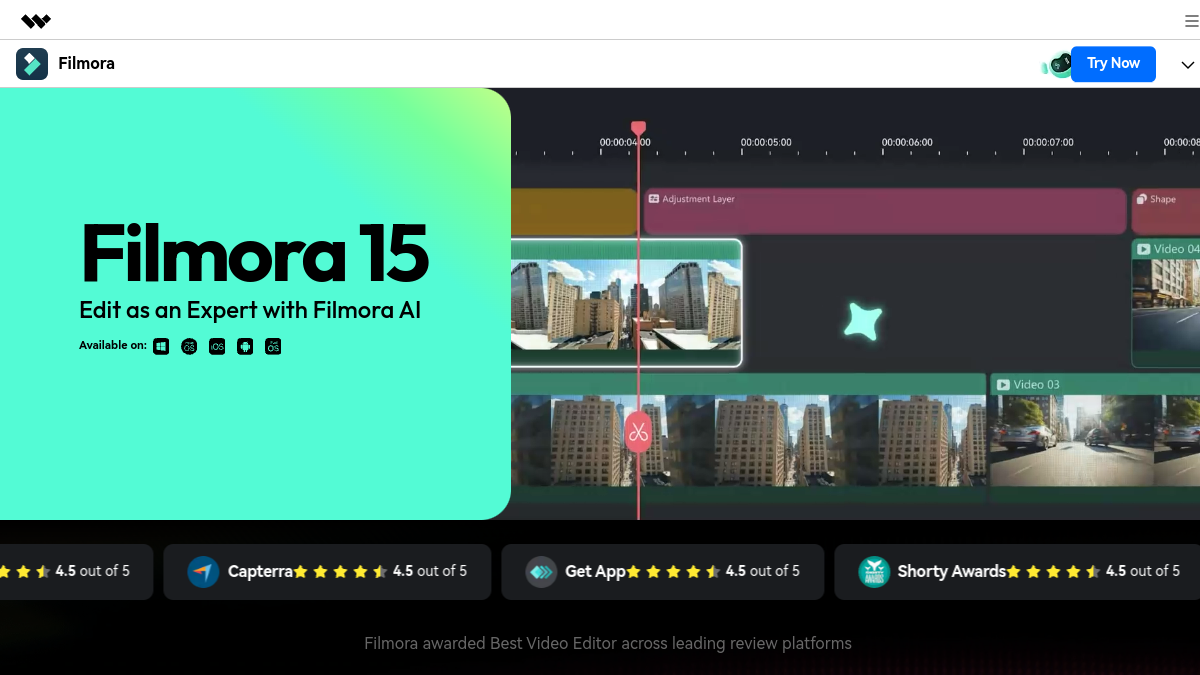
Filmora proposes an approach opposed to Descript : edition on traditional visual timeline, with 40+ functions AI added (AI Copywriting, AI Portrait, AI Smart Cutout, Text-to-Video, debugger, upscaler). More suitable for editing pure visual (clips, effects, animations) as Descript which remains spoken/podcast oriented. Free trial unlimited in duration but watermark on exports.
Choose Filmora if: You want a complete visual editor with AI in assistance, YouTube, TikTok, marketing content. See our review Filmora complete and comparison Filmora vs Descript.
2. CapCut: free watermark-free

CapCut remains the market anomaly in 2026: free, unlimited, watermark-free on basic functions, available mobile and desktop. Clean timeline editing, functions AI solids (subtitles, silent detection, debugger), integrated sound bank. Developed by ByteDance. Functions AI advanced (upscale, pro depressor) switch to paid Pro.
Choose CapCut if: You start, you produce on TikTok, or you just refuse to pay. See our comparison Descript vs CapCut and Submagic vs CapCut.
3. Kapwing: online collaborative editor
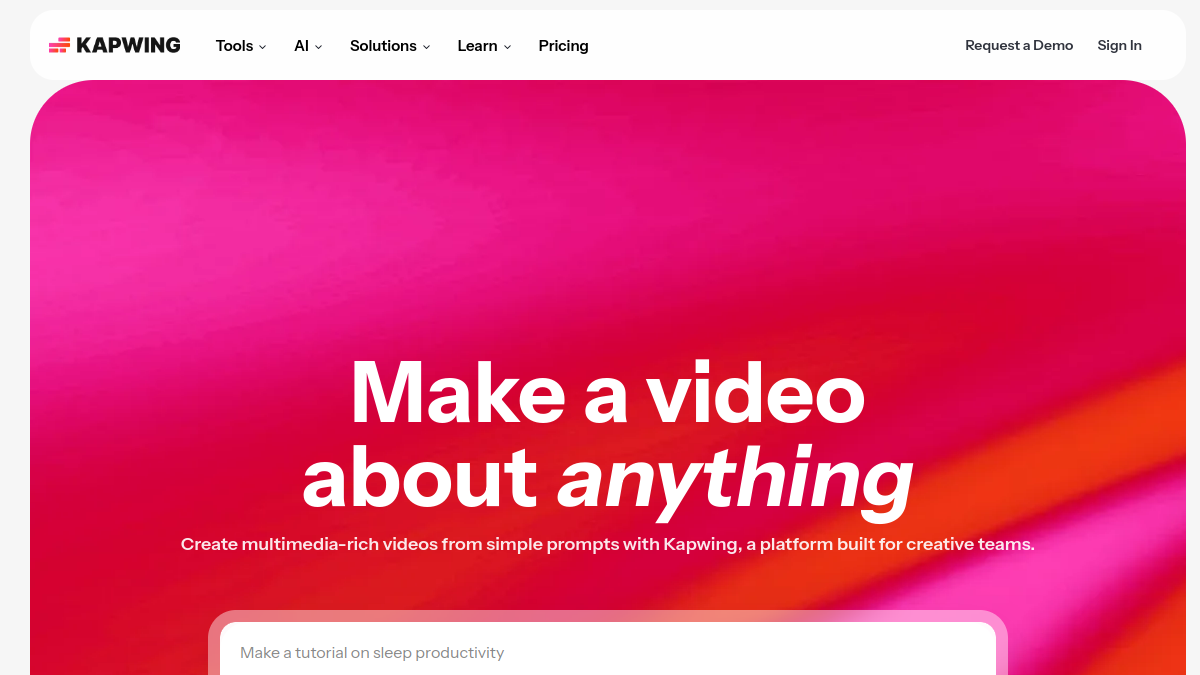
Kapwing plays the map of online collaborative publishing, as Google Docs for the video. Fluid interface, functions AI : subtitles, depresser, background deletion, script-to-video. Free plan: videos up to 4 minutes, watermark, export 720p. Positioning particularly relevant for marketing teams.
Choose Kapwing if: You work as a team and want a collaborative editor like Figma for the video.
4. Reloop: repurposing AI multi-platform

Reloop transforms a single video into several platform-optimised formats (Instagram Reels, TikTok, YouTube Shorts, LinkedIn) with automatic adjustments of cropping, text on screen, rhythm and miniature. Additional Descript : Reloop is stronger on multi-channel adaptation, Descript on the editing source.
Choose Reloop if: You produce for multiple platforms and want to automate repurposing. See our review Complete reloop.
5. Fliki AI: Generating a video from a text
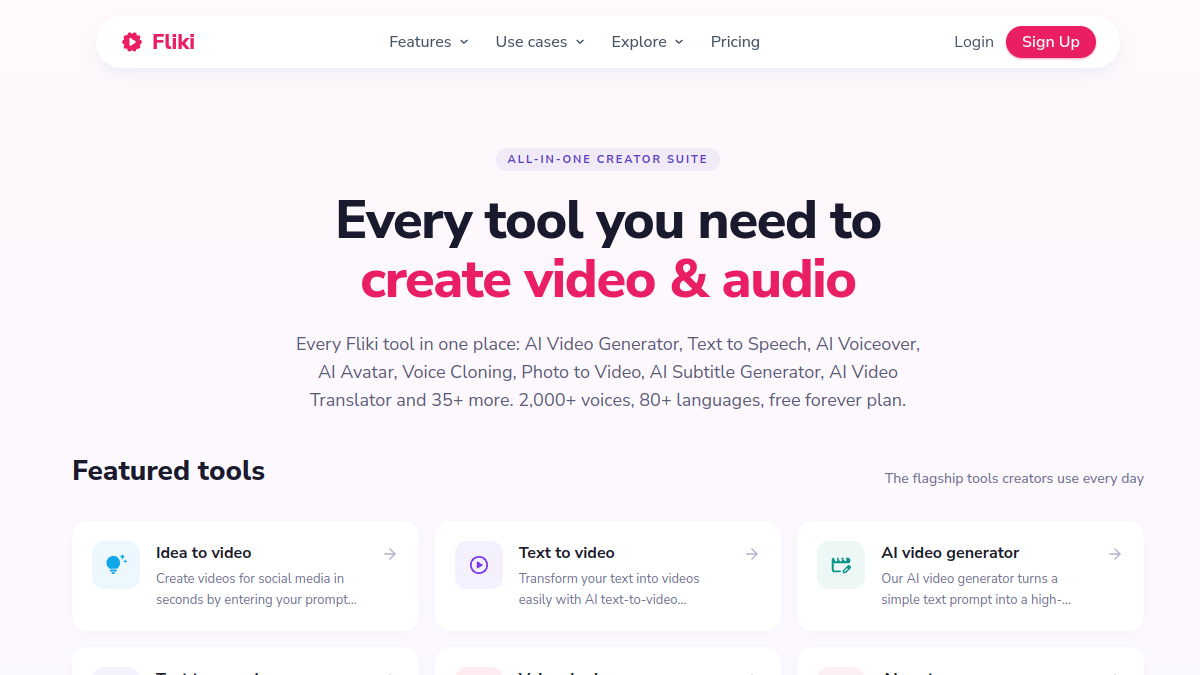
Fliki AI does not replace Descript on the editing but offers what Descript does not: generate a complete video from a simple text, with voiceover and integrated stock rushes. 5 minutes/month free, 75+ languages. Additional to convert a script to video ready to mount in Descript.
Choose Fliki if: You produce multilingual content or you want to turn your scripts into videos. See our review Fliki AI complete.
How to choose your alternative to Descript
- You want free + watermark-free + unlimited → CapCut.
- You want rich visual editing + AI in Assistance → Filmora.
- You work as a team and want to collaborate → Kapwing.
- You adapt the same video to multiple platforms → Reloop.
- You want to generate a video from multilingual text → Fliki AI.
💡 Tip: combine CapCut (free) + Reloop for repurposing gives the workflow closest to a subscription Descript paying, zero euro. Descript remains unbeatable on the editing by the text, but if you can work on a classic timeline, this combo is enough.
FAQ: Frequently Asked Questions about Alternatives to Descript
What is the best free alternative to Descript ?
CapCut remains unbeatable for free: unlimited, watermark-free on basic functions, transcription and subtitles included, available mobile and desktop. For a specific podcast/spoken use, Kapwing offers 4 minutes/free video with transcript AI correct.
Descript or Filmora: Which Should You Choose 2026?
Description for spoken content (podcast, training, tutorial) where the editing by the text saves time. Filmora for classical visual content (YouTube, TikTok, animations) where traditional timeline and visual effects count. Both of them combine well.
Is there an alternative to Descript in French?
All alternatives to the ranking correctly manage French in 2026. CapCut and Filmora have fully translated interfaces. Kapwing and Reloop remain in English but their interface is simple to navigate. The French transcription is correct on the 5 tools.
An alternative to Descript For video podcasts?
For the editing pure video podcast, Descript remains at the top in 2026. Serious alternatives : Riverside.fm (registration + editing AI Basic) and Adobe Podcast (editing Recent AI). CapCut also allows to mount a video podcast but without the script-first logic of Descript.
Do these alternatives allow free commercial use?
CapCut authorizes free commercial use watermark-free. Filmora, Kapwing, Reloop, Fliki limit commercial use to their paid plans. For pro use, provide 10 to 30 euros/month depending on the tool.
How to test several alternatives quickly?
Install CapCut (mobile + desktop) + create Filmora and Kapwing accounts in 10 minutes. Test the same source project on the 3 tools, compare workflow and rendered. A profile usually emerges after a week.
🎯 Verdict
No alternatives fully replace Descript on the editing script-first, but each tool bat Descript on a specific axis. Combo winning zero budget: CapCut for editing current + Reloop for repurposing. For regular pro-visual use, pass on Filmora. Descript remains unbeatable for a solo podcaster who prefers speaking to visuals.