
You want to recover the instrumental of a song for a karaoke, only keep the voice for a remix, or remove the background music that crushes a dialogue in a video? Five more years ago, we were working with phase reversal and the result sounded hollow. Today, models of AI trained over thousands of hours of music cut a file into separate tracks (voice, battery, bass, rest) in one to three minutes. Many of these tools are free, some even run locally on your PC. This is how it works, what tools We keep, and traps to avoid.
📌 Essentials
- The best free local: Ultimate Vocal Remover (UVR5), open source, without time limit, but requires a correct PC.
- The simplest without installing anything: an online separator (MVSEP, vocalremover.org) or Audacity with the OpenVINO module, free on Windows and Linux.
- The most comfortable: LALAL.AI or Moises, with a limited free plan and a subscription of a few euros per month.
- For a spoken video (interview, vlog, filmed podcast): a voice depresser like Studio Sound Descript does better than a musical separator.
- Right side: separating a song for private use is not a concern; publish the instrument or voice of a protected title, if.
Contents: How it works • Better tools free • With Audacity • Remove voice from song • Isolate your voice in a video • Separate tracks from an MP3 • Is UVR safe? • Rights • FAQ
How to separate voice and music from a song?
The principle is in one sentence: a mixed file is given to a network of neurons who have learned to recognize what « looks like » to a human voice, a snare or a bass line, and it rebuilds each element on a separate track. The original file is not « Disassembled » as a multi-track project:AI guess, very well, what belonged to each source.
The models most used in 2026 are called Demoucs (published in open source by Meta's research team, its version 4 is integrated into many of the tools), MDX-Net and especially the models of the Roformer family, which now dominate the quality community rankings over the voice. Most of the free sites you cross in mind Google make one of these models run on their servers, with a more or less pleasant interface around.
What do we call isolated voices?
We're talking about Stem vocal (English) stem, the « stem ») or simply voice track isolated. When the voice is alone, without any instrument, the musicians also say a a cappella. The inverse, the song without the voice, is called theinstrumental or the karaoke version. And when we divide into four or six tracks (voice, drums, bass, guitar, piano, others), we talk about separation into stems, or of stem splitting.
Why?AI does better than the old method
The old trick was to remove the left channel from the right channel: since the main voice is often placed at the centre of the mixing, it cancels. Problem, everything in the center disappears with it (bass, big box), and the reverberation of the voice remains. This is still what the effect does « Vocal Reduction and Isolation » - Audacity. L AI, it does not depend on stereo placement: it even works on a mono file, and it can keep the bass while removing the voice.
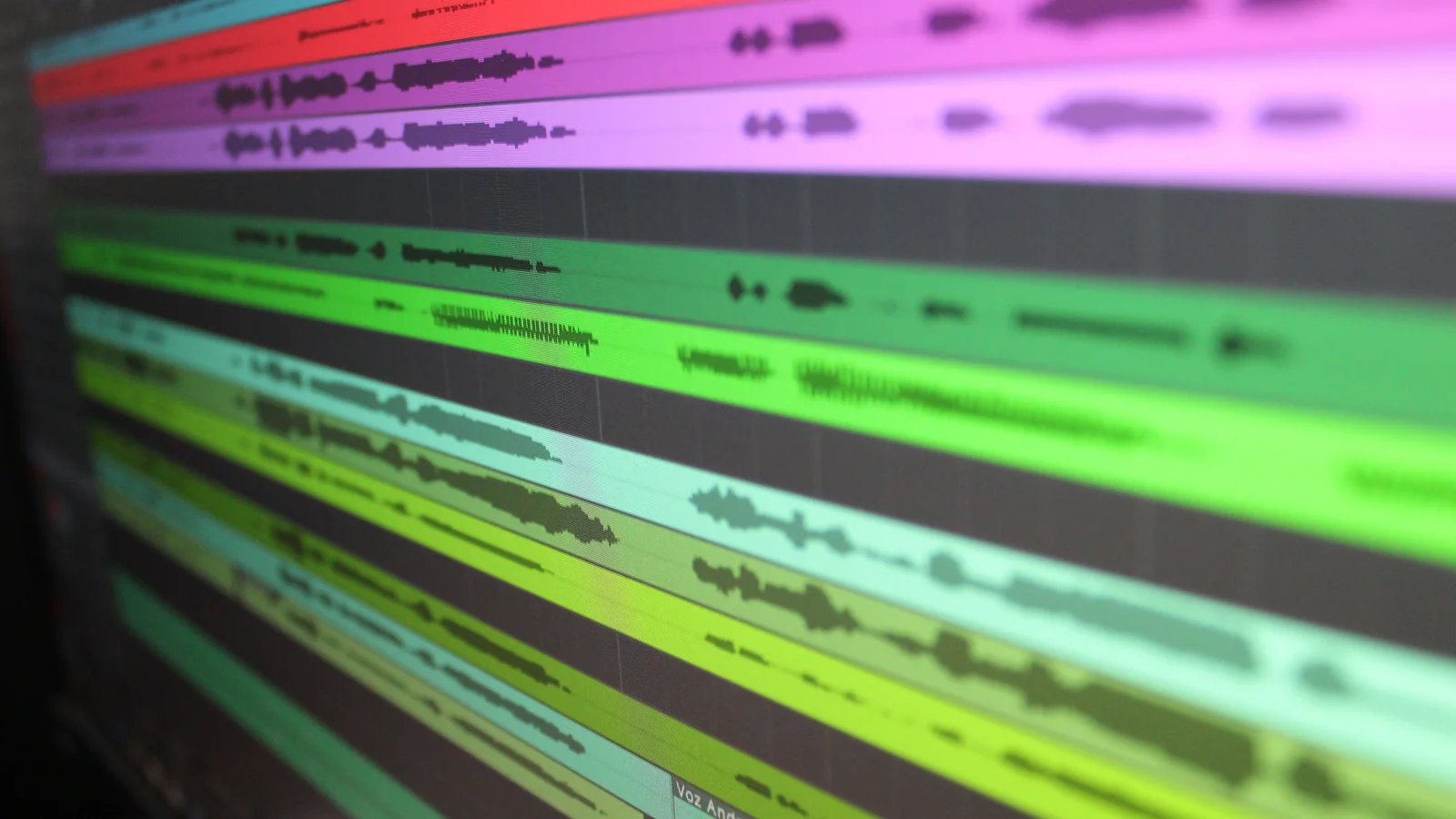
What is the best free software to separate sound and voice?
There is not a single winner: everything depends on your machine, the number of pieces to process, and your tolerance to registration. Differences between tools Most of all, they see themselves according to the genre of the song: pop very produced, rock with saturated guitars, rap with lots of bass, acoustic song. Here is what to remember, with the rates raised on October 11, 2026.
| Tool | Type | Free | Stems | For whom |
|---|---|---|---|---|
| Ultimate Vocal Remove 5 | PC/Mac software | Yes, without limit | 2 to 6 according to model | Max quality, large volumes |
| Audacity + OpenVINO | Audacity module | Yes (Windows, Linux) | 2 or 4 | Those who are already on Audacity |
| MVSEP | Online site | Yes, queue | Up to 6 and over | Test the best models without installing |
| LALAL.AI | Site and app | 10 min test | Voice, drums, bass, guitar, synth, strings, winds | Regular use, neat interface |
| Months | Mobile and web app | Yes, a few pieces a month | Voice, battery, bass, other | Musicians who repeat |
| vocalremover.org | Online site | Yes, without registration | Voice and instrumental | A karaoke quickly made |
| Descript (Studio Sound) | Audio and video editor | Limited use | Voice spoken only | Videos, podcasts, interviews |
Ultimate Vocal Remover (UVR5): the free reference
UVR is an open source graphical interface that brings together most existing separation models: Democs, MDX-Net, VR Architecture, and in its beta versions Roformer models. Everything runs on your computer, so no time limit, no file sent to a server and no subscription. The latest stable version published on the official GitHub page of the project is 5.6, with Windows and macOS installers (apple and Intel chips).
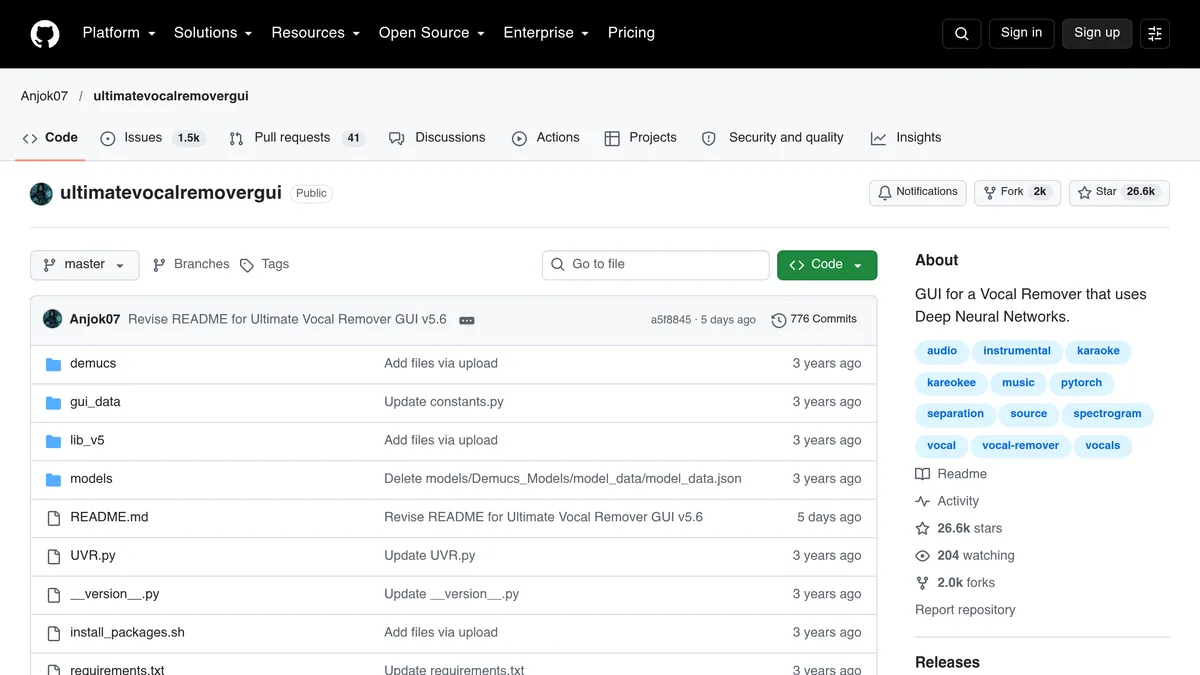
What we like: the possibility of combining several models (mode « Together ») to gain cleanliness, and download new models from the app. What gets stuck: the interface is not designed for beginners, and without a recent graphics card a four-minute piece can take several minutes with heavy models. To start, we recommend a Roformer or MDX23C model for voice, then Demoucs v4 if you also want the battery and bass.
LALAL.AI : the most pleasant to use
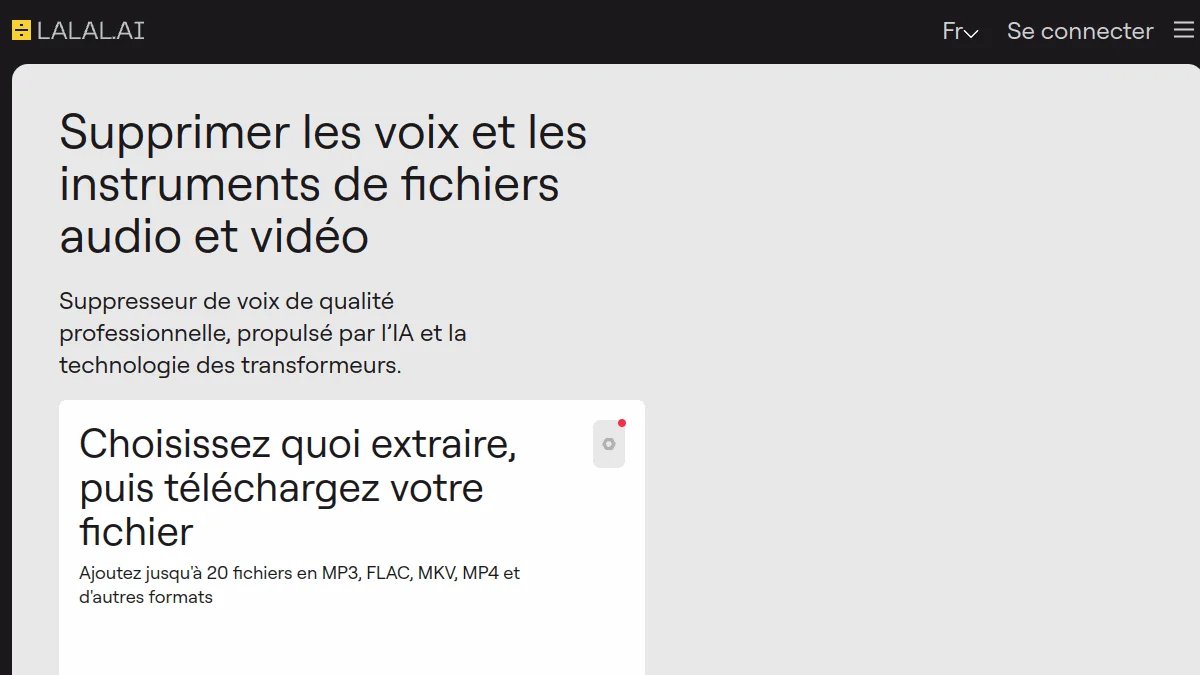
LALAL.AI is an online service that accepts both an MP3 and an MP4 or MKV video, and separates up to eight types of tracks: voice, instrumental, drums, bass, guitar, synth, strings and winds. The interface is the clearest in the batch. The free plan « Starter » gives 10 minutes of treatment, and according to the official grid consulted on October 11, 2026, the results are only downloaded for the pay formulas: We listen to the preview, we judge the quality, then we decide. Subscriptions start at 6.75 € per month (Lite, 90 minutes in fast queue then unlimited processing in slow queue) and 13,50 € per month for Pro, which adds the VST and API plugin. Detail to know: a separation costs the length of the file multiplied by the number of types of tracks requested.
MVSEP: the best models, for free, but with caution
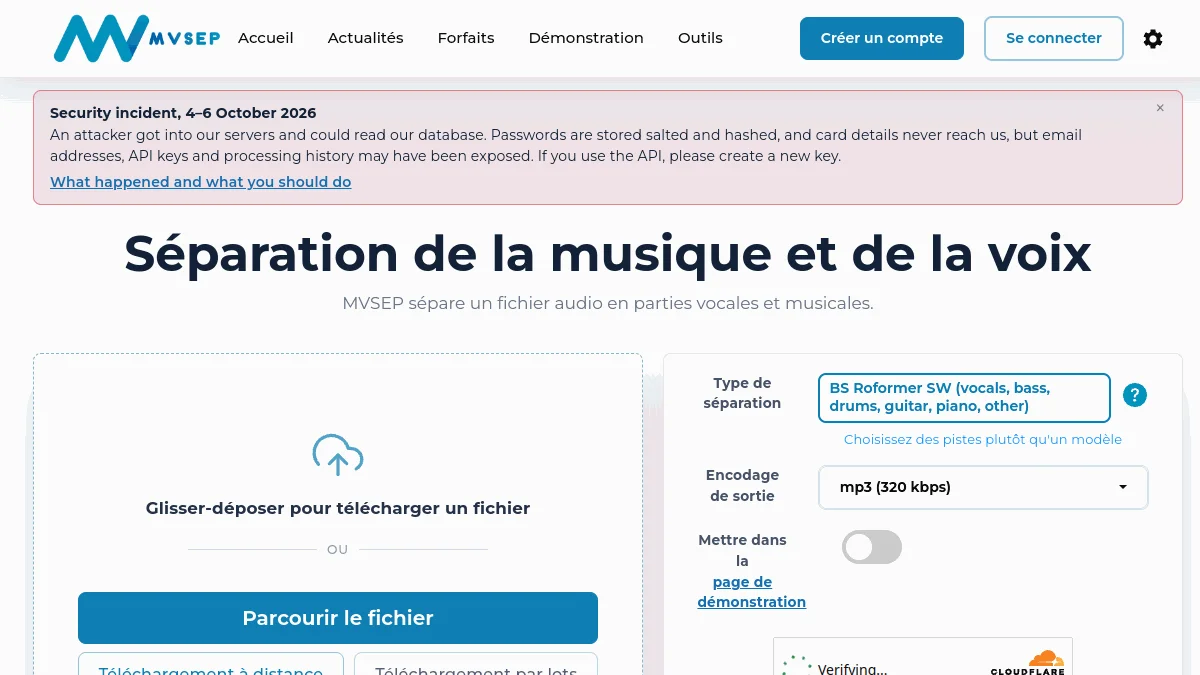
MVSEP is the favourite site for enthusiasts: it offers the latest models (BS Roformer, MelBand Roformer, ensembles) and lets the output format adjust to the WAV. The free version works with a queue, a paid account accelerates processing and unlocks heavier models. News: On October 11, 2026, a banner on the home page reports a security incident from October 4 to 6, 2026, with a possible display of email addresses, API keys and processing history. If you had an account, change your password and keys, and avoid sending confidential records to them for the time you need to see clearly.
Moose : thought for musicians
Moises is aimed at those who play an instrument: one removes the guitar or drums of a song to play over, slows the tempo, changes the tone, the app even displays the chords. The free plan covers voice, battery, bass and remains, with a limited number of songs each month. Premium rates vary by country and platform (App Store, Google Play, web) ; check the price displayed in the application before subscribing, online comparators give contradictory figures.

Free websites without registration
vocalremover.org, the first result Google on the subject, does one thing and does it well: you deposit a file, you recover voice and instrumental in MP3, without account. The quality is correct for a karaoke, less for a remix. Many other similar sites use older models or limit the duration to a few minutes. Beware of pages that require a browser extension or executable to download: an online separator does not need any of this.
How to separate voice and music with Audacity?
Audacity, the free audio software that everyone has ever installed, now knows how to make a real separation by AI with OpenVINO modules developed by Intel. Effect « Music Separation » presses Democs v4. After the official page of AudacityIt is available on Windows and Linux, not on Mac.
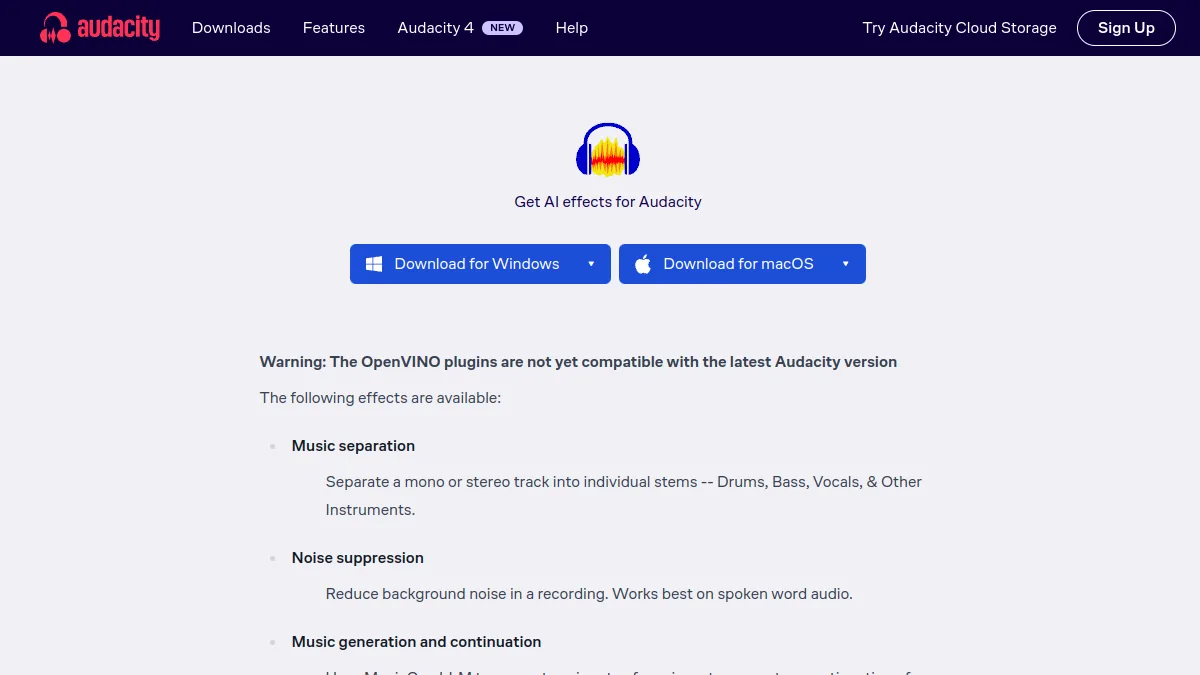
- Install the module OpenVINO for Audacity (via MuseHub or the GitHub page of Intel), then restart Audacity.
- Import the song by File, Import, Audio.
- Select All with Ctrl + A (or only the passage to be treated).
- Open Effect, OpenVINO AI Effects, Music Separation and choose the mode 2 tracks (voice and instrumental) or 4 tracks (battery, bass, voice, others).
- Choose the processor calculation (CPU, graphics card or NPU if your PC has one) and run. Count one to a few minutes depending on the machine.
- Export each track separately: they appear as new tracks under the original.
On Mac, or if the module refuses to install, it remains the historical effect « Vocal Reduction and Isolation ». It works by phase cancellation: of course on an old title where the voice is in the center, disappointing on a modern production full of reverberation and stereo choirs.
How to split an audio on Audacity?
If you want to cut a piece into several pieces in time (not tracks), place the cursor at the desired location and use Edit, Clip Limits, Scinder (ctrl + I shortcut). To split a stereo track into two mono left and right tracks, open the track menu (the small name on the left) and choose « Separate stereo into mono ». Practical when an interview was recorded with a microphone per channel: each speaker finds himself on his track, without AI.
How to remove a singer's voice on a song?
For karaoke or recovery, the fastest method is in four steps, regardless of tool :
- Leave the best file possible. A WAV or FLAC gives an instrument cleaner than a compressed MP3 at 128 kbit/s, as compression has already mixed artifacts in the acutes.
- Choose a model « Votes » (Roformer, MDX) rather than a generalistic four-track model: it is specialized, therefore more precise on the voice and instrument boundary.
- Recover Instrumental And listen to him in the helmet on the choruses: that is where the choirs and reverberation leave traces.
- If a voice ghost persists, iron the instrument into a second model, or use a model « Reverb » to clean the reverb line.
You have to be honest about the limits: none tool does no miracle on a voice doubled by an instrument at the same height (a saxophone following the melody, for example), or on a live recording where the voice has « sank » in all microphones. We then obtain an instrument usable but not perfect. For a karaoke with friends, no one will hear it. For a published remix, UVR or MVSEP is recommended with a set of models.
💡 Tip: to quickly check the quality of a separation, reverse the phase of the resulting vocal track and mix it with the instrumental and the original. The more sound, the more tool a « invented » of matter. Otherwise, simpler: listen to the voice alone, the defects jump to the ears.
How can I isolate my voice from music?
The question often hides another need: you have filmed a video, music passed behind (in a café, in a car, during an event), and you only want to keep your voice. A musical separator works, but it's set for singers, not for speech. One tool spoken voice cleaning often gives a better rendering.
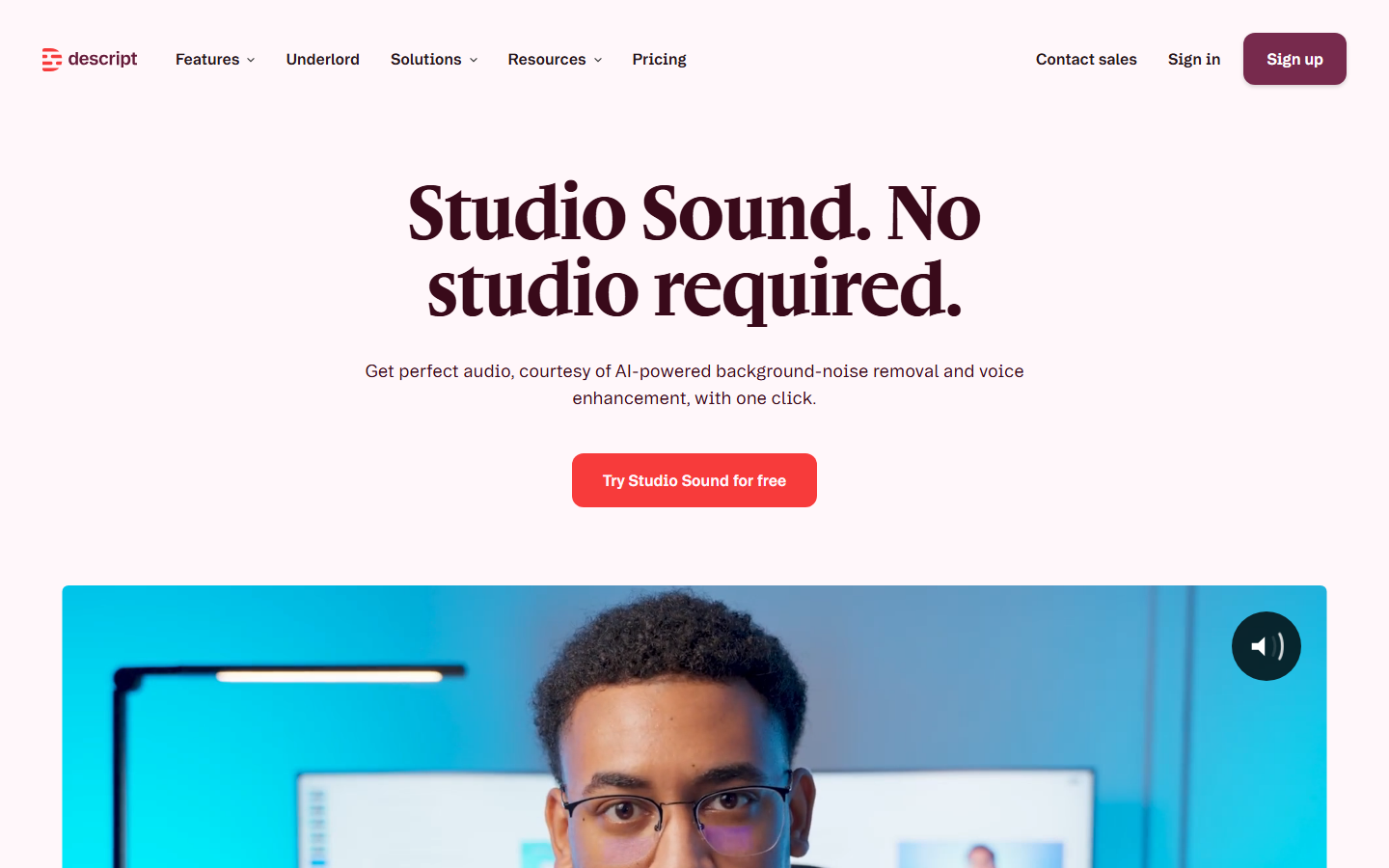
This is the land of Studio Soundthe function of Descript Instead of subtracting the noise, it regenerates a clear voice and drops the rest, including ambient music. We activate the effect on the track, we adjust the intensity (100% the voice can sound a bit synthetic, we often descend around 60-80%), and it is done. The big advantage is that everything happens in a real video editor: you clean the sound, cut the silences and add the subtitles in the same place. On the official grid consulted on October 11, 2026, the free plan includes 60 minutes of media per month and limited access to Studio Sound; the foreground paying (Hobbyist) is displayed at 16 $ monthly invoicing, 24 $ Monthly. We have detailed what the free version allows in our article Free description.
If it really is a song you sing (a replay recorded on a soundtrack), return to the music separators above: a Roformer model will extract your singing voice more faithfully than a tool thought for the word.
How to separate audio tracks from an MP3 (or a video)?
An MP3 has only one stereo track: there is no « hidden tracks » to extract, unlike a project file. The only way to separate them is therefore to go through a model AI as above. All accept MP3. For one video, two cases:
- L tool accept the video directly (LALAL.AI, Descript) : drop your MP4, it extracts the sound itself.
- L tool n (UVR, most free sites): first get the soundtrack. We explain the methods in our guide for extract audio from a video, and step by step conversion in convert MP4 to MP3. For separation, prefer a WAV export to MP3 if l tool Leaves you a choice.
Some video files actually contain several audio tracks (an original version and a doubled version, for example, or an OBS recording with a separate microphone and sound from the game). In this case, there is no need to use AI : a software such as VLC, Shotcut or ffmpeg allows you to choose and export each track as it is.
Is Ultimate Vocal Remover safe?
The software itself, yes, provided you download it in the right place. Its code is public and tool Process files locally, without sending anything on the internet (without downloading templates). The risks come from elsewhere:
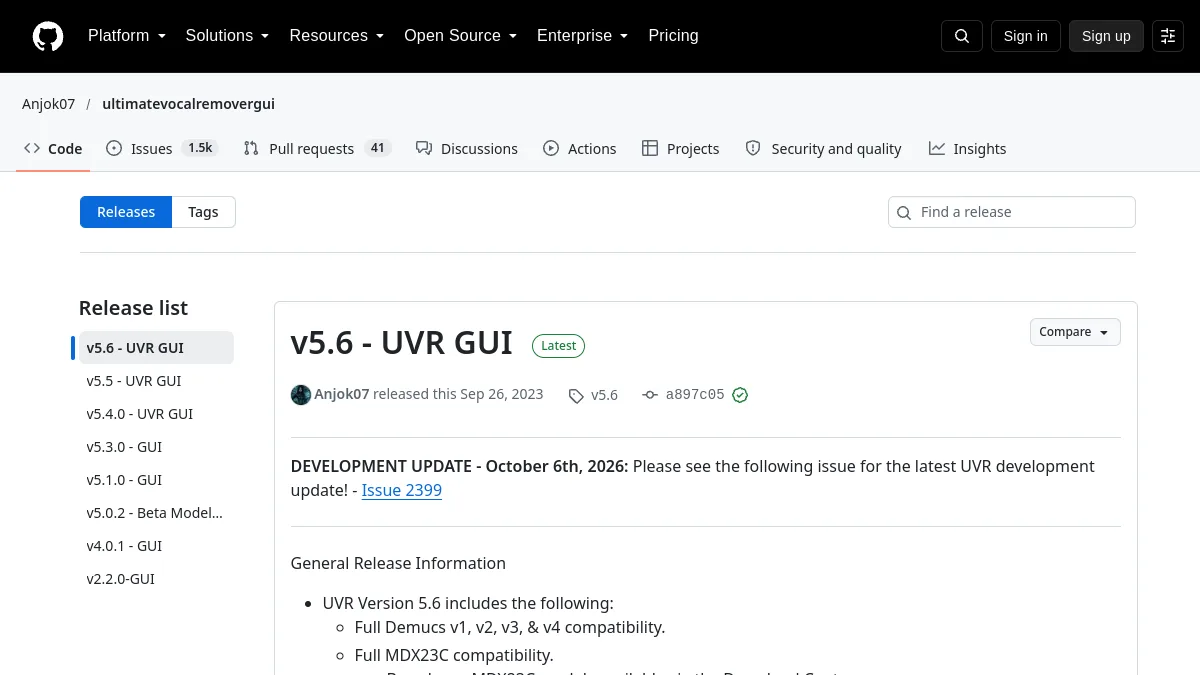
- The fake download sites. The name « Ultimate Vocal Remove » attracts copies that package the installer with unwanted software. Only go through the developer's GitHub repository or the related site.
- Windows warning. The installer is not digitally signed, so Windows SmartScreen can display an alert. It's expected for this project, but that's precisely why we don't have to take it anywhere else.
- On Mac, the project indicates Terminal commands to remove Gatekeeper blocking. Reactivate the protection then, as he recommends.
For online services, the security issue is more about your files and your account. The incident at MVSEP in early October 2026 reminds us: do not send private registration (meeting, voice of a customer) to a free site that you do not know about the conservation policy. In these cases, UVR in local is the best option.
What you have the right to do with separate tracks
Separateing a song does not change his rights. The isolated voice of a commercial title remains protected by copyright (for composition and text) and related rights (for interpretation and recording). Specifically:
- Private use (Karaoke at home, learn a bass part, analyze a mix): no problem.
- Online publication an instrument, a cappella or a remix: the right holders must agree, with narrow exceptions. On YouTube, Content ID very well identifies an instrumental, even cleaned, and the claim usually falls within the following hours.
- Your own pieces or free-licensed titles: you do what you want under the license.
If your goal is to have a soundable background music without risk, it is often easier to start from a generated or licensed music: we compare the solutions in our guide on the music AI free of rights YouTube.
Settings for a clean result
Some habits really make a difference. Nothing magical, but we avoid most disappointing results.
- Normalize before, not after. A file that saturates (clipping) blurs separation; Reduce the volume by 1 or 2 dB if necessary.
- A task, a model. Voice and instrumental model, multi-track model for battery and bass. Models « all-in-one » make compromises.
- Keep the WAV to the end. Each conversion to MP3 adds a layer of losses, and they cumulate.
- Treat reverb separately. An isolated voice with its reverberation sounds « far away » ; a passage in a reverb model brings her closer.
- Listen to the helmet And not just on the phone speakers, who hide artifacts in bass and sharps.
Finally, keep realistic expectations on very old mono recordings or concert recordings: separation remains possible, but it shows its limits faster. To go further technical, the repository Democs on GitHub explains the operation of the model and its variants.
🎯 Verdict
For a one-time karaoke, a free site without registration is enough. If you often separate or want the best quality without paying, install Ultimate Vocal Remover from GitHub and take a Roformer model. If you prefer a simple interface and video files accepted directly, LALAL.AI is worth a few euros per month. And if your real problem is background music in a spoken voice, take a tool voice cleaning like Studio Sound Descript rather than a musical separator.
FAQ: Separate voice and music
Can we separate voice and music for free?
Yes. Ultimate Vocal Remover is completely free and unlimited as it runs on your computer. Online, vocalremover.org and MVSEP offer free separation, and Audacity also does so with the OpenVINO module on Windows and Linux.
How to separate voice and music online without registration?
Place your file on a site like vocalremover.org: it returns voice and instrumental to MP3 without asking for an account. The quality is suitable for a karaoke. For a cleaner rendering, go through a tool which offers Roformer models.
Can voice and music be separated from a video YouTube ?
Technically yes, by recovering the soundtrack first and then passing it through a separator. But download a video YouTube is contrary to the conditions of the platform, and republishing the voice or instrumental of a protected title requires the agreement of the rightholders.
What is the difference between a voice separator and a debugger?
A separator is trained on music: he distinguishes a sung voice from instruments. A depressor or a tool as Studio Sound is trained on speech: it keeps a clear spoken voice and removes noise and ambient music. For an interview, the second one is more suitable.
Can we get a perfect voice without any trace of instrument?
Rarely 100%. On a well-mixed modern production, the result is often bluffing, but traces remain possible on choruses, reverberation or an instrument that plays the same melody as the voice. Combining two models reduces these traces.