📌 Essentials
FlexClip is an online video editor (100% navigator) designed for speed: we leave a model, we add its media, and theAI accelerates the rest (text-to-video, auto subtitles, voiceover). Free functional plan but with watermark and export 720p; Plan Plus to ~10 $/month raises these limits. Ideal for beginners and fast marketing content.
Test FlexClip for freeNeed to mount a video quickly, without installing software or spending hours there? FlexClip is one of the simplest online publishers on the market, and it has stacked the AI Tools In recent months. But what is it really worth, is it free, and for whom is it cut? This is our review Complete on FlexClip in 2026: features, real prices, limits and alternatives.
Contents: What FlexClip is • Features • Free price and plan • For whom • Our review • Alternatives • FAQ
What is FlexClip?
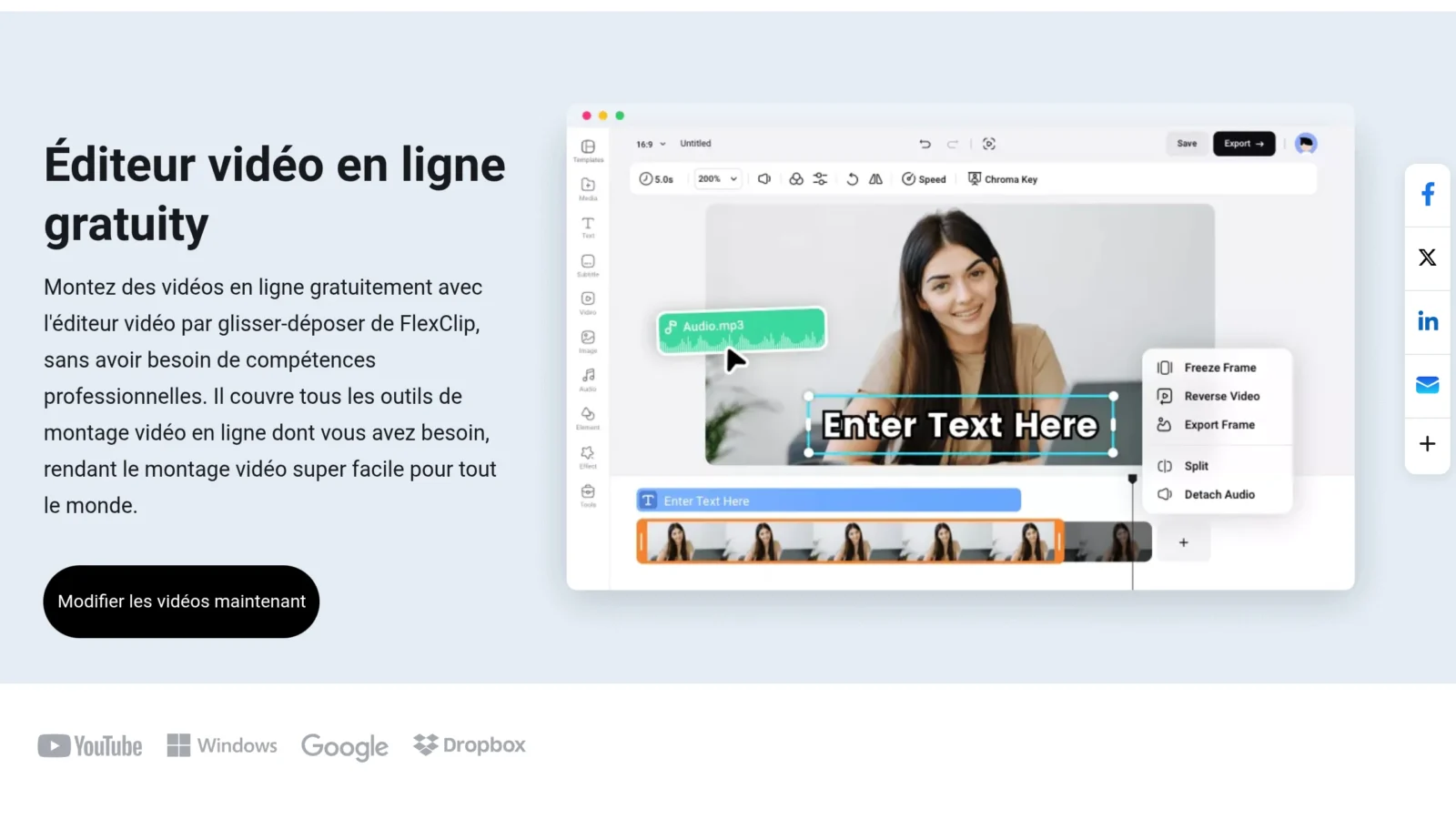
FlexClip is an online video creator and editor powered by AI. Everything happens in the browser, without installation: you choose a model from thousands, you slide your media, you adjust text, music and transitions, then you export. His philosophy is no-code : produce a correct video in minutes, even without any skill in editing. The AI Tools (generation from text, subtitles, voiceover) further speed up the process.
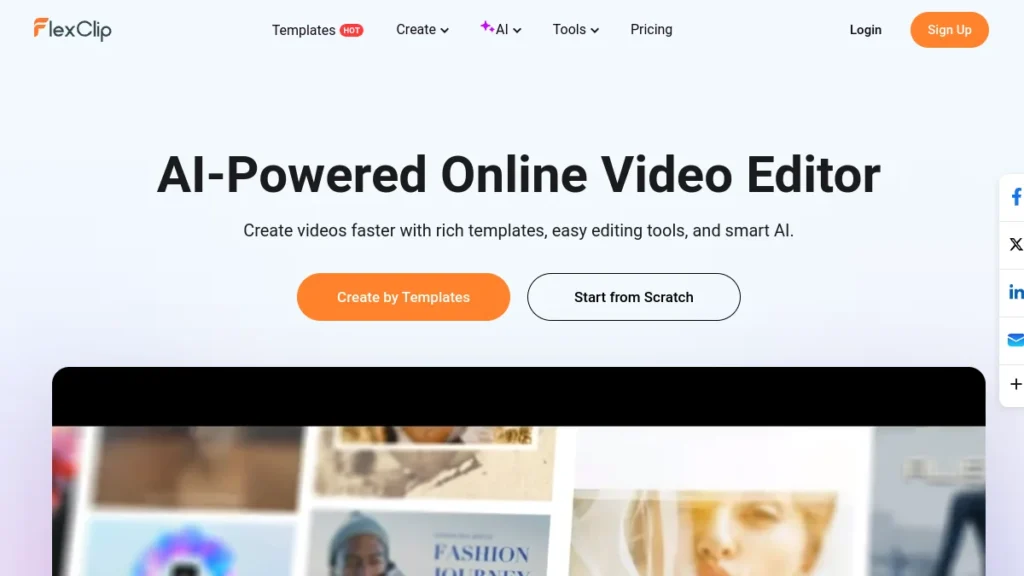
FlexClip goes well with the simple editing : video generator AI, speaking avatar, voiceover ElevenLabs, Automatic shorts, translation, image editing. We've got it all, we've got it all, we've got it all. Complete Guide FlexClip functionality.
FlexClip features
Models, stock and editing simplified
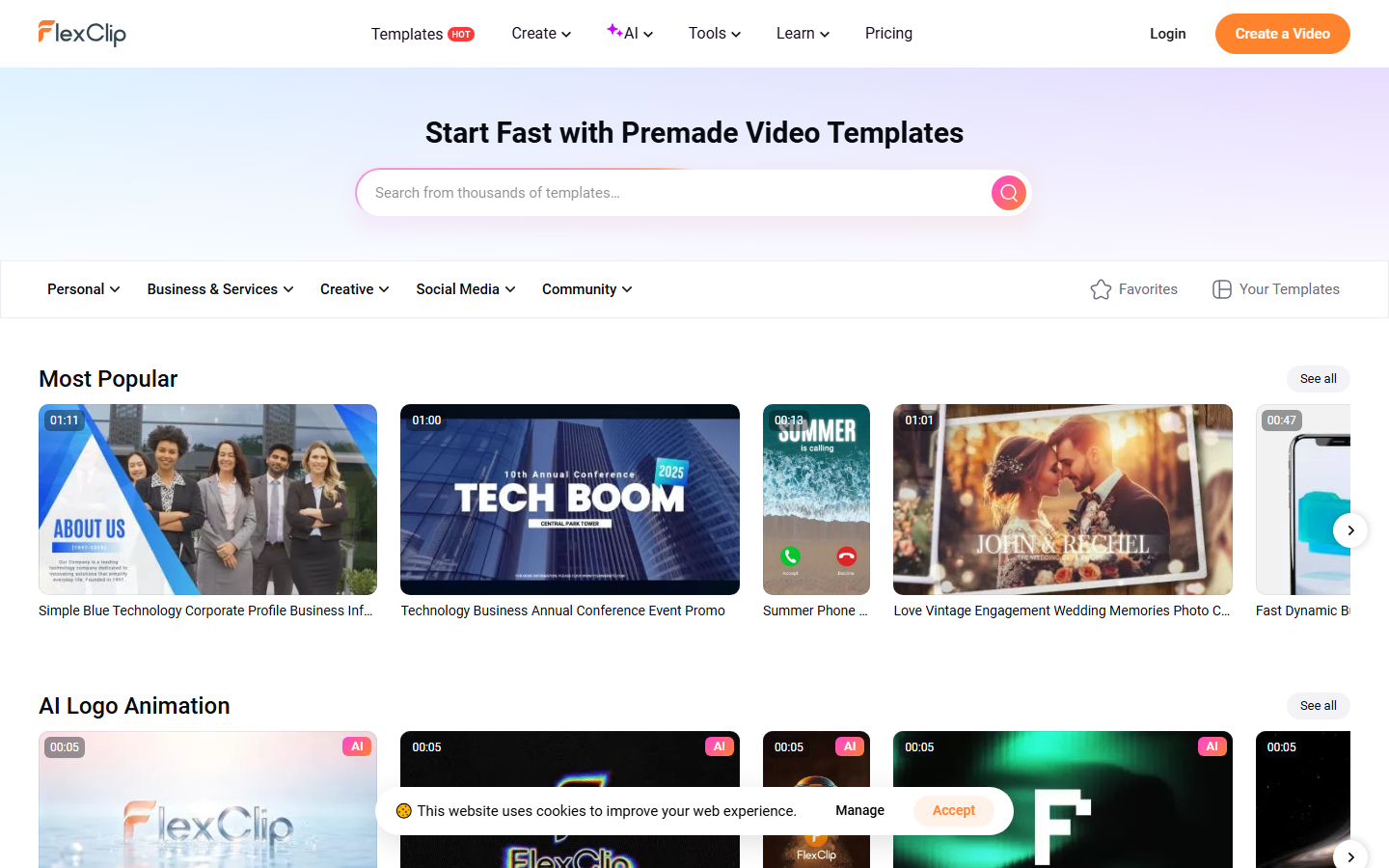

FlexClip's heart is his 5,000+ editable models and its bank of several million free media (videos, photos, music). We rarely start from zero: we adapt a template to the desired format (16:9, 9:16, 1:1), we replace the elements, and it's ready. The editing covers the essentials: cutting, merging, animated text, transitions, screen recording.
The AI Tools

This is where FlexClip has progressed a lot: generation of video from a text, scriptwriter AI, automatic subtitles, voice synthesis (voiceover) in 140+ languages, and background removal. From what to turn a draft into a published video without leaving ittool.
Our 2026 test: the rest AI screened
FlexClip was taken in hand in early 2026 in a higher level account for this test. What strikes is the magnitude of the game artificial intelligence. Beyond the classic editor, FlexClip embarks a generator by AI, a converter Blog URL to video, AI avatars voice synthesis and voice cloning, automatic subtitles, transcription and video translation. Add about 15 d tools image (text to image, Face Swap, upscaler, watermark removal, colouring) and eight tools audio (generator music, noise reducer, voice extractor).
In concrete terms, one can start from a simple article link and emerge a video mounted, doubled in voiceover French and subtitled in a few minutes. To verify, we did exactly that with one of our guides. Here is the raw result, without retouching:
The free merite plan that we s'y attard : it already allows to mount short videos, but it imposes a watermark and cap export in 720p. We've cut down everything he allows (and what he blocks) in our Complete Guide FlexClip in free version.
Free price and map of FlexClip
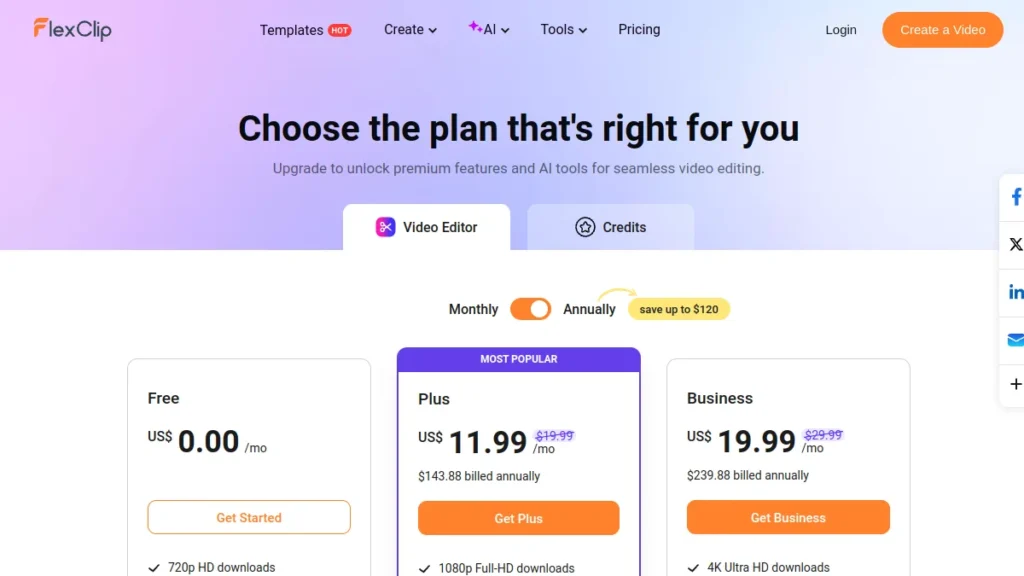
⚠️ Attention: The free plan puts a FlexClip watermark and limits export to 720p. To publish properly (1080p, without brand), you need the Plus plan. Prices are changing; Check the official grid.
FlexClip, for whom?
FlexClip clearly targets Beginners and those who want to go fast: community managers, small businesses, trainers, casual creators. That's the one.tool perfect for a marketing video, social media promotion or a editing fast from a model. On the other hand, if you are looking for advanced creative control (editing advanced multitrack, fine calibration), a pro classic editor will remain more suitable.
Our review on FlexClip
FlexClip keeps its promise: create quickly, simply, without installation. The combo models + AI saves real time, and the onboarding is immediate. Its limitations: the free watermarked plan, and less depth of editing than a desktop software. For regular social, marketing or educational content, the simplicity/price ratio is excellent. To locate FlexClip in front of others, see our comparison best video software AI.
If FlexClip doesn't check all your boxes, several video editors AI Play in the same yard. We compared them one by one in our selection of best alternatives to FlexClip in 2026.
Alternatives to FlexClip
As required: InVideo (more text-to-video oriented), CapCut (free, strong on mobile/TikTok), Canva (all-in-one visuals), or a pro editor if you want advanced control. To automate the editing of videos, see also our selection of best AI of the video editing.
Our verdict
🎯 Verdict
FlexClip is an excellent gateway to create videos quickly online, especially for beginners and marketing/social needs. Free enough to test; Plan Plus to ~10 $/month is the right choice to publish watermark-free. Simple, fast, efficient, without pretending to replace a pro publisher.
FAQ
Is FlexClip free?
Yes, there is a free functional plan: editing, models and tools base, with export 720p. In return, videos are watermarked and the duration/number of projects is limited. The Sans-Filigrane and 1080p pass through a paid plan.
What is the price of FlexClip?
Beyond the free, the Plus plan revolves around 10 $/month (annual) for the 1080p without watermark, and business plan around 20 $/month for advanced options. Rates change: check the official page.
Does FlexClip suit beginners?
Yeah, it's even his main target. The interface no-code, ready-to-use models and AI Tools allow to create a correct video in minutes without experience of editing.
What is the best alternative to FlexClip?
Depending on the need: InVideo for text-to-video, CapCut for mobile/TikTok, Canva for all-in-one visuals. Our comparison video AI software helps to choose according to your use.