
Search for an alternative to Filmora in 2026 is justified by three profiles: those who find the free watermark too visible, those who want a editing the text (Descript-style), and those on mobile. Five serious alternatives: CapCut (free watermark-free), Description (script-first), DaVinci Resolve (free pro), FlexClip (100% browser), and InVideo AI (text-to-video).
Contents: Essential · Comparison rapid · Top 5 alternatives tested · How to choose · FAQ
📌 Essentials
- Best free alternative watermark-free - CapCut.
- Better for editing script-first : Description.
- Best Pro Alternative Free : DaVinci Resolve.
- Best in 100% browser : FlexClip.
- Best for full text-to-video : InVideo AI.
Comparison fast: 5 alternatives to Filmora in 2026
| Tool | Type | Free plan | Watermark | Strong point vs Filmora |
|---|---|---|---|---|
| CapCut | Timeline mobile+desktop | Unlimited | No | Free watermark-free |
| Description | Script-first | Media 1h/month | Yes | Editing by text |
| DaVinci Resolve | Pro cinema | Unlimited (Free) | No | Pro calibration |
| FlexClip | Browser | 12 projects, 480p | Yes | Zero installation |
| InVideo AI | Text to video | 10 min/week | Yes | Generates soon |
See also our guide dedicated: filmora-free.
Top 5 alternatives to Filmora in 2026 (tested)
1. CapCut: free watermark-free mobile and desktop
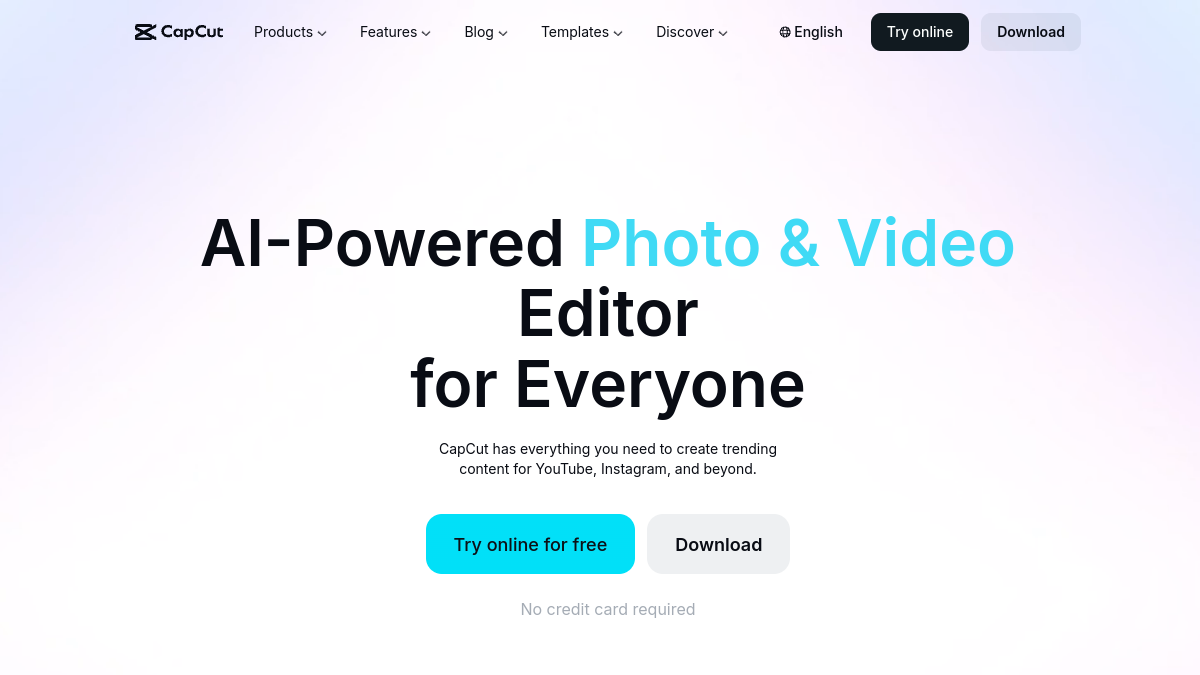
CapCut remains the market anomaly: free, unlimited, watermark-free on basic functions, available mobile and desktop. Clean timeline editing, functions AI solid (subtitles, silences, debugger), integrated sound bank. Developed by ByteDance (TikTok). Where Filmora imposes a watermark on its free trial, CapCut does not impose it.
Choose CapCut if: You refuse the Filmora watermark and accept a slightly less polished interface. See our comparison Descript vs CapCut and Submagic vs CapCut.
2. Descript : the editing text
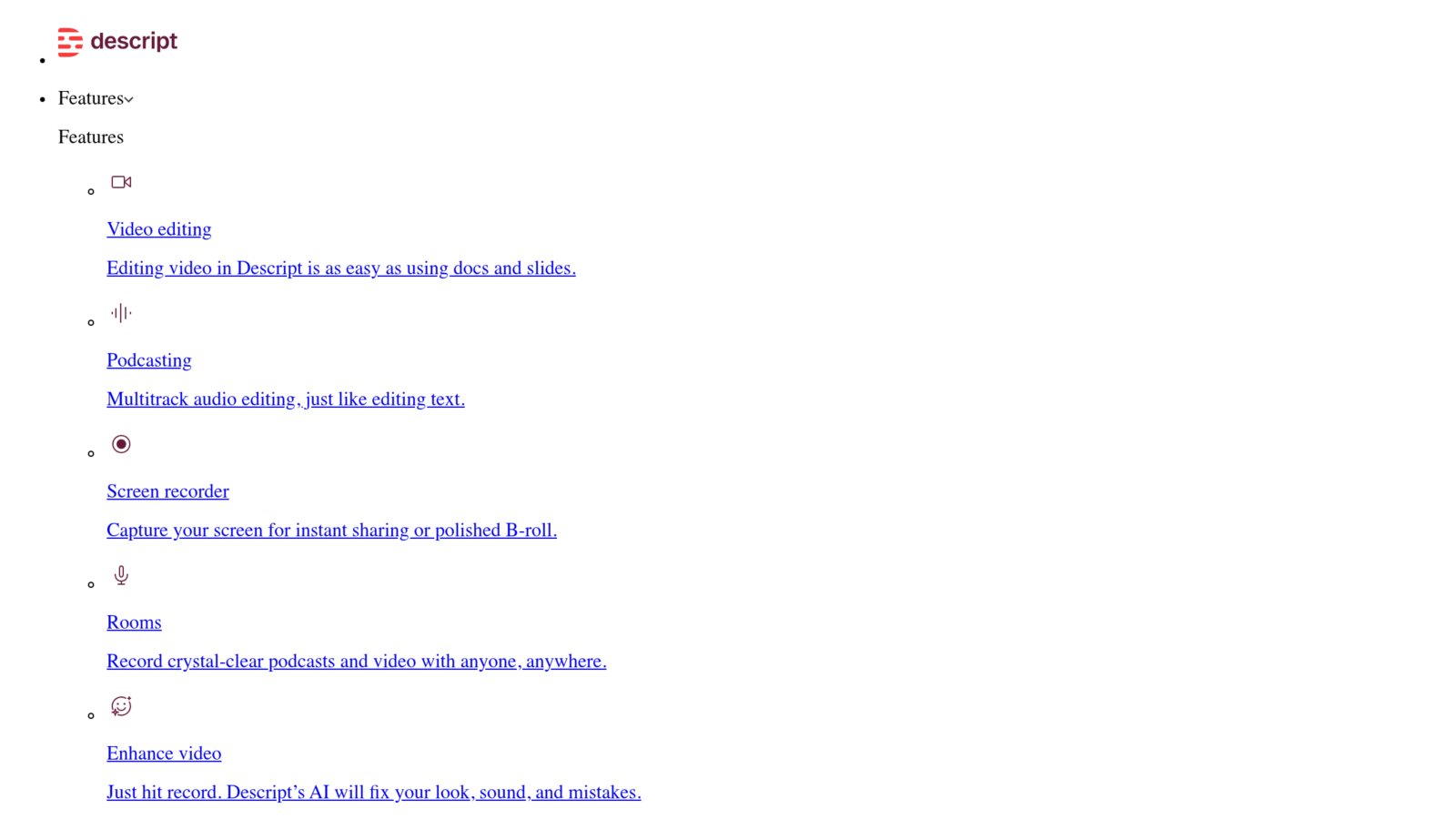
Description pushes an approach opposed to Filmora: editing by the text. You're importing your spoken video.AI transcribed, you delete the words in the script, the video breaks. Functions AI Solid: Filler Word Removal, Studio Sound, Overdub (paying). 1 hour of free media per month.
Choose Descript if: you raise spoken content (podcast, training, tuto). See our review Descript complete and duel Filmora vs Descript.
3. DaVinci Resolve: the free pro cinema
DaVinci Resolve remains the only fully free pro cinema publisher in 2026 (full, unbridled Free version). Reference color calibration of the market, Fairlight for audio pro, Fusion for VFX. Learning curve harder than Filmora but pro result without compromise. No watermarks, unlimited 4K exports.
Choose DaVinci if: You want to make pro video (short film, wedding, advertising) without spending a penny. The Studio version (299 $ for life) unlocks some advanced functions.
4. FlexClip: 100% browser editor

FlexClip works fully in the browser, no installation. Library of ready-to-use templates, image and sound bank royalty-free, AI Tools (text-to-video, auto subtitles, debugger). Free plan: up to 12 projects, exports 480p with watermark. Simple solution for occasional content.
Choose FlexClip if: You don't want to install anything (low computer, pro-locked PC, Chromebook). See our review Complete FlexClip.
5. InAI Video: text-to-video complete

InVideo AI automate where Filmora asks to build everything manually. You write a quick,AI write the script, select the rushes, add a voiceover, hold the cuts. 10 minutes of free video per week. Made usable in 5 minutes time.
Choose InVideo if: You want to save massive time on the video structure and don't need the precise timeline control of Filmora. See our review InVideo Full AI.
How to choose your alternative to Filmora
- You want free + watermark-free → CapCut or DaVinci Resolve.
- You're going up long spoken content. → Description.
- You want a movie pro without a budget → DaVinci Resolve.
- You want zero installation → FlexClip.
- You want to automate everything from a quick → InVideo AI.
💡 Tip: CapCut + DaVinci Resolve covers 95% of the needs that Filmora, free and watermark-free. CapCut for short daily content, DaVinci for more ambitious pro projects. Zero reason to pay Filmora if you're comfortable with these two tools.
FAQ: Frequently Asked Questions about Alternatives to Filmora
What is the best free alternative to Filmora?
CapCut remains the best free watermark-free in 2026, with functions AI integrated. For editing more ambitious pro, DaVinci Resolve Free offers power equivalent to 300+ software $/month, totally free.
Filmora or CapCut: Which Should You Choose 2026?
Filmora for a more polished interface and a richer template library. CapCut for free watermark-free, lighter, more suitable for mobile. The final rendering quality is equivalent on the basic functions.
Is there an alternative to Filmora in French?
All alternatives to the ranking manage French correctly. CapCut, Descript and FlexClip have fully translated interfaces. DaVinci Resolve accepts French as an interface. InVideo AI generates the voiceover in impeccable French.
A free alternative to Filmora Pro watermark-free ?
CapCut and DaVinci Resolve Free are the only two free publishers totally watermark-free 2026. CapCut is simpler, DaVinci more powerful. Both are widely worth the paid Filmora plan for personal use.
Do these alternatives allow free commercial use?
CapCut and DaVinci Resolve Free allow free commercial use without restriction. Descript, FlexClip and InVideo limit free commercial use and require a fee-paying plan for clear usage.
Alternative to Filmora for Mac?
On macOS, DaVinci Resolve and CapCut are native and optimized. Descript and FlexClip work perfectly. iMovie (pre-installed on Mac) also remains a free alternative valid for editing Basic.
🎯 Verdict
Filmora remains an excellent publisher enriched with functions AI, but each alternative beats Filmora on a specific axis. Combo winning zero budget: CapCut for daily + DaVinci Resolve Free for ambitious pro projects. For podcast/spoken use, add Description. Filmora remains relevant if you want a polished interface with rich templates and agree to pay 55-80 €/year.