Update, July 2026: YouTube a clarifies the rules for monetizing the content produced in series. Publishing Shorts in volume remains possible, provided that the episodes differ on the background. We list the three categories concerned in our article on Monetization YouTube videos AI.
📌 Essentials
- Submagic is the #1 Short specialist: automatic cutting, animated subtitles, 9:16 format in one click.
- InVideo generates a complete Short from a simple quick text, ideal for beginners.
- Creatify is cut for Ad Shorts: pasting a product URL is enough to create a vertical ad.
- Fliki transforms text or article into Short with voice AI Realistic.
- Filmora is the best for creators who want to keep control of the editing withAI As an assistant.
- Vidnoz is the only one offering Shorts with avatar AI Speaking, perfect for professional faceless videos.
The YouTube Shorts have exploded: more than 70 billion views a day on the platform, and an algorithm that propels new channels much faster than long videos. The problem? Create quality shorts, vertical format 9:16, dynamic subtitles, editing fast, hang in the first 2 seconds, take a crazy time if you do it manually.
That's where IAI Change everything. In 2026, several tools allow you to generate, mount or transform your videos into shorts ready to publish in minutes. But not all are worth it, and above all, they do not meet the same needs.
In this guide, we review the 6 better tools AI to create YouTube Shorts, with for everyone what he really does, his strengths, his limits and his price. In the end, you'll know Which Should You Choose for your profile. To go further on creating short content, consult our guide on generate subtitles automatically with theAI.
Comparison fast: 6 AI for YouTube Shorts
| Tool | Better for | Format 9:16 | Free plan | Starting price |
|---|---|---|---|---|
| Submagic | Cutting + animated subtitles | ✅ Native | ✅ 3 videos/month | ~20$/month |
| InVideo | Generation from prompt text | ✅ Native | ✅ Limited | ~25$/month |
| Creatify | Advertising shorts (e-commerce) | ✅ Native | ✅ Free trial | ~39$/month |
| Fliki | Text-to-Short with voice AI | ✅ Native | ✅ Watermark | ~28$/month |
| Filmora | Editing AI assisted | ✅ Manual export | ✅ Watermark | ~9,99$/month |
| Vidnoz | Shorts with avatar AI | ✅ Native | ✅ Generous | ~19$/month |



1. Submagic : The specialist of Viral Shorts and clips
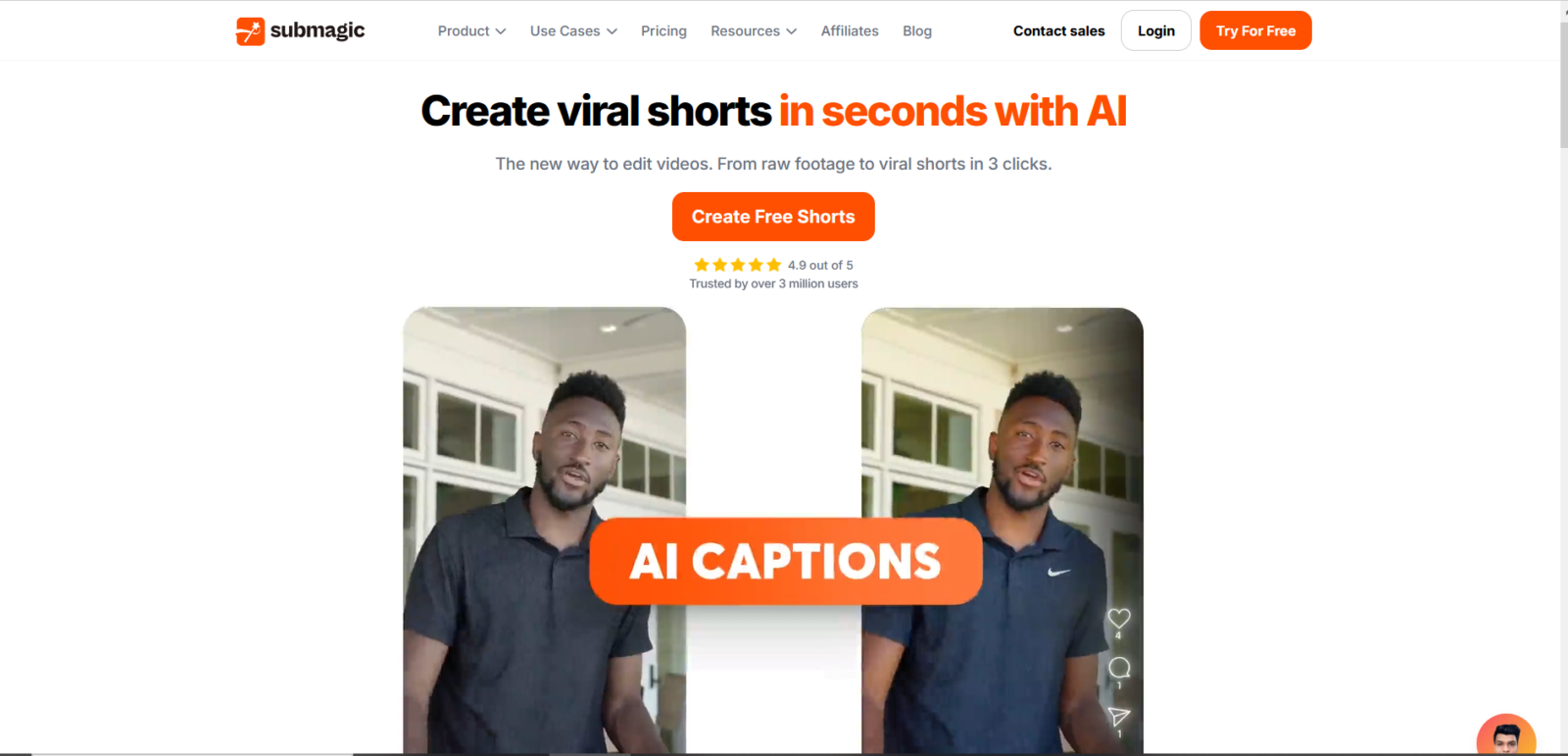
Submagic is today the most cited reference for the creation of YouTube Shorts by AI. Its strong point:tool has been designed exclusively for short format, unlike generalist publishers who added the Shorts as an option.
What Submagic Made for your Shorts
You upload a long video, and Submagic automatically identifies the most engaging moments. He cut, reformatted in 9:16, adds animated subtitles with highlighted keywords, and proposes trend effects. In less than two minutes, you have 10 Shorts ready to publish. The subtitles are one of the strongest points of Submagic : several dynamic styles, automatic emojis, perfect synchronization, exactly what we see on the viral videos of the greatest creators YouTube.
Highlights
✅ Highlights
- Automatic cutting with viral score
- Ultra-personalizable animated subtitles
- 9:16 format native in one click
- Automatic silence detection
- Multilingual medium including French
❌ Limits
- No generation since prompt, video source required
- Free plan limited to 3 videos per month
Price: Free plan available. Paid plans from ~20$/month.
👉 Submagic is the best choice if: you already have long content (podcast, tuto, live) and you want to recycle it in Shorts quickly without skills in editing.
Try Submagic free →2. InVideo : Generate a Short from a simple prompt
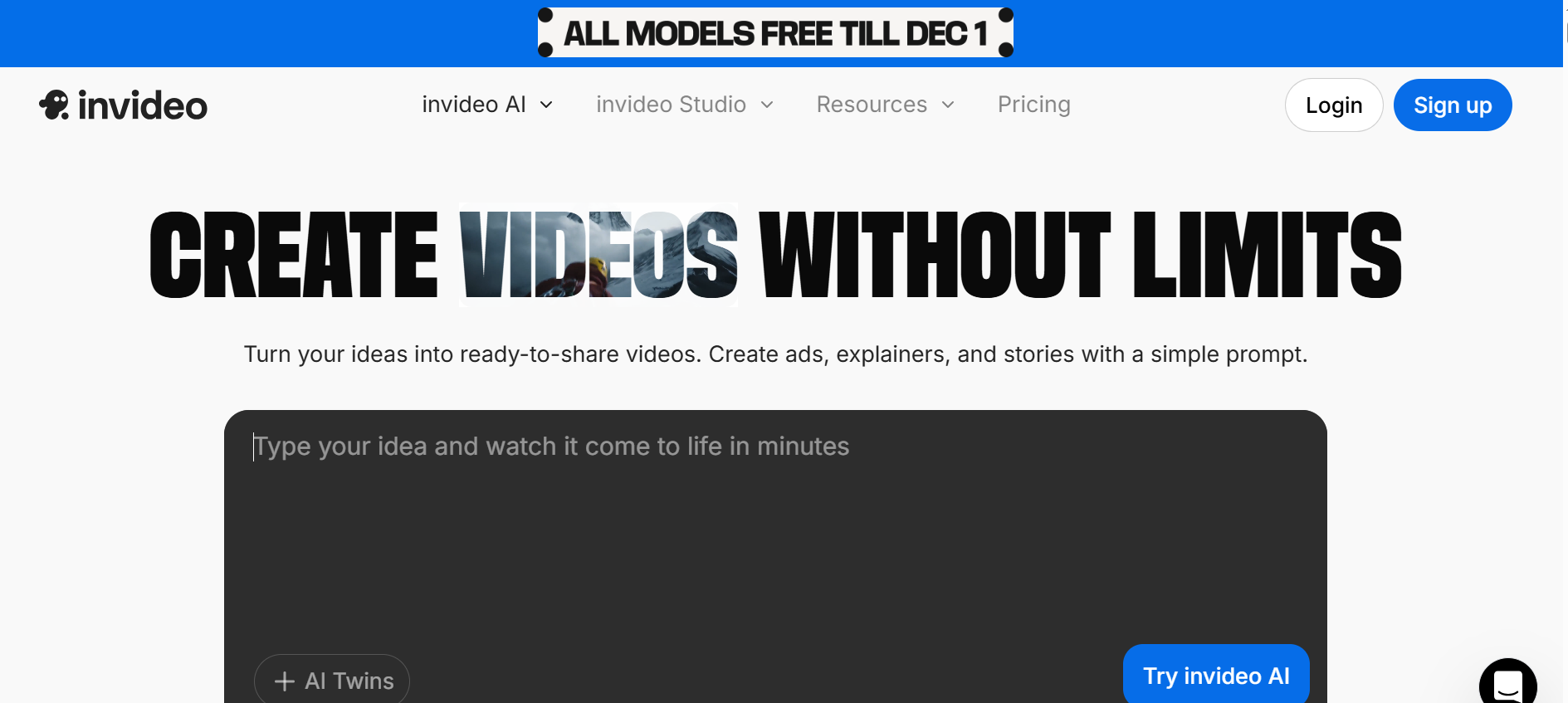
InVideo takes a radically different approach: you don't need video source. You describe what you want in one sentence,AI generates a complete Short, script, images or clips, voiceoversubtitles, in a few minutes.
What InVideo Made for your Shorts
InVideo AI has a specific mode « Short/Reel » which generates directly in vertical format. You can give a quick guy. « Create a Short on the 3 mistakes to avoid in real estate investment » and get a 45-60 seconds video with voice AI, relevant stock visuals and subtitles. The integrated media library (over 16 million clips) allows very clean renderings. Then you can edit the script, change the voice, swap visuals, everything in the browser.
Highlights
✅ Highlights
- Full generation from a quick text, without video source
- Votes AI realistic in French and 50+ languages
- 16M+ built-in stock clips
- Fast workflow for beginners
- Editing script and post-generation visuals
❌ Limits
- Visuals often generic stock clips
- Less control over editing end that Filmora
Price: Free plan with watermark. Paid plans from ~25$/month.
👉 InVideo is the best choice if: You leave from scratch, that you don't have any video source and that you want to produce educational or informative Shorts quickly.
Try InVideo free →3. Creatify :AI for Short commercials
Creatify has a very clear positioning: create short, viral video advertisements for e-commerce and digital marketing. If you sell a product or a service and you want Shorts that convert, it's thetool cut for it. Consult our review complete on Creatify for a thorough test.
What Creatify Made for your Shorts
The flagship feature: you paste the URL of your product page, and Creatify automatically generates several variants of Ad Shorts in 9:16 format. Ltool uses AI avatars Realistic as presenters, write the commercial script on its own, and offer up to 9 different visual styles. Ideal for quick A/B tests on YouTube Shorts or TikTok. The batch mode generates dozens of variants in a single session.
Highlights
✅ Highlights
- Generation of ads from a simple product URL
- Avatars AI realistic as presenters
- Batch mode for dozens of variants
- 9 different visual styles for A/B test
- Short pub ready in less than 5 minutes
❌ Limits
- Designed for advertising, less suitable for organic/educational content
- Higher rate than others tools
Price: Free trial available. Paid plans from ~39$/month.
👉 Creatify is the best choice if: You have an e-commerce, an app or a service to promote and you want Short commercials without a creative agency.
Try Creatify free →4. Fliki : Transforming text into Short with voice AI
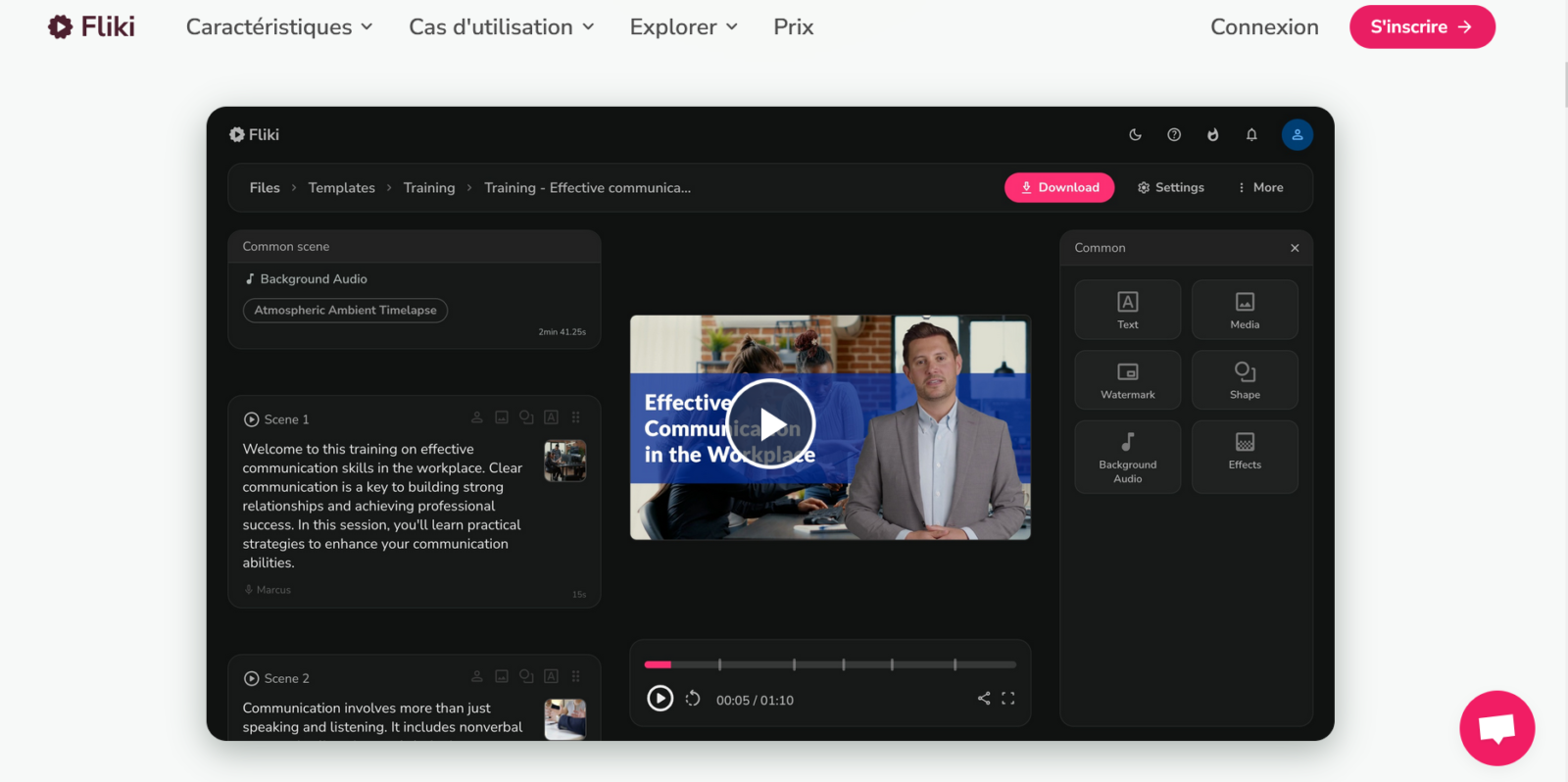
Fliki is a generator text-to-video that excels in a specific use case: you have a blog article, script, or idea written, and you want to make it a Short without filming anything. LAI Fliki selects visuals, generates voice-over and assembles all in vertical format.
What Fliki does for your Shorts
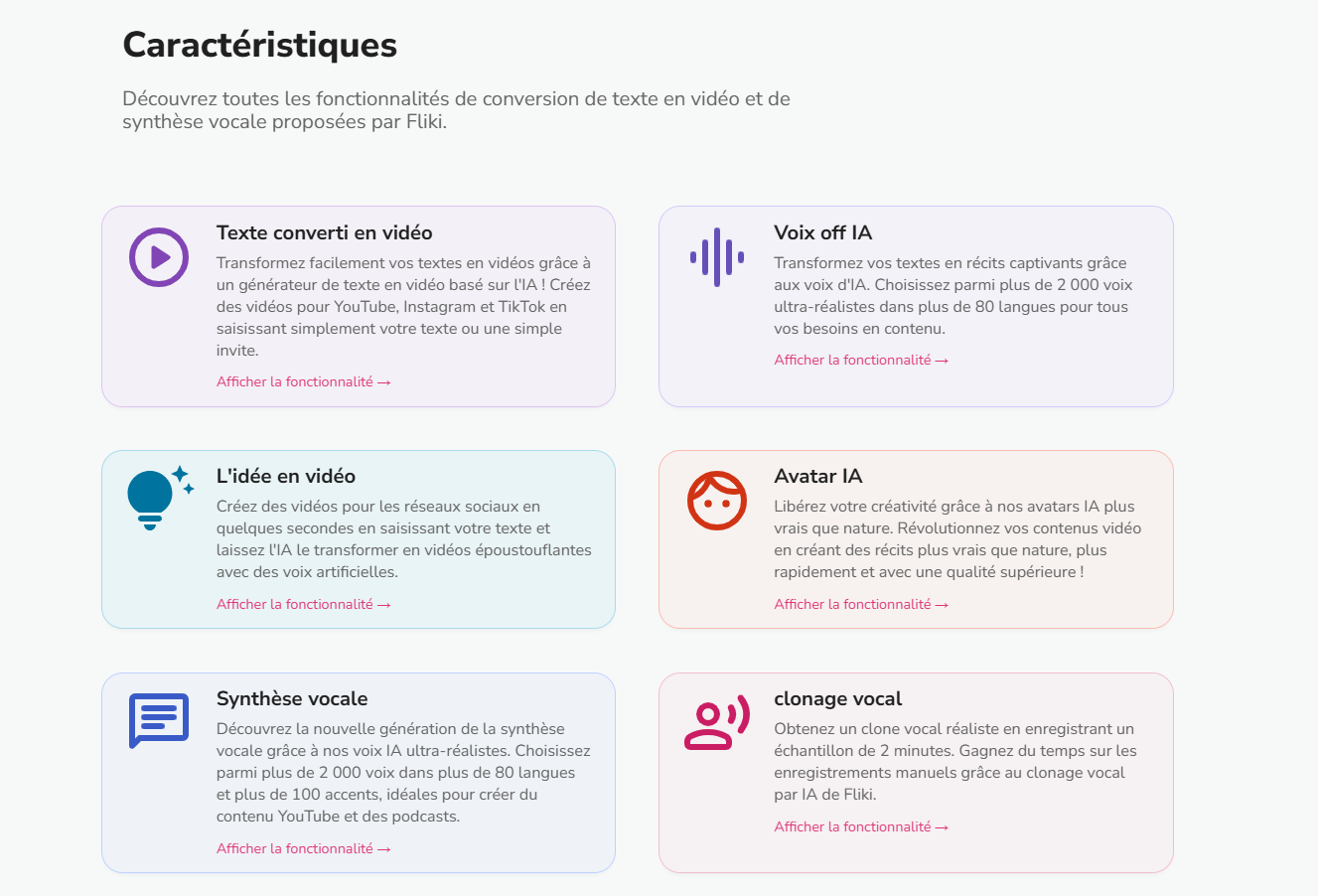
The workflow is simple: you paste your text or URL from an article, Fliki cuts into segments, combines relevant video clips or images from its library, and generates a voiceover with one of its 2000+ votes AI in 75 languages. The final rendering is a clean Short, with subtitles and background music. The quality of votes AI is particularly neat, several natural French voices available. It is also one of the only tools to support the generation of voices from a simple URL, without even copying the text.
Highlights
✅ Highlights
- Generation from text or article URL
- 2000+ votes AI in 75 languages, outstanding quality
- Automatic selection of relevant visuals
- Automatically integrated background music
- Excellent natural French voices
❌ Limits
- No automatic cutting since long video
- Visuals sometimes too generic on technical topics
Price: Free plan with watermark. Paid plans from ~28$/month.
👉 Fliki is the best choice if: You are a blogger or creator of written content and want to recycle your shorts articles without recording your voice.
Try Fliki for free →5. Filmora : The editing AI for creators who want control
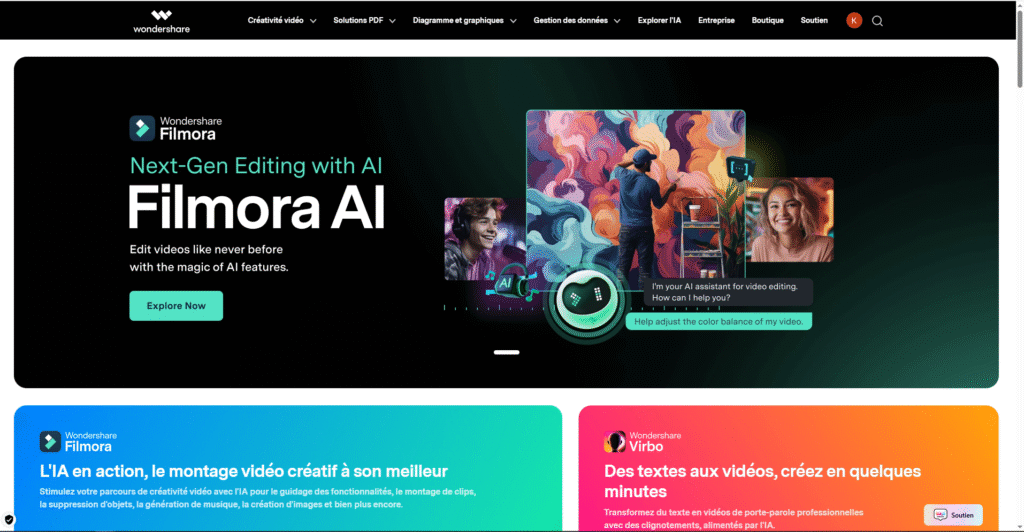
Filmora is not a generator automatic Shorts, it's a video editing software full video that incorporates features AI powerful. If you want to keep your hand on your editing while being assisted byAI, he's the best value for money the market.
What Filmora does for your Shorts
Filmora proposes a function « Smart Short Clips » which automatically cuts your long videos into short segments, reformatifies them in 9:16 and suggests cuts. Then you can manually refine each Short in the editor. Automatic subtitles are excellent quality, noise suppression in real time is bluffing, and effects AI (deletion of background, highlighting faces in portrait format) are directly integrated. Filmora is also the only one tool of this list available in desktop version (Windows/Mac), which often gives a more professional rendering.
Highlights
✅ Highlights
- Software editing full + functions AI integrated
- Smart Short Clips: automatic cutting in 9:16
- Noise suppression AI in real time
- Available on Windows and Mac
- Value for money Unbeatable (~9,99$/month)
❌ Limits
- Learning curve higher than one tool 100% automated
- Need to install software (not 100% online)
Price: Free plan with watermark. Paid plans from ~9,99$/month.
👉 Filmora is the best choice if: you want total control over your editing, that you already have basics in video editing, and that you're looking for the best price for a tool professional.
Try Filmora for free →6. Vidnoz : Shorts with avatar AI speaking
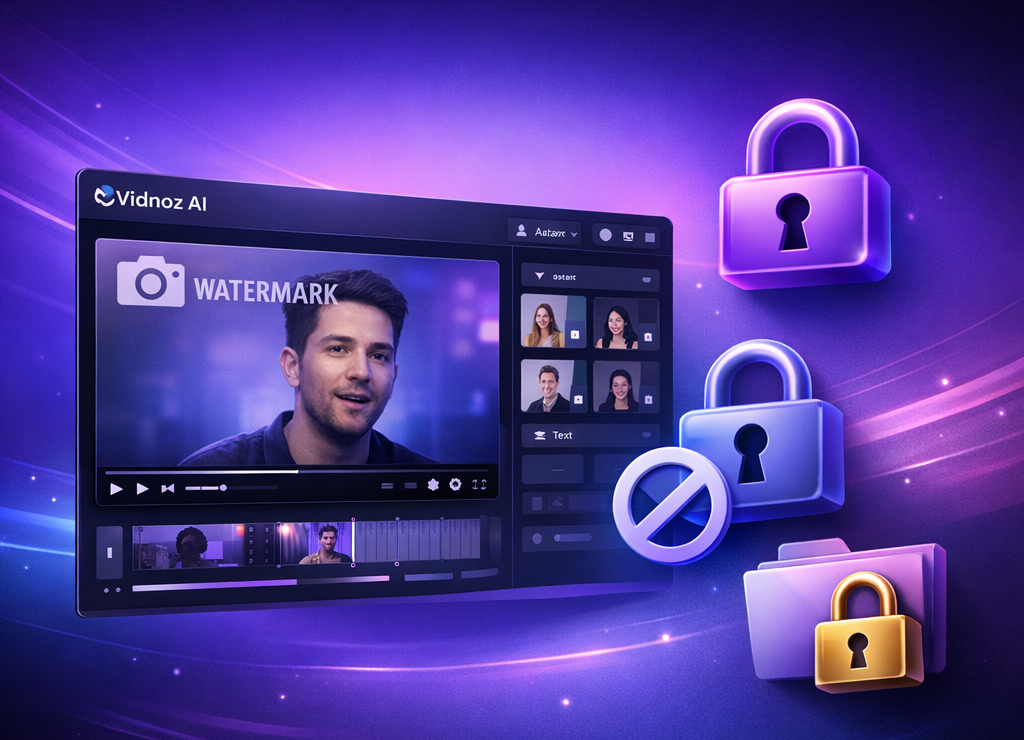
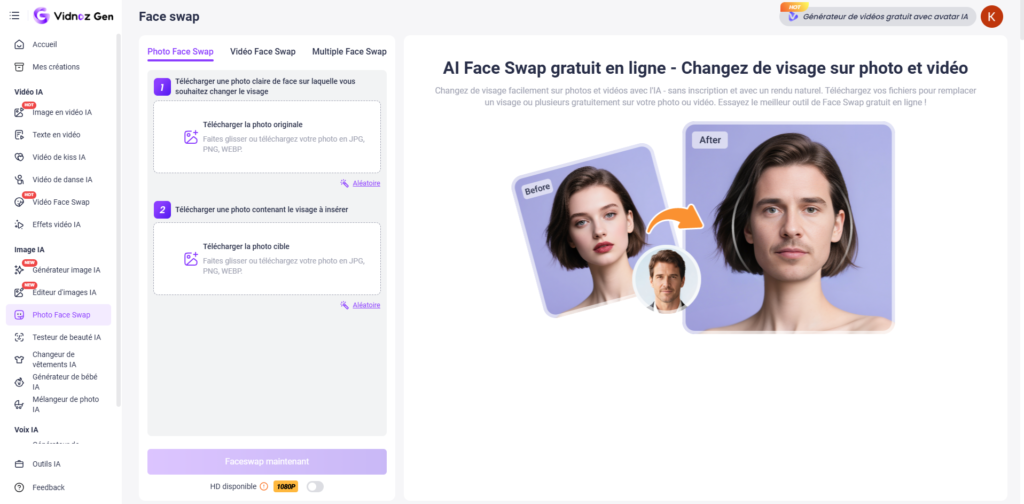
Vidnoz differs from all others by a unique feature: creating videos with an avatar AI Realistic who speaks for you. If you want to create Shorts « faceless » but with a credible human presenter, without filming you, without a studio, Vidnoz is the solution.
What Vidnoz Made for your Shorts
You choose an avatar from dozens of presenters AI Realistic (men, women, different ethnic groups and styles), you stick to your script, and theavatar generates a synchronised lip-audio talk video. All can be exported in 9:16 format for Shorts. Vidnoz also offers voices in French and the possibility to clone your own voice so that theavatar speaks with your stamp. The free plan is particularly generous: 3 minutes of video per day watermark-freeIt is unique in this market.
Highlights
✅ Highlights
- Avatars AI Realistic for Shorts with Presenter
- Voice cloning available
- Support for French
- Free very generous plan (3 min/day without watermark)
- Export format 9:16 for Shorts
❌ Limits
- No automatic cutting since long video
- Avatars sometimes recognizable as AI by style
Price: Free generous plan (3 min/day). Paid plans from ~19$/month.
👉 Vidnoz is the best choice if: You want to create Shorts with a presenter AI without filming you, ideal for professional faceless channels or brands.
Try Vidnoz free →What tool Choose for your profile?
| Your profile | Ltool recommended | Why? |
|---|---|---|
| Full starter, no video source | InVideo | Generation from a prompt, zero skill required |
| Creator with long content to recycle | Submagic | Automatic cutting + viral subtitles |
| Blogger who wants to recycle his articles | Fliki | URL → Short in minutes, voice AI natural |
| E-commerce / marketer | Creatify | Pubs Shorts from product URL, integrated A/B testing |
| Creator with basics in editing | Filmora | Total control + AI assistant, best price |
| Brand / chain faceless pro | Vidnoz | Avatar AI realistic, no need to film |
How to create a YouTube ShortAI in 5 steps
Whatevertool chosen, here is the optimal workflow to produce Shorts AI Perforating:
Step 1: Set hook (first 2 seconds)
The algorithm YouTube Shorts measures retention rate from the first second. Your hook must ask a question, announce a surprising number, or create an immediate tension. Examples that work: « Most creators make this mistake... » or « 3 tools AI which replace an entire team. » If you use InVideo or Fliki, included this hook in your prompt or input text.
No idea of hanging up? One tool writing as Koala AI or Rytr generates several variants of hook and a short script calibrated for vertical format in seconds.
Need help on writing itself? Our guide details how Write a video script with AI, from the choice of angle to the prompt.
Step 2: Generate or Cut Content
Depending on your tool : generates from a prompt (InVideo, Fliki), uploads a long video for automatic cutting (Submagic, Filmora), or create an ad from a URL (Creatify). Targets 45 to 60 seconds, Shorts of this duration have the best retention rates according to data YouTube 2026.
Step 3: Treat subtitles
85% of Shorts are watched without sound at first. Subtitles are not optional, they are critical. Use animated subtitles with highlighted keywords (Submagic excel here). Maximum 2 lines per screen, large and contrasting font. To go further on this subject, our guide on the automatic generation of subtitles with theAI covers all available options.
Step 4: Optimize 9:16 format
Checks that the important elements (face, text, CTA) are in the central area of the screen, YouTube sometimes displays interface buttons that cut the edges. If you use Filmora, activate the grid « safe zone » before exporting.
Step 5: Publish with the right settings
Title with a main keyword at the beginning of the sentence. Description with 3-5 relevant hashtags including #Shorts. Custom miniature if YouTube Why don't you get it? Schedule your publications between 3pm and 9pm French time to maximize the initial reach. Regularity is key: one Short a day for 30 days does much more than 7 Shorts in a week then nothing.
💡 Pro Council: Combine two tools for optimal workflow. Example: Generates script and voice with Fliki, then imports in Filmora to refine the editing and add subtitles. You gain voice quality AI Fliki + accuracy of editing Filmora.
Shorts AI vs Manual Shorts: What the numbers say
A question often comes up: is the Shorts generated by AI As well as the Shorts shot manually? The answer depends entirely on execution, not ontool.
What the algorithm is YouTube Shorts measure, it's the retention rate (how many seconds the video is watched in relation to its duration), the Wipe-up rate (how many spectators go to the next, a negative indicator), andCommitment (likes, comments, shares). These metrics do not depend on whether the video was mounted manually or by AI, they depend on the quality of the content, the grip, and the value brought.
In practice, creators who use tools AI These are listed here with several concrete advantages: they publish more often (volume = more data to optimize), they test more different formats and hangers, and they spend their time on strategy rather than on the editing Technical. Short AI well designed with Submagic or InVideo can outperform a Hand-mounted Short if the hook and content are relevant.
The only real limit of tools AI for Shorts: the personality. If you build a chain around your own presence, your humor, your experience, the tools automated can't replace you on this point. However, for faceless channels, educational content, or brand shorts, the AI Tools are clearly an uncompromising acceleration on quality. To create a string YouTube Complete with AI, consult also our guide on best AI to create videos YouTube.
🏆 Our final verdict
If you had to choose only one tool to start with the YouTube Shorts AIour recommendation is Submagic for creators with existing content, and InVideo for those who start from scratch. Both have a free plan to test without risk.
For specific cases: Creatify If you advertise, Fliki If you have a blog, Vidnoz if you want an avatar AI, Filmora If you want control and the best price.
FAQ: AI for YouTube Shorts
Which is the best AI free to create YouTube Shorts?
Vidnoz offers the most generous free plan with 3 minutes of video per day without watermark. Submagic offers 3 free Shorts per month, and InVideo allows you to test without credit card. To start without spending, start with Vidnoz or InVideo.
Can we create YouTube Shorts with AI Without filming?
Yes, this is even one of the main cases of use of these tools. InVideo and Fliki generate Shorts with stock visuals. Vidnoz uses AI avatars Realistic as presenters. Submagic recycle existing videos. None of these tools Don't need to film you.
How long does it take to create a Short with theAI ?
Between 2 and 10 minutes depending on thetool and the desired level of customization. Submagic can generate 10 Shorts from a long video in less than 2 minutes. InVideo produces a Short from a prompt in about 5 minutes. With Filmora, count 10-15 minutes if you refine the editing manually.
These tools AI Do they generate Shorts in French?
Yes, all tools listed support French: Fliki with excellent natural French voices, InVideo With voice AI in 50+ languages, Vidnoz with voice cloning in French, and Submagic with automatic French subtitles.
What is the ideal duration for a YouTube Short in 2026?
Between 45 and 60 seconds to maximize retention rate. YouTube Shorts can host videos up to 3 minutes since October 2025, but content less than a minute remains the most propelled by algorithm for new channels.
CyberGhost VPN-Verified
The soundtrack counts as much as the editing on a short format. If you're looking for music royalty-free generated on demand, see our review on Mubert AI.