
An hour podcast, a filmed interview, a live Twitch: somewhere in there, there are five or six passages that would make very good Shorts. Opus Clip popularized the idea of leaving a AI Identify them, frame them vertically and subtitle them for you. Except that his free plan watermarks everything, that the clips will erase after three days, and that the subscription will pay in dollars each month. So we looked at what exists next door, tool by tool, clearly separating the real competitors (those who cut a long video) from the tools neighbours that are sometimes sold as alternatives while doing something else.
Contents: Essential · What's Opus Clip? · Is Opus Clip free? · Why look elsewhere · Alternatives · Table comparison · Best free alternative · How to choose · FAQ
📌 Essentials
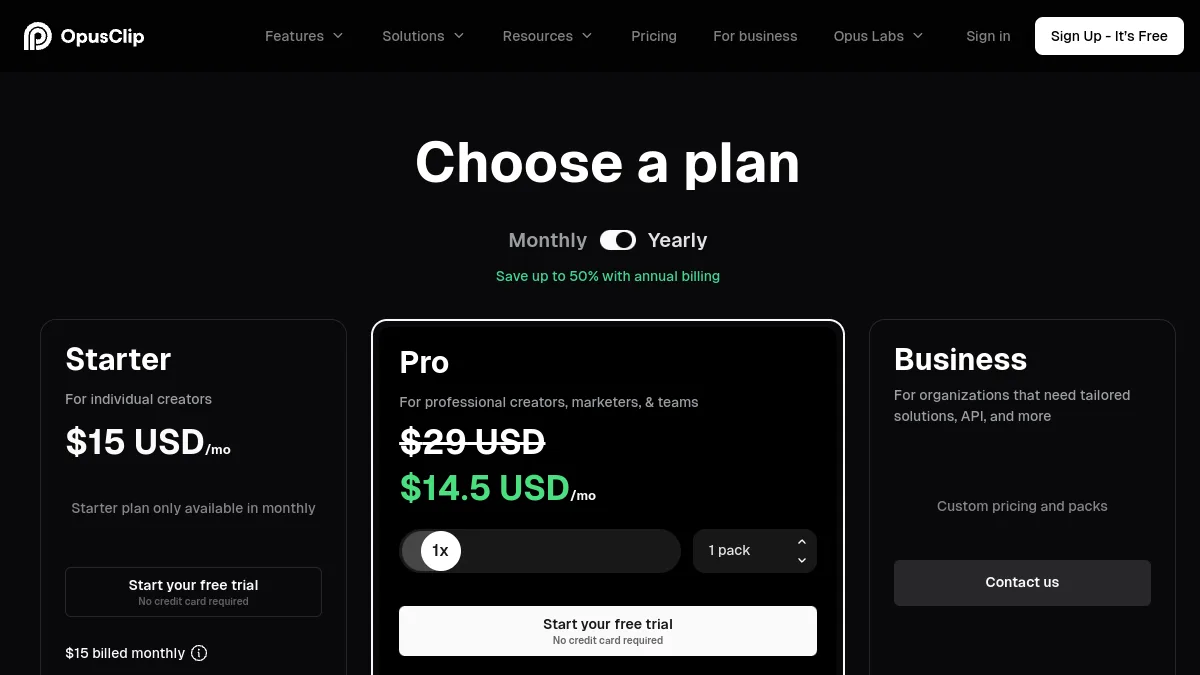
- Opus Clip has a free plan (60 credits per month, about 60 minutes of processed video), but with watermark, export 1080p limited to 3 days and no viral score. Paid offers show 15 $ (Starter) and $ (Pro) per month on the official grid consulted in October 2026.
- Submagic is the most direct alternative to style: its Magic Clips function turns a long video into Shorts, with animated subtitles that have made its reputation.
- Vidfly AI proposes a tool automatic cutting (from 5 to 45 clips for a one hour video according to the editor) with a free 720p plan, useful for testing without paying.
- Description suitable for those who want to keep their hands: you edit the video by editing the text and then extract the clips.
- Revid AI is not a clone of Opus Clip: it is a tool creation of short-faceless videos that can also shoot 1 to 3 excerpts from a video YouTube.
- Créatis is the French option at low price (Starter at 9.95 € per month). Our only free trial gave 10 clips in 5 minutes, but all from the first 7 minutes of a 66 minute conference, and 8 out of 10 were locked.
- 100% free, none tool does everything without consideration: watermark, 720p, monthly quota or limited duration of upload. CapCut allows to export watermark-free if you choose the passages yourself and avoid the Pro elements.
What's Opus Clip?
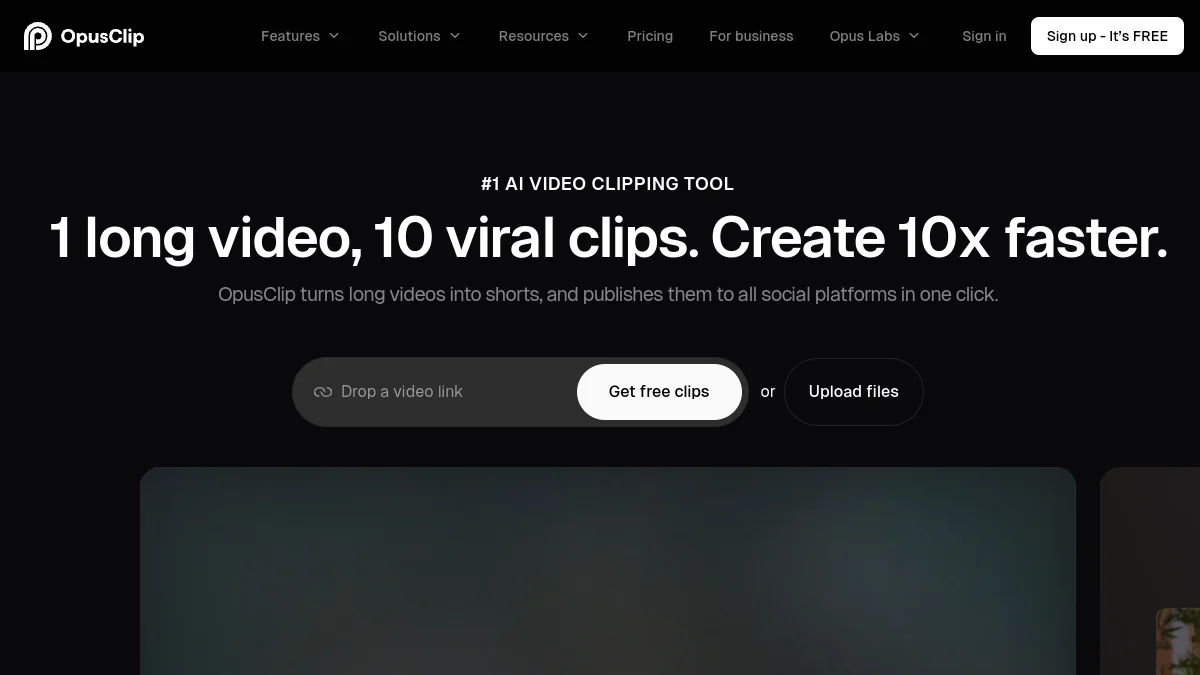
Opus Clip (OpusClip since changing its brand name) is a tool of the « repurposing » : you give him a long video, by link or upload, and there comes out a series of vertical clips from 30 to 90 seconds. L AI reads the transcription, identifies the sentences that hang, frames the person who speaks, adds animated subtitles and assigns to each clip a score of virality. His home page sums it up: a long video, ten viral clips.
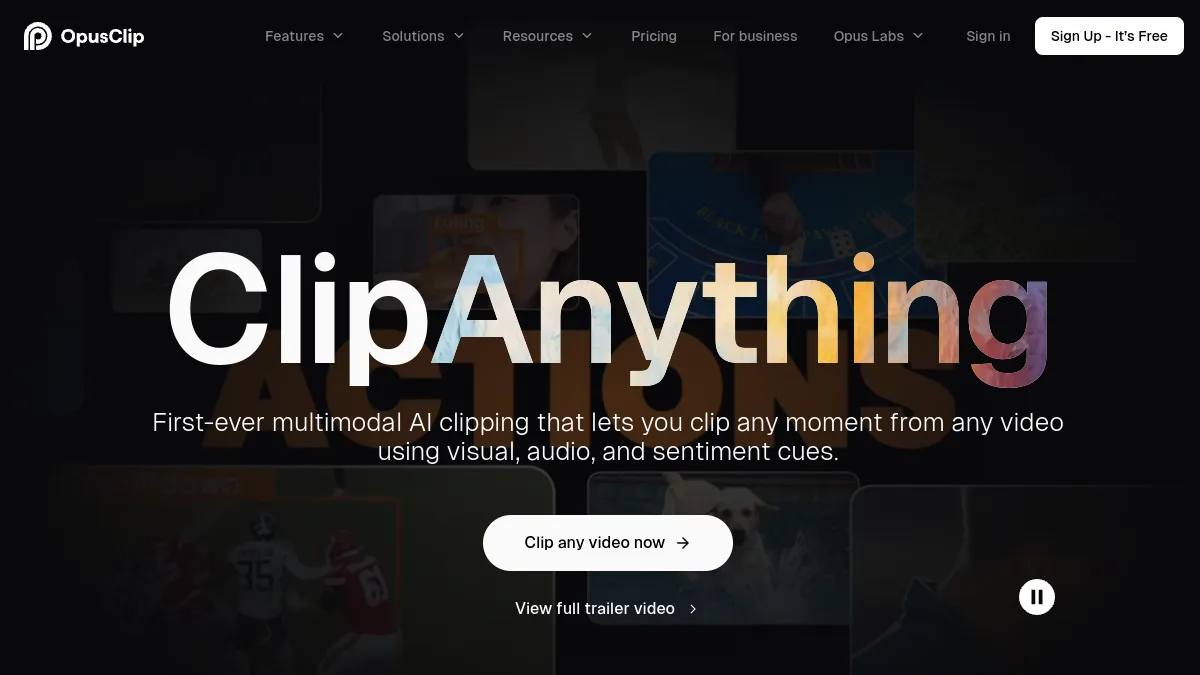
Its most interesting function is called ClipAnything: instead of relying only on speech, it also analyses the image and sound to respond to a written instruction, of the genre « all the times he talks about money » or « goals of the game ». This is what distinguishes him from many competitors, who can only work on spoken videos. We detailed all this in our review complete on Opus Clip, here we focus on what pushes to look elsewhere.
Is Opus Clip free?
Yes, but with limits that matter. The Free plan gives 60 credits per month (third-party sources speak regardless of credits or minutes, the logic remains the same: about an hour of video source analyzed each month). On the Official tariff schedule for OpusClip, consulted on October 11, 2026, the following is missing for free:
- Watermark on animated subtitle models, and not export « without watermark ».
- 3-day export window After this delay, the clips and files stored are no longer recoverable.
- Speech-only cutting : no ClipAnything on the image, no viral score, no « resumes ».
- Non-priority treatment, no automatic import, no publication or planning to networks.
Pay side, page displays Start at 15 $ per month and Pro to 29 $ per month, plus a Business offer on offer. The page we looked at showed neither the annual rate nor the number of monthly credits per plan: if you count on a specific volume, check it in the calculator at the time of payment, as these quotas move regularly.
In concrete terms, the free plan is sufficient to judge the quality of the cutting on one or two videos. To publish every week without another logo on your clips, you must pay, or go through an alternative.
Why look for an alternative to Opus Clip?
The reasons that come back the most, in the creators that we cross as in the Reddit threads on the subject, hold in four points.
The price in dollars and credit. A credit corresponds roughly to a minute of video source. A weekly podcast of an hour and a half quickly consumes an entry-level package, and the reloads add up.
The style of subtitles. Opus Clip models are effective, but many TikTok designers prefer rendering more « nervous » of the Submagic (marked words, animated emojis, zooms). It's a matter of taste, but that's often the tipping point.
The need for control. L AI chooses the passages, and sometimes she is mistaken: a joke cut before the fall, a phrase that does not hold without context. Those who want to retouch finely prefer a publisher where you see the whole transcript.
French. Opus Clip manages our language well, but some tools offer a fully translated interface, which counts when you delegate the editing to someone who is not comfortable in English.
Best alternatives to Opus Clip in 2026
We have classified the tools According to their real proximity to Opus Clip: first those who automatically cut a long video into Shorts, then those who get there by another path. Prices are those posted on the official pages on October 11, 2026, in non-tax dollars unless otherwise stated.
1. Submagic : the alternative for subtitles that receive attention
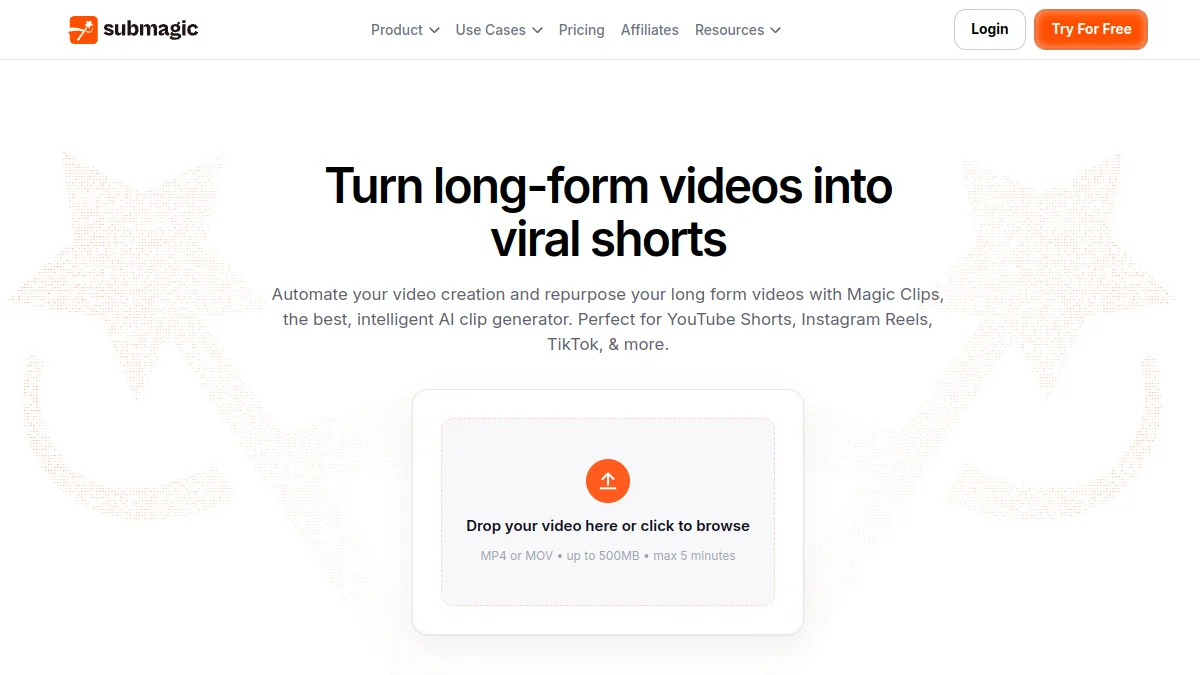
Submagic has made known with his animated subtitles, and has added a brick that places him as a frontal competitor of Opus Clip: Magic Clips. Drop a long video or link YouTube,AI spot the highlights, assign them a score and generate several clips, which are then dressed with the models of home subtitles.
Basic plans show 19 $ monthly (12 $ for Starter, 39 $ (23) $ in annual) for Pro and 69 $ (41 $ for Business, with equivalent euros displayed on the page. Attention: on the official grid, Magic Clips does not appear included in any standard plan. Several price comparators describe it as an option at approximately 19 $ per month (12 $ in annual subscription, but this could not be confirmed on the Submagic itself: check the summary at the time of payment. The details of the free trial are in our page Submagic free.
Who is it for? The creators TikTok and Reels for whom the style of subtitles counts as much as the choice of passages. Limit: the total cost climbs if we add up subscription and Magic Clips, and tool is designed for short clips rather than long mounts.
2. Vidfly AI: automatic cutting with a real free plan
Vidfly AI is best known as a platform that brings together several video generation models (Kling, PixVerse, Seedance, Veo...). But it also incorporates a tool « AI Video Clip » which does exactly the work of Opus Clip: uploading the video,AI Selects the most promising moments, assigns viral potential, generates synchronised subtitles (more than 30 announced languages) and offers even descriptions and hashtags. The editor announces 5 to 45 clips for a one hour video, depending on the content.
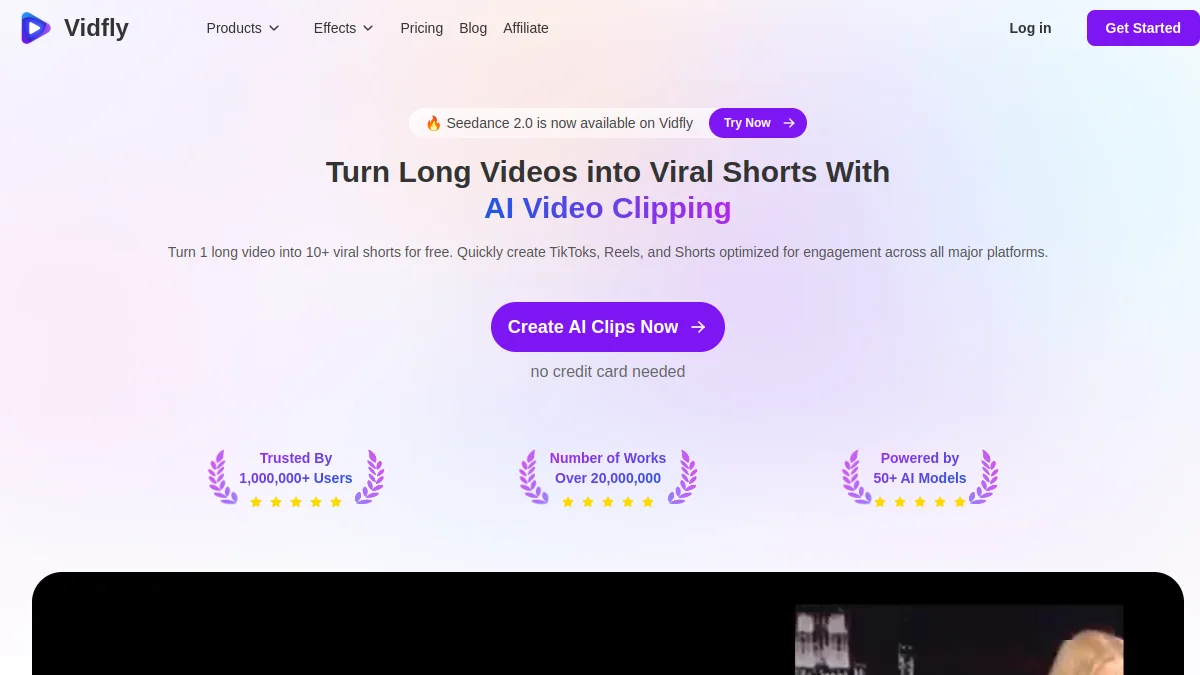
The Free plan works with tokens: 100 on registration, then a daily connection bonus. Free exports are in 720p, watermarked, and reserved for personal non-commercial use. Automatic subtitles accept up to 10 minutes of free video. By paying, Basic returns to 17 $ Annual per month (20 $ monthly) for 2,000 coins, Pro at 36 $ Annual per month (45 $ monthly) for 4,500 coins. Our review on Vidfly AI covers the video generation part.
Who is it for? Those who want to test automatic cutting for free and, in addition, generate AI videos Only one subscription covers both uses. Limit: the token system is less readable than a quota in minutes, and the page does not explicitly speak of automatic cropping on the face.
3. Descript : alternative to keep your hand on the editing
Descript takes the problem backwards. Instead of delivering you ten clips chosen by the AI, it transcribes the entire video and lets you go up by editing the text: delete a sentence in the transcription deletes it from the video. The function « Create clips » Then offers excerpts, which you adjust to the word. For a podcast where each cut counts, it is much more comfortable than correcting a clip badly sliced by a AI.
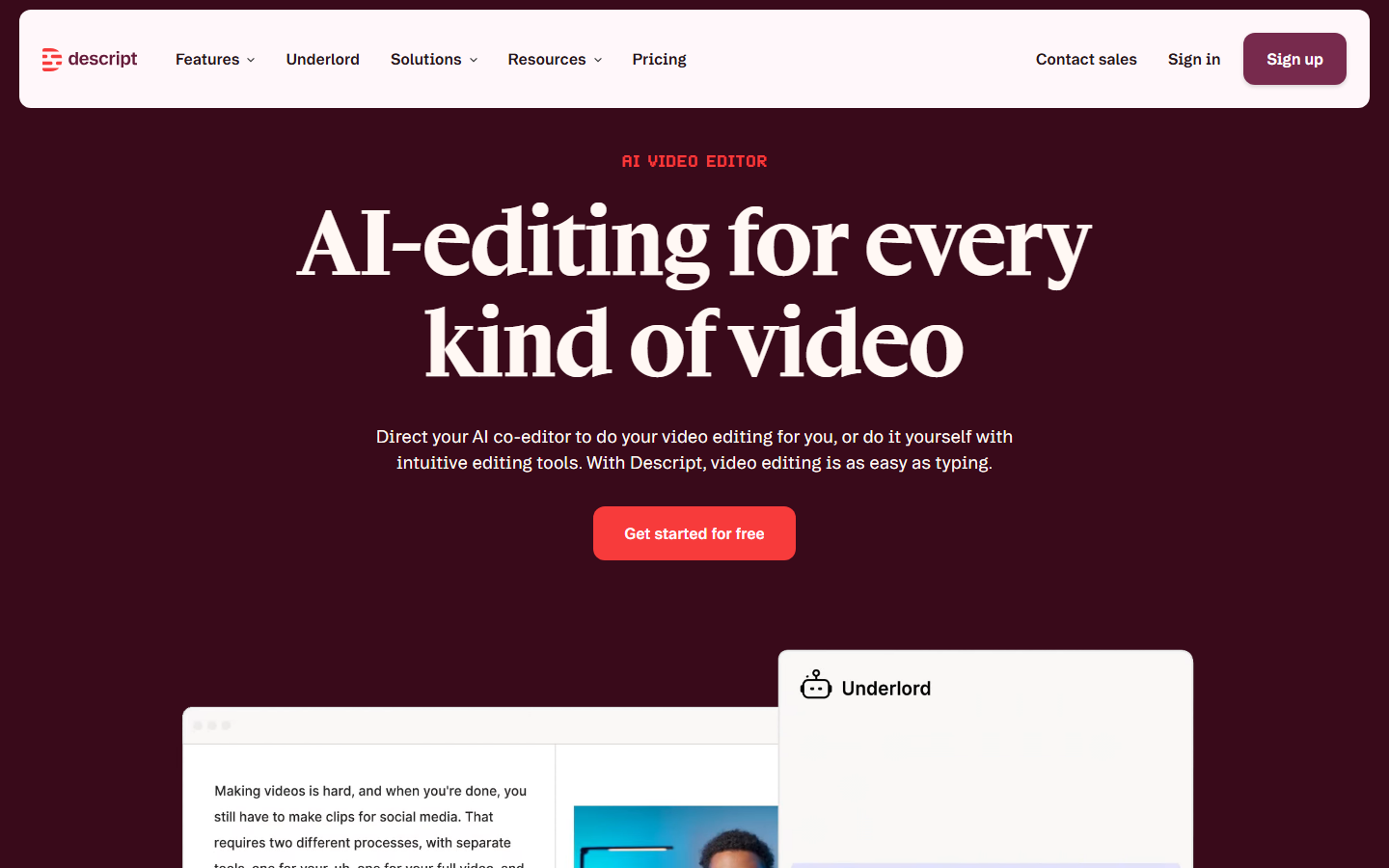
After official grid Descript, the Free plan gives 1 hour of media per month, 100 credits AI one time only, an export 720p watermarked and a clip creation « Limited ». Hobbyist is displayed at 16 $ Annual per month (24 $ monthly) with 10 hours of media, Creator at 24 $ (35 $ monthly) with 30 hours and export 4K. We detail the level without paying in Free description.
Who is it for? Podcasters, trainers, interviews: all those who prefer to validate each cup themselves. Limit: Slower than Opus Clip if you just want ten clips in ten minutes, and the interface requires time to adapt.
4. Revid AI: for a faceless channel that also recycles videos YouTube
Revid AI is not a direct competitor of Opus Clip, and we prefer to say it clearly. His core business is to produce short videos from a text, a link or a Reddit post, with AI Voice and visuals generated. He proposed, however, that tool « YouTube clip maker » which extracts 1 to 3 passages from a video YouTube public (or a downloaded file), with cropping, subtitles, optional B-roll and choice of format 9:16, 16:9 or 1:1.
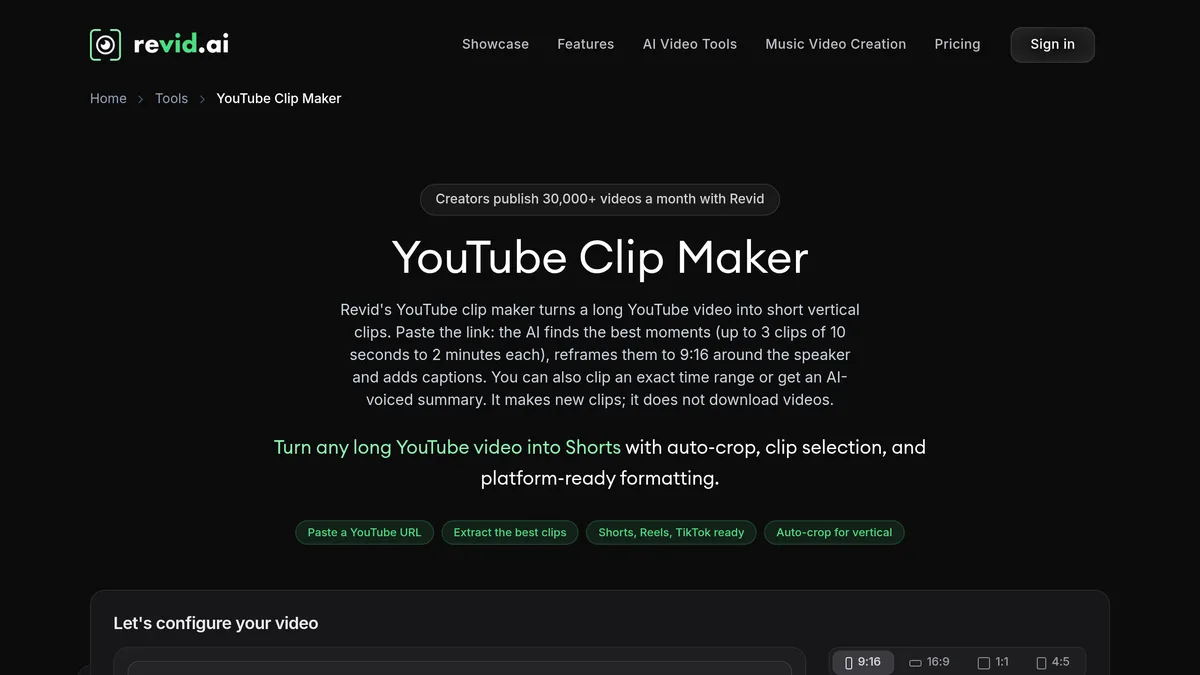
There is no permanent free plan: what to test for registration, then a subscription. The official grid displays Growth at 39 $ per month (32 $ in annual terms) for 2 000 appropriations AI, and Ultra at 199 $ (166) $ in annual terms). More details in our review on Revid AI.
Who is it for? Faceless channels that mix generated videos and recycled extracts. Limit: Three maximum extracts per passage, it's little to empty a podcast for an hour.
5. Vizard: the closest competitor, with no partner program at home
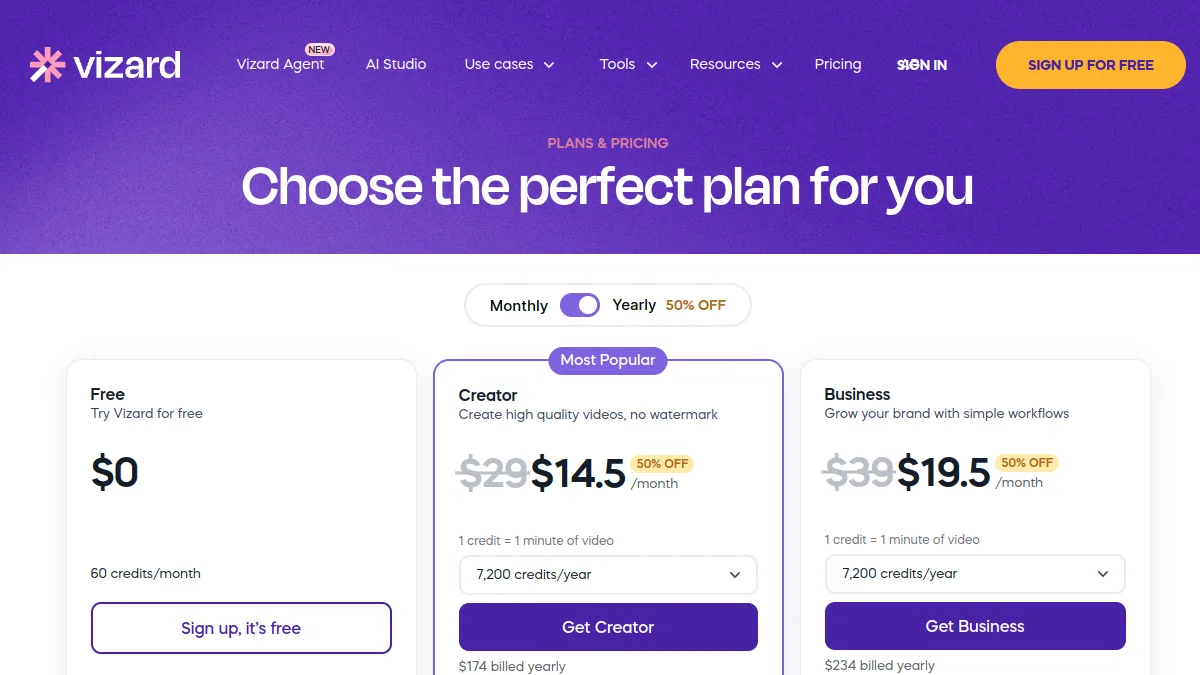
Honesty should be mentioned. Vizard, which works almost exactly like Opus Clip. Its free plan displays 60 credits per month (1 credit = 1 minute video), an upload up to 60 minutes and 1 GB, an export in 720p limited to 10 minutes and a storage of 3 days. No partner link: it is mentioned because it deserves to be tested.
6. CapCut: free watermark-free, but by hand
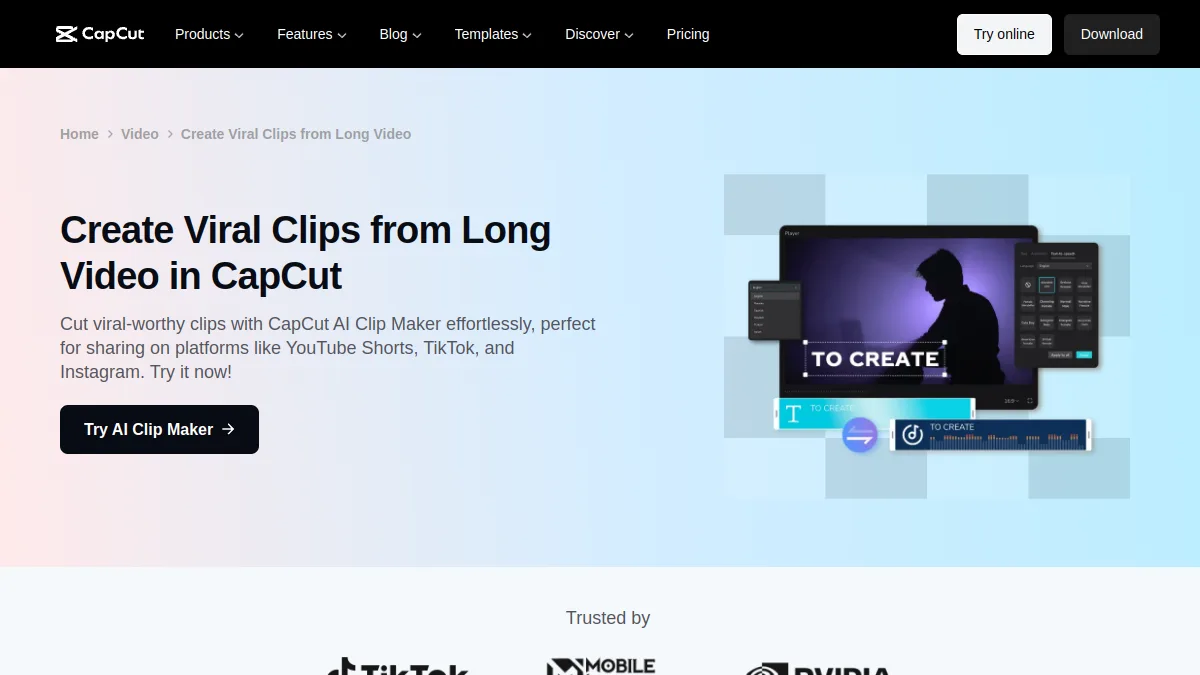
CapCut does not have the virality score of Opus Clip, but for many creators it is the most pragmatic option: automatic subtitles in French, cropping 9:16, export watermark-free until the Pro element is used. A long video conversion function to Shorts exists, but ByteDance reserves part of the AI Tools to the Pro subscription and changes these limits often. In practice, the correct passages in the transcript are identified and CapCut is allowed to do the rest. The two approaches are compared in Submagic vs CapCut.
In French: Creatis, cutting at a low price (tested once only)
Off-ranked, one tool that we wanted to look closely because it targets Francophone creators: Créatis, a French platform of vertical clips. Interface and invoicing in euros, transcription of the French, and the same principle as Opus Clip: bond YouTube or a MP4 or MOV file (up to 24 GB after the editor), l AI transcribed, spotted the highlights, framed in 9:16 and incrust animated subtitles. The editor offers about ten subtitle styles (Karaoke, Word Pop or Typewriter, for example), subtitles in French or English and a mode « 2 persons » on a shared screen.
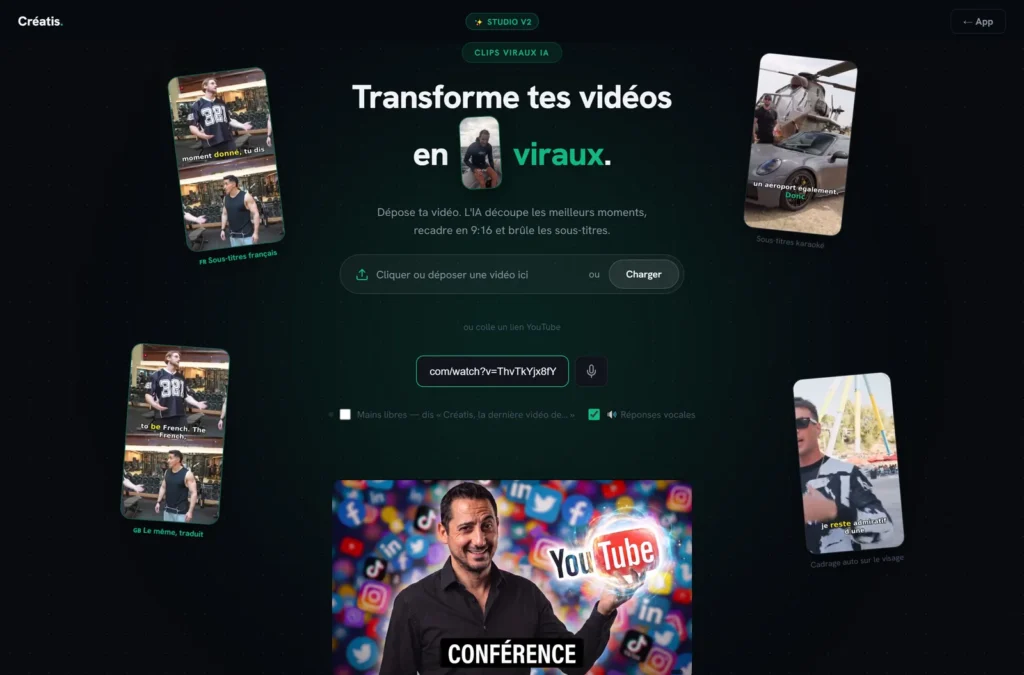
Our essay takes place in one session, on October 20, 2026, on the free account: a 66 minute conference in link YouTube (source video: Manu Sans Filter, Creative Commons BY license). The analysis lasted about five minutes, during which the browser tab became very slow, as audio extraction takes place on your machine. Result: 10 clips proposed, each with its time stamp, a catch title, a descriptive title and a score of 100.
Which was less convinced. The ten excerpts all come from the first seven minutes of the conference: the rest of the hour did not give anything, without the publisher's explanation. The clips last from 4 to 15 seconds, which is short, and a 4 seconds clip is not published as it is: you have to lengthen the cut by hand in the editor. For free, 8 out of 10 clips are locked (« Unlock this clip »), only 2 preview and none download. Message « It's not a link YouTube valid » The analysis has also been wrongly displayed, but it has begun.
To be tested before paying. Final export, rendering of subtitles, face tracking and other tools are reserved for the Pro formula: judge them on your own video. L tool is recent and the review Independents are still rare. Price side, on the publisher's grid on October 20, 2026: Starter at 9.95 € per month (20 downloadable clips and 5 videos analyzed), Pro at 14 € per month (150 clips, 30 videos) or 139 € per year, no monthly commitment.
Who is it for? A French-speaking designer who wants to pay in euros, with a tight budget, and who agrees to retouch the cuts. Limit: it is not yet known whether it equals Opus Clip on the quality of the rendering, nor does it exploit a long video in whole. The safest thing is to pass the same video in two tools : free trial of Créatis enough to see if the chosen moments are talking to you.
BlitzReels: vertical clips for podcasts and webinars (to compare)
BlitzReels transforms spoken recordings into vertical clips with subtitles, to be reviewed in a timeline editor. According to the publisher's pricing page (viewed 24.10.2026), paid plans range from $39 to $199 per month, with no watermark, and the 7-day trial requires a card. We did not test it: see our detailed review and the official website.
Monty: not a cutting machine, but I tool try if you film your own shots
One tool not to be confused with the previous ones, because he does the opposite of Opus Clip. Monty does not look for strong moments in a long video: we give him a short catch where we talk to the camera, and he turns it into a finished video (cuts pauses and tics of language, subtitles set on the voice, music, illustration images, publication texts by network). If your starting material is a one hour podcast, it is not made for you. If you turn a two-minute direct message every week, it targets exactly this case.
What our 25.10.2026 test showed: a 47-second take comes out in 24.7 seconds, without any residual silence, with correct French subtitles, in 8 to 12 minutes of sending to the master. Free 3 videos per month with watermark, Creator 29 $ per month (BEKOE code: 30% on the first payment, according to the conditions of the programme), tool beta. Watch the entire master before publishing. See our review Monty.
Klap, tested November 8, 2026: from a 6 minute video,tool produced 9 shorts in 5 minutes, with a viral score commented in French and exports in 1080×1920 watermark-free (Pro plan offered by the publisher). Its formulas range from 29 to 189 $ per month for 100 to 1,000 clips (price page read November 8, 2026). Our review Detailed on Klap will soon be published on videoia.fr.
Table comparison : Opus Clip and its alternatives
| Tool | Auto cutting of a long video | Free | First fee | Strong point |
|---|---|---|---|---|
| Opus Clip | Yes, with viral score | 60 credits/month, watermark, 3 days | 15 $/month | ClipAnything (image + sound) |
| Submagic | Yes (Magic Clips) | Test without credit card | 12 $/month in annual (19 $ monthly) | Animated subtitles |
| Vidfly AI | Yes (AI Video Clip) | Free chips, 720p, watermark | 17 $/month in annual | Clips + video generation AI |
| Description | Yes (Create clips), more manual | 1 hour/month, 720p, watermark | 16 $/month in annual | Editing text |
| Revid AI | Partial (1 to 3 extracts) | Test credits only | 32 $/month in annual | Faceless videos |
| Vizard | Yes | 60 min/month, export 720p | Not shown legibly | Faithful clone of Opus |
| CapCut | Partial, especially manual | Yes, watermark-free | Pro by region | Multipurpose free |
| Créatis | Yes, in French (clips from 4 to 15 seconds on our test) | Limited test without map, overview only | 9,95 €/month | Interface and billing in euros |
Prices recorded on the official pages on October 11, 2026, excluding taxes. They often change: they are updated when you go back to the article.
What is the best free alternative to Opus Clip?
Depends on what you're willing to sacrifice, because none of them tool n
- You want automatic cutting without paying Vidfly AI or Vizard. Both find the passages alone, but free export stays in 720p, with watermark at Vidfly.
- You want published clips without logo : CapCut, provided you choose the passages yourself. It's longer, but the result is clean.
- You just want to test before you subscribe : the free plan of Opus Clip itself remains a good test bench, then the test of Submagic to compare the style of subtitles on the same video.
Our advice: take one source video for 20 to 30 minutes and pass it in two tools. In one evening you will see which one chooses the passages that resemble you. It's much more than any painting.
What's the best video editing software Free automatic video?
There are two families that are often confused. The tools of the automatic cutting (Opus Clip, Vizard, Vidfly, Submagic Magic Clips) start from a long video and draw excerpts from it. The tools of the editing assisted (CapCut, Descript, Filmora, Clipchamp) let you climb, but automate the painful tasks: subtitles, suppression of silences, cropping, noise reduction.
For a editing free complete, DaVinci Resolve is the most complete on computer, and CapCut remains convenient on mobile while avoiding Pro elements. To transform a podcast into clips without spending the evening, a tool of the first family saves a huge time, even in free version. Our wider selection is in the comparison of the best AI of the video editing, and if your goal is YouTube Shorts in particular, see our guide of the AI for YouTube Shorts.
What is the best free software to cut a video?
For a simple cut (remove the beginning, keep a precise passage), no need to AI : Photos application from Windows, iMovie on Mac and iPhone, or CapCut on mobile do the job watermark-free. L AI becomes useful when needed find Good passages in an hour of content, not when you already know where to cut.
How to choose your alternative to Opus Clip
Four questions are sufficient to decide.
How many minutes per month? Do the math honestly. A weekly podcast of one hour is about 4-5 hours a month. Compare with the quota of each tool rather than with the call price.
Are your videos spoken? Podcast, interview, training: all tools of this list comes out. Gaming, sport, voiceless vlog: there, ClipAnything from Opus Clip keeps an advantage because it analyzes the image.
Do you leave a long video, or your own short shots? For a long video to cut, stay on this list. For camera plugs to mount from end to end, look Monty, which is not a cutting machine.
Style or control? Subtitle style and speed: Submagic. Control of each cut: Descript. All-in-one with video generation: Vidfly.
Commercial use? Free plans often prohibit commercial use (it is written black on white at Vidfly). If your clips serve a brand or customer, budget a paid plan.
⚠️ Attention: recycling a video you are not the author of (known podcast extract, TV interview) raises a question of rights, no matter what tool. These softwares cut off what they're given, they don't check that you have the right to republish it.
🎯 Verdict
Opus Clip remains the reference if your videos are not only spoken. For a podcast or interview, Submagic gives clips more eye-catching visually, Descript leaves total control over each cut, and Vidfly AI is the easiest way to test automatic cutting without paying. If the budget is zero and you agree to choose the passages yourself, CapCut will do the job.
FAQ : alternatives to Opus Clip
What is the best free alternative to Opus Clip?
For automatic cutting without paying, Vidfly AI and Vizard are closest, with a free export in 720p. For clips watermark-free CapCut remains the solution, provided you select the passages yourself.
Is Opus Clip free?
Yes, the Free plan gives 60 credits per month, about an hour of video analyzed. The clips are watermarked, exportable for only 3 days, and the score of virality is reserved for paid offers (from 15 $ per month).
Does Opus Clip exist in French?
The site offers a French version and the transcription of French works well. Some of the settings and help remain in English.
Submagic or Opus Clip: Which Should You Choose ?
Opus Clip for the detection of passages, including unspoken videos. Submagic for the style of subtitles and the dressing of clips. Many creators compare the two on the same video before subscribing.
Can we use a free APK Opus Clip Pro?
No, and that's to avoid. Files « Pro APK » which circulates do not come from the publisher, may contain malware and violate the conditions of use. The official app is on the App Store and the processing is done anyway on OpusClip servers, so a modified APK doesn't unlock anything reliable.