CapCut has long been the default answer to « what app to mount my videos ». Free, fast, full of trendy models, plugged directly into TikTok. Then the most useful features went from one to one behind the Pro subscription, the price of the latter went up, and the update of the conditions of use of 2025 on the rights granted to ByteDance drove away some of the creators. As a result, we are looking for an alternative to CapCut that keeps simplicity without bad surprises. We have taken over the eight softwares that have already been reviewed on the site, free of charge or doped to the AI On PC, Mac and mobile.
Contents: Essential • Is CapCut still free? • Table comparison • The 8 alternatives • On PC • Mobile • How to choose • FAQ
📌 Essentials
- Best free alternative on PC and Mac : DaVinci Resolve 21, watermark-free no time limit, export until 4K UHD.
- Best free mobile alternative : Articles, the editing instagram, export watermark-free (Instagram account required).
- The closest to CapCut on computer : Filmora, same logic of models and effects, with a real sequel AI.
- For viral subtitles : Submagic. To edit the text: Descript.
- In the browser FlexClip and Clipchamp, practical on a low-power PC or Chromebook.
Is CapCut free in 2026?
Yeah, but less and less. The free version keeps the essentials of the editing : cutting, multitrack, key images, green background, some filters and one voiceover AI Basic. On the other hand, much of the effects, models, fonts and AI Tools Now wears the Pro badge. Use them in a free project blocks export or adds a watermark, depending on the element concerned. That's the most surprising thing: one quietly mounts a video, and it's at the moment of export that one discovers that the chosen transition was paid.

What CapCut is free of charge?
The three versions (mobile app, PC and Mac software, online editor) have a free formula, with the same limitations on Pro elements. CapCut also offers a standard bearing, designed for mobile, whose main advantage is export watermark-free, and a Pro bearing that unlocks the 4K, the suite AI complete and cloud storage. On the price side, the amounts displayed in France vary greatly depending on the application shop and the promotions: Pro rates ranging from around 11 € 24 € per month. As these prices often change, check the amount in your shop before you subscribe.
Why creators seek an alternative
- The slide towards the payer Free functions (deletion of background, some automatic subtitles, popular effects) are passed into Pro.
- Conditions of use : the 2025 update granting a broad license on imported content caused concern for professionals and brands.
- Availability The temporary shutdown of CapCut in the United States in January 2025 recalled that an app can disappear overnight for political reasons.
- The limits of editing : for a long project, a video YouTube 20 minutes or a careful calibration, CapCut reaches its limits.
Table comparison alternatives to CapCut
| Software | Platforms | Free version | Paid price (released Oct. 2026) | Ideal for |
|---|---|---|---|---|
| Filmora | Windows, Mac, mobile | Unlimited testing, watermark for export | Annual subscription from around 50 €, perpetual license available | Replace CapCut on computer |
| DaVinci Resolve 21 | Windows, Mac, Linux, iPad | Complete, watermark-free, up to 4K UHD | Studio : 295 $ once | Editing advanced and calibration |
| Issue (Instagram) | iOS, Android | Free, watermark-free | Free of charge (integrated purchases mentioned on the App Store) | Reels and vertical formats |
| FlexClip | Browser | Watermark, 12 drafts, limited resolution | Plus: 11,99 $/month in annual | Marketing videos from templates |
| Description | Windows, Mac, browser | 1 hour of media per month, watermark | Hobbyist: 16 $ (annual) to 24 $ (monthly) | Podcasts, interviews, tutorials |
| Submagic | Browser | Limited test | From 19 $/month (12 $ annual) | Animated subtitles and short clips |
| Clipchamp | Browser, Windows | Export 1080 p watermark-free | Premium functions via Microsoft 365 | Simple editing under Windows |
| Shotcut | Windows, Mac, Linux | Open source, totally free | Free | PC modest, patient users |
Prices recorded on October 11, 2026 on the websites of publishers or their payment pages, excluding ad hoc promotions. Amounts in dollars are net of taxes.
The 8 best alternatives to CapCut in detail
1. Filmora: the closest alternative to CapCut on computer
If you like CapCut for its ready-to-use effects and its onboarding immediate, Filmora is the tool which is closest to it on PC and Mac. Same logic of library effects, transitions and animated titles, but with a stronger timeline for long projects. Next AI is provided: automatic subtitles, detouring, audio depressing, video generation from text, image enlargement. The test version does not have a time limit, which makes it possible to test everything. The counterpart: a watermark on all exports until you pay.
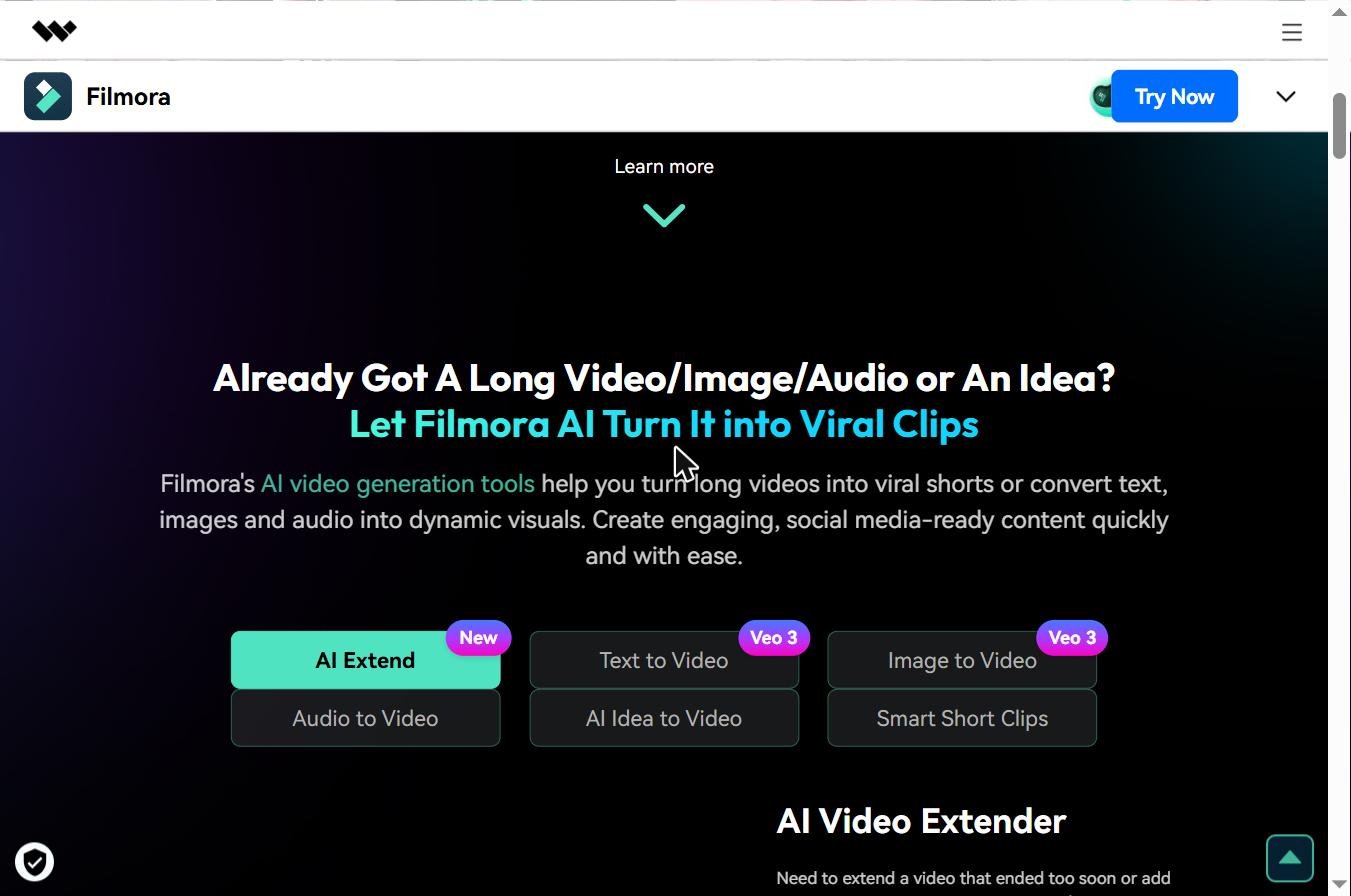
Prices vary by country and platform. On the official European pages, the annual subscription starts around 50 € and the perpetual license still exists, provided that it does not cover future major versions. We detailed everything in our guide Filmora free.
2. DaVinci Resolve: the best video editing software free watermark-free
That's the honest answer to the question. « which is the best video editing software free » : DaVinci Resolve, published by Blackmagic Design, is a professional software that has no watermark or time limit. Editing, calibration (his historical specialty), visual effects with Fusion, audio mixing with Fairlight: everything is there, with an export to 4K UHD at 60 frames per second. The Studio version, sold 295 $ in a single licence, adds especially the AI Tools Neural Engine engine, advanced noise reduction and multi-GPU acceleration.
The reverse: the learning curve. Switching from CapCut to Resolve means switching from a smartphone app to studio software. Count a few nights of tutorials before being comfortable, and a computer with a correct graphics card. The Cut page, designed for the editing fast, softens the transition a little. The details of the functions are on the official page of DaVinci Resolve.

3. Edits: Instagram app designed to replace CapCut on mobile
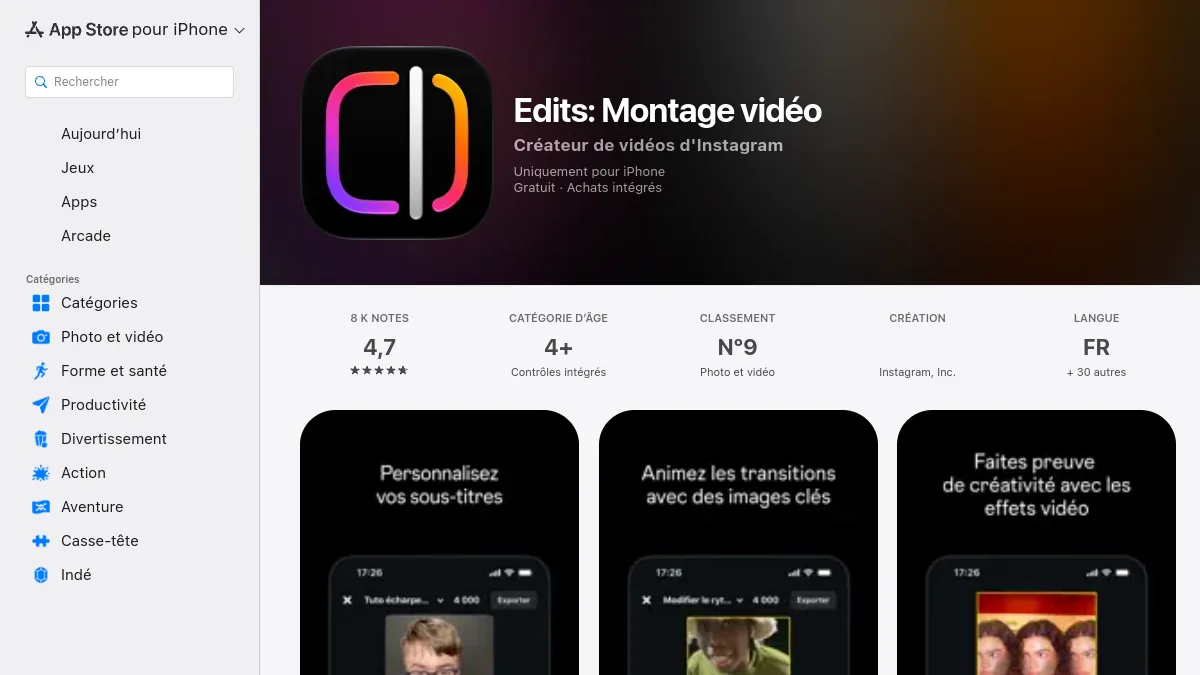
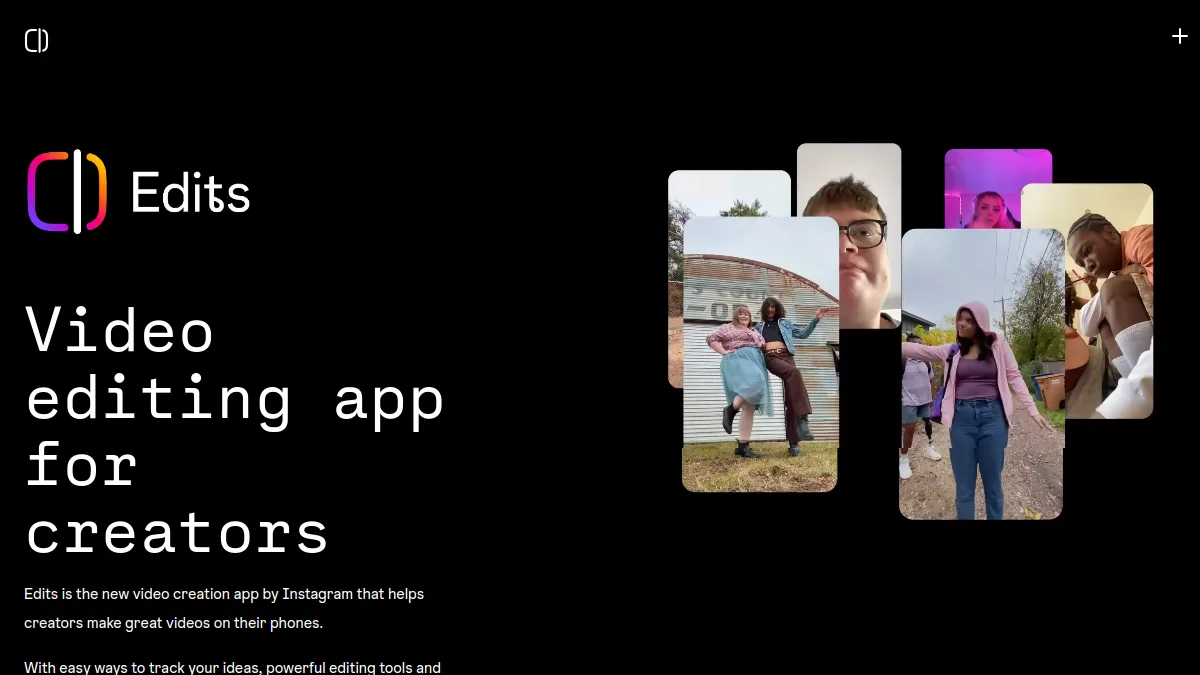
Meta never hid that Edits, launched in April 2025, directly targeted CapCut. The app is free (its App Store record mentions integrated purchases) and exports watermark-free, including in 4K according to the same sheet. There is a timeline, precise cutting, green background, automatic subtitles, background replacement and animation of images by AI. She asks for an Instagram account to work, and it makes sense: everything is thought out to publish in Reel. If you mainly mount vertical videos, this is the most obvious mobile alternative.
4. FlexClip: go up in the browser from models
FlexClip works entirely online, without installation. Its strength is the thousands of ready-to-use models (advertisement, product presentation, story, intro YouTube) and the AI Tools integrated: video text, voiceover, subtitles, deletion of background. The free plan limits resolution, caps on 12 projects and adds a watermark. Plan Plus (11.99 $ per month in annual) goes in 1080p watermark-free, and the Business Plan (19.99) $ Annually per month) adds more resources. That's the one.tool small businesses who want to produce quickly without learning a real video editing software.

5. Descript : editing a video like editing a text
Descript does not look like CapCut, and that is precisely his interest. It transcribes your video, then you mount by deleting words in the text: the video follows. For a filmed podcast, an interview, a tutorial face camera, it's a time-saving huge. Functions AI remove the « Uh. » and silences, frame the look towards the camera, improve the sound. The free plan offers one hour of media per month with watermark. We confronted CapCut in our duel. Descript vs CapCut.

6. Submagic : for TikTok animated subtitles
Many CapCut users only serve for one thing: put dynamic subtitles on their short videos. If you do, Submagic does this work better and faster. You import the video,AI generates subtitles with highlight of automatic keywords, emojis, zooms and B-rolls, and l tool also cuts a long video into several clips. It starts at 19 $ per month, 12 $ annual. The Complete Comparison is in Submagic vs CapCut.

7. Clipchamp: free editor already present on Windows
Clipchamp belongs to Microsoft and is pre-installed on Windows 11. It also runs in the browser. Its free version exports in 1080p watermark-free, which puts him ahead of many online publishers. There is a simple timeline, templates, automatic subtitles and a voiceover AI. Premium features (export 4K, extended media bank, brand kit) go through a Microsoft 365 subscription. This is the simplest alternative for a Windows user who just wants to cut, assemble and title.

8. Shotcut: open source option for small budgets
Shotcut is free, free and unlimited software available on Windows, Mac and Linux. It manages most formats, offers a multitrack timeline and correct filters. He didn't have to.AI and its interface appears austere after CapCut. But he runs on modest machines and never asks you for anything. For the most curious, the code and the versions are on the official website of Shotcut.

What video editing software Like CapCut on PC?
On computer, everything depends on what you expect from CapCut. If it is the ease and the ready-to-use effects, Filmora is the natural substitute: we find its markers in an hour. If this is total free, DaVinci Resolve has no equivalent, provided that it accepts learning. If your PC is old, Clipchamp or FlexClip in the browser will deport some of the work, and Shotcut remains light.
To go further on the tools which automate part of the editing (cut silences, selection of the best moments, vertical cropping), our selection of best AI Tools of the video editing complete this list.
Which app to replace CapCut on smartphone?
On the phone, Edits is the most direct, free and watermark-free. Filmora also exists in mobile version, with the same logic of testing and watermarking as on computer. On iPad, DaVinci Resolve offers a surprisingly complete touch version. Other consumer apps on the market (InShot, VN, YouCut) remain valid for quick editing, but their offers and cost-effective models are changing quickly: check what is free before launching a project.
How to make a video editing free and easy?
- Choose tool according to format : Edits for a Reel or TikTok, Clipchamp or Filmora for a horizontal video.
- Import and clear First cut everything that is not useful, before adding any effect.
- Add automatic subtitles : the majority of videos on the networks are watched without the sound.
- Put the music last, lowering its volume under the voice.
- Check paid items before export, to avoid surprise watermark.
How to download CapCut video watermark-free ?
In CapCut, the end watermark (closing screen) can be deleted from the timeline in the free version. The watermark linked to a Pro element only disappears by removing this element or switching to a subscription. It is not advisable to tools third parties who promise to remove a watermark: quality suffers and this violates the conditions of use.
How to choose your alternative to CapCut
Three questions are summarized. How much are you willing to pay? Zero euro leads to DaVinci Resolve, Edits, Clipchamp or Shotcut. What format do you produce? Vertical and short, look at Edits and Submagic ; horizontal and long, Filmora, Resolve or Descript. How long do you want to learn? One hour, Filmora or FlexClip; several weeks, Resolve will return it to you a hundredfold. On the site, we alternate ourselves between Resolve for the cared projects and a tool AI of the subtitling for short formats.
🎯 Verdict
To replace CapCut without paying anything, DaVinci Resolve on computer and Edits on mobile are unbeatable. To regain the ease of CapCut with a real suite AI, Filmora is the most comfortable choice. And if CapCut only served you in subtitles, Submagic Do better in less time.
Want to compare other publishers before deciding? Our folder alternatives to Filmora expands the panorama to include software editing more advanced.
FAQ : alternatives to CapCut
Is CapCut free?
CapCut remains free for the editing but many effects, models and AI Tools are reserved for the Pro subscription. Using them in a free project blocks export or adds a watermark.
What's the best video editing software free video watermark-free ?
On computer, DaVinci Resolve is the most complete, watermark-free or time limit. Clipchamp also exports in 1080p watermark-free. On mobile, Edits d watermark-free.
Which app to replace CapCut on the phone?
Article 3 editing Instagram, is the most direct alternative: free, watermark-free, with automatic subtitles and AI Tools. She's asking for an Instagram account.
Which software looks most like CapCut on PC?
Filmora repeats the same logic of effects, models and titles ready for use, with a stronger timeline and a continuation AI Full. The trial version is unlimited in duration but adds a watermark.
Why leave CapCut in 2026?
The most cited reasons are the passage of many functions by paying, the increase in the price of the Pro subscription and the conditions of use updated in 2025 on the rights granted on imported content.