The essentials to remember: this duel opposes
the speed of execution at the depth of editing.
Submagic
dominates the viral short video market through AI automation to generate captivating Reals in minutes, while
Description
asserts as the studio all-in-one essential for the precise editing of podcasts and long contents via the text.
The final objective is therefore to arbitrate: to maximize immediate social engagement with dynamic multilingual subtitles or to favour professional and granular post-production audio.
Do you lose valuable time to hesitate between the power of text editing and the speed of viral generation to optimize your video strategy? This technical analysis of the submagic description duel rigorously decorates the functionality of each platform to eliminate any confusion in your decision-making process and secure your software investment. Here you will identify the objective evaluation of the performance required for select the AI tool able to transform your workflow, whether you are looking for immediate engagement on complex audio networks or post-production.
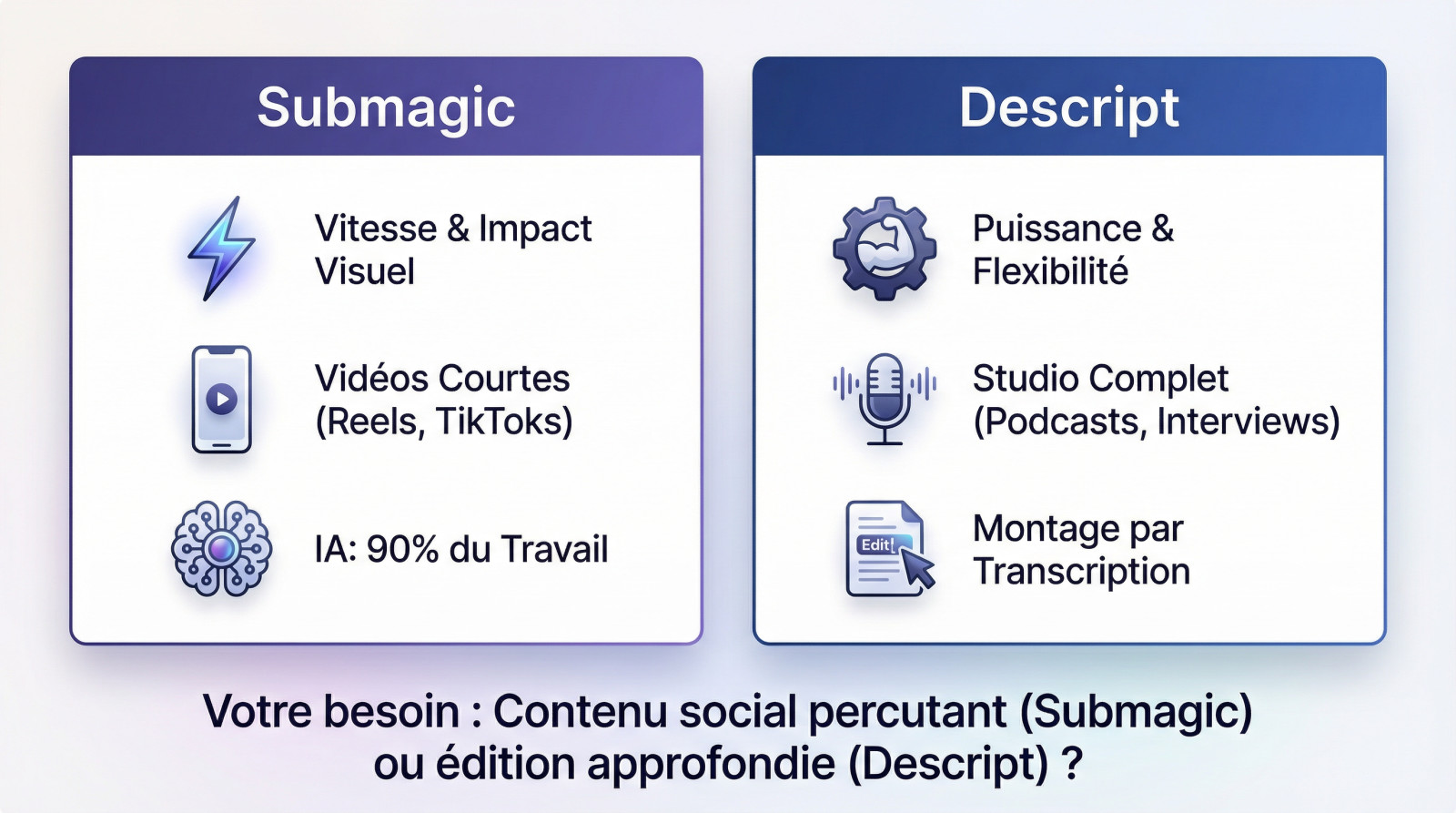
Summary of our comparison Submagic vs Descript
The game is launched: Submagic, the undisputed specialist of short video for networks, confronts Descript, the complete editing studio that thinks video as a text document. Be careful, we do not compare apples and pears here, but well two radically different philosophies.
Submagic puts everything on speed and visual impact to capture attention on Reels, TikToks and Shorts. It is the tool of choice for dynamic subtitles where the AI drops 90% of ungrateful work If you're here.
On the other hand, Descript deploys its power and flexibility to structure long content, such as podcasts, interviews or training. His master asset remains edition by transcription, ideal for working the narrative in depth.
So, what is your real need: to produce massive social media content (Submagic) or adopt an all-in-one solution to thoroughly edit your videos and podcasts (Descript)? Making the wrong choice would cost you precious hours ; the exact answer can be found in this article.
Submagic: AI tool for short content creators
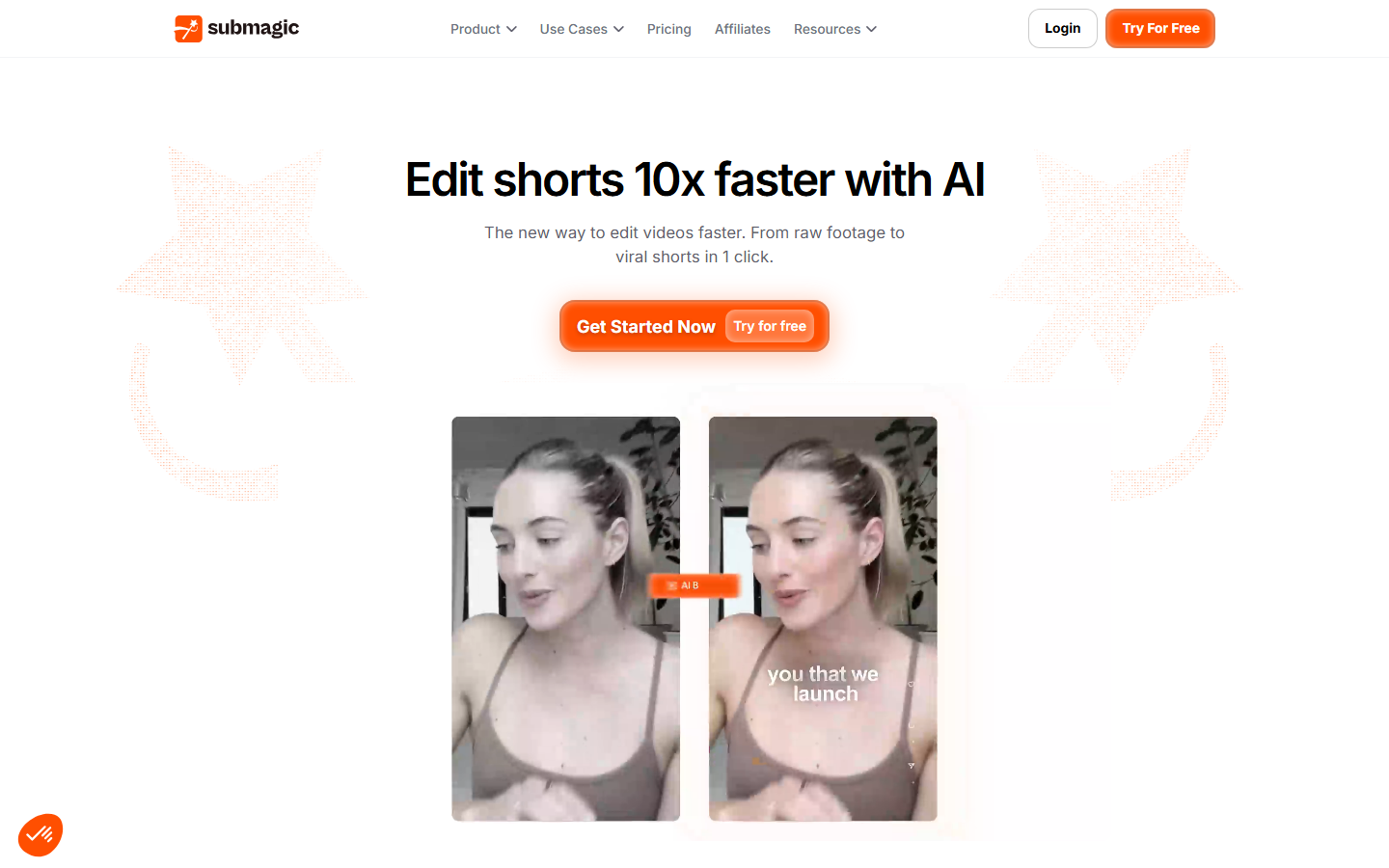
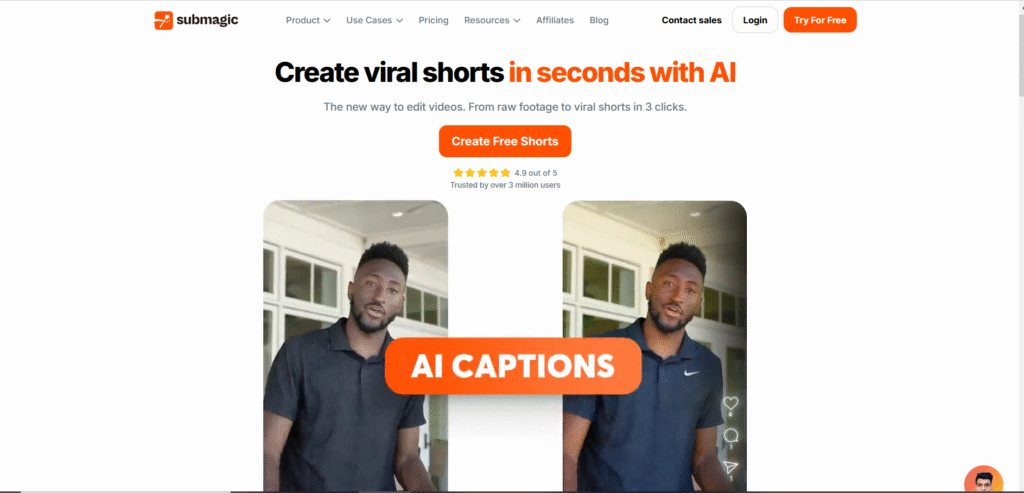
Before we confront these two giants, let's first analyze Submagic. What really hides behind this promise of instant virality ?
Submagic's philosophy: speed and virality
Submagic is not trying to do everything. It is a specialized tool with a unique mission: transform a raw video into a vertical clip ready to publish. It removes any technical friction to deliver formatted content for TikTok or Reels in minutes.
It targets content creators, entrepreneurs and coaches interested inimpact without complexity. No need for professional assembler skills, the tool is made for those who lack time.
With more than 500,000 meter users, the solution meets a massive market need. Even figures like Grant Cardone use it, proving that the tool is not a simple gadget.
Submagic bets fully on AI automation for generate commitment, reducing human effort to the strict minimum.
The strengths that make the difference
Let's look at the precise features that make Submagic a real Viral content manufacturing machine.
- Dynamic Subtitles and Trends: Automatic Caption Generation with emojis and animations to capture attention.
- Magic B-Rolls and Transitions : L的AI automatically adds cutting plans and transitions to boost the video.
- Auto-zoom and AI description : The tool zooms in on key moments and generates optimized descriptions for platforms.
- Widespread multilingual medium : Generation of subtitles in more than 50 languages, an asset for an international audience.
Combining these elements allows produce a video that meets current codeswithout any manual effort. Time saving is massive. To go further, see our detailed Submagic test.
Limitations and compromises on specialization
Let's be clear: Submagic is not a traditional editing software. Could not do complex multitrack mounting or push color calibration. It's strictly a tool of « finishing » to polish an existing video.
Its exclusive focus on vertical format makes it less relevant for classic 16:9 YouTube videos. It's designed for mobile, and that's it.
The compromise is clear: you sacrifice granular control to achieve unparalleled production speed. It is a choice assumed, not a technical defect. If you want to see how it measures to the competition, read our duel Submagic vs InVideo.
Description: the text-based video editing studio

Let us now turn to its competitor, who adopts a approach to the radically different assembly.
The philosophy of Descript: going up as we write
Descript is positioned as an all-in-one production studio for video and audio. His main idea is a complete break with habits: edition is done by manipulating the text of the transcription, not the timeline.
Specifically, cut a sentence into text instantly deletes the corresponding video clip. This is an approach that changes everything for podcasters and long content creators, eliminating tedious technical manipulations.
The target audience is therefore much wider than the editors: podcasters, YouTubers, trainers, marketing teams. All those who work with a lot of spoken content find their account.
In short, Descript wants to make video editing as simple and intuitive as editing a Word or Google Docs document.
The flagship features of this Swiss knife
Here are the key features that make Descript a so versatile and unique platform on the market.
- Transcription : The heart of the system. You simply edit the video by editing the generated text.
- Overdub : This function allows you to clone your own voice to correct words or add phrases without re-recording.
- Studio Sound: A powerful AI filter that remove background noise and improve voice quality In a spectacular way.
- Screen and multicam recording : Essential integrated tools to create tutorials or manage interviews with multiple cameras.
These tools make it a Complete post-production solution. For an in-depth analysis, you can read our full review of Descript and see everything in his stomach.
Where Descript is less comfortable
The major weakness is clear: Descript is not optimized for quick creation of viral clips. He doesn't have the subtitle templates. « TikTok » Submagic, or his automatic B-Rolls.
The learning curve is also higher. It's a more complete tool, so necessarily denser to control that the ultra-simple and immediate interface of Submagic.
Finally, its language support for transcription (about 25 languages) is much less extensive than Submagic's for subtitles. This is a point to consider for a global audience. For Discover Descript, best left to try.
Submagic and Descript features: face-to-face
Now that the presentations are made, let's put both tools on the ring and compare them point by point.
Comparative table of features
Nothing like a picture to quickly visualize each other's strengths and weaknesses. You will quickly understand why these tools do not play in the same courtyard. Here's the Game summary.
| Functionality | Submagic | Description |
|---|---|---|
| Primary use case | ✅ Creating short viral videos (Reels, Shorts) | ✅ Assembling long content (podcasts, interviews, training) |
| Dynamic subtitles | ✅ Fashion styles, emojis, animations (main force) | ❌ Basic, fewer styles « Social » |
| Transcription | ❌ Not available | ✅ Central functionality, very powerful |
| Added B-Rolls by AI | ✅ « Magic B-Rolls » automatic | ❌ Manual, via a stock library |
| Audio Improvement (Studio Sound) | ❌ Not available | ✅ Professional quality in one click |
| Voice cloning (Overdub) | ❌ Not available | ✅ Audio correction without re-recording |
| Multilingual medium | ✅ More than 50 languages | ❌ Approximately 25 languages |
| Ease of use | ✅ Extremely simple and fast | ❌ Longer learning curve |
This picture shows that we are not talking about the same thing. Submagic is a specialist in rapid virality, while Descript is a powerful generalist for background publishing. The choice depends entirely on your main need.
Location Update: Submagic Advantage for International
This is often overlooked but can change everything for your growth. If your audience is international, the ability to locate your content effortlessly is a major asset that you should not ignore.
Here, Submagic's advantage is clear and uncalled. With the support of more than 50 languages for its subtitles, it allows reach a much wider audience without further effort from you.
Descript, for its part, is limited to about 25 languages for its transcription function. It's already good, but it's twice as much. For a creator aiming for Europe, Asia or South America, the difference is huge.
For the simple global scope via subtitles, Submagic therefore takes a clear lead.
Assembly and post-production: the depth of Descript
If Submagic wins over running speed, Descript wins the handle of mounting depth. It is a complete post-production studio, where Submagic remains primarily a visual finishing tool.
Studio Sound alone is a reason to choose Descript for anyone recording their voice. She transforms medium microphone sound into studio quality sound, suppressing echoes and parasite noises.
The Overdub is also a unique function that is desperately lacking elsewhere. To be able to correct an error by simply typing the right word is a Saving crazy time for demanding perfectionists and podcasters.
On these aspects of audio quality and editing flexibility, Descript is in another category. It is a much more complete tool for mounting AI of substance.
Submagic vs. Description: What price differences?
Both platforms operate on radically different economic models, although they both offer a freemium approach. Submagic charges its services based on the number of videos generated per month, while Descript bases its pricing on transcription time and AI credits. This distinction is fundamental to your budget.
Offers from Submagic
Submagic offers a free trial that allows you to generate 3 videos a month with a watermark, ideal for testing risk-free automation. Once convinced, the paid subscriptions are structured by volume increments, which avoids you paying for unnecessary features.
The Plan « Starter » 19 $ per month is the perfect entry point, allowing to create 15 monthly videos. This is the offer I recommend to creators who begin and want to maintain a regular pace without ruining themselves. The plan « Professional » 39 $ unlocks more capacity and premium features.
The plan « Business » to 69 $ is intended for prolific agencies or creators, with unlimited downloads and export in 4K quality. Note that by opting for annual billing, you can get up to 41% discount. It's a for those aiming at producing shorts in volume.
Descript offers
Descript also has a free plan, but be careful, it is limited to one hour of transcription per month and imposes a watermark on exports. It's enough to explore the interface, but too small for real production. If you're serious, you'll get to the cash register.
The plan « Creator » 12 $ per month offers 10 hours of transcription and Finally remove this embarrassing watermark. This is the standard for most independent content creators. This rate includes the essentials to mount your videos without technical friction.
The plan « Business » (to 24) $ per month) unlocks the total power of the tool, with 30 hours of transcription and unlimited access to AI functions like Studio Sound. It's the most comprehensive offer for professionals who need to clean up audio and clone their voice with Overdub.
Verdict on the value for money
There is no « better » price in absolute, everything depends on your production mechanics. Submagic is profitable if you produce many short clips, because its volume cost is unbeatable to flood social networks.
On the other hand, Descript is more cost-effective if you mount long videos or podcasts, as its invoicing at the hour of transcription favours long formats. Descript's Business Plan offers immense value, literally replacing a sound engineer thanks to its advanced AI audio tools.
Customer reviews: what do users think?
Field returns on Submagic and Descript are callless: users validate the promise, but for radically different reasons. Each camp defends its tool according to specific needs.
Returns to Submagic
The creators speak of a amazing time saving, some cited a reduction of 80% in their workload. Moving from several hours of difficult assembly to a few minutes becomes the norm. It's literally day and night.
The other major asset remains the immediate visual impact on viewing statistics. Users find that net increase in retention and commitment thanks to dynamic animations. Your videos finally look like pros, without any technical effort.
Some voices sometimes regret a lack of flexibility on ultra-pushed customization. However, this confirms its position: a turnkey tool to go fastNot a gas factory.
Returns to Descript
The followers only swear by the concept of « doc-style editing ». For podcasters, it's a total paradigm change. Removing hesitation by erasing the text becomes a reflex that can no longer be done.
Studio Sound functionality is frequently referred to as « black magic » the community. Creators tell of having Saved from the catch of his disastrous, full of echo or background noise. This is the clumsy argument for those who record under precarious conditions.
However, some users are occasional bugs or slowness on very heavy projects. The interface, though great, can also intimidate those who have never touched the assembly.
The best remains of make your own opinion on Submagic or test for free Descript right now.
Should we choose Submagic or Descript? The verdict
So, in the end, who wins this duel? The answer is... Depends.
There is no better tool in the absolute. The « Good » choice is the one that corresponds to your workflow, your type of content and your goals. These are two tools that can even be complementary.
To make it simple, the question is: do I seek to optimize the finishing of my videos or background mounting ?
One point to check before deciding: Submagic, the formula d enters caps the videos to two minutes. Our page on tariffs Submagic desize these limits by step.
Type profile for Submagic
Submagic is made for you if:
- You mainly create vertical content for TikTok, Instagram Reels or YouTube Shorts.
- Your top priority is production speed.
- You want some powerful subtitles and trends Without effort.
- You are aiming for an international audience and need subtitles in several languages.
It's the sprinter tool. If this is your case, do not hesitate to Try Submagic.
Typical Profile for Descript
Descript is your ally if:
- You produce long content : podcasts, interviews, YouTube videos, training.
- You want a precise control over your installation and hate traditional timelines.
- The audio quality is a non-negotiable point for you (Studio Sound).
- You want a All-in-one solution that manages recording, transcription and editing.
It's the marathonian's tool. If you recognize yourself, you should Try Descript.
The end word: two tools, two missions
In the end, Submagic and Descript are not really direct competitors. They meet different needs in the video production chain.
The creator of modern and smart content could even use both: mount his podcast on Descript, then extract clips to boost them on Submagic. For other duels, see our AI Video Comparisons.
Submagic and Descript respond to separate needs. Submagic is essential for virality and speed short formats. Description remains the reference for background editing and audio management long content. Instead of opposing them, the most productive creators will gain combine their respective power.
✨ Compare the two tools and save time today
🚀 Submagic – Viral videos in Minutes 🎧 Description – AI Ultra-Precised AssemblyFAQ
What is the fundamental difference between Submagic and Descript?
The distinction lies in their philosophy of use. Submagic is a tool of « finishing » and automation specialized in short format (Shorts, Reels, TikToks): it focuses on speed, dynamic subtitles and automatic addition of B-Rolls. Conversely, Descript is a full text-based editing studio (audio and video), designed for background editing of long content such as podcasts, interviews or YouTube videos.
Which is the best for TikTok and Instagram content creators?
Without hesitation, Submagic wins this duel for social networks. Its AI is calibrated for virtuality: it automatically generates animated subtitles with emojis, dynamic zooms and transitions adapted to current vertical format codes. Descript allows to make short format, but requires much more manual manipulations to get such a dynamic result.
Can Submagic be used to make complex video editing?
No, it's not his job. Submagic does not allow multitrack editing, advanced audio mixing or precise cutting (cut) as a traditional software. For these purposes, including cleaning audio tracks or restructuring an interview by editing the text, Descript is the indispensable tool with its approach « doc-style editing ».
Are Descript and Submagic available in French?
Yes, both tools manage the French language. However, Submagic offers better linguistic coverage with more than 50 languages supported for the generation of subtitles, which is ideal for an international audience. Descript manages the transcription in French, but its overall linguistic support is more limited (about 25 languages) than its competitor.
Are there free versions to test these tools?
Yes, both offer a freemium model. Submagic offers a trial to generate 3 videos per month (with watermark and limited duration). Descript offers a free plan including one hour transcript per month and exports with watermark. These offers are sufficient to test ergonomics, but a paid subscription is required for professional production without visual marker.
This tool is to be compared with others in our selection of the best tools of video AI.