For the past few weeks, a video is constantly coming back to TikTok and Instagram Reels: a suburban train filmed like an amateur video, until the window suddenly flips over another world, Mount Olympus in the clouds, a plain populated by dinosaurs, or a totally surreal effect. PixVerse is tool behind a lot of these videos, but he's not the only one able to produce this kind of rocking. Here are the alternatives that hold the road for this type of precise effect, with their real forces and limits.
Contents: Essential · The trend in question · Why look for an alternative · Top 5 alternatives · Table comparison · How to choose · FAQ
📌 Essentials
- PixVerse remains the quick reference for this type of effect (turned in 30 to 60 seconds), but capped in free to one clip per day and lost quality on broad planes.
- Kling AI (Model 3.0 since February 2026) does better on character consistency and kinematic plans, useful to keep the passenger credible before/after the tip.
- Seedance (ByteDance, version 2.5 in 2026) adds a synchronised native audio to the image, a plus for the sound atmosphere of the car.
- Veo 3.1 (Google) focuses on physical realism but does not have an official free level on the API; access without paying via Gemini or Flow, with unpublished quotas.
- None tool check all boxes : the choice depends on the budget, the audio requirement, and the level of realism targeted on the « before » Video.
The trend that has revived interest in this type of tool
The format is simple to describe but difficult to execute: a plan filmed like a smartphone video, deliberately banal, until the train window reveals a decor that has nothing to do with a commuter journey. Two examples produced with PixVerse, to give an idea of the level of realism expected by this format in 2026:
All the videos in this article were generated with PixVerse: this is the visual comparison point used. For Kling, Seedance or Veo, the information below is based on our previous tests published on the site and the official documentation of each tool, not on new renderings of this precise scene.
Why look for an alternative to PixVerse in 2026?
The free quota is exhausted quickly. 90 credits for registration and then 60 per day, i.e. one clip per day in practice. To set a credible switch, it often takes several tests.
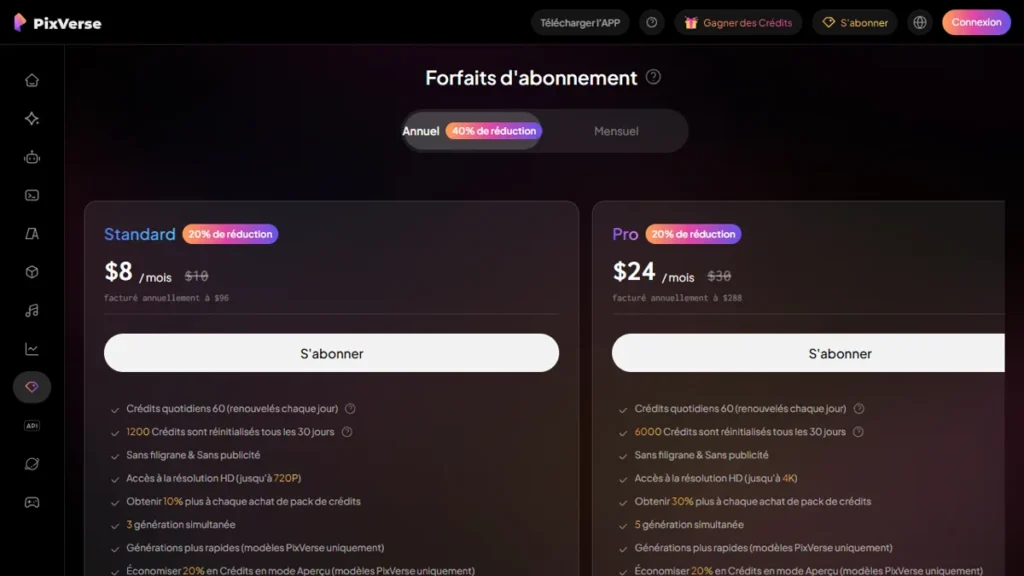
Wide and kinematic plans are less strong. Our review complete on PixVerse AI confirms:tool excels on the short and social effects, but Kling or Veo remain ahead on a broader level and a more consistent scene over time.
No native audio. For a video of this type, the noise of the train which changes abruptly from the sound atmosphere at the time of the rocking adds a lot to the effect. PixVerse does not natively generate this synchronised audio, unlike Seedance.
Top 5 alternatives to PixVerse AI in 2026
1. Kling AI: the best stage consistency for this type of effect
Kling AI Switched to its model 3.0 in February 2026, with a multimodal architecture that manages text, image, audio and video in one system, and a multi-plane mode that helps keep a character consistent from one plane to another. For a video where the passenger must remain credible before and after the decor switch, it is a real advantage on PixVerse.
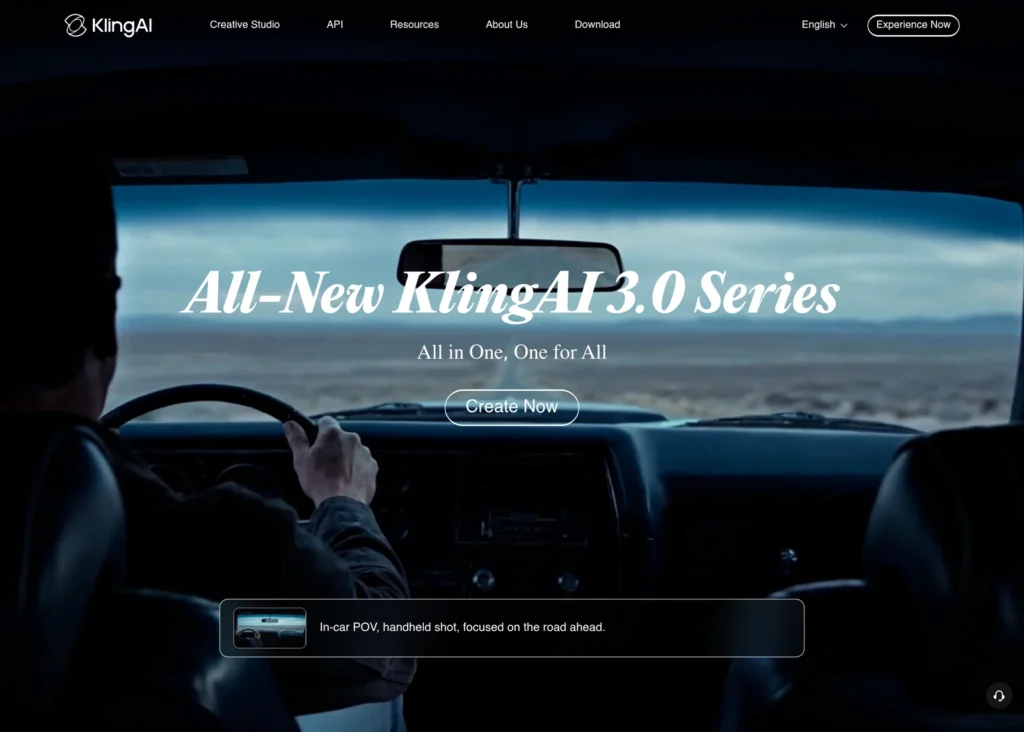
The Basic Plan is free for life but without commercial use or monthly credit guarantee. The first paid level displays 6,99 $ the first month then returns to 8.80 $/month for 660 credits ; the Pro level passes from 25,99 $ about 32 $/month for 3,000 credits. See our price details Kling AI 2026 and our guide free of charge.
2. Seedance : the only one with synchronised native audio
Seedance, developed by ByteDance's SEED Lab (mother house of TikTok), evolved to version 2.5 in 2026. Its unique highlight: to generate video and audio in one pass, with a precise lip-sync. For a train video where the ambient noise has to switch at once with the decor, this is the only option on this list that manages it natively rather than in post-production.
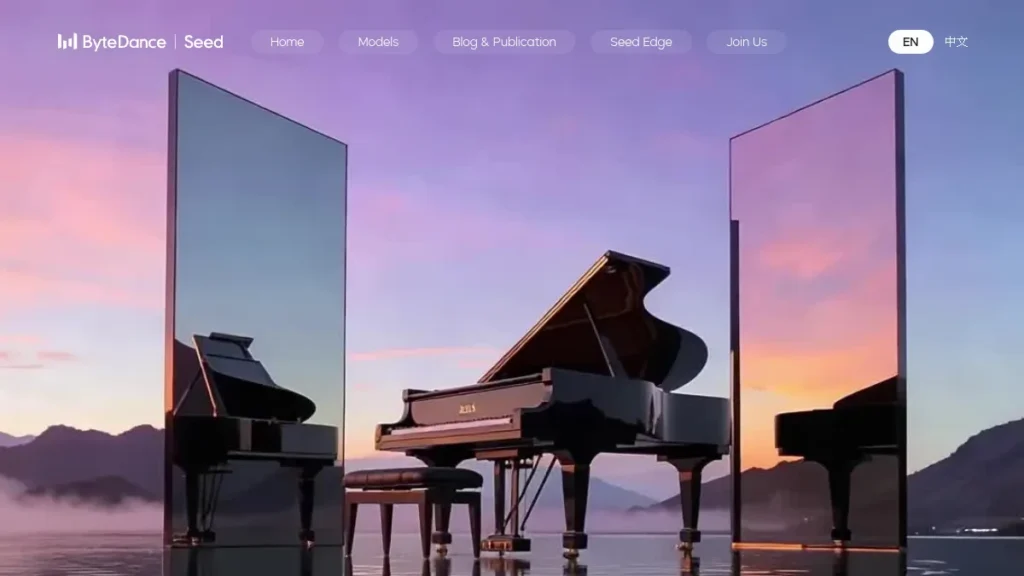
Free access passes through Dreamina, ByteDance's mainstream platform, with a daily quota shared (around 2 to 3 clips per day according to our tests), including watermark. Paid subscriptions start around 5 to 10 $ on promotional offers observed in September 2026; see our review complete Seedance 2.0 (l)tool has since been updated to version 2.5, the fundamentals of the test remain valid).
3. Veo 3.1: the most realistic, but without real free level
Google arrested Veo 3 on 30 June 2026; the in-service model is now called Veo 3.1. On the API, there is no free level: Google Black on white. Free access exists via the Gemini app (limited generations, watermark) and Flow, but the exact quotas are not published. By paying for use, count about 0.05 $/second for Lite version in 720p up to 0.40 $/second for the Standard version. See our guide Free Veo 3.1 for the details of the four access doors.
For this type of precise effect, Veo brings a very convincing physical rendering on the part « before » Realistic, but its less simple access and lack of guaranteed free credits make it a heavier option to set up than a PixVerse or Kling account.
4. Runway: option for finer transition control
Runway remains a reference for those who want more precise control over the exact moment of the switch (motion brush, camera control), rather than a single prompt that manages the entire transition. It's more technical to take in hand than PixVerse, but it leaves more margin to adjust the timing of the effect. Our guide free Runway plan details what the Free plan actually allows.
5. DeeVid AI : convenient aggregator for testing multiple models
Deevid AI aggregates several video generation engines behind a single interface, allowing you to test the same speed on different models without multiplying the registrations. Practical to quickly compare the rendering of a decor switch over two or three engines before choosing where to invest. See our review complete DeeVid AI.
For Seedance In particular, two entry doors coexist: Dreamina, the official ByteDance channel, and multi-model third-party platforms. We compared the two, real price of a clip to support, in our duel V-Zero-3 AI vs Dreamina.
Table comparison for this type of effect
| Tool | Strong point for this effect | Free? | Starting price |
|---|---|---|---|
| PixVerse | Rapid rendering, preformed viral effects | Yes, 1 clip/day | 10 $/month |
| Kling AI | Coherence of the character, broad planes | Yes, without commercial use | 8.80 $/month |
| Seedance | Synchronised native audio | Yes, via Dreamina | ~5-10 $/month |
| Veo 3.1 | Physical reality of the plan « before » | Limited (Gemini/Flow, unpublished quotas) | From 0.05 $For use |
| Runway | End control of the tip timing | Yes, limited free plan | Variable according to plan |
How to choose for your profile
You just want to test the concept quickly : stays on PixVerse free or DeeVid AI to compare multiple engines in one session, without commitment.
You want to keep a credible character over time (the passenger filming, visible before and after the switch): Kling AI, thanks to its multi-plane consistency.
You want the sound to switch at the same time as the image : Seedance remains the only option that manages this natively in one generation.
You want the most realistic rendering possible on the game « before » and that the budget is not the main constraint: Veo 3.1, accepting free access less easy to obtain.
FAQ: Frequently asked questions about alternatives to PixVerse
What tool to reproduce the train effect that swings on another world?
PixVerse remains the reference for speed and preformed effects. Kling AI does better on character consistency from one plane to another. Seedance is the only one to generate a native audio synchronized with the visual switch.
Is there a free alternative to PixVerse?
Yes, Kling AI (basic plan, without commercial use) and Seedance via Dreamina (shared daily quota) both offer access without paying. None is unlimited.
Is Veo 3 a good alternative to PixVerse?
The Veo 3 model was selected by Google 30 June 2026, replaced by Veo 3.1. There is no official free level on the API; access without paying via Gemini or Flow with undisclosed quotas. The physical rendering is excellent but the setting is less direct than on PixVerse.
Kling AI or PixVerse for this kind of video?
PixVerse for speed and a unique prompt that handles all the rocking. Kling AI if the plan involves keeping a character recognizable on several planes before and after the change of scenery.
Can we test several of these tools without paying multiple subscriptions?
An aggregator like DeeVid AI allows testing multiple engines behind a single interface, which avoids multiplying free accounts to compare the same prompt.
🎯 Verdict
PixVerse remains the fastest and easiest choice for this kind of effect, and it's not surprising.tool behind the majority of videos that are currently circulating. But if the plan involves a coherent character on several levels, Kling AI take advantage; if the sound must switch with the image, Seedance is the only option that does it natively. None of these tools does not replace a direct test on your own prompt: everyone's free credits are enough to get an idea before choosing where to invest.