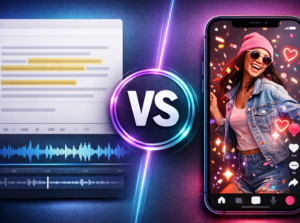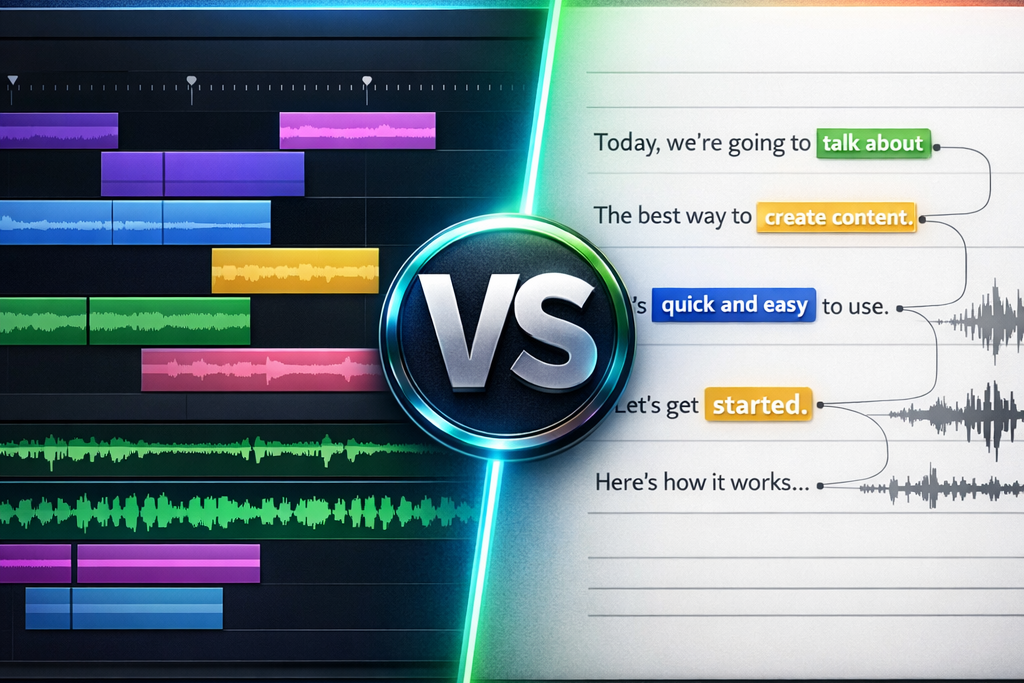
Filmora and Description are Not interchangeablethey represent two philosophies of editing radically different. Filmora is a classic timeline editor for editing visual. Descript is a Text Editor where you edit the transcript.
Quick Verdict: YouTuber / visual content → Filmora. Podcaster / interview / training → Descript. The two together → the most efficient workflow of 2026.

Filmora, The best for the editing visual
Multi-track timeline, 1,000+ effects, transitions, color graduation, AI integrated. From 49.99 $/year.

Descript, The best for the editing text
Editing text, deletion of « Uh. », Overdub (voice AI), collaboration. From 16 $/month.
One side, Filmora : a video editor that gives you total control over each plan, every transition, every effect. On the other hand, Description : one tool who invented a new way of editing a text rather than a timeline. The right choice depends entirely on your type of content.
This comparison helps you decide in 10 criteria, with a profile verdict and a combined workflow for the best of both worlds.
Filmora in 2 minutes : le editing visual at hand
Filmora Wondershare is a video editor classic timeline for creators who want total visual control. You work on a multi-track timeline where you organize your clips, overlay effects, add transitions and refine rendering.
What makes him interesting in 2026: Filmora 15 has integrated a suite AI complete, background suppression, noise reduction, automatic subtitles, intelligent cropping, image generation AI. All in an interface accessible to beginners.
The library is massive: 1,000+ templates, transitions, titles, music and effects. Version 15 also added the editing dual-timeline, pen tool and speed ramping, features that were only found before on Premiere Pro. See our review Filmora and price analysis.
What's missing at Filmora: no editing by text, no automatic deletion of girls words, no collaboration in real time. If your content is mainly spoken, you will spend too much time looking for the right cutting points.
In summary: Filmora is made for those who see their editingB-roll, transitions, effects, animated texts. This is editing visual.
See also our guide dedicated: alternatives-Descript.
See also our guide dedicated: alternatives-filmora.
Descript in 2 minutes: editing a video as a Word document
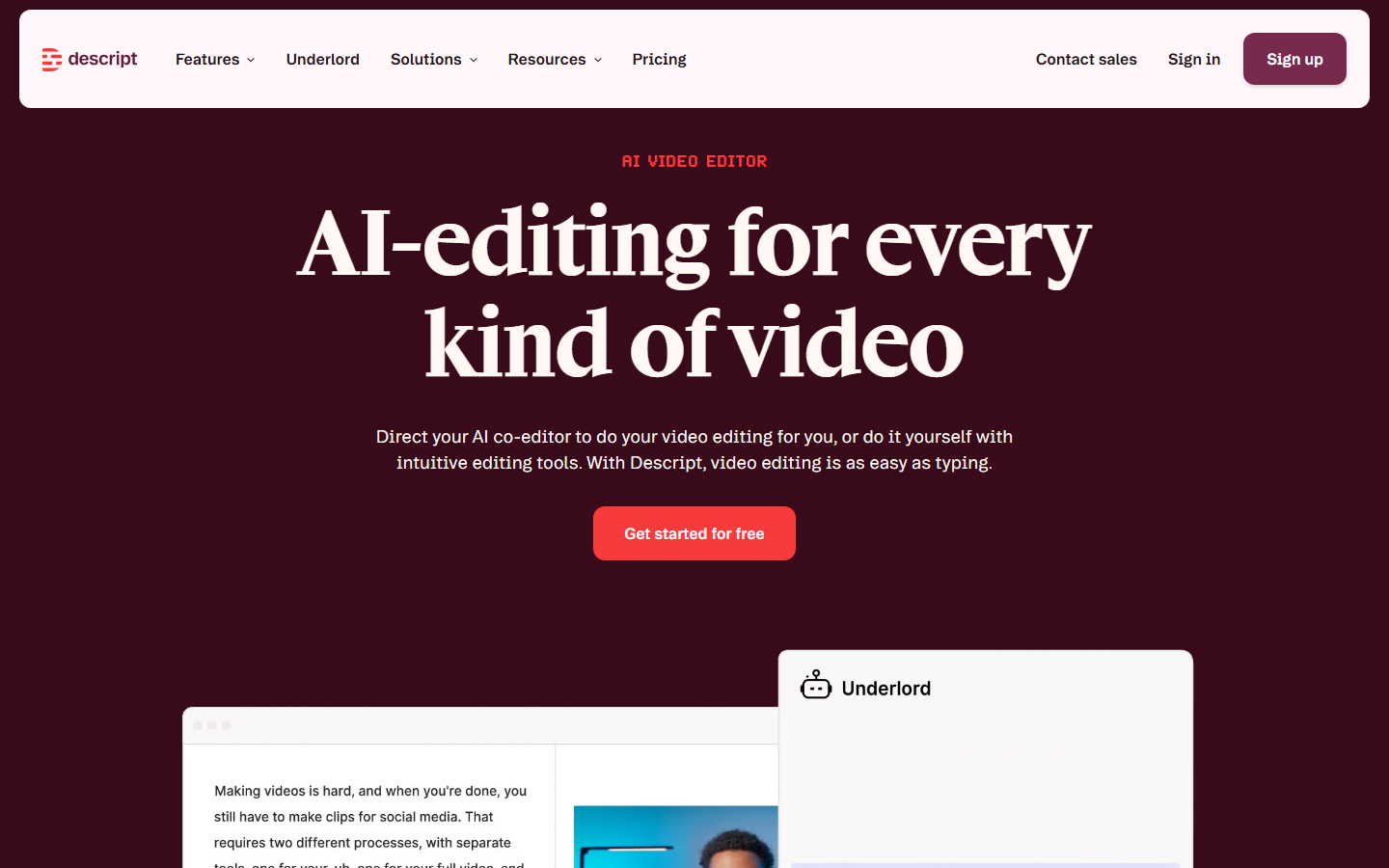

Description revolutionized the editing : you edit the text, and the video automatically closes. When you import a video, Descript transcribes it. Delete a word → the passage is cut. Reorganize a paragraph → plans reorganize.
What makes it unique: automatic removal of « Uh. » and hesitations in one click. Overdub, one voice AI which corrects a word without re-recording. Real-time collaboration as a Google Doc.
What he does NOT do well: visual effects, complex transitions, motion tracking, color grading. The free plan is limited (1 hour of media/month, watermark). See our review Complete Descript.
The ideal use case: 45-minute interview. With a timeline editor, 3 hours of editing. With Descript, you read the transcript, select the correct passages, delete the rest. Saved time: 2 hours minimum.
In summary: Descript is for those who hear their editing, podcasters, interviewers, trainers. This is editing text.
Comparison Filmora vs Descript on 10 criteria
| Criteria | Filmora | Description | Winner |
|---|---|---|---|
| Approach editing | Multi-track timeline | Edit by text | 🤝 Equality |
| Effects/transitions | 1000+ effects | Very limited | 🏆 Filmora |
| Subtitles AI | ✔ Speech-to-Text | ✔ Native transcript + SRT | 🏆 Description |
| Votes AI (Overdub) | ✘ No | ✔ Correction without re-recording | 🏆 Description |
| Elimination girler words | ✘ Manual | ✔ 1 click | 🏆 Description |
| Color graduation | ✔ TIP, correction | ✘ Basic | 🏆 Filmora |
| Collaboration | ✘ No | ✔ Real time | 🏆 Description |
| Free plan | Complete test (watermark) | Media 1h/month | 🏆 Description |
| Paid price | 49.99 $/year | 192 $/year | 🏆 Filmora (4x cheaper) |
| Platform | Win, Mac, iOS, Android | Win, Mac + Web | 🏆 Filmora |
Score: Filmora 4, Descript 5, Equality 1. Descript wins over text and collaboration. Filmora wins on visual and prize. The real winner depends on your content.
Editing text vs timeline: This is the fundamental difference. On Descript, you edit a video of 30 minutes in 20 minutes. On Filmora, you have a frame-by-frame control, ideal for a visually sophisticated result. Two complementary approaches.
The criterion AI : Filmora bets on theAI visual (background removal, smart cutout, denoise, auto-reframe). Descript bet on AI audio/text (transcript, filler words, Overdub). For better tools AI of the editingboth deserve to be tested.
Collaboration: Descript's decisive advantage for teams. Shared project, transcription comments, simultaneous editing. Filmora is desktop without native collaboration.
Comparative rates (April 2026)
| Plan | Filmora | Description |
|---|---|---|
| Free | All features (watermark) | 1h media/month (watermark) |
| Entry | 49.99 $/year (~4.17 $/month) | Hobbyist: 16 $/month (192 $/year) |
| Pro | 79.99 $ perpetual license | Pro: 24 $/month (288 $/year) |
| Annual cost | 49,99 $ | 192 $ |
Filmora is 4x cheaper (49.99) $ vs 192 $/year). And Filmora proposes a perpetual licence at 79.99 $a single payment. Descript is justified by the productivity earned: if you save 10h/month in editingthe cost is profitable. Details in our Filmora Prize Analysis.
What tool depending on your use case?
🎯 Filmora or Descript? Find your answer
→ Filmora, effects, transitions, B-roll, color grading
→ Description, editing text, deletion « Uh. », Overdub
→ Filmora, vertical templates, cropping AI. Or Submagic for viral subtitles
→ Description, fast editing of spoken videos, SRT subtitles
→ Filmora, editing visual, motion tracking, animated texts
→ Both, Descript rough cut + Filmora polish visual
The combined workflow Filmora + Descript: the best of both worlds
This is the secret that English comparatives mention in one sentence but never develop. Using both sets is the most efficient workflow of 2026.
Step 1: Record your video. Don't worry about mistakes.
Step 2: Import in Description. Remove « Uh. », hesitations, out-of-topic passages, directly in the text. Use Overdub to correct a word. In 20 minutes, your rough cut is clean.
Step 3: Export the own video file + SRT subtitles.
Step 4: Import in Filmora. Add the B-roll, transitions, effects, color graduation. Import the SRT. Export the final product.
The gain: Descript eliminates 80% of mechanical work. Filmora manages the 20% creative. On a video YouTube 15 minutes, this workflow saves 2-3 hours.
The combined cost: Filmora (49.99) $/year) + Description Hobbyist (192 $/year) = 242 $/year20 $/month. It's cheaper than Adobe Premiere Pro alone (275 $/year) and you have the editing text as a bonus.
Free alternative: Free description (1 hour/month) + DaVinci Resolve (free). Slower but functional. See our guide better tools AI of the editing.
And for the voice-over AI ?
Neither Filmora nor Descript are the best for the voice-over AI. Filmora has no native voice. Descript a Overdub but it's not a generator Full voice-over.
The best choice: ElevenLabs, 1,000+ realistic votes, voice cloning free, 70+ languages, from 0 $/month. See our ElevenLabs test and our guide Votes AI Free.
Optimal voice-over workflow: script → voice-over in ElevenLabs → audio import in Filmora → visual addition → export. The Creators' Pipeline YouTube faceless in 2026. See also our guide voice cloning AI.
For automatic subtitles, our guide subtitles AI compares Descript, Submagic, ElevenLabs Scribe and Filmora.
Verdict by designer profile
| Profile | Recommendation | Why? |
|---|---|---|
| YouTuber | Filmora | Effects, transitions, B-roll, templates |
| Podcaster | Description | Editing text, delete girler words |
| Trainer | Description | Quick editing of spoken videos |
| Social media | Filmora | Vertical templates, cropping AI |
| Agency/team | Description | Real time collaboration |
| Close budget | Filmora | 49.99 $/year vs 192 $/year |
| Polyvalent | Both | Description rough cut + Filmora polish |
Our final recommendation: If you can only choose one and your budget is limited, take Filmora. At 49.99 $/year is the best value for money on the market. If you produce spoken content, Description 16 $/month will save you so much time that the extra cost is profitable. And in both cases, combine with ElevenLabs for voice-over AI.
For other comparatives: Submagic vs Descript and our selection oftools AI to create videos YouTube.
FAQ
Filmora or Descript: Which is the best?
Filmora for the editing visual (YouTube, Shorts, pubs). Description for the editing spoken content (podcasts, interviews). The two together form the most efficient workflow.
Is Filmora cheaper than Descript?
Yeah, 4x cheaper. Filmora : 49.99 $/year or 79.99 $ perpetual license. Description: 192 $Minimum year.
Can we use Filmora and Descript together?
Yes. Description for the textual rough cut then Filmora for visual polish. This combo saves 2-3 hours per video.
Does Descript have any video effects like Filmora?
No. Descript is limited in visual effects. His strong point is the editing Text. For video effects, Filmora is much higher.
What tool to add a voice-over AI ?
Neither Filmora nor Descript. ElevenLabs is the recommended choice (1,000+ votes, free cloning, 70+ languages, from 5 $/month). Generate voice-over and import it into Filmora or Descript.