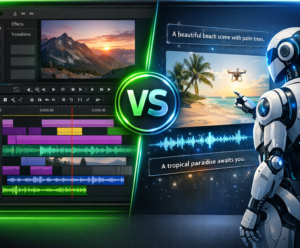
Description and CapCut represent Two opposing approaches to video editing. Descript mounts by text. CapCut mounts through the timeline with TikTok effects and templates. New 2026: CapCut doubled its price (of 77 $ at 179.99 $/year).
Quick Verdict: Podcaster / interview → Descript. TikTok / Reels / Shorts → CapCut. Multipurpose Creator → Both + ElevenLabs For the voice-over.

Descript, Editing text
Editing text, deletion of « Uh. »Overdub, collaboration. From 16 $/month.
CapCut, Editing social mobile-first
Visual timeline, TikTok templates, 300M+ users. Free or 179.99 $/year.
Description invented the editing by the text. CapCut (ByteDance/TikTok) became the king of editing with 300 million users. In 2026, CapCut doubled its Pro price (179.99) $/year), which radically changes the situation. This comparison helps you choose.
Descript in 2 minutes: Edit text


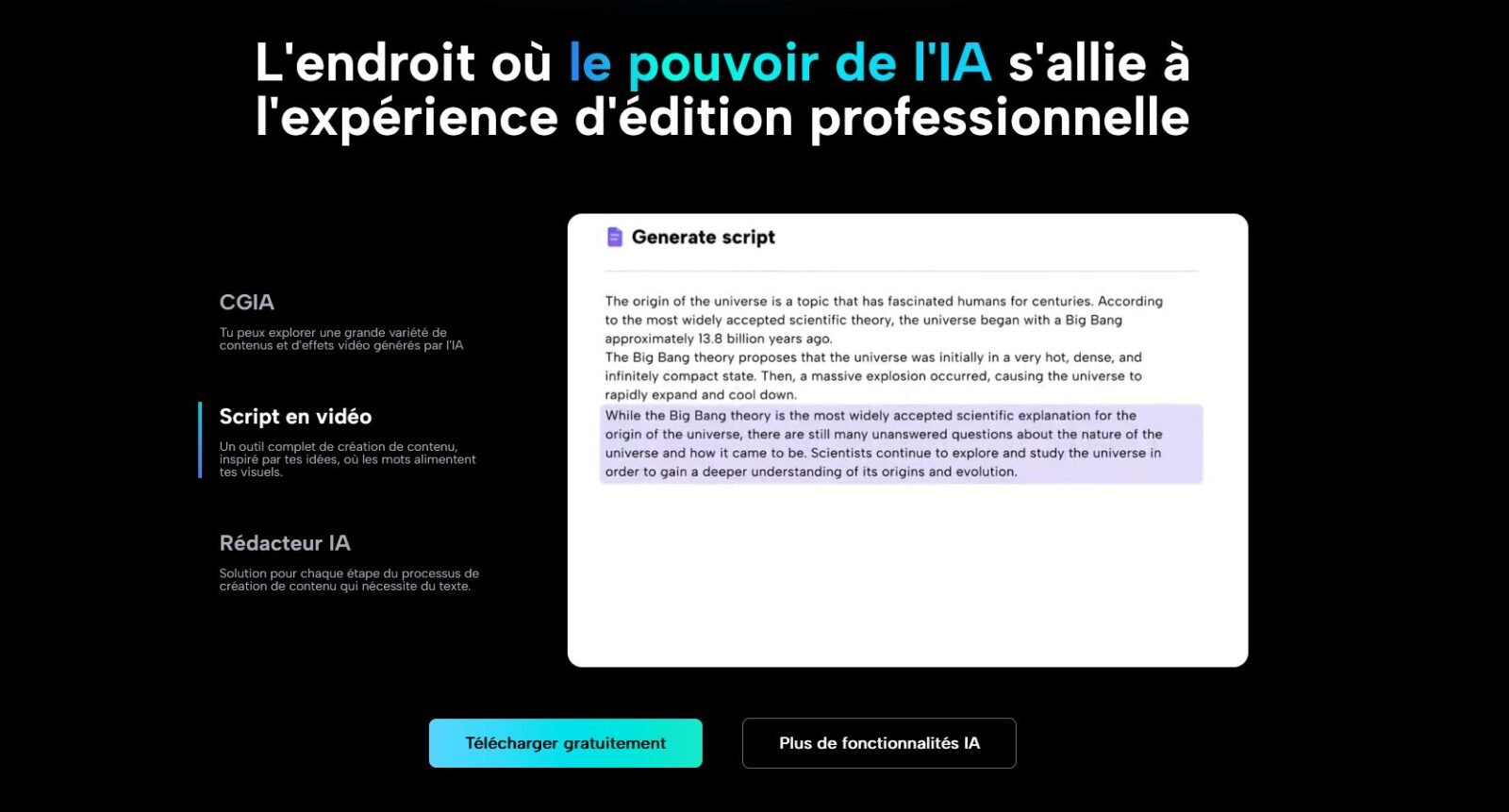
Description automatically transcribes your video and lets you mount it as a Word document. Delete a word → the passage is cut. Reorganize a paragraph → plans reorganize.
The forces: automatic removal of « Uh. » In 1 click. Overdub, correction without re-recording. Studio Sound for audio near studio. Eye Contact Correction. Real time collaboration. Export SRT. See our review Complete Descript.
The perfect case: 45-minute interview. With a timeline editor: 3h of editing. With Descript: you read the transcript, select the correct passages, delete the rest. Saved time: 2 hours minimum.
The limits: limited visual effects, no trend templates, no full mobile app, no TikTok integration.
CapCut in 2 minutes: the king of the editing Social

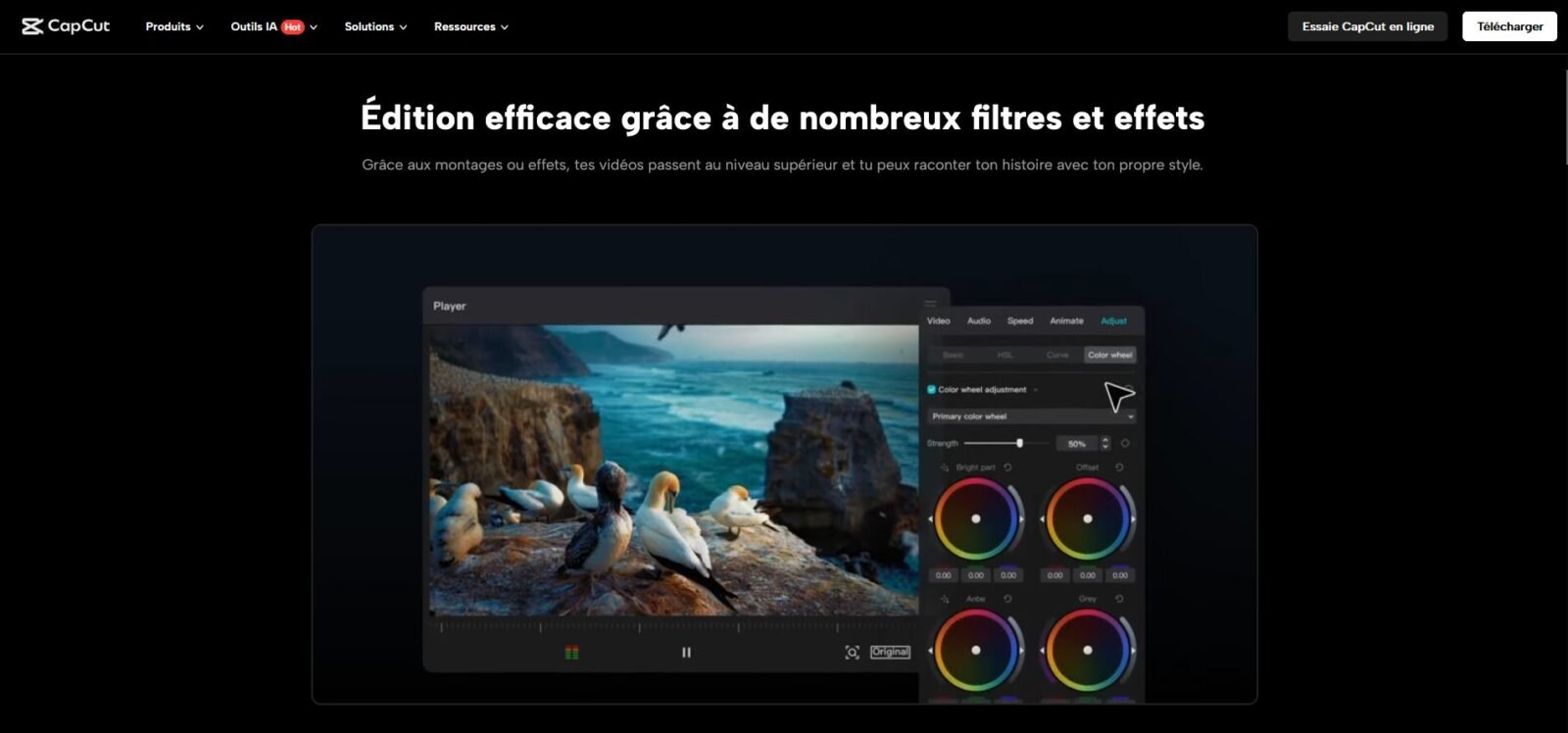
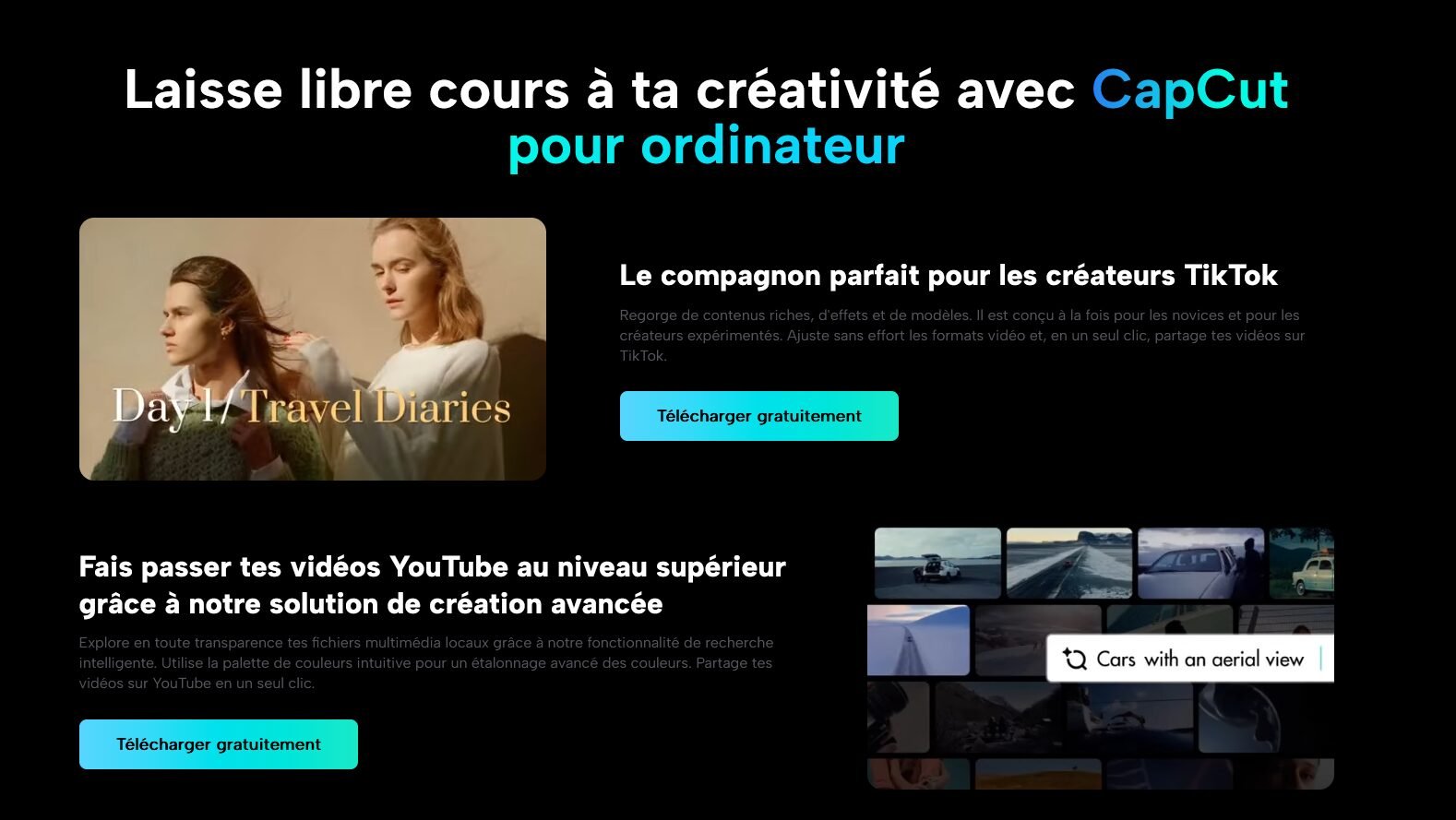
CapCut (ByteDance/TikTok) counts more than 300 million users. Available on mobile, desktop and web, it is designed for visually striking short content.
The forces: TikTok/Reels/Ball shorts. Auto-captions with animated styles « Karaoke ». Effects, transitions, filters. Background suppression AI, intelligent cropping, camera tracking, stabilization. Best mobile app of editing the market. Native integration TikTok (sounds and exclusive effects).
The perfect case: You film 5 videos with your smartphone. CapCut on the same phone: trend template, self-captions, time cut, TikTok publication, 15 minutes per clip.
The limits: no editing textual, no auto deletion of filler words, limited collaboration. And in 2026: double Pro price (179.99) $/year) and features AI Once free of charge.
Comparison Descript vs CapCut on 10 criteria
| Criteria | Description | CapCut | Winner |
|---|---|---|---|
| Editing text | ✔ Native | ✘ No | 🏆 Description |
| Trend templates | Limited | Thousands, TikTok-natives | 🏆 CapCut |
| Elimination girler words | ✔ Auto 1 click | ✘ Manual | 🏆 Description |
| Votes AI (Overdub) | ✔ Correction without re-recording | ✘ No | 🏆 Description |
| Mobile App | ✘ No full app | ✔ iOS + Android (excellent) | 🏆 CapCut |
| Effects/transitions | Basic | Very rich (hundreds) | 🏆 CapCut |
| Collaboration | ✔ Real time | ✔ Cloud (limited) | 🏆 Description |
| Self-captions | ✔ Transcript + SRT | ✔ Trendy animated styles | 🏆 CapCut |
| TikTok Integration | ✘ No | ✔ Native | 🏆 CapCut |
| Annual price | 192 $/year | 179.99 $/year | 🤝 Quasi equality |
Score: Descript 4, CapCut 5, Equality 1. CapCut wins on visual and mobile. Descript gains on text and collaboration. The choice depends on your content. And both cost almost the same price, if you look cheaper, Filmora at 49.99 $/year is 4x cheaper (see Filmora vs Descript).
Comparative rates: CapCut doubled its price in 2026
| Plan | Description | CapCut |
|---|---|---|
| Free | 1h media/month, watermark, 720p | Basic functions (AI paid) |
| Fee | 16 $/month (192 $/year) | 9,99 $/month or 179.99 $/year |
| Price developments | Stable | ×2,3 in 2026 |
Major change: CapCut Pro went from ~77 $ to 179.99 $/year (+130%). Both tools now cost the same price. CapCut lost its tariff advantage. Alternative budget: Filmora at 49.99 $/year (see Price analysis Filmora).
Interactive simulator: what tool Is made for you?
🎯 Answer 3 questions, get your recommendation
Click on each question to reveal the answer.
The CapCut Risk: ByteDance, TikTok and Bans
CapCut is developed by ByteDance (TikTok). In January 2025, the temporarily banned in the USA. She's staying banned in India. The CGU (updated mid-2025) grants ByteDance a perpetual and irrevocable licence on any uploaded content, including your voice and image.
Description is an American company (San Francisco) with certification SOC 2 Type II. No risk of ban, no aggressive license on your content. For professional use or with customers, this is a decisive criterion.
Combined workflow : Descript + CapCut + ElevenLabs
For creators who produce long AND short content, the optimal workflow combines the three:
Step 1: Save your video/podcast.
Step 2: Import in Description. Remove the girl words, reorganize, correct with Overdub. Export the own file + SRT.
Step 3: Import the best passages in CapCut. Trending templates, stylized self-captions, TikTok effects. Vertical export (9:16).
Step 4: Voice off (if necessary) → ElevenLabs.
Outcome: clean long content + 5-10 viral short clips from the same recording. Combined cost: ~372 $/year (~31 $/month). Light alternative: Description + Submagic for viral subtitles (see Submagic vs Descript). More workflows in our guide tools AI of the editing automatic.
And for the voice-over AI ?
Neither Descript nor CapCut are designed for voice-over pro. The best choice: ElevenLabs, 1,000+ votes, voice cloning free, 70+ languages, from 0 $/month. See our ElevenLabs test, our guide Votes AI Free and our guide subtitles AI.
Verdict by designer profile
| Profile | Recommendation | Why? |
|---|---|---|
| Creator TikTok / Reels | CapCut | Templates, effects, mobile app, TikTok integration |
| Podcaster | Description | Editing text, filler words, Overdub |
| Trainer | Description | Quick Edit Spoken Videos + SRT |
| Agency/team | Description | Collaboration + data security (SOC 2) |
| Mobile assembler | CapCut | Best mobile app on the market |
| Close budget | Filmora | 49.99 $4x cheaper |
| Polyvalent | Both | Description (long) + CapCut (short clips) |
Our recommendation: In 2026, both costs the same price. The choice is purely functional. Word → Description. Image → CapCut. Close budget → Filmora. Voice off → ElevenLabs.
The decisive factor 2026: at equal price, Descript brings the editing textual (exclusive), SOC 2 security, zero geopolitical risk. CapCut brings TikTok templates (exclusive), mobile app and native integration. If you start, test both free for 2 weeks, you will know which one corresponds to your workflow.
See also: Filmora vs Descript, Submagic vs Descript, tools AI for YouTube.
FAQ
Descript or CapCut: Which is the best?
Descript is better for spoken content (podcasts, interviews, training) thanks to the editing Text. CapCut is best for short visual content (TikTok, Reels, Shorts). Both costs ~180-192 $Year in 2026.
Is CapCut still free in 2026?
CapCut offers a limited free plan, but many features AI went behind the paywall Pro at 179.99 $/year, more than double the price 2025.
Can we use Descript and CapCut together?
Yes. Description for the text rough cut, then CapCut to create viral short clips with effects and trend templates from the best passages.
Is CapCut risky for data?
CapCut's CGU (ByteDance/TikTok) grants a perpetual license on the uploaded content. The app was temporarily banned in the USA and remains banned in India. Descript (US company, SOC 2) does not present these risks.
What tool for automatic subtitles?
CapCut offers the best stylized subtitles (trend animations). Descript offers the best transcription with SRT export. For specialized viral subtitles → Submagic.