An embarrassing logo in a corner, a date inlaid by the camera, the watermark of a AI video generator Free version: removing a watermark is a very common request, with answers ranging from simple cropping to erasure by artificial intelligence. This article reviews the working methods, the tools to know (including those of HitPaw, with their prices raised on 23.10.2026) and the limits that it is better to know before launching, including in terms of law.
Functions and prices recorded on the official pages of publishers (HitPaw 23.10.2026). This page contains partner links.
Contents: Before you start: what is legitimate, and what is not • The four methods to remove a watermark • Clear by AI with HitPaw • An alternative without AI : blur, frame or cover online • The watermark AI generators video : change plan rather than erase • Errors that damage the result • Which method to choose according to your case? • FAQ
Essentials
- Reserve for your own content : removing the logo or date of your images, or the watermark of a video you created, is legitimate. Clearing the brand of content that is not yours is not it.
- Four methods : frame, blur, cover with an image, or erase by AI. The first three are free but visible. L AI is the cleanest on a simple background.
- HitPaw proposes a tool online presented as free and video object removal software (39.99) € the month, 59.99 € Year, 99.99 € in perpetual, duty-free, recorded on 23.10.2026).
- Watermark generator AI : the real solution is often to switch to the paid plan, not to erase it after the fact.
- Always keep the original Work on a copy.
Before you start: what is legitimate, and what is not
A watermark is not just a decor. It often indicates the author, origin or status of a video (test version, overview, protected content). Removing it to reuse content that is not yours poses a copyright problem: the Intellectual Property Code defines the reproduction or distribution of a work as infringement without the consent of its owner. Platforms also often prohibit circumvention in their operating conditions.
Cases that are not problematic:
- Your own logo or date embedded in a video you filmed or mounted.
- Undesirable element in your images (a panel, a passerby, a camera date, a parasitic text).
- A free version watermark on a video that you have generated yourself, provided you respect the conditions of the tool, which usually provide for a paid plan to export without a brand.
In all other cases, seek the consent of the right holder. This is the rule that we apply on this site, as in our guide alternatives to CapCut, where it is not advisable to tools that promise to erase any watermark.
The four methods to remove a watermark
Here What You Can make, from simple to elaborate.
1. Reframe
You zoom in or cut the image to get the watermark out of the frame. It's free and clean, but the video gets a little smaller, and it only works if the brand is on a edge. A logo in the centre cannot be framed without damaging the composition.
2. Float or pixel
A blur or mosaic is applied to the watermark area. The advantage: all publishers offer it. The downside: a blurred square is visible and amateur, especially on a clean video.
3. Cover by another element
We place over your own logo, sticker or text bar. This is the method most commonly used by creators who take up their own content: the brand of a platform is replaced by its own. Effective and honest, provided you own the video.
4. Clear by AI
A model AI analyze the images around the area, guess what was behind the watermark, and reconstruct it on each image of the video. When the bottom is simple (sky, wall, water), the result can be clean. When the watermark passes over a loaded decor, text or rapid movement, traces or deformations may appear. It is the most powerful and sensitive method to the quality of the video.
| Method | Cost | Made | When to use |
|---|---|---|---|
| Crop | Free | Net, but smaller video | Mark on an image edge |
| Floating | Free | Visible | Date or text to hide quickly |
| Cover | Free | Clean so well placed | Replace with your own logo |
| Clear by AI | Free to pay according to tool | Depending on the background | Make on a simple background, or object to be removed |
Clear by AI with HitPaw
HitPaw offers two bricks on this subject. The first is a tool online watermark removal, the second a desktop software to delete video object.
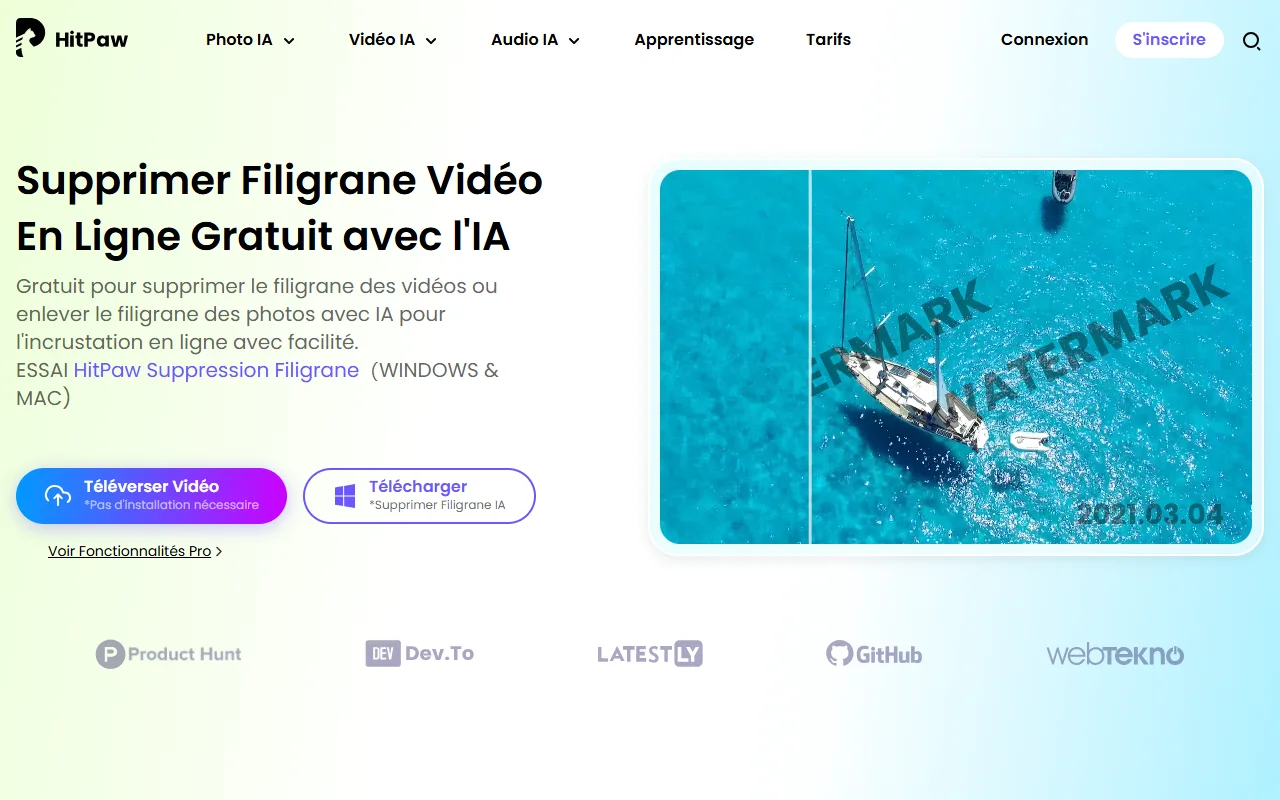
L tool free online
Page « Remove Online Video Watermark » HitPaw presents it as free and without installation. The principle, as the page describes it: upload the video, select the watermark area (you can add more), and then export. The page says that « no limit » the number of watermarks to remove, but it does not specify the maximum duration, the weight of the files, or the restrictions of the free version, and it returns to Pro features. So try on a small extract before switching to a large file.
Video Object Remover software
For more regular use, HitPaw sells Delete Video Object for Windows and Mac. It erases objects or people with automatic tracking of their movement, allows to refine the area with a brush, preview, then record. It also manages the removal or replacement of the background. The accepted formats are MP4, MKV, MOV, AVI, WEBM and GIF. A free trial exists, the limits of which are not detailed on the page.
Prices recorded on 23.10.2026, excluding taxes, on the official purchase page:
| Formula | Display price (HT) | Barred price |
|---|---|---|
| Plan for a month | 39,99 € | 79,99 € |
| One-year plan | 59,99 € | 119,99 € |
| Perpetual plan | 99,99 € | 199,99 € |
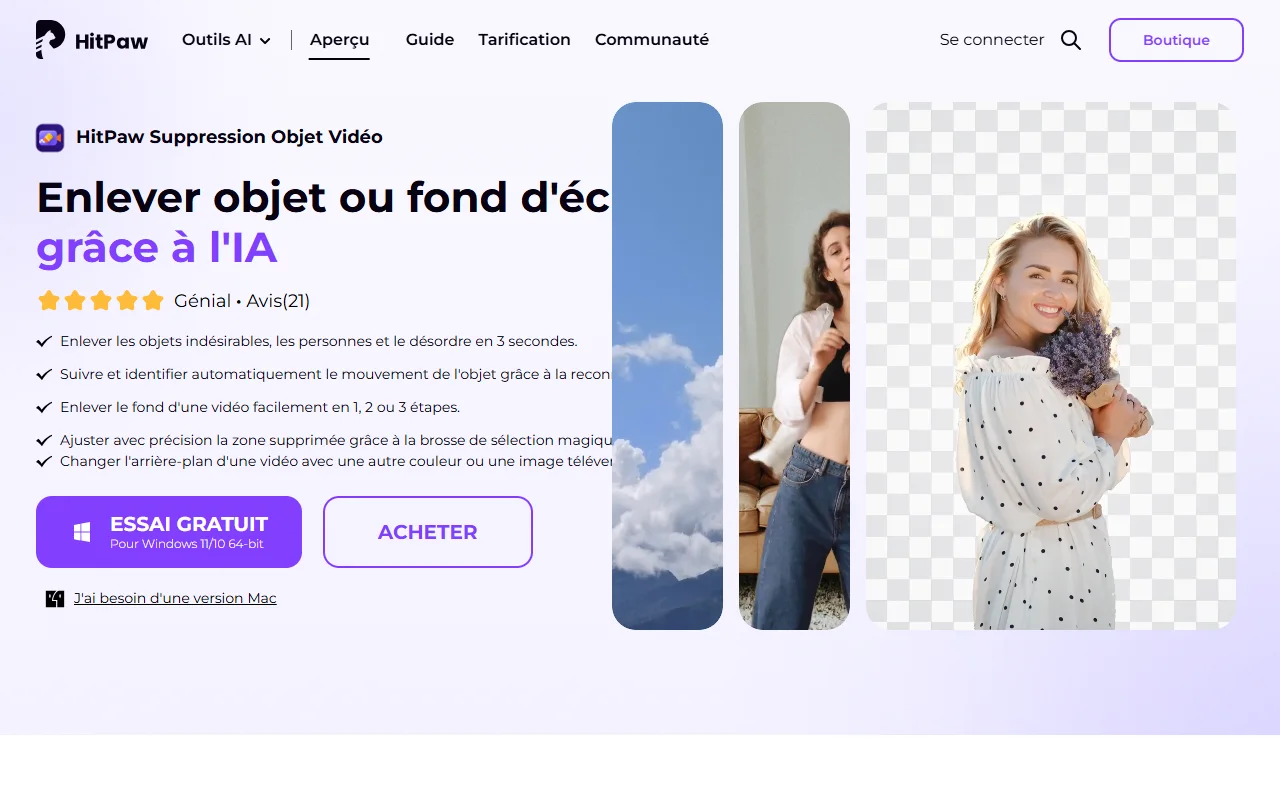
The product page does not explicitly mention « Watermark » but of objects, people and undesirable elements. For a fixed logo on a quiet background, the function meets the need; do not count on it for a giant watermark that crosses the entire screen. To learn more about the publisher, his other products and the review users, see our review HitPaw.
Step by step with HitPaw
- Make a copy of your original video and work on it.
- Import the video into the tool online or in the software.
- Select the area to be erased, remaining close to the mark.
- Start the treatment and look at the preview on several passages, including those where the bottom moves.
- Export only if the preview suits you, then compare with the original.
An alternative without AI : blur, frame or cover online
Simple online publishers offer the three classic methods. Example: Online Video Cutter allows you to blur the area, reframe or cover the logo with another image. According to his page, the files go up to 500 MB in free version (4GB in Premium), and the subscription costs 6 € per month. The site does not specify whether free exports carry a watermark: test before spending hours there.
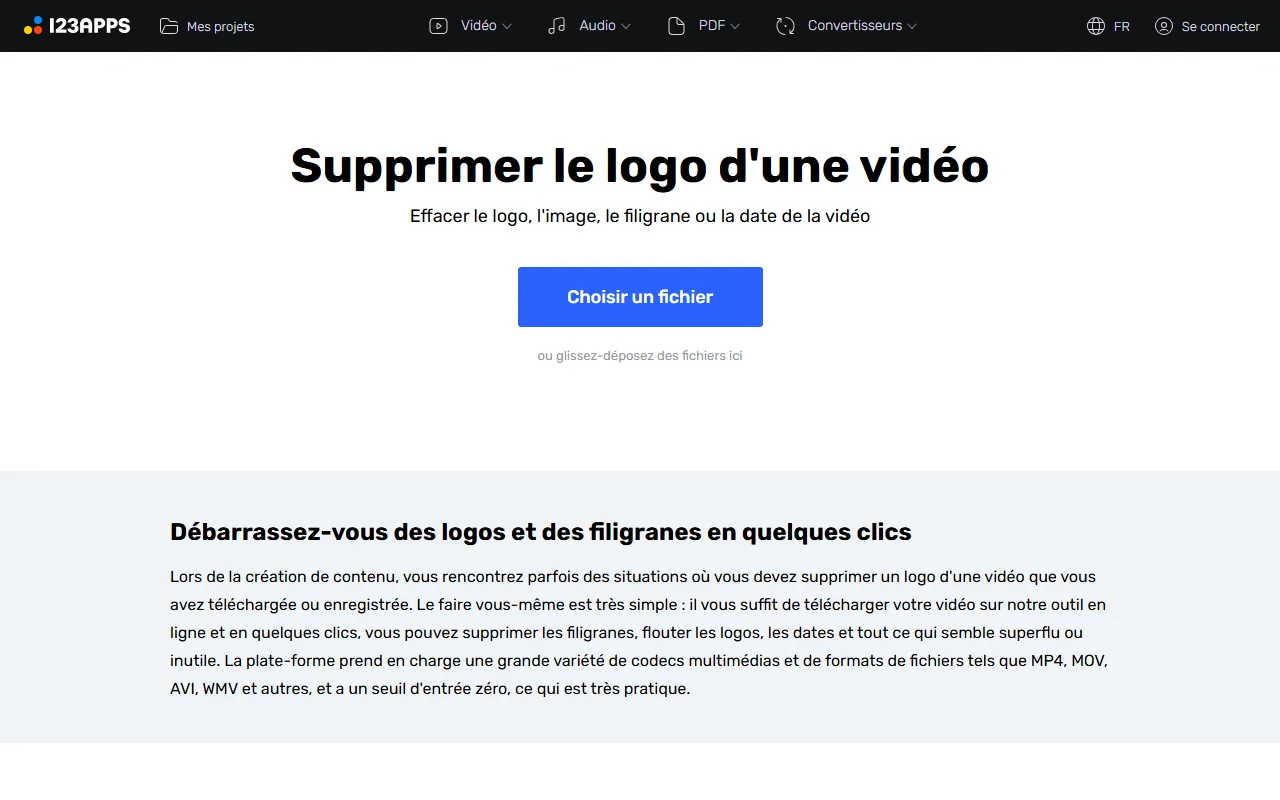
CapCut also offers a page dedicated to the topic, but it looks like a home page of models more than a tutorial It does not describe a precise method. To use CapCut for this purpose, the reliable way remains to do it in the editor himself, by receding or covering the area.
A Precaution valid for all tools online: When you upload a video, it goes through the servers of a third party. For confidential content or a client, prefer software installed on your computer.
The watermark AI generators video : change plan rather than erase
This is the most common case today. The generators by AI add almost all watermarks on free exports. For your own generated videos, the clean solution is usually to move to the paid plan, which removes it, rather than erase it after the fact with a AI retouching, which may go against the conditions of use of the tool and degrades the image.
Conditions vary, and they are detailed tool by tool in our guides : Free Kling AI, PixVerse free plan, Free Runway and DeeVid AI free. For a panorama, see our comparison of the generators of AI video free.
Same logic for a editing in CapCut: the closing watermark is removed from the timeline, and the one that comes from a Pro element disappears by removing the element or taking the subscription. It's all in our guide on the CapCut Pro price.
Errors that damage the result
- Select an area too wide. The bigger the erased area, the more l AI must invent, and more defects appear.
- Check only for the first second. A well erased watermark on a fixed bottom can leave a trace as soon as the camera moves.
- Work on the original. Always keep a copy intact.
- Export in low quality. Clear and recompress a video accumulates losses. Export with a comfortable flow.
- Depending on AI for a text in the centre. Better frame, cover or refilm.
Which method to choose according to your case?
A logo in a corner, on a video of yours: frame or cover with your own logo. It's free and clean.
A camera date or text on a simple background: Try erasing by AI online on an excerpt. HitPaw proposes a tool presented as free.
A passerby or object to be removed from several sequences: an object removal software, such as HitPaw Remove Video Object, with trial before purchase.
A watermark AI generator : the paid plan of the tool concerned.
A video that isn't yours: request authorization, or do not use it.
Our verdict
To remove a watermark on your own videos, start with simple solutions (reframe, cover), then go to the AI When the bottom is ready. HitPaw offers a free online entry point and object removal software at affordable prices, to try on an extract before buying. And for a watermark of generator AI, the cleanest way remains the paid plan.
Try HitPaw on the official website
Link partner. Price excluding taxes recorded on 23.10.2026.
Frequently Asked Questions
How to remove a watermark from a video for free?
For your own videos, crop, blur or cover the area in a free editor, or try a tool online like HitPaw's, presented as free. Test first on an extract, as the actual limits are not always detailed.
Can a watermark be removed with AI ?
Yes. A model AI rebuild the bottom behind the mark. The result is correct on a simple and less reliable background on a loaded decor, a text in the center or a fast movement.
Is it legal to remove a watermark?
On your own content, yes. On the content of a third party, removing the mark to reuse it without agreement poses a copyright problem and often contravenes the conditions of the platform. Request permission from the holder.
How to remove the watermark from a video generated by AI ?
The cleanest way is to move on to the paid plan of tool which generated the video, which usually removes the watermark at export. Conditions vary tool The other.
Can HitPaw delete a video watermark?
HitPaw proposes a tool online watermark removal presented as free and video object removal software for Windows and Mac. Reported on 23.10.2026: 39.99 € per month, 59.99 € per year or 99.99 € in perpetual, duty-free, for software.
How much does HitPaw Video Object Remover cost?
Based on the official purchase page of 23.10.2026, 39.99 € for one month, 59.99 € for one year and 99.99 € in perpetual licence, without taxes.
Frame or erase by AI : what to choose ?
Frame is free and clear if the brand is on a edge, at the price of a smaller video. Erasing by AI fits when the mark is in the image, on a simple background.
Do you need to download a software or use a tool Online?
One tool online avoids installation but sends your video to a third party. For confidential content, installed software is more cautious.