Make one voiceover,it's putting a voice on images that we don't see talking: a tuto YouTube, a product video, a wedding slideshow, a job presentation. In 2026, two paths led to the same result. Either you record your own voice with a correct microphone and free software. Either we type his text and a AI the bed in our place, with a French voice that no longer sounds like a GPS. This guide details both, step by step, and frankly says when one is better than the other.
📌 Essentials
- Three steps in all cases : write a script thought for oral, produce the voice (micro or AI), tie it to the video.
- Free of charge, this is possible : Audacity (recording and cleaning) or the Free plan ElevenLabs, about 10 minutes of voice synthesis per month.
- Your own voice remains unbeatable for incarnation (vlog, formation, testimony). L AI gains over volume, last minute corrections and foreign languages.
- The classic trap : to publish commercially with a AI Voice generated on a free plan. Check the license before monetizing.
- The sound of the play counts more than the price of the microphone. A wardrobe full of clothes beats a micro at 300 euros in a tiled kitchen.
Contents: What is a voiceover • Write script • Save voice • Make a good one voiceover • Voiceover with AI • Free of charge • Voice changer • Micro or AI ? • FAQ
What is, doing a voiceover ?
The voiceover (also called voice-over, or narration) means a voice that is heard without seeing the person speaking. She comments, explains, tells. In a documentary, he's the narrator. In a commercial, it is the final sentence that gives the name of the brand. In a tuto screen, you guide the viewer click by click.
It should not be confused with dubbing, which replaces the voice of a character visible on the screen and must follow the movement of his lips. The voiceover is freer: you hold the rhythm on the images, not on a mouth. That's why she lends herself so well to tools voice synthesis, while dubbing requires tools more precise lip sync (we talk about it in our guide for translate video with AI).
On the job side, « make voiceover » also means the work of voice actors, paid for the performance for advertising, audiobook, e-learning or video games. This guide focuses on creators and pros who want to sound their own videos, not cast candidates. But the registration boards are the same.
How to achieve a voiceover ? The 3-step method
Regardless of the route chosen, the trip remains the same. It is as good for a 30-second video as it is for a 20-minute training module:
- The script A text written to be said, not to be read. That's where half the result is played.
- Voice : recorded by a microphone, or generated by a AI from the text.
- The setting : we import audio in the video editing software, we adjust the silences, we lower the music under the voice, we export.
A variant exists for videos already mounted: we watch the video and talk at the same time, live. It works for a software tutorial of a few minutes. For everything else, separating writing and recording gives a much cleaner rendering.
Step 1: Write a script for oral
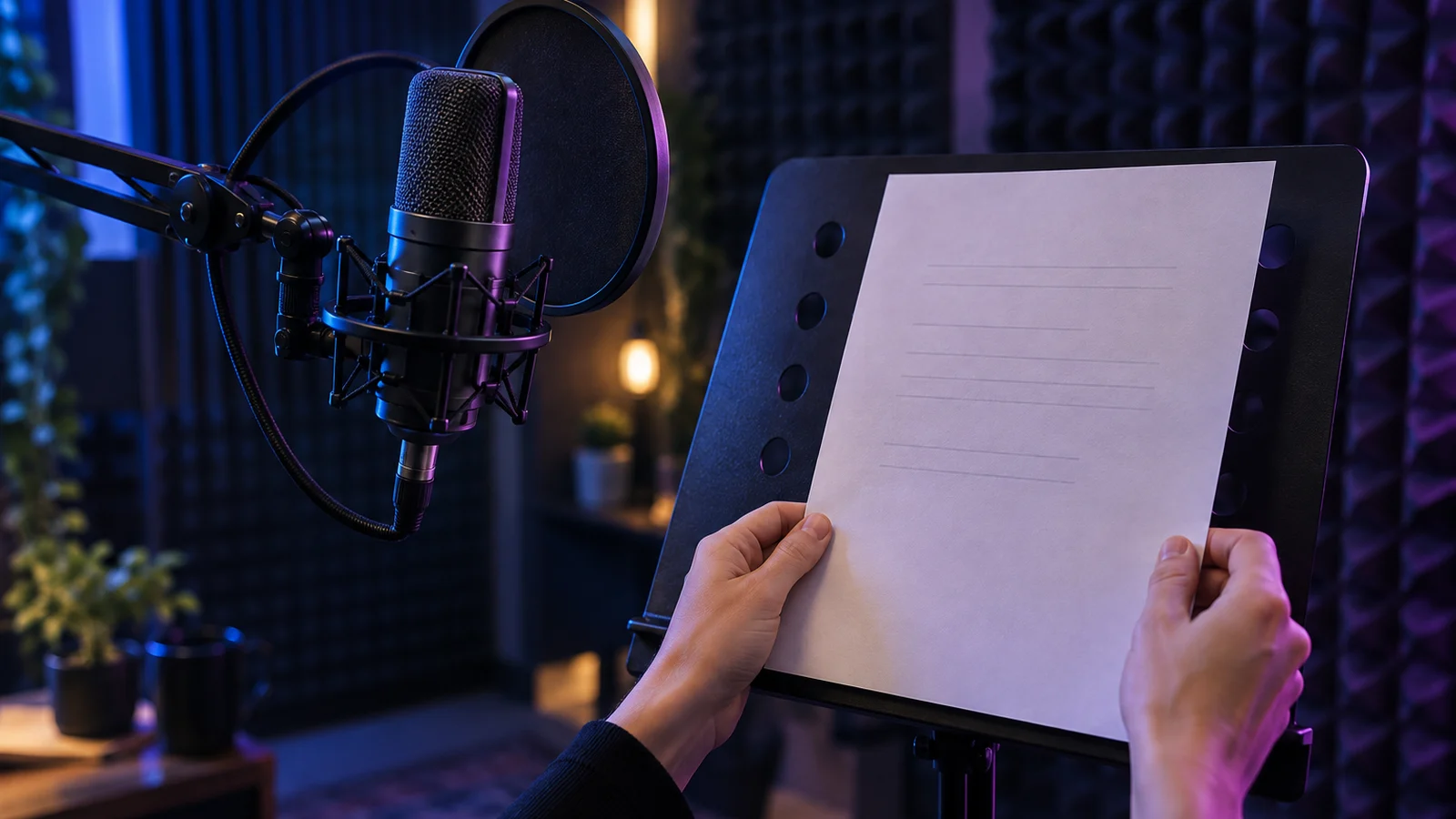
The most common defect of a voiceover amateur doesn't come from the voice. It comes from the text. We write like an e-mail, with subordinates chaining up, and in the oral it becomes a recitation. A few simple rules change everything.
How many words for how many seconds?
A natural flow rate in French is around 130 to 160 words per minute. For a one minute video, target 130 to 150 words, not 250. If the text overflows, do not speak faster: cut. A 30-second pub is held in 60 to 70 words, including title.
The rules of writing that sound right
- One idea per sentence. If you have to take your breath in the middle, the sentence is too long.
- The verb early. « Open the Export menu » rather than « In the menu at the top right and named Export, click ».
- The numbers written as they are said. « Two thousand twenty-six » does not pose a problem to the oral, but a AI will sometimes read badly « 2026 € HT/month ». Write « 20 euros per month ».
- Marked acronyms. Decide if « SEO » Say in letters or words, and keep the same everywhere.
- Planned breathing. An oblique bar or a line jump in your script reminds you to pause.
Read the script aloud before recording anything. Every place you shoot is a place to rewrite. If you lack time, an assistant AI can produce a first jet you will resume: our method for Write a video script with AI gives prompts that force a spoken style.
Step 2, Option A: Save Your Own voiceover
It's the way that gives the most personality. Your voice, your controlled hesitations, your accent: the viewer feels that a real person talks to him. And it costs almost nothing if you already have a smartphone.
Materials: less than we think
A recent smartphone held 15 or 20 centimetres from the mouth, in a quiet room, already gives a sound usable for YouTube or networks. One step above, a micro USB connected to the computer is largely enough for pro use. XLR microphones with audio interface only bring a real gain if the part is already processed.
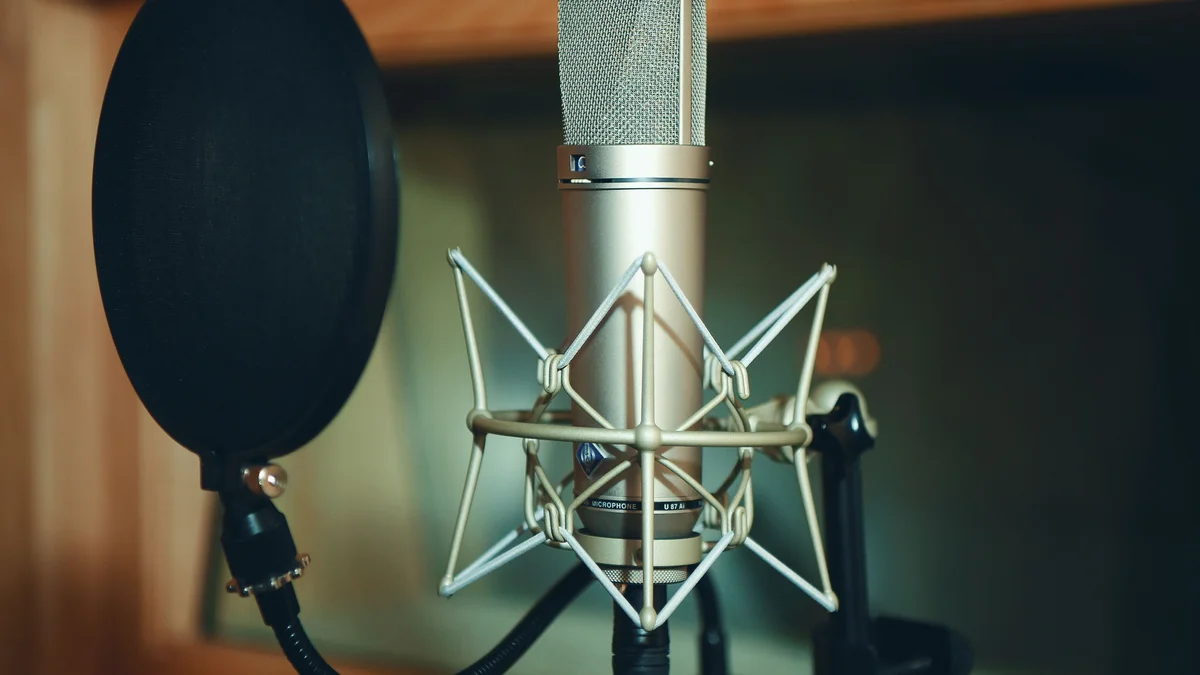
Two accessories change the result more than the microphone itself. The anti-pop filter, first, which avoids plosives (these « p » Saturating). Then, enough to absorb echo: duvets, thick curtains, book shelf. The trick of the wardrobe is not a legend. Talking about hanging clothes cuts reverberation better than many cheap acoustic foams.
Free Software : Audacity
Audacity remains the free and open source reference to record and clean a voice on Windows, macOS and Linux. Version 4.0 is available at the time of writing. The basic setting is enough: choose the microphone from the list of devices, click on the red button, talk.
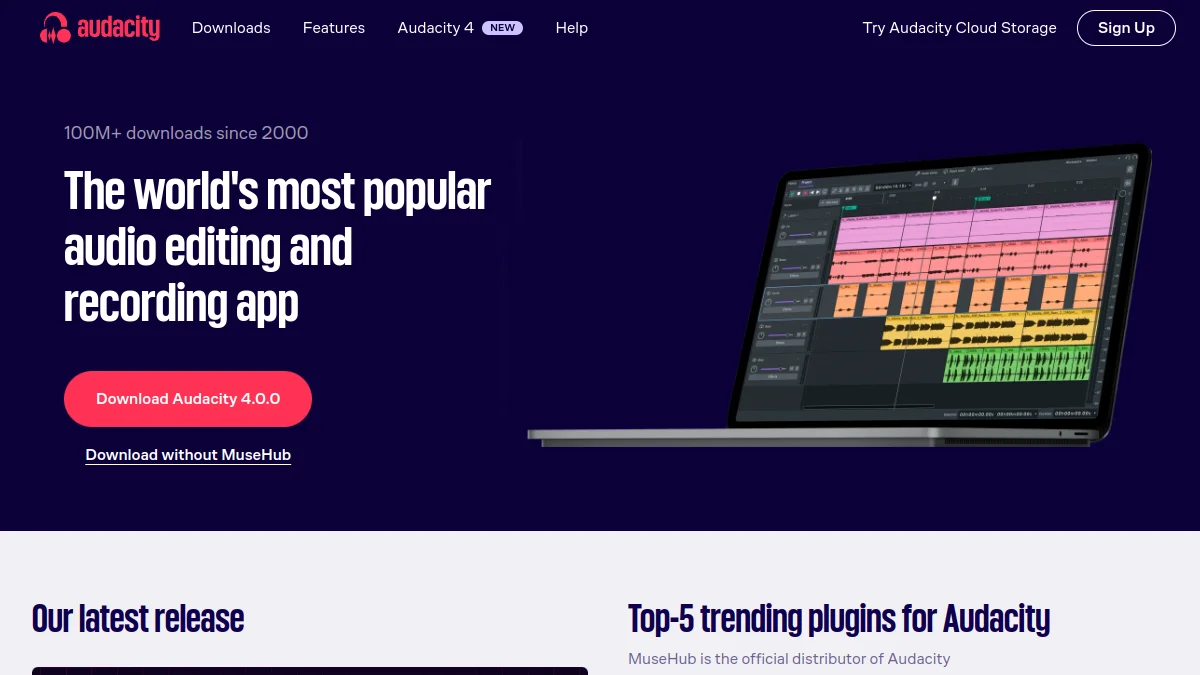
The basic adjustment for a voiceover spoken in four gestures, in this order:
- Noise reduction : we select two seconds of silence recorded at the beginning (the « background noise »), the profile is captured and applied to the entire runway. Easy: too much reduction gives a metallic voice.
- Compressor : it brings together strong and weak passages, so that one does not mount the sound to each whispered sentence.
- Equalizer : a light cut under 80 Hz removes the rumbling (clim, car passing).
- Standardization : we climb the global level without saturating, around -1 dB in ridge.
On the phone, the recording application provided with the system does the work for a raw socket. Then send the file to the computer to clean it.
Clean a missed catch with AI
If the room resonates or the fridge rumbles behind, the tools voice enhancement by AI Do miracles today. Studio Sound, in Descriptreconstruct a voice that sounds like recorded in the studio from a webcam socket. The free plan Descript It gives limited access, which is enough to test on one or two videos.
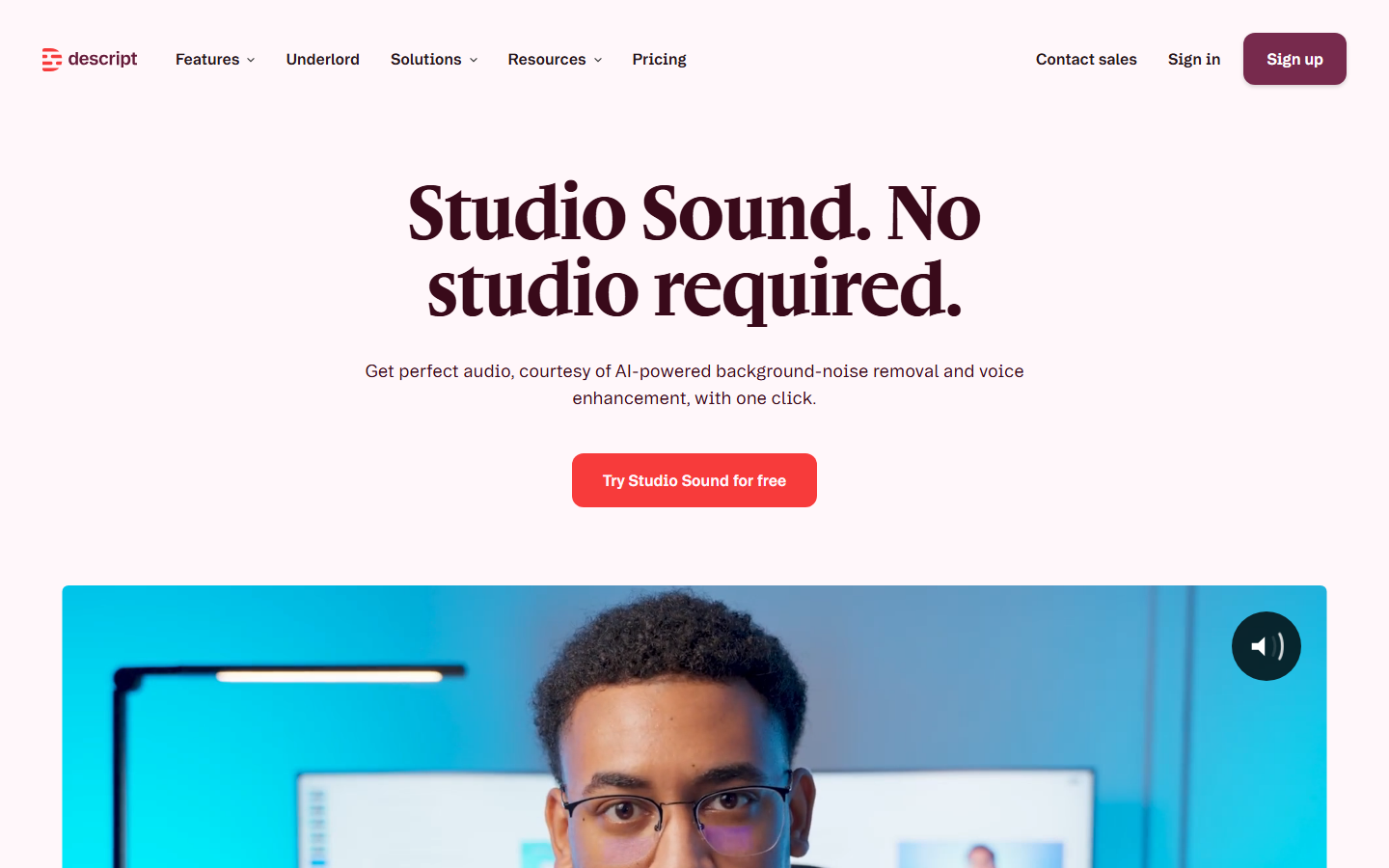
A tip: don't abuse the cursor. Pushed thoroughly, the effect erases the breath and makes the voice a little artificial. Between 60 and 80 percent, we keep the natural.
How to make a good one voiceover ?
The difference between voiceover correct and good voiceover I don't know. It is a matter of interpretation. Here is what is most often corrected among the creators who begin.
Smile while speaking (yes, it hears)
A light smile changes the shape of the mouth and lightens the voice. On a product video or a tuto, it makes the tone more welcoming without making it denied. For a serious subject, we do the opposite: voice posed, more serious, slower rhythm.
Talking to a person, not a crowd
Imagine a friend sitting in front of you. The voice becomes more intimate, closer to the microphone, less declaimed. The best voiceover tutos have this tone of conversation, not that of an ad at the station.
What's the secret to having a nice voice?
No magic secret, but three habits: drink lukewarm water before taking (no milk, no coffee that dries), warm up for two minutes by reading the script aloud, and record standing or straight on his chair to release breathing. The rest is won with practice. Re-listen to your shots with the helmet: we quickly discover his tics (« so », « There. ») which can then be cut at editing.
💡 Tip: record each paragraph three times in a row, without stopping. To editing, keep the best take. It's faster than starting the whole text with the slightest mistake, and the second take is almost always the most natural.
Step 2, Option B: Make a voiceover with AI
Don't want to hear his voice, no quiet room, need to produce ten videos a week or publish in English and Spanish? Voice synthesis (text-to-speech, or TTS) became credible in French. The best voices manage the connections, the intonation of questions and even some emotions.
The standard run, tool by tool
- Paste your script into the editor of the tool paragraph by paragraph.
- Choose a French voice (filter by language, gender, age, tone).
- Adjust speed and stability: stability too high gives a flat voice, too low a voice that goes in all directions.
- Generate, listen, correct the wrong words by rewriting them phonetically.
- Download in MP3 or WAV, then import into your video editing software.
Three tools Reference
ElevenLabs remains the reference for realism in French, with a library of immense community voices and cloning of its own voice from a few minutes audio. Its public grid announces 10,000 credits per month on the Free Plan, or about ten minutes of synthesis, and the commercial license arrives with the Starter Plan. You can test ElevenLabs with a free account ; updated rates are on the Official price page.
Murf AI Rather, it targets presentations, e-learning and corporate videos. His studio aligns the text on a timeline, making it easy to set on slides. The free plan allows you to generate a total of 10 minutes (not renewed) to try, but without downloading or commercial rights according to available public information: it is used to judge quality, not to publish. See Murf's French voices.
Descript has a different approach: one mounts the video by editing the text of the transcription. We can generate AI Voice, correct a failed word in its own catch by clone its voice, and clean the sound in the same tool. Practical when mixing personal recording and AI.
For a comparison French voices (quality, prices, languages) are compared ElevenLabs, Murf AI and Descript in our file best AI voice-over in English.
How to make a voiceover For free?
Two 100% free solutions are on the way. The first is your voice, recorded on smartphone, cleaned in Audacity. Cost zero, full rights since it's your voice. The second is the free quotas of AI Tools, which is sufficient for one or two short videos per month.
What is the best tool free to create voiceover ?
| Tool | What is free | Free commercial use | Ideal for |
|---|---|---|---|
| Audacity | Everything, without limit | Yes (vote) | Save and clean your own voice |
| ElevenLabs | 10,000 credits per month (approximately 10 min) | No, license from Starter | AI Voice realistic in French, tests |
| Murf AI | 10 min total (not renewed) | No, and no download | Judging voices before a pro project |
| Descript | 1 hour of media per month, AI limited export 720p | To be checked according to use | Clean and mount a recorded voice |
These quotas often change: they were recorded on the official pages in October 2026, check them on the day you start. For the complete list of generators free of charge and their limits, see our article AI Voices Free.
⚠️ Attention: a AI Voice generated on a free plan does not usually give the right to use in a monetized video, a commercial or a training sold. On the day the video returns money, go to the plan that includes the commercial license, or record your own voice.
Which is the best free voice changer?
There is a third way, halfway: to record his voice, then to transform it. The voice changer by AI (speech-to-speech) keep your tone, pauses and rhythm, but replace the stamp with another. Very useful if you like your interpretation but not your voice, or to make several characters speak.
The Voice Changed ElevenLabs is one of the most convincing in French, and it draws from the same credits as voice synthesis, so it is usable in the free quota. For real time (stream, calls, games), Voicemod offers a free version on Windows with a selection of voices running. Attention to use: taking the voice of a real person without his consent is a matter of deepfake, and this is not just a question of morality (the framework has been detailed in our article on the lawfulness of deepfakes in France).
Step 3: set the voiceover on the video
Last straight line. Import the audio file into your video editing software (CapCut, Clipchamp, DaVinci Resolve, Filmora, whatever) and put it on a separate track, under the video.
- Cut voice by sentence Instead of leaving a single block: you can shift every sentence so that it falls right on the image she comments.
- Let it breathe : half a second of silence between two ideas helps the spectator to follow.
- Lower the music under the voice (the « ducking ») : the music must be 15 to 20 dB under the voice while speaking. A lot of software does it automatically.
- Add subtitles : Most mobile videos are watched without the sound at the start. Our guide for generate subtitles with AI saves crazy time.
For a PowerPoint presentation, the principle is the same: one inserts an audio file by slide and adjusts the automatic playback. For videos generated from text, some tools (Fliki, InVideo) directly integrate the voiceover AI and setting, which skips this step.
Your voice or AI Voice : how to choose ?
Here is a grid to cut:
| Criteria | Your recorded voice | AI Voices |
|---|---|---|
| Authenticity, link to hearing | Excellent | Correct, sometimes too smooth |
| Production time | Long (takes, cleaning) | A few minutes |
| Correct a sentence after the fact | Re-register under the same conditions | We modify the text, we regenerate |
| Foreign languages | Depending on your level | Dozens of Languages |
| Cost | Free to low (micro) | Free to test, subscription to publish |
| Permissions | Yours, without condition | Under plan license |
In practice, many creators do both: their voice for videos where they address their community, a AI Voice (or a clone of their own voice) for high-speed tutos and translated versions. Cloning is also the best compromise if you want to keep your stamp without spending hours on the microphone; we explain it in our guide for clone his voice with ElevenLabs.
🎯 Verdict
For a first voiceover, start with your own voice: smartphone, quiet room, Audacity, and a script rewritten for oral. If time is running out or if you publish a lot, test a AI Voice in the free quota, then take a commercial license before monetizing. The script remains, in both cases, making the difference.
Try a voiceover AI free of charge
FAQ: make a voiceover
How to disable voiceover On a phone?
If your phone reads aloud, it is the accessibility screen reader that is enabled, not a voiceover video. On Android, it is called TalkBack (Settings, Accessibility); on iPhone, VoiceOver (Settings, Accessibility). A triple push on the side button often cuts it, if the shortcut has been configured.
How long does it take to record a voiceover One minute?
Count 15 to 30 minutes for a beginner: script review, two or three sockets, cleaning and exporting. With a AI Voice, a few minutes is enough, including pronunciation corrections.
Which microphone to choose to start the voiceover ?
Cardioid USB microphone is enough for YouTube, training and podcasts. The treatment of the room (wrinkles, duvets, wardrobe) counts more than the move to a more expensive microphone.
What is the salary of a voiceover ?
Comedians voiceover most often paid for the service, with very variable rates depending on the medium (publicity, institutional, audio book, dubbing), duration and distribution. There is no standard wage; tariffs are negotiated for the project or follow the grids of the sector agreements for dubbing.
Can one use a AI Voice on YouTube ?
Yes, YouTube accepts the synthesizing voices, provided that the licensure of l tool used and not to imitate a real person without his consent. For a monetized chain, a plan with commercial rights is the rule.