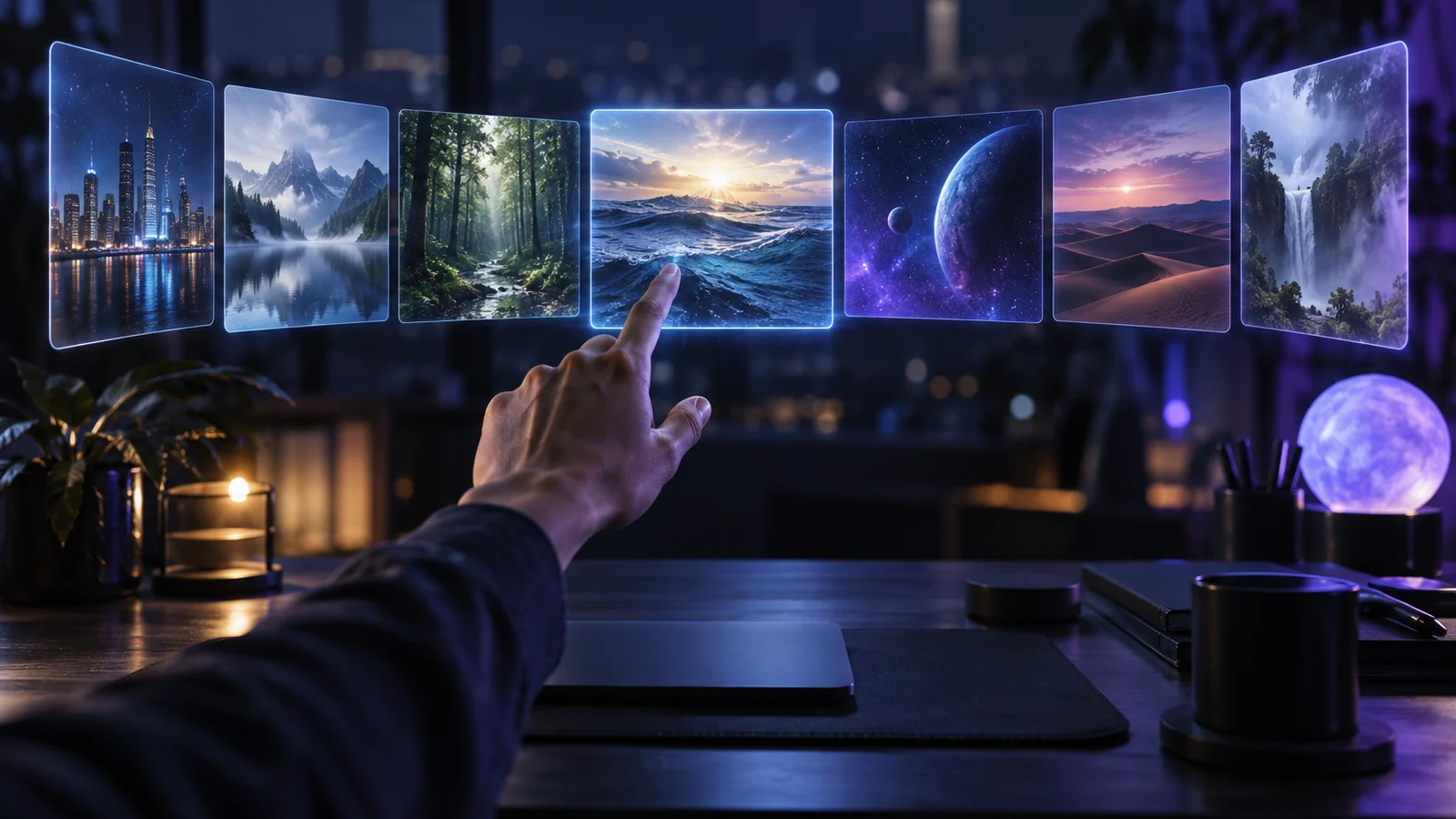
DeeVid AI has a simple argument: only one subscription to access multiple video generation models, without juggling between five accounts. It seduces, and it explains why I tool So often back in our statistics. But an aggregator also has his faults: one pays an intermediary, one does not always know which model runs behind, and credits evaporate quickly. If you hesitate or Deevid You have disappointed, here are seven alternatives that we know well, with their prices raised on October 11, 2026 and what they do better, or less well.
Contents: Essential · What is DeeVid AI ? · Why look for an alternative · The 7 alternatives · Table comparison · The best AI video · Most realistic · 100% free? · Is it legal? · FAQ
📌 Essentials
- DeeVid AI is an aggregator : it gives access to third-party models (the published tests quote Sora 2, Veo 3.1 and Kling) via a credit system, from 10 $/month in annual.
- Kling AI is the most complete alternative for realistic video and consistent characters, starting at 6,99 $ the first month then 8,80 $/month.
- PixVerse remains the fastest and most generous free of charge for short social formats.
- Seedance (ByteDance) is distinguished by the audio generated at the same time as the image.
- Invideo AI is the right choice if you want a full mounted video (voice, subtitles, maps) rather than isolated clips.
- None tool is 100% free without limit : watermark, daily quotas or shrunken resolution everywhere.
What is DeeVid AI ?
DeeVid AI presents itself as a « director AI all-in-one » for video, image, avatars, voice and music. Specifically, it is a unique interface placed above several generation models, some of which are well known. You type a quick or import an image, choose a model, and the platform debits credits according to the duration and quality requested.
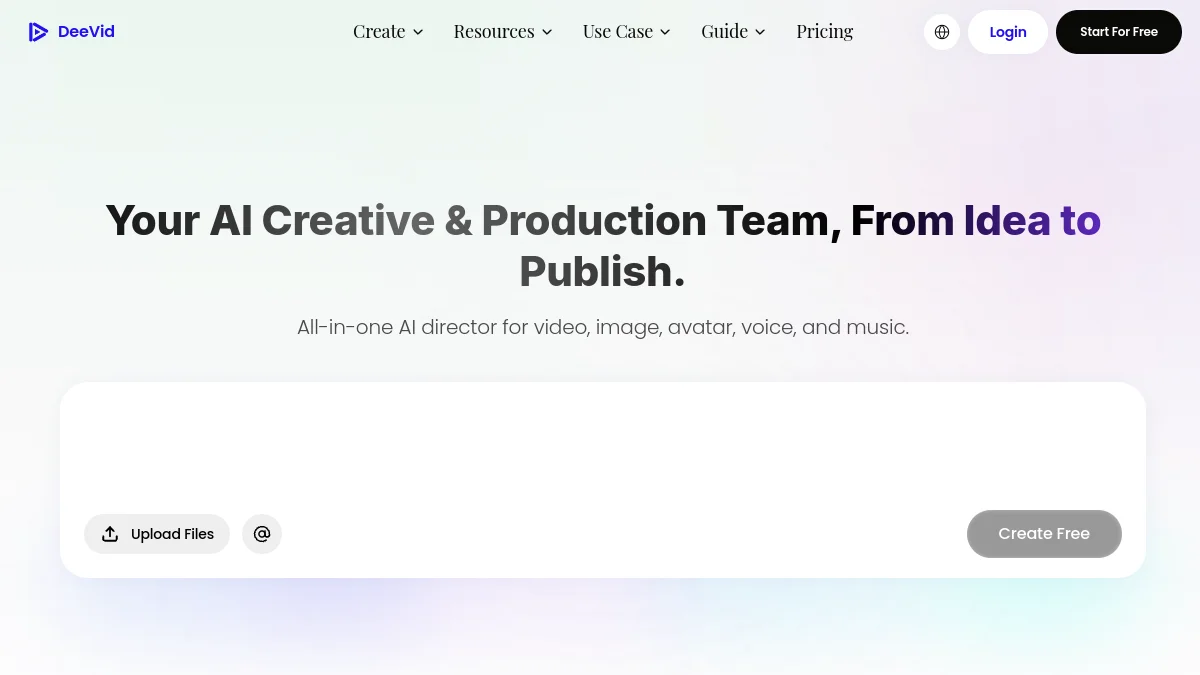
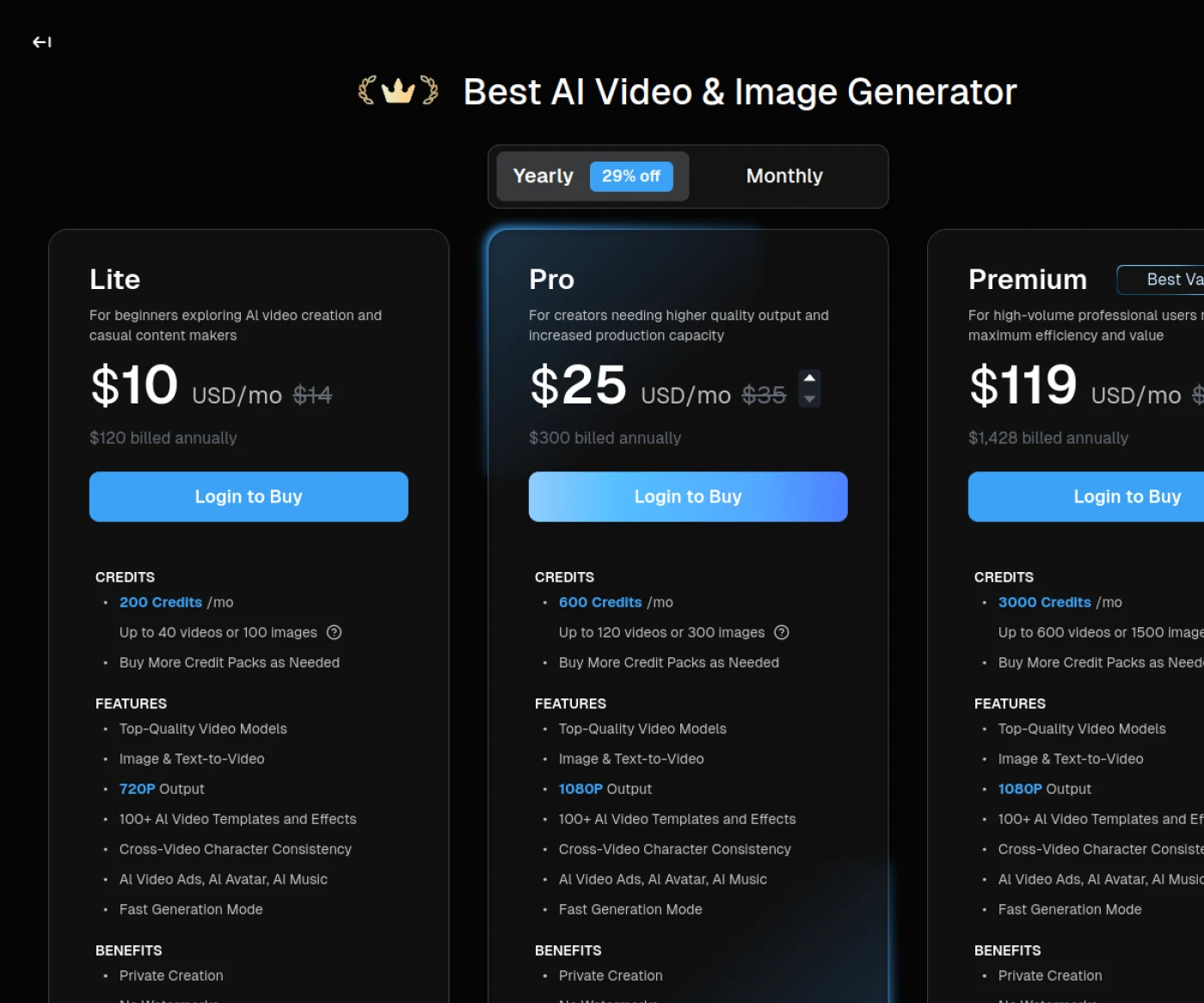
The fee schedule noted on 11.10.2026: 20 credits offered for registration (approximately 4 videos, with watermark), then Lite to 10 $/month billed per year (200 credits, 720p), Pro at 25 $/month (600 credits, 1080p) and Premium to 119 $/month (3,000 credits). The credits remain valid for one year. The pricing page does not name included models; The tests published in 2026 quote Sora 2, Veo 3.1 and Kling, but the list is evolving. Our review complete on DeeVid AI and details of prices Deevid Go further.
Why look for an alternative to DeeVid AI ?
The free plan is very short. 20 credits, that's testing, not producing. We detailed in our guide DeeVid AI free The watermark makes renderings unusable for a customer.
An intermediary always costs something. When you use a model, for example Kling, going directly through its publisher often gives more credits for the same budget, and faster access to new versions.
The Lite capped in 720p. For content broadcast in Full HD, you must target the Pro, which changes the financial equation.
Trust. Several third-party tests published in 2026 relate to user complaints about invoicing and a credit system deemed to be unreadable. We don't talk about scams.tool It works, but it is advisable to start with the smallest plan and check the renewal conditions before paying.
The 7 best alternatives to DeeVid AI in 2026
1. Kling AI: the reference for realistic video
Kling AI, developed by Kuaishou, moved to its model 3.0 in February 2026. Its strengths: credible camera movements, good object physics and a multi-plane mode that keeps a coherent character from one scene to another. This is also one of the models found at Deevid : to go live is to delete the intermediary.
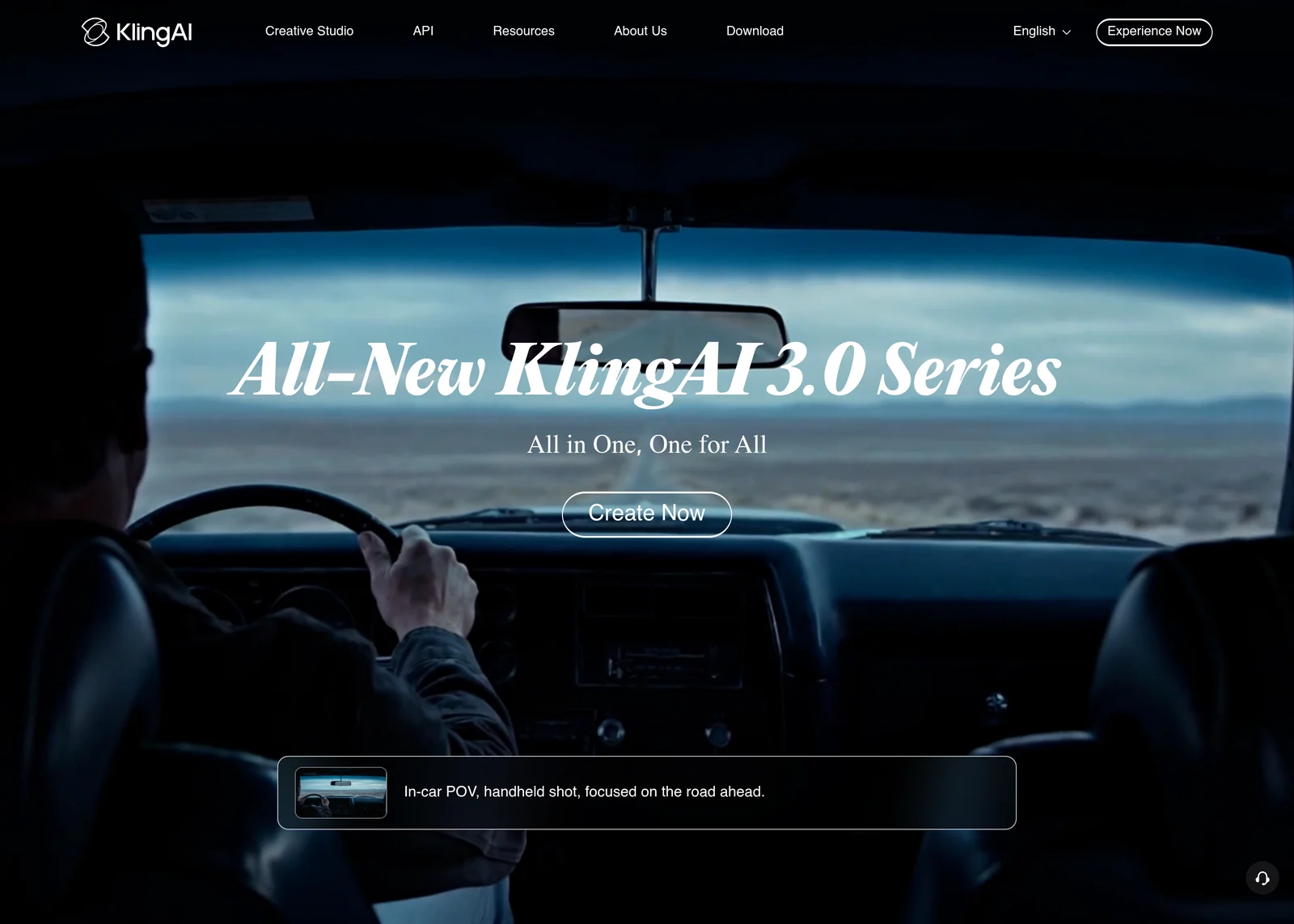
The Basic Plan is free, limited to 720p and without commercial use. Standard displays at 6,99 $ the first month then renews to 8.80 $/month for 660 credits ; the Pro passes from 25,99 $ at about 32.56 $/month for 3,000 credits (a grille raised this summer, the comparison of August 2026 confirms it). Beware of the renewal price, it is he who counts. It's all in our page Kling AI prices and our face-to-face DeeVid AI vs Kling AI.
2. PixVerse: the fastest for social formats
PixVerse generates a clip in 30 to 60 seconds in our trials, where others take several minutes. Its effects models (transformations, decor slides, photo animations) are designed for TikTok and Reels. On broad and kinematic planes, he remains behind Kling or Veo.
The free is more generous than that of Deevid : credits for registration and then daily charging, with watermark (the exact amounts vary according to the sources and periods of promotion, the third-party statements indicate 90 credits plus 60 per day at 11.10.2026). Paid plans start around 10 $/month, 8 $ in annual terms, according to these same surveys. See our PixVerse AI review.
3. Seedance : native audio in addition
Seedance is the video model of the laboratory ByteDance SeedTikTok's mother house. In 2026, its version 2.5 generates video and sound in a single pass, with a correct labial synchronization. For a dialogued scene or a sound atmosphere that must stick to the image, it is a real advantage, that Deevid does not guarantee according to the chosen model.
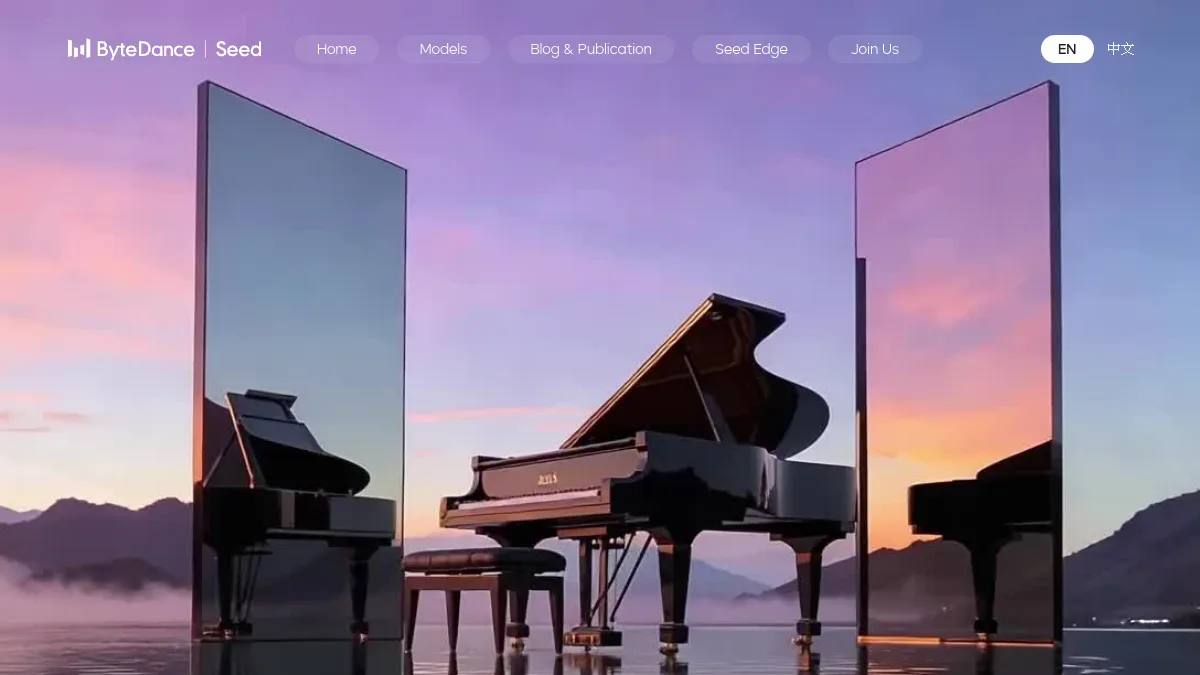
Official public access passes through Dreamina and CapCut. It can also be accessed via third-party platforms, such as that of our partner link Seedance, which is not the site of ByteDance: read its terms before paying. Our Seedance 2.0 review details the forces of the model.
4. InAI Video: the end-to-end video
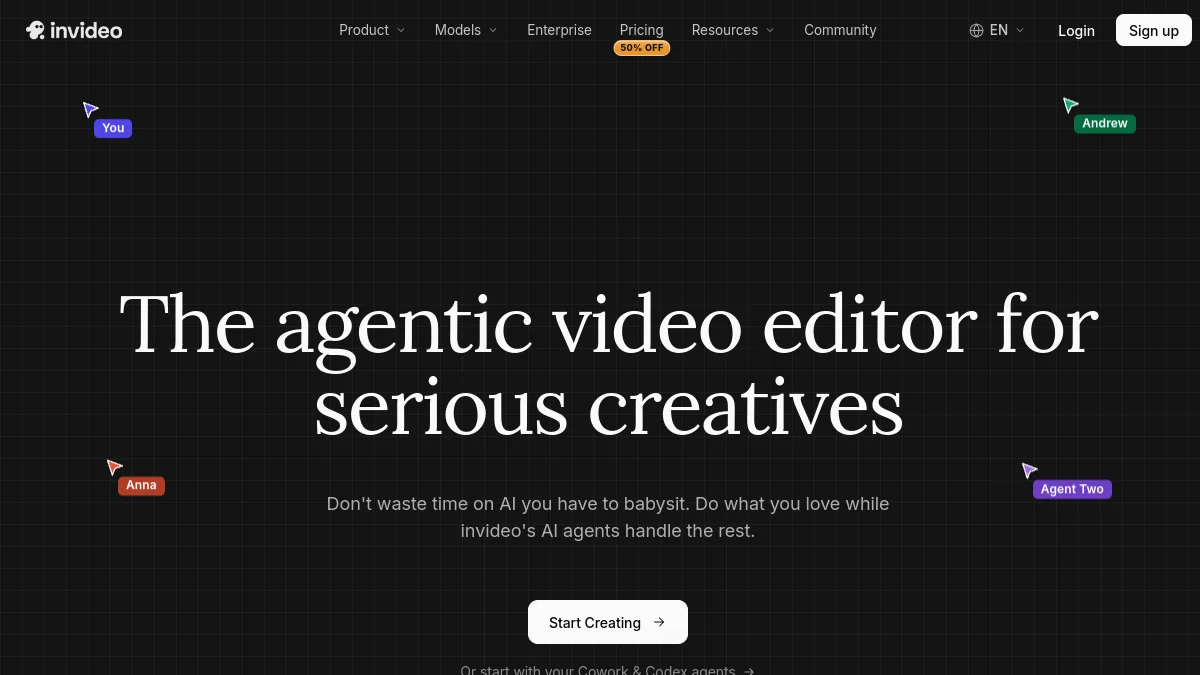
Invideo AI does not meet the same need as Deevid. He is not asked for a five-second clip, but for a full video: script, voiceover, subtitles, plans generated or derived from image banks, editing. It also incorporates third-party generative models; the grid of 11.10.2026 mentions Seedance 2.5 on the Plus and Max bearings.
The quoted rates are expressed by seat: Starter at 20 €/month in monthly or 10 €/month in annual (400 credits), More than 60 € or 30 € (2000 appropriations), Max 150 € or 75 € (5,000 credits). For a chain YouTube or explanatory videos, it is often more profitable than a generator clips. See our comparison InVideo AI vs. DeeVid AI.
5. Veo 3.1: the realism of Google, less simple access
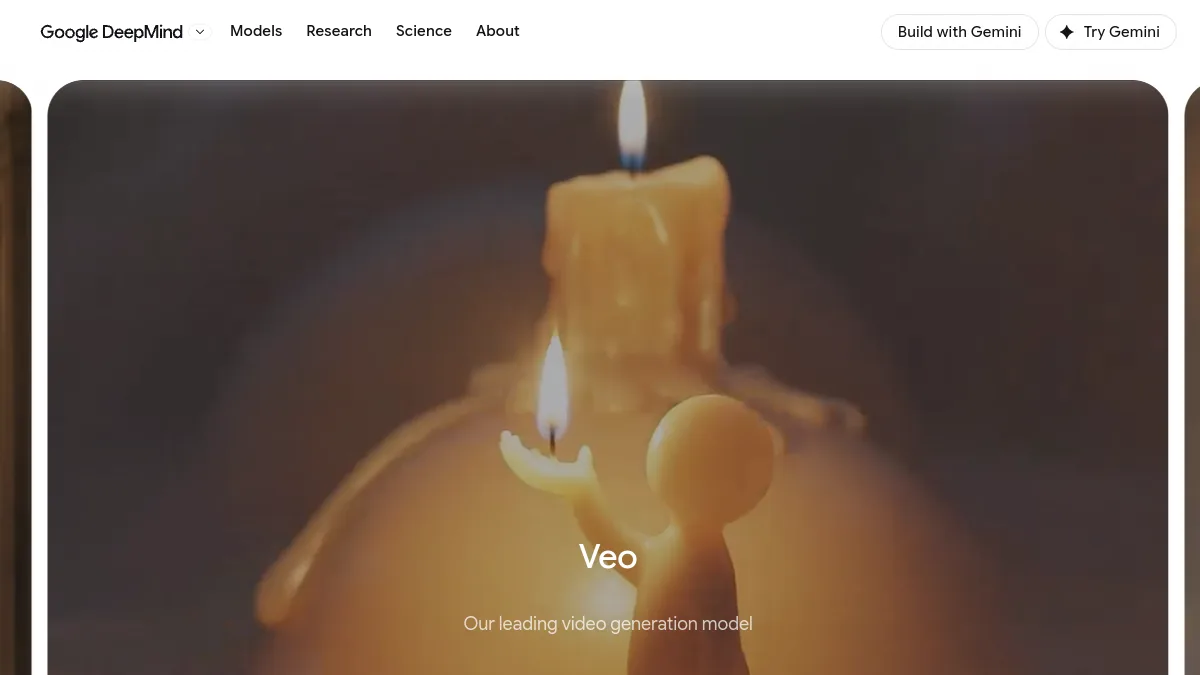
Veo, the Google DeepMind, is one of the most convincing about physical realism and generated sound. Veo 3 was arrested in late June 2026 for the benefit of Veo 3.1. You can access it via the Gemini app (limited generations, watermark), via Flow, or as a paid API, without free API-side bearing. It is also one of the models proposed by Deevid. Our guide Free Veo 3.1 details the four access doors and their prices per second.
6. Runway: Creative Control
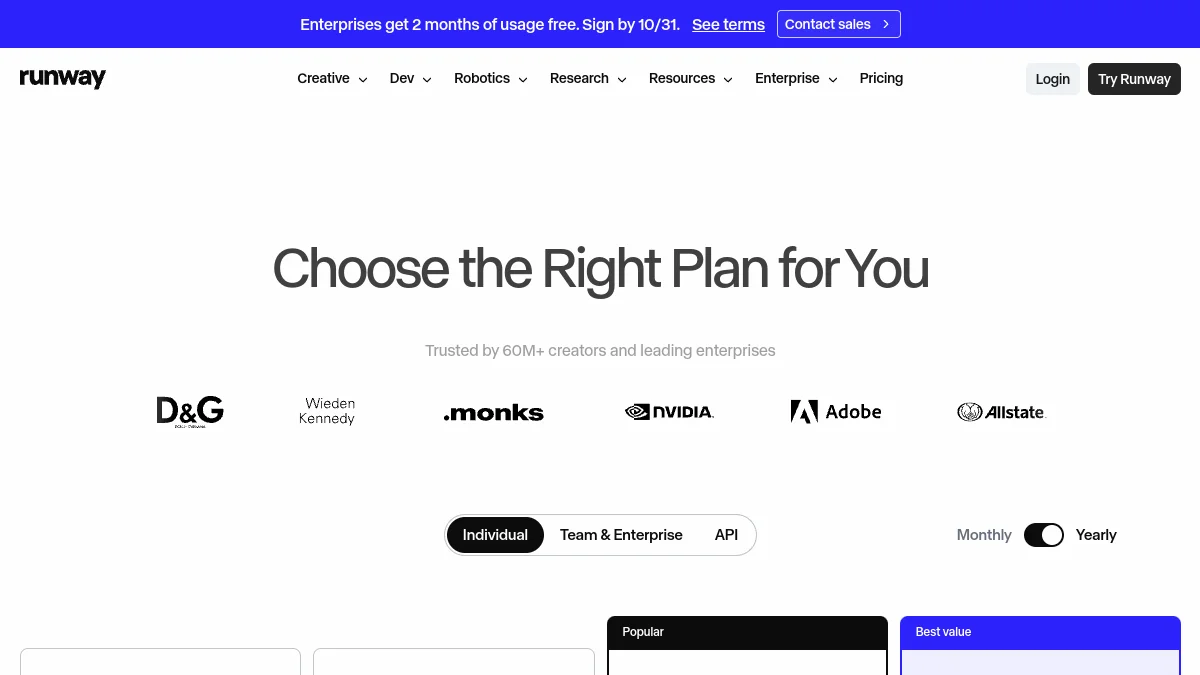
Runway Addresses those who want to direct the movement rather than hope: camera control, motion brush, character references. The onboarding is more demanding than Deevid, the margin of manoeuvre much greater. The free plan gives a small stock of non-renewable credits; we've husked it in our article Free Runway ML.
7. Hailuo AI: the good value for money
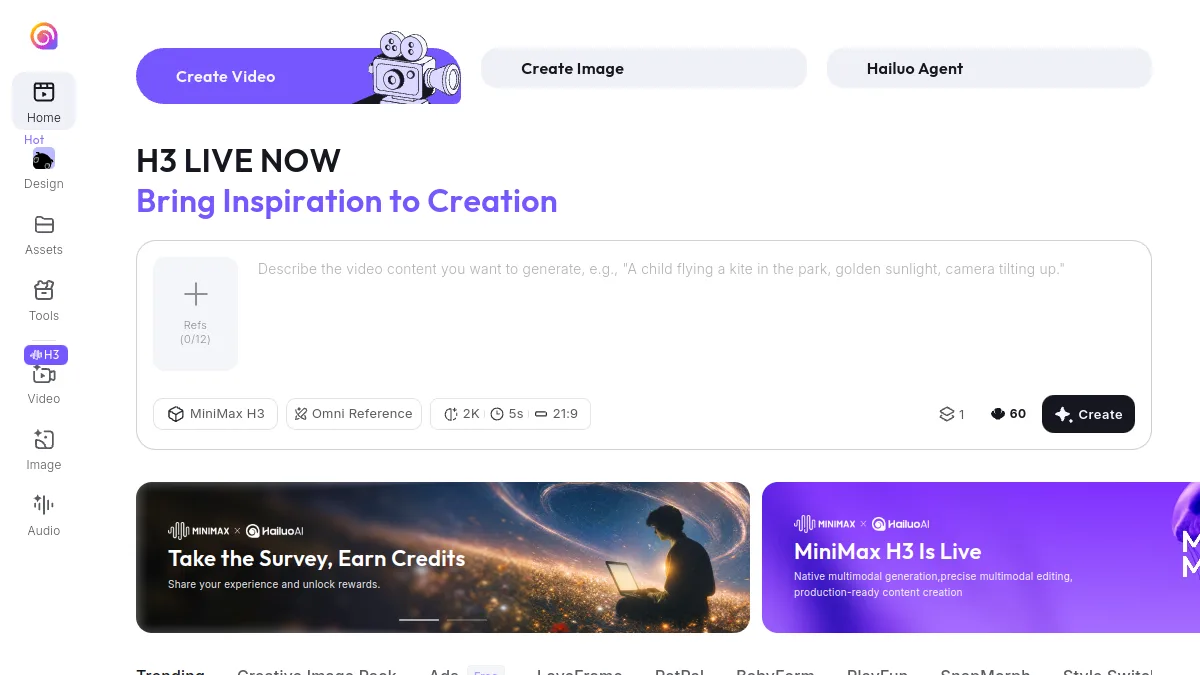
Hailuo AI, generator MiniMax, has made room thanks to fluid human movements and net renderings for a cost per clip content. It is suitable for image-to-video and expressive characters. Fewer effect models than PixVerse, less control than Runway, but good tool Generalist. Our review on Hailuo AI give the details.
If you are looking for an aggregator comparable to DeeVid AI but focused on Seedance and Veo, V-Zero-3 AI is often cited; we also listed the V-Zero-3 AI alternatives, from Dreamina to Kling AI, with their free prices and credits.
Table comparison : DeeVid AI and its alternatives
| Tool | Strong point | Free | Entry price increased | Native Audio |
|---|---|---|---|---|
| DeeVid AI (reference) | Several models, one subscription | 20 credits, watermark | 10 $/month in annual (720p) | Depending on the model |
| Kling AI | Realism, character consistency | Yes, 720p, non-commercial | 6.99 $ then 8,80 $/month | Yes (3.0) |
| PixVerse | Speed, viral effects | Daily credits, watermark | Approx.10 $/month | No |
| Seedance | Video and sound in one pass | Via Dreamina, daily quota | Variable according to platform | Yes |
| Invideo AI | Full mounted video | Limited test | 10 €/months per seat in annual | Voiceover Integrated |
| Veo 3.1 | Physical reality | Via Gemini, unpublished quotas | Subscription Google AI or API | Yes |
| Runway | Camera and motion control | Single credits for registration | Monthly Standard Plan | Depending on the model |
| Hailuo AI | Human movements, prices | Limited credits | Entry-level subscription | Depending on the model |
Prices are those shown on official pages or, failing this, on recent comparisons; When it has not been possible to confirm them, the picture is voluntarily general. Publishers change their grids several times a year.
What is the best AI for generating videos?
There's not one, and that's just the argument of Deevid. But if we have to decide according to usage, here is where we place each tool.
For realistic clips to mount yourself Kling AI. The best compromise between quality, consistency and entry price, with a free test plan.
For TikTok, Reels and Shorts : PixVerse. Quick, ready-to-use effects, a free one that recharges every day.
For scenes with dialogue or sound atmosphere : Seedance or Veo 3.1, both generate the sound with the image.
For a video YouTube complete explanatory or : InVideo AI, which assembles script, voice, subtitles and plans. Our selection of alternatives to InVideo complete this choice if necessary.
To test several models without multiplying accounts : Deevid keep his interest, provided he stays on a small plan and follows his credit consumption.
What's the best generator of AI videos realistic?
On pure realism, two names emerged in 2026: Veo 3.1 and Kling 3.0. Veo impresses on light, materials and physics (water, smoke, tissues). Kling does better on the regularity of faces and bodies from one plane to another, which counts as soon as a character returns. Seedance 2.5 is close to both, with the advantage of native sound.
Realism, however, depends as much on speed as on the model. Some reflexes that help everywhere: describe lighting (« late afternoon light, backlight »), specify the objective or type of plan (« medium plane, shoulder camera »), limit the number of shares per clip. A 5-second clip with one credible action is better than a 10-second clip where everything moves. Starting from a reference image, in image-to-video, remains the most reliable method for obtaining a photorealistic rendering.
💡 Tip: before paying a subscription, spin the same prompt and the same starting image on two or three tools free of charge. The rendering deviations on your own subject say more than any ranking.
Is there a video creation AI software 100% free?
No, not in the sense that we hear: free, watermark-free, limitless and in high definition. All tools of this list finance very expensive graphic servers, and free bait. Here is what free offers look like in practice.
- DeeVid AI : 20 credits for registration, about 4 videos, with watermark.
- Kling AI : Free Basic plan, maximum 720p, no commercial use, unsecured credits.
- PixVerse : credits for registration then daily recharge, watermark.
- Seedance via Dreamina : daily quota shared, watermark.
- Veo via Gemini A few generations, unpublished quotas, watermark.
By combining several free plans, you can produce a few clips a day without paying, which is enough to learn or for personal use. For pro use, watermarks and the lack of a commercial license quickly block. Our comparison of the generators AI video free details the quotas tool by tool. There are also open source models to run on its own machine, free but demanding in graphics card.
Is it legal to use it?AI To make videos?
Yes, generate videos with AI is legal in France. What can be problematic is content and use. Three points to keep in mind.
Real people. Making an identifiable person appear or speak without his or her consent affects the right to the image and may fall within the scope of the legally sanctioned deepfake, especially if there is deception or damage to reputation.
The licence of the tool. Commercial use depends on your plan. Free plans of Kling or d ElevenLabs, for example, exclude. An advertising video made with a free account can therefore pose a contractual problem.
Transparency. The European Regulation on AI provides for information obligations for generated or manipulated content that could be considered real, and platforms such as YouTube or TikTok already ask to report realistic content generated by AI. It's better to get used to indicating it.
🎯 Verdict
DeeVid AI remains convenient to compare multiple models from a single interface. As soon as we know what we want, going live pays more: Kling AI for realistic video, PixVerse for social networks, Seedance for native sound, InVideo AI for an end-to-end video. Always start with free plans, on your own subject, before you subscribe.
FAQ: alternatives to DeeVid AI
What is the free alternative to DeeVid AI The most generous?
PixVerse, thanks to its daily credit charge, and Kling AI with its Basic Plan. Both add a watermark or block commercial use, but allow to produce more than the 20 single credits of Deevid.
DeeVid AI Does he use Kling or Veo?
The tests published in 2026 cite Sora 2, Veo 3.1 and Kling among the models proposed by Deevid. The tariff page does not name them and the list changes, you have to check in the application when generating.
Is Kling AI cheaper than DeeVid AI ?
At entry, yes: $8.80 per month at renewal for 660 credits, compared to $10 per month charged per year at Deevid for 200 credits. Credits are not used at the same rate, so the comparison depends on the model and the length of the clips.
Which alternative to choose for videos YouTube ?
InVideo AI, because it produces a full mounted video with script, voiceover and subtitles. The generators clips like Kling or PixVerse request a editing Except.
Can a video made with a free alternative be used commercially?
Rarely. Most free plans prohibit commercial use or require watermarking. Check the license of your plan before posting a video for a client or an advertisement.