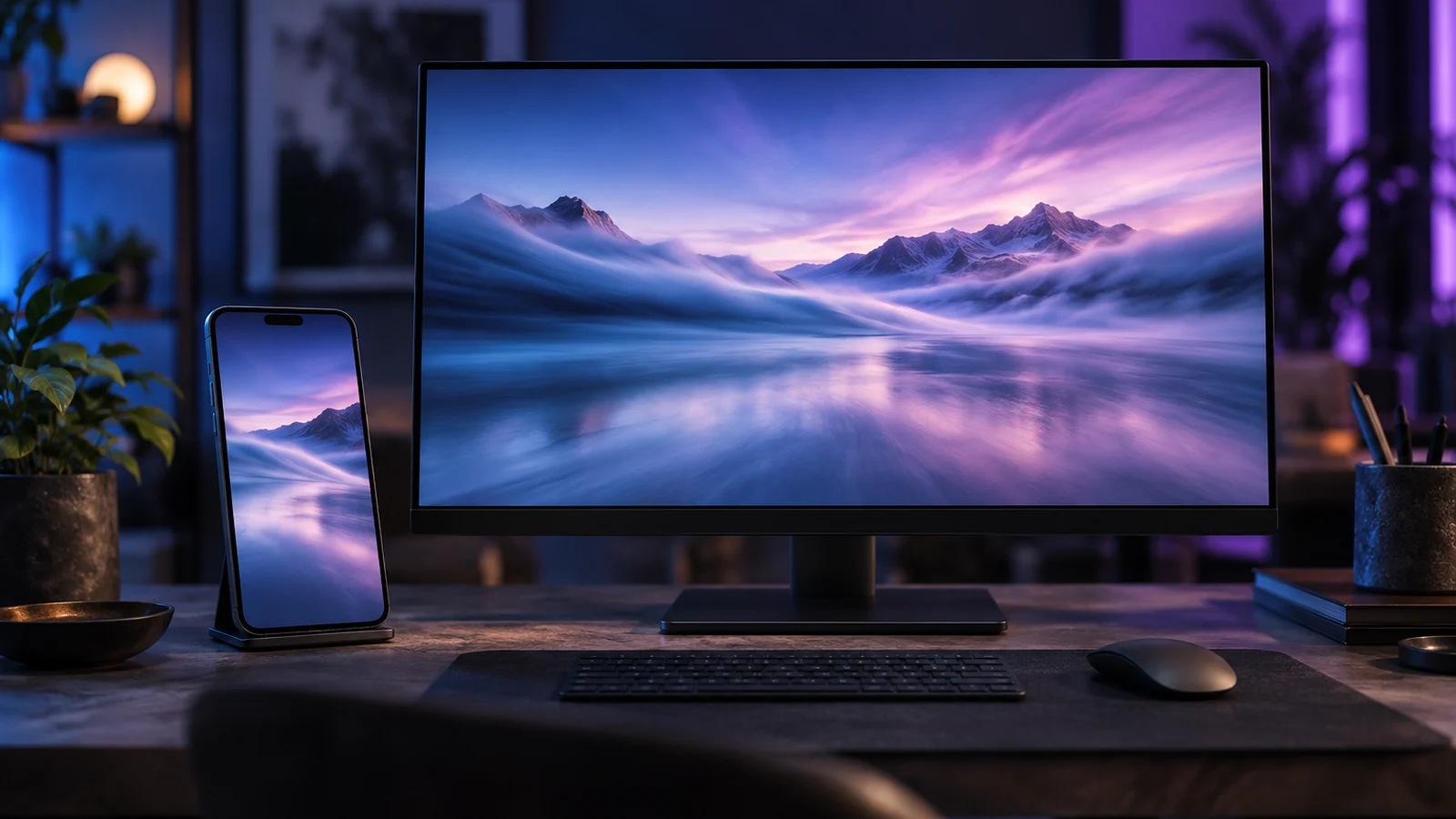
The wallpapers provided with a phone or computer have a defect: everyone has the same. The image banks don't fix much, you end up falling on the same mountain at sunset as his office neighbor. L AI Change the deal. In one sentence, you get an image that does not exist anywhere else, in the right format, in the atmosphere you want, and even animated if you push a bit. Here's how to take it, on phone as on computer, for free or almost.
Contents: Essential · Create a wallpaper with AI · Do it free of charge · Best applications · Prompts walking · The right dimensions · Animated wallpaper · Custom wallpaper · FAQ
📌 Essentials
- Simplest : some phones do it natively. The Google recent Pixel and Samsung Galaxy Galaxy AI compatible have a generator a background screen built into the settings.
- Free on computer : ChatGPT, Microsoft Copilot, Adobe Firefly or Leonardo AI generate images without paying, with quotas.
- Format counts : vertical (9/19.5 or 9:16) for a telephone, horizontal 16:9 for a computer screen. Ask him right away.
- The resolution is often too weak : most generators exit between 1,000 and 2,000 pixels, an enlargement AI is useful for a 4K screen.
- For an animated background : we generate the image, we play with Kaiber or PixVerse, then we apply it with a video background application.
How to create a wallpaper with AI ?
The principle takes place in four stages, whatever the tool. We describe the desired image in a prompt, we specify the format, we generate several variants, then we download the best and we apply it. The difference between an average result and a very beautiful background is played almost entirely on the second step, that of the format, and on the accuracy of the prompt.
On a Pixel or Samsung phone: directly in settings
Google introduced the wallpapers generated by AI with Android 14, first on Pixel 8, then on other Pixel. The way is through Wallpaper and stylethen More wallpapers and the creation option by AI. You select a theme, then you touch the underlined words of the prompt to modify them. This is not a free field: we compose from proposals, which limits creativity but guarantees a clean result.
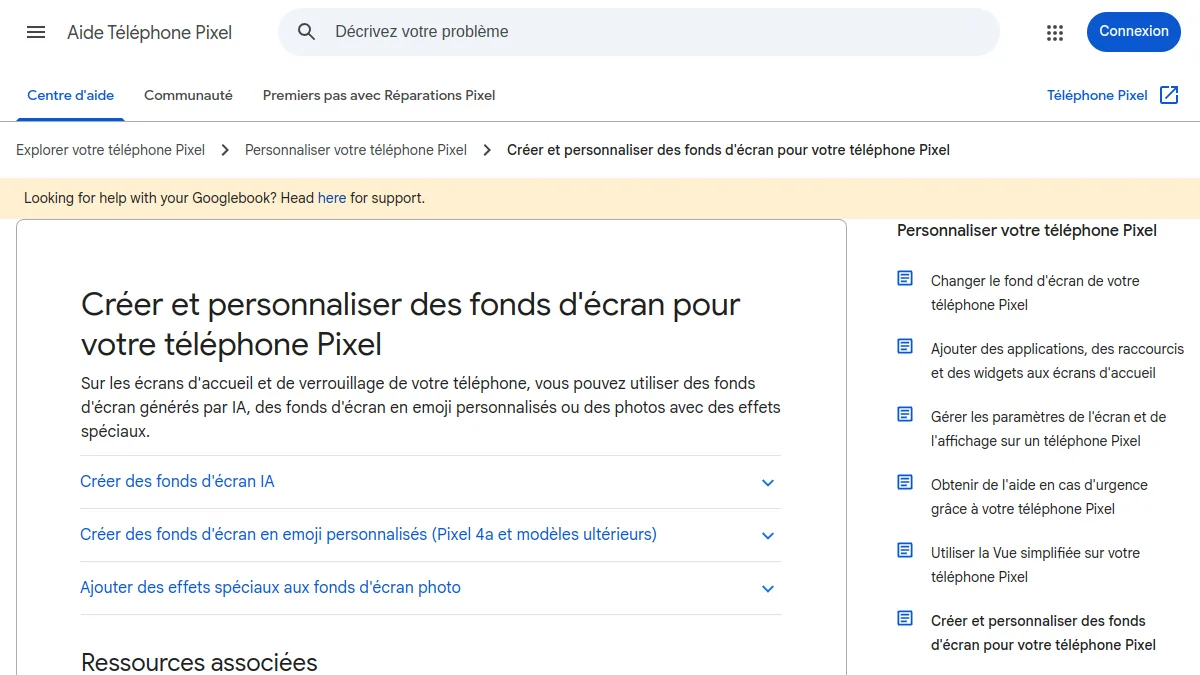
In Samsung, the function is called general wallpaper. According to the official Samsung help page, press the home screen at length, open Wallpaper and style, Changes in wallpapersthen General in the Creative section. Adjust highlighted words, generate, select and apply to the home screen, lock screen or both. Menus may vary depending on the model and version of One UI.
On any device: with a generator images
On iPhone, on another Android or on computer, we go through a generator classic images. We gain complete freedom on the subject and style. Our comparison of the generators images AI free identify the tools who hold the road; those best suited to wallpapers are detailed below.
How to create a free wallpaper?
Good news: for a fixed image, we don't need to pay. Several free services produce quality wallpapers, with quantity rather than quality limits.
- Pixel and Samsung native functions : free, without additional account, but limited to compatible templates and predefined themes.
- ChatGPT : the image generation is accessible with a free account, with a limited number of daily images. Very good for following a precise composition instructions.
- Microsoft Copilot and Designer : free with a Microsoft account, convenient on a Windows PC.
- Adobe Firefly : proposes a generator Dedicated wallpaper and free generations every day, within the limit of a daily quota, with an Adobe account.
- Leonardo AI : a daily free quota and many predefined styles, with some detailed traps in our review Leonardo AI.
The real hidden cost of free is resolution. Images often come out around 1,024 pixels wide, sometimes a little more. On a phone, it passes. On a computer screen in 1440p or 4K, the image will appear blurred. The parade is also free: a magnifier AI, like those presented in our guide for improving the quality of a photo with AI, double or quadruples the definition without visible loss.
What is the best free application to create wallpapers?
It depends on the device and what we're looking for. Options were classified according to usage rather than a single winner.
| Tool | Ideal for | Free | Animated background | Main limit |
|---|---|---|---|---|
| Pixel / Samsung (native) | Immediate result on phone | Yes | No | Themes imposed, compatible models |
| ChatGPT | Precise composition, text in the image | Yes, daily quota | No | Limited formats, medium definition |
| Adobe Firefly | Pro use, legally safe images | Daily quota | No | Adobe account required |
| Leonardo AI | Artistic styles, fantasy, 3D | Daily quota | Yes, as an option | Free public images |
| Kaiber | Lively funds, artistic loops | A few days' trial fee | Yes | Credit system |
| PixVerse | Animate an image in seconds | Daily credits, watermark | Yes | Short Clips |
For personal use on the phone, we would start with the native function if it exists, then ChatGPT or Copilot to go further. For a corporate wallpaper, displayed on the posts of an entire team, Firefly has the advantage of a model trained on licensed content, which reassures legal services. If you like very stylized worlds, Leonardo or Midjourney (see our review Midjourney) give more marked renderings, but Midjourney does not have a free plan.
What quick use for a beautiful wallpaper AI ?
A good wallpaper prompt is not a good quick illustration. You have to think about what will overlap: icons, hour, widgets. The areas loaded at the centre hinder reading; a staggered subject or a quiet bottom image works much better. Here are four prompts that are used as a base, to adapt.
- Minimalist, phone : « 9:19.5 vertical wallpaper, sand dunes at dawn, degraded fishing and lavender, large empty sky areas at the top, minimalist photo style, no text. »
- Office, productivity : « 16:9 wallpaper for computer screen, old library bathed in soft light, main subject on the right third, dark and unobstructed left part for icons, quiet atmosphere. »
- Abstract : « Abstract wallpaper 16:9, fluid forms of blue and purple colored glass, deep black background, rendered 3D soft, high definition, without text or logo. »
- Illustration : « Vertical wallpaper, Japanese mountain village in winter, watercolor style, light flakes, blue and white palette, little detailed bottom image. »
Three details make a difference. Indicate the format in the text, even if tool offers a selector. Add « without text » or « without logo », because some models invent inscriptions. And specify where the subject should be, to leave air to the icons. For the lock screen of an iPhone, keep the upper third fairly united: the time ss
What dimensions for a wallpaper AI ?
It is better to generate directly to the right ratio than to reframe after the blow: less image is lost and the composition remains balanced. Here are the markers we use.
| Screen | Ratio to be requested | Target definition |
|---|---|---|
| Recent smartphone | 9:19.5 or 9:20 (if not 9:16) | Approximately 1,080 x 2,400 px or more |
| iPhone 15 and 16 (standard models) | 9:19,5 | 1 179 x 2 556 px |
| Full HD PC Screen | 16:9 | 1 920 x 1 080 px |
| Screen 1440 p | 16:9 | 2 560 x 1 440 px |
| 4K screen | 16:9 | 3,840 x 2,160 px (extension) AI recommended) |
| Ultra-wide screen | 21:9 | 3,440 x 1,440 px |
On the phone, plan a small margin: iOS and Android often apply a slight depth or zoom effect, which wrinkles the edges. A subject glued to the edge of the image may be cut.
How to create an animated wallpaper with AI ?
That's where I AI video takes over. The most reliable method is from a fixed image that we already like: we then lick, rather than directly request a video from nothing. This keeps the composition under control.
Step 1: Animate the image
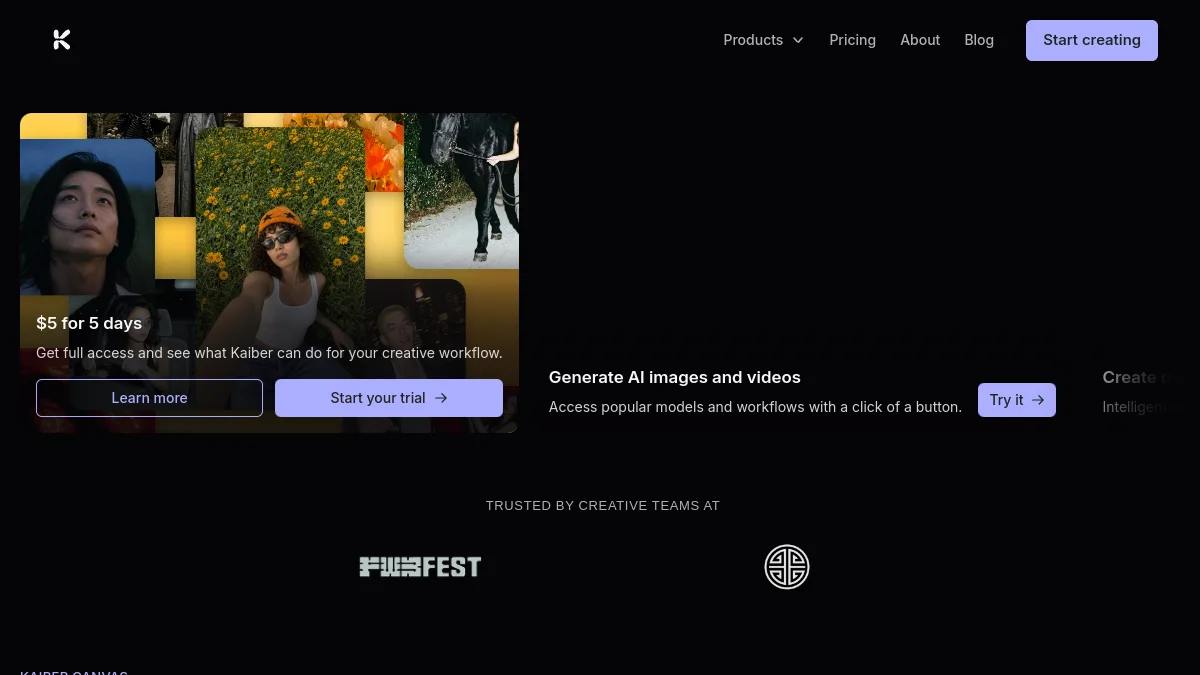
Kaiber is the most comfortable on artistic animations and hypnotic loops: clouds that scroll, auroras that wave, abstract forms that transform. At the time of our audit, the home page displayed a 5 test $ for 5 days; subscriptions start around 10 $ per month according to published grids, but the amounts changed several times in 2026. Our review complete on Kaiber AI takes stock of his studio and credits.
PixVerse is the quick and free option to start: you import the image, you describe a simple movement (« water gently undulates, camera remains fixed »), and we get a clip for a few seconds. The free plan watermark is visible on a wallpaper, it's up to you to see if it bothers you. Our guide Animate a photo with AI details the method.
💡 Tip: for an animated wallpaper, ask explicitly « fixed camera » and a slow and cyclical movement. A zoom or a journey does not loop properly: when the video restarts, you see the jump.
Step 2: Apply to the device
Once the video is recovered, it remains to be placed in the background, and each system has its rules. On Windows,tool free Lively Wallpaper does it for free, Wallpaper Engine by paying. On Android, several apps accept a video as a background. On iPhone, it's more restricted. We have everything detailed, system by system, in our guide for put a video in the background.
⚠️ Attention: An animated wallpaper consumes battery on a phone and some resources on a laptop. Serious applications pause animation when a window is in full screen or when the battery goes down; activate these options.
How to get a custom wallpaper?
Personalized can mean two things: an image that we created ourselves, or an image that speaks of ourselves. L AI knows how to do both, with a few precautions.
From his own photos. The generators recent accept a reference image: your dog, your home, a holiday landscape. We can ask to transform it into a watercolour, an animated film scene or a futuristic universe. Our guide for turning a photo into a drawing with AI shows the styles that make the best, and they often make excellent wallpapers.
With its colors and tastes. The palette can be set to that of his desk, his phone shell or his dark theme. The recent Pixel and Samsung also adapt the colors of the interface to the chosen background, which reinforces the custom effect.
With text. A quote, a first name, a year goal. ChatGPT now manages the text well in the image, better than most competitors. Check the spelling letter by letter before adopting: one shell on a background, you see it fifty times a day.
Can one share or sell a wallpaper created by AI ?
For your own phone, no question to ask. To share or sell it, it's more nuanced. Each tool sets its conditions: some free plans make your images public or exclude commercial use. Also avoid reproducing a brand, a protected character or the recognizable style of a living artist: the image generated can then pose a copyright or trademark problem, even if AI It was produced.
🎯 Verdict
For a fixed wallpaper, no need to pay: the native function of a Pixel or Samsung, or a generator free as ChatGPT, Copilot or Firefly, is enough if we treat the format and composition. For an animated background, you first generate the image, then you play with PixVerse to test or Kaiber for more artistic loops, before applying it with a video wallpaper application.
FAQ: wallpaper AI
What AI free to create a wallpaper?
ChatGPT Microsoft Copilot, Adobe Firefly and Leonardo AI generate free images with quotas. On one Google Pixel or Samsung Galaxy compatible, the generator built into the background settings of the screen is the simplest solution.
Can one create a wallpaper AI on iPhone?
iOS does not generator a background comparable to that of the Pixel. We go through an application like ChatGPT or Copilot, you save the image in Photos, then apply it from background settings.
How to avoid a wallpaper AI blurred?
Generate to the right ratio from the start and pass the image in a enlarger AI if your screen exceeds Full HD. Most generators free of charge exit images from about 1,000 to 2,000 pixels wide.
How to make an animated wallpaper with an image AI ?
We animate the image with a tool image-to-video like PixVerse or Kaiber, asking for a fixed camera and slow motion, then apply the video with an animated background application like Lively Wallpaper on Windows.
Does an animated wallpaper empty the battery?
It consumes more than a fixed image, especially on the phone. The impact remains moderate if the animation is short and the application pauses it in full screen or energy saving mode.