The Reel Instagram format in 2026, it is a vertical video in 9:16either 1080 x 1920 pixels. The same goes for TikTok and the YouTube Short. So far, nothing sorcerer. Where it's complicated, it's as soon as we talk about maximum duration, file weight, security zones or publication in the thread: each platform has its rules, they change several times a year, and half of the tables that circulate date from 2023. So everything has been flattened, platform by platform, with official sources when they exist and a clear warning when they do not exist.
📌 Essentials
- Reels, TikTok, Shorts : 9:16, 1080 x 1920 px, MP4 (H.264 + AAC), 30 images per second. Only one export serves all three.
- Instagram thread : 4:5 (1080 x 1350 px) remains the most popular format in the stream; the profile grid displays thumbnails in 3:4 since early 2025.
- YouTube Shorts : vertical or square video, maximum 3 minutes from 15 October 2024, maximum 1080p depending on the help YouTube.
- Long duration : Instagram and TikTok now accept videos much longer than a minute, but the ceilings vary according to the account and the mode of sending.
- Security zones Keep text and faces out of the bottom of the screen (legend, buttons) and right edge (icons).
- The Trap #1 : a 16:9 cropped at the speed in 9:16. The AI Tools cropping follows the subject and avoids cut heads.
Contents: Summary table • Reel Instagram Format • 9:16 or 4:5 • What is 9:16 • TikTok format • YouTube Shorts and YouTube • Facebook, LinkedIn, X • Security zones • Export settings • Adapt video with AI • FAQ
The table of video formats by social network in 2026
Here is the synthesis that we keep ourselves open before each export. Dimensions have been stable for several years. The durations move: the official value is indicated when the platform publishes it, and when the number comes from tests or specialized press.
| Format | Ratio | Recommended dimensions | Duration | Note |
|---|---|---|---|---|
| Reel Instagram | 9:16 | 1080 x 1920 px | Up to 20 min; beyond 3 min, no recommendation to non-subscribers | Preview in grid 3:4 |
| Story Instagram | 9:16 | 1080 x 1920 px | 60 s per sequence | Cut beyond |
| Instagram feed video | 4:5 | 1080 x 1350 px | Published as Reel | 1:1 and 16:9 remain accepted |
| TikTok | 9:16 | 1080 x 1920 px | 10 minutes in the app; longer to import according to accounts | Limited to 1080p |
| YouTube Shorts | 9:16 or 1:1 | 1080 x 1920 px | Maximum 3 min | Maximum 1080p (aid YouTube) |
| Video YouTube | 16:9 | 1920 x 1080 px (or 3840 x 2160) | 15 min without validation, 12 hours with | 256 GB maximum per file |
| Facebook Reels | 9:16 | 1080 x 1920 px | Short format, see below | Cross sharing possible from Instagram |
| 1:1, 4:5, 9:16 or 16:9 | 1080 x 1350 px recommended | 3 seconds to 15 minutes | 5 GB maximum | |
| X (Twitter) | 16:9 or 1:1 (9:16 accepted) | 1920 x 1080 or 1080 x 1080 px | 2 min 20 s without subscription | 512 MB for a standard account |
A useful reflex: start a master's degree in 1080 x 1920, then decline. It is the format that covers the most surfaces in 2026, and it is also the one that the AI video generators default when checked « TikTok » or « Reels ». For Facebook's fixed visuals, we have already published a guide of the same kind on the dimensions of the Facebook cover photo.
What is the Reel Instagram format in 2026?
A Reel displays in full vertical screen: 9:16, 1080 pixels wide for 1920 high. Instagram accepts other proportions, but all that is not in 9:16 is found with strips or automatic cropping, and in both cases we lose surface. Official page Instagram Reels Now indicates that you can record and mount Reels up to 20 minutes, but those over 3 minutes are not recommended to new audiences.
What is the maximum duration of a Reel?
At the beginning of 2025, Adam Mosseri, the owner of Instagram, announced the transition from 90 seconds to 3 minutes for imported Reels. By the end of 2025, Instagram started deploying a mailing option up to 20 minutes in the Reels camera, first in test and then more widely, according to the specialized press. In concrete terms, two accounts can see two different ceilings on the same day. To find out where you are, the most reliable is to try import from the app. And keep in mind that a long format is interesting only if the rhythm holds: on a Reel, every dead second is paid in abandonment.
Weight, codec and speed of images
Instagram does not publish a general public fact sheet as detailed as YouTube. The guides third party converge on a ceiling around 4 GB per file, leaving a margin: a Reel of one minute in 1080p usually weighs between 30 and 120 MB. The trio that never poses a problem: MP4, H.264, audio AAC, 30 images per second. A 4K export doesn't bring anything, the platform fits all in 1080p.
Instagram is 9:16 or 4:5?
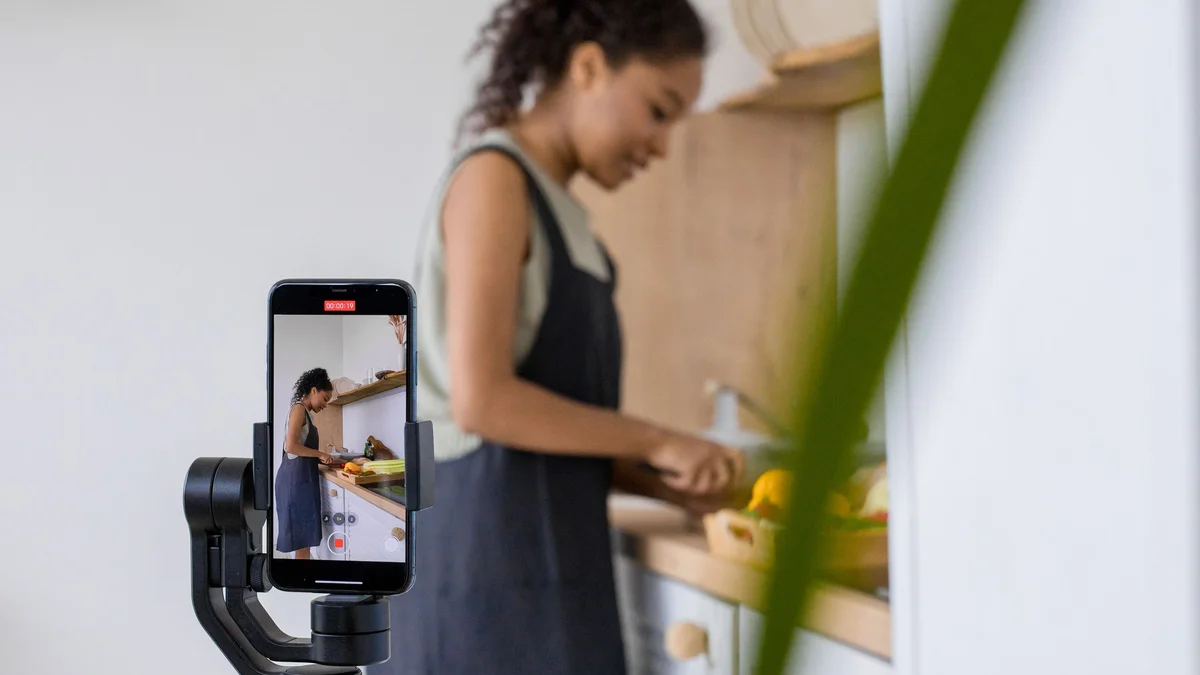
Both, and that's the number one source of confusion. The 9:16 is the native format of the Reels and Stories, seen in full screen. The 4:5 (1080 x 1350) is the highest accepted format in the classic news feed, the one that is scrolled on the home page. Since 2022, any video posted on Instagram has become a Reel, but it can still appear in the feed of your subscribers, where it will be displayed with a cropping towards 4:5.

Add a third ratio: in January 2025, Instagram replaced the square thumbnails of the profile grid with thumbnails 3:4. A Reel in 9:16 is therefore trimmed up and down there. The parade is simple: choose a coverage whose subject is centered, or import a dedicated coverage image in 1080 x 1440.
What is the ideal image format for Instagram, 4:5 or 3:4?
For a picture published in the wire, 4:5 remains the most profitable: it occupies more the screen of the phone than the square. 3:4 is mainly used to control the preview in the grid. If you want to manage only one file, the 4:5 with a well-centered topic goes right everywhere.
What size for a landscape publication?
The landscape is accepted until 1.91:1, i.e. 1080 x 566 pixels. It is the format that occupies the least space in the thread, to be reserved for content that really do not have any meaning in vertical: a panorama, a wide screen capture, a film extract.
What is 9:16, and how much is it in pixels?
9:16 means a width to height ratio: 9 units wide for 16 high. It is the 16:9 of the television, shot by a quarter turn. In pixels, the current variations are:
- 720 x 1280 : the acceptable minimum, to avoid if you can do better;
- 1080 x 1920 : the standard of fact for Reels, TikTok and Shorts;
- 1440 x 2560 and 2160 x 3840 : useful as master of editing, but the platforms go down the display in 1080p.
To check a file, divide width by height: 1080 / 1920 = 0.5625, exactly 9 / 16. If you get 0.8, you are in 4:5; If you get 1, squared.
Which photo format choose : 4:3 or 16:9 ?
The 4:3 is the native format of most smartphone sensors in photo mode. 16:9 is that of the video. For social networks, neither is ideal as it is: a 4:3 vertical (3:4) approaches the Instagram grid, a 16:9 horizontal is suitable for YouTube. For the Reels and TikTok, film in vertical video 9:16 directly, rather than reframe after the fact.
What video size for TikTok?
TikTok remains aligned with the same standard: 9:16, 1080 x 1920 pixels. The app also accepts square and landscape, displayed with bands, and some guides mention the 1080 x 1350 for slightly lower publications. Even if you send 4K, the reading is done in maximum 1080p.
In terms of duration, recording in the app goes up to 10 minutes, and importing longer videos is open to some of the accounts since the tests launched in 2024. The figures that we see passing (up to 60 minutes) come from these tests and from guides third party: TikTok does not detail them on a stable public help page, so you are advised to check on your own account before producing a long format. For weight, historical ceilings revolved around 72 MB on Android and 287.6 MB on iOS; Import by browser, however, accepts much heavier files.
How to put a video in TikTok format?
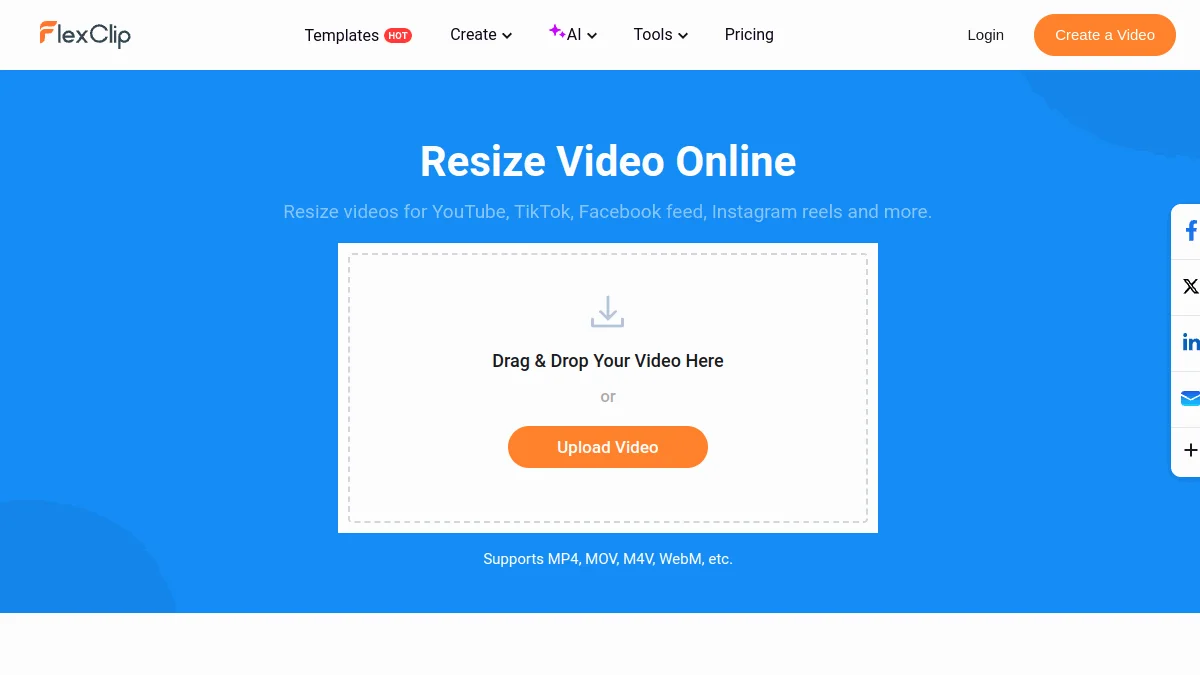
Three options, from the fastest to the cleanest. One: the editor of TikTok himself, who reframes by pinching the image, but without following the subject. Two: one tool online resize, such as FlexClip, which offers TikTok, Reels and Shorts presets. Three: one tool Boxing AI which detects the face or main subject and moves the plane frame by plane. This is the only method that works well on an interview or podcast filmed at 16:9.
What kind of video works best on TikTok?
The technical format does not do everything, but it conditions the rest. What works best in 2026, on the following accounts: native vertical videos, a visible catch in the first second, embedded subtitles (a good part of the audience looks without sound), and a duration that fits the point. The tutorials short, forward/after, camera-side reactions and numbered series remain the most shared formats. A recycled video from another network, with a foreign logo or black tapes, leaves with a disability. Details are given tools which help produce this type of content in our guide on I AI for TikTok.
YouTube Shorts and video YouTube classic: the right formats
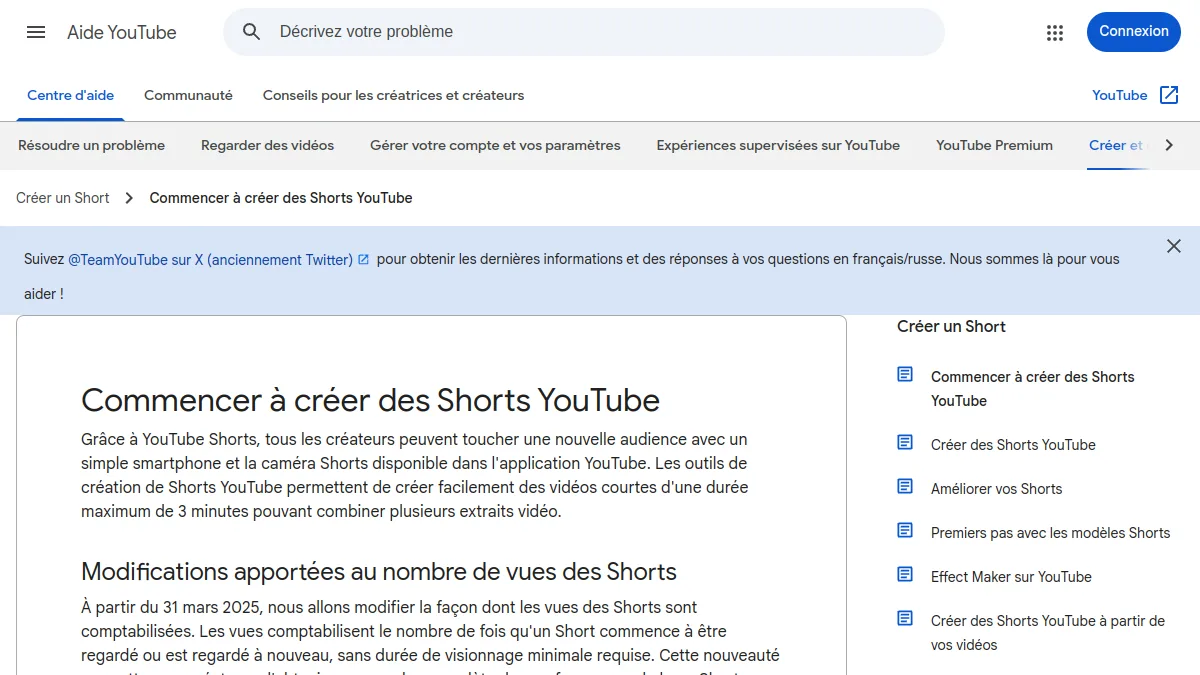
YouTube is the most transparent platform on its numbers. Its help page on the creation of Shorts indicates vertical videos of a maximum duration of 3 minutes and a maximum resolution of 1080p. The transition from 60 seconds to 3 minutes dates from 15 October 2024; All the tables that still speak for a minute are therefore out of date. The square format is also classified in Short.
What format for a YouTube Short?
1080 x 1920, 9:16, 30 or 60 images per second. Attention to a detail: a Short longer than one minute that contains a straight extract (music, film) can be blocked. If your Short uses a protected music or extract, stay below the minute to avoid surprises. To go further on production, several AI to create YouTube Shorts.
What size for a video YouTube Classic?
16:9 remains the reference, in 1920 x 1080 minimum. Sending in 2560 x 1440 or 3840 x 2160 often improves the perceived quality, even for an audience looking in 1080p, because YouTube assigns a more generous codec to high resolution videos. Official limits: 256 GB or 12 hours per file, and 15 minutes until the account is validated. The code parameters recommended by YouTube give about 8 Mbit/s for 1080p at 30 frames per second in CSD, and 12 Mbit/s at 60 frames per second.
Facebook, LinkedIn and X: the formats to know
Facebook follows Instagram: 9:16 in 1080 x 1920 for the Reels, 4:5 for a video in the wire. A Reel published on Instagram can be shared automatically on Facebook, and it is often the easiest way to feed both. Meta regularly changes the maximum duration of Facebook Reels; Stay on short formats if you are aiming for the recommendation.
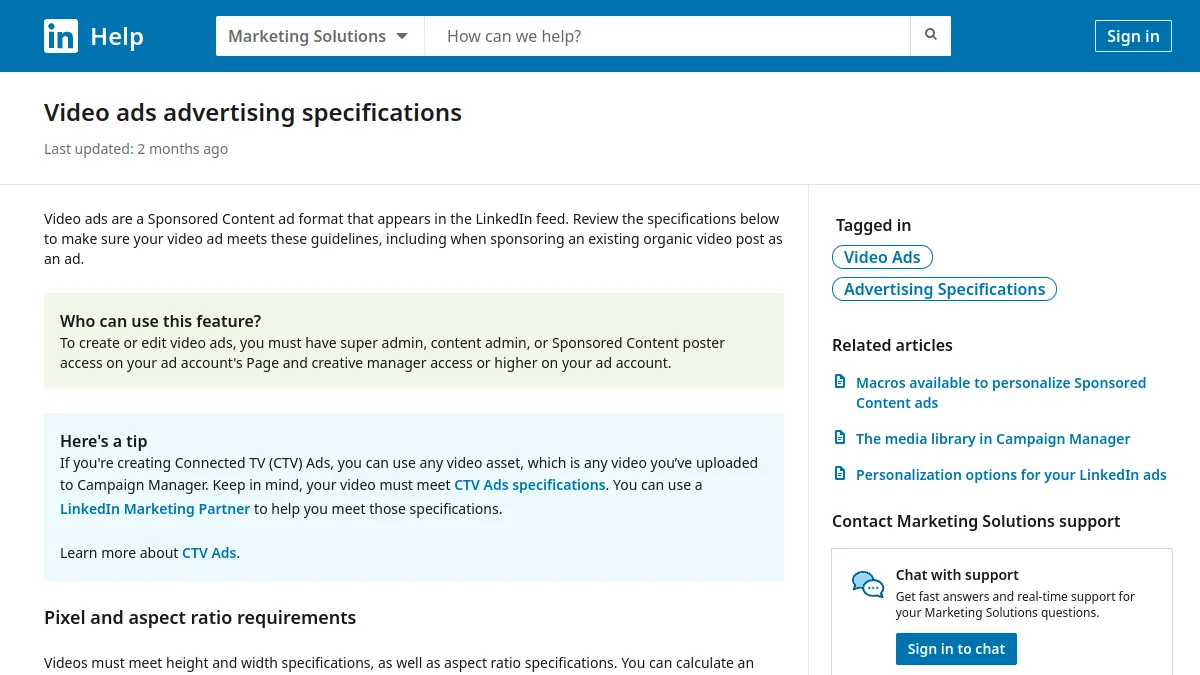
LinkedIn accepts a wide range of ratios. Native videos range from 3 seconds (2 seconds from the mobile app) to 15 minutes, and up to 5 GB. In practice, 4:5 or squared give the best compromise in the wire, as many people consult LinkedIn on computer, where a 9:16 video appears very small.
X limits non-subscriber accounts to 2 minutes 20 seconds and 512 MB. Pay subscribers can publish much longer. The landscape and the square remain the most legible in the thread; vertical video passes, but with tapes on computer.
Security zones: where to place text, logo and faces
On a 9:16 screen, a part of the image is covered by the interface: account name and legend at the bottom, icons like, comments and sharing on the right, sometimes a headband at the top. No platform publishes an official template to the nearest pixel for organic publication, and margins vary according to the phone model. Here are the markers that are applied to a 1080 x 1920:
- Up : Leave the first 200 to 250 pixels (hour, tabs, audio name on TikTok);
- Bottom : reserve 350 to 450 pixels for the legend and account name, more on TikTok where the description can expand;
- Right : keep about 150 pixels free for the icon column;
- Central This is where the subtitles, the face and the main message go.
💡 Tip: Before exporting, place a screenshot of the TikTok or Reels interface in a semi-transparent layer over your editing. In ten seconds, you see if a subtitle goes under the legend.

Export settings: the right file for the first time
A badly exported file is recompressed twice: once by your software, once by the platform. Result, flats that bathe and text that pixels. The settings used for a vertical master:
| Parameter | Recommended value | Why? |
|---|---|---|
| Container | MP4 | Accepted everywhere, MOV also but heavier |
| Video codec | H.264 (High profile) | The most compatible; H.265 is accepted but not everywhere |
| Resolution | 1080 x 1920 | Beyond, the platform goes back down |
| Images per second | 30 (or 60 for sport, video game) | Keep shooting pace |
| Video flow rate | 8-12 Mbit/ s | Enough for recompression |
| Audio | AAC, 48 kHz, 128-320 kbit/ s | Standard of the three platforms |
One last often forgotten point: sending from a phone. On iPhone, the option that optimizes storage can send a low definition copy to the app. It is better to transfer the final file to the phone, or go through the web version of the platform when it allows publication.
Adapt a video to all formats with AI
The True time-saving In 2026, it is not to know the dimensions by heart. It is to produce only once and leave a tool Decline. Three families tools Do this:
The clip cutting and the subtitling automatic
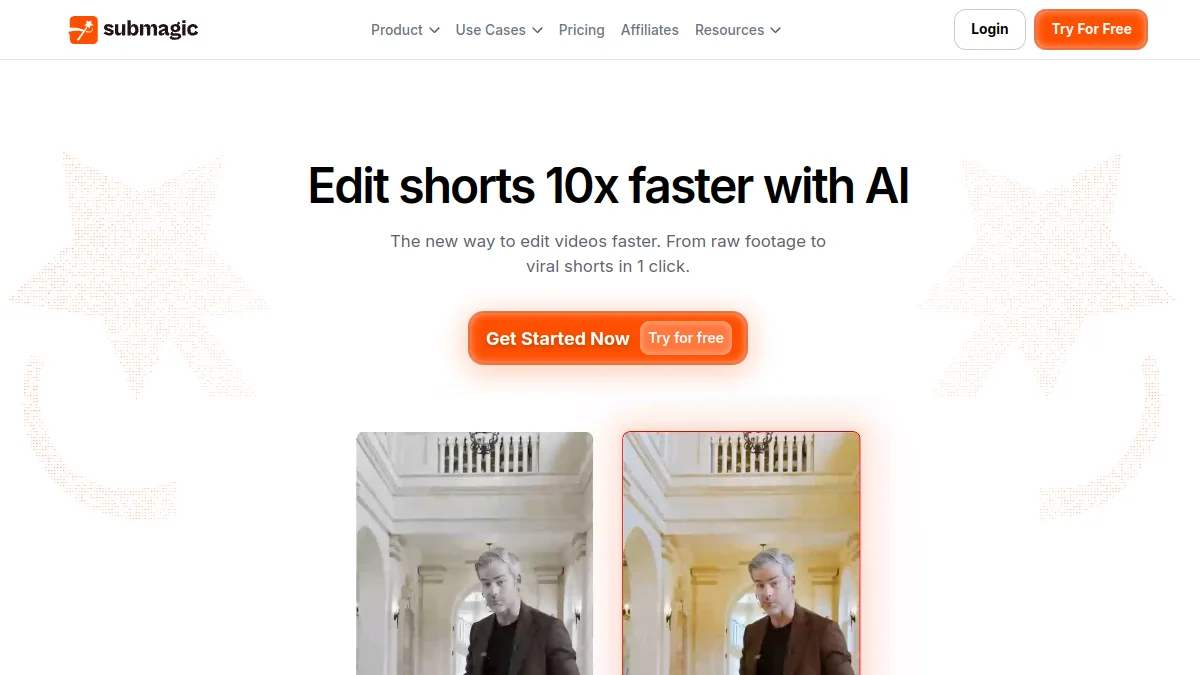
Submagic from a long video or a camera face, frames in 9:16, adds animated subtitles, zooms and B-rolls. That's the one.tool recommended when the bottleneck is editing Shorts and Reels series. Subtitles are generated in French with good accuracy, provided you reread the proper names. If your need is limited to subtitles, our guide for generate subtitles automatically with theAI compares other options.
Online resizing
FlexClip offers a browser editor with network presets (TikTok, Reels, Shorts, YouTube, LinkedIn), plus ready-to-use vertical models. It's the simplest solution when you leave a editing existing and just want to get the three ratios without reinstalling a software. The free plan has its limits (filigree, resolution), which we have detailed in our guide Free FlexClip.
Generate directly vertically
The AI video generators (Kling, Seedance, PixVerse and others) let the ratio choose before generation. Generating in 9:16 from the start gives a much better result than reframe a 16:9 plan: the model composes the image for the vertical, instead of leaving you a subject cut to the shoulders.
⚠️ Attention: maximum durations change several times a year and are not always publicly documented. The figures for this article were checked in October 2026; before producing a long format, test import on your own account.
🎯 Verdict
A master in 1080 x 1920, MP4 H.264 at 30 frames per second, covers Reels, TikTok and Shorts. Add a 4:5 version for Instagram and LinkedIn, a 16:9 version for YouTube, and treat the safe areas. The rest is rhythm and content.
FAQ : social media video formats
What is the Reel Instagram format in 2026?
A Reel is a 9:16 vertical video, ideally in 1080 x 1920 pixels, exported in MP4 (H.264 and AAC). The official Instagram page indicates up to 20 minutes, but a Reel of more than 3 minutes is not recommended for new audiences.
Instagram is 9:16 or 4:5?
The 9:16 is the format of the Reels and Stories in full screen. 4:5 is the highest format displayed in the news feed. The profile grid shows glimpses in 3:4.
What is 9:16 in pixels?
The 9:16 corresponds to 1080 x 1920 pixels in vertical full HD, 720 x 1280 in HD and 2160 x 3840 in vertical 4K.
What is the maximum duration of a YouTube Short?
Three minutes since October 15, 2024, in vertical or square format.
What video format for TikTok?
From 9:16 to 1080 x 1920 pixels, in MP4 or MOV. The maximum reading is 1080p, even if you send 4K.
Can we use the same video on TikTok, Reels and Shorts?
Yes, the format is the same. Avoid only republishing a video that carries the watermark of another platform, and check the security areas, slightly different from one app to another.