
📌 Essentials
Revid AI transforms a Reddit text, URL or post into a short video ready to publish (TikTok, Shorts, Reels), without filming. It is a Swiss knife on the faceless side: 100+ tools, speaking avatar, generator music clips, editing automatic. No free permanent plan with export, you need the Hobby plan (~39 $/month) to download. Ideal for faceless channels that publish in volume.
Discover Revid AICreate dozens of short videos a week without ever passing the camera: this is Revid AI's niche. From a text, a link or even a Reddit post, it releases a subtitled vertical video, ready for TikTok or YouTube Short. But what is it really worth, is it free, and for whom is it made? This is our review Complete on Revid AI in 2026.
Contents: What Revid AI is • Features • Price and free • For whom • Our review • Alternatives • FAQ
What is Revid AI?
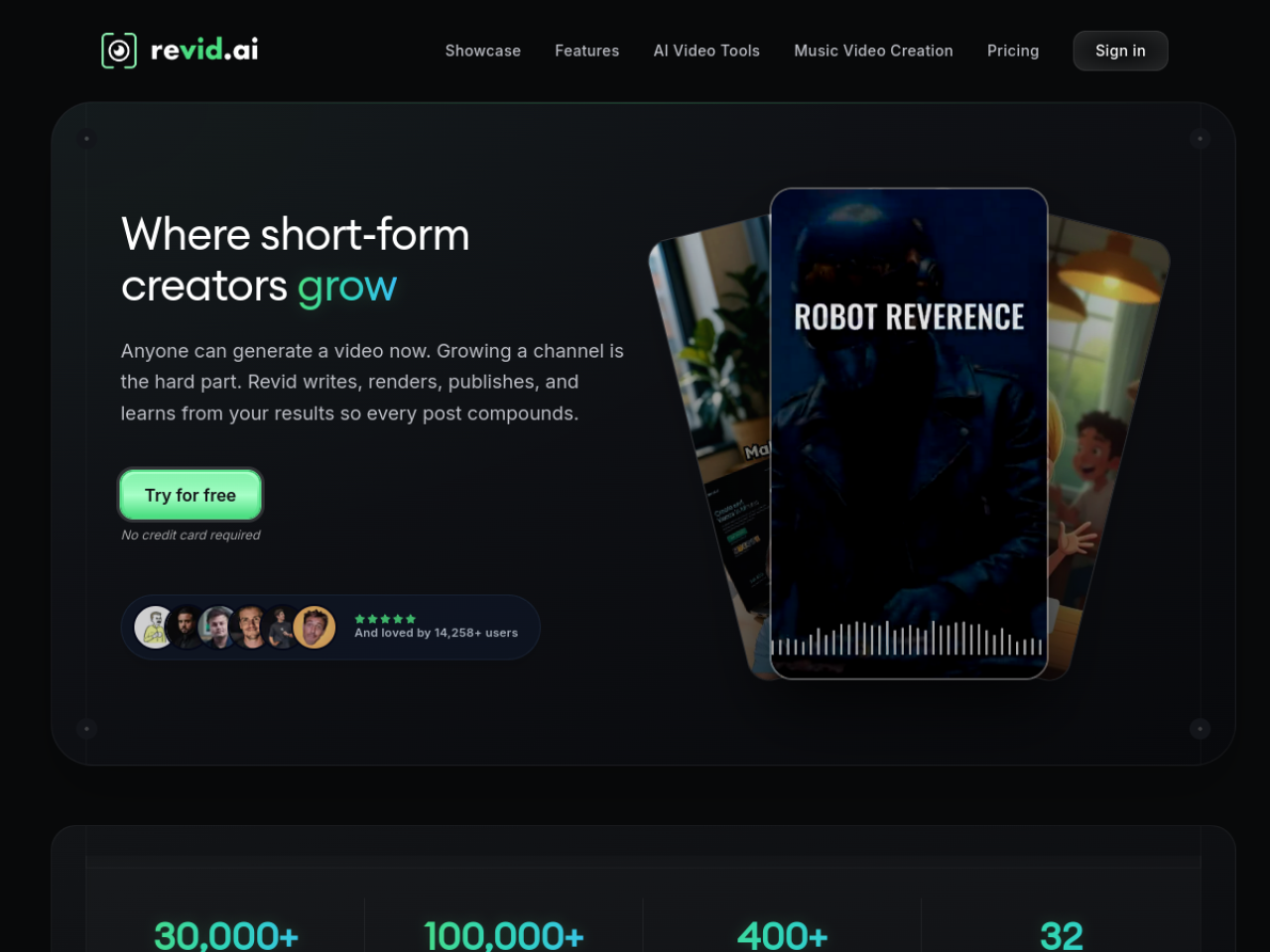
Revid AI is a platform of video creation thought for short content creators who do not want to show themselves. It converts a script, prompt, URL, Reddit post or podcast to a fully mounted video, voiceover, subtitles, B-roll, ready to publish on TikTok, YouTube Shorts or Instagram Reels. The whole thing relies on a library of millions of viral videos to guide style and rhythm.
Revid AI features
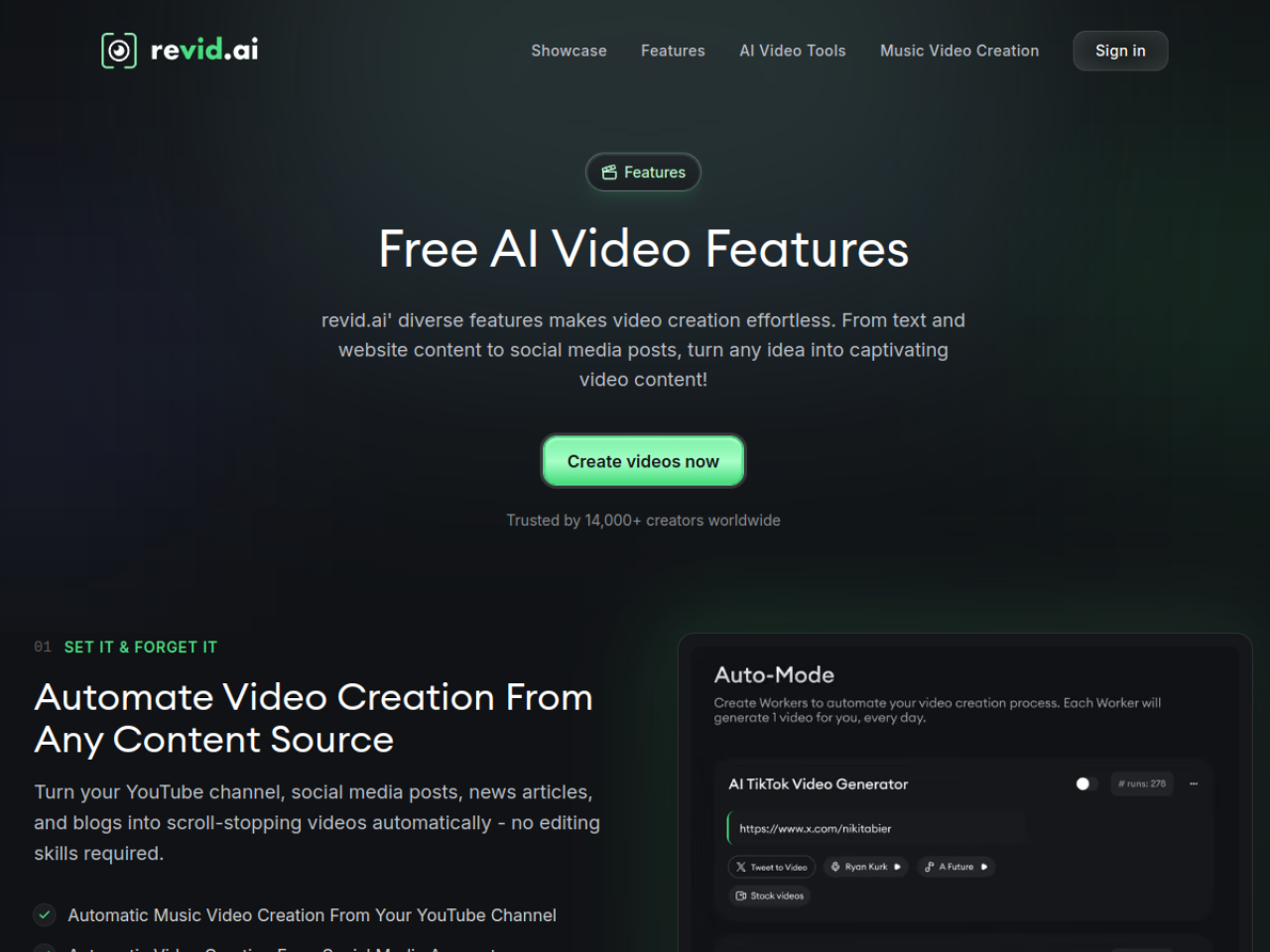
- Text-to-video and URL-to-video A text or link becomes a short video.
- Reddit / post-to-video : turn a post viral into shorts automatically.
- Avatar speaking AI : a virtual presenter from a text.
- Generator music clips and AI Movie Maker for longer formats.
- Style « brainrot » and viral templates for hyper-rhythm content.
The idea: do everything in the same place, without juggling between ten tools. For the soundtrack, Revid even incorporates a music pane, a subject that we dig into our guide for create music with AI.
The new Revid AI in 2026
Revid expanded its editor over the course of 2026, with additions designed for the production of serial videos:
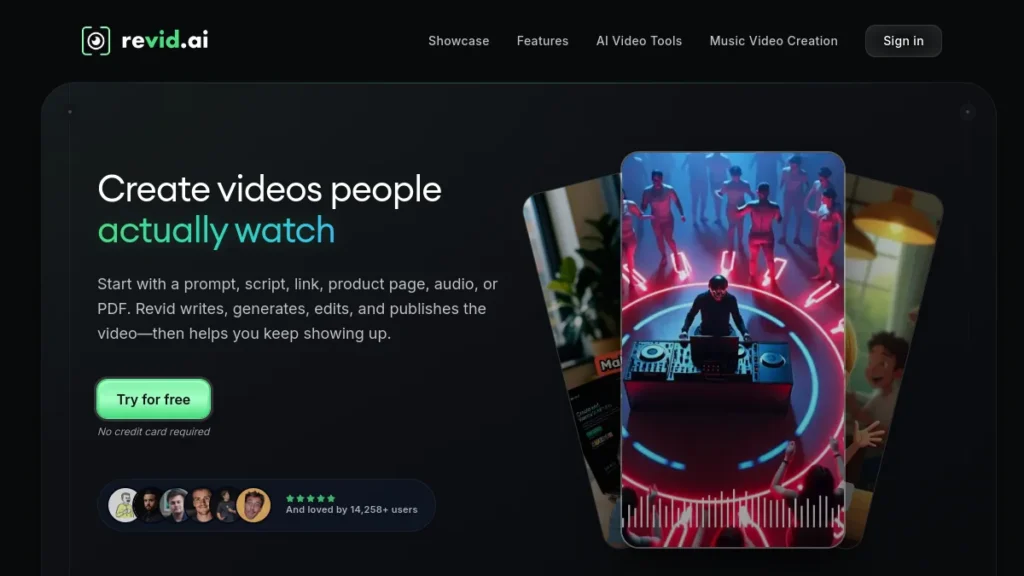
- Motion graphics reusable : A library allows to reuse a graphic effect already created from one project to another, instead of doing it again with each video.
- New subtitle styles : Editorial Emphasis and Morph Text, to highlight keywords and keep the viewer's attention.
- Scenes like podcast : you place the characters to the left or right and add a scene context, which makes the conversations in AI easier to direct.
- Narration attached to the scene : the voiceover remains linked to his scene when reordering or modifying the editing, which avoids hand resynchronization.
Revid AI price (is it free?)
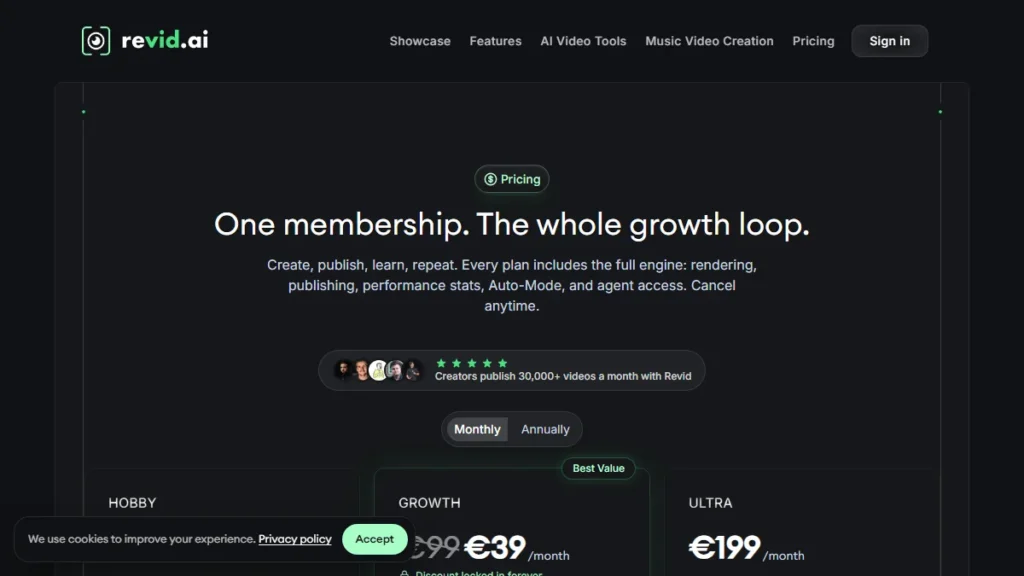
Revid offers limited free access to test the interface, but without video export : cannot download without subscription. The first paid level is the Hobby Plan, around 39 $/month.
Revid AI, for whom?
Revid is made for the creators of faceless channels and social media managers who have to publish a lot, quickly, on short formats. If your model is based on volume (several shorts per day) and recycling ideas (reddit, articles, podcasts), it's a real accelerator. For very occasional use, subscription will be less profitable. If you want to build a profitable chain, read also our guide on the chain YouTube cost-effective.
Our review on Revid AI
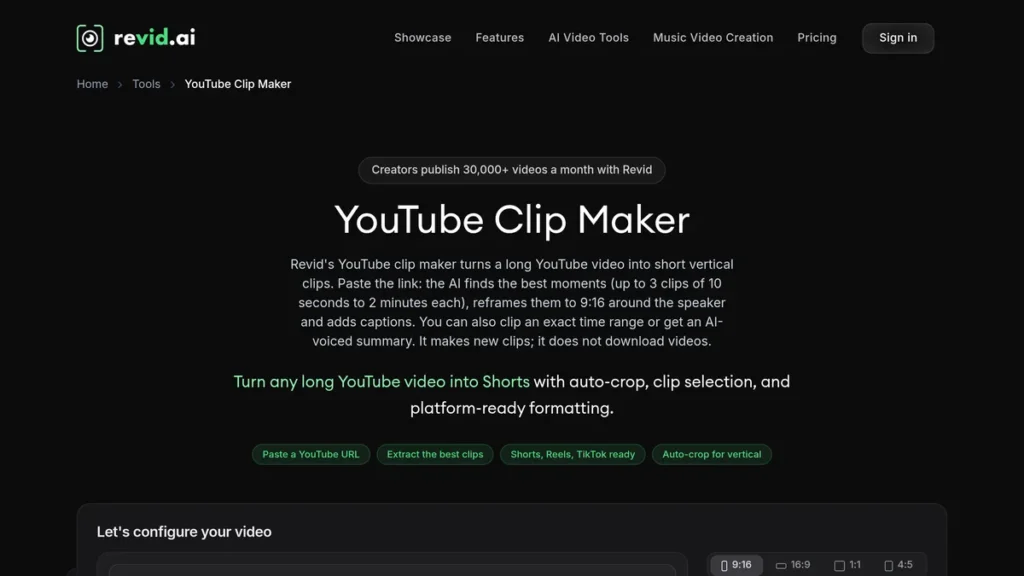
Revid impresses by its versatility: little dtools cover as many entries (text, URL, Reddit) in a single dashboard. To produce faceless in series, it is formidable. Its limitations: quality depends a lot on the original script, style « viral » can quickly look alike, and the absence of free export requires to go to the cash register to really judge. To position him in front of others, see our comparison video software AI and our selection ofAI for YouTube Shorts.
Alternatives to Revid AI
Depending on your need: Fliki and InVideo for the generalist text-to-video, Submagic for subtitling and recycling of long videos, tools as Hailuo and Kling for raw video generation. Each has its own angle; Revid is distinguished by the all-in-one multi-source faceless.
Our verdict
🎯 Verdict
Revid AI is one of the tools Most complete faceless: multi-source (text, URL, Reddit), all-in-one, thought for volume. From ~39 $/month (export is not free), it targets regular creators of short content. If you do faceless seriously, he deserves the test; for one-time use, keep a tool lighter.
FAQ
Is Revid AI free?
There is limited free access to test the interface, but no video export: you cannot download your creations without subscription. The first paying plan (Hobby) is around 39 $/month.
How much does Revid AI cost?
Hobby Plan 39 $/month for occasional creation. Growth is displayed at 39 $/month instead of 99 $ (remission announced as final) with 2,000 credits per month, and Ultra at 199 $/month with 12,000 credits for agency use. Rates change: check the official page.
What is Revid AI for?
Create short videos (TikTok, Shorts, Reels) without filming from a text, URL, Reddit post or podcast. It manages voiceover, subtitles, B-roll, talking avatar and even music clips, all in one tool.
Is Revid AI suitable for faceless chains?
Yeah, it's his perfect target. Its ability to transform multiple sources into mounted shorts makes it an excellent tool to produce faceless content in volume and power a chain regularly.